
Inspiration
Ever since I put on a free Star Wars–themed Google Cardboard headset, I've seen the potential of VR, especially for immersing people in imaginative, out-of-this-world places.
My last game, The Dream Dimension (Gear VR, later Quest), explored that idea, but I knew it could go further. Back then, a Gear VR app called GrooVR offered worlds that somewhat reacted to music. I wanted to push that concept into dynamic worlds that truly feel and move with the music, inspired as well by the endlessly changing classic PC visualizers. I also wanted to incorporate fractals, since they allow for a wide variety of visuals without requiring a ton of assets, and are awesome in general!
Resonaut is the culmination of all of this and more.
What it does
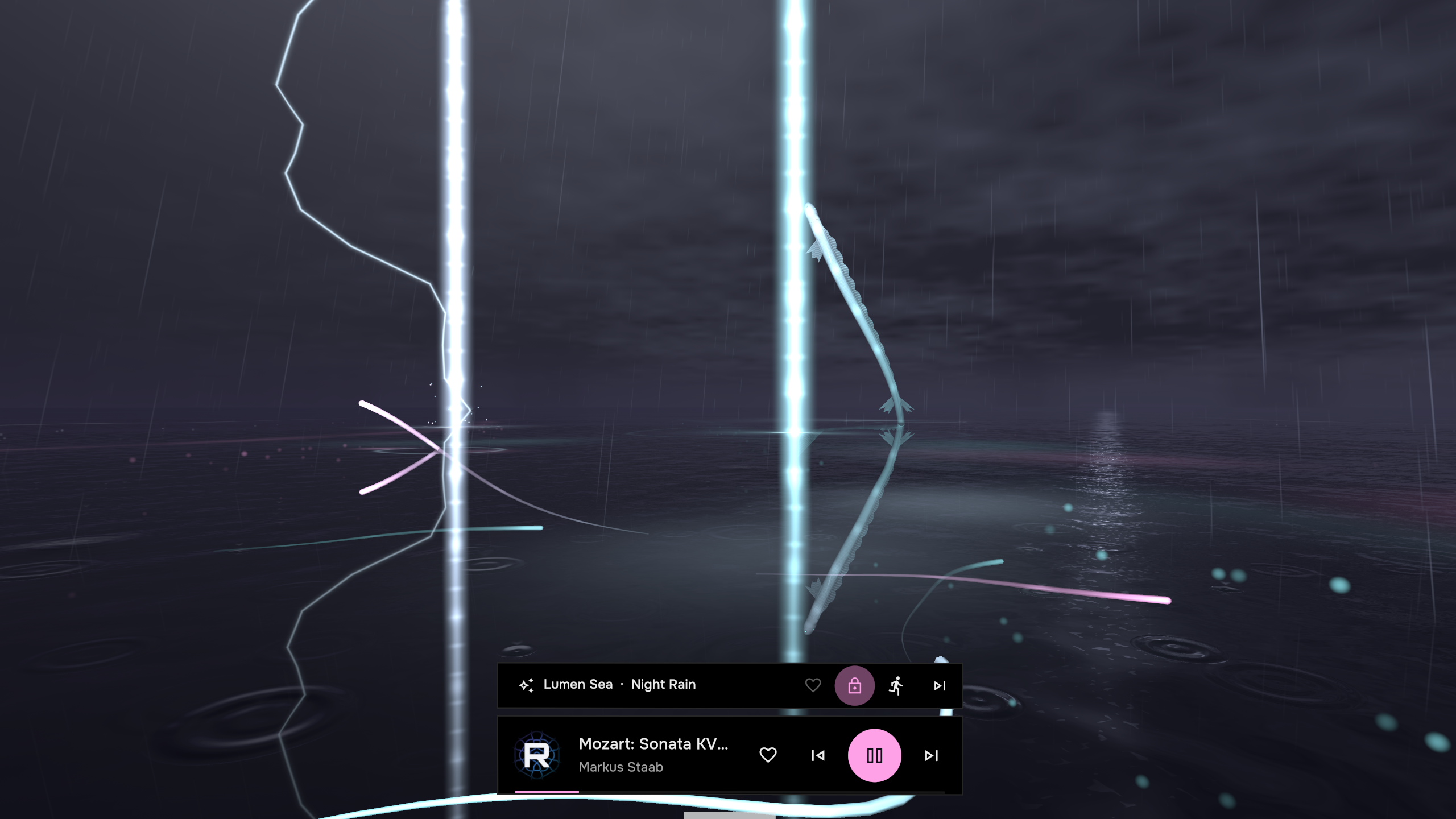
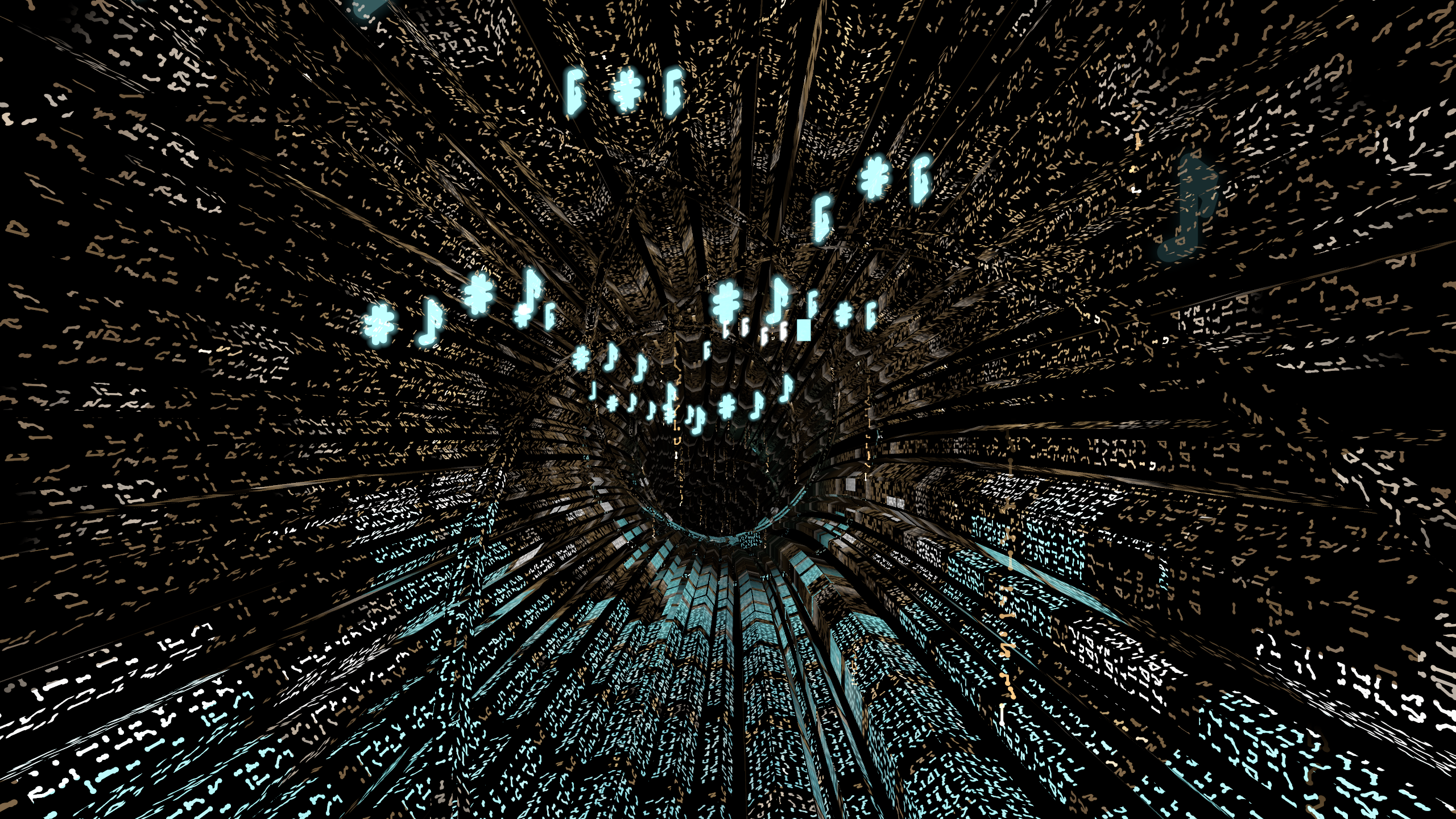
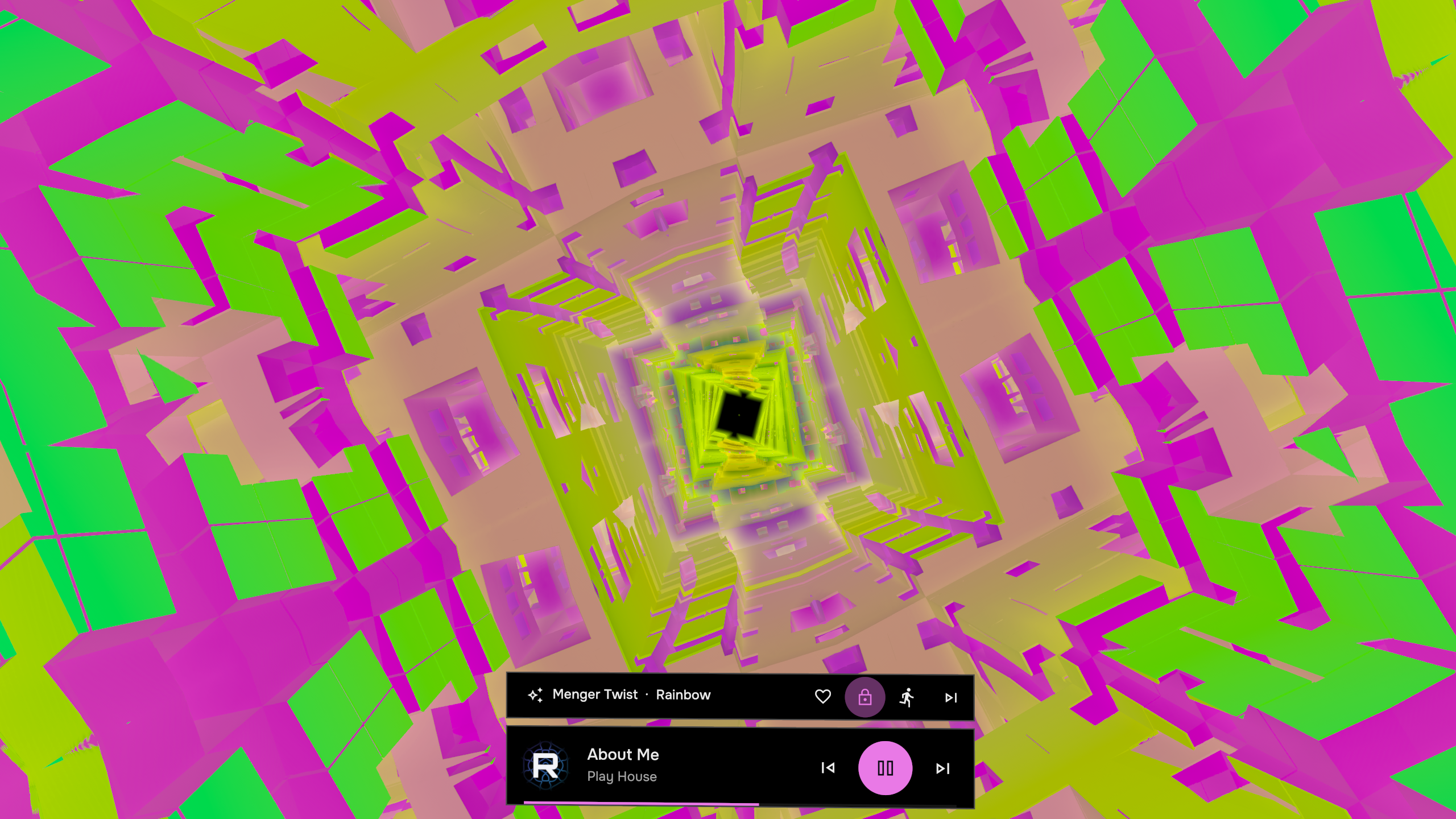
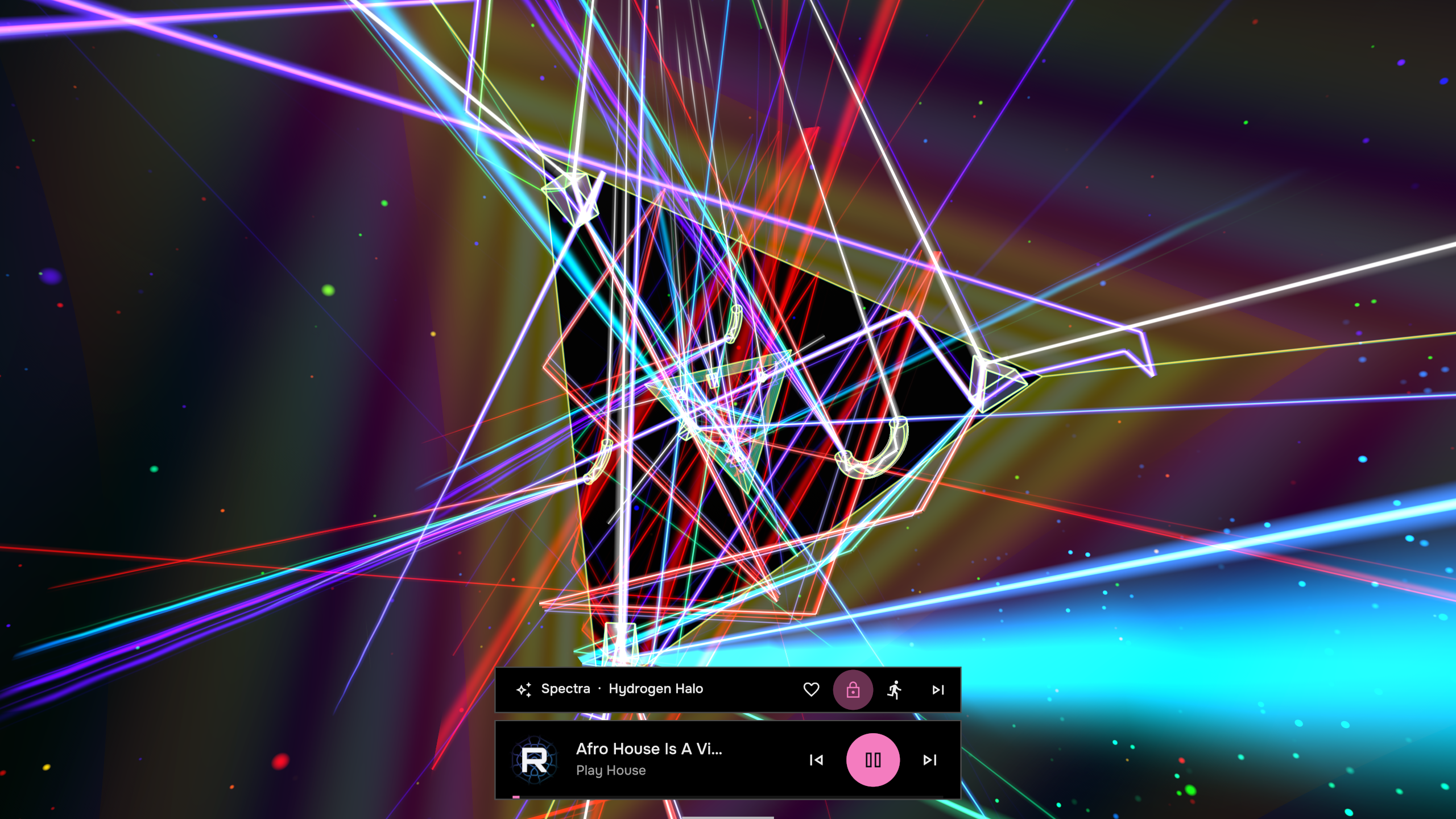
Resonaut is a highly customizable music visualizer purpose-built for standalone VR.
Play music stored on your headset, on network storage, or on a DLNA server, or tune in to internet radio with over 60,000 stations. Hear a song you like on the radio? Bookmark it, then export your list to add to your library later.
There are three ways to experience Resonaut: Cruise, Playlist and Manual. In Cruise, a visual director analyzes the music in real time to detect beats, drops and section changes. It then switches visuals or morphs between looks so each change lands on the beat. Playlist plays a set of visuals and looks you build, advancing with the music or when you press Next. Manual locks onto one visual and either holds a single look or cycles through its looks.
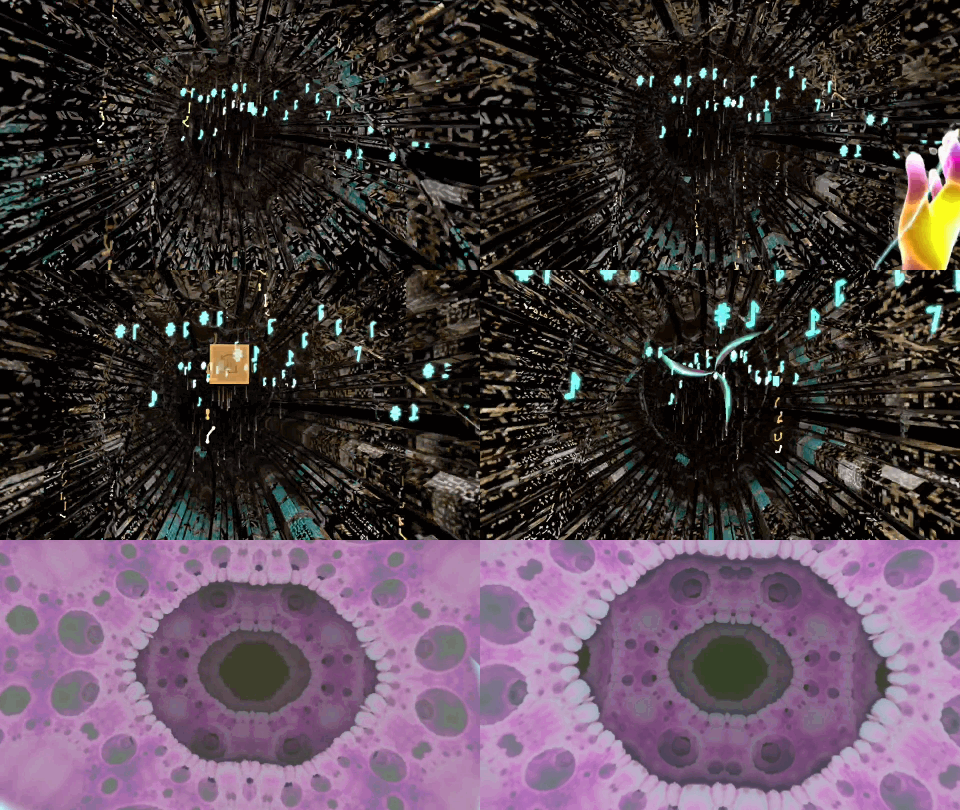
Every visual comes with variations, and you can create your own for endless personalization. You can do it all with just your hands: swipe to change visuals instantly, or pinch to explore infinite fractals.
How I built it
Resonaut was built in Unity 6 (URP) with the Meta XR SDK, OpenXR, XR Interaction Toolkit, XR Hands, AndroidX Media3, and Blender. AI assistance was also a major help. Having tried this once before, I wouldn’t have finished it without AI.
I started with a solid, scalable architecture, proved the core concept, then iterated on everything from the UX to each visual.
The music analyzer pulls beats, tempo, spectrum and sections from the song every frame and feeds them to every shader. It also detects novel changes to try and time visual changes with musical movements.
Each visual is a prefab plus a definition. Its looks, customizable parameters, quality levels and look journeys are all data. I also didn’t want the experience to be a big battery drain, so I targeted GPU level 3 at 72 fps. Everything also runs smoothly at 90 fps, which you can select in the settings.
Fractal worlds are marched in custom HLSL at a foveated target size, then up-sampled with AA so they stay sharp at Quest frame rates.
Challenges I ran into
There were many challenges, from the trial and error of making visuals look great at a stable frame rate to keeping everything well optimized. The UI was a particular one. Its many features and pages, plus the composition layers used to keep it crisp, all come at a performance cost. Adaptive rendering and several other optimization techniques helped a lot, but it still isn't perfect. Other optimizations include virtualized lists, hiding canvas elements instead of disabling them, freezing a panel's last frame while it's moved, and showing a rectangle preview while it's resized instead of constantly updating. If others have tips for optimizing uGUIs I'm all ears!
Making ray-marched fractals that run well and look good was also a challenge. As usual, I had to balance fidelity against performance, and it took several optimization techniques to get a result I'm happy with.
Accomplishments that I'm proud of
- A polished, smooth experience where music and visuals stay in sync
- Hands that are a genuinely solid way to interact
- No loading screens and a quick app launch (first-time shader compilation aside), so it's easy to jump right in
- Highly customizable visuals with endless variations
What I learned
Hand tracking has come a long way and shouldn't be an afterthought. I was so used to controllers that I didn't take a closer look until this hackathon. Controllers are still great for precision, but hands suit Resonaut perfectly, and they'll be my main way of using it going forward.
What's next for Resonaut
Resonaut has been submitted for review and will be on the store very soon. I plan to keep adding visuals and improving the app based on user feedback.


