-
-
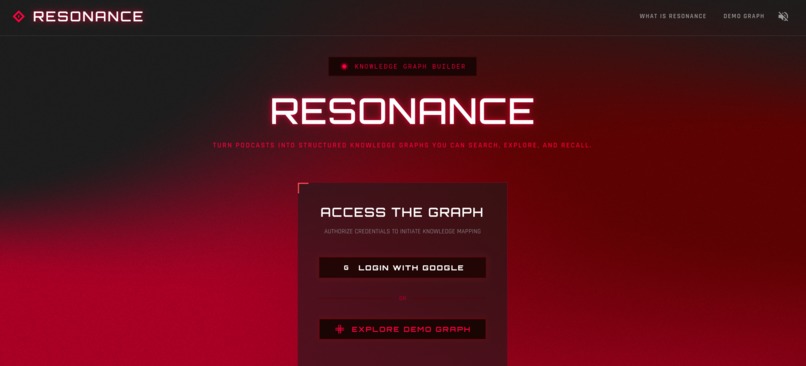
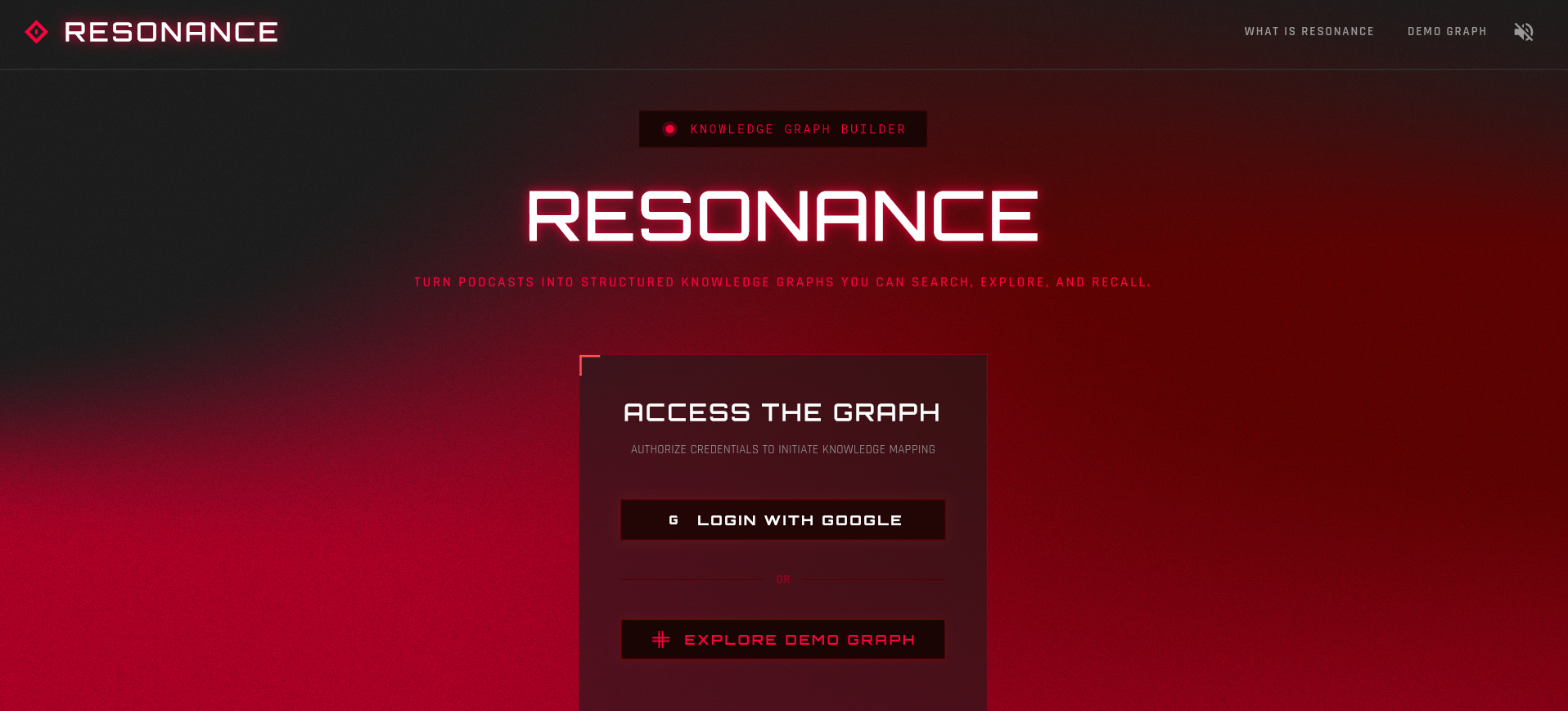
Resonance login page - the user can login with Google or view a demo graph
-
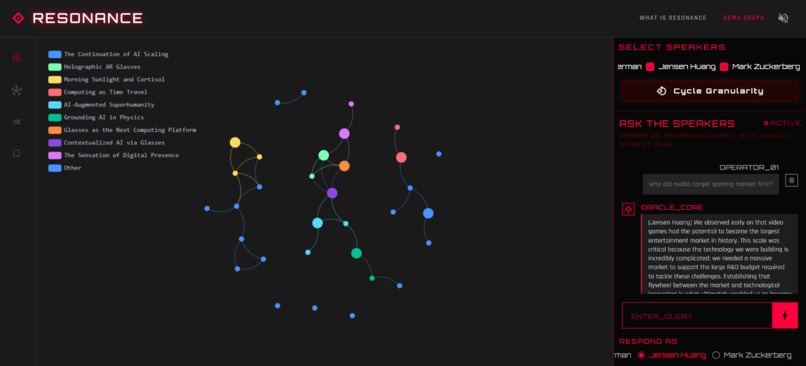
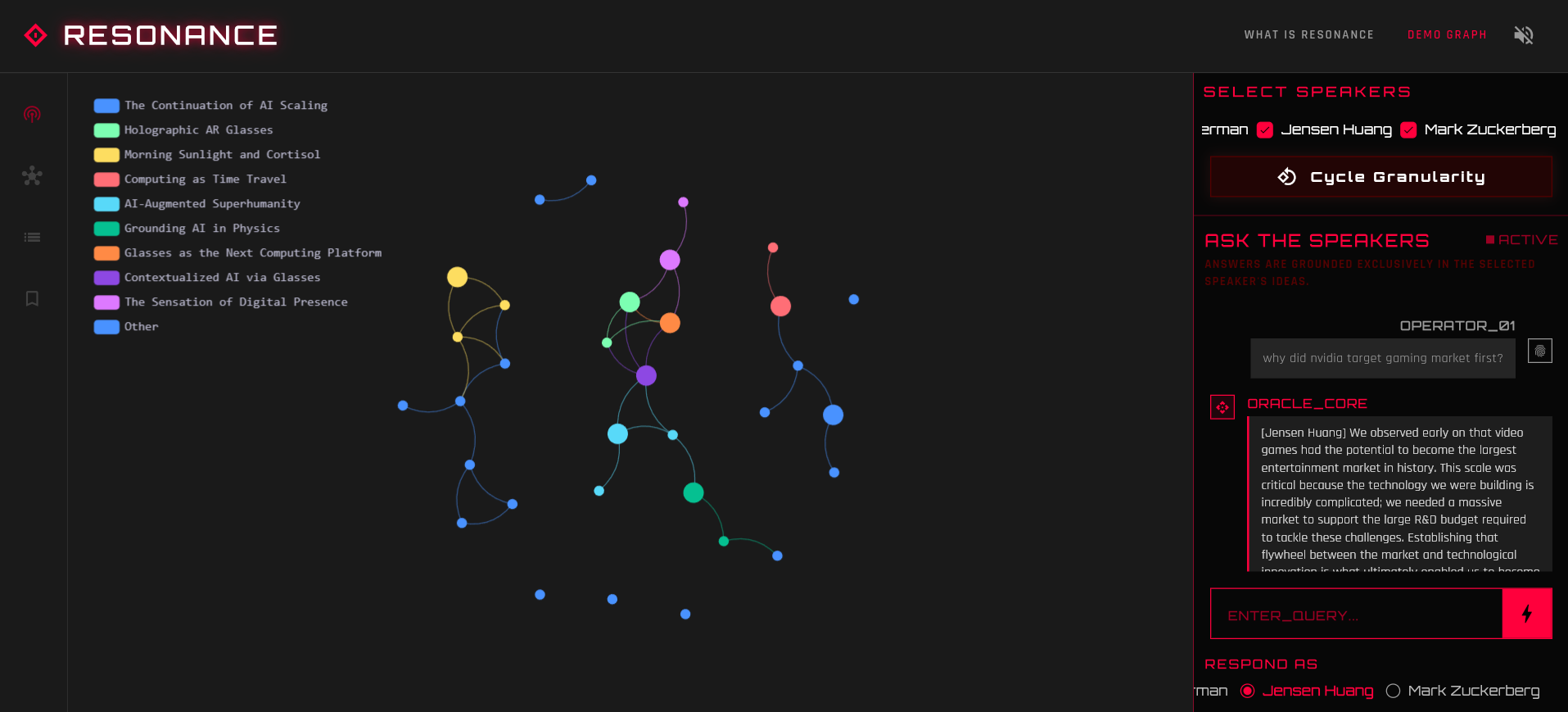
Demo knowledge graph - each node is an idea connected with semantically similar nodes
-
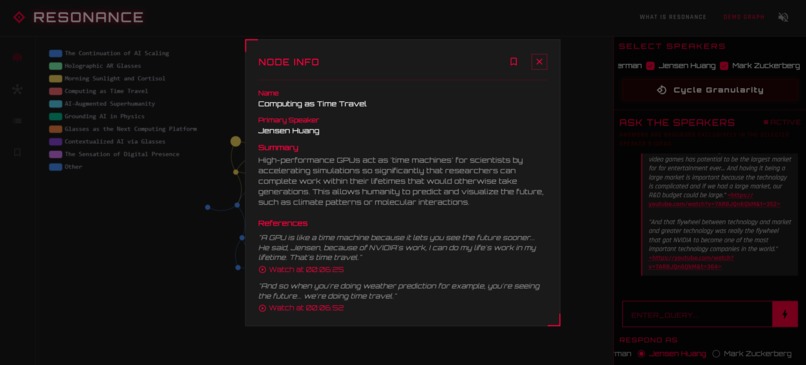
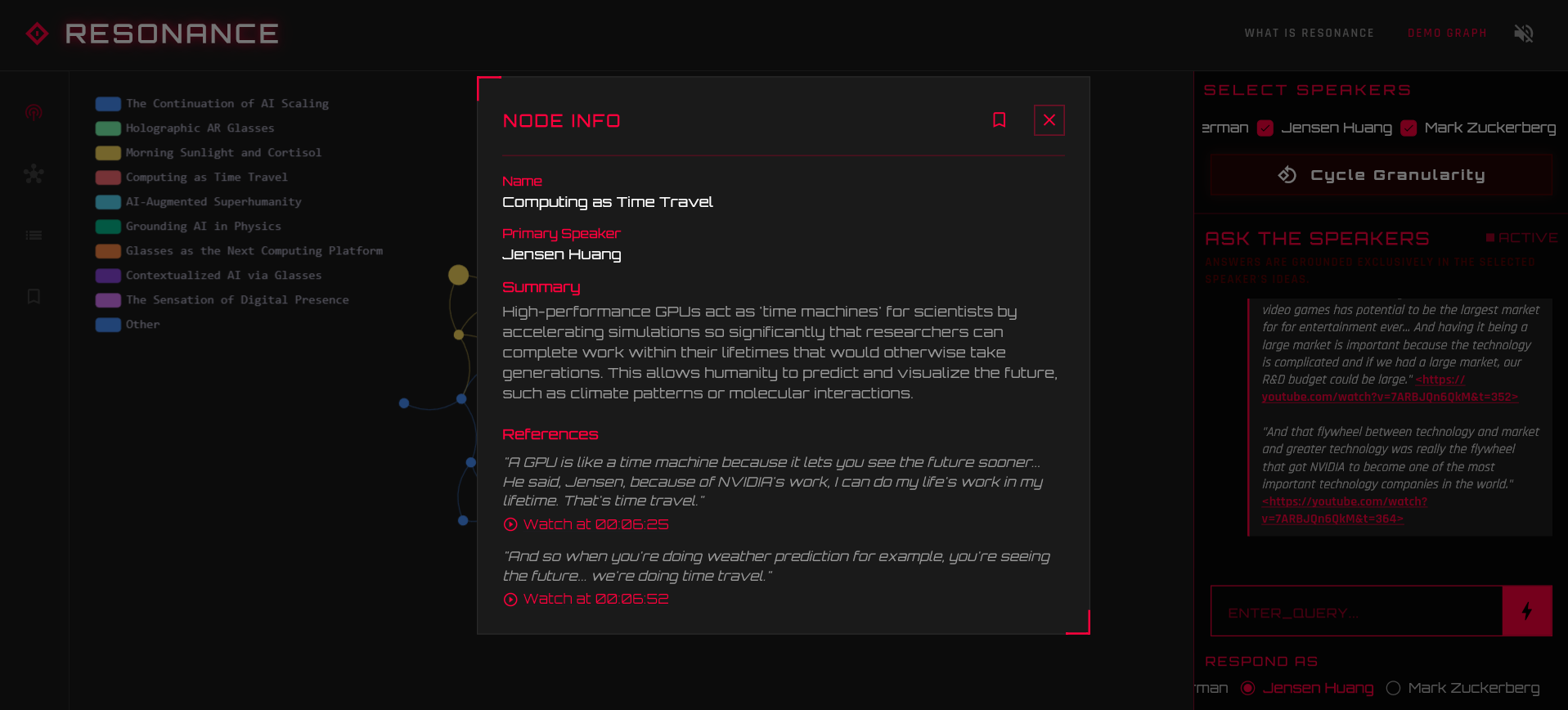
node info dialog - view summary, speaker info, and the exact moment where it was said in the podcast
-
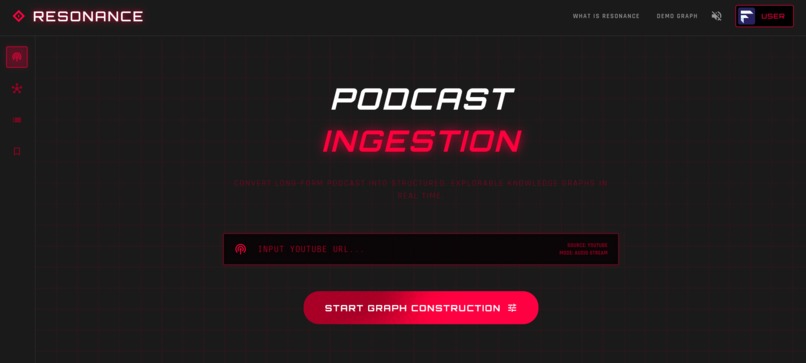
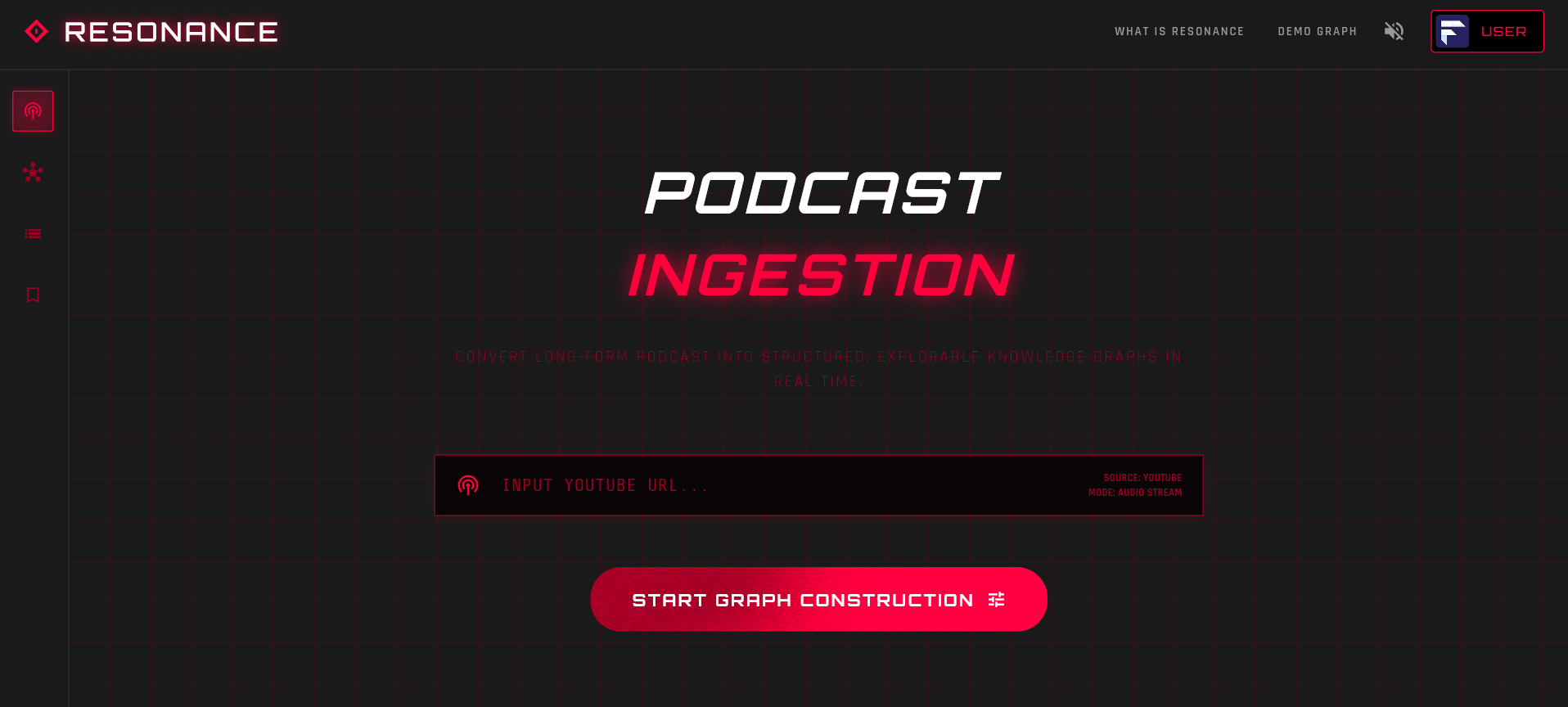
podcast ingestion screen - just enter the podcast's youtube link
-
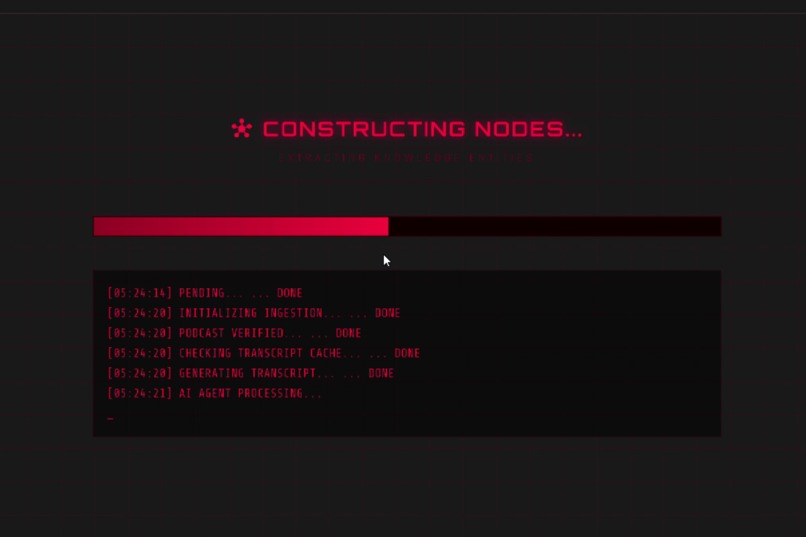
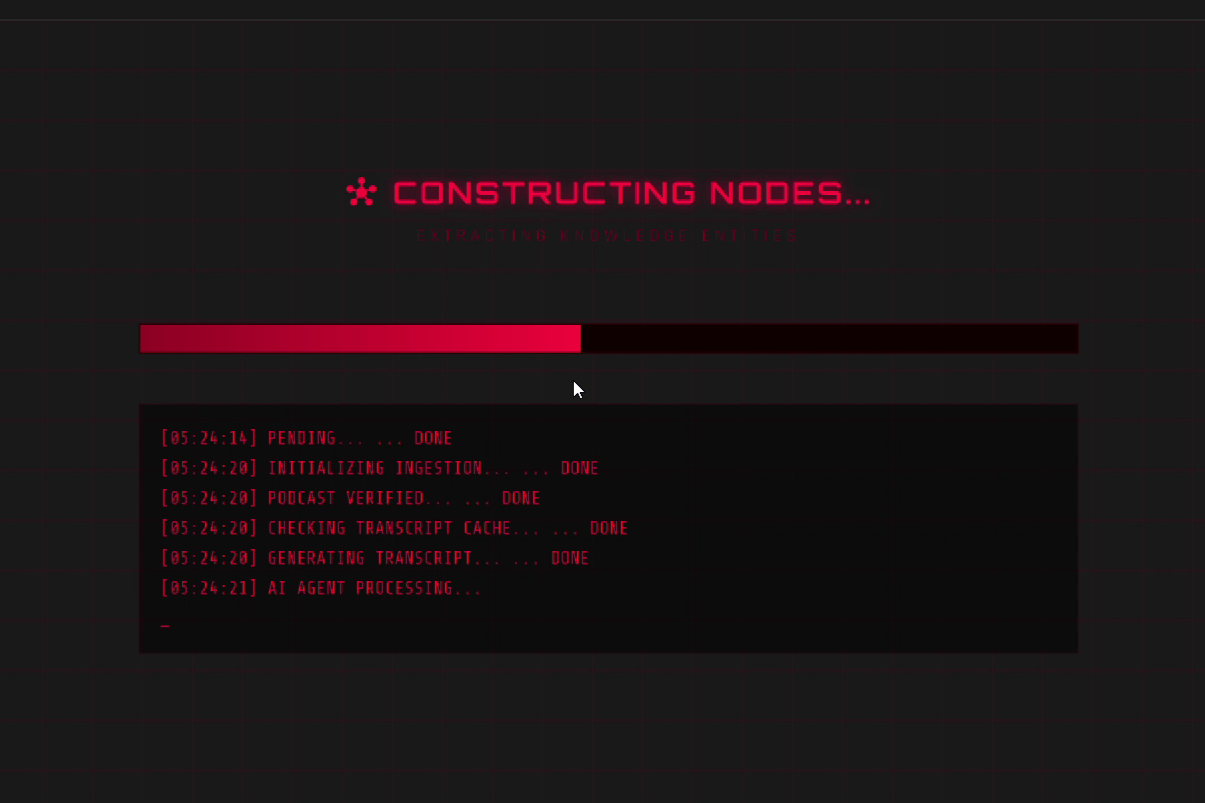
ingestion status updates screen - track pipeline progress
Resonance - Knowledge Graph Builder
This Flutter Butler aims to help you make the most of your favourite podcasts by transforming them into explorable knowledge graphs.
Inspiration
We live in the golden age of long-form audio. Podcasts like Lex Fridman and Huberman Lab contain some of the most density-packed knowledge available today. But there's a problem: Audio is linear and ephemeral.
Once you listen to a 1-hour episode, the insights fade. Finding that one specific point about "AGI alignment" or "dopamine stacking" later is a tedious game of scrubbing through a timeline. We wanted to change this. We wanted to turn passive listening into active exploration. We asked: What if you could navigate a podcast like a map?
That was the inspiration for Resonance.
What it does
Resonance is a full-stack platform that transforms YouTube podcasts into interactive, navigable knowledge graphs.
- Intelligent Ingestion: You paste a YouTube link, and Resonance handles the rest. It doesn't just transcribe; it understands. It segments the audio into semantic ideas, identifies speakers, and categorizes topics.
- The Knowledge Graph: It visualizes the episode as a physics-based network of nodes. Each node is a distinct concept or argument.
- Semantic Linking: Nodes are connected not just by time, but by meaning. If a guest mentions "Neural Networks" at minute 10 and references it again later on, Resonance links them.
- Instant Contextual Playback: Tap any node to see a summary and crucially - instantly jump to that exact moment in the audio.
- Chat with the Speakers: Uses RAG (Retrieval Augmented Generation) to let you ask questions from specific speakers, and they'll answer based on the podcast's context.
- Save Nodes: Users can save specific nodes to their personal workspace.
How we built it
We went all-in on a Full-Stack Dart architecture, leveraging the power of Google's Gemini models.
- Backend (Serverpod): We used Serverpod to write our server-side logic in Dart. This allowed us to share data models seamlessly between the client and server. The backend handles the heavy lifting: managing the ingestion queue, storing vector embeddings in PostgreSQL, and orchestrating the AI pipeline.
- The AI Engine (Gemini): We utilized Google Gemini (via
dartantic_ai) for the cognitive tasks. We built a multi-step pipeline:- Segmentation Agent: Breaks the transcript into semantic chunks.
- Diarization: Identifies distinct speakers.
- Embedding: Generates vector embeddings for every segment to calculate semantic similarity.
- RAG: For the chat feature, we retrieve relevant graph nodes to ground Gemini's answers in actual podcast content.
- Frontend (Flutter): The client is a Flutter web app designed for immersion.
- Graph Visualization: We used graphify package with our own modifications to meet our aesthetic and performance needs. It is based on Apache Echarts and uses physics simulations to self-organize the layout, making the graph feel "alive."
- UI/UX: We used
mesh_gradient, custom painter, and sci-fi look to create a futuristic feel that matches the depth of the content.
Challenges we ran into
- Too many categories problem: Early versions of the graph often had too many categories. This makes filtering difficult since the user has to go through a lot of options to select the correct filter. Ideally important categories should be at the top and the rest can be grouped as "Others". But what if the user wants to go deeper into the rest of the categories? We had to struggle with the "granularity" variable. We made a 'cycle granularity' button, which helps to view an overview of nodes and go deeper into categories if they want, cutting the noise.
- Long-Running Streams: The ingestion process for a 1-hour podcast can take minutes. We faced issues with HTTP connections timing out. We implemented a robust job status streaming system along with background jobs to ensure the user always knows what stage of processing is happening (Processing -> Transcribing -> AI Processing -> Building Nodes).
- Speaker Diarization: Speaker diarization is a complex task. We used Gemini with
dartantic_aito identify the speakers from the podcasts. - Timestamp: Exact video timestamps can be tough for the AI to produce. Multi-modality of Gemini helped a lot here, since we used it to send a json transcription along with the prompt to ground the timestamps.
Accomplishments that we're proud of
- The "Click-to-Play" Magic: The moment we first clicked a random node in a massive graph and the audio jumped instantly to that sentence was magical. It completely validated the concept.
- The aesthetic knowledge graph: Building a force-directed graph and making meaningful links was challenging, but we were able to create a visually appealing and interactive graph that was both fun to explore and easy to navigate.
- Filter by Speaker or Category: Implementing filters to help users cut through the noise and view what's important to them.
- Seamless Full-Stack Dart: writing the backend and frontend in the same language made us incredibly fast. If we changed a database field, the UI knew about it instantly.
What we learned
- Context is King: Embeddings are powerful. They enabled linking of semantically related ideas, and enable RAG to ground the answers in the actual podcast content.
- UI as a Feature: For complex data, the UI is the product. A good graph unlocks understanding which is never possible with a traditional list.
What's next for Resonance - Knowledge Graph Builder
- Channel Linking: Currently, graphs are isolated to one podcast. The holy grail is plugging in an entire channel (e.g., entire Lex Fridman catalog) and seeing connections across years of episodes.
- Graph Sharing: Allowing users to share their graphs with others.


Log in or sign up for Devpost to join the conversation.