-
-
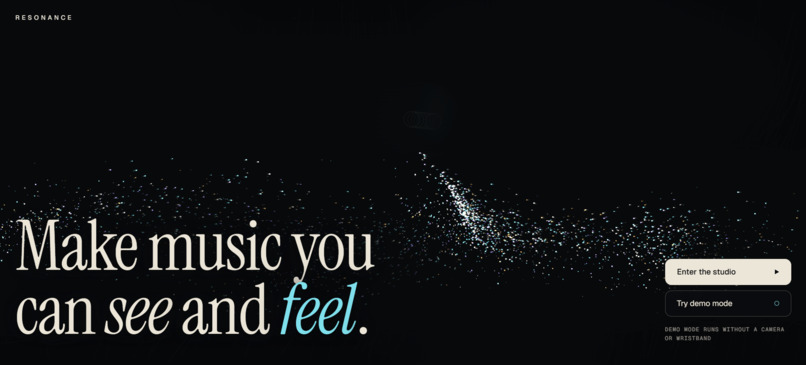
Home
-
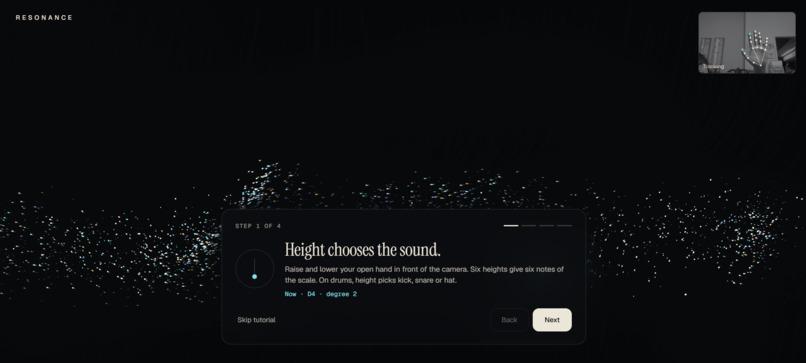
Tutorial
-
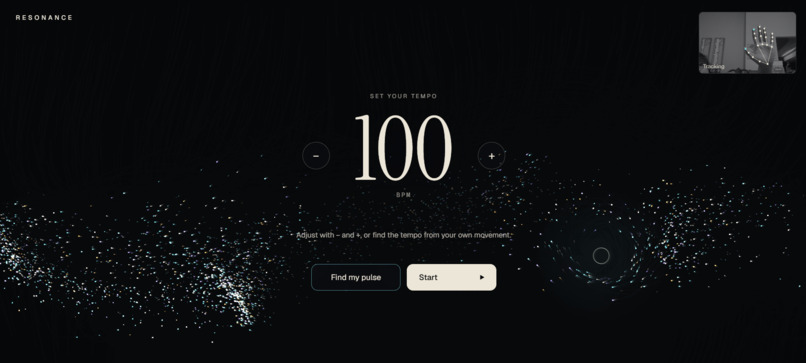
Tempo set
-
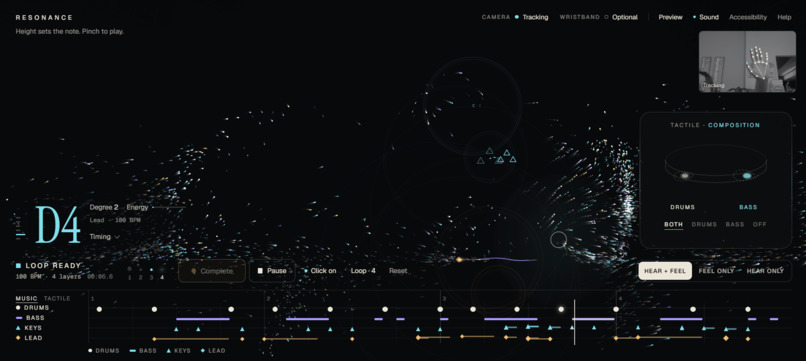
Studio
-
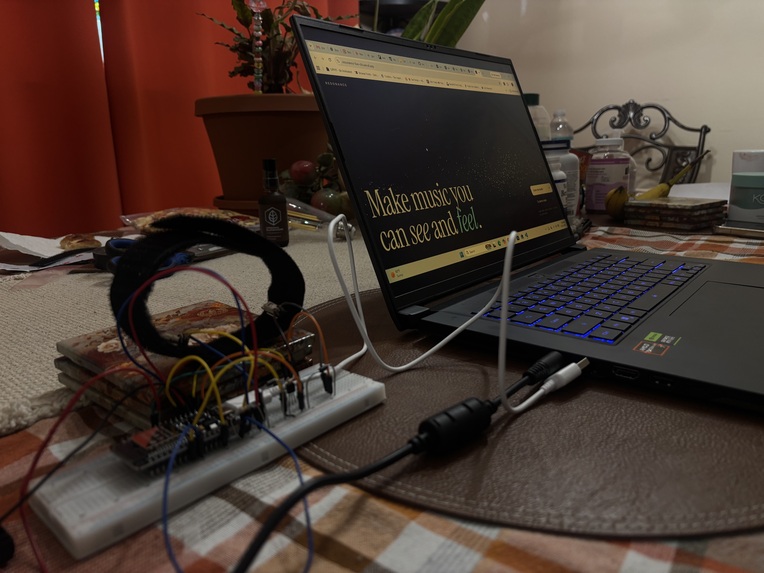
Wristband prototype version 1
Inspiration
A lot of accessibility tools are built around helping Deaf people adapt to a world that was not designed with them in mind. With Resonance, we wanted to flip that idea around and ask: what if the experience itself adapted instead?
We chose music because it is one of the most universal forms of expression, but it is still usually designed around hearing first. Music is more than sound — it is rhythm, movement, emotion, creativity, and connection.
That led us to ask a bigger question: what would music look and feel like if hearing was not required to create it?
Resonance grew from that idea. Instead of asking Deaf and hard-of-hearing users to experience music the same way everyone else does, we wanted to explore a system where music could be created and understood through multiple senses.
What it does
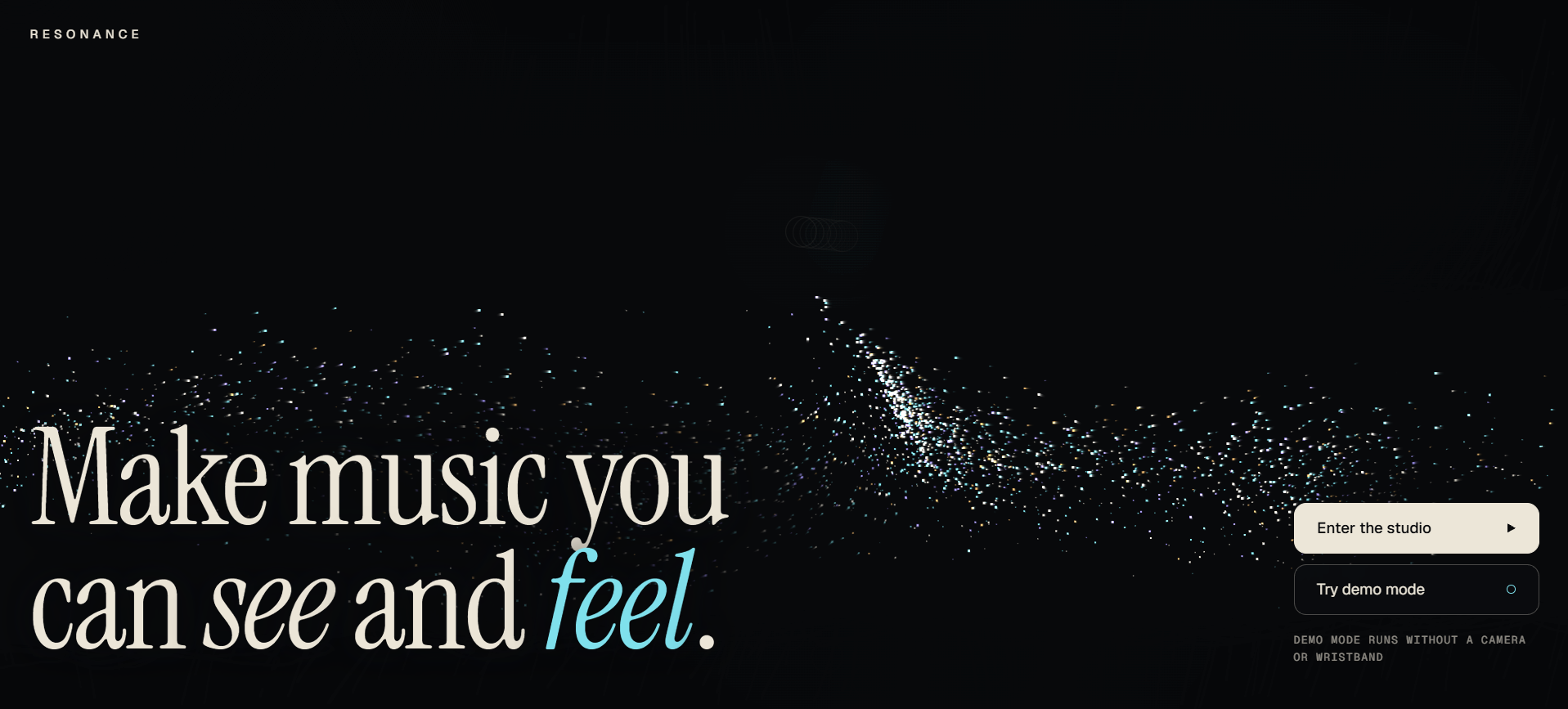
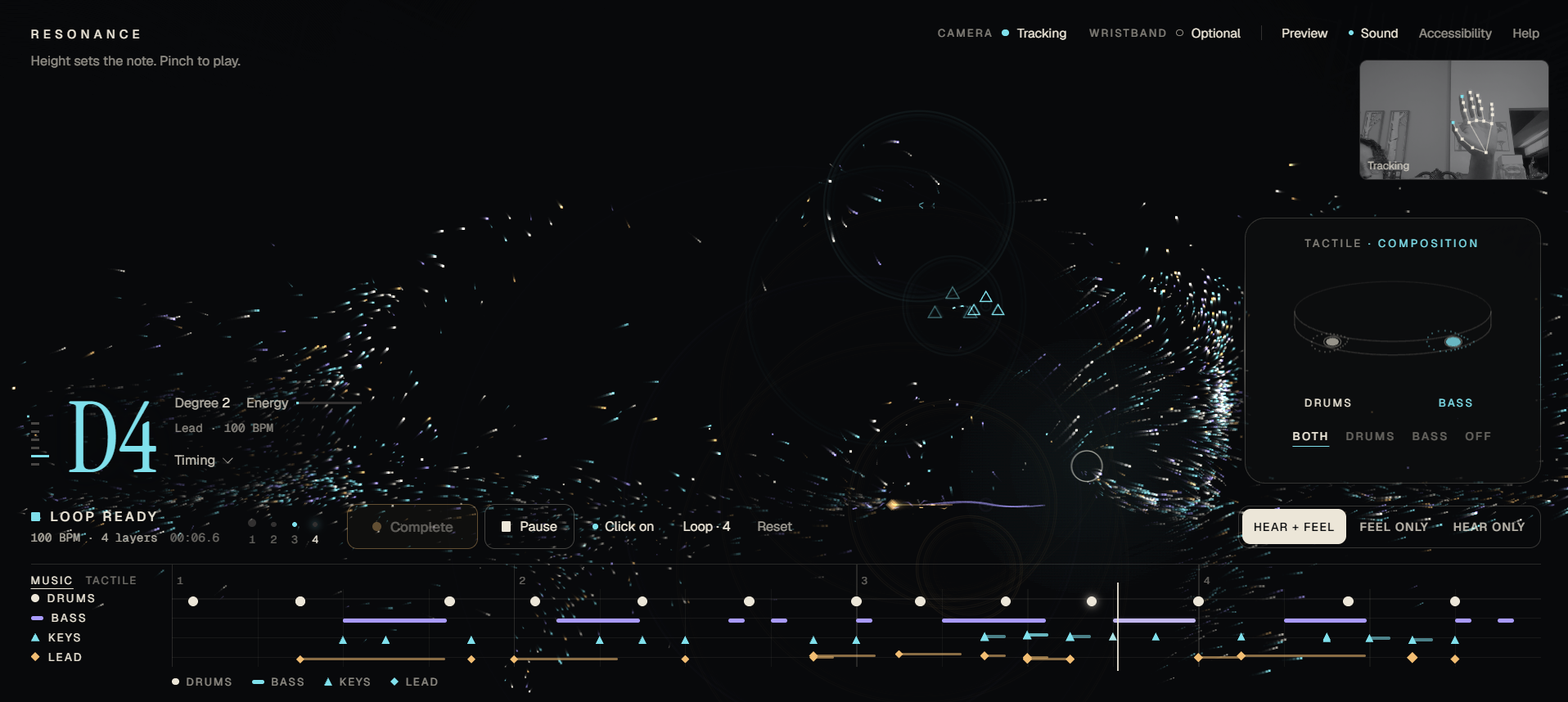
Resonance is a gesture-controlled instrument that lets users create music with their hands in front of a camera.
Users can build a four-layer composition using:
- Drums
- Bass
- Keys
- Lead
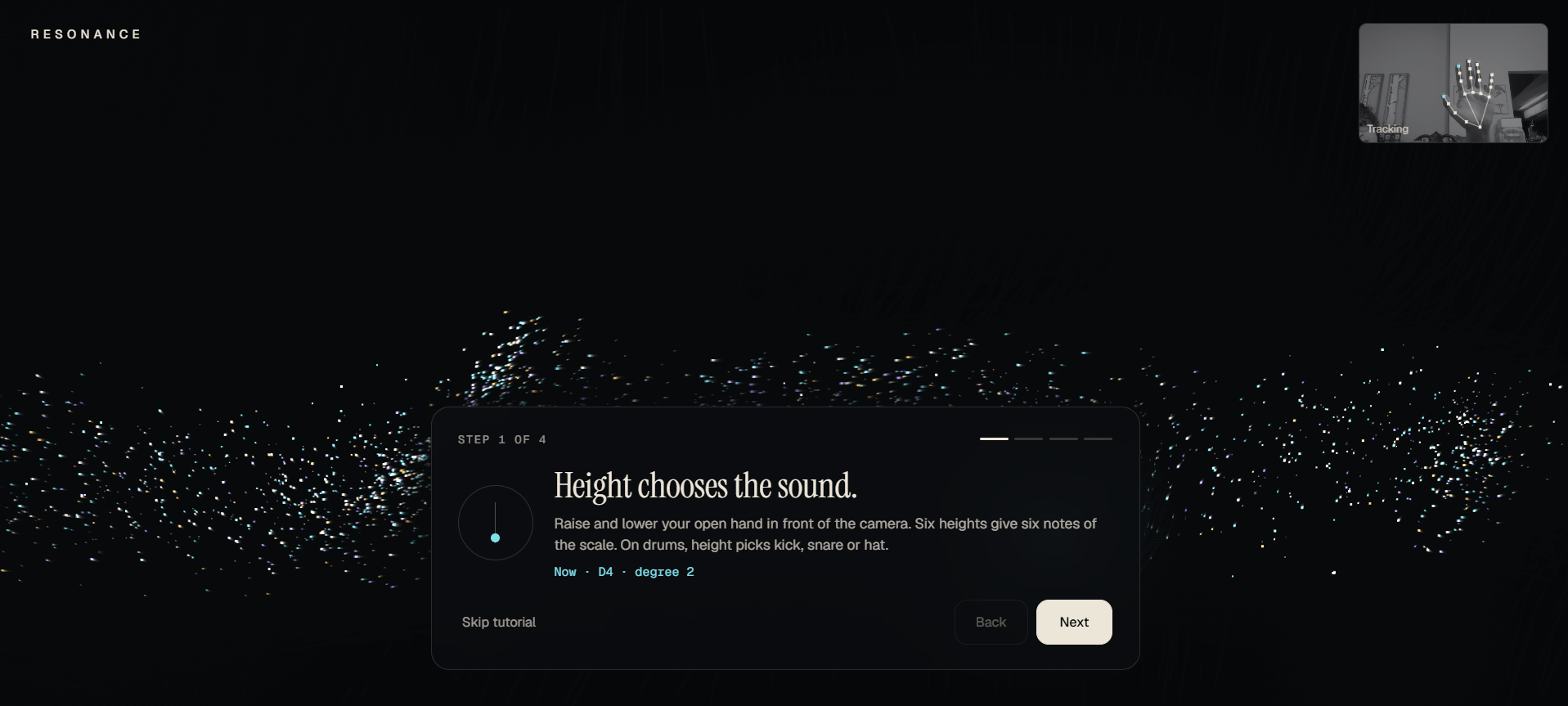
The layers can be recorded in any order. Hand height controls pitch or drum selection, pinching triggers notes and hits, and movement intensity affects dynamics. Users can also use one or two hands to play the same instrument, which makes rhythmic patterns feel more natural.
Every composition is represented in three synchronized ways:
- Sound through generated audio
- Vision through particles and visual music notation
- Touch through a two-motor haptic wristband
The wristband changes roles depending on what the performer is doing. During the count-in, both motors pulse together to establish the tempo. While recording over an existing composition, previously recorded Drums and Bass can be felt through the wristband, giving the performer a groove to play against instead of only a metronome. During playback, the left motor represents Drums and the right motor represents Bass.
Resonance also includes a Feel Only mode, where the audio is muted but the visual and tactile structure of the composition continues.
How we built it
Music and timing
We built Resonance with React, TypeScript, and Vite.
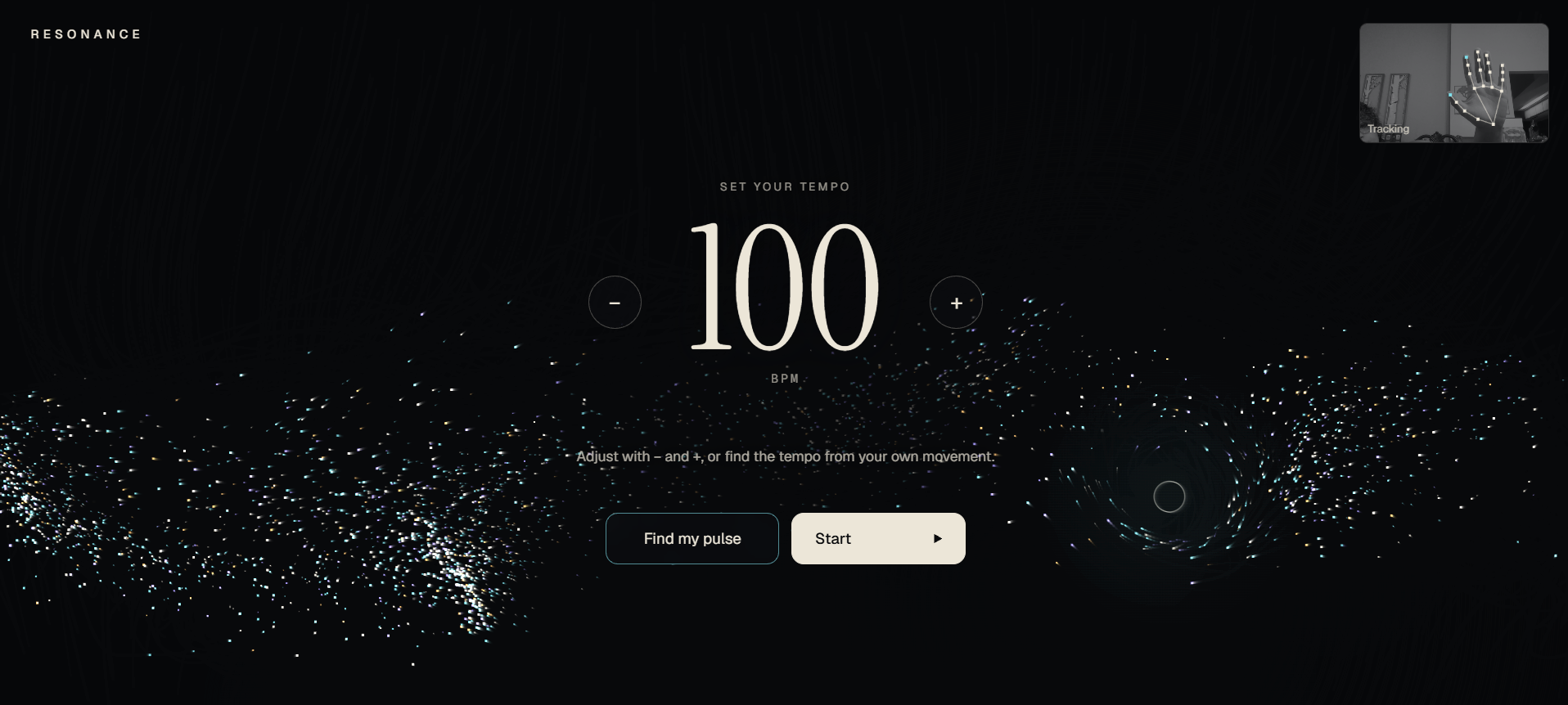
For the music system, we used Tone.js. One of the most important technical decisions was using a shared musical transport so that the recorded layers, audio, visual notation, particles, and haptic events all follow the same timeline.
Each recording begins with a full count-in and starts from the same Bar 1 of the four-bar loop so every layer stays synchronized.
Gesture control
For camera-based input, we used MediaPipe Hand Landmarker.
We track:
- hand position
- hand height
- pinch gestures
- movement intensity
- multiple hands
Those gestures are then translated into musical events. Each hand keeps its own gesture state so two hands can independently play the same instrument without interfering with each other.
Visual system
The visual experience uses a custom HTML Canvas particle system.
We wanted the visuals to communicate actual musical structure rather than simply react decoratively to sound. For example:
- rhythm creates waves and impacts
- pitch changes vertical position
- note duration creates trails and ribbons
- dynamics affect size and intensity
- each instrument has its own visual language
The score and particle system stay synchronized with the same musical events used by the audio engine.
Haptic wristband
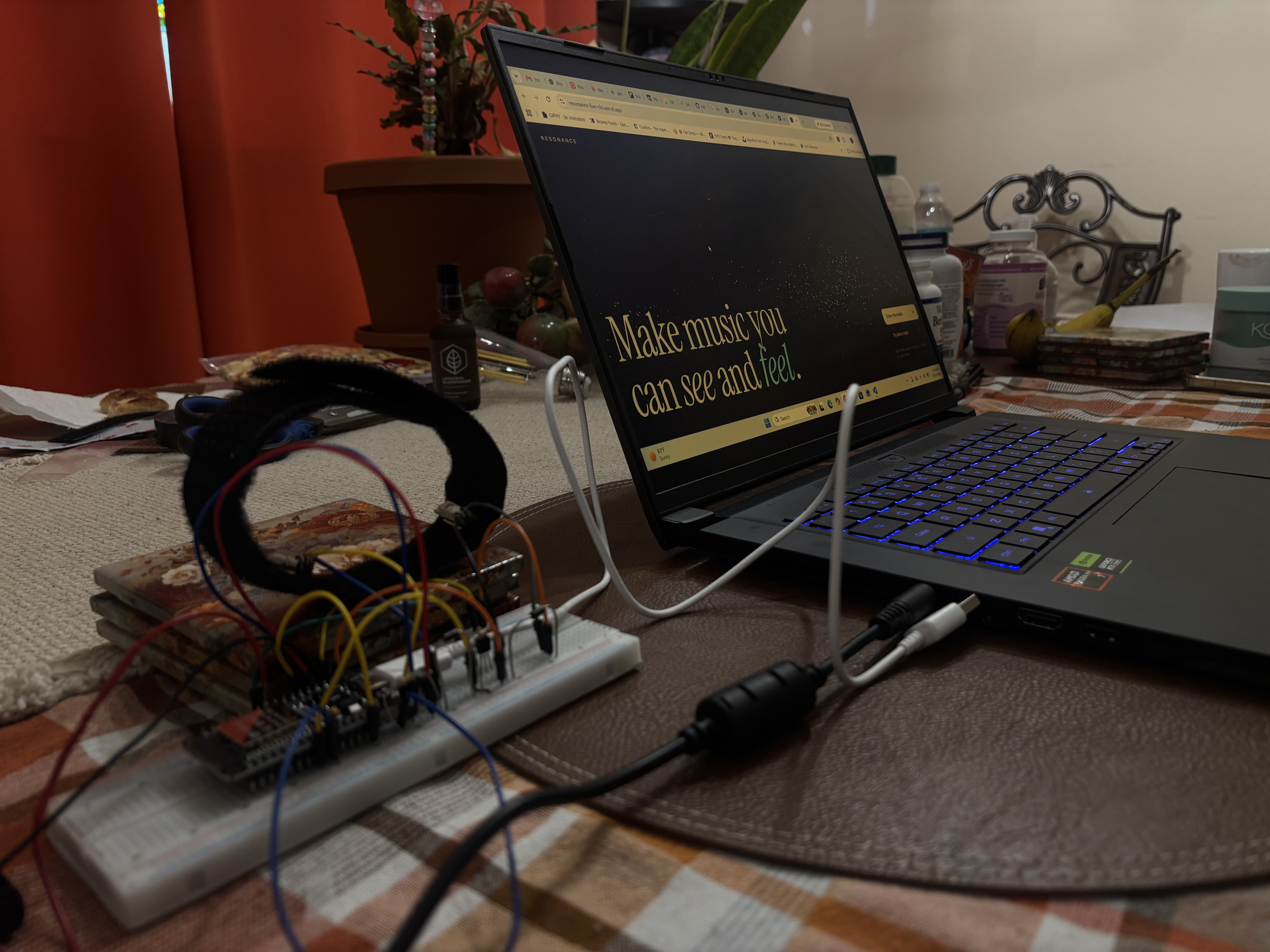
For the tactile side, we built a prototype using an ESP32 and two vibration motors.
The browser sends haptic events over Bluetooth using the same timing system that drives the audio and visuals.
The current prototype uses:
- left motor for Drums
- right motor for Bass
- both motors together for tactile timing cues
This shared event system was important because we did not want the tactile experience to feel like a separate accessibility feature added after the music was already built.
Challenges we ran into
Keeping everything synchronized
The biggest software challenge was synchronization.
Playing a sound from a gesture was straightforward at first, but once we added recording, looping, multiple instruments, visual notation, camera input, and haptics, every event had to happen at the correct musical moment.
We ran into issues like duplicate drum hits, events landing around loop boundaries, and recordings beginning at awkward points in the phrase. We eventually moved the entire experience onto one shared transport so each layer begins from the same Bar 1 and stays synchronized with the rest of the composition.
Two-hand camera tracking
Camera tracking also became more complicated once we added two-hand input.
Each hand needed its own pinch state, movement history, pitch position, and held-note state. Otherwise one hand could accidentally interfere with the other.
We had to make sure both hands could trigger notes independently while still recording into the same selected instrument layer.
Designing useful haptic feedback
The haptic system created a different kind of challenge.
With only two vibration motors, we had to decide what information was actually useful to communicate through touch instead of trying to represent every instrument at once.
Originally, the wristband behaved mostly like a tactile metronome during recording. We realized that this made layering harder for a Deaf performer because they could feel the beat but not the music they were playing over.
We changed the system so that after the count-in, previously recorded Drums and Bass can become the tactile reference during an overdub. If there is no tactile groove yet, the metronome continues instead.
Hardware problems
We also ran into physical hardware issues during testing.
After our vibration motors initially worked, one of the motor wires stopped making a reliable connection. We traced the issue back to the soldered connection on the motor, re-soldered the wire, and then had to re-test the circuit to make sure the motor, transistor, power connection, and rest of the wristband setup were still working correctly.
That was a good reminder that hardware debugging is very different from software debugging. Even when the code is correct, a loose or broken physical connection can make the whole system appear to fail.
Accomplishments that we're proud of
One of the things we are most proud of is that Resonance still communicates the composition when the audio is removed.
The visuals and haptics are not generated from the final sound output. They come from the same underlying musical events that create the sound.
That means a drum hit can simultaneously become:
- an audio event
- a visual event
- a notation event
- a tactile event
We also built:
- synchronized four-layer composition
- flexible instrument order
- one- and two-hand gesture control
- camera-based note and rhythm input
- custom musical particle visualization
- visual notation synchronized with playback
- tactile Drums and Bass playback
- groove-aware haptics while overdubbing
- a Feel Only mode with no audio
- a browser-to-ESP32 haptic hardware path
The moment that made the idea feel most real to us was seeing the composition continue to communicate something even after muting the sound.
What we learned
The biggest thing we learned is that accessibility can change the entire design of a product when it is considered from the beginning instead of added at the end.
Building Resonance made us think about music differently.
A beat does not have to only be heard — it can be felt.
Pitch can become position.
Duration can become a visual trail.
Rhythm can become movement.
An instrument can occupy a physical location on the wrist.
We also learned a lot technically about real-time browser audio, musical scheduling, MediaPipe, multi-hand tracking, Canvas rendering, Bluetooth communication, haptic feedback, and hardware debugging.
Most importantly, we learned how difficult — and how important — it is to make audio, visuals, and touch feel like parts of the same experience rather than separate features.
What's next for Resonance
Our current wristband uses two vibration motors, so we currently map those motors to Drums and Bass.
A future version could use more actuators positioned around the wrist or body so Keys, Lead, rhythm, and other musical information could each have their own physical location.
We would also like to explore:
- richer haptic patterns and textures
- accessibility preferences for visual and tactile feedback
- saving and sharing compositions
- collaborative performance
- stronger mobile support
- translating existing songs into tactile experiences
- natural-language descriptions of compositions for screen-reader users
- testing the experience directly with Deaf and hard-of-hearing performers
The larger idea behind Resonance is something we want to keep exploring:
Instead of asking Deaf people to adapt to music designed around hearing, what if we designed music experiences that adapted to them?
Built With
- arduino
- esp32
- javascript
- mediapipe
- react
- tone.js
- typescript
- vite

Log in or sign up for Devpost to join the conversation.