-
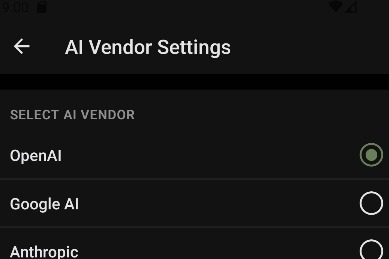
Ai Vendor Setting page
-
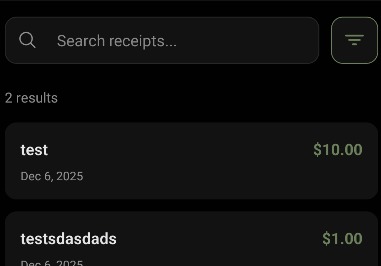
Search Page
-
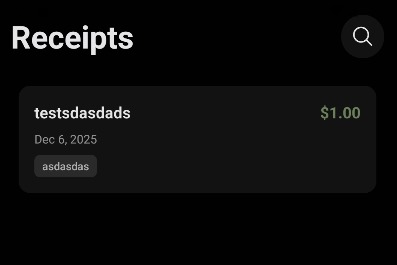
Receipts page
-
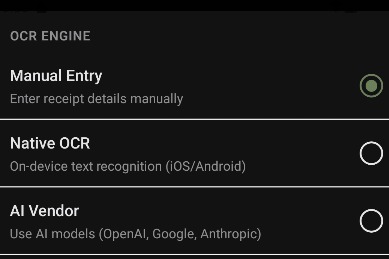
Setting Page (OCR engine Selection)
-
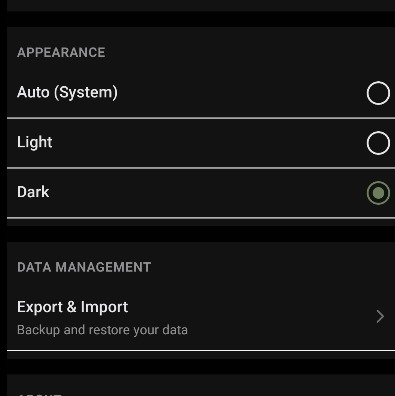
Setting Page (Theme Selection)
-
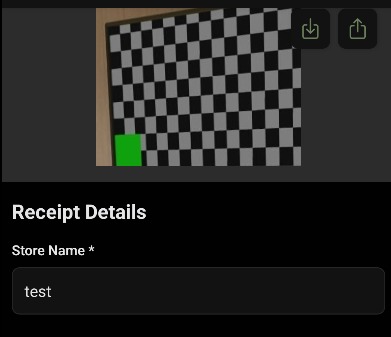
Receipt Review Page
-
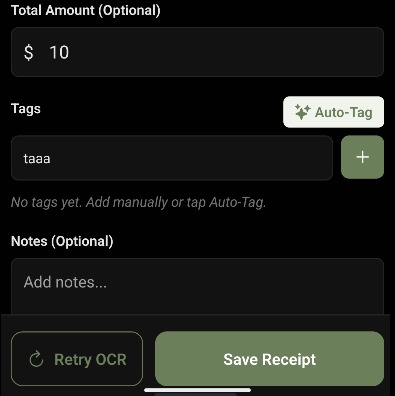
Receipt Review Page (2)
-
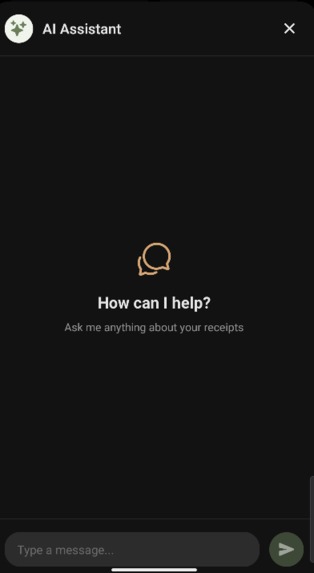
Private LLM Chat Page (Work in progress)


Inspiration
I built this because of a broken power supply. I bought one a while back and when it finally died, I went to claim the warranty. I found the receipt in my drawer but the thermal ink had completely faded. It was just a blank piece of white paper. I knew I had a photo of it somewhere. I spent 20 minutes scrolling through thousands of images in my gallery to find it. That wasted time was the breaking point. I realized I needed a dedicated tool to capture receipts immediately and organize them so I never lose money on a warranty again.
What it does
Resight is a local-first receipt scanner that prioritizes context. It does not just capture the image. It helps you remember the story behind the purchase.
- Scanning: It digitizes physical receipts to preserve them forever before the ink fades.
- Tagging: You can tag purchases manually or rely on our auto-tagging system to categorize them.
- Privacy: It operates entirely offline. Your financial data stays on your device.
How we built it
We built Resight using a modern architecture with Expo and React Native, taking advantage of the latest React 19 features. For navigation, we relied on Expo Router to keep our file-based routing clean and efficient. The core scanning functionality is powered by the react-native-document-scanner-plugin which handles edge detection and perspective correction seamlessly. We tied it all together with a local-first storage system so that all data remains strictly on the device without needing an external database.
Challenges we ran into
The biggest technical hurdle was the Auto-tagging AI. It is difficult to get an app to intelligently recognize purchase categories without sending data to a cloud server. Balancing accuracy with device performance was tough. We also wasted time trying to build the camera view from scratch. We initially fought with raw camera APIs before realizing that using a dedicated document scanning library was the smarter move for our timeline.
Accomplishments that we're proud of
We are proud of the Privacy-First approach. Most apps want your data, but we built something that is fully functional offline. We also successfully built a Universal App. The codebase supports the Web as well as mobile. It is great to see the same React code rendering in a browser and on a phone.
What we learned
We learned that convenience wins. We have a web version, but nobody wants to open a browser and type a URL while standing at a checkout counter. A native mobile app is the only way to make receipt scanning a consistent habit.
What's next for Untitled
The next step is integrating a private LLM directly into the app. I want users to chat with their expenses. You should be able to ask "Where is the receipt for last week's groceries?" or "When did I buy that power supply?" and get an instant answer without the data ever leaving your phone.