Inspiration
As a grad student, I spent endless nights compiling research reports—chasing sources, verifying facts, formatting citations. I saw peers (journalists, consultants, academics) struggle with the same: great questions, but hours lost to tedious admin. I wanted to build a tool that lets researchers focus on insight, not busywork.
What it does
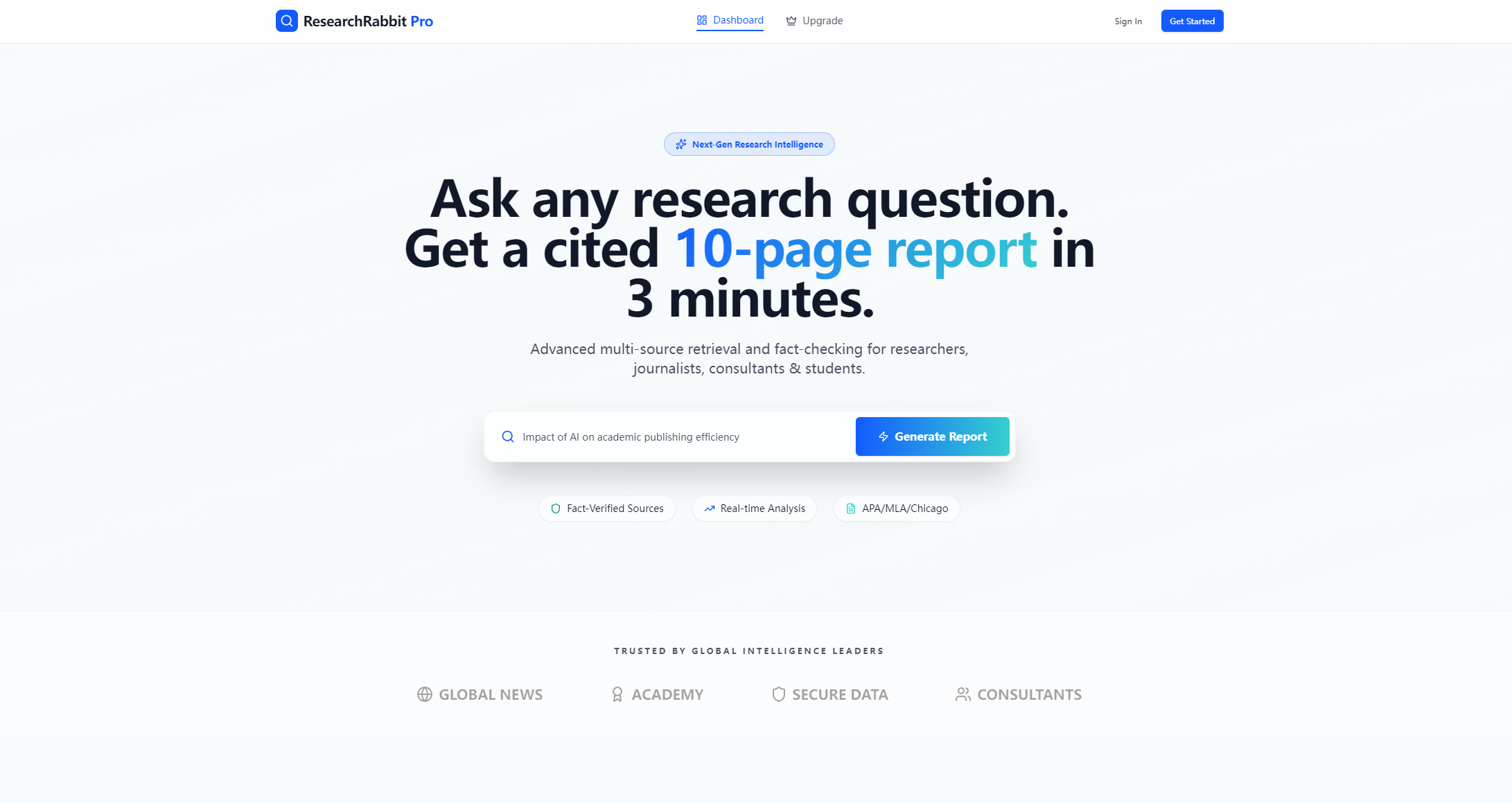
ResearchRabbit Pro lets users input any research question (no jargon needed) and get a structured, 10-page analytical report with verified findings and APA 7 citations. It highlights credible sources, visualizes key data, and lets users export reports in multiple formats—all in minutes.
How we built it
We started with core UI/UX design, prioritizing a seamless flow from question to report. We coded the front end with HTML/CSS/JS, using CSS keyframes for hero animations (floating particles, pulsing glows) and Intersection Observer for scroll effects. Chart.js powered the data visualizations, and we refined responsive design for desktop/mobile.
Challenges we ran into
Balancing visual flair (animated gradients, micro-interactions) with performance was tough—we had to optimize CSS animations to avoid lag on lower-end devices. We also struggled to make the "loading state" feel intuitive, iterating on progress animations and status messaging until it felt natural.
Accomplishments that we're proud of
The sticky nav with frosted-glass transition (smooth, no jank) and the gradient-text headline animation stand out—users comment on how polished the UI feels. We’re most proud of making complex research tools feel approachable, not intimidating.
What we learned
We mastered balancing form and function: flashy animations mean nothing if the tool isn’t usable. We also learned the value of user-centric design—testing with fellow researchers shaped small but critical choices (like pill-shaped inputs for readability).
What's next for this project
We plan to add support for MLA/Chicago citation styles, expand data visualization options (line/ pie charts), and integrate more source types (industry reports, whitepapers) to make it even more versatile for professional users.

Log in or sign up for Devpost to join the conversation.