Inspiration
Researching anything can be overwhelming - when you have so many tabs open you can barely click on them, and then when you do, you can’t seem to find what it is on that page you were looking at before. On top of that, it can be frustrating to have to read through an entire article just to realize that it isn’t relevant to what you’re looking for. That’s why we developed a chrome extension to help you stay focused and organized while researching or browsing the web.
What it does
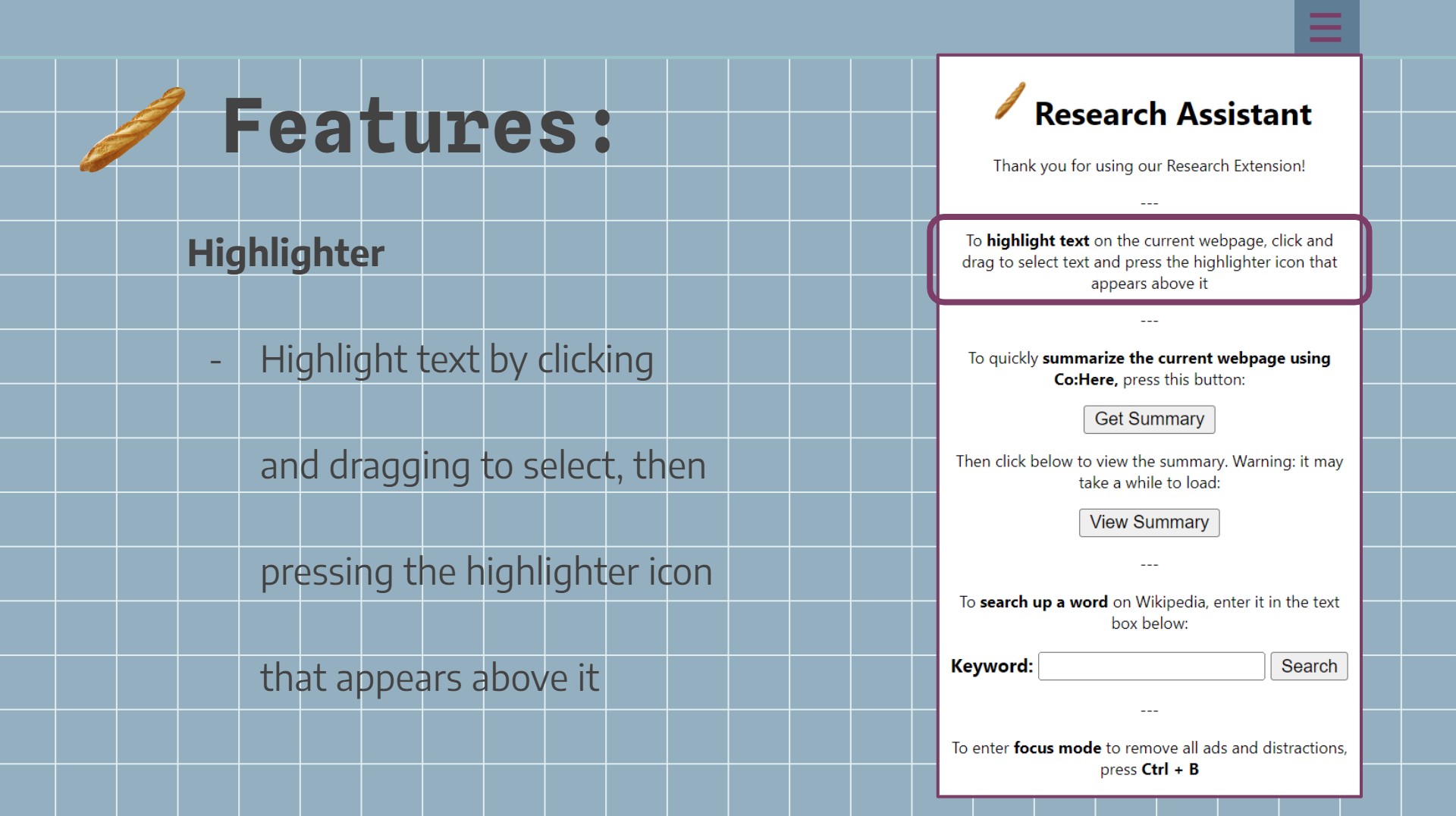
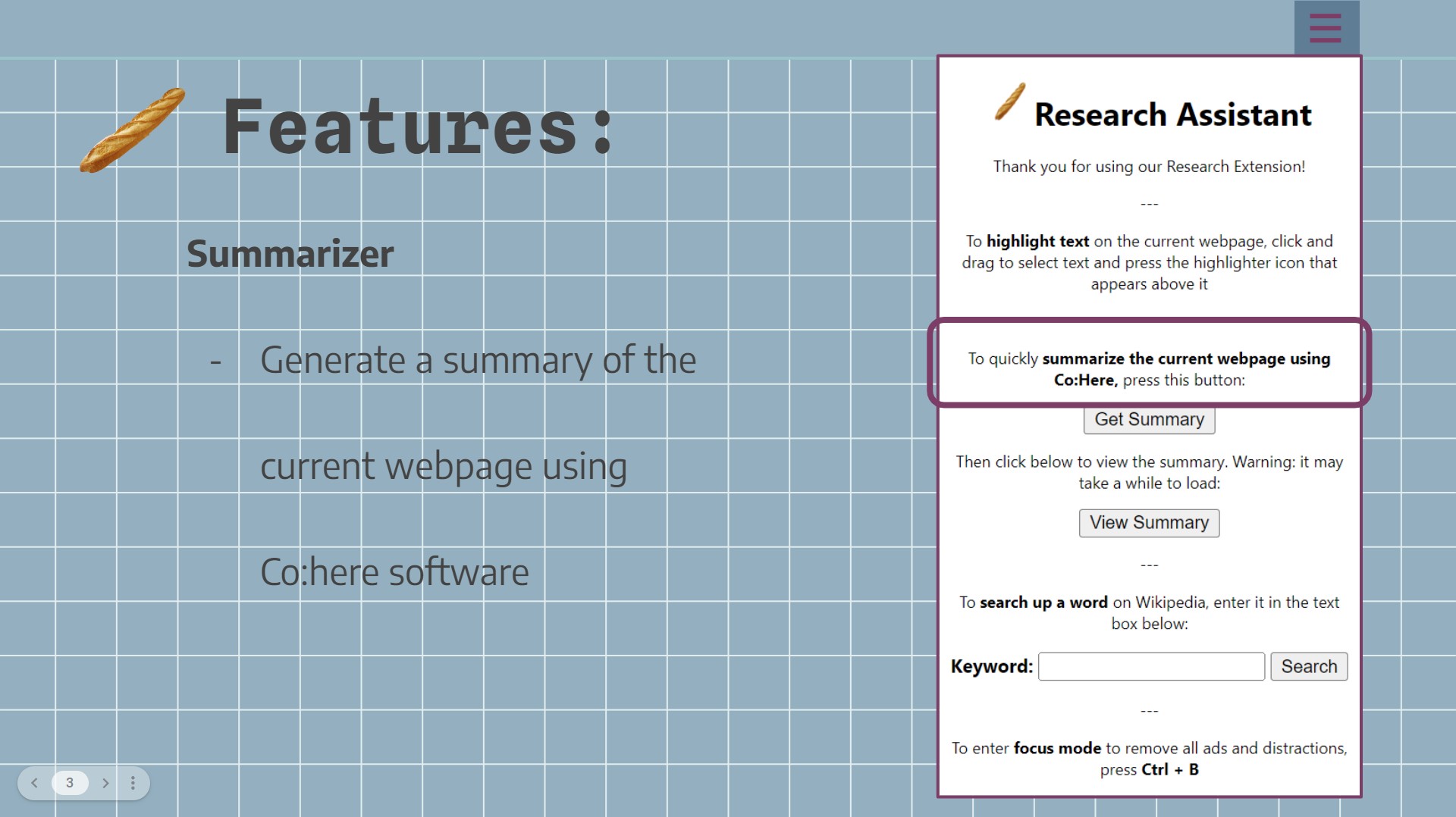
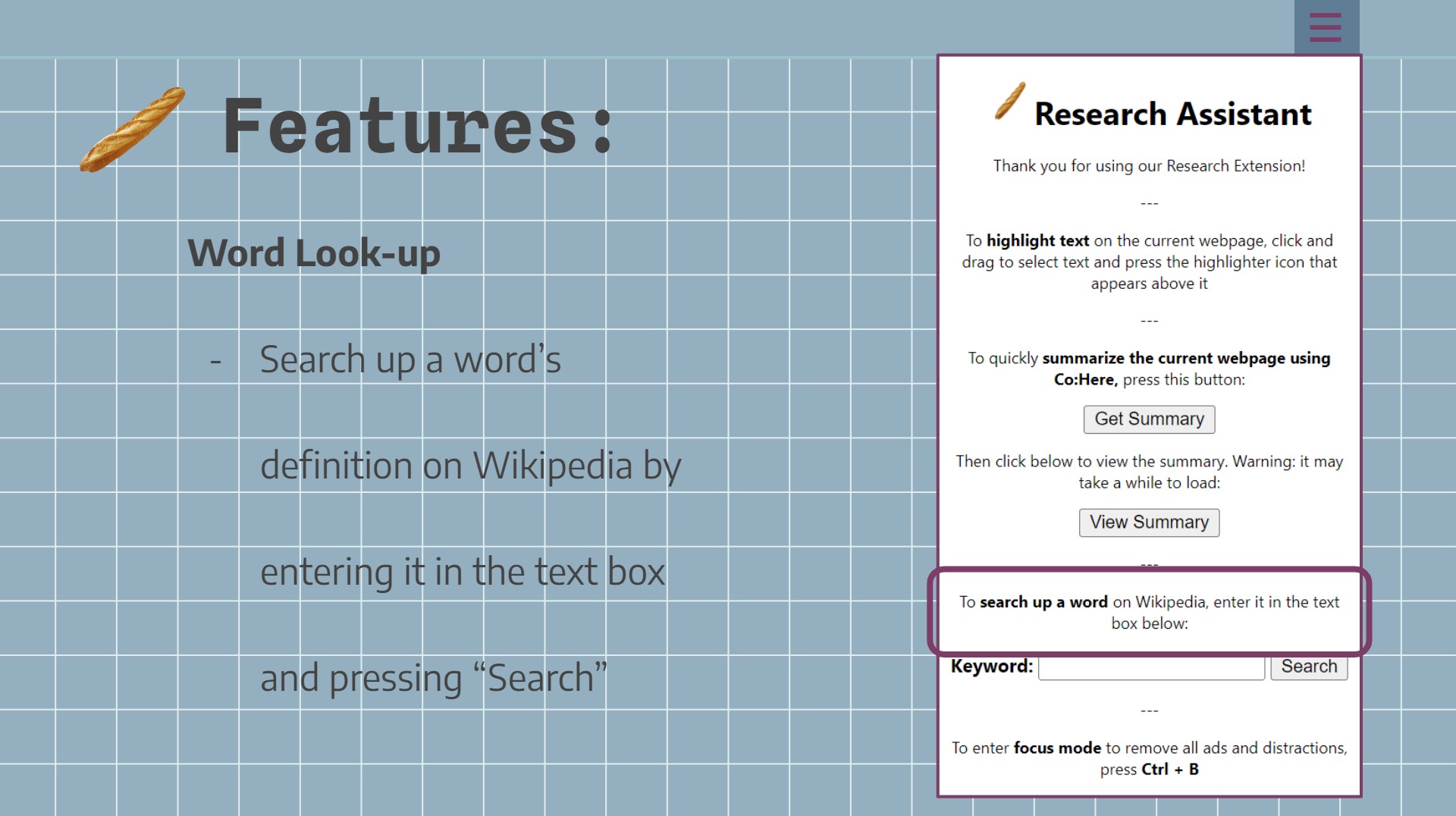
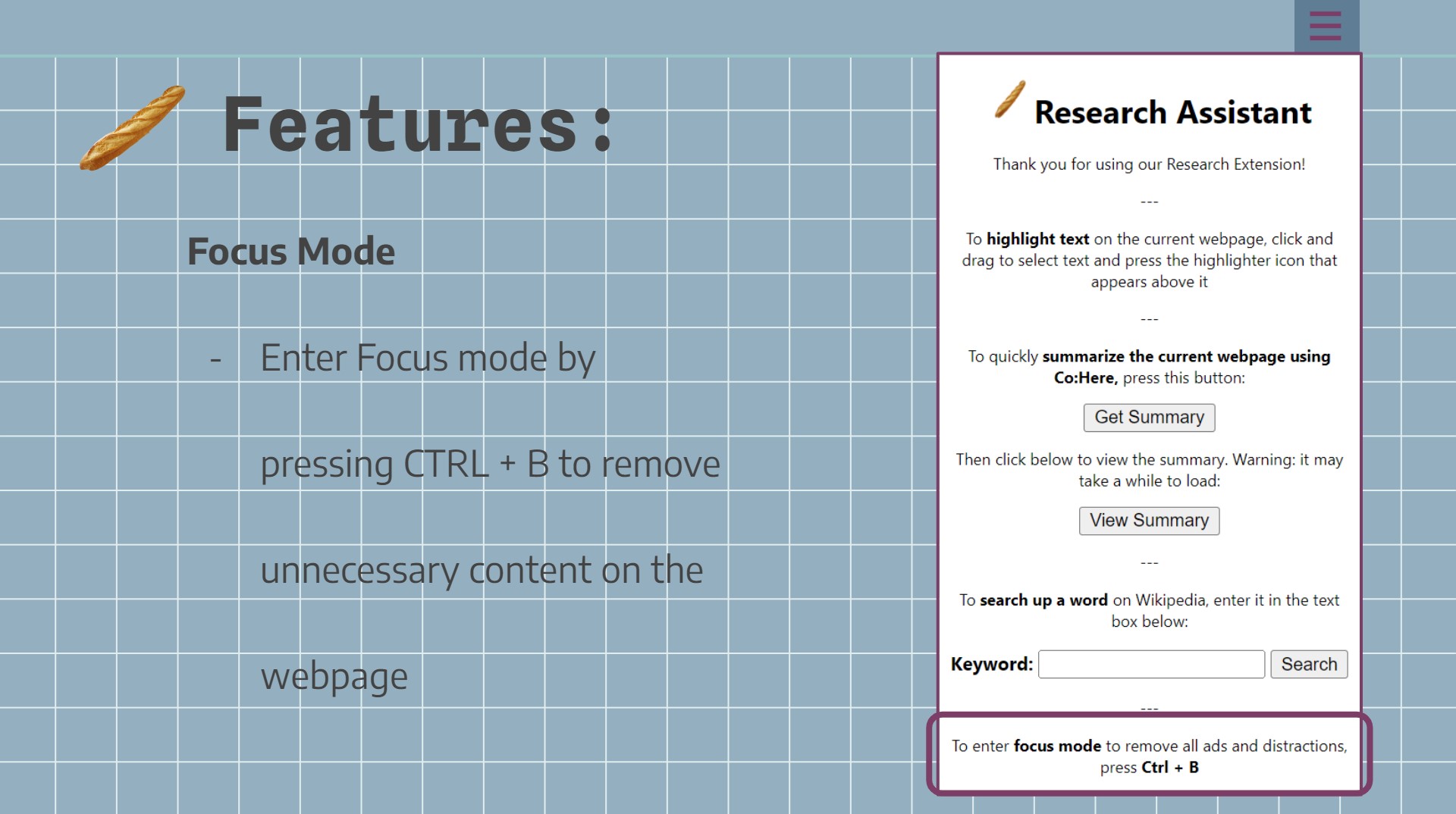
Team Breadstick’s Research Assistant chrome extension can be accessed directly from your browser while on another webpage, and includes multiple different features: The highlighting tool allows you to highlight any selected text in bright yellow so you can easily find relevant information when you come back to it. The summarizing tool makes use of Co:here’s NLP software that creates an AI-generated summary of all the text on that webpage. It publishes this summary to a separate document, including the URL for the webpage it was based off of so you can get a general idea of what an article is about, and come back to it later if you need to. The Wiki search tool allows you to quickly search up a word or term and receive a summary without leaving the webpage you’re on. The “Focus Mode” feature removes any distractions on the page you’re browsing, including ads, so you can focus on the important content of the webpage.
How we built it
To create a chrome extension, we had to create a .JSON file called “manifest” to store the metadata of the extension, such as the name, icon and popup. We then decided to code each of the features separately, before combining them using one single HTML file creating the extension popup and shared .JS files to call the functions. The highlight function was implemented using all JavaScript, and created a button that appears when text is highlighted. When clicked, a function is called that clones the text to a format with a bright yellow background, and then replaces the old text with the new text. The summary function uses Django, and scrapes the text from the current website. It then feeds the text to Co:here’s NLP API, and returns the outputted summary on a new webpage. The wiki search function calls upon the server created in Django and makes use of the Wikipedia package to search for the inputted term. The focus function uses CSS to search for specific paragraph styles that we determined were ads or unnecessary spacing and remove them.
Challenges we ran into
Co:here has a limit to how many tokens could be inputted, which we realized after waiting for what seemed like forever for it to process before getting multiple errors and summaries that didn’t make any sense. To solve this, we had to be more specific with the text we were scraping to ensure only essential, important information was being considered. We also implemented a multi-threaded system to improve user experience while waiting for summaries.
Accomplishments that we're proud of
Despite reading that chrome extensions were made using JavaScript and none of us having ever used JavaScript before, we decided to challenge ourselves this weekend and give it a shot. We told ourselves we would be proud even if we were able to create just the most basic popup. We’re happy to say that we definitely exceeded our expectations and created a functional extension with a variety of useful, working features!
What we learned
First and foremost, we learned how to make a Chrome extension, which was really cool. We learned what JavaScript is and how to use it. It was also cool to play around with Co:here’s API and see how it responded to given text. By observing it, we were able to somehow follow how it worked, so that we could troubleshoot our code for outputting a text summary.
What's next for Research Assistant Chrome Extension
We believe that this project has a lot of potential, and there are so many other features we could implement given the time. For example, we wanted to be able to save all the highlighted text to a separate document, and to create a formatted citation for the url, but unfortunately ran out of time. In the future, we could see us polishing off the features we currently have and maybe adding a few new ones. Eventually, we could publish this to the chrome web store so that anyone could benefit from it!


Log in or sign up for Devpost to join the conversation.