-
-
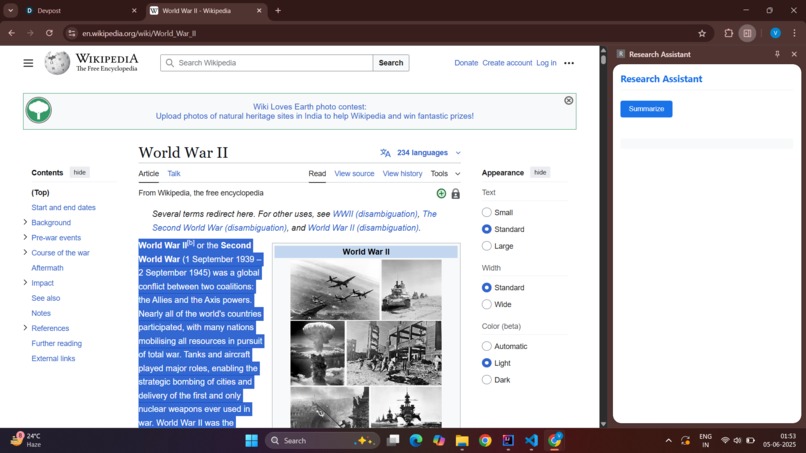
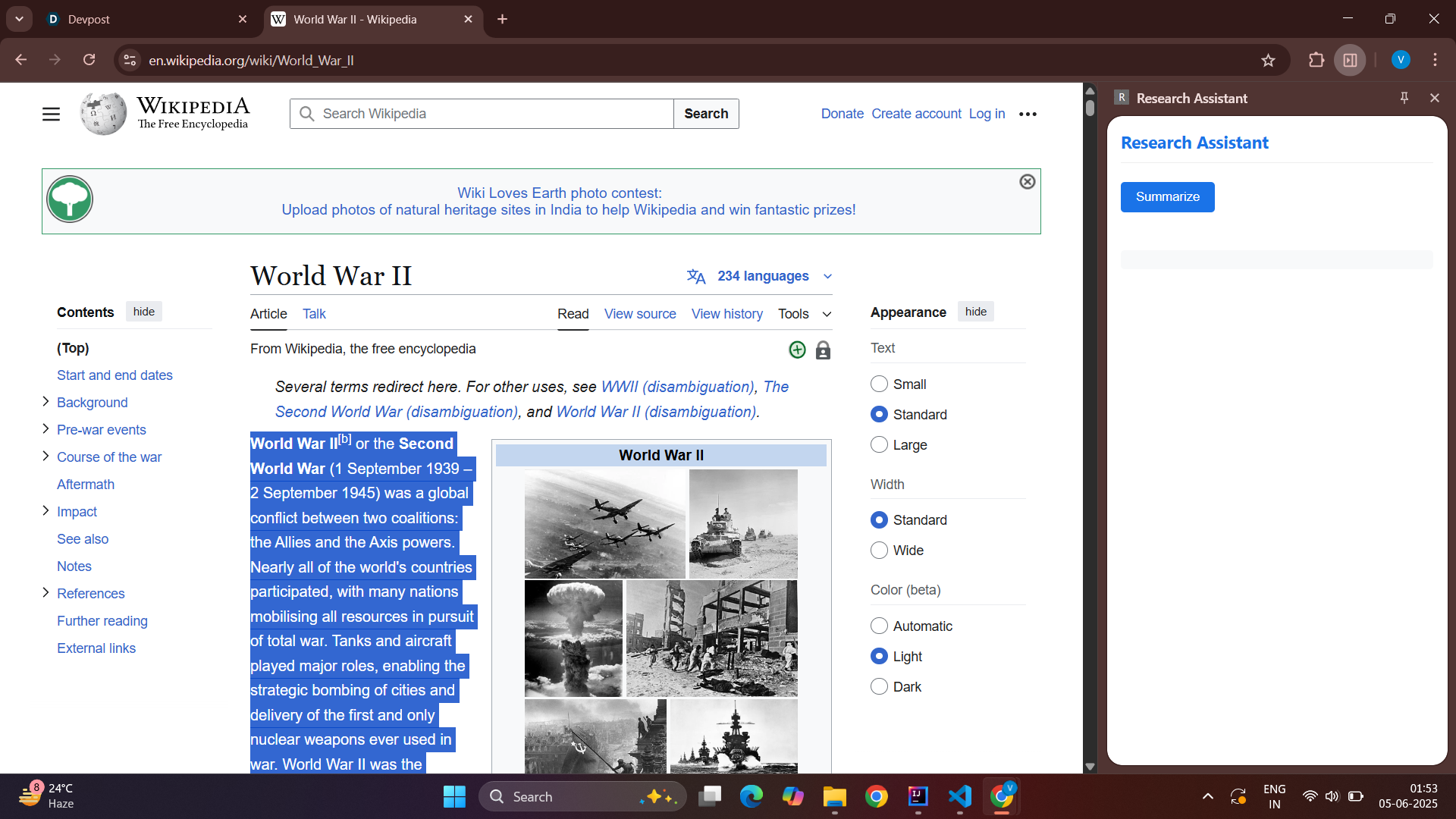
A user can select any paragraph, and our tool intelligently reacts—no buttons, no clicks—just natural behavior + smart AI.
-
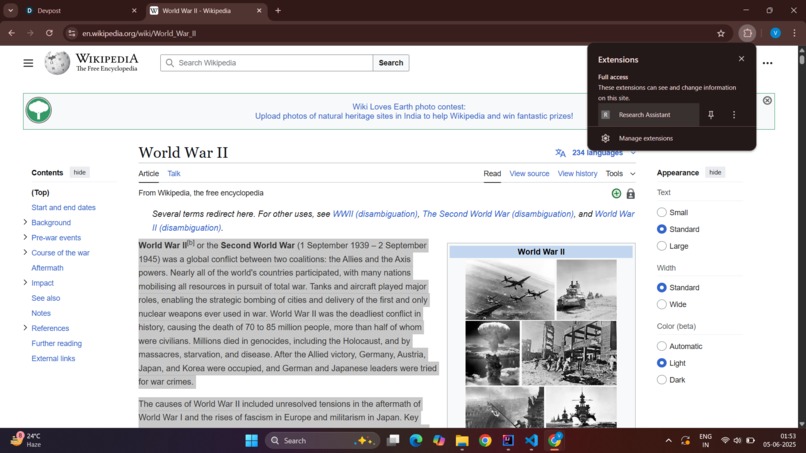
Most AI tools require copying, pasting, or switching apps. That slows users down during deep research.
-
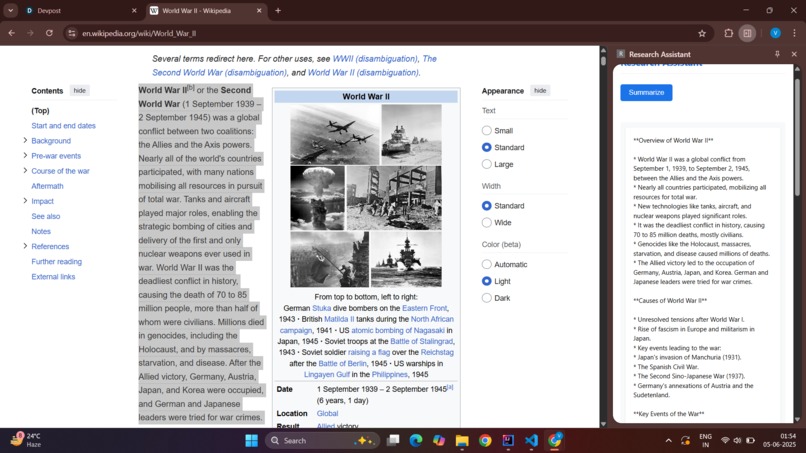
Users waste time trying to interpret large paragraphs. This provides instant context and breakdown, directly from selection.
-
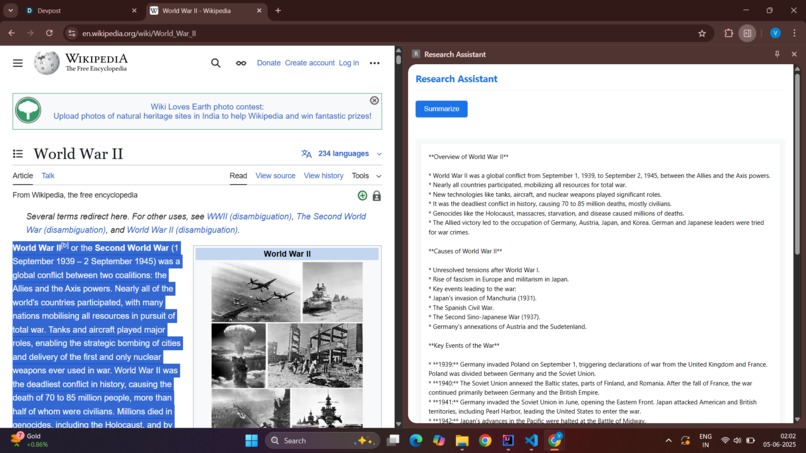
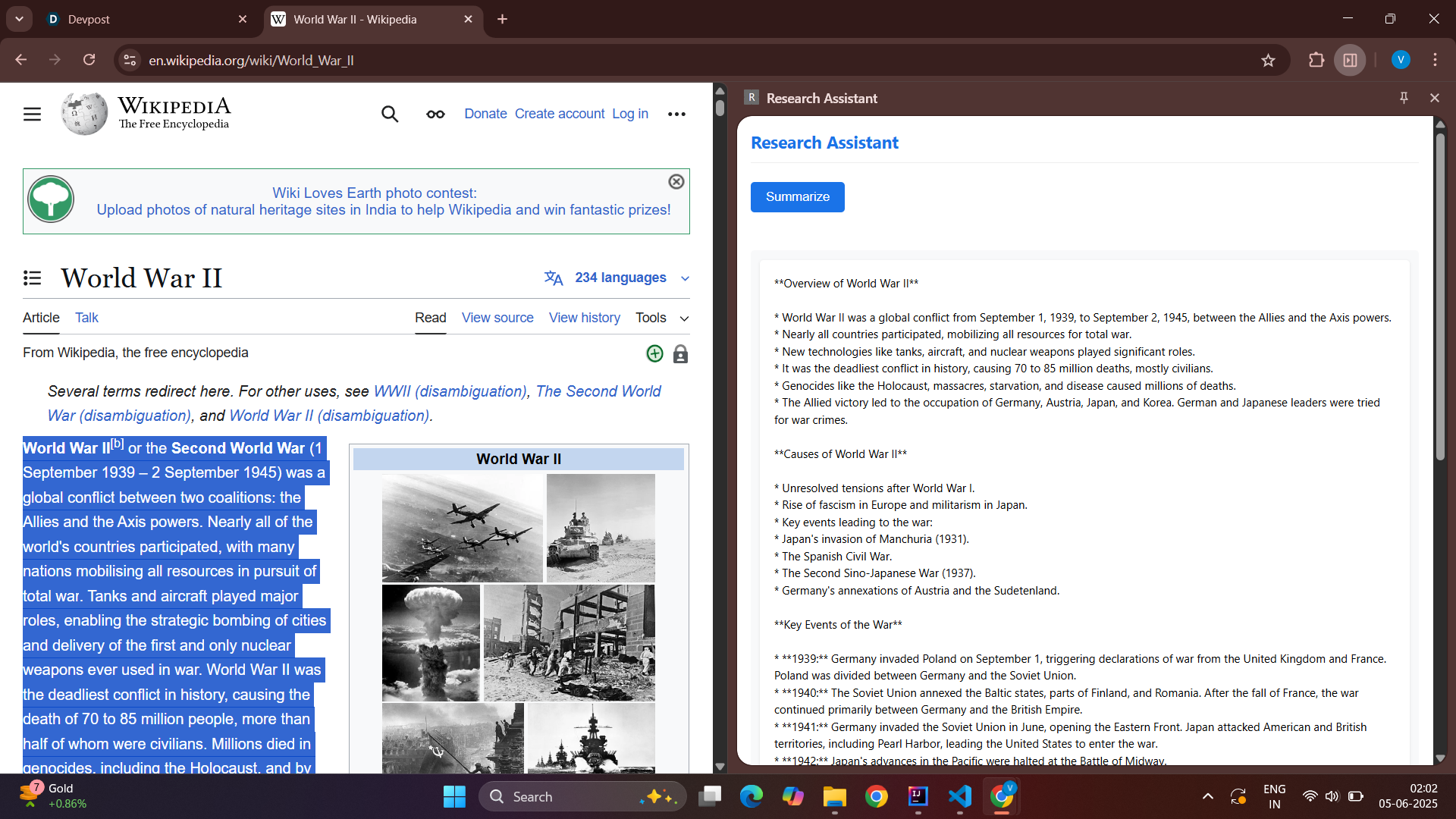
Our extension delivers clean, structured summaries, proving its ability to aid learning, comprehension, and productivity.


🚀 Inspiration In a world flooded with information, we often copy text from articles, reports, or documents — but understanding it quickly is a struggle. We wanted to build an assistant that makes this painless, especially for students, researchers, and professionals.
💡 What it does Research Assistant instantly summarizes any copied or selected text into clear, concise bullet points using Gemini API — making long content easy to digest.
🛠️ How we built it Frontend: HTML, CSS, and JavaScript to detect copied text and show summaries in a clean UI. Backend: Java Spring Boot to handle API communication. AI Integration: Google Gemini API for generating intelligent summaries.
🧗♂️ Challenges we ran into Ensuring accurate text capture from any screen context. Optimizing prompt engineering for bullet-point summaries. Handling API response formatting for different content types.
🏆 Accomplishments that we're proud of Seamless clipboard-to-summary flow. Lightning-fast response time using Gemini. A minimal, distraction-free UI that’s actually useful in daily research or reading.
📚 What we learned Real-world prompt design for generative AI. Full-stack integration using Java and modern frontend tech. Building tools that solve everyday problems effectively.
🔮 What's next for Research Assistant Add voice summarization for accessibility. Chrome extension for native browser support. Support for summarizing PDFs and screenshots with OCR. This is the project that i earlier build i have oriented today's this hackathons. Can you update this and help me to win


Log in or sign up for Devpost to join the conversation.