-
-
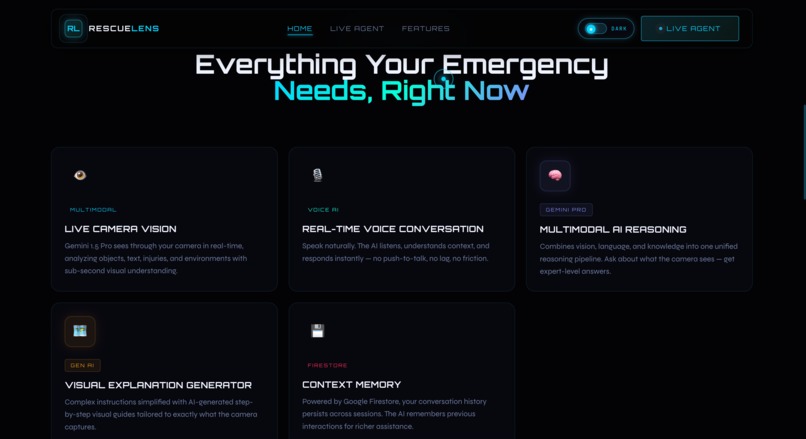
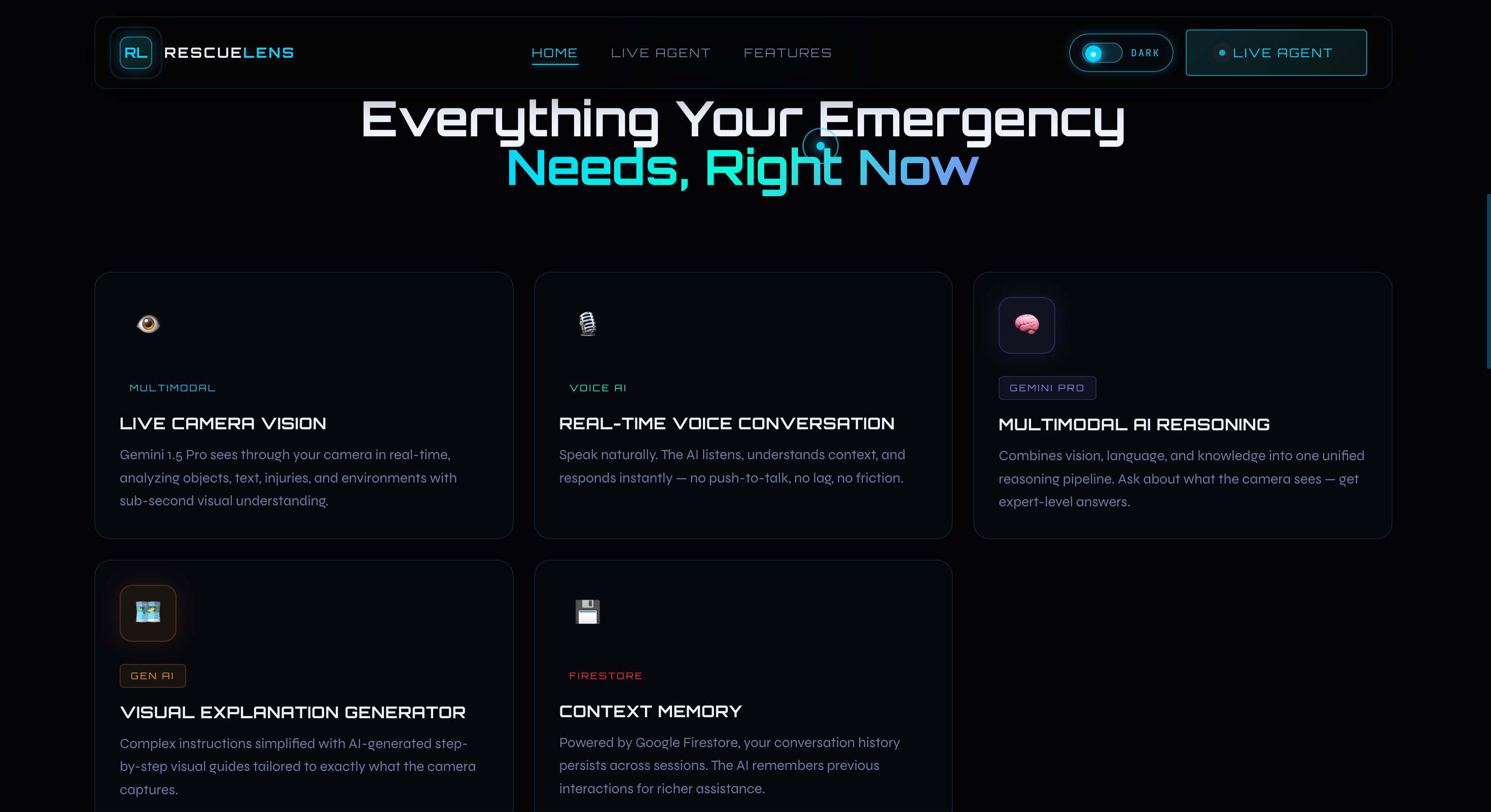
Main features of RescueLens AI like live camera vision, voice AI, and multimodal reasoning.
-
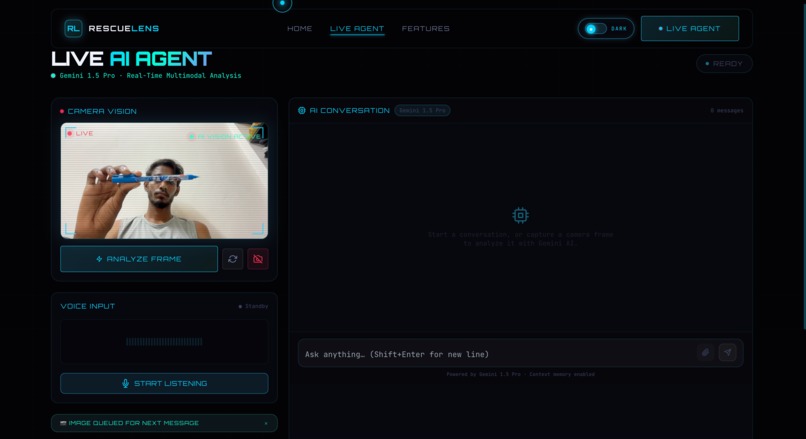
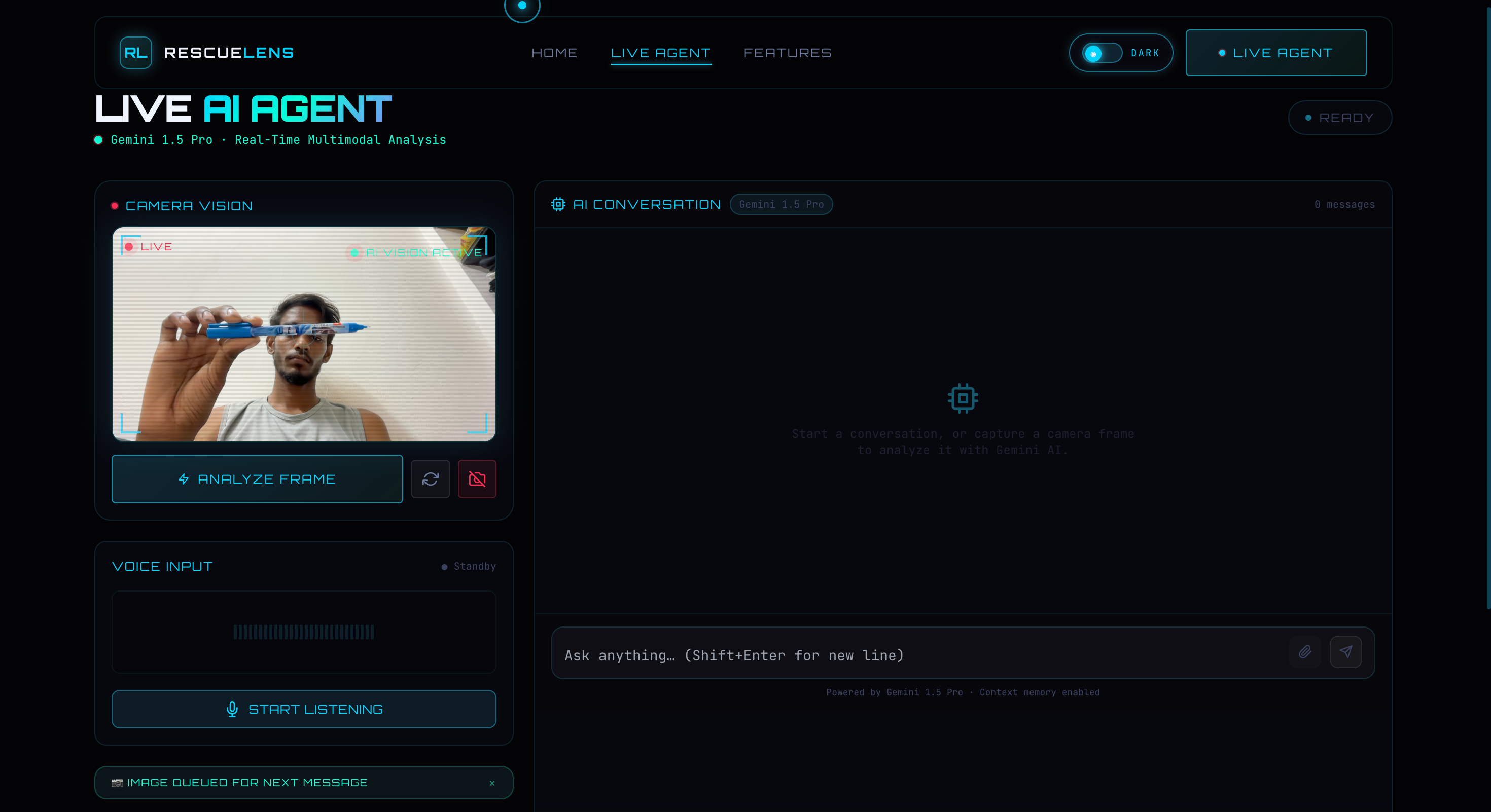
Live AI Agent interface where users can capture images and talk with the AI.
-
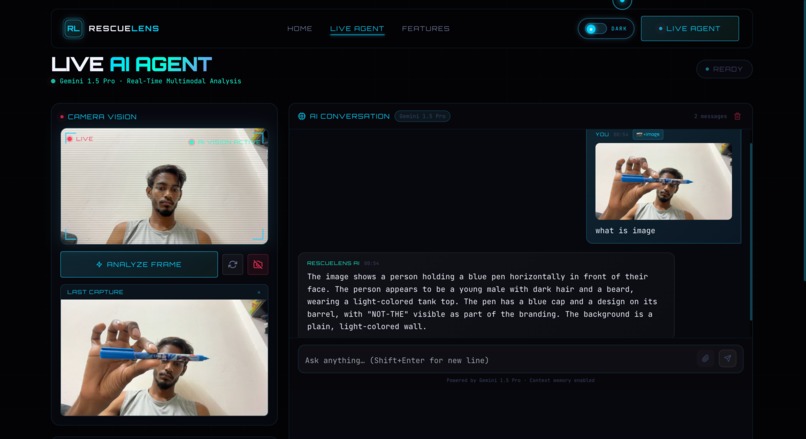
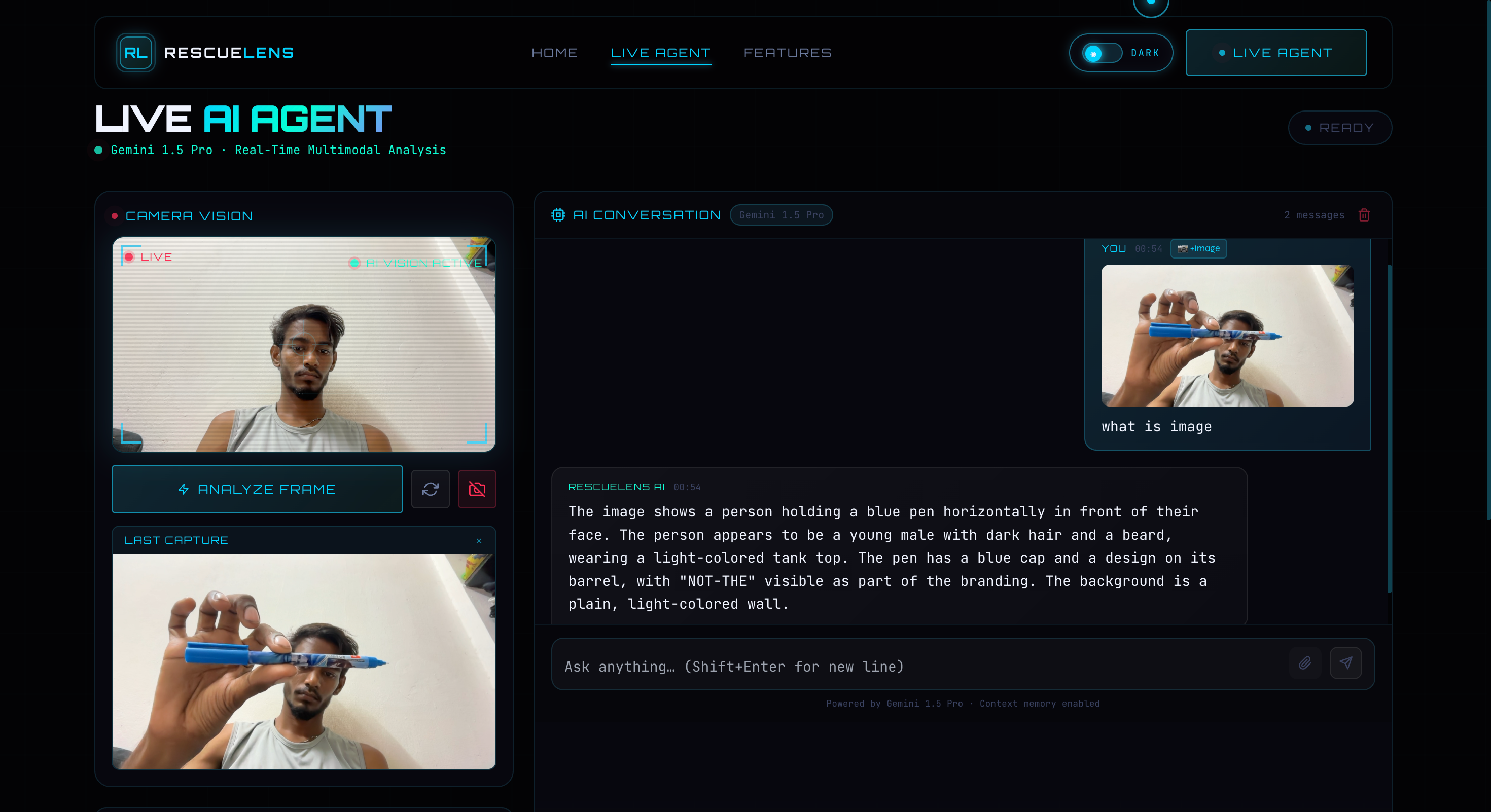
RescueLens AI analyzing a camera image and giving a response using Gemini 1.5 Pro.
-
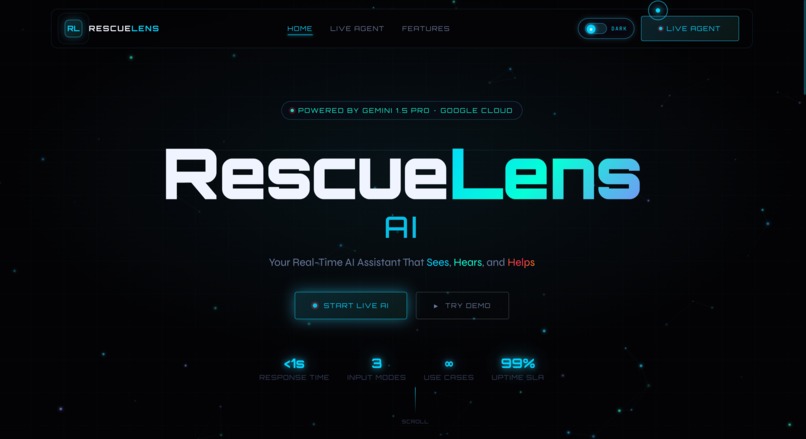
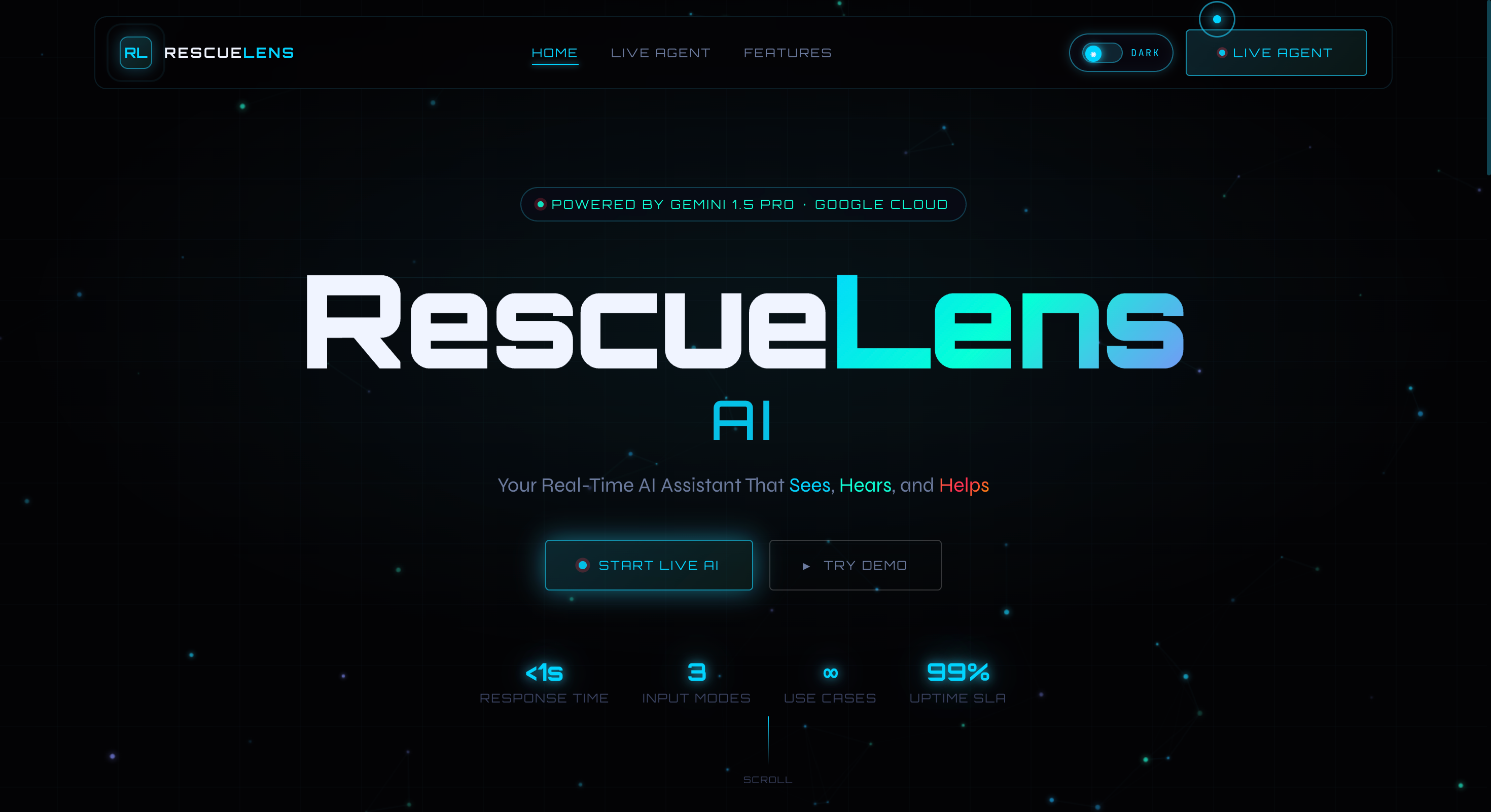
RescueLens AI homepage showing the real-time AI assistant built with Gemini 1.5 Pro and Google Cloud.
Inspiration
The idea for RescueLens AI came from a simple real-life problem. In stressful situations such as a medical emergency or a technical failure, people usually panic. At that moment, typing a message or searching online for help becomes very difficult.
We wanted to create a system that could help people instantly by understanding what they see and what they say. With the recent progress in AI technologies, especially multimodal models like Gemini 1.5 Pro, we believed it was possible to build a tool that works like a helpful assistant standing beside you during critical situations.
What it does
RescueLens AI is a real-time assistance platform designed to help users during emergencies or confusing situations. It combines three main types of input to understand the user's problem and provide guidance.
Live Camera View: The system uses the user’s camera to analyze the surrounding environment. It can help detect injuries, safety hazards, or technical issues in machines.
Voice Input: Instead of typing, users can simply speak their problem. The system listens and converts the voice into text so the platform can understand the request quickly.
Conversation Memory: The system remembers previous steps in the conversation. This allows it to give clear step-by-step guidance without repeating information.
For example, it can help identify a safety risk, guide someone through basic first aid, or help troubleshoot a mechanical issue. The goal is to provide clear and quick instructions when the user needs help the most.
How we built it
We used a modern technology stack to make the system fast and reliable.
The main intelligence of the system is powered by Gemini 1.5 Pro, which we accessed using the Google GenAI SDK. This model can understand both images and text at the same time, which makes it suitable for our use case.
The backend of the project was built using FastAPI in Python. It manages requests from the user and combines image and voice information before sending it to the AI model.
We used Google Cloud Firestore to store conversation history. This ensures that if the connection is interrupted, the system can continue from where the user left off.
For storing captured images and logs, we used Google Cloud Storage.
The frontend was developed using Next.js with TypeScript to create a smooth and responsive interface. We also used Framer Motion to add animations and make the interface feel modern and interactive.
To support voice communication, we integrated the Web Speech API, which allows the system to convert speech into text and provide spoken responses.
Challenges we ran into
One of the biggest challenges was synchronizing multiple types of input. The system had to correctly understand that when a user says something like “look at this,” they are referring to a specific object in the camera image.
Another challenge was reducing delay. In emergency situations, even a few seconds can make a difference. We optimized image processing and used asynchronous programming in Python to make the system respond as quickly as possible.
Accomplishments that we're proud of
We are proud that the system can analyze images and respond very quickly, making the interaction feel almost real-time.
We also worked hard to design the assistant’s tone so that it gives calm and practical advice, especially in stressful situations.
Finally, we successfully integrated multiple Google Cloud services into a working prototype within a hackathon timeframe.
What we learned
During this project, we realized that working with modern AI systems requires careful prompt design. The way instructions are written greatly affects how well the system understands images and user questions.
We also learned how to manage communication between different parts of the system, such as the backend server and the cloud database.
What's next for RescueLens AI
In the future, we plan to improve the system in several ways. We want to support live video streaming instead of single image capture so the system can analyze situations continuously. Another idea is to add augmented reality features so instructions can appear directly on the camera screen. We are also interested in connecting the system with smart devices like smoke detectors or health monitors so the assistant can activate automatically when a problem is detected. Finally, we want to add an offline mode using Gemini Nano so basic assistance can still work even without an internet connection.
Built With
- css3
- fastapi
- framermotion
- gemini1.5pro
- googlecloudfirestore
- googlecloudplatform(gcp)
- googlecloudstorage(gcs)
- googlegenai(sdk)
- html5
- javascript
- next.js
- python3.11
- typescript
- venillacss
- webspeecgapi

Log in or sign up for Devpost to join the conversation.