Inspiration
Every student developer knows the frustration of facing broken code, missing features, unexpected API errors, and a deadline that is getting closer.
Sometimes, the hardest part is not writing code—it's figuring out what went wrong, what needs to be fixed first, and whether the project is actually ready to submit.
We built Rescue Student Project to turn that confusion into a structured recovery process. Our mission is simple: help students rescue the projects they have worked hard to build.
What It Does
Rescue Student Project is an AI-powered project recovery platform that helps students analyze existing software projects, identify problems, prioritize fixes, and review verification results.
Key features include:
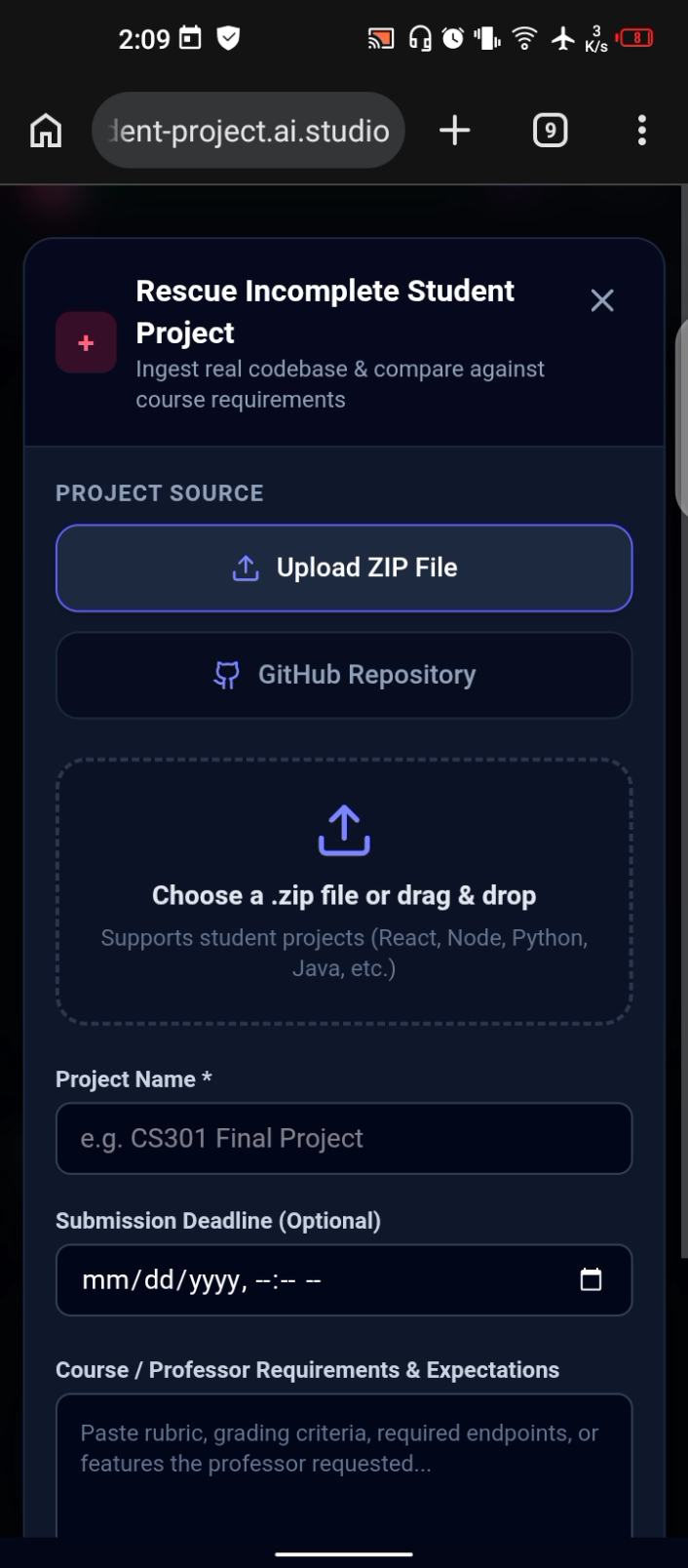
- GitHub and ZIP Import: Start with an existing project instead of rebuilding it from scratch.
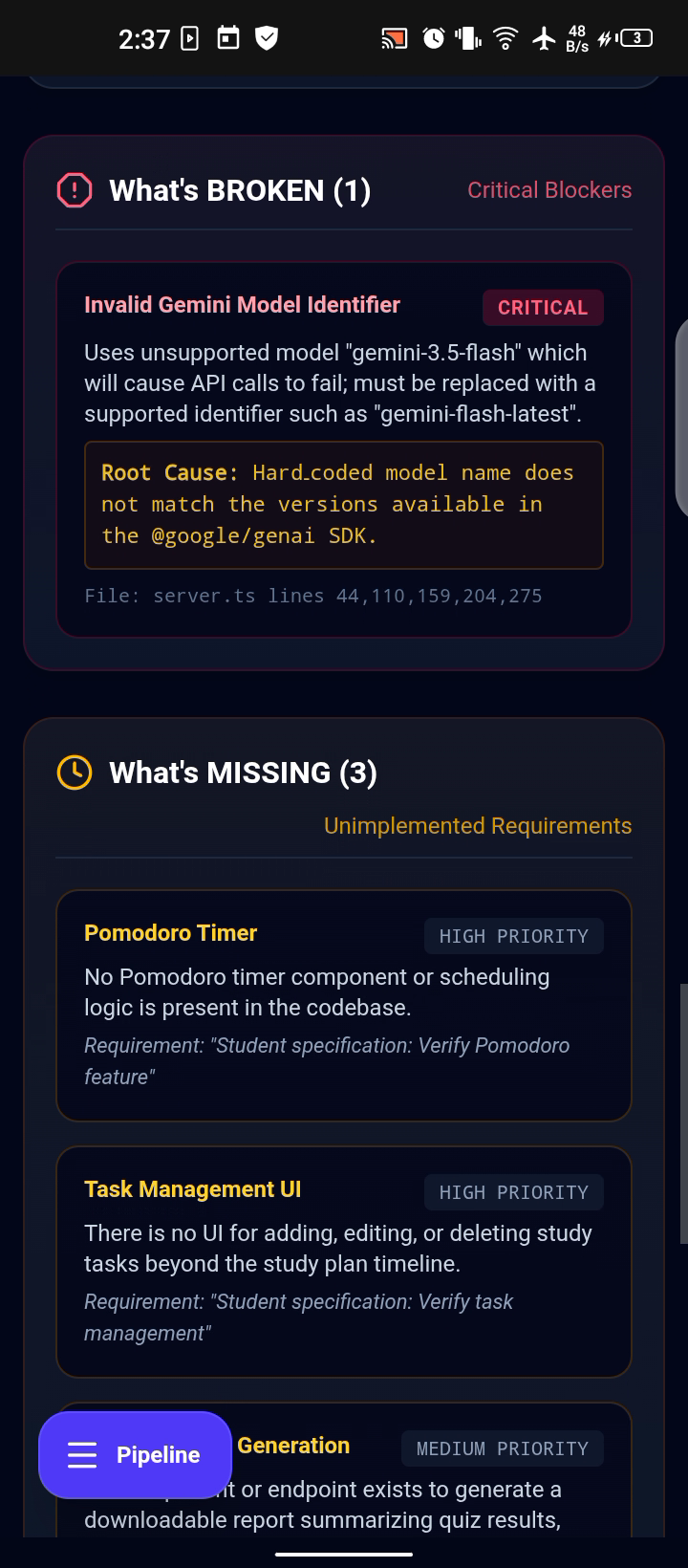
- AI-Powered Analysis: Examine the codebase to identify potential bugs, missing features, and unmet requirements.
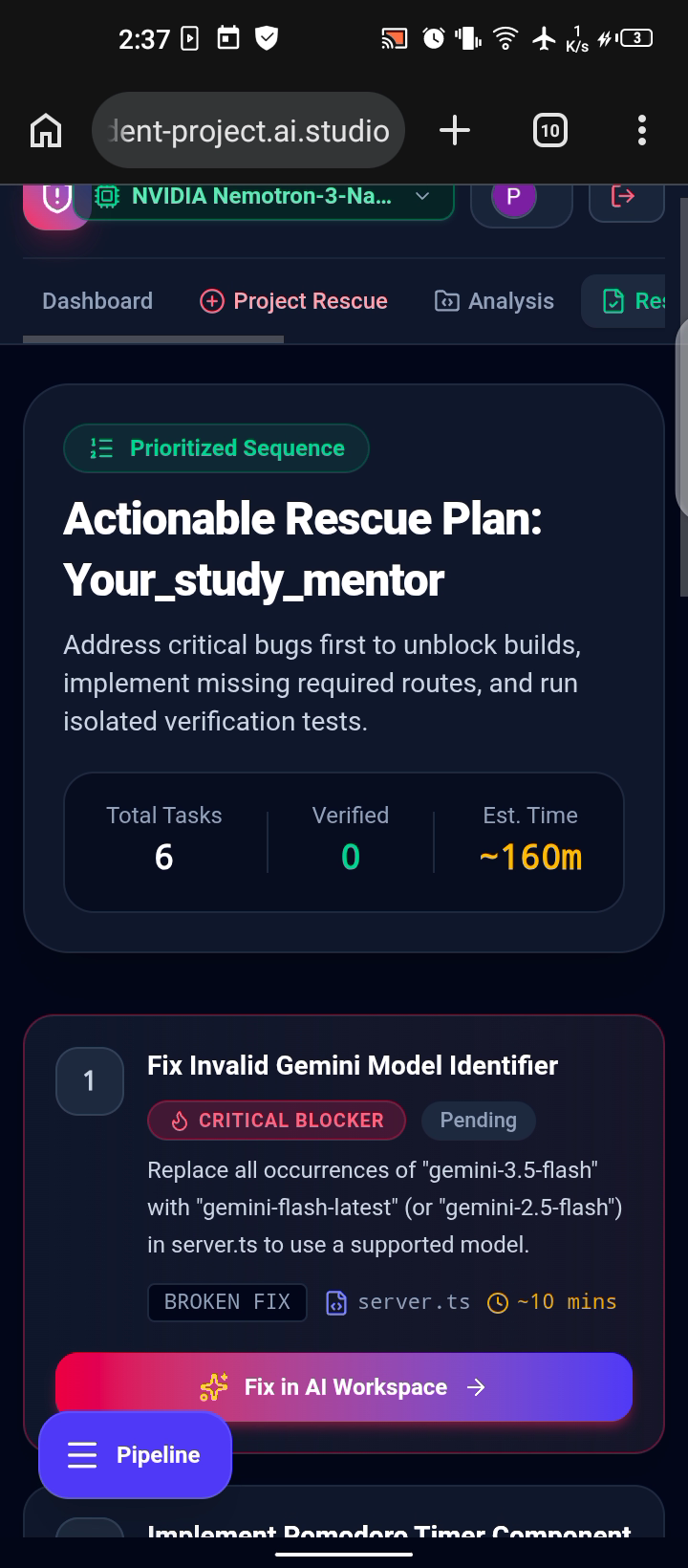
- Intelligent Rescue Plans: Turn identified problems into prioritized, actionable tasks.
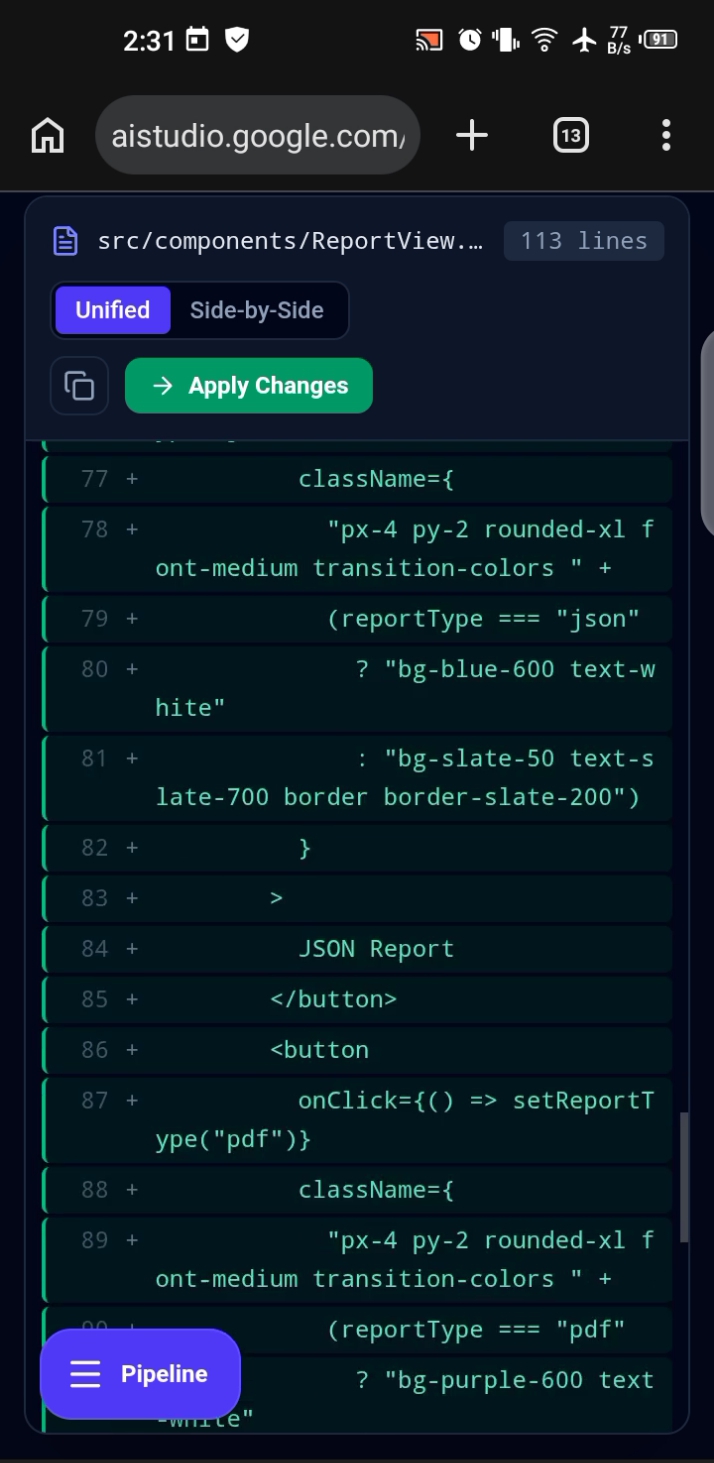
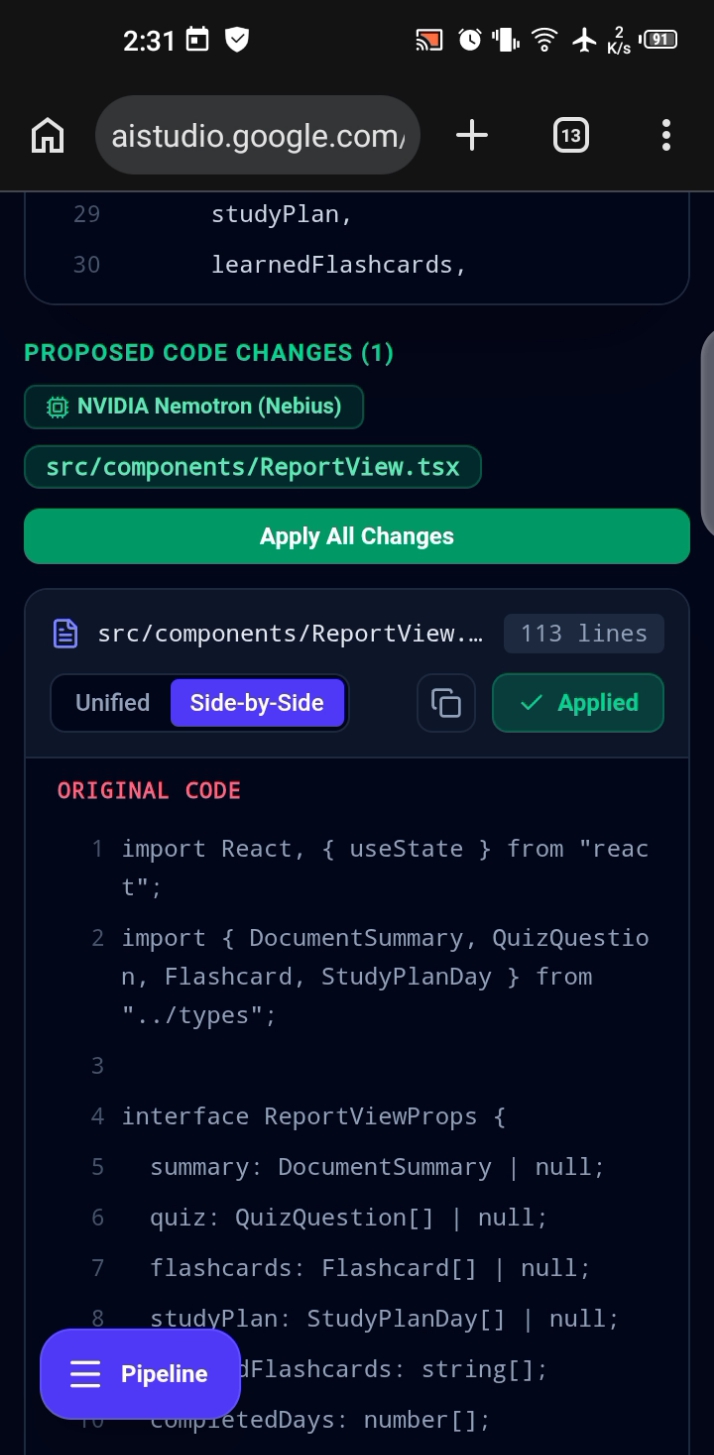
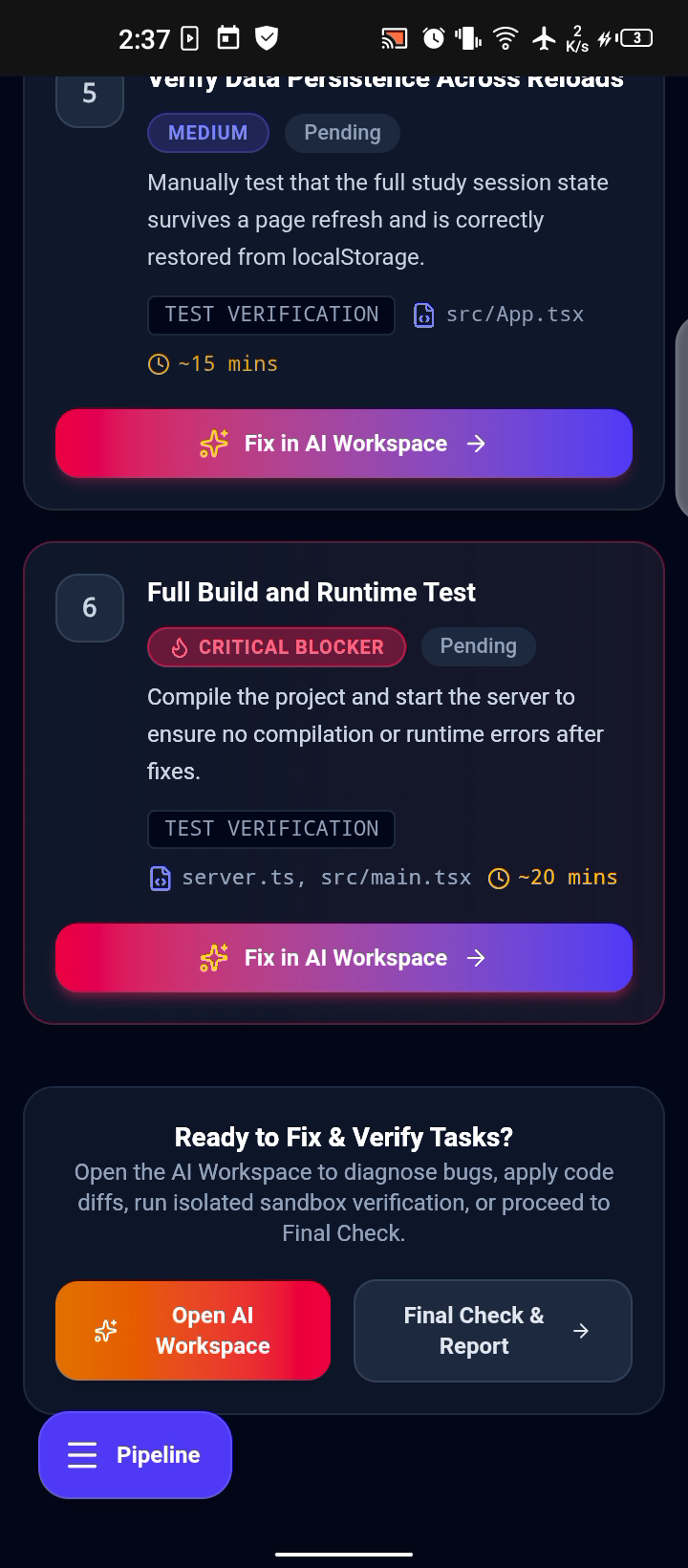
- AI Workspace: Work through individual tasks with AI-assisted diagnosis and code generation.
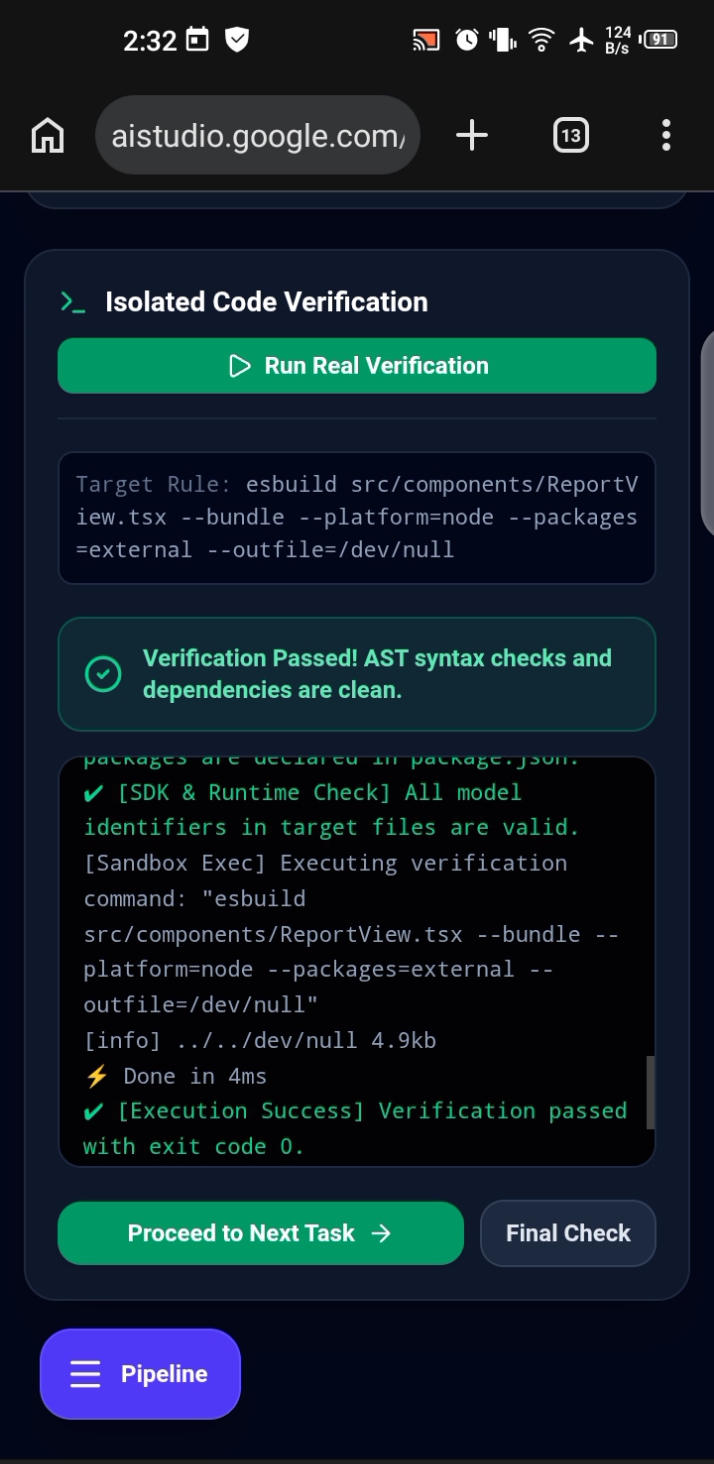
- Verification Workflow: Review task-check results and identify issues that still need testing.
- Project Dashboard: Organize projects, revisit saved work, and track submission deadlines.
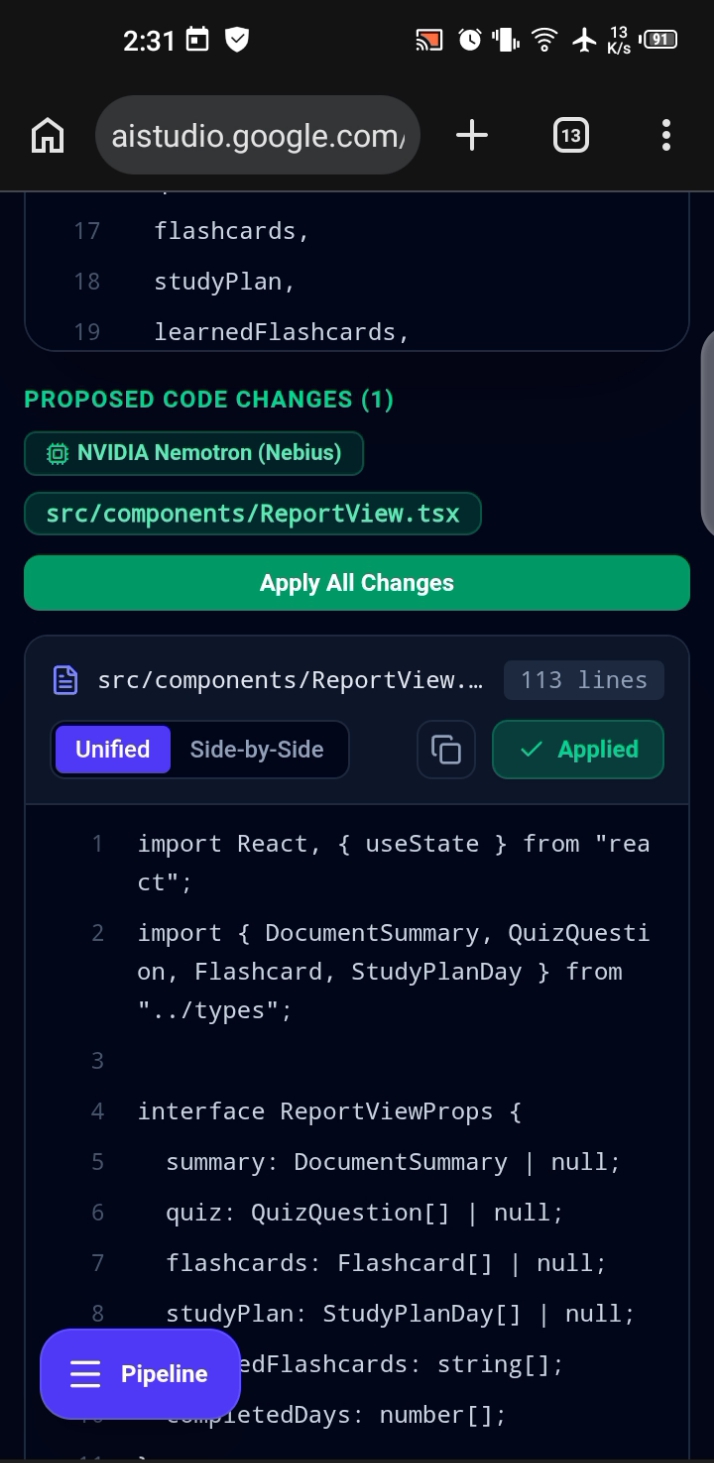
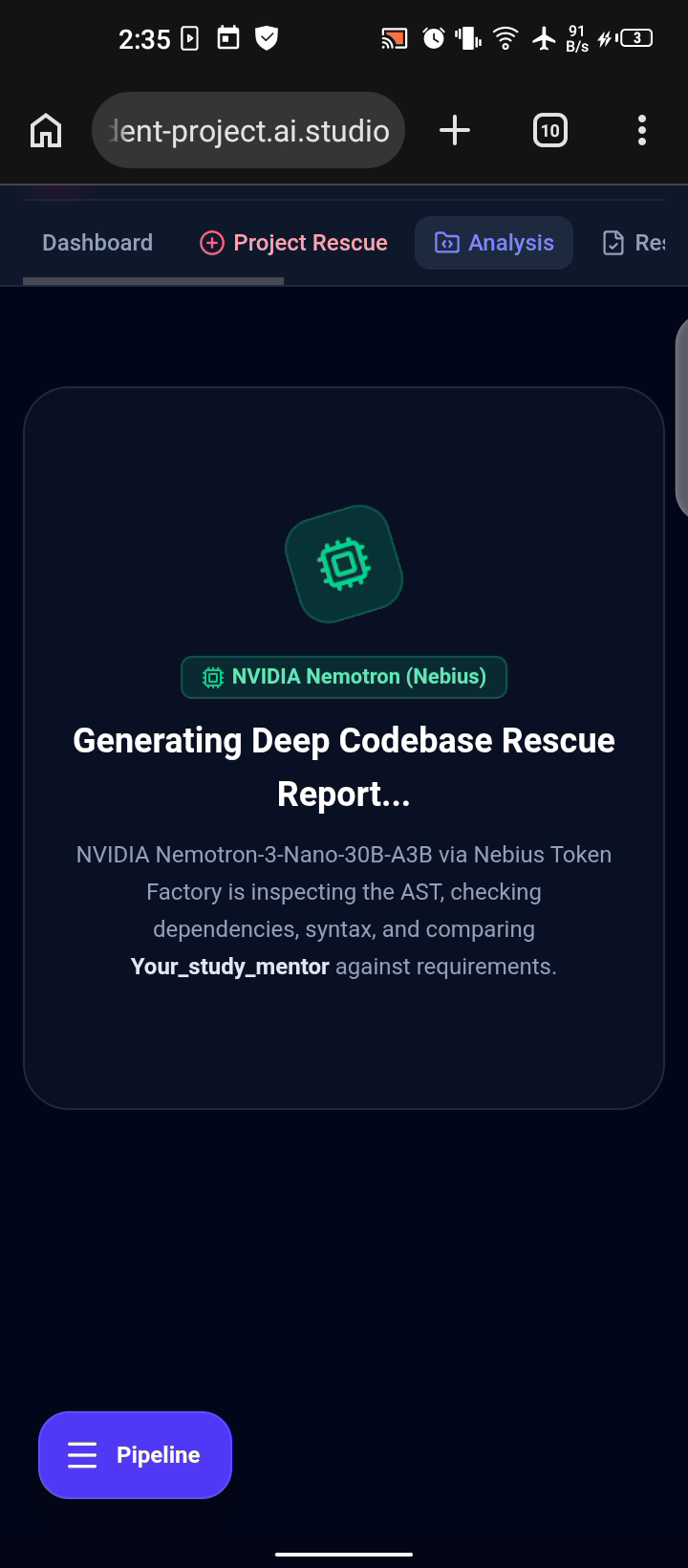
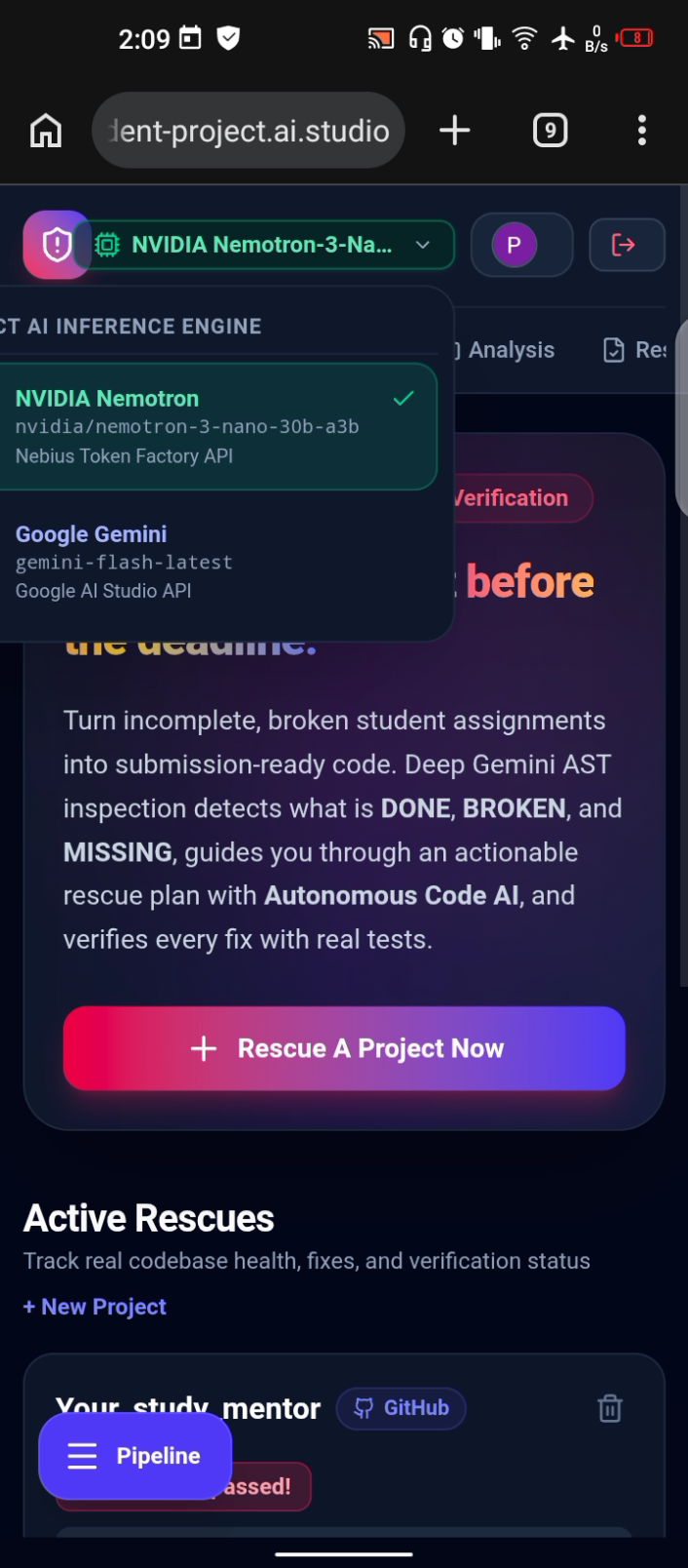
- AI Model Selection: Choose between Google Gemini and NVIDIA Nemotron through Nebius Token Factory.
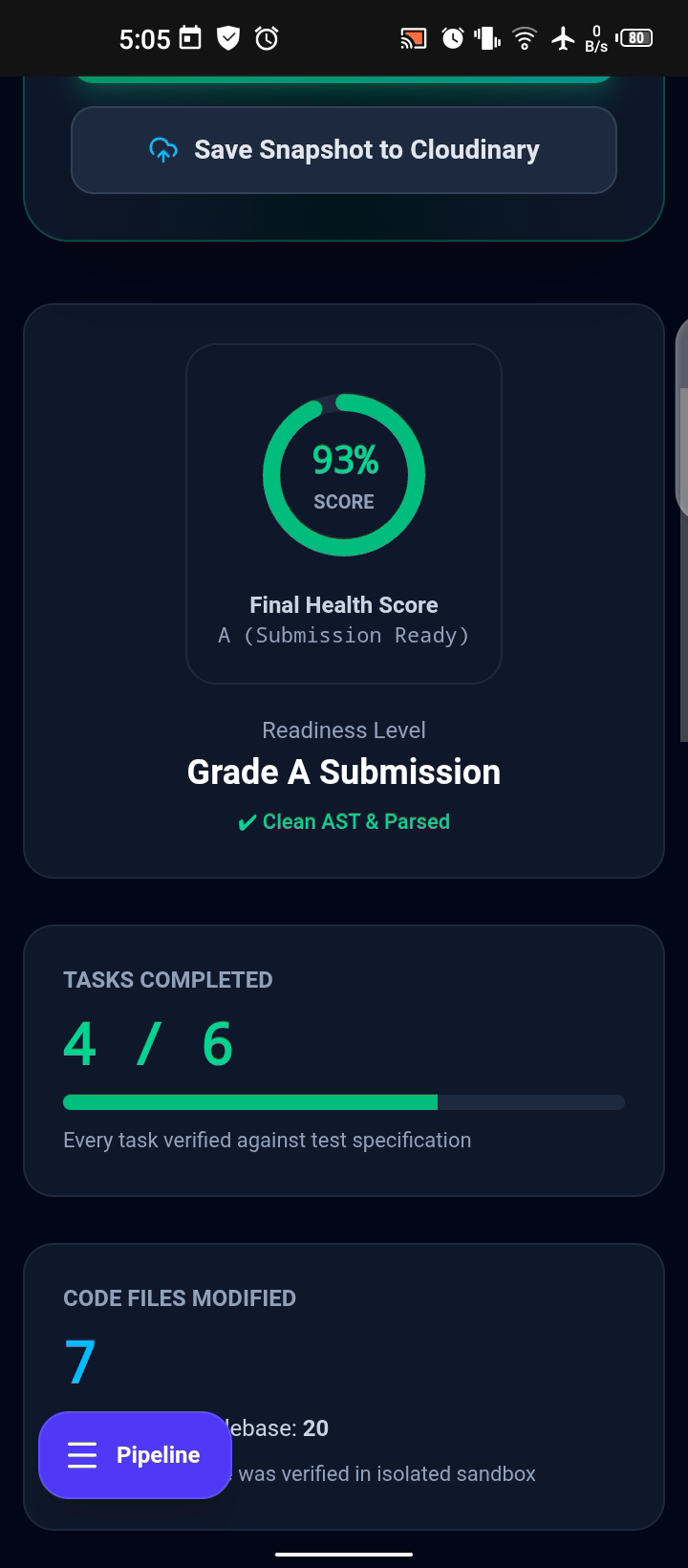
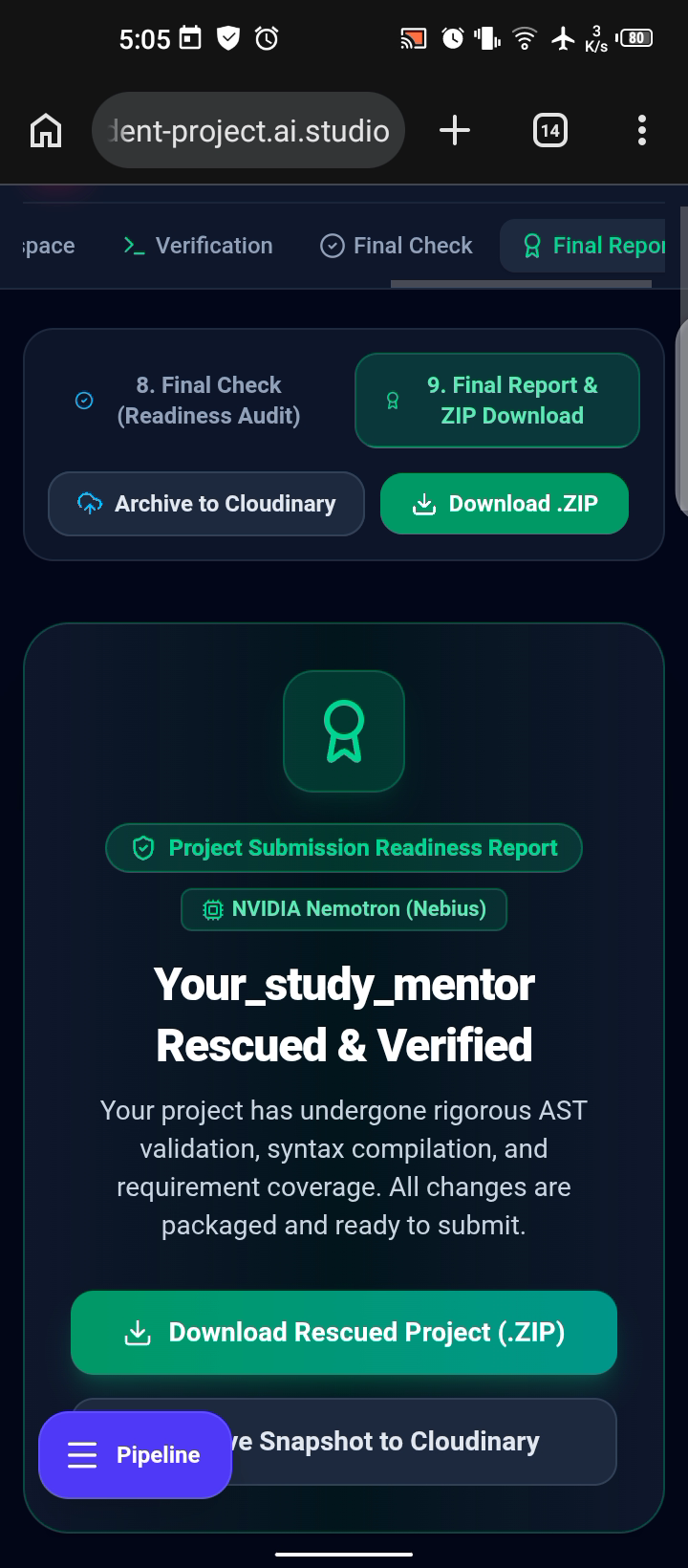
- Final Rescue Report: Review project health, modified files, task status, and remaining issues.
How We Built It
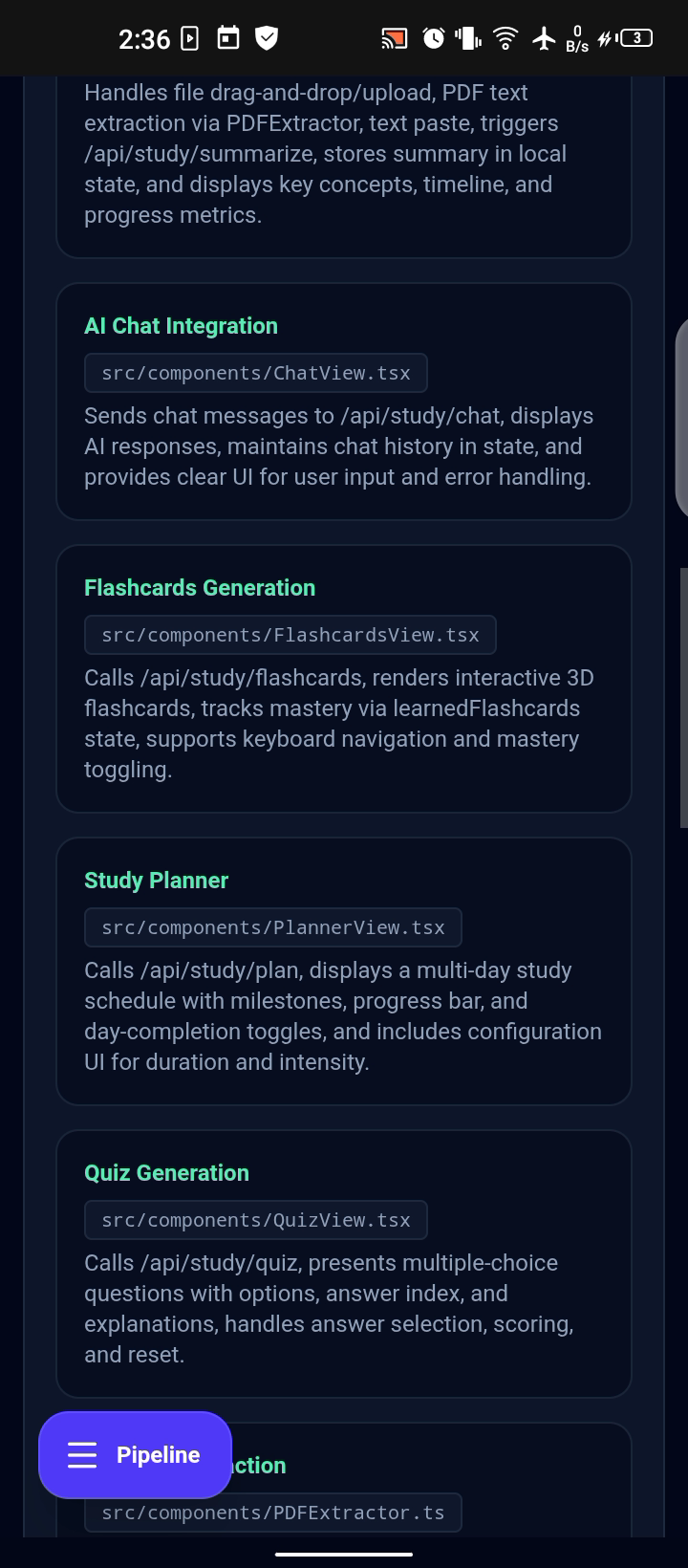
We built Rescue Student Project as a full-stack AI application that combines project analysis, task planning, coding assistance, and verification in one workflow.
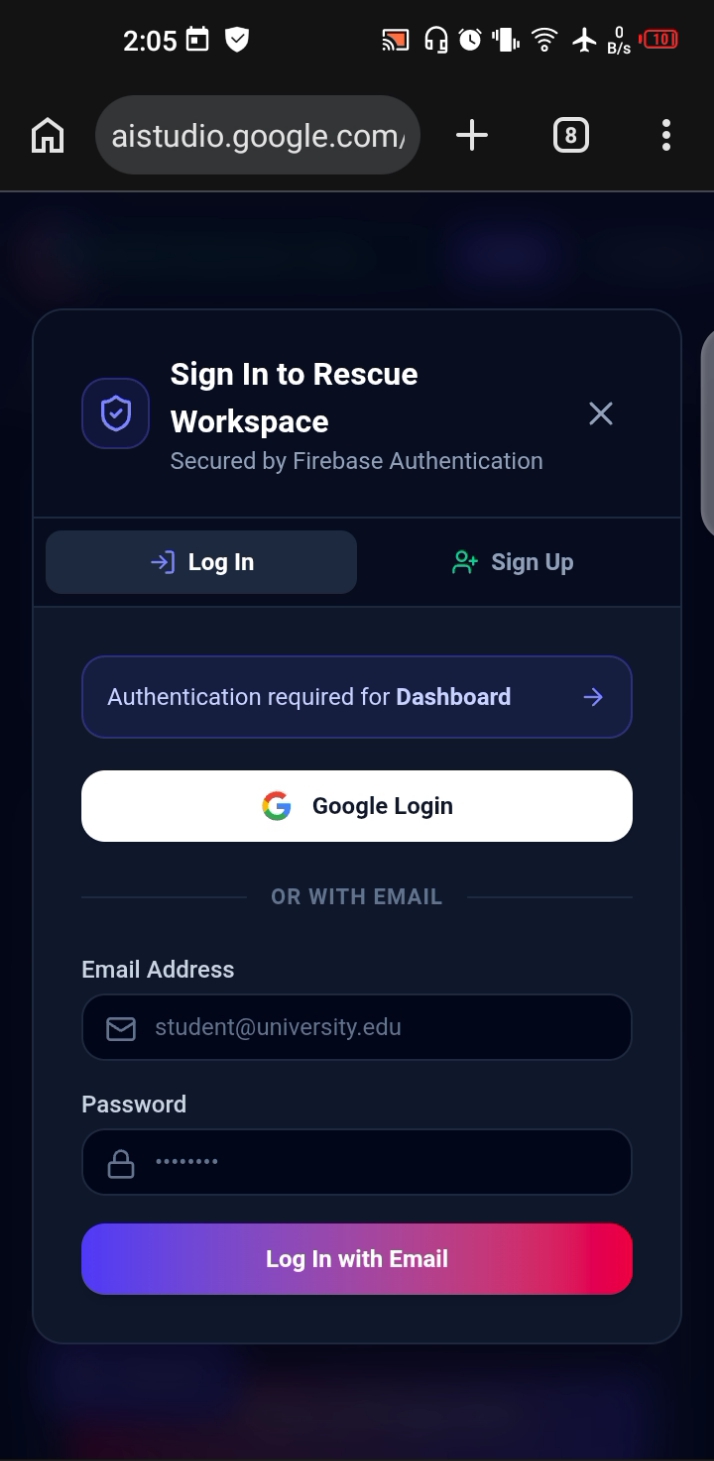
The application supports Google sign-in through Firebase Authentication and provides a dashboard for managing projects.
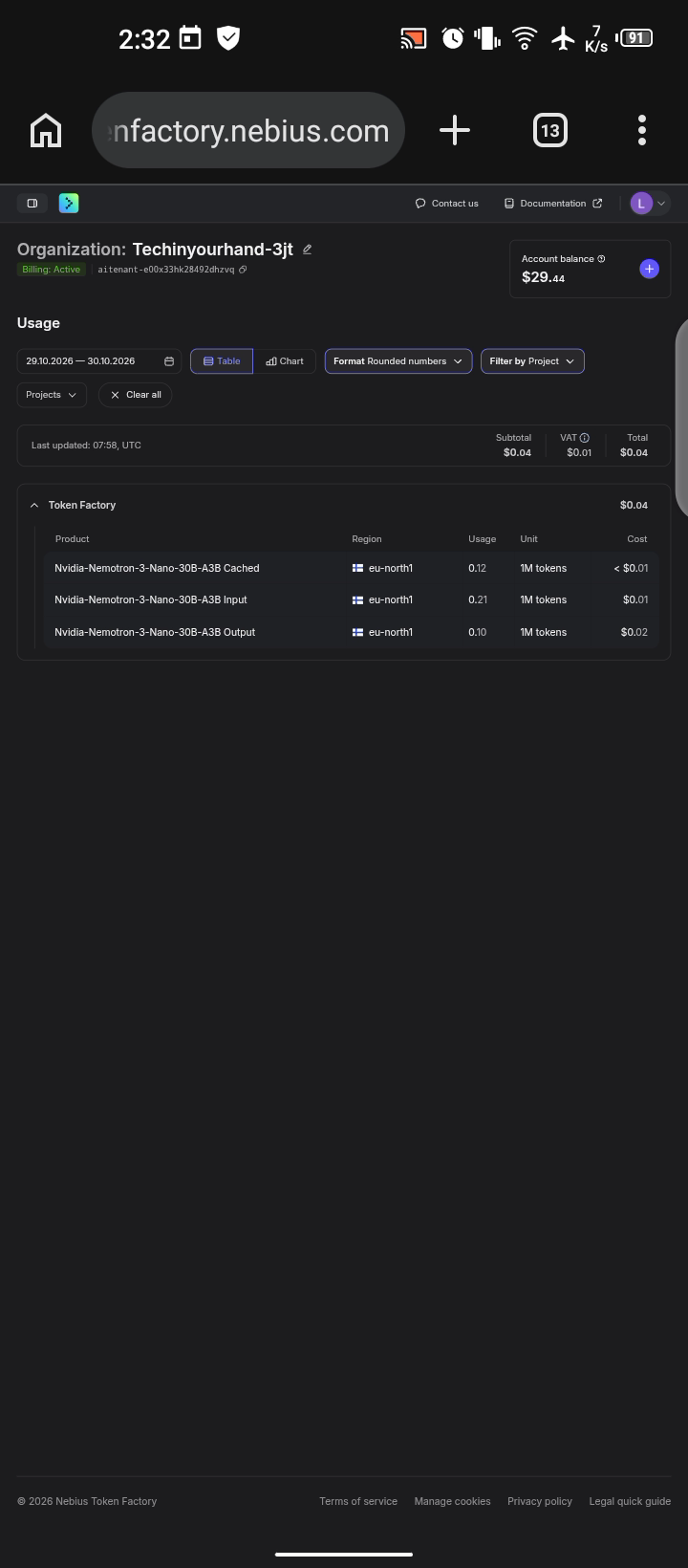
For AI-powered workflows, users can select Google Gemini or NVIDIA Nemotron-3-Nano-30B-A3B through Nebius Token Factory. We also captured Token Factory usage evidence showing model token consumption and associated costs during the selected reporting period.
The workflow follows a practical sequence:
Import → Analyze → Plan → Fix → Verify → Report
Rather than simply generating code, the platform helps students organize their recovery process and distinguish between tasks that have passed available checks and those that still require testing.
Challenges We Faced
One major challenge was designing a workflow that could handle different project structures and technical problems without overwhelming students.
Another challenge was integrating AI model selection into the development workflow and making it possible to inspect actual Nebius Token Factory usage.
We also focused on making task verification an explicit part of the process, because a generated code change should not automatically be treated as a successful fix.
What We Learned
Building this project strengthened our understanding of AI integration, full-stack development, codebase analysis, structured task planning, and verification workflows.
We learned that useful AI development tools need more than powerful models. They also need clear workflows, meaningful feedback, and transparency about what has and has not been verified.
What's Next
Our next steps include expanding project-language support, improving automated testing, strengthening code-change validation, and making project recovery more reliable across different codebases.
We want to help more students turn unfinished or broken projects into working software they can understand, test, and confidently improve.
Our Mission
Every student deserves a chance to finish what they started.
Rescue Student Project helps students move from project panic to a clear plan of action—one problem, one fix, and one verification step at a time.
Built With
- api
- css
- drizzle
- esbuild
- express.js
- factory
- firebase
- gemini
- jszip
- lucide
- nebius
- nemotron
- neon
- node.js
- nvidia
- orm
- postgresql
- react
- rest
- tailwind
- token
- typescript
- vite


Log in or sign up for Devpost to join the conversation.