-
-
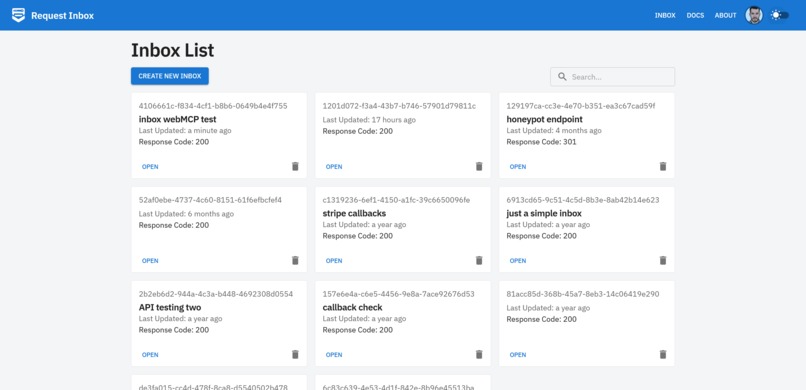
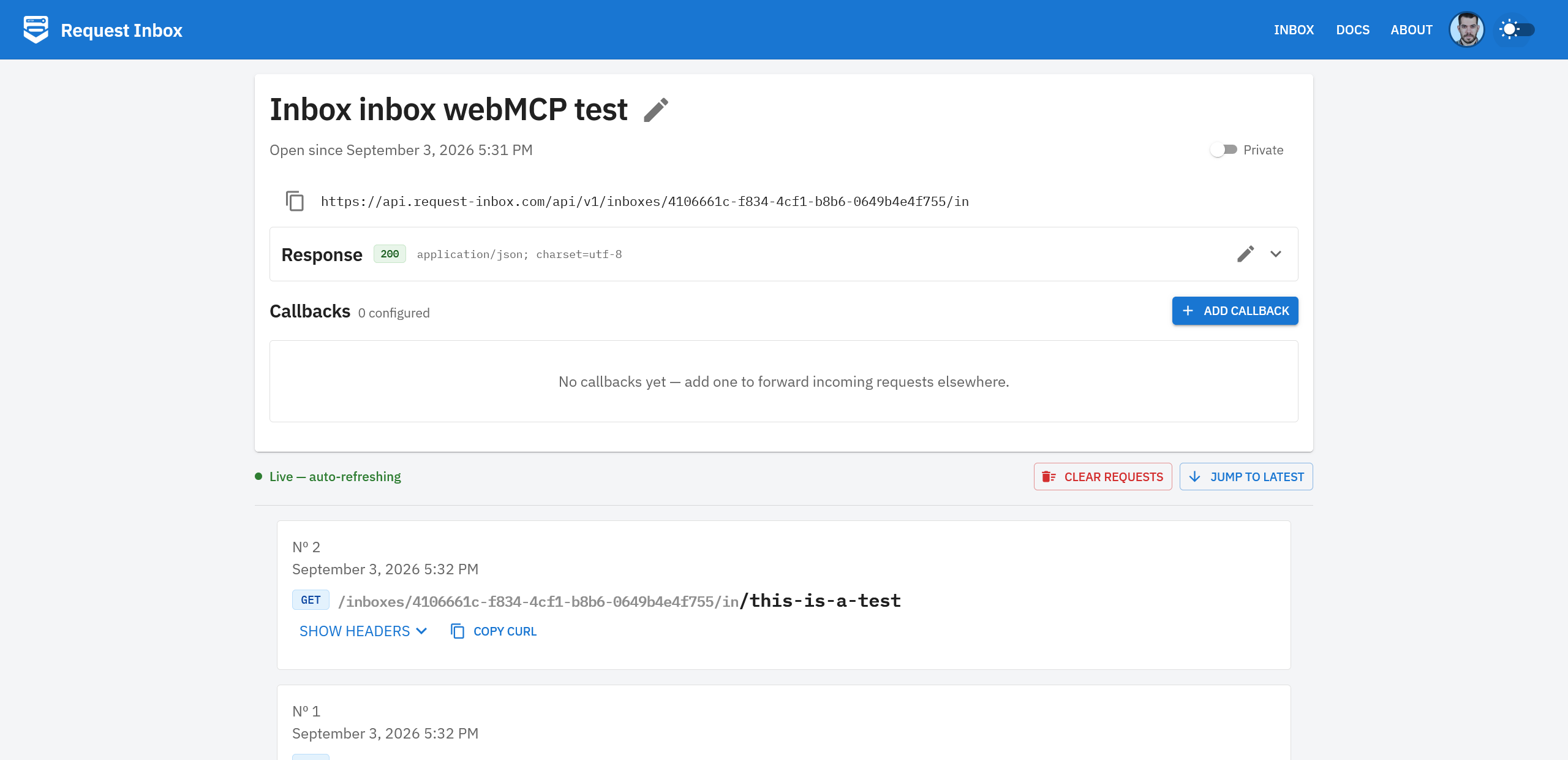
Request inbox list
-
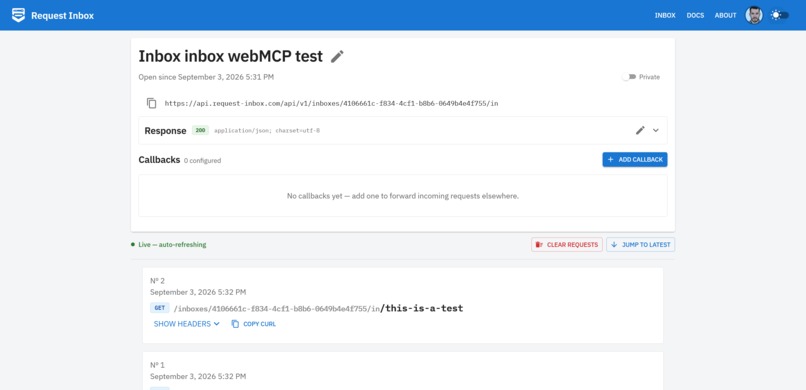
Request inbox detail
-
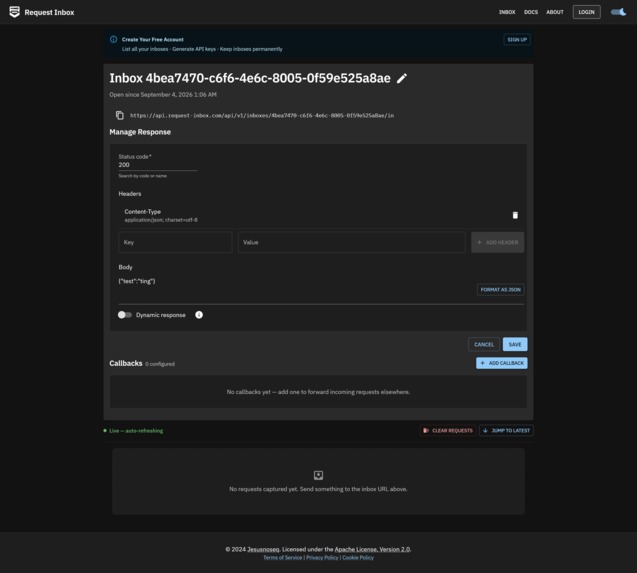
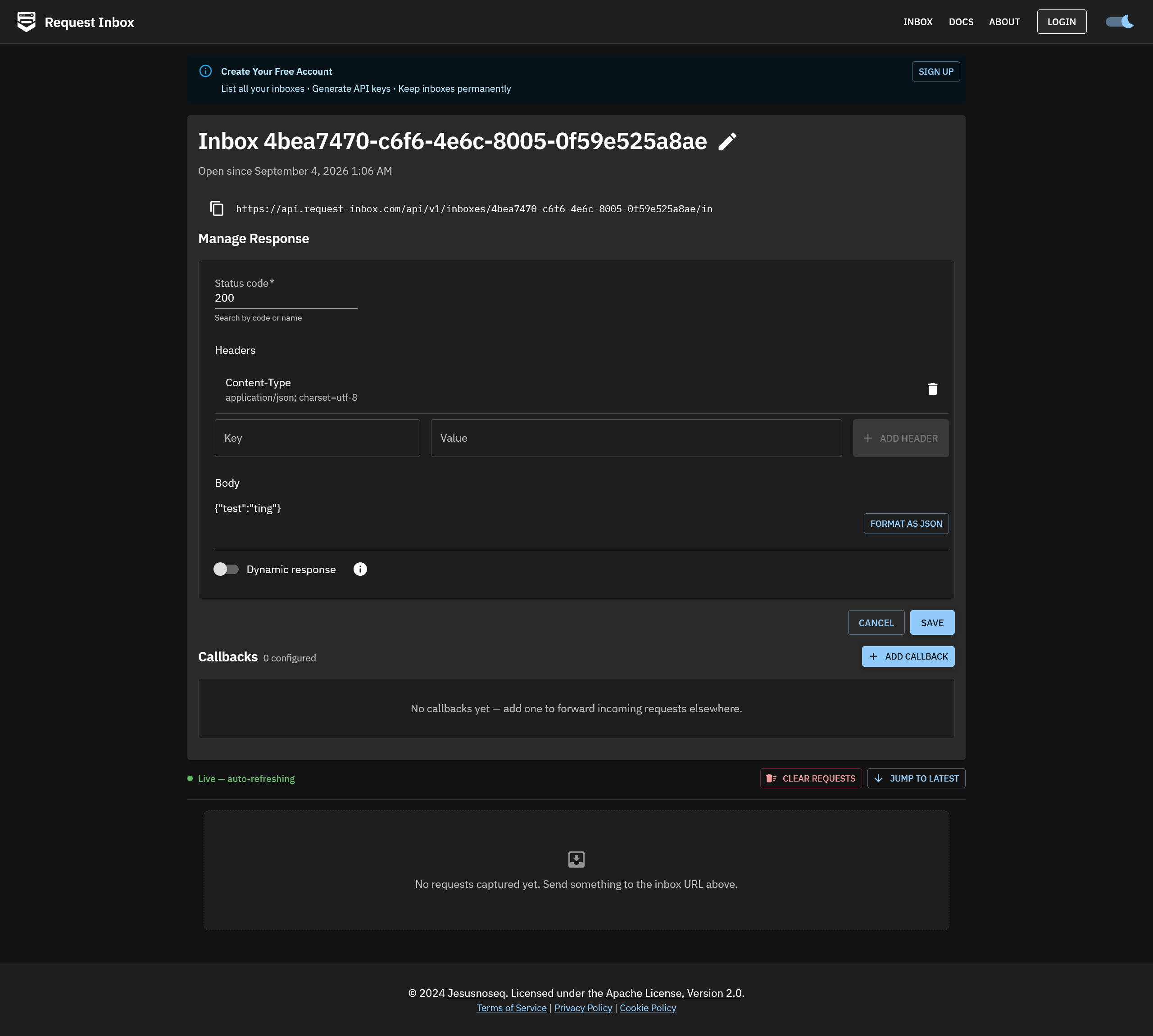
Request inbox editing response
Inspiration
I wanted to make my little side project a little easier to use. Request Inbox can be useful, but properly configuring dynamic responses with templates can be painful. I saw that WebMCP could solve that gap — specific knowledge that no one wants to spend time learning.
What it does
Allows using the tool without having to configure the callbacks or responses yourself. I also added a few UI improvements like retrying callbacks and copying requests as cURL.
How we built it
I used my Request Inbox as the base project. I used VSC as my IDE and Opencode configured with an OpenAI subscription. To test, I used Google Chrome at first to trigger the imperative functions, and later Opencode with Chrome DevTools to trigger the complete target flow.
Challenges we ran into
I had no idea how to test WebMCP tools at first. I didn't know I was this early to the tech!
Accomplishments that we're proud of
In a short period of time, I was able to get WebMCP working in my little side project.
What we learned
I learned how to do an MCP and WebMCP integration. It's not hard, but it requires proper testing.
What's next for Request Inbox with WebMCP + MCP
I'll keep testing and improving the WebMCP and MCP integrations to learn this tech properly. I joined the hackathon a few days ago, so I didn't have enough time to do everything right.
Built With
- css3
- golang
- openai
- opencode
- react
- react-webmcp
- typescript

Log in or sign up for Devpost to join the conversation.