-
-
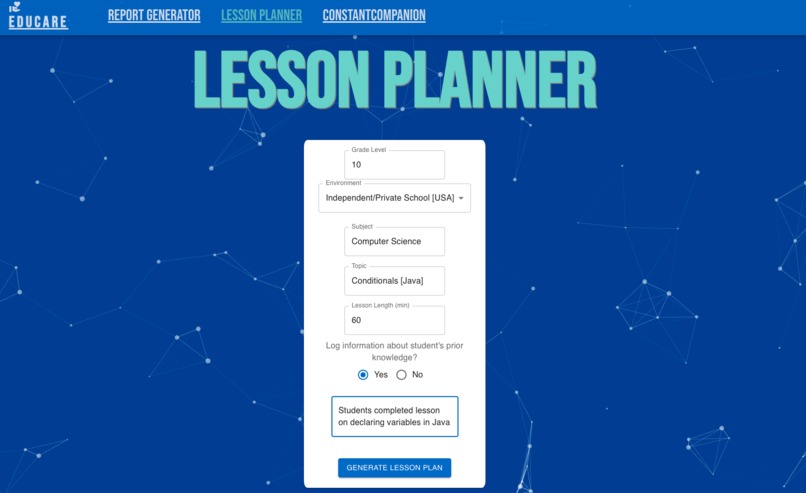
Log some details about the student you'd like to generate a report for
-
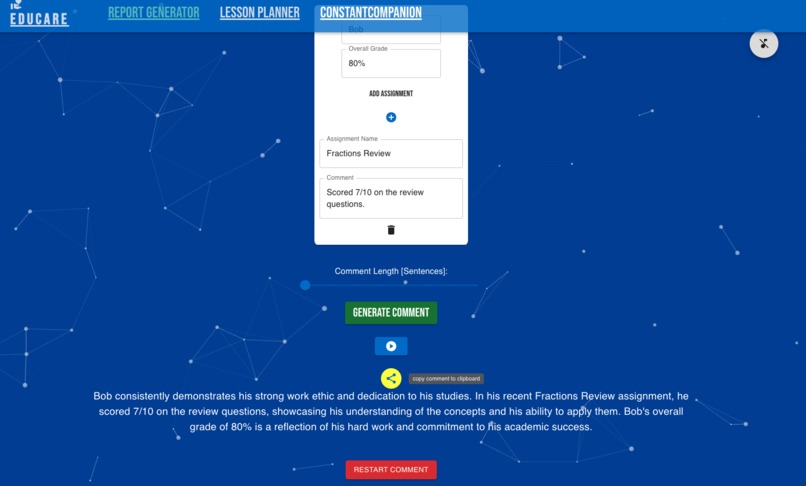
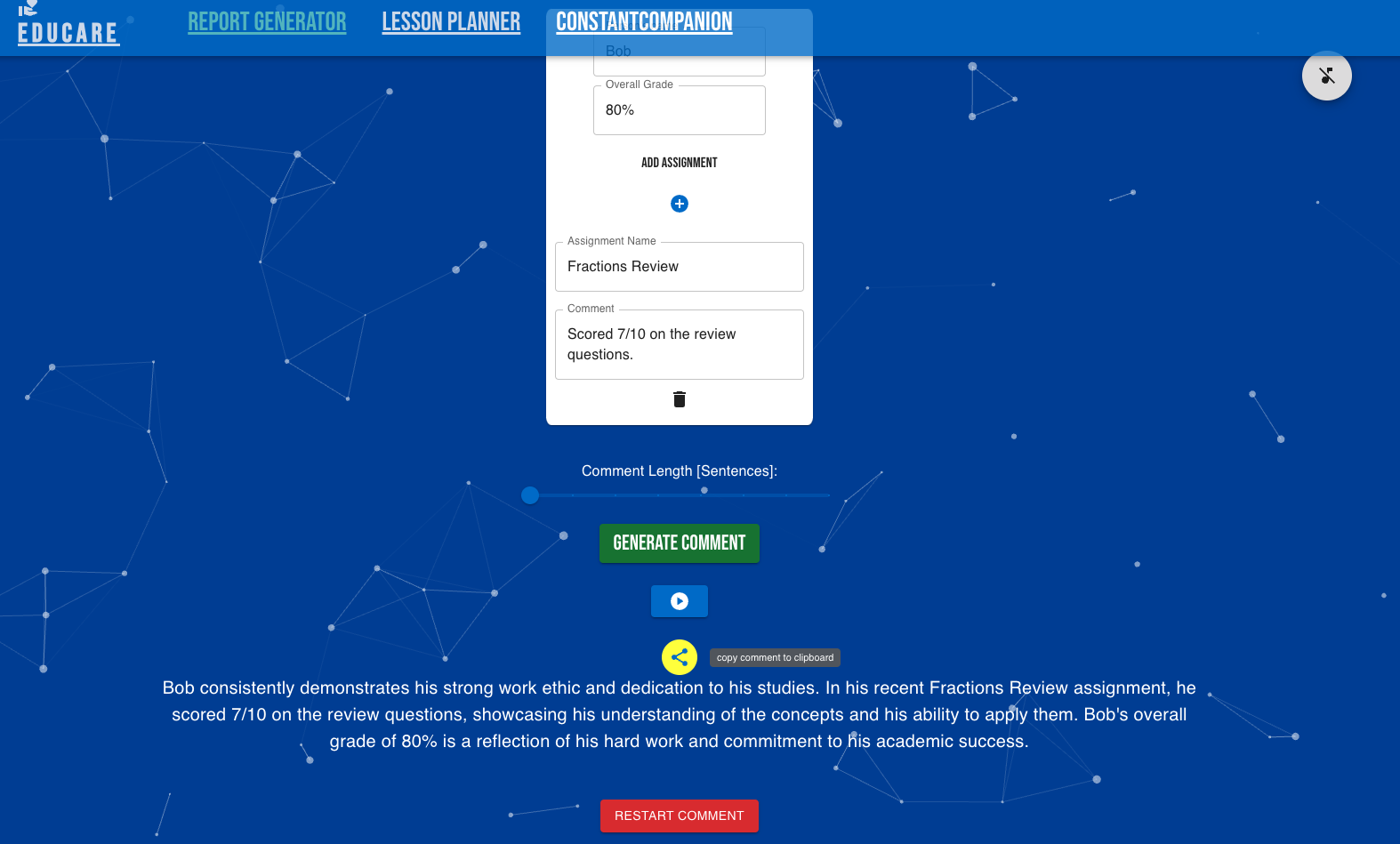
The output appears as text. There is a button to have the text read aloud and a button to copy to clipboard.
-
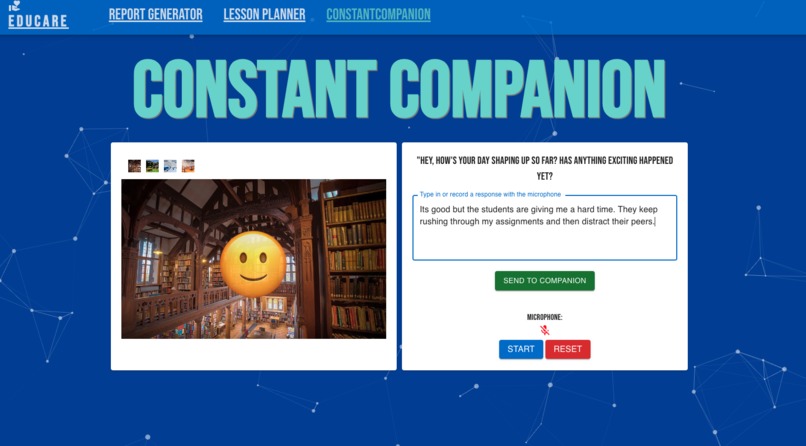
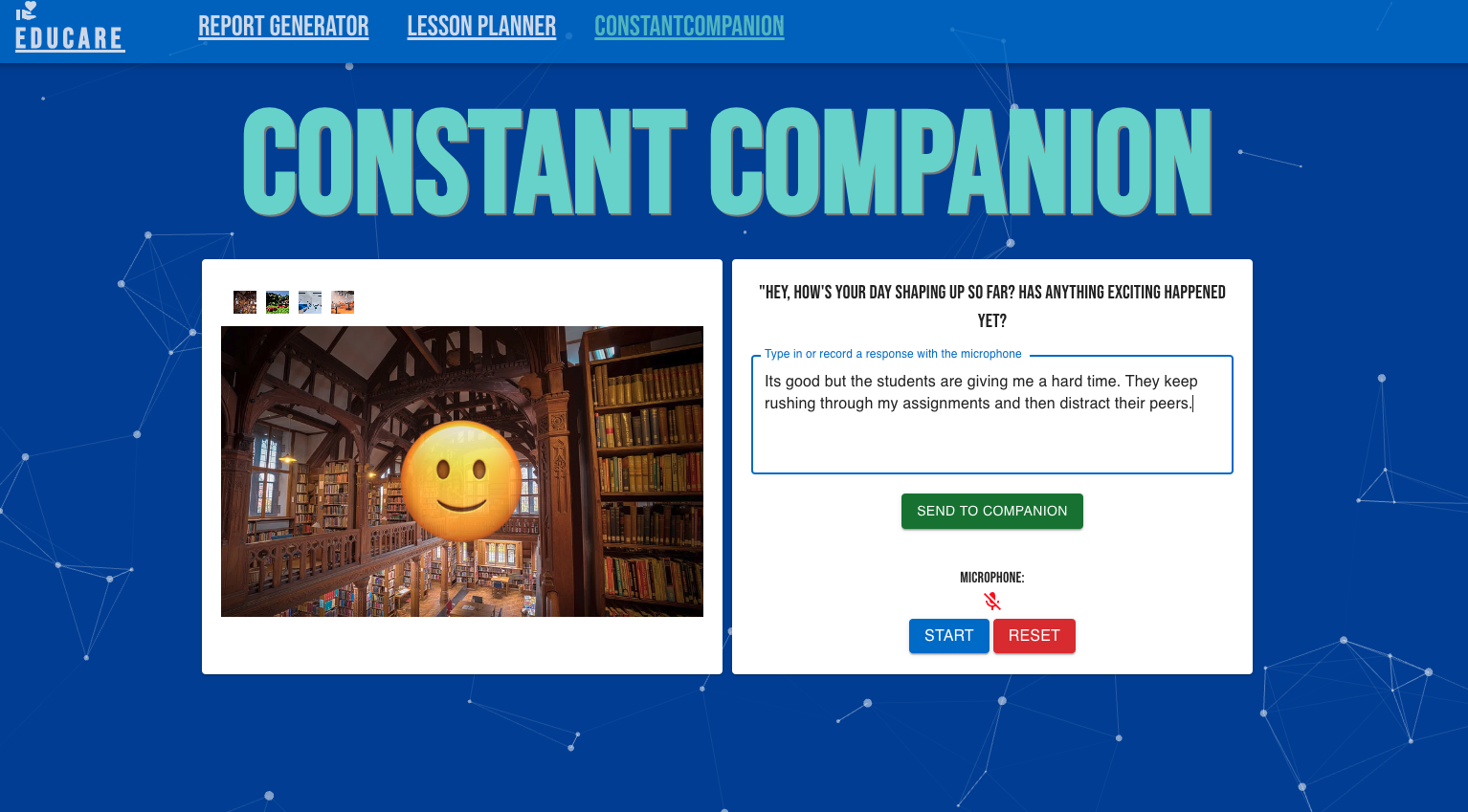
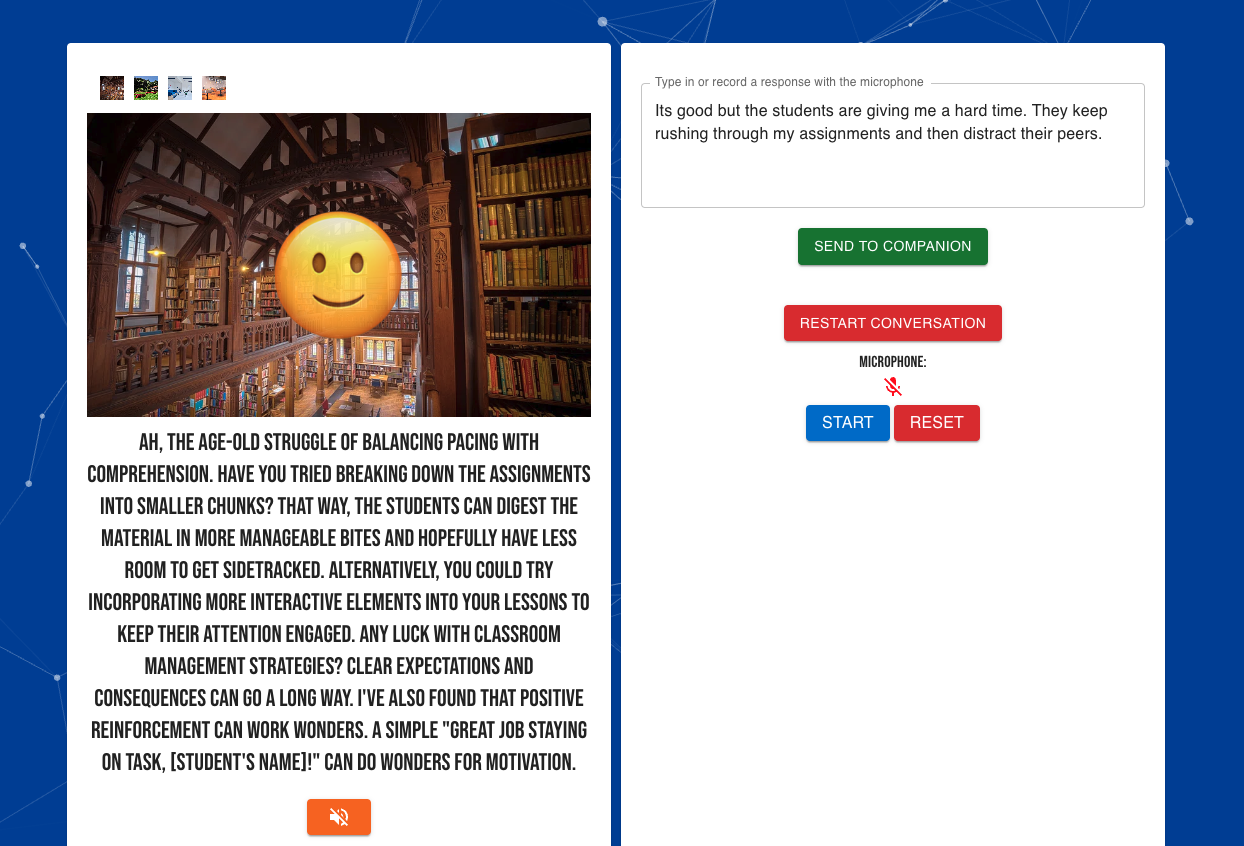
Ask the constant companion a question or brainstorm some ideas!
-
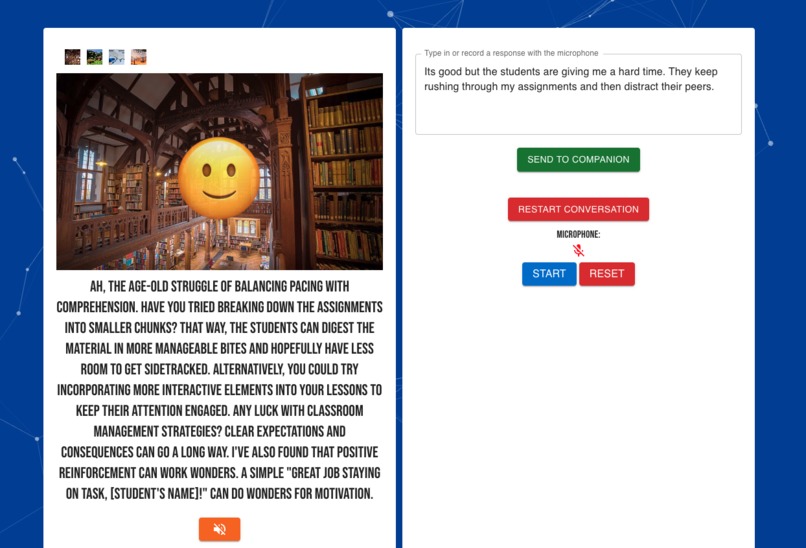
The output appear as text. If the app is used on desktop the face will also move as it talks back!
-
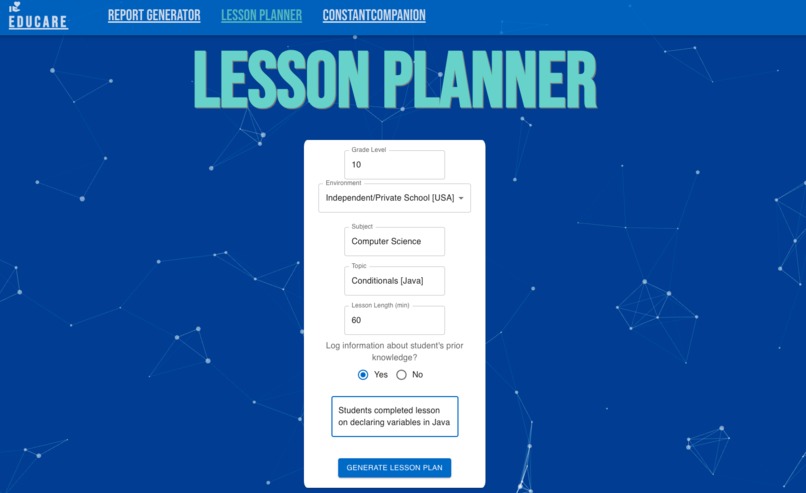
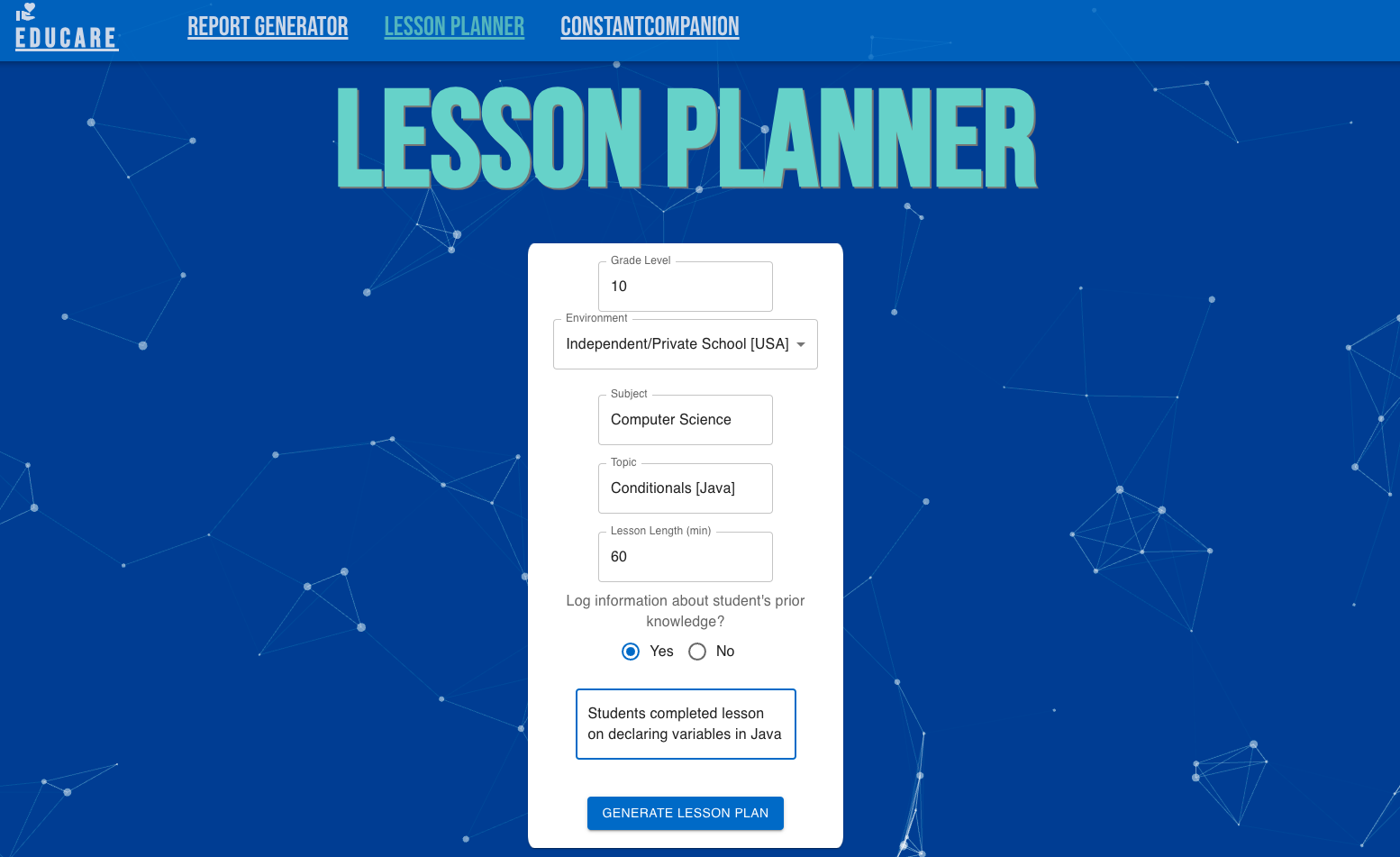
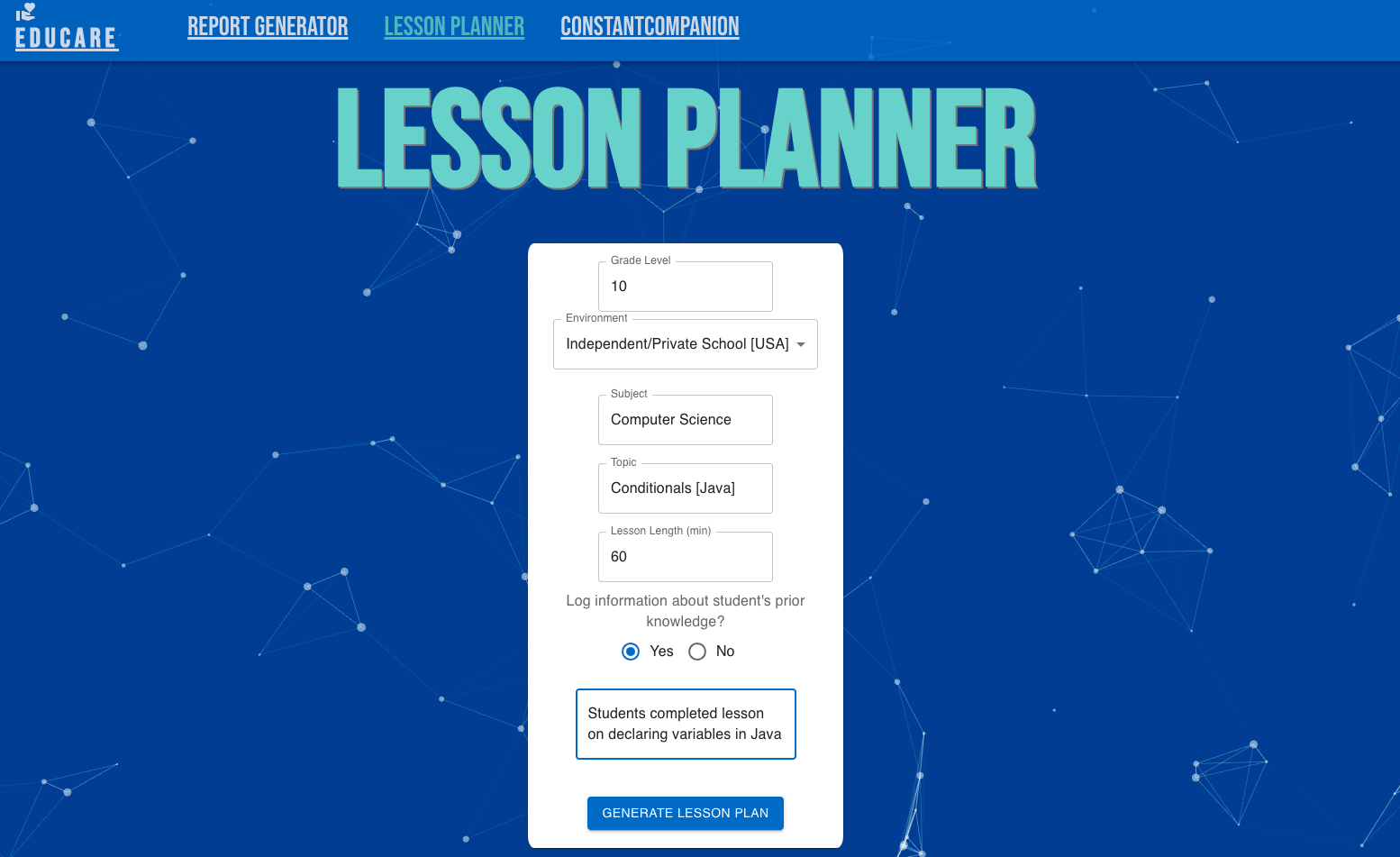
Log details about the lesson plan you'd like generated.
-
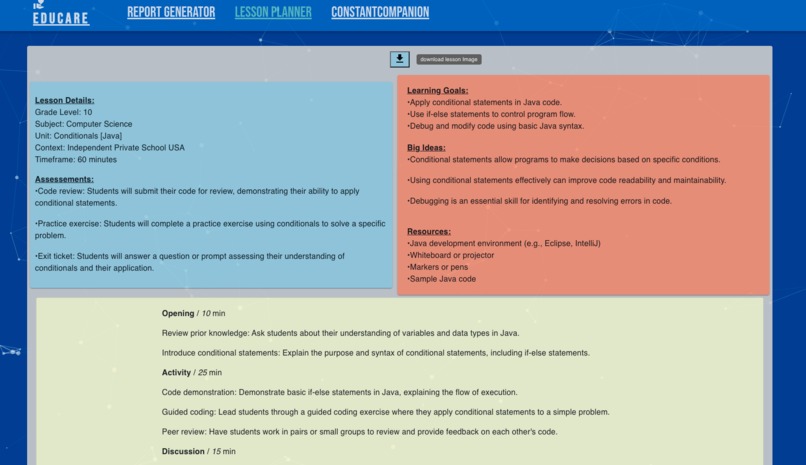
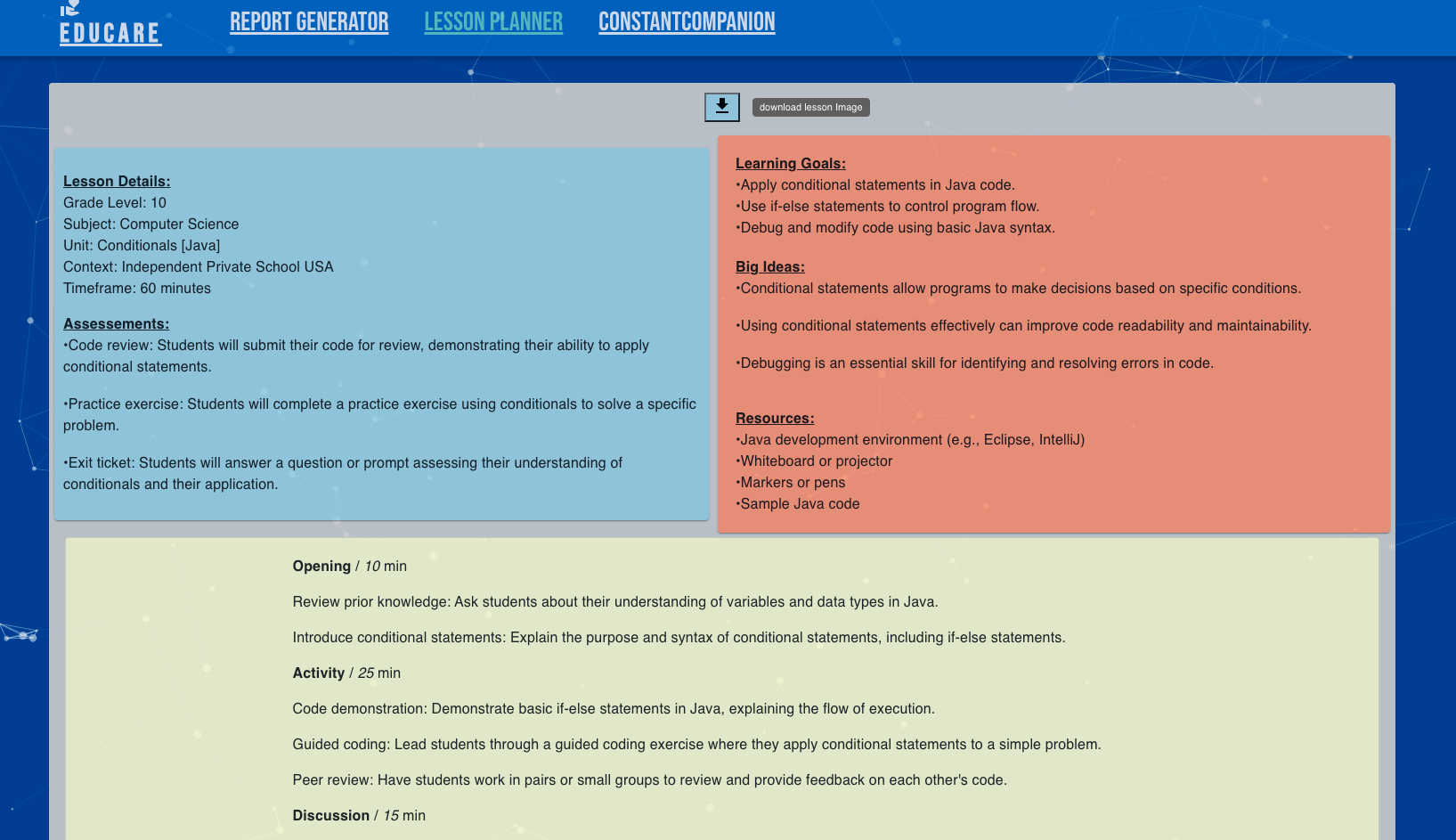
The output appears as an image. A button is at the top to download the image.
Inspiration
Throughout the school year, numerous tasks consume a significant amount of time beyond classroom teaching. AI-based large language models (LLMs) offer a way to simplify, enhance, and standardize much of this non-teaching-related workflow. Additionally, in some instances, AI serves as a tool for brainstorming and fostering well-being through dialogue.
What it does
EduCare aims to alleviate time constraints experienced by educators throughout the school year by leveraging AI-enhanced productivity tools. Specifically, the app provides streamlined solutions for report writing, lesson planning, and the maintenance of individual well-being.
The application comprises three key services:
Report Generator: This feature enables users to generate reports or assessments for students based on overall scores. Users can optionally log assignments to provide additional context for the AI model. The length of the comment can be controlled using a slider, and users can utilize the audio feature to have comments read aloud for proofreading purposes.
Lesson Planner: Users input necessary data and receive comprehensive lesson plans complete with learning goals, big ideas, material lists, and pacing guidelines. Optionally, users can provide details about students' prior knowledge or learning on a topic to offer context for the AI model to develop the lesson plan. Once generated, users can download an image of the lesson plan file.
Constant Companion: Engage in conversations with an AI chatbot primed to act as a supportive school colleague. Users can seek advice on lesson planning or discuss behavioral management challenges with students. The chatbot offers empathy and provides guidance. Users can customize the background behind the chatbot's 'face' to enhance their comfort with their constant companion.
How I built it
React.js: The web app was built using this front-end framework.
Google AI Studio/Google Gemini: Google AI Studio enables you to iterate on different AI prompts to determine what works best. Once you have a prompt suitable for your desired use case, you can export it for integration into your code. The AI Studio leverages Google's Gemini AI (Large Language Model).
Google AI Studio use within EduCare: Long Video (~14 min)
Google AI Studio use within EduCare:Short Video (~5 min)
- Material UI: The front-end styling library throughout the app.
Challenges I ran into
Sometimes, it was challenging to determine the right prompt for the AI model and ensure that the output consistently returned in a JSON format usable by the web app.
Accomplishments
I take pride in my ability to blend traditional classroom teaching experience with cutting-edge technology tools like Google Gemini.
What was learned
I've gained extensive knowledge about large language models and how to incorporate their features into applications. My research has exposed me to numerous fascinating use cases for AI and has also opened up possibilities for the future.
What's next for EduCare
I'm eager to refine and improve the app further, with the ultimate goal of seeing it actively used within the classroom. Let's brainstorm some ideas on how we can enhance its functionality and usability to better serve educators and students alike!
Built With
- gemini
- google-ai-studio
- javascript
- react


Log in or sign up for Devpost to join the conversation.