-
-
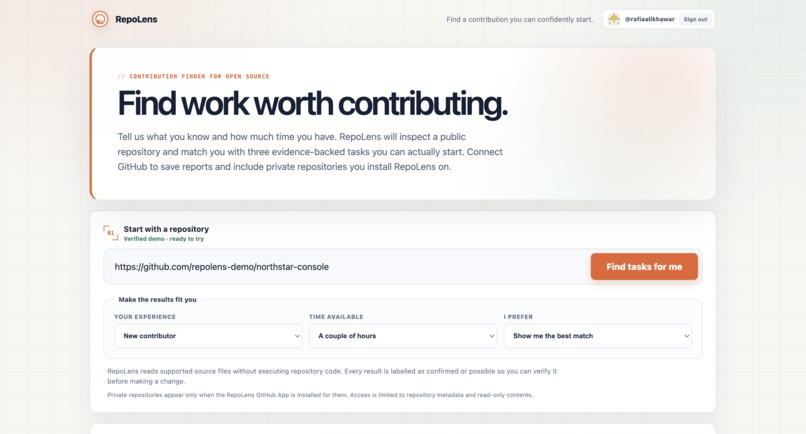
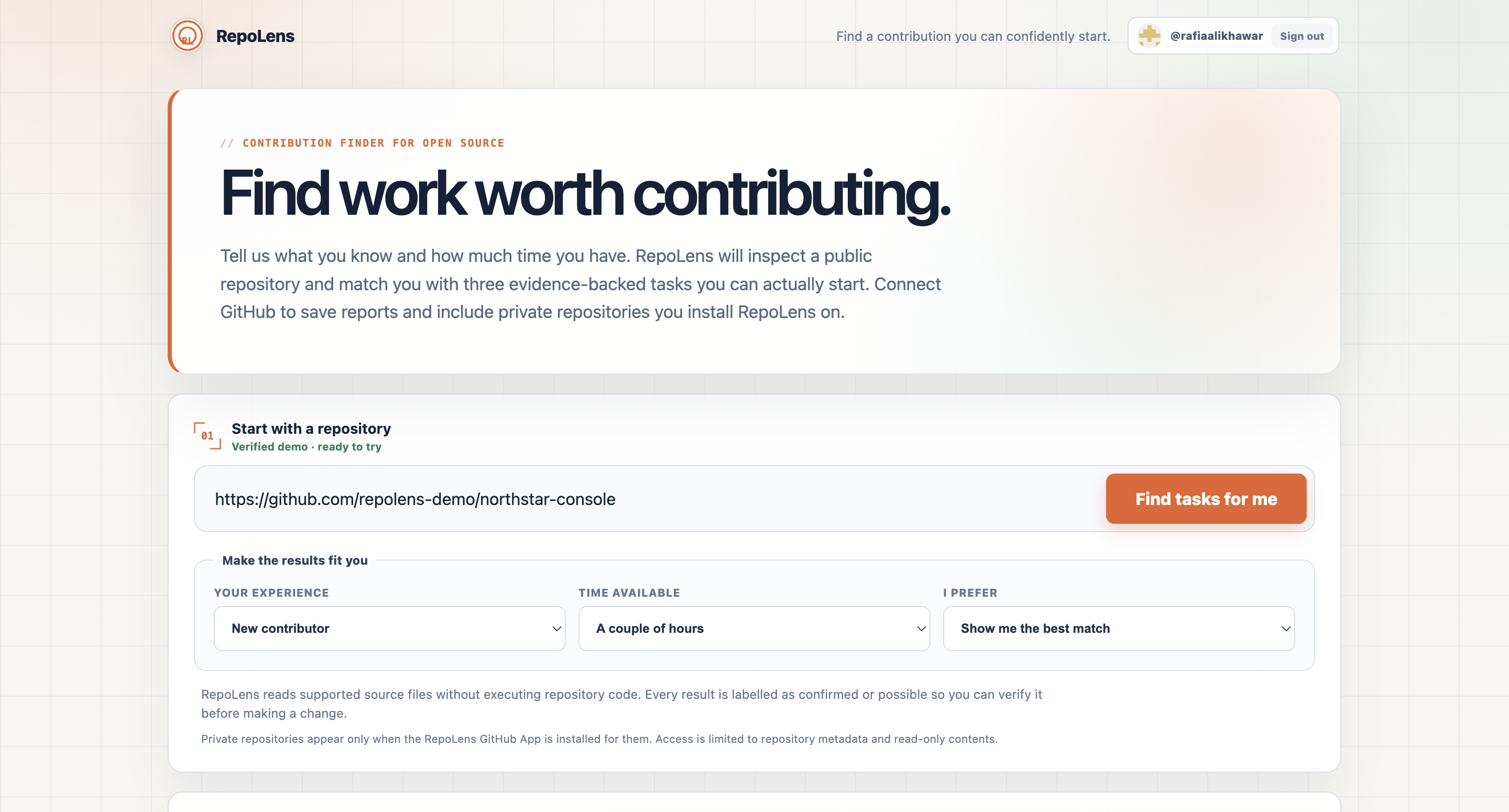
Home Screen
-
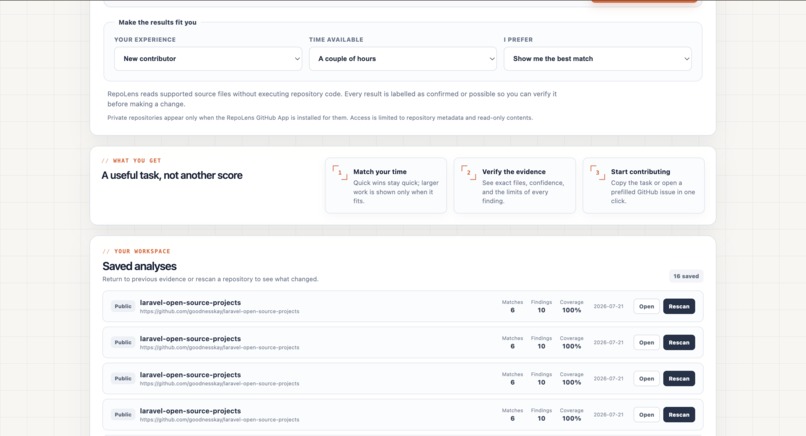
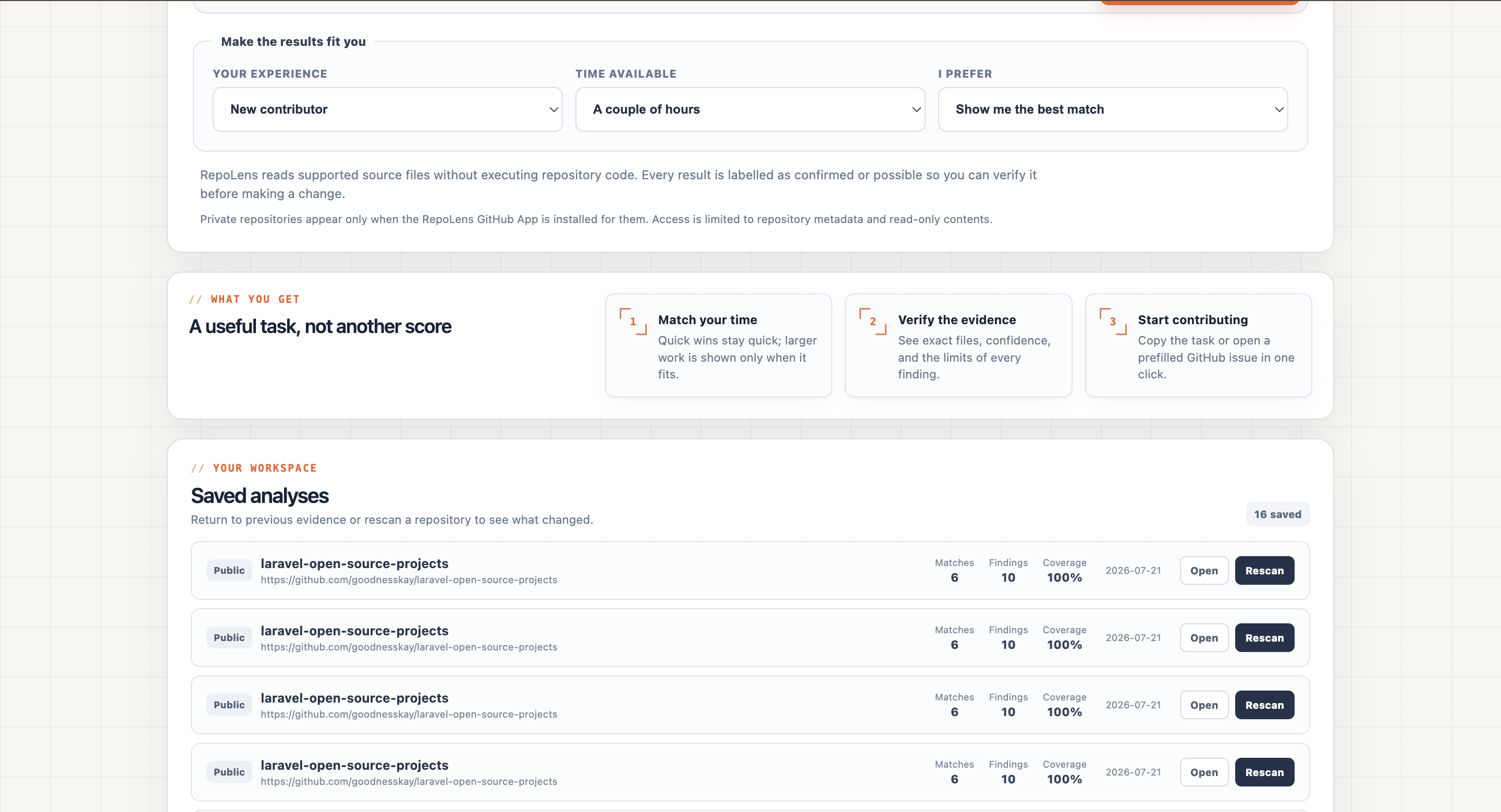
Home Screen / Saved Analysis
-
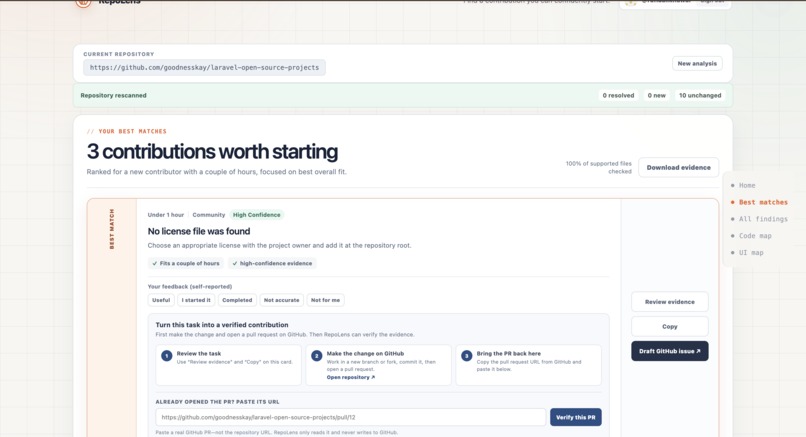
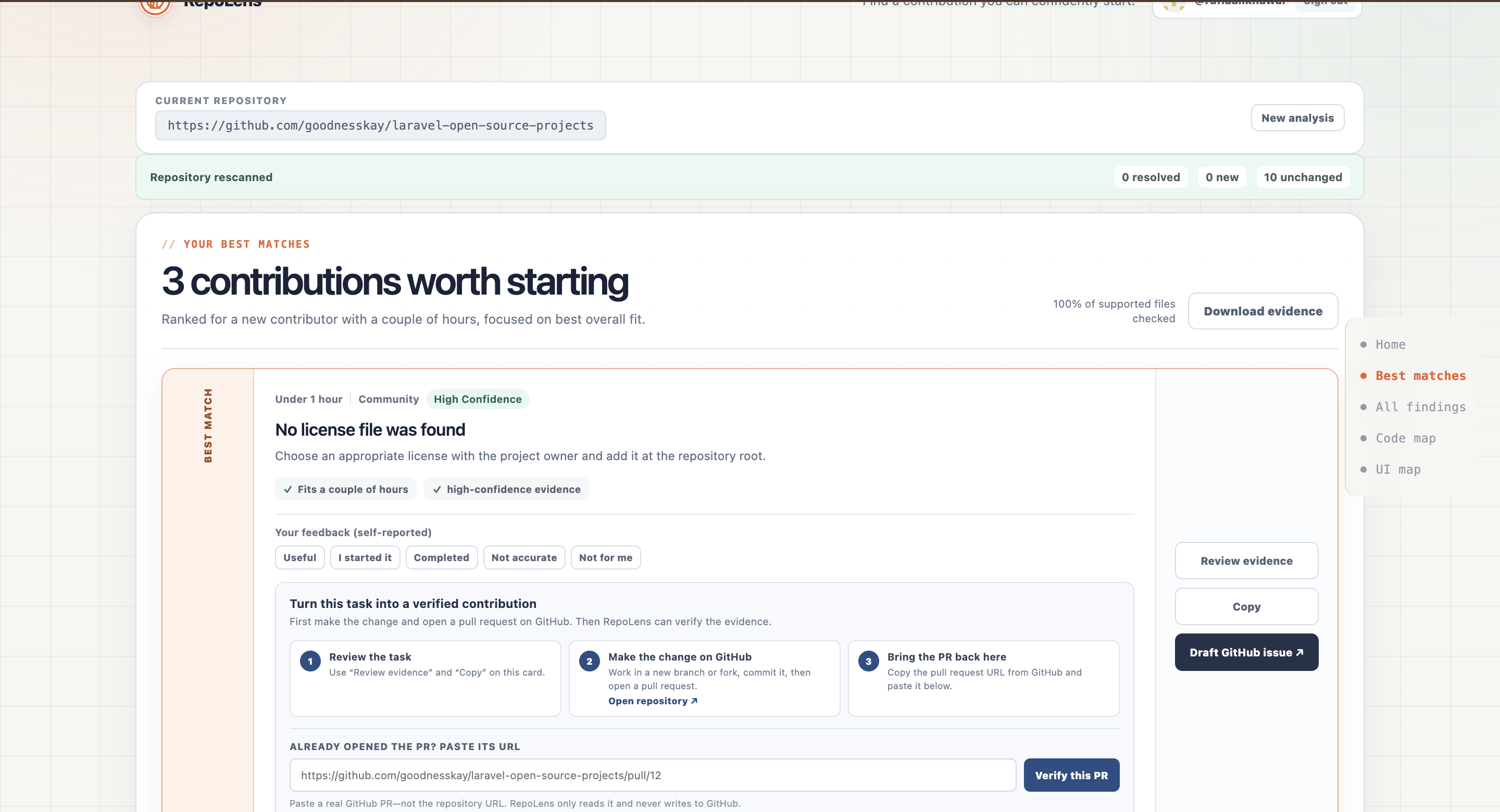
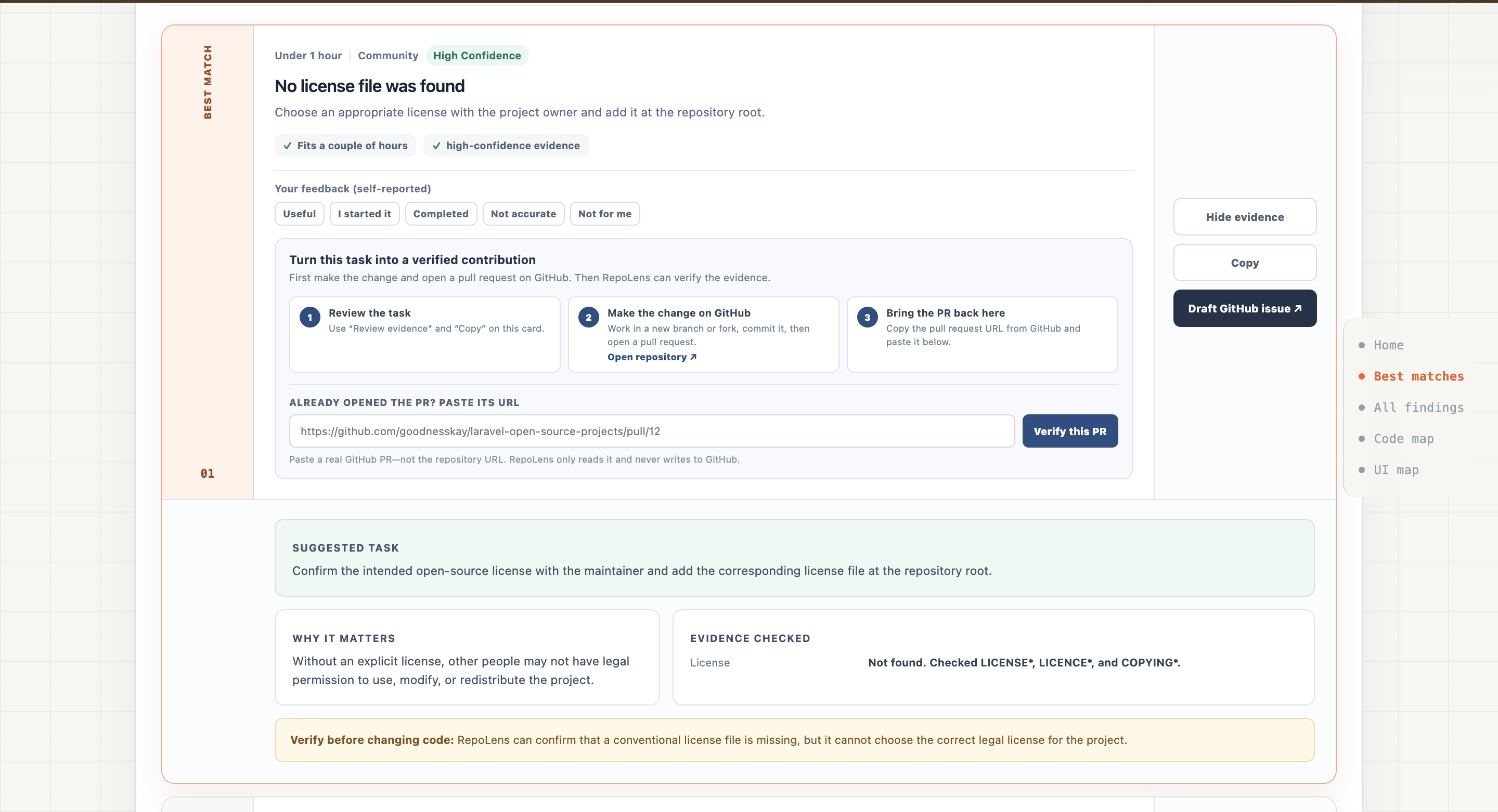
Best Matches
-
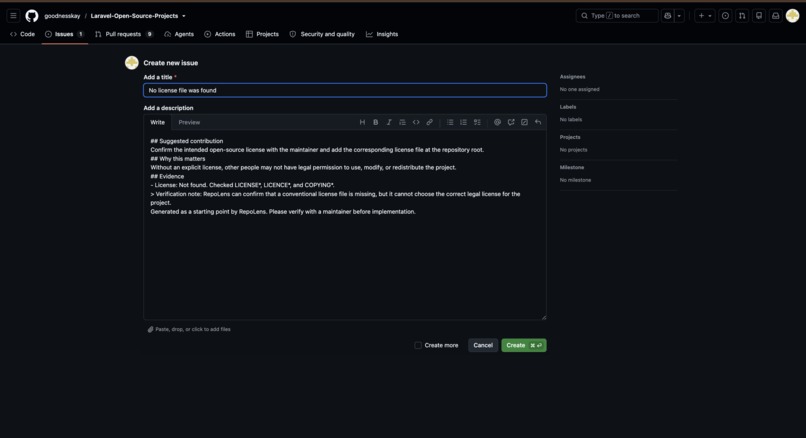
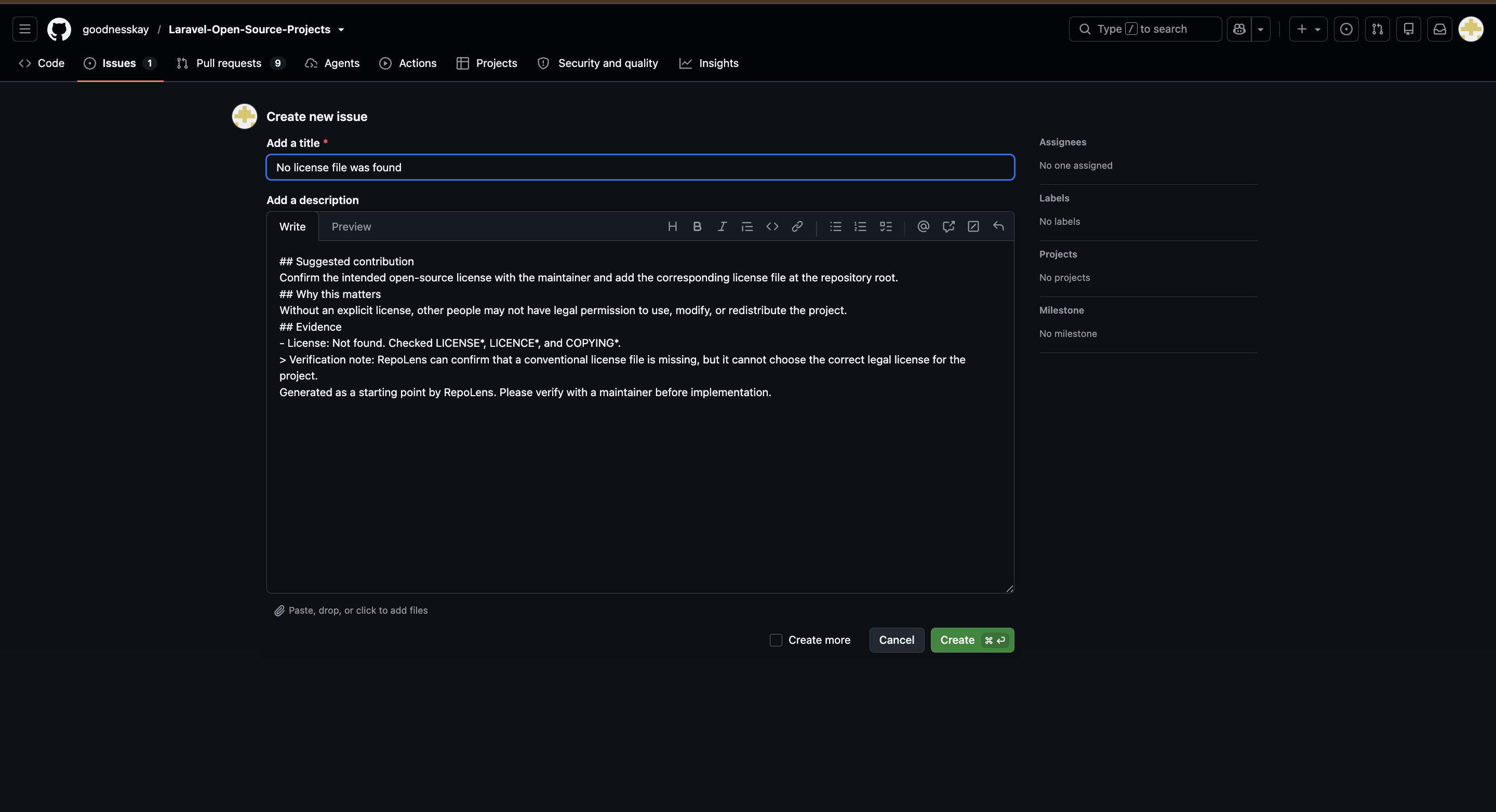
Takes to Draft an Issue
-
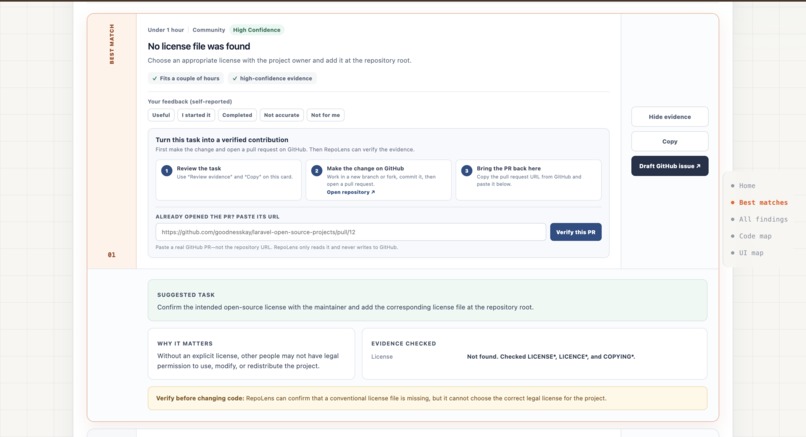
Best Matches / Evidence
-
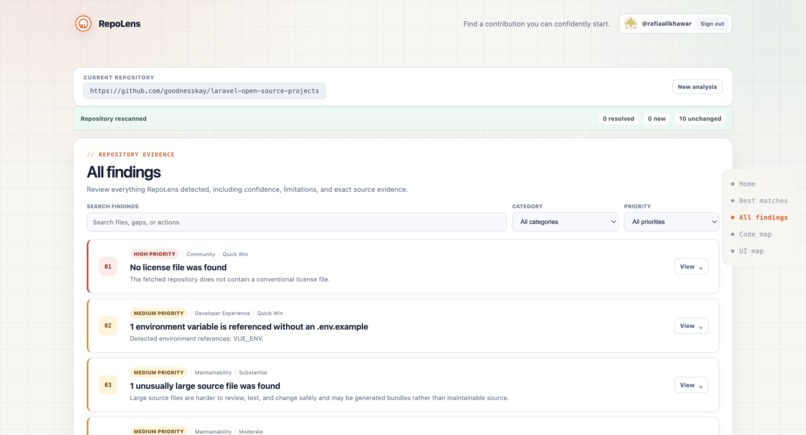
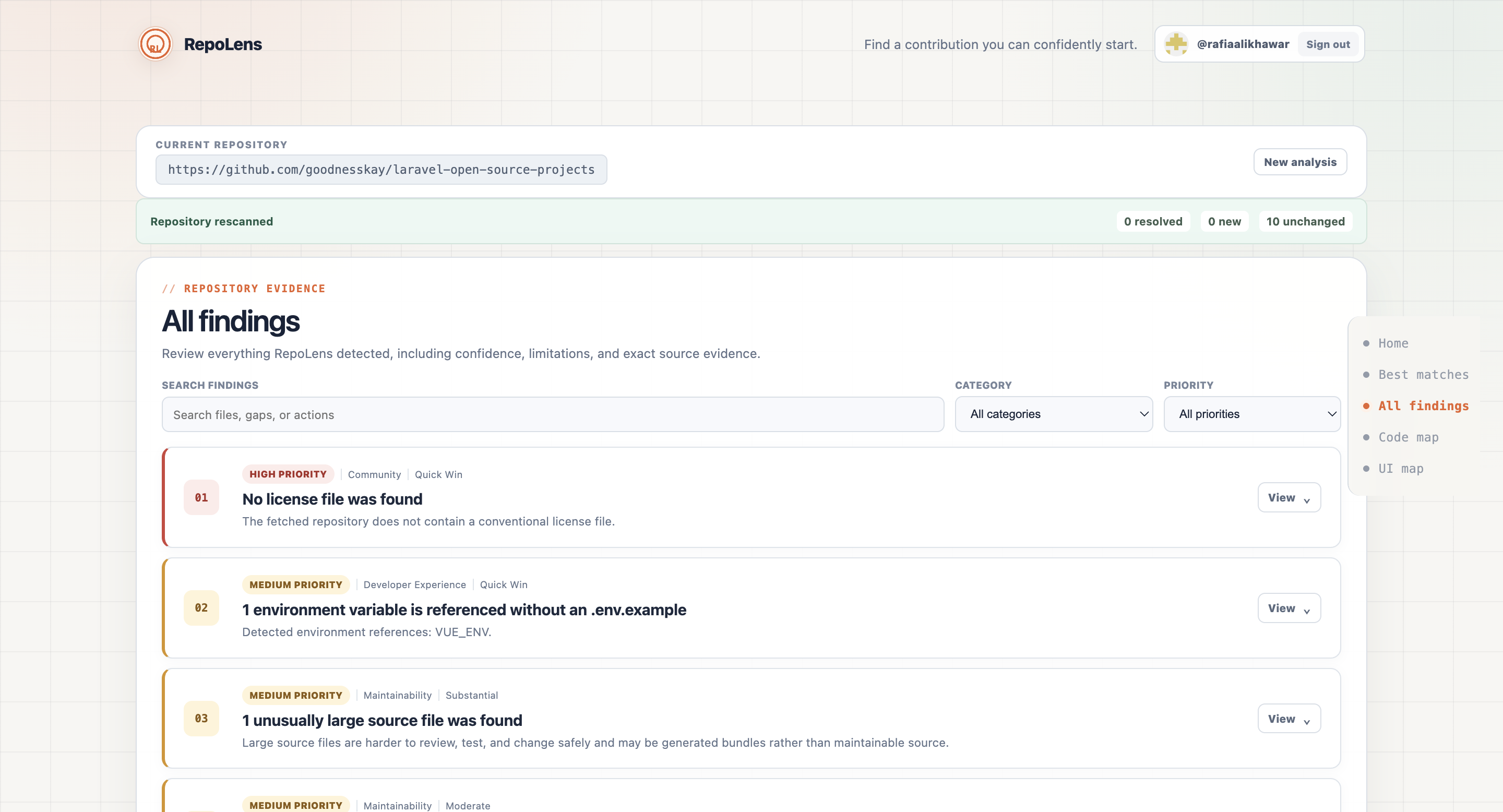
All findings
-
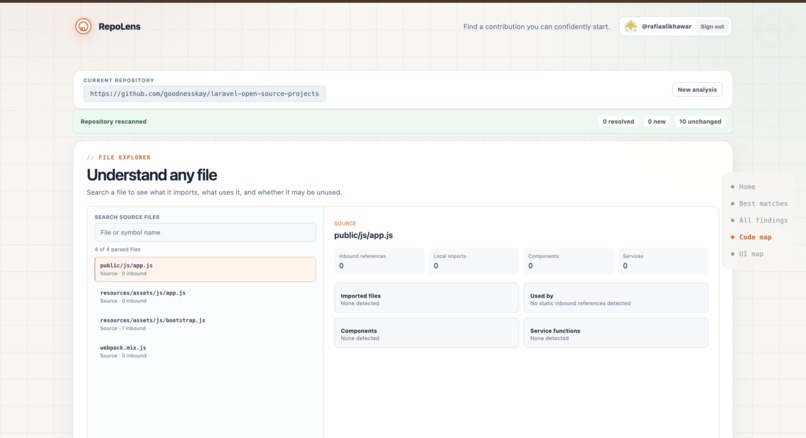
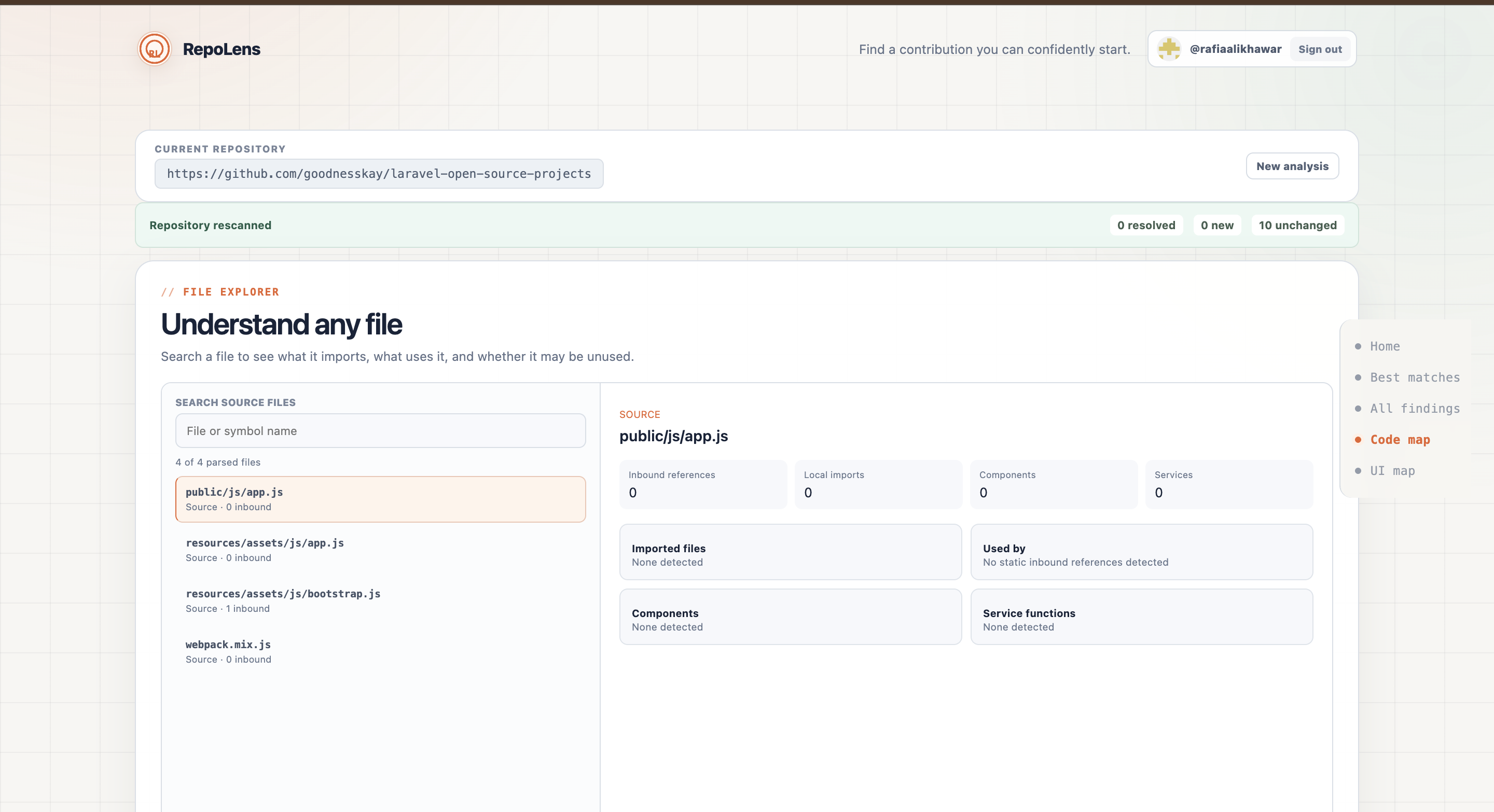
Code Map / File Explorer
-
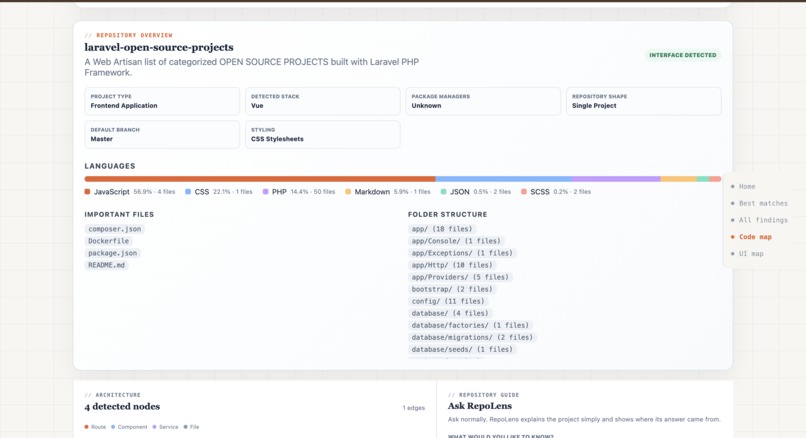
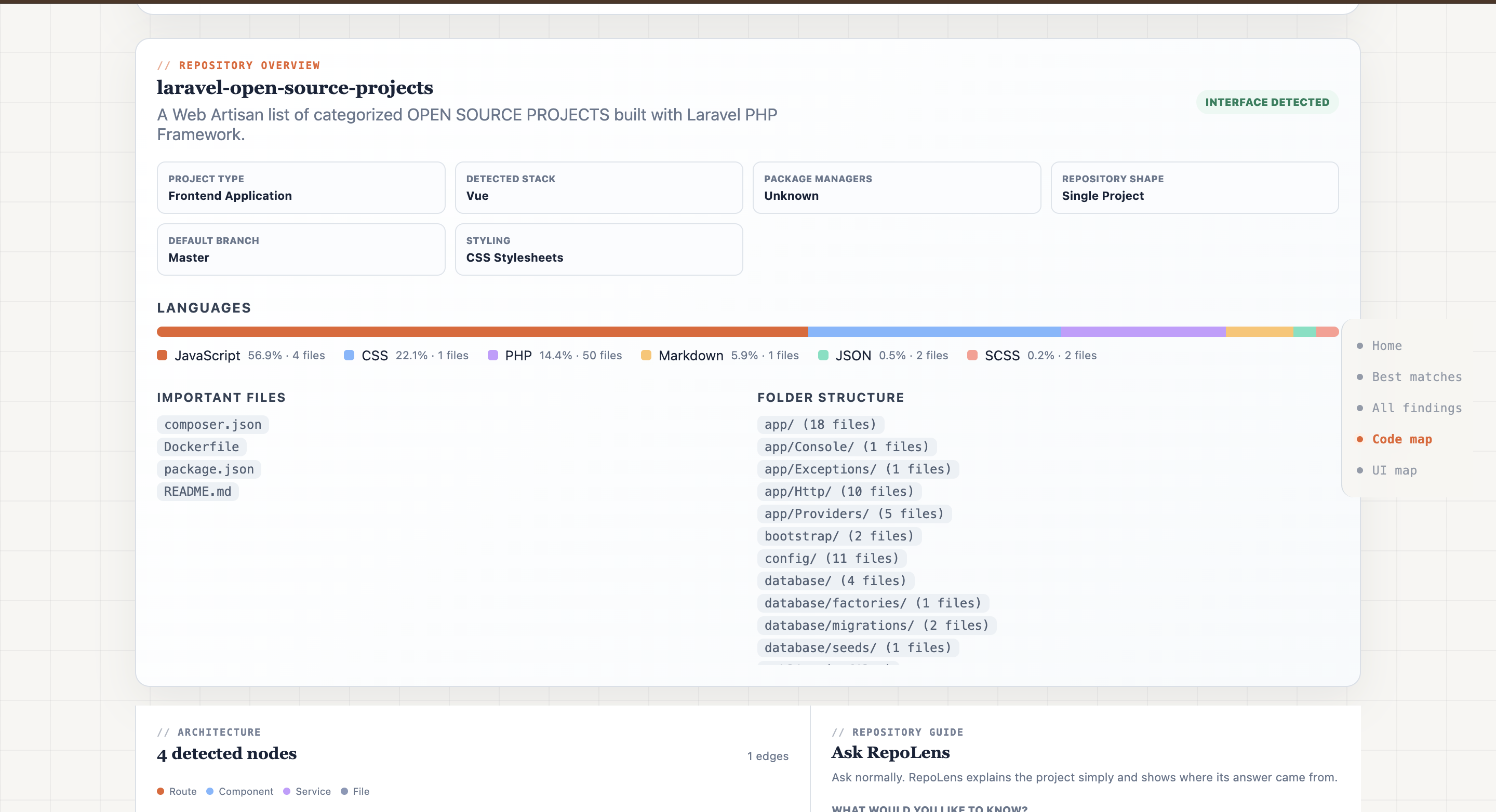
Code Map / Repo Overview
-
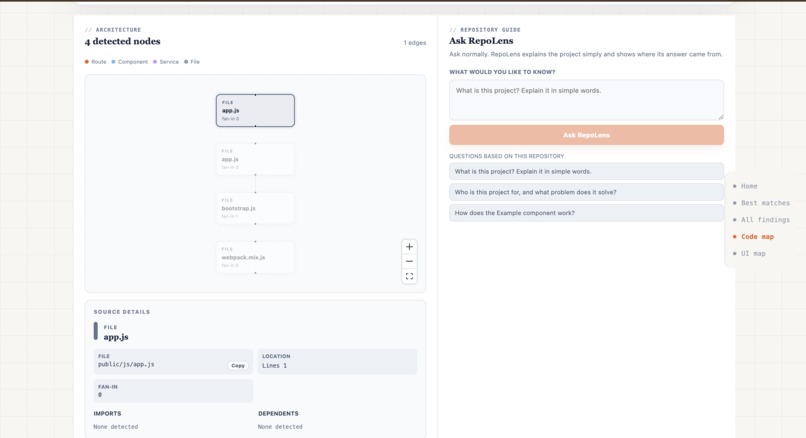
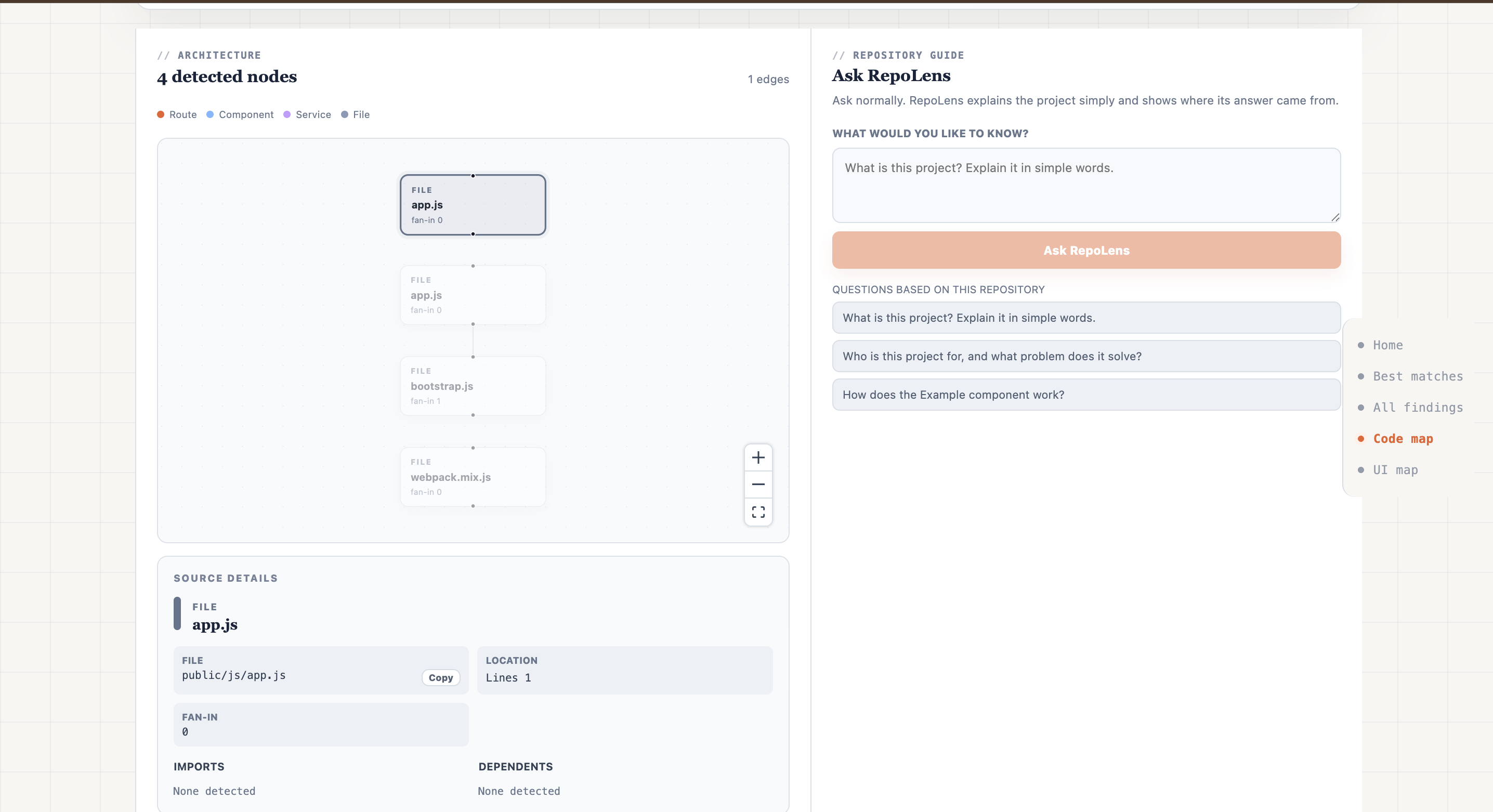
Code Map / Architecture / Ask RepoLens
-
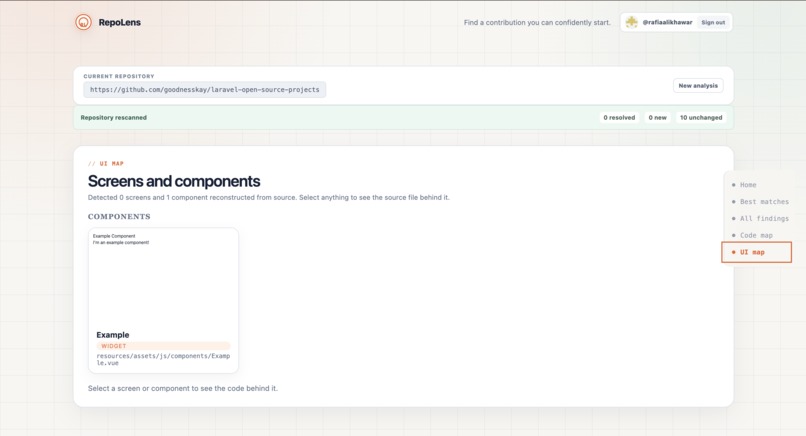
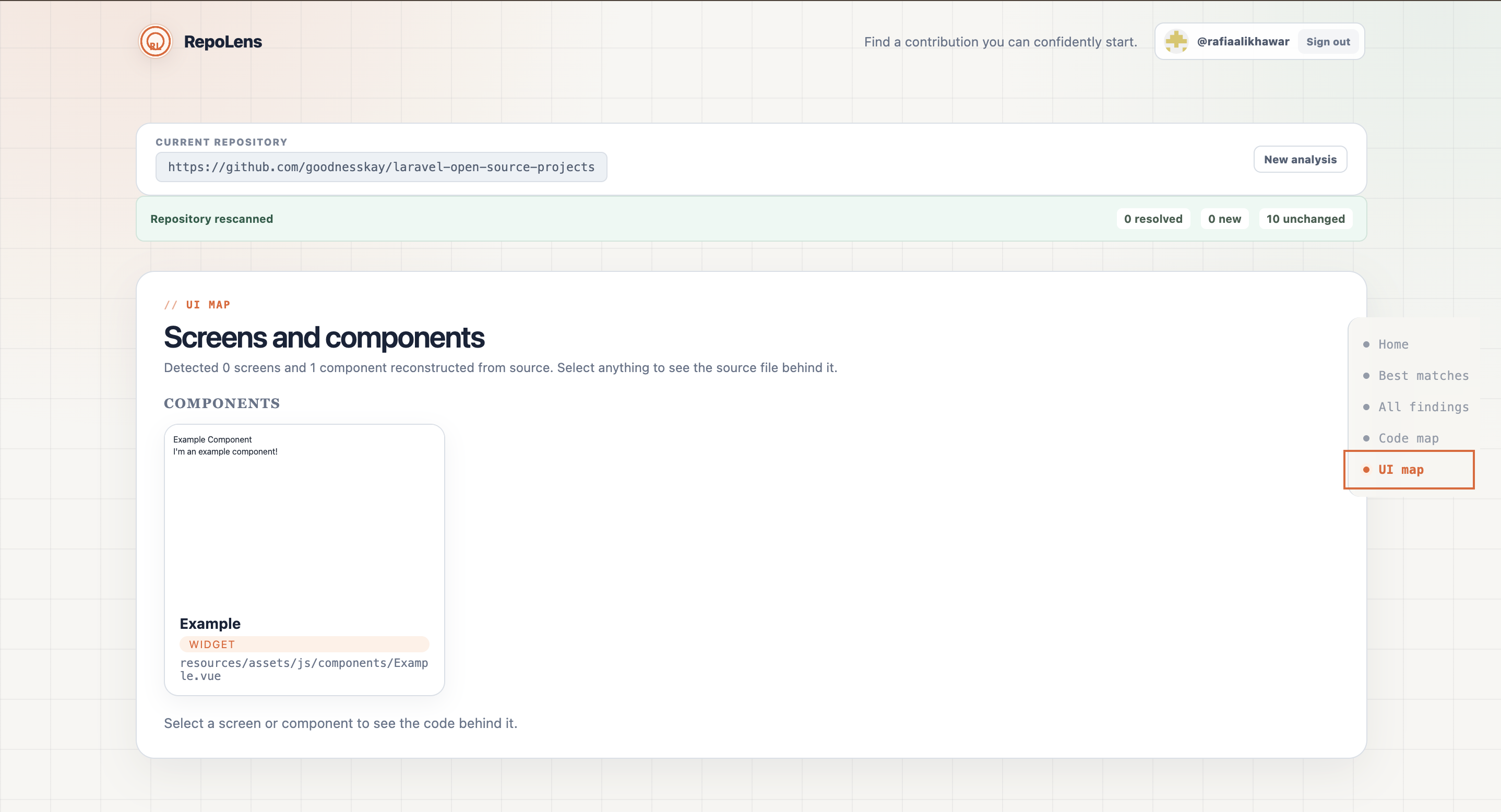
UI Map
-
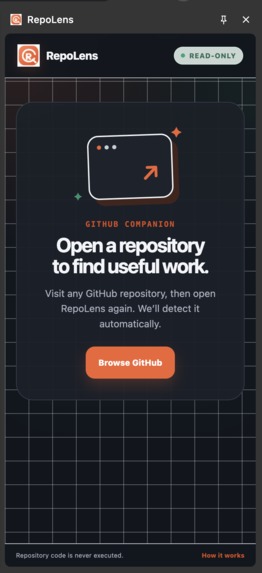
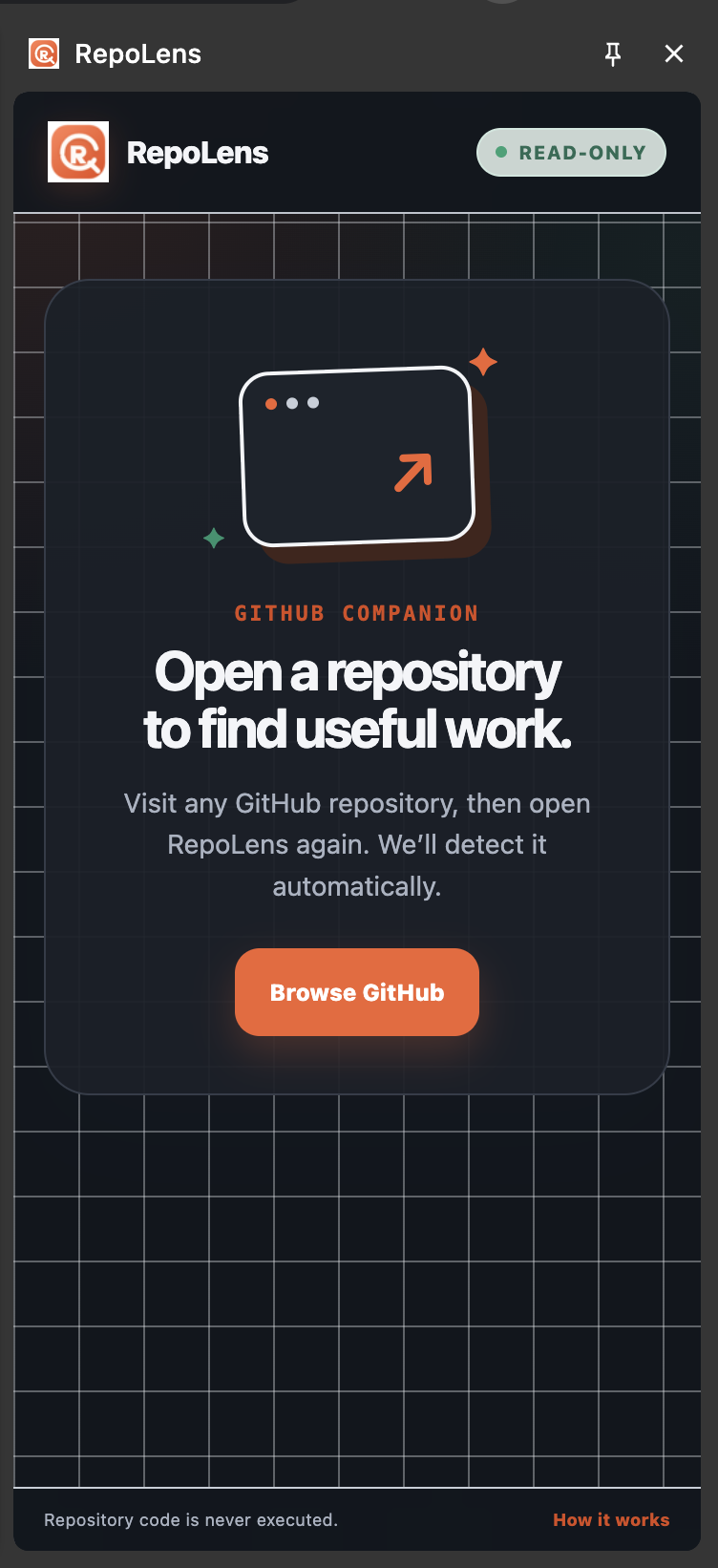
RepoLens Extension
-
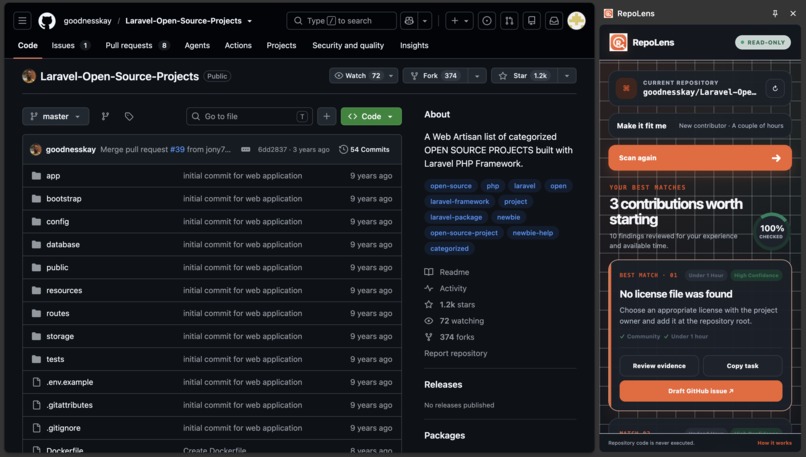
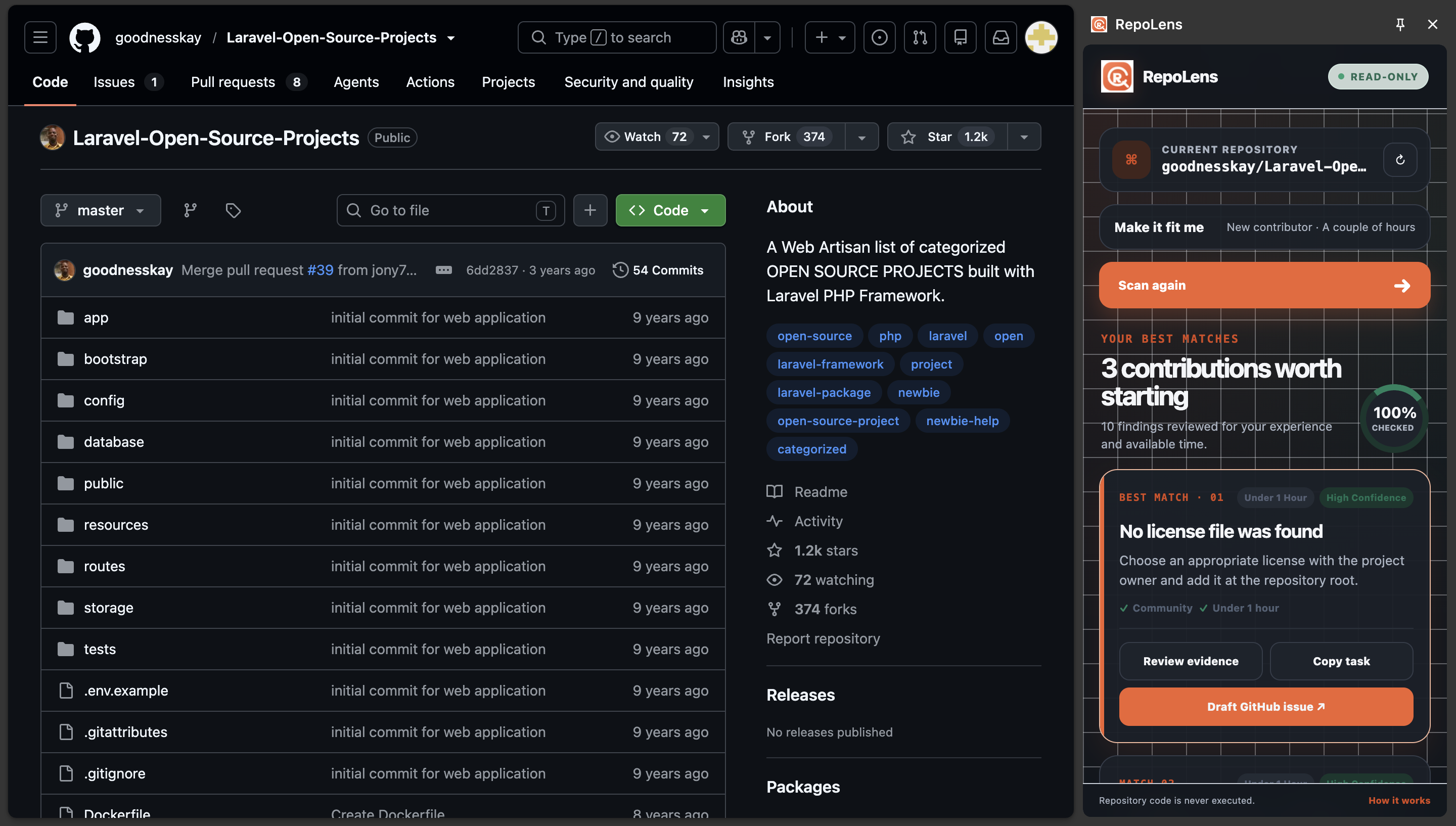
RepoLens Extension Detects the Repo
Inspiration
Finding an open source repo is the easy part. Actually understanding one well enough to contribute something useful is where most people get stuck.
If you are new to a project, you're suddenly juggling a lot of questions at once. What does this thing even do? How is the code laid out? Is this issue worth picking up, and which files back that up? And honestly, is this a good fit for my skill level and the time I actually have? We built RepoLens to walk you through all of that step by step with real evidence to back up what it tells you.
What it does
You point RepoLens at a GitHub repo,and it gives you:
- A friendly overview of the project and how it's put together
- Three contribution ideas picked to match your experience, your time, and the kind of work you like doing
- A prioritized list of findings across docs, setup, testing, CI, maintainability, accessibility, and frontend quality
- The exact source lines behind every finding, so nothing is hand wavy
- Maps of the architecture, dependencies, routes, and interfaces
- Safe previews of the screens and components it detects
- Ask RepoLens, a chat that answers your questions using the actual code
- A pull request check that compares your PR against the finding it came from
We also built a Chrome extension for it. It is a side panel that analyzes whatever repo you happen to have open on GitHub right then, so you don't have to copy a URL and switch tabs. Open a repo, open the panel, done.
RepoLens is completely read-only. It never runs code, never installs anything, and never executes scripts from the repo it's looking at.
How we built it
RepoLens is a Next.js and TypeScript app sitting on top of a deterministic analysis pipeline.
Here is roughly what the pipeline does:
- Cleans up the GitHub URL, then pulls the repo's metadata and a limited set of files through the GitHub API
- Figures out the languages, frameworks, manifests, entry points, routes, and any subprojects
- Parses the JavaScript and TypeScript to find imports, components, services, and symbols
- Resolves local imports and aliases to build an architecture and dependency graph
- Runs a set of audit rules over the docs, config, tests, CI, source relationships, and interface signals
- Turns the findings it can into contribution tasks, then ranks them against your profile
- Tells you its confidence, what it skipped, what it couldn't parse, and where static analysis has limits
For the interface side, it detects HTML pages, routes, framework components, and browser extension interfaces. It sanitizes the HTML and CSS, inlines the safe local assets, and turns JSX into static wireframes. All of these previews render inside fully sandboxed iframes with scripts turned off.
Every preview stays tied back to its source, the file, the symbol, the line numbers. Click on an element in a preview and you will also see its imports, what depends on it, its styles, assets, child components, and where it sits in the architecture graph.
Then there is the optional Ask RepoLens layer. It grabs a small relevant set of source excerpts and sends them to Llama through Groq. The catch is that the answer has to follow a fixed schema and we check every citation against the repo evidence we actually gave it before you ever see the reply. The audits and the contribution ranking don't rely on AI at all.
Challenges we faced
The biggest one was analyzing repos we had never seen before, safely. Running someone else's code opens up real security and reliability problems, so we had to get useful results purely from bounded, read only static analysis.
Static analysis also forced us to watch our wording. A file with no inbound imports might be dead code or it might be loaded dynamically, picked up by a framework, or used by something outside the repo entirely. So instead of calling it "unused," RepoLens calls it possibly unreferenced and treats it as something worth a look, not a verdict.
Rebuilding interfaces without running them was another headache. Real components have state, conditions, data fetching, custom components, dynamic expressions, all sorts of stuff. Our fix was a safe wireframe renderer that keeps the structure and static text you'd recognize, and swaps anything that only exists at runtime for neutral placeholders.
Grounding the chat answers was just as tricky. Early on, retrieval leaned too hard on JavaScript graph labels, so docs heavy or multi-language repos got repetitive, samey answers. We widened retrieval across the whole bounded corpus, added follow up context, and made the citation validation happen after the model responds.
And then the usual pile of production surprises: auth, private repos, persistence, Chrome-extension routing, and serverless deployment all had failure modes that never showed up locally. Clear config errors, re-analysis that recovers instead of dying and some targeted regression tests are what got us through.
What we learned
The main thing: good developer tools should show their uncertainty, not hide it. A short list of findings you can verify beats a long list of confident sounding but generic advice every time.
We also learned to keep deterministic analysis and generative AI in separate lanes. Static checks nail down the facts; AI just makes those facts easier to read. Holding that line kept RepoLens safer, easier to test, and more honest.
And understanding a repo isn't really about drawing a pretty graph. The graph only matters when it helps someone figure out where to start, what to change, and how to tell whether their contribution actually helped.
How Codex and GPT‑5.6 helped
We used Codex with GPT‑5.6 as an engineering teammate the whole way through. It sped up tracing architecture across the repo, doing cross-file TypeScript refactors, designing tests, building the extension, debugging in production, and writing docs.
It really earned its keep when a change had to touch a bunch of things at once like wiring static fan in numbers into the audit findings, the contribution ranking, the interface callouts, the exports, and the regression tests all together.
The product direction, the safety boundaries, the confidence wording, and the final calls stayed with us. What Codex and GPT‑5.6 did was shrink the gap between spotting a user problem, making the repo wide change and checking that it actually worked.


Log in or sign up for Devpost to join the conversation.