-
-
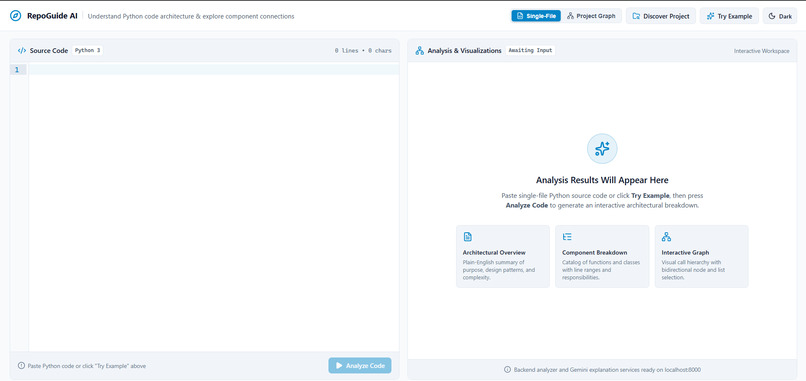
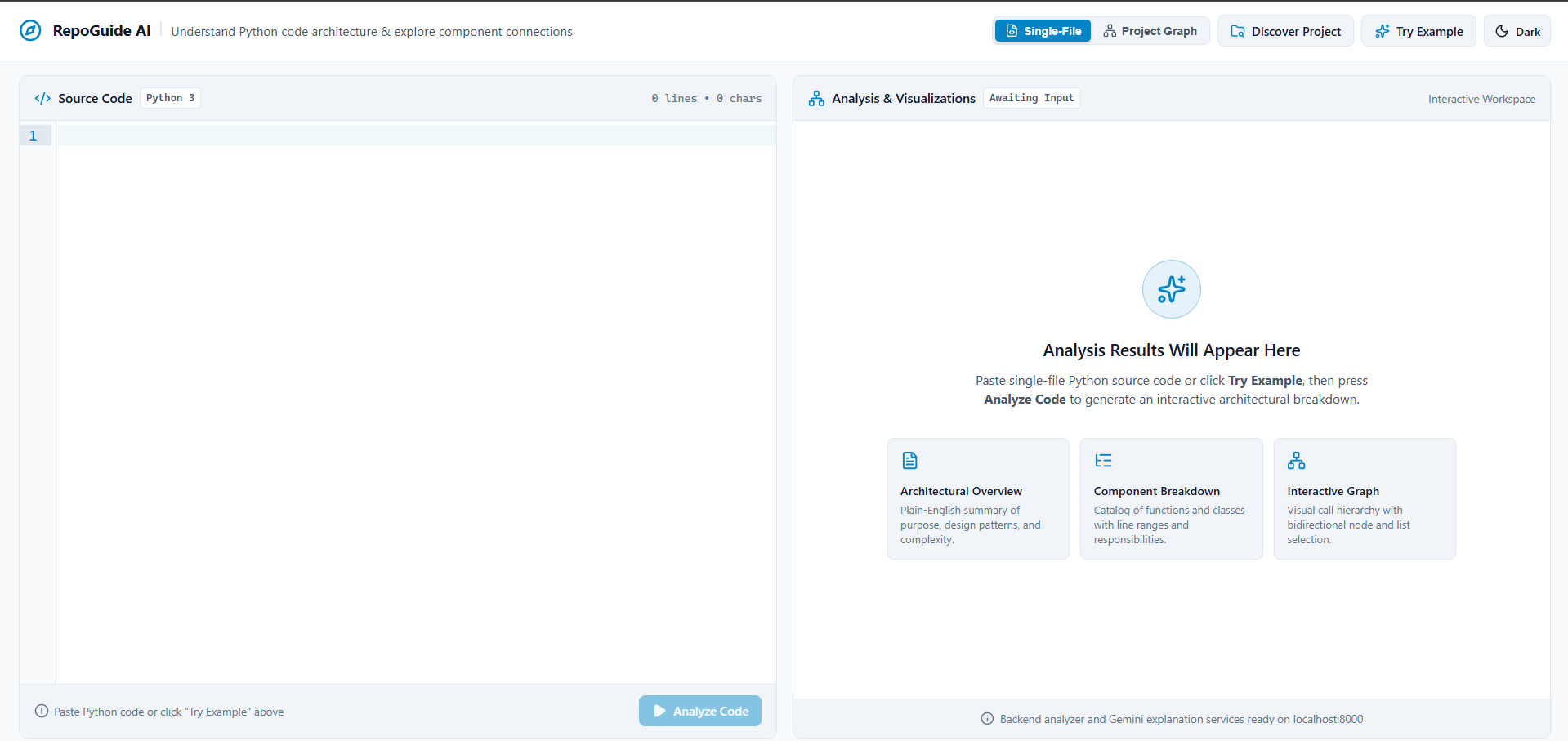
Landing workspace with CodeMirror editor and dual analysis options.
-
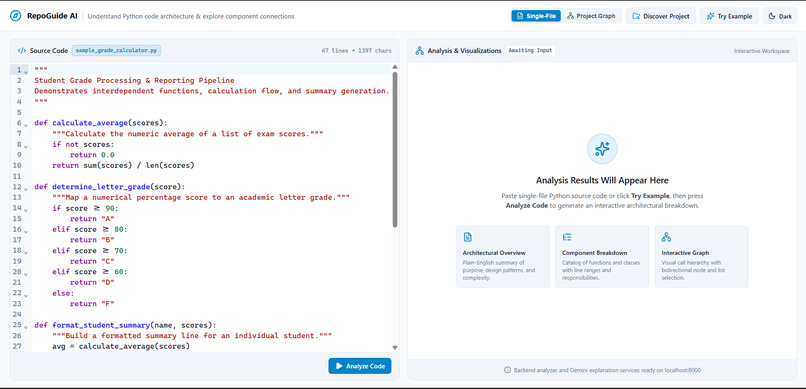
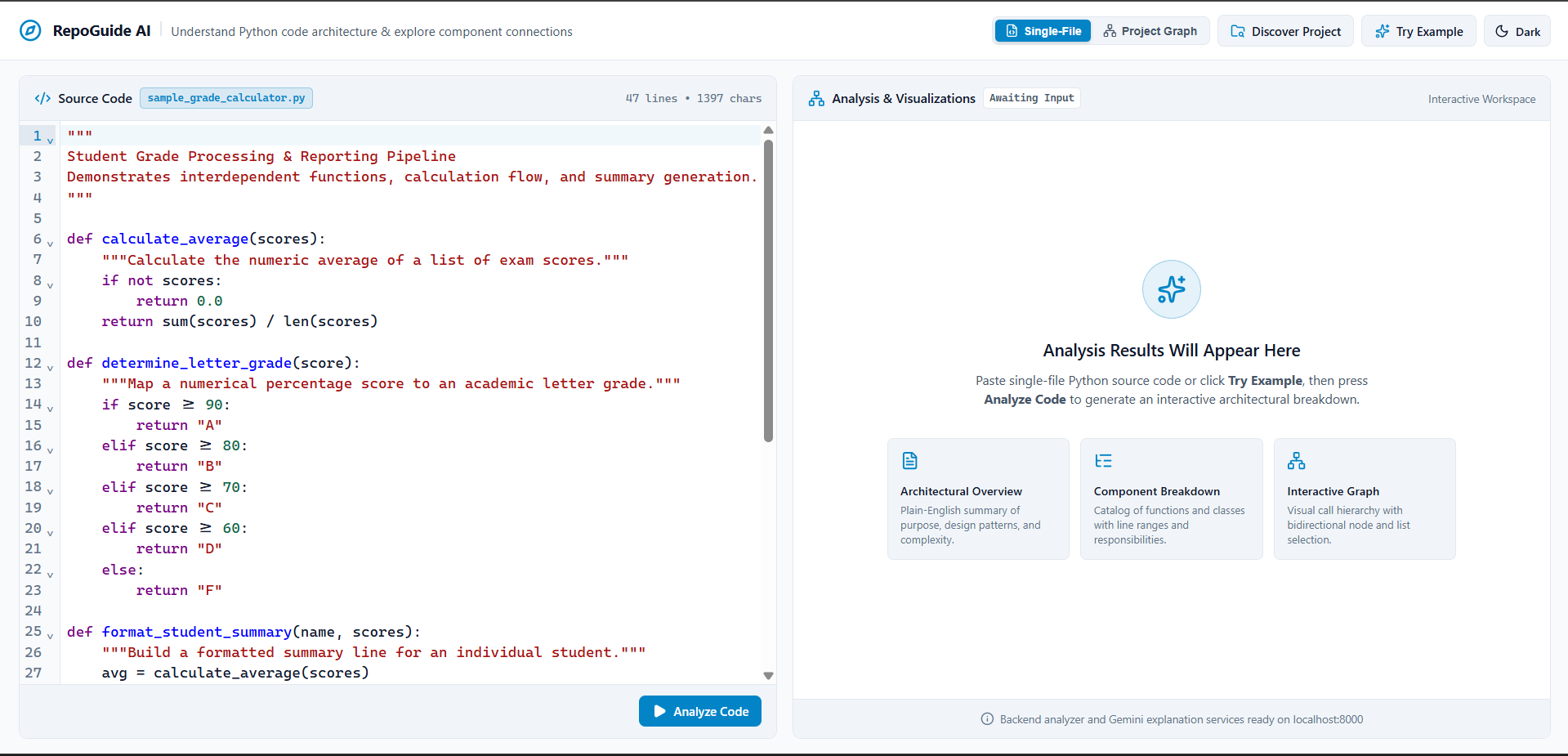
Sample Python grading pipeline loaded with real-time syntax validation.
-
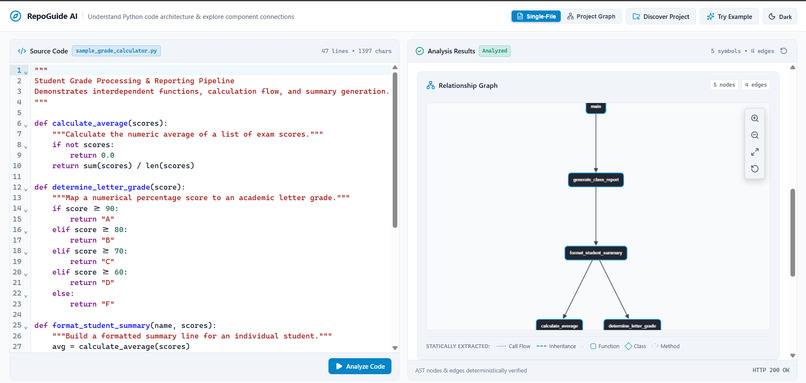
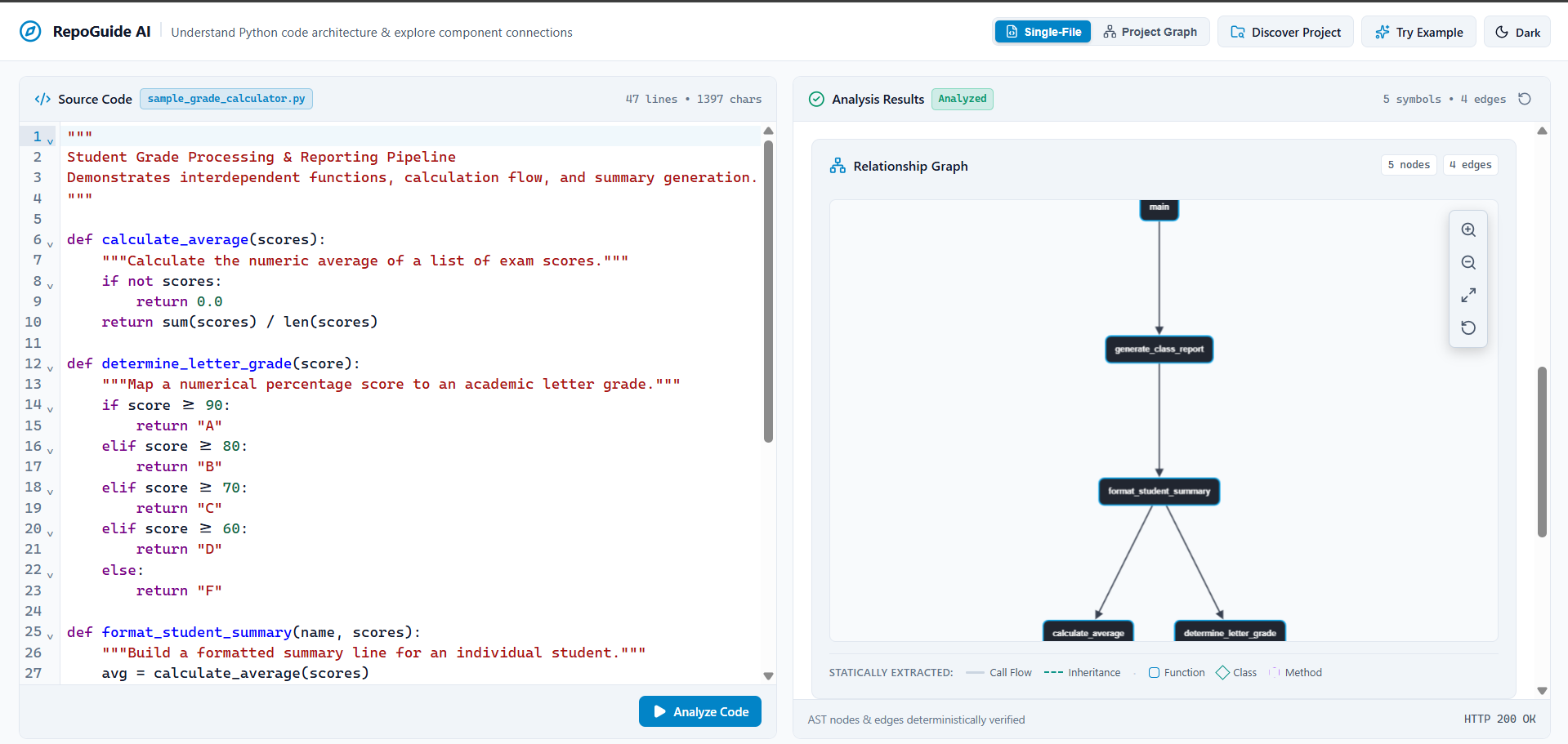
Interactive Cytoscape directed call graph displaying caller-callee chains.
-
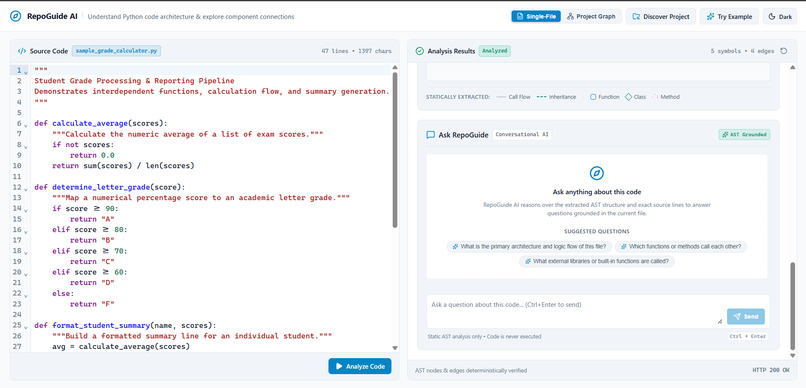
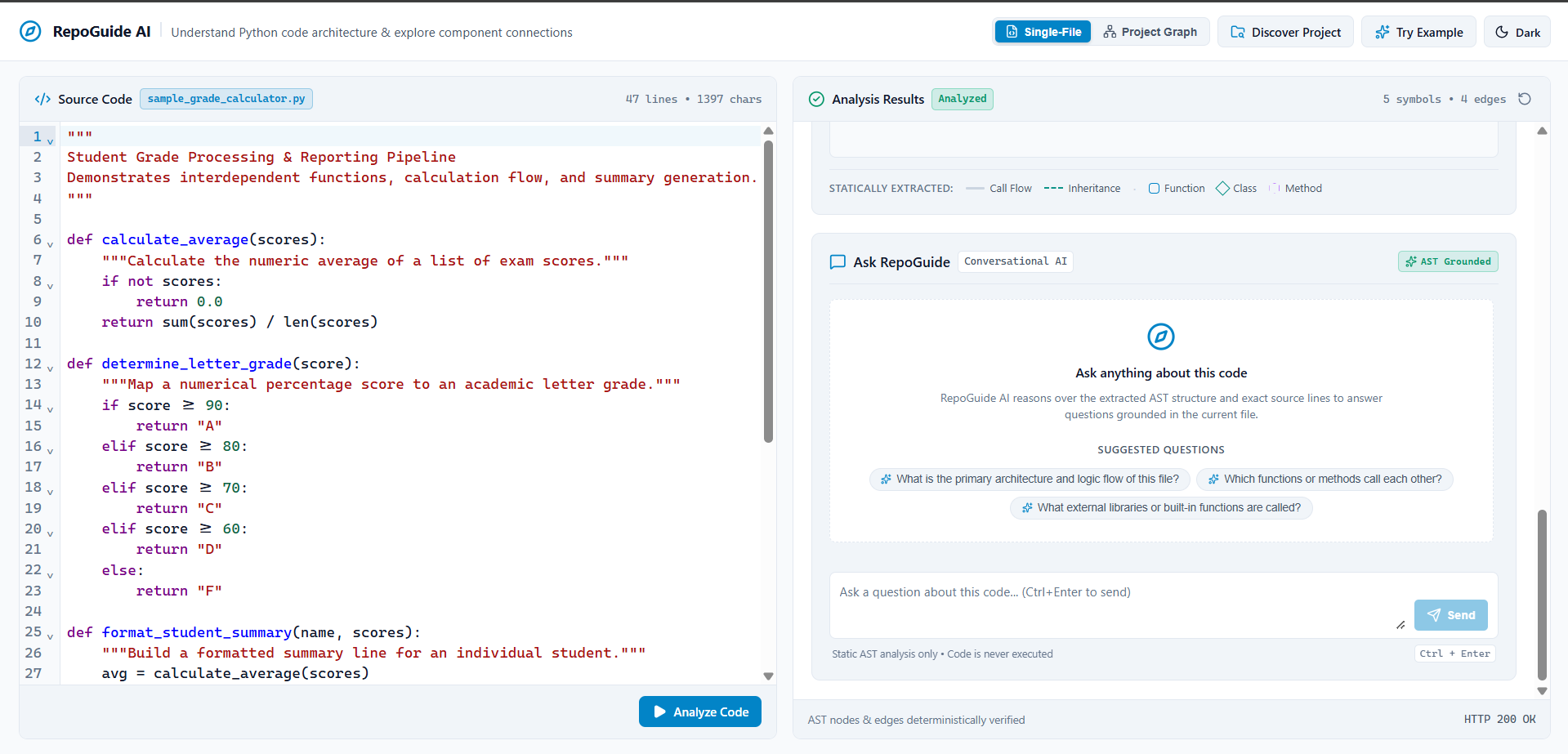
Ask RepoGuide chat grounded in verified AST nodes with component sync.
-
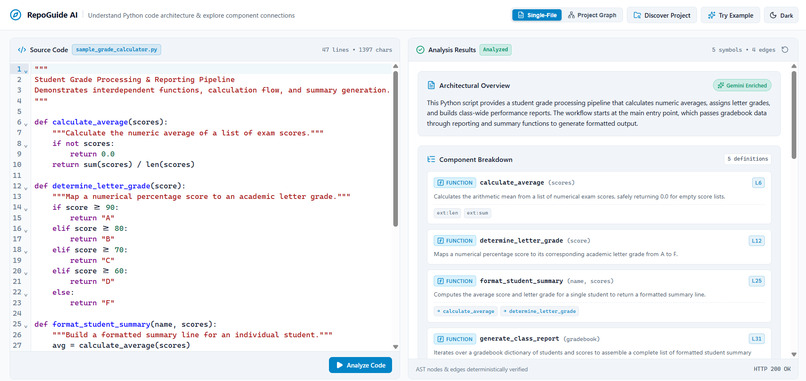
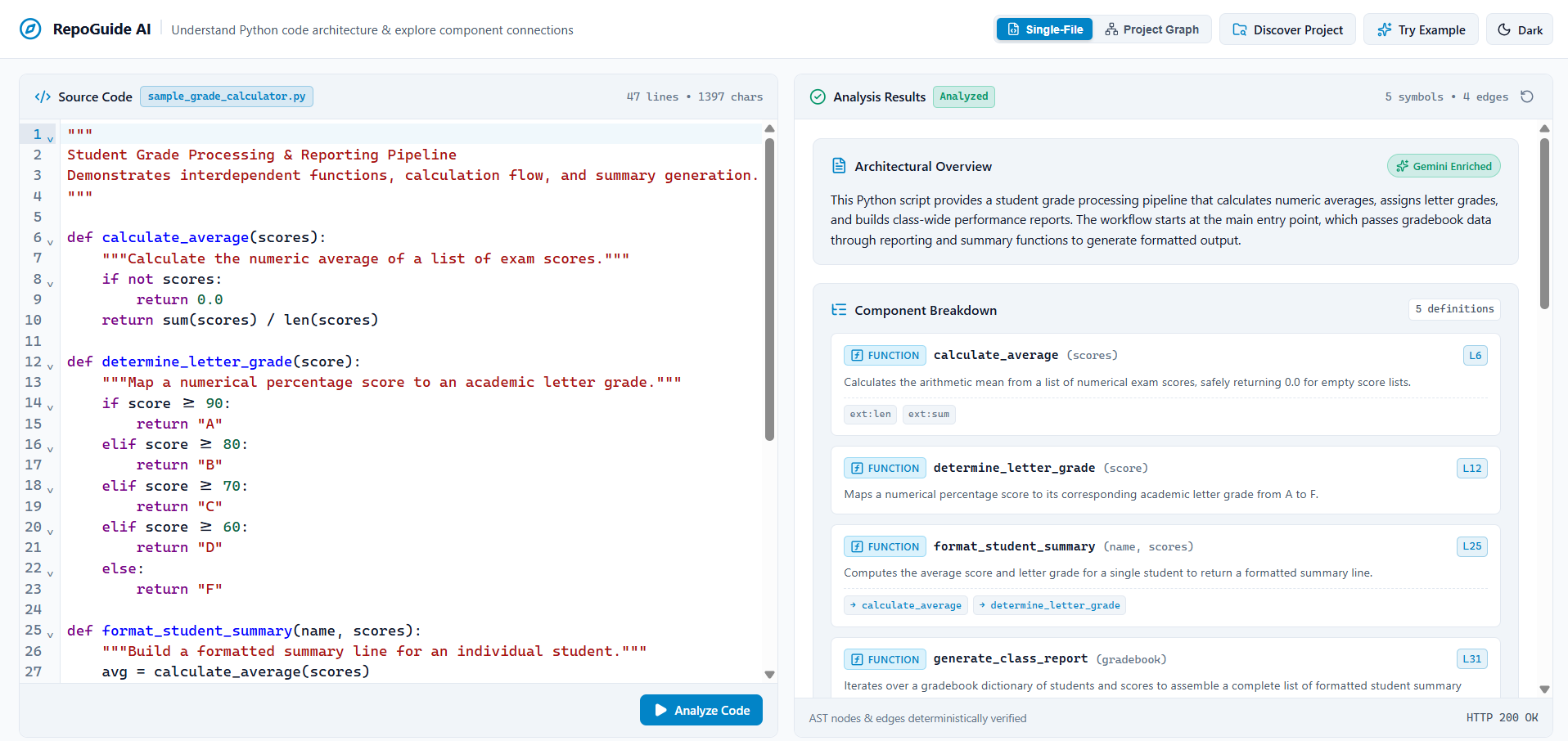
Static AST component breakdown enriched with Gemini architectural overview.
-
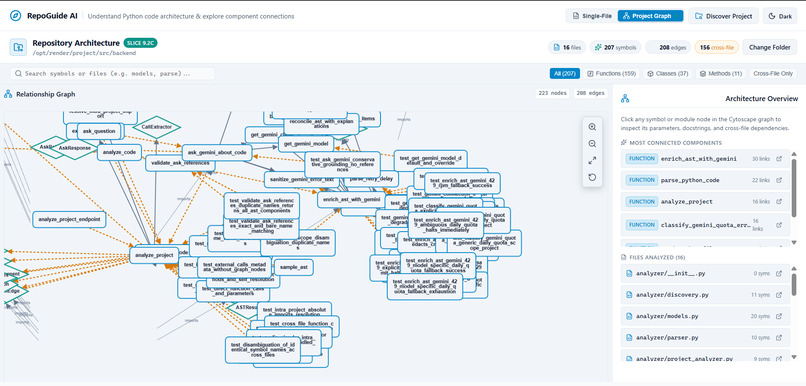
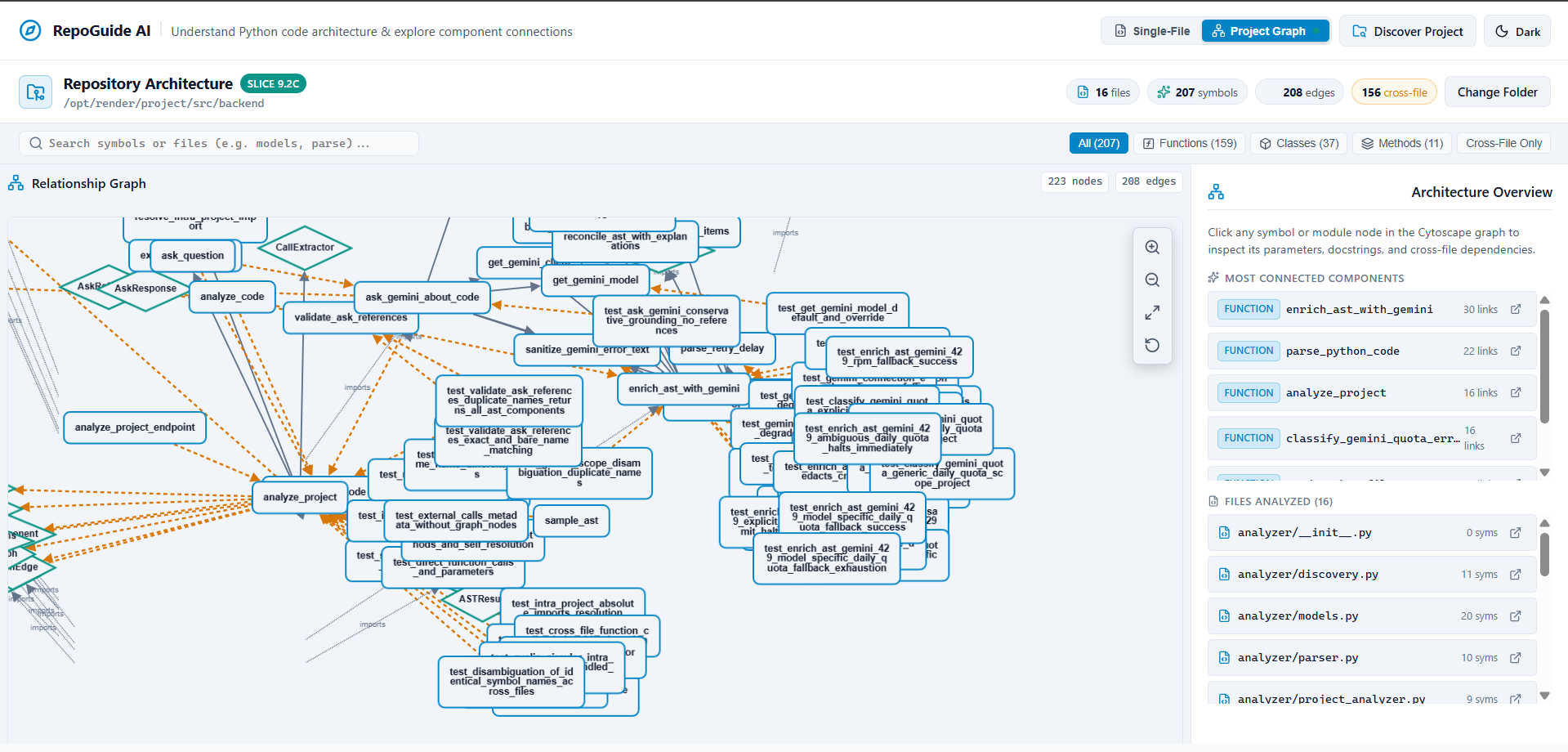
Multi-file project graph resolving 16 files, 207 symbols, and 156 cross-file links.
Inspiration
Understanding an unfamiliar codebase can feel like navigating a maze of functions, classes, imports, and dependencies. Developers often spend valuable time tracing how different components connect before they can confidently contribute to a project.
We built RepoGuide AI to make code exploration easier by turning Python source code into an interactive map of its architecture.
What it does
RepoGuide AI is an AI-powered Python codebase explorer that helps developers understand individual files and entire projects.
Key features include:
- Single-file analysis: Explore functions, classes, methods, and their relationships.
- Interactive relationship graphs: Visualize function calls and component connections.
- Multi-file project analysis: Discover relationships across files and explore the overall architecture.
- AI-powered explanations: Get architectural overviews and ask natural-language questions about your code.
- AST-grounded analysis: Use Python's Abstract Syntax Tree (AST) to extract structural information and ground AI-generated explanations in statically analyzed code.
A core design principle is that RepoGuide AI analyzes source code without executing the code being inspected.
How we built it
We built the frontend using React and Vite, with Cytoscape.js for interactive relationship graphs. The backend uses Python and FastAPI, with Python AST analysis to extract code structure and relationships. Google's Gemini API enriches the analysis with architectural explanations and natural-language question answering.
We designed the system to keep static analysis as the foundation, using extracted code facts to ground AI-generated insights.
Challenges we faced
One of the main challenges was connecting individual code elements into a meaningful project-wide architecture graph. Cross-file relationships, symbol resolution, and graph readability required careful handling.
Another challenge was making AI explanations useful without allowing generated content to replace the underlying code analysis. We addressed this by grounding the AI layer in statically extracted information and validating references against known code elements.
What we learned
We learned how to combine static code analysis, interactive visualization, backend APIs, and generative AI into a single developer tool. We also learned that reliable AI applications need more than a language model: they need structured data, validation, and clear boundaries around what the model can claim.
What's next
We plan to expand language support, improve resolution of indirect calls and dynamic dispatch, add architecture graph exports, explore remote GitHub repositories, and connect tests to the components they validate.
Built With
- api
- cytoscape.js
- fastapi
- javascript
- python
- react
- render
- vercel
- vite


Log in or sign up for Devpost to join the conversation.