-
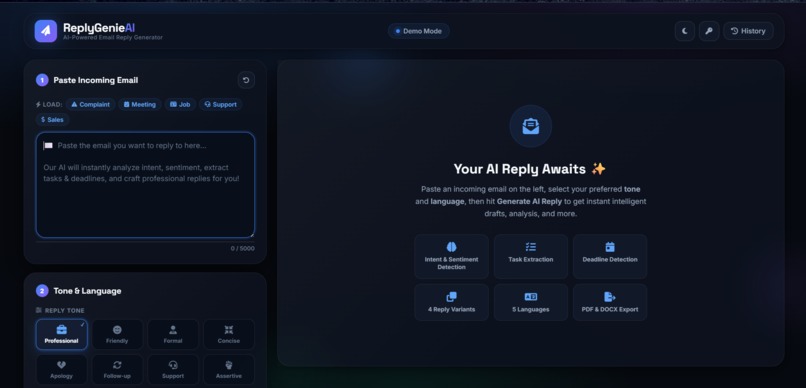
Tired of writing emails? Let ReplyGenieAI create professional, context-aware replies instantly. Smarter emails, less effort.
Inspiration
Writing email replies takes time, especially when responding professionally. We wanted to build an AI-powered assistant that helps users create accurate, context-aware email replies instantly, improving productivity and communication.
What it does
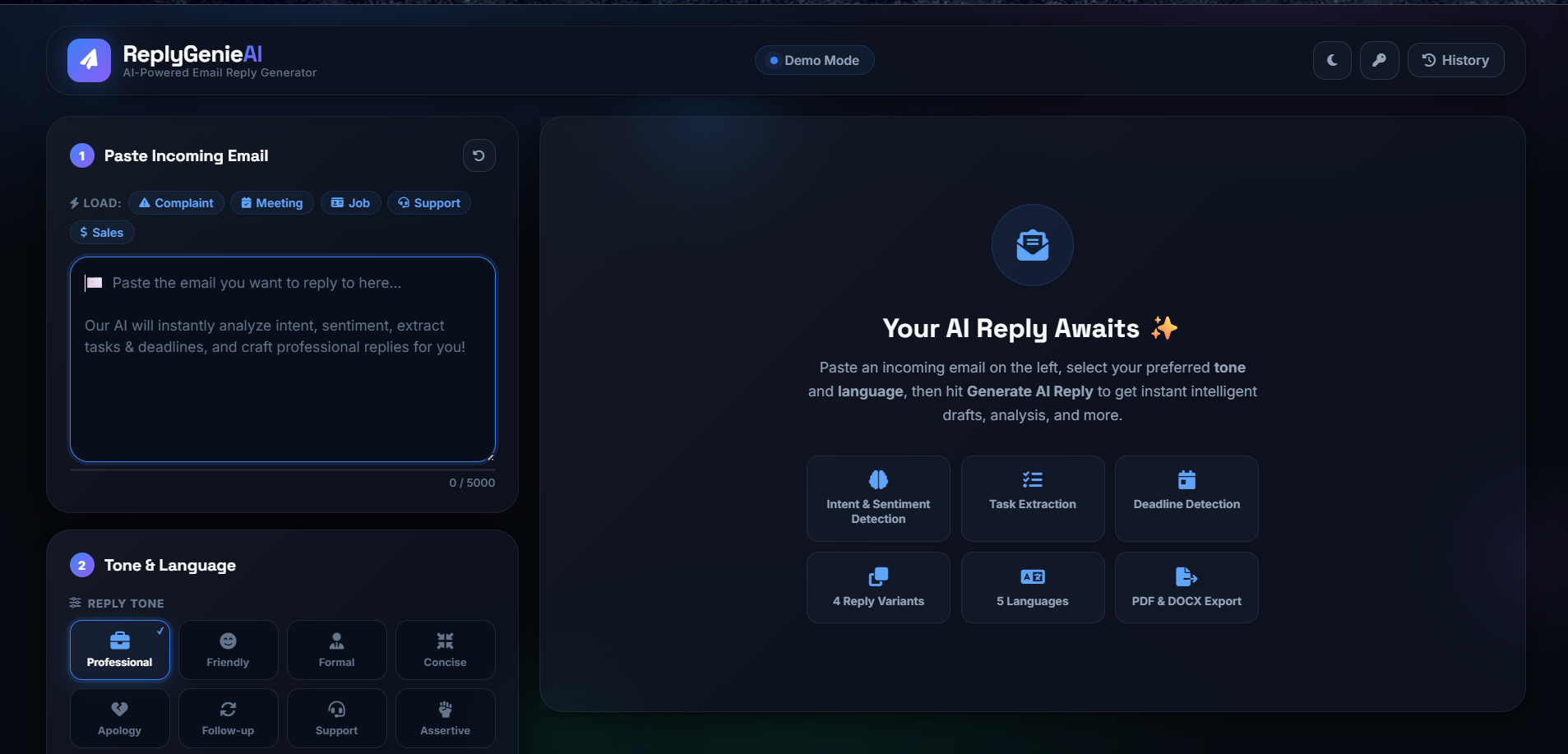
ReplyGenieAI generates professional email replies from any email input. Users can choose the tone (formal, friendly, or professional), regenerate responses, and quickly copy the generated reply.
How we built it
Frontend: Streamlit Backend: Python AI Model: OpenAI GPT API Libraries: OpenAI SDK, python-dotenv Deployment: Streamlit Community Cloud (or local environment)
Challenges we ran into
Designing prompts to generate natural and relevant replies. Managing API integration and environment variables securely. Improving response quality for different email tones. Creating a simple and user-friendly interface.
Accomplishments that we're proud of
Built a fully functional AI email reply generator. Generated high-quality replies in seconds. Created a clean, responsive, and easy-to-use interface. Reduced the time required to write professional emails.
What we learned
Prompt engineering plays a major role in AI output quality. Integrating AI APIs into real-world applications. Building and deploying AI-powered web applications with Streamlit. Improving user experience through simple UI design.
What's next for ReplyGenieAI
Support multiple languages. Add email summarization and grammar correction. Integrate directly with Gmail and Outlook. Provide smart reply suggestions based on previous conversations. Add voice input and personalized writing styles. Develop a mobile application and browser extension.


Log in or sign up for Devpost to join the conversation.