-
-
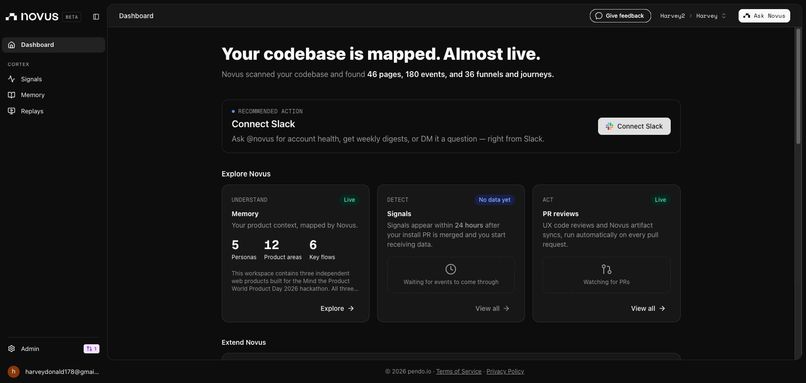
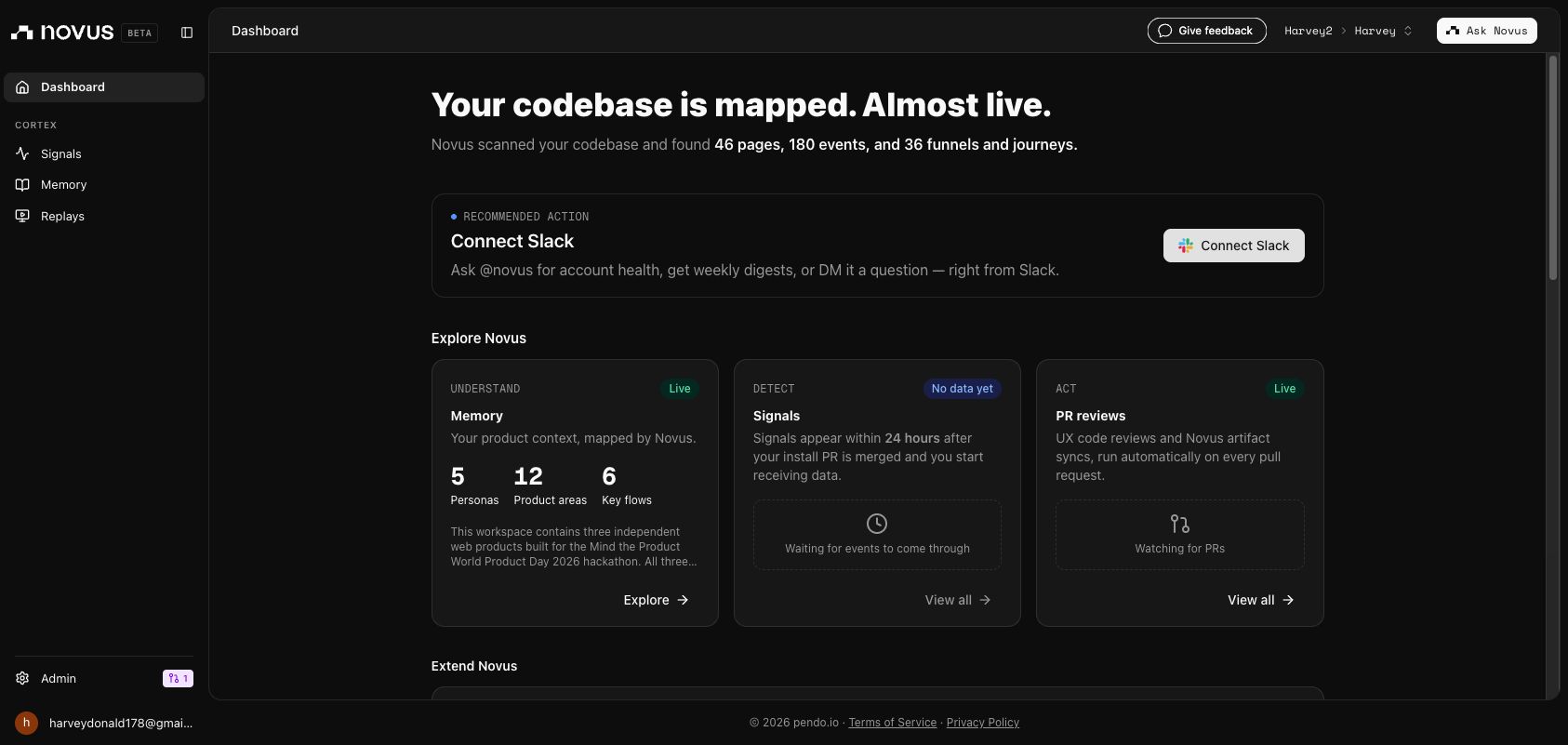
Novus dashboard showing all projects mapped
-
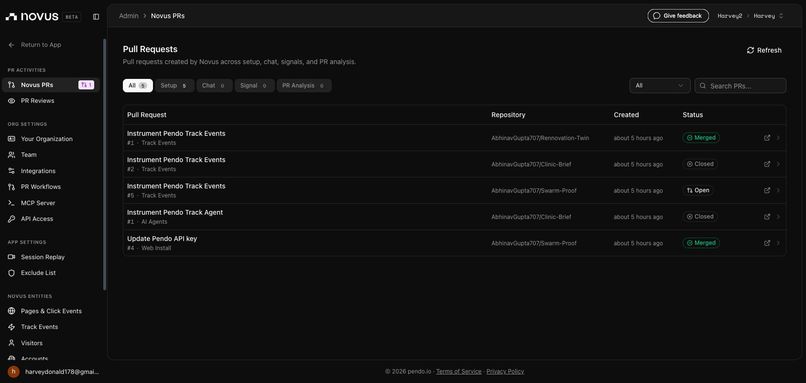
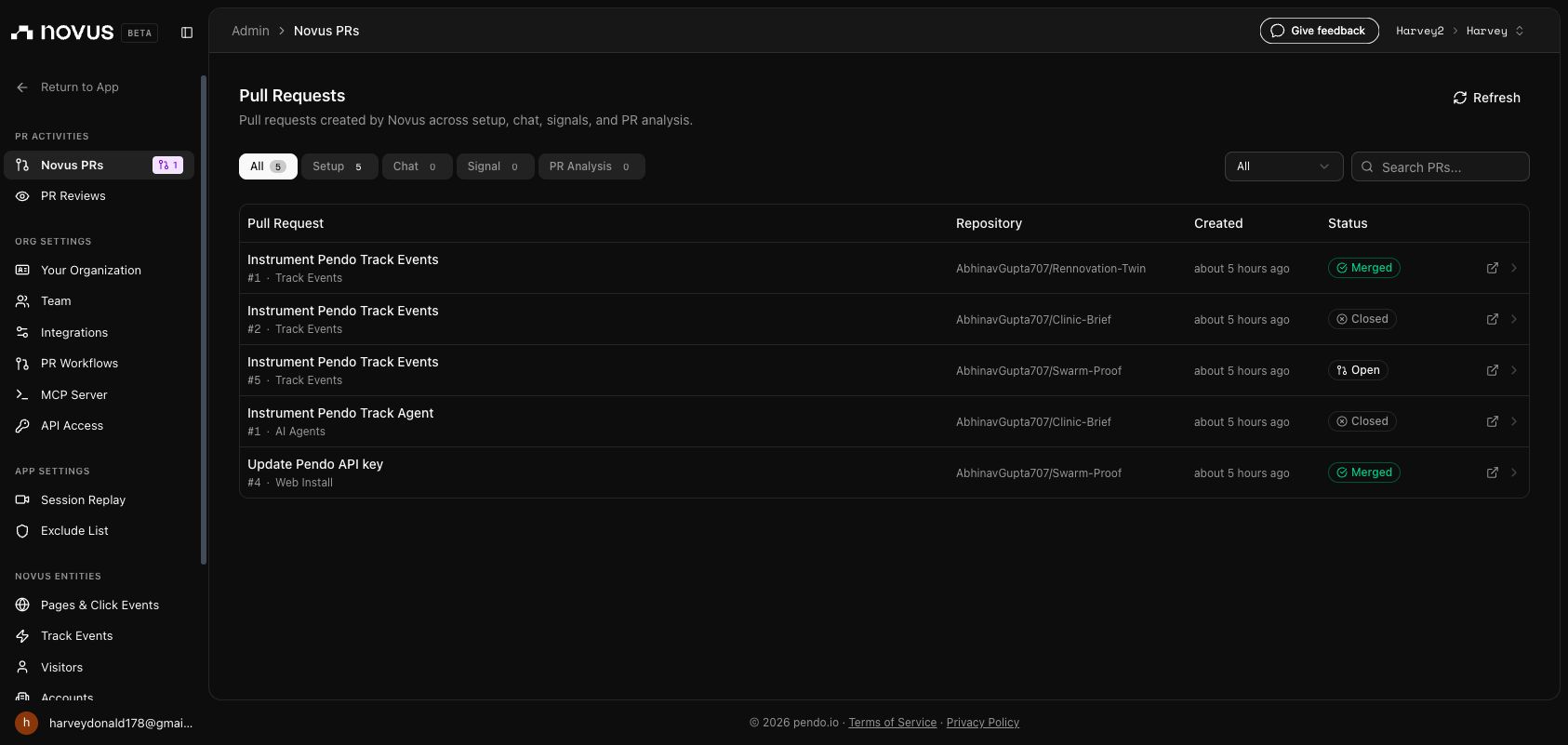
Merged Novus PR for Renovation Twin
-
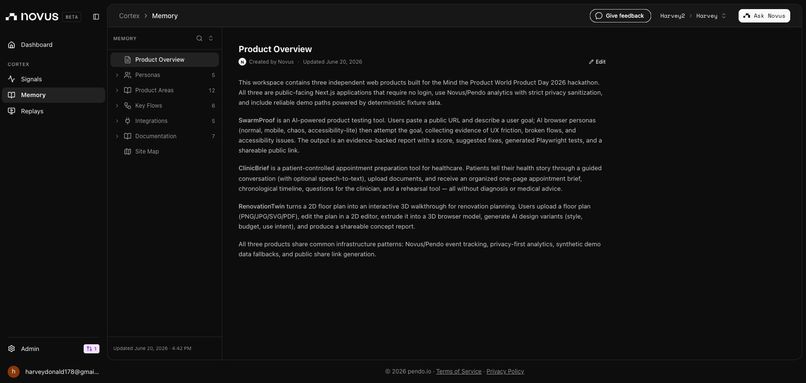
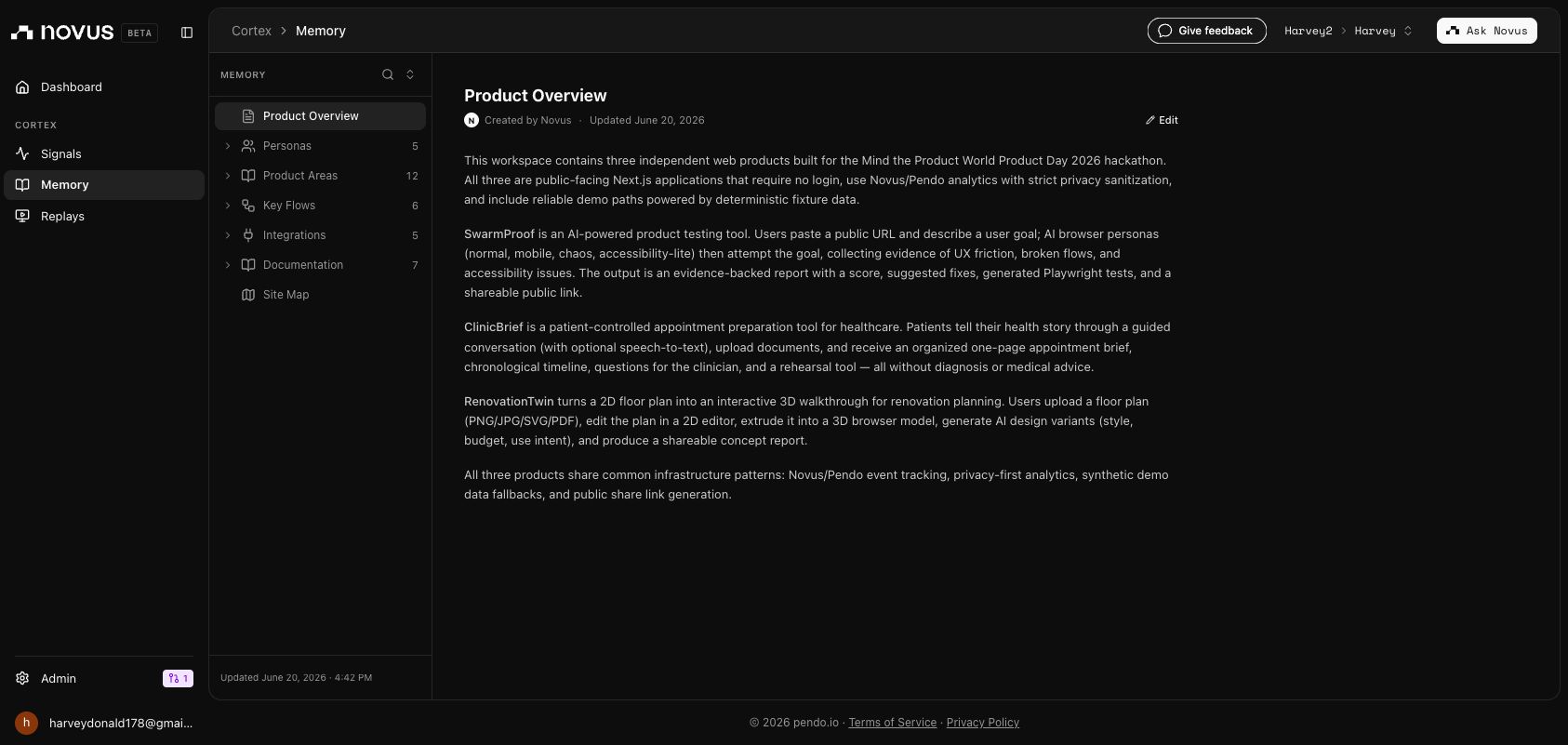
Renovation Twin mapped in Novus Memory
-
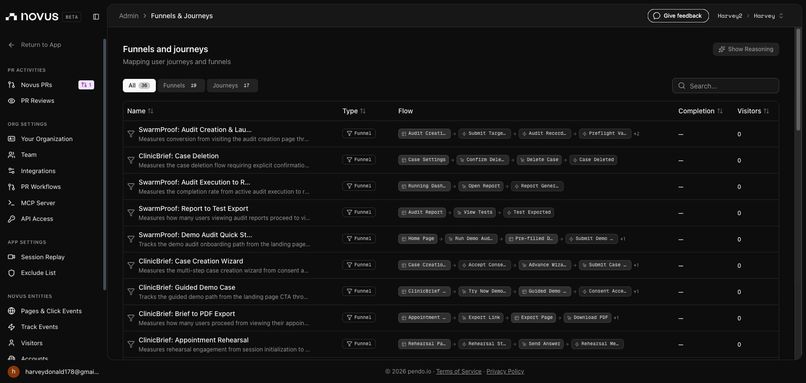
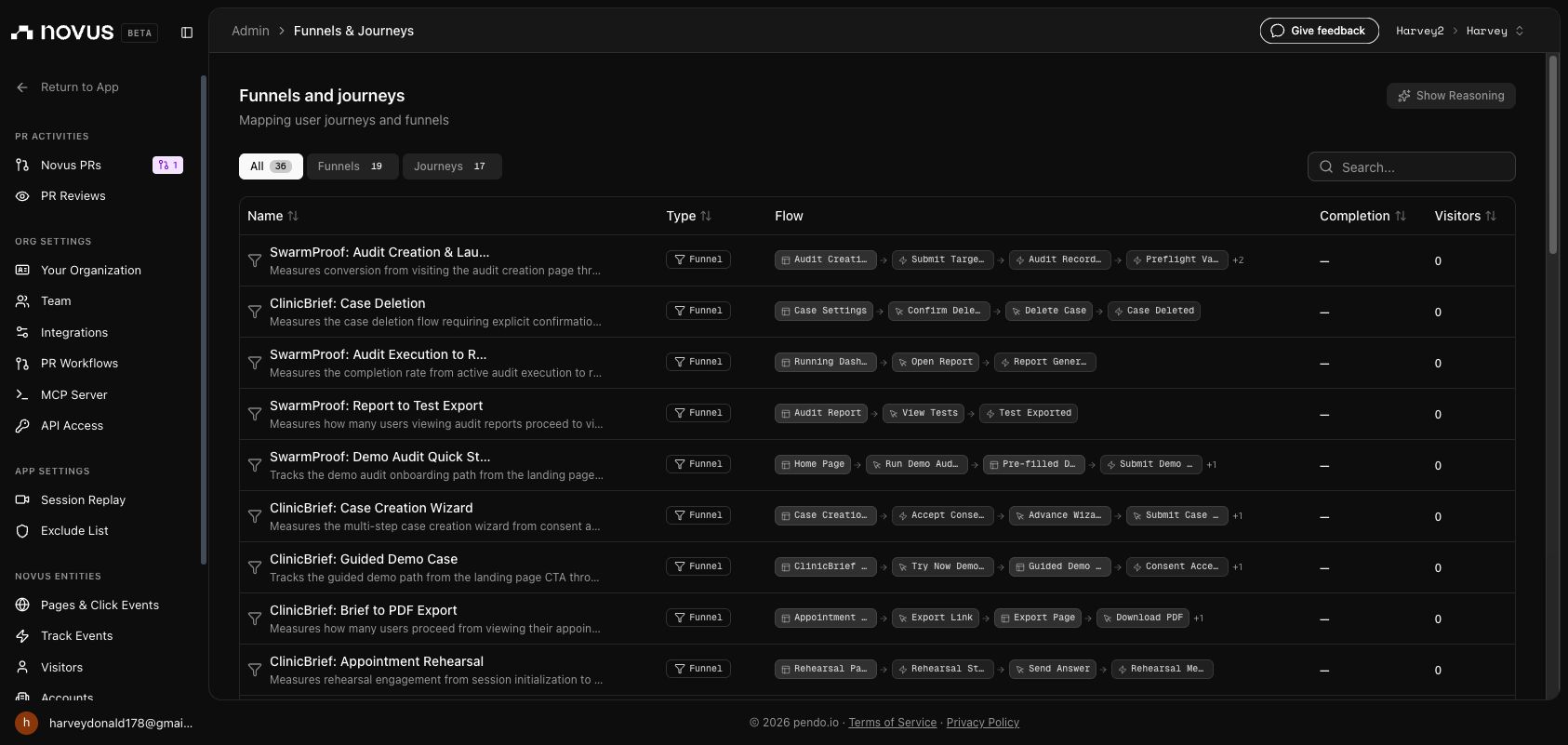
Renovation Twin funnels mapped in Novus
Renovation Twin
Upload a floor plan. Walk through your future renovation.
Inspiration
Renovating a home is one of those decisions where imagination is asked to do too much work. Someone might have a floor plan, a Pinterest board, and a rough budget, but still struggle to answer the most important question: what will this space actually feel like?
That uncertainty is expensive. Homeowners, buyers, renters, landlords, and small contractors often make early renovation decisions from static drawings, moodboards, or conversations that are hard to visualize. RenovationTwin was built to make that first concept feel tangible, fast, and shareable.
What It Does
RenovationTwin turns a 2D floor plan into an interactive renovation concept.
A user can:
- Upload a floor plan or start from a sample London flat.
- Review and edit the plan in a 2D canvas.
- Trace walls, place openings, label rooms, and calibrate scale.
- Generate a browser-based 3D walkthrough.
- Switch between AI-generated renovation variants.
- Capture views and create a shareable concept report.
The goal is not to replace architects or CAD software. The goal is to help people understand a space, compare ideas, and communicate a renovation direction much earlier in the process.
The AI Factor
The AI is used as a renovation concept engine, not just a chat layer.
RenovationTwin uses AI to generate structured design variants from the plan: style direction, palette, furniture ideas, room-by-room changes, rationale, and warnings. Those variants can then influence the walkthrough and report, so the user is not just reading suggestions; they are seeing how different renovation directions could feel inside the same space.
This makes AI useful in a very product-specific way: it helps turn a static plan into multiple decision-ready futures.
Product Architecture
| Layer | What It Does | Why It Matters |
|---|---|---|
| 2D plan editor | Lets users review, trace, correct, and calibrate floor plan geometry | Keeps the user in control instead of pretending parsing is perfect |
| 3D walkthrough | Extrudes the confirmed plan into an interactive browser scene | Makes the renovation spatial and understandable |
| AI variants | Generates style and layout concepts with room-by-room recommendations | Helps users compare different futures for the same home |
| Report and share flow | Captures views, summarizes changes, and creates a shareable concept | Turns exploration into something useful for discussion |
| Analytics / Novus proof | Tracks the product funnel with privacy-safe events | Shows the app is real, measurable, and working end to end |
How We Built It
RenovationTwin is built as a public web app with a focus on an end-to-end experience that a stranger can use without logging in.
Frontend: Next.js App Router, React, TypeScript, Tailwind CSS, and carefully structured product routes.
2D editing: React Konva powers the editable floor plan canvas for walls, openings, room labels, and scale calibration.
3D experience: Three.js, React Three Fiber, and Drei turn the plan into an interactive walkthrough with room views, materials, and variant switching.
AI: Fireworks is used through a provider wrapper to generate structured renovation variants, with validation so AI output can safely drive the product experience.
Data and reports: Shared schemas, project state, screenshots, variants, and report data are organized so the concept can move from edit mode to walkthrough to shareable output.
Measurement: Novus-ready event tracking captures key funnel actions like upload, plan confirmation, model generation, variant generation, report export, and share creation without collecting sensitive raw floor plan content.
Challenges
Making the product feel ambitious but usable.
A floor-plan-to-3D product can easily become too complex. We focused on the highest-value path: editable geometry, a clear walkthrough, AI variants, and a report someone can actually share.
Balancing automation with user control.
Floor plans are messy, and automatic parsing is never perfect. RenovationTwin treats the plan as something the user can correct, rather than hiding uncertainty behind a black box.
Making 3D useful in the browser.
The 3D model needed to feel immediate and interactive, not like a heavy specialist tool. We focused on a lightweight walkthrough that communicates space, flow, and design direction.
Keeping AI grounded.
The AI output had to be structured enough to power real UI, not just generate nice text. We used validated variant data so recommendations could connect back to rooms, materials, furniture, and reports.
Respecting privacy.
Floor plans can be sensitive. The analytics layer tracks behavior and product state, not raw plans, addresses, images, or private content.
Accomplishments
We are proud that RenovationTwin is a full product loop, not just a mockup.
It can take a floor plan experience from 2D review to 3D walkthrough to AI renovation variants to shareable report. The experience is designed to work without login, has a polished sample path, and includes measurable product events for judging.
The most exciting part is how quickly the value becomes visible: a flat drawing becomes a space you can move through, restyle, discuss, and share.
What We Learned
We learned that the highest-value AI products are not always the ones that generate the most text. Sometimes the real magic is turning AI into a useful layer inside a workflow.
We also learned that renovation visualization is a strong product problem because it combines emotion, money, uncertainty, and communication. People do not just need more ideas; they need a clearer way to decide between them.
From an engineering perspective, the biggest lesson was that craft matters: the product only feels impressive if the upload, editing, 3D, variants, report, and analytics all connect into one coherent experience.
What's Next
Next, RenovationTwin could become a richer renovation planning workspace:
- Stronger computer vision for more floor plan types.
- Better doors, windows, furniture, and material realism.
- Side-by-side before and after walkthroughs.
- Collaboration features for homeowners, designers, agents, and contractors.
- More detailed budget bands and room-level renovation plans.
- Exportable reports for early conversations with professionals.
Safety And Boundaries
RenovationTwin is a concept visualization tool. It does not provide structural engineering advice, planning permission advice, CAD-grade measurements, or contractor-grade estimates.
Its purpose is to help people understand and communicate renovation ideas earlier, faster, and more clearly.
Built With
- drei
- fireworks
- next.js
- novus
- playwright
- prisma
- react
- react-konva
- react-three-fiber
- supabase-ready-postgres
- tailwind-css
- three.js
- typescript
- vercel
- zustand

Log in or sign up for Devpost to join the conversation.