-
-
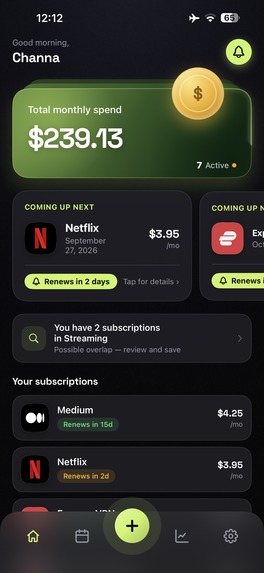
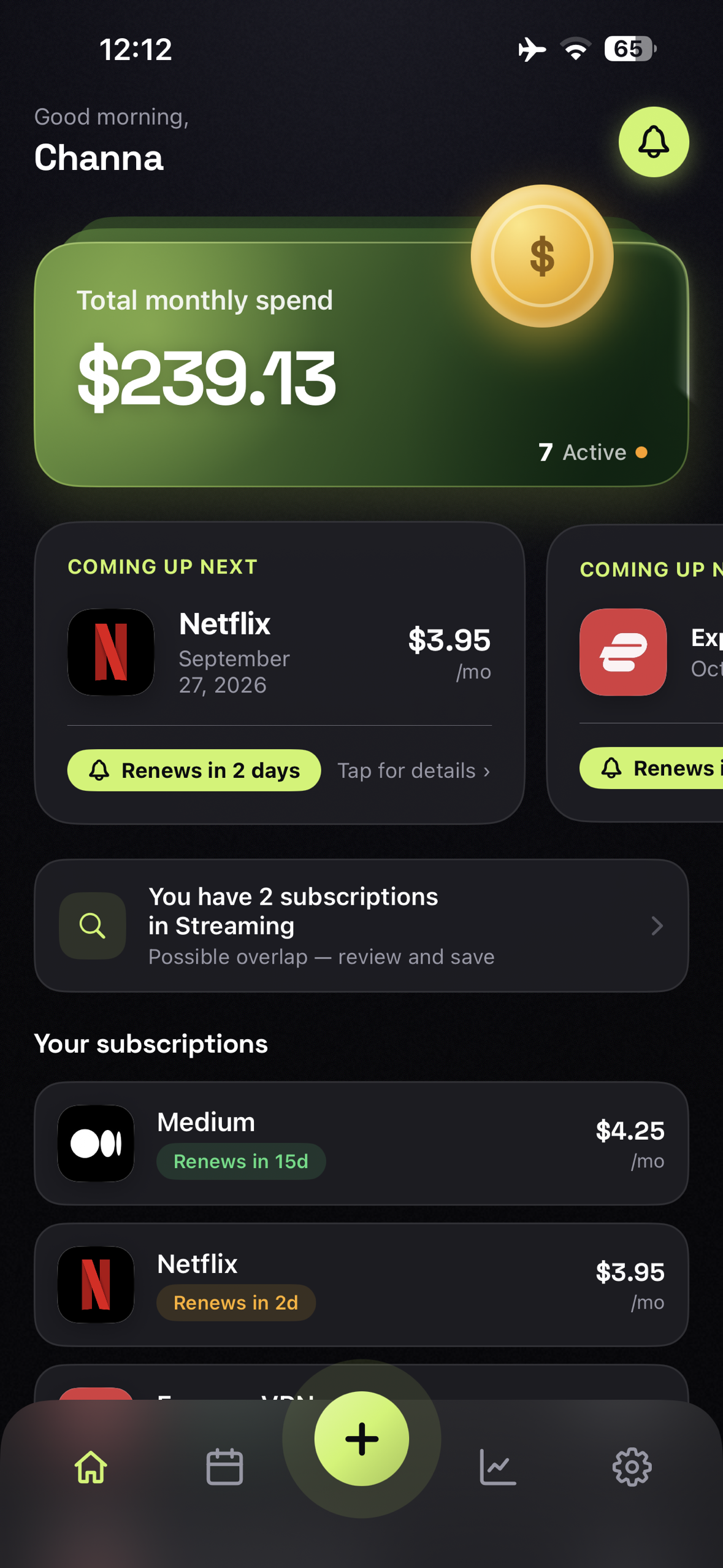
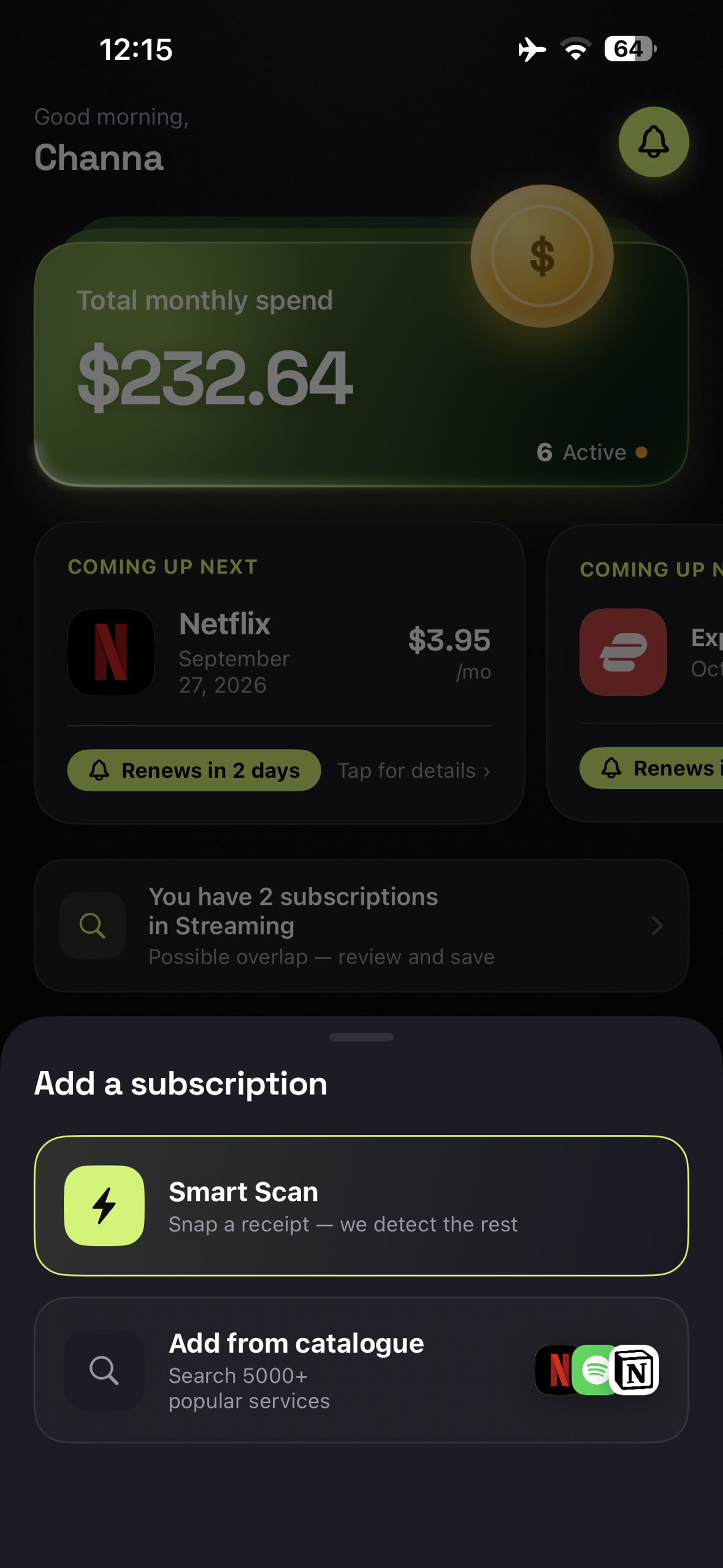
Subscription Dashboard, Overview of total subscriptions with quick access to key features through the bottom navigation.
-
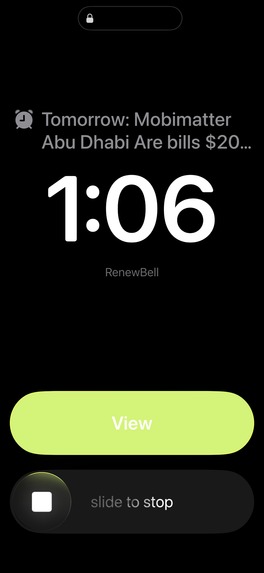
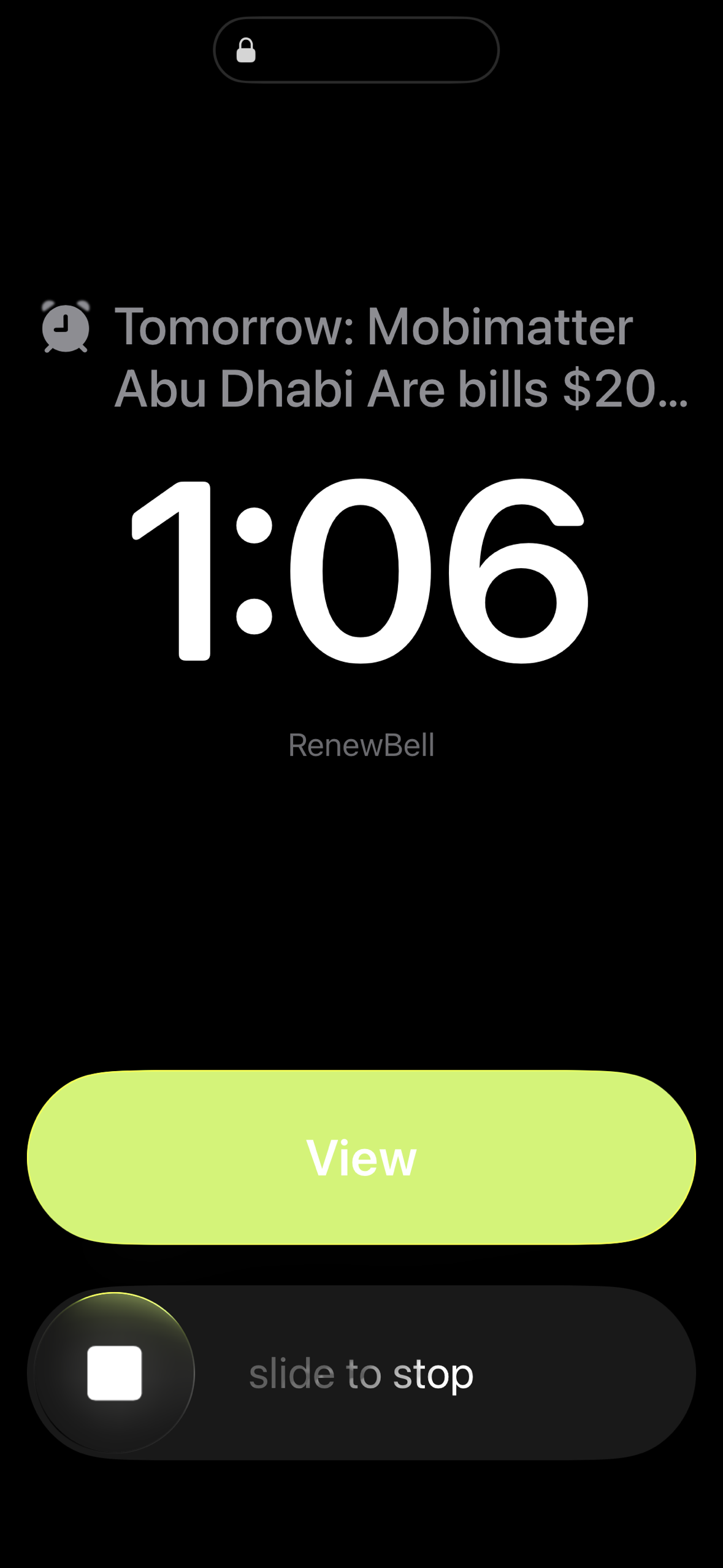
Renewal Alarm, Receive an on-screen alarm notification when a subscription is approaching renewal, even when the app is not open.
-
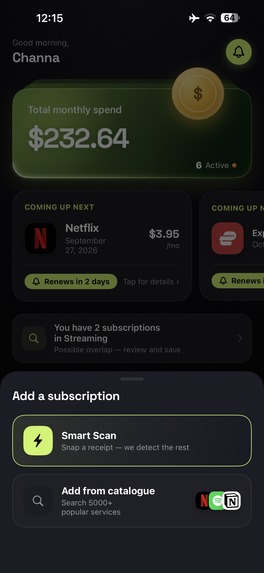
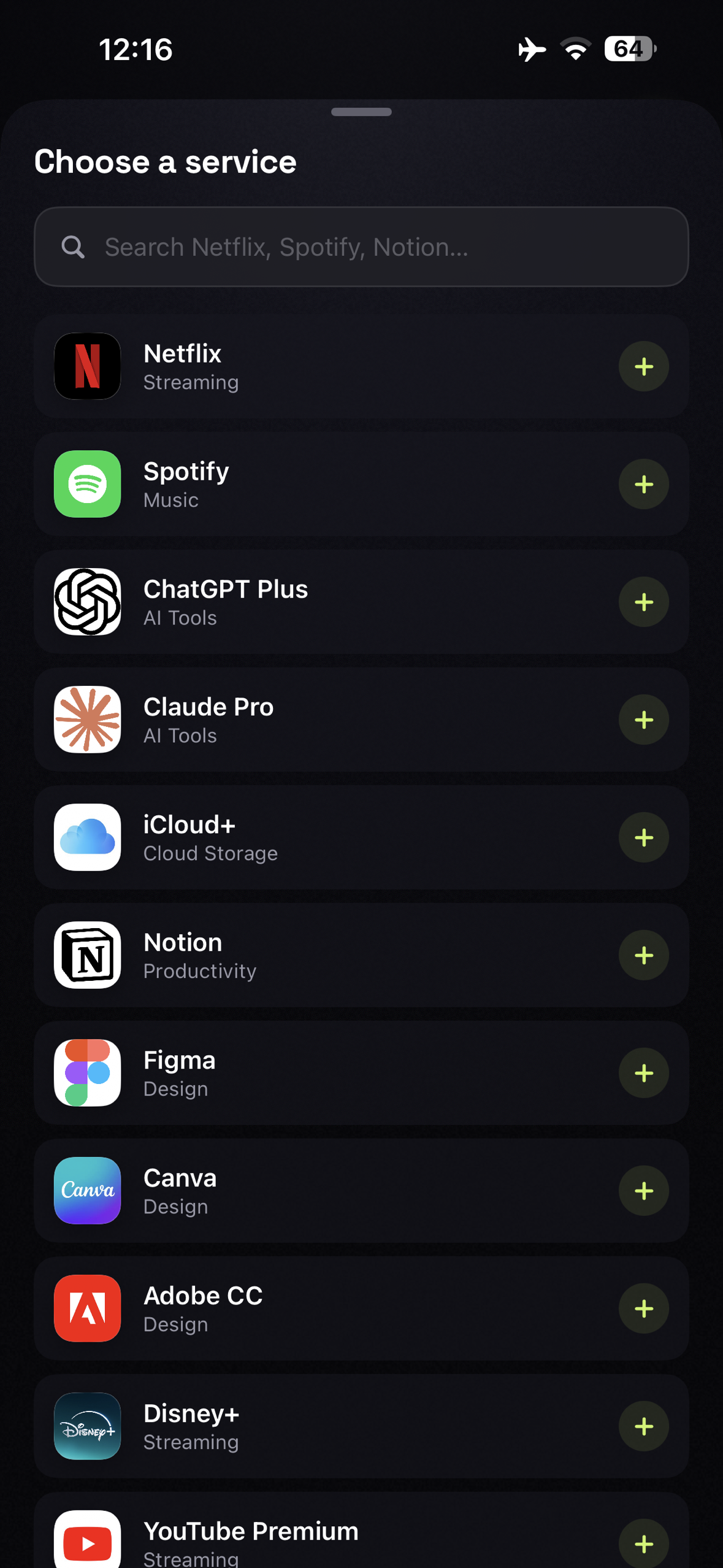
Add Subscription, Add a new subscription using Smart Scan or manually select a service.
-
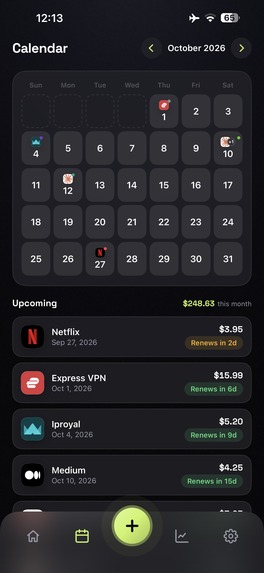
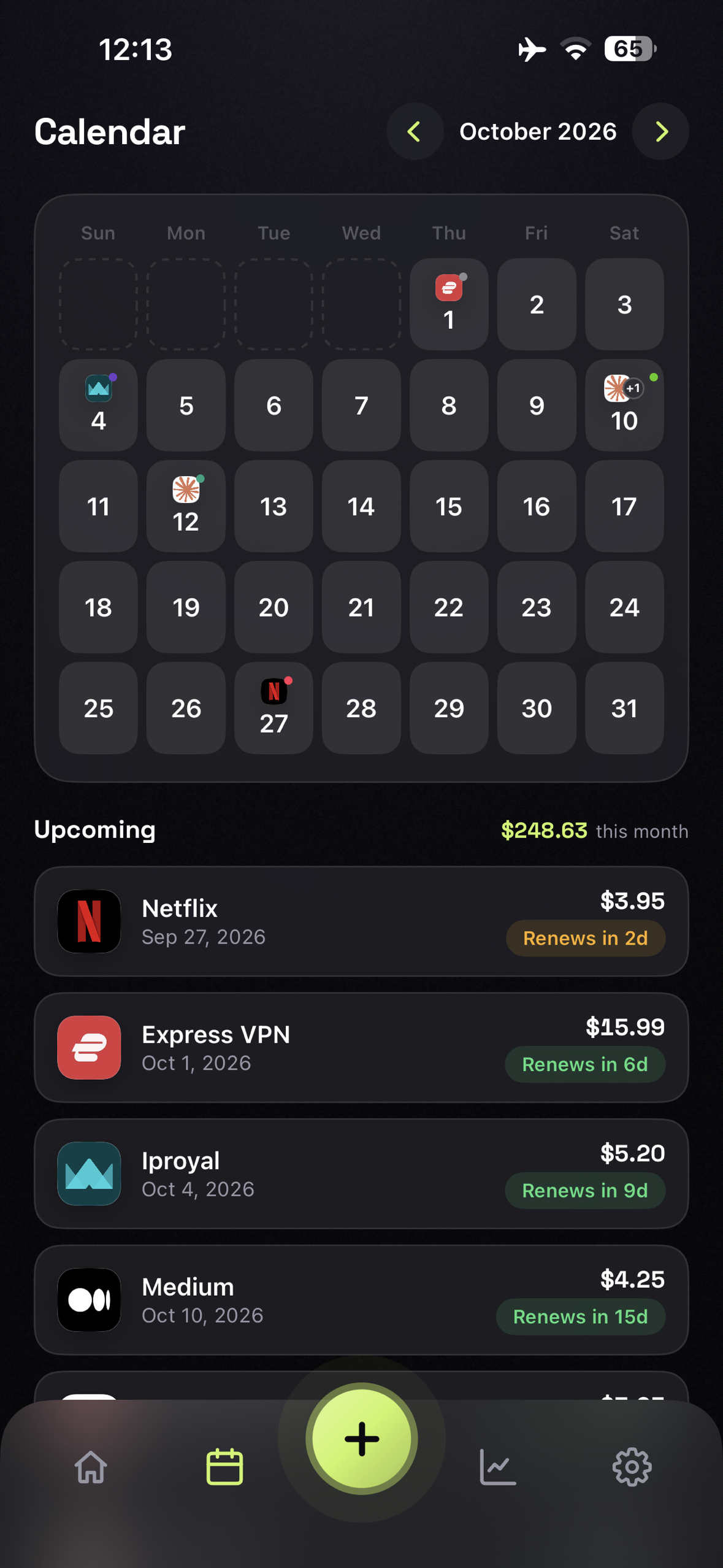
Subscription Calendar, Calendar view showing subscription renewal dates alongside upcoming billing events.
-
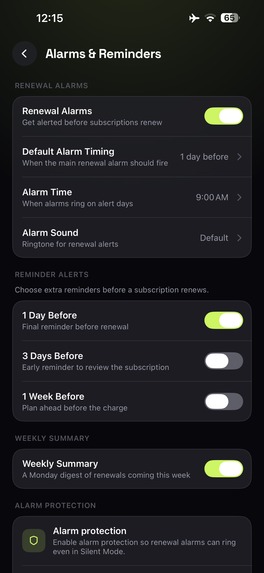
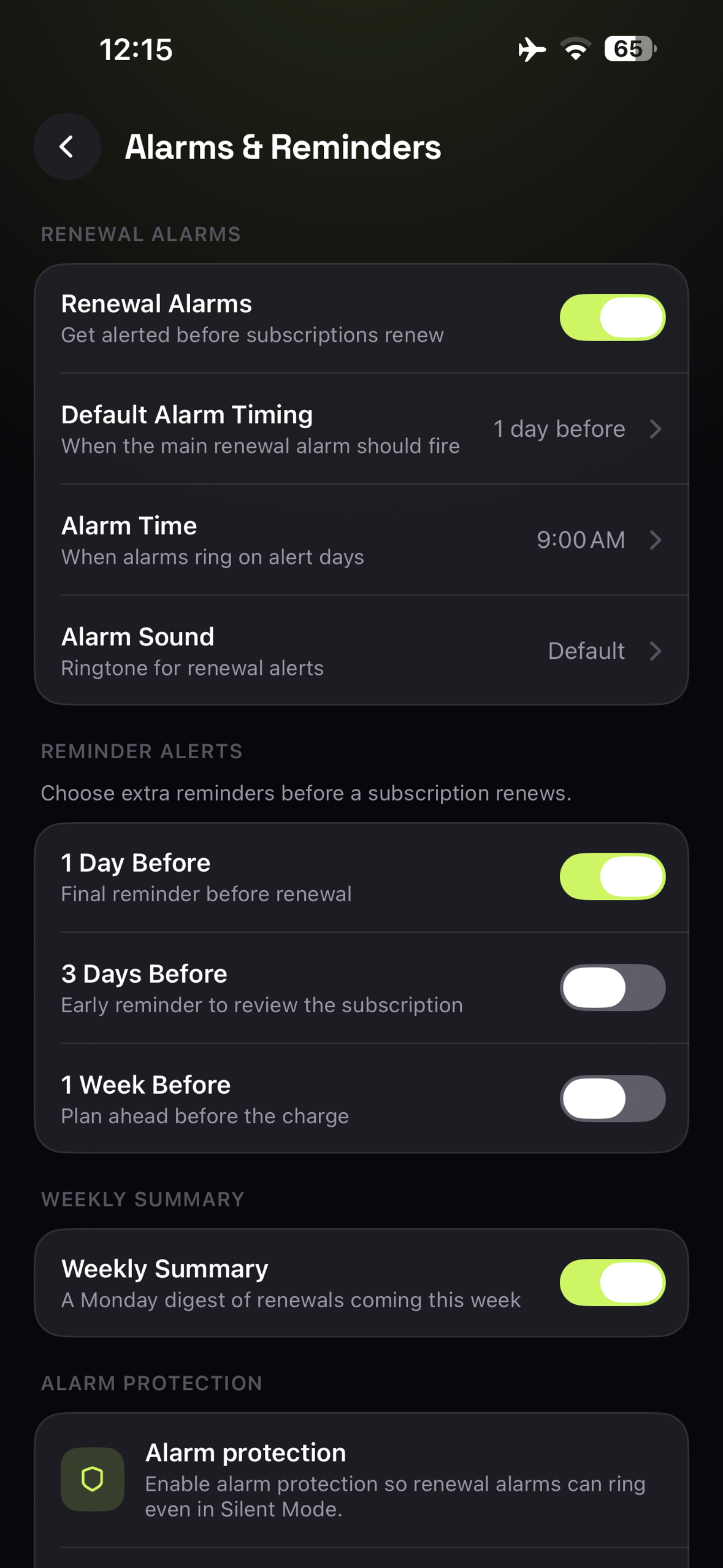
Alarms & Reminders — Set additional reminders before subscription renewals with Alarm Protection to help prevent missed payments.
-
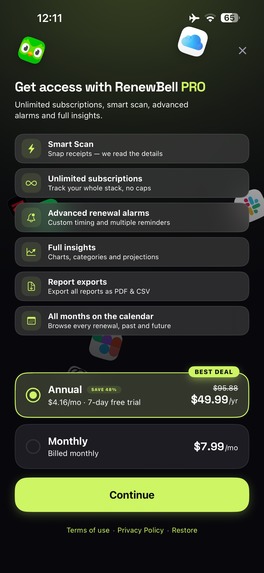
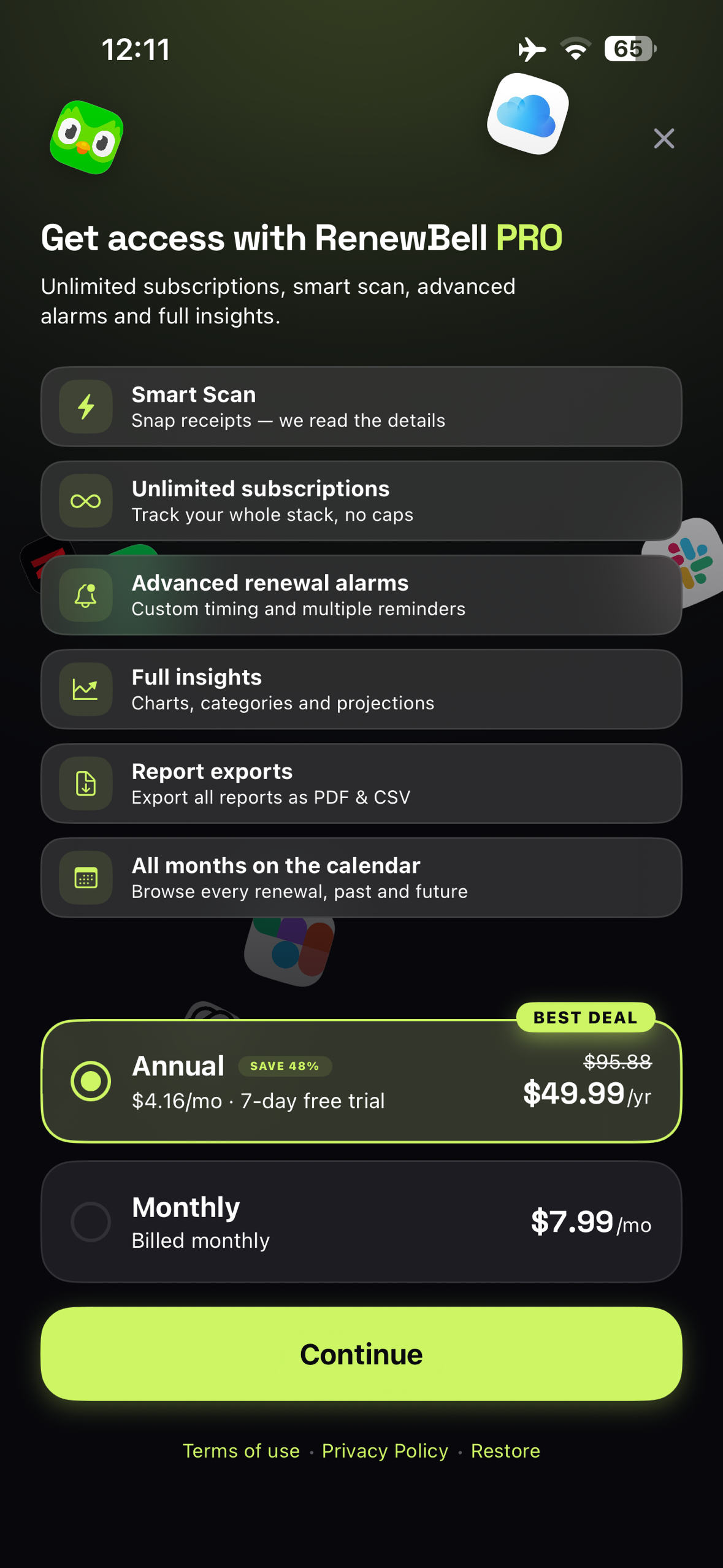
Paywall powered by RevenueCat Offerings, no hardcoded pricing
-
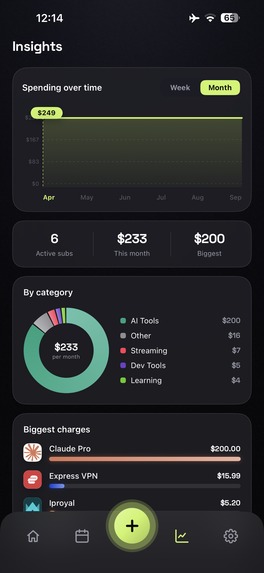
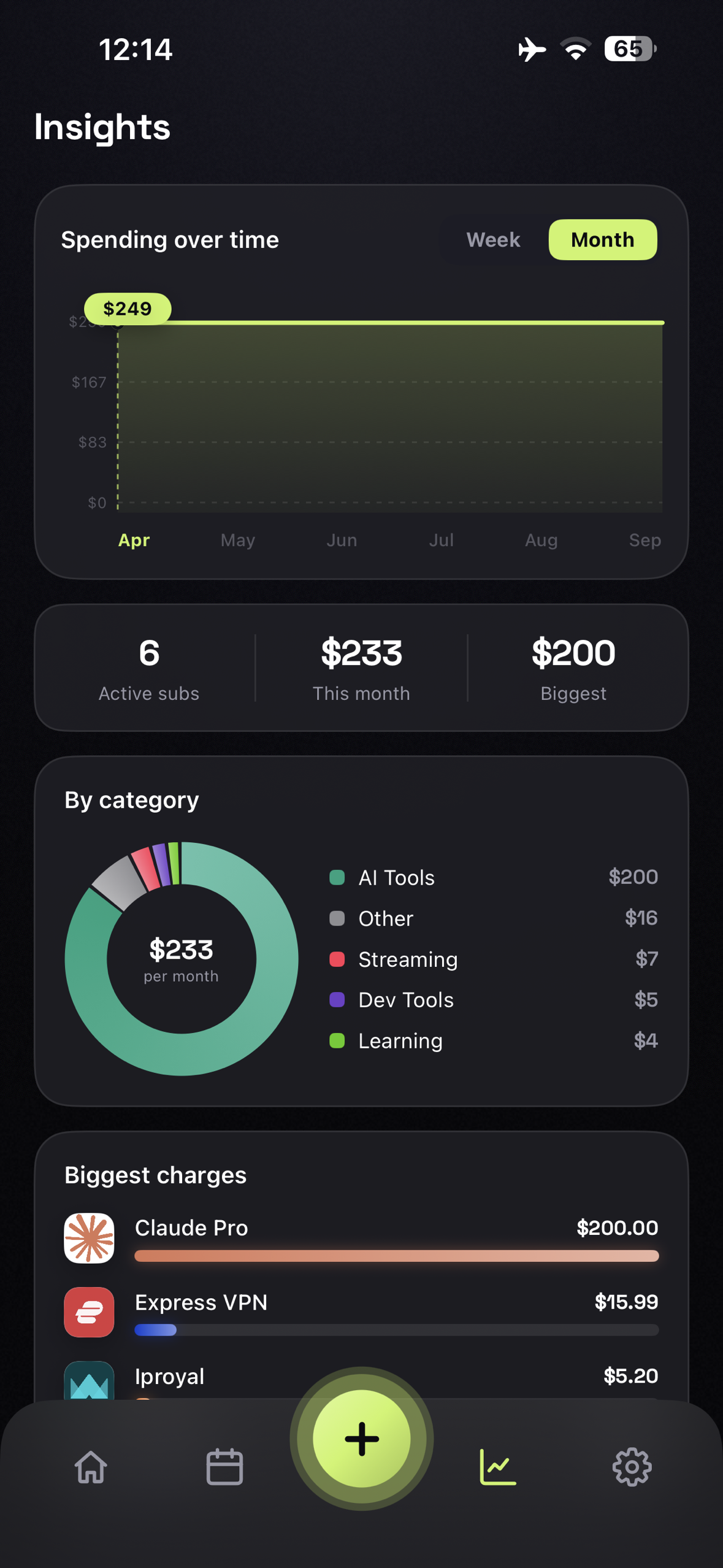
Spending Insights, Analyze subscription spending over time with weekly and monthly trends, categories, subscription status, highest charges.
-
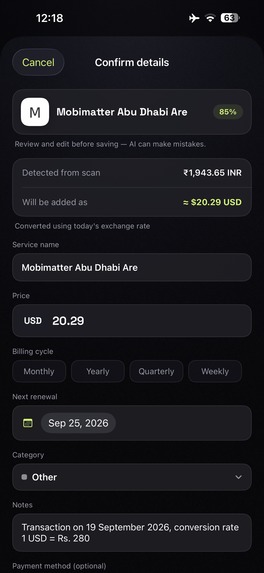
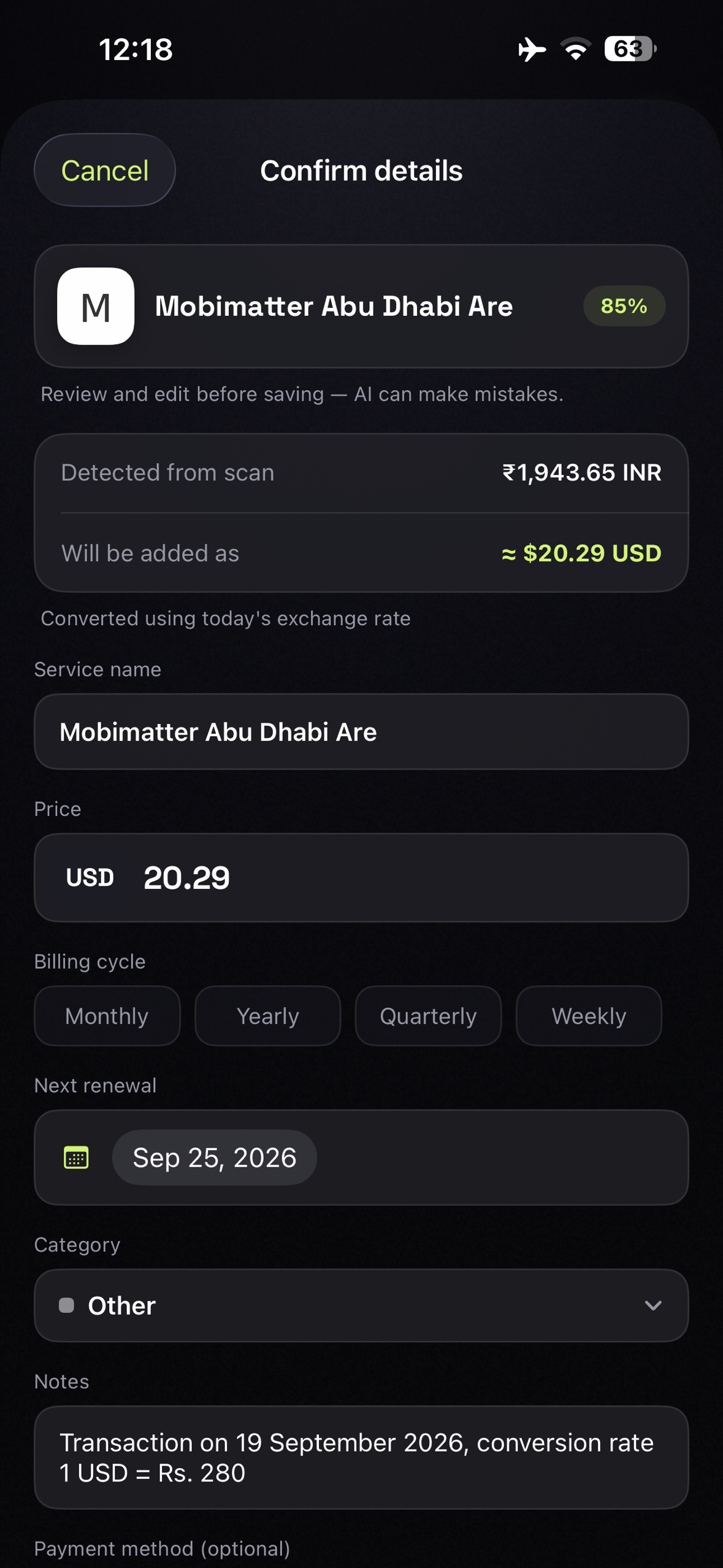
Smart Receipt Scan, Automatically extract subscription details such as service name, price, currency, billing information from a receipt.
-
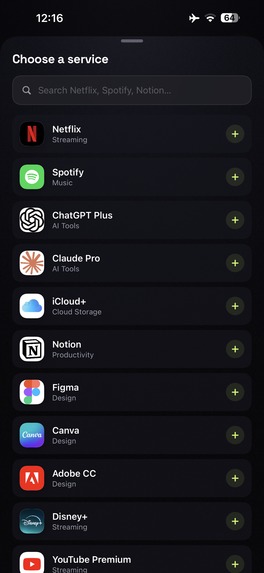
Manual Service Selection, Search and select subscription services manually from the available service catalog.
-
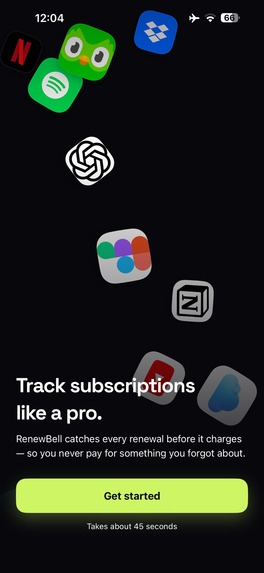
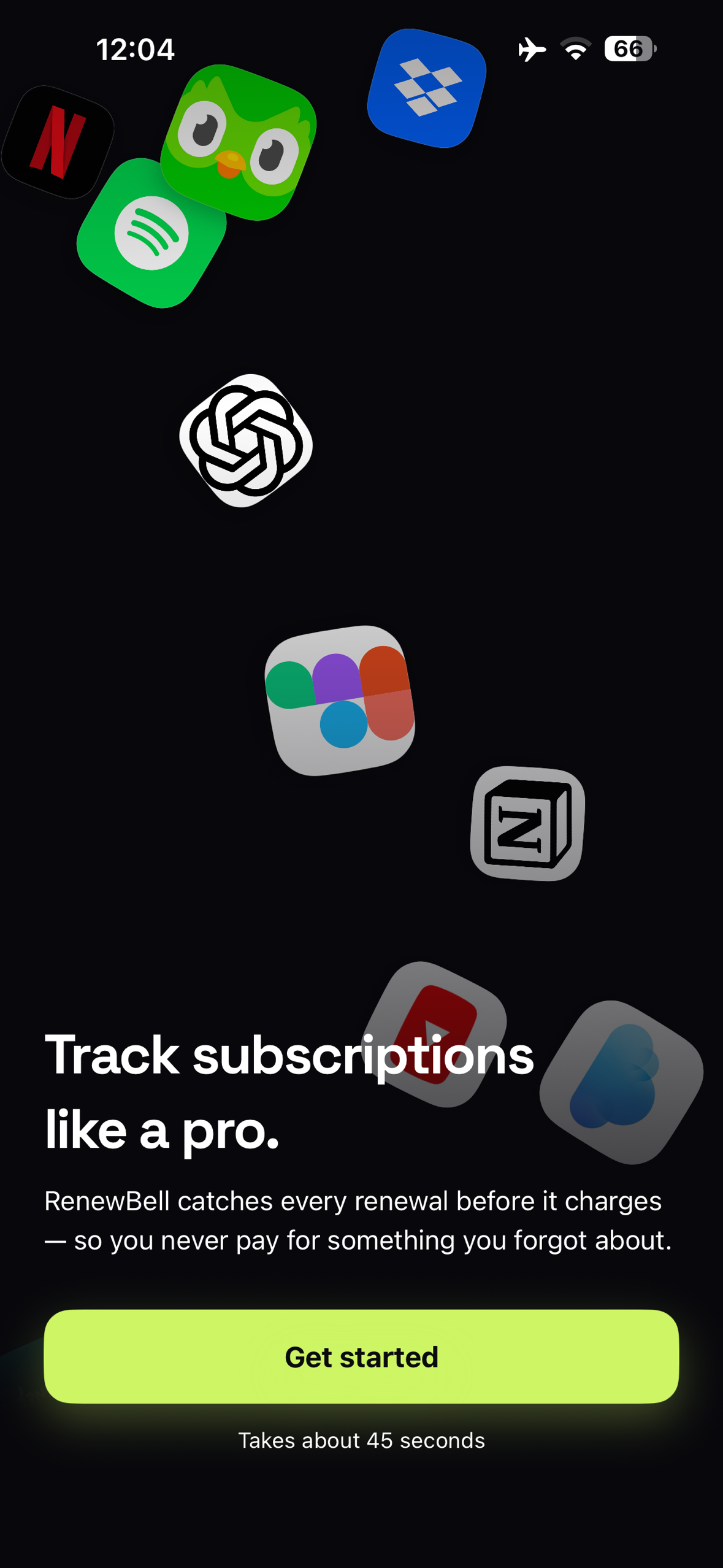
Welcome Onboarding, Introduction screen guiding users through the subscription management experience.
-
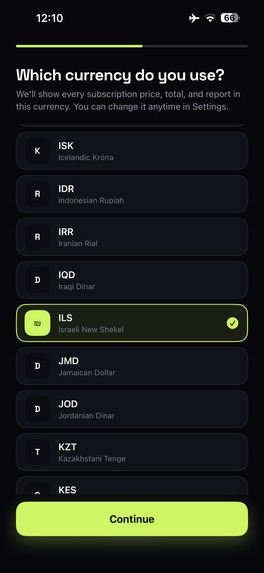
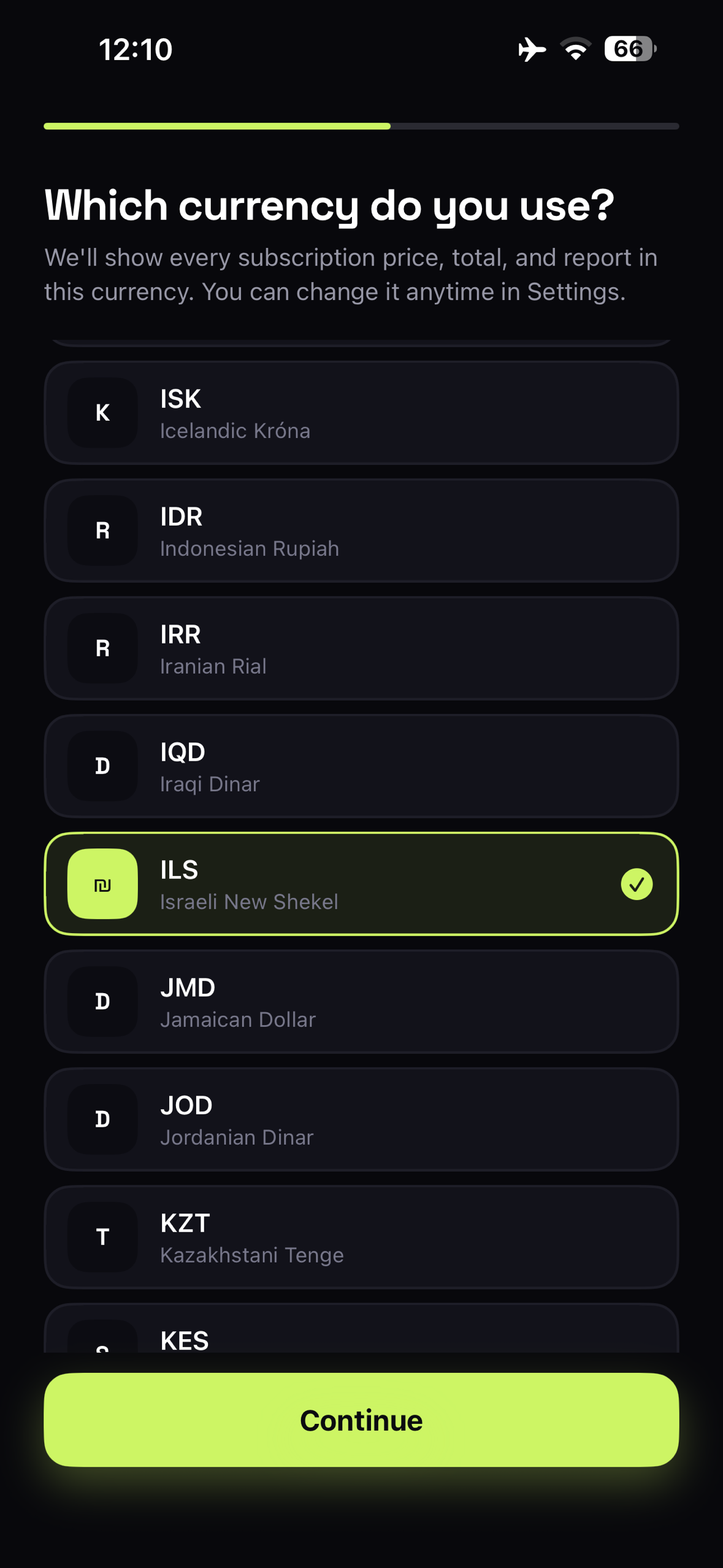
Currency Selection, Choose a preferred currency for tracking and displaying subscription costs.
-
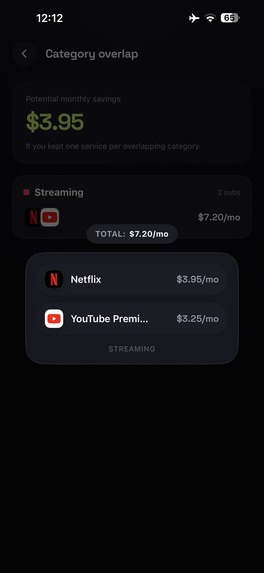
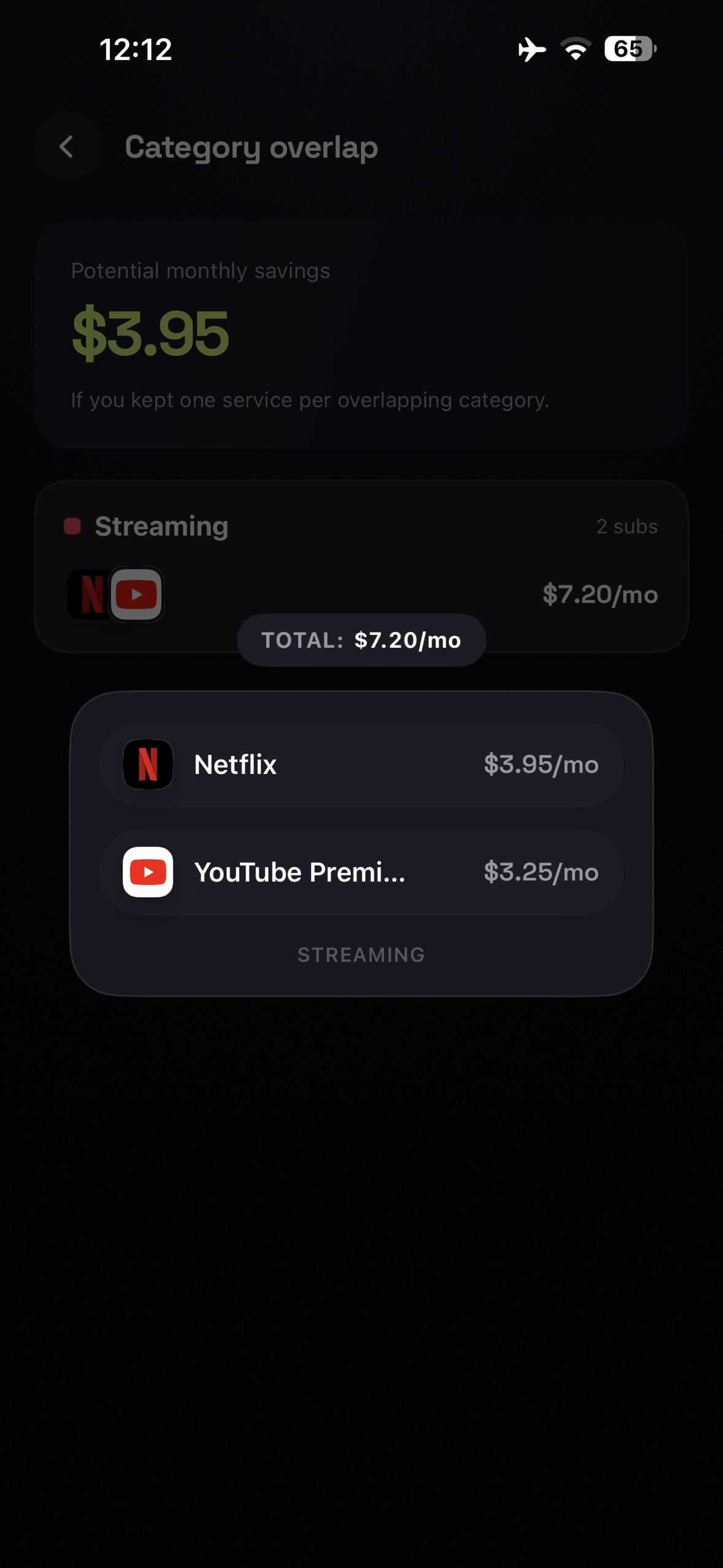
Service Category Matching, Automatically groups similar subscription services into relevant categories for easier organization.
-
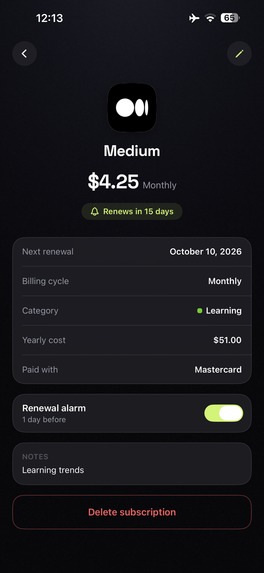
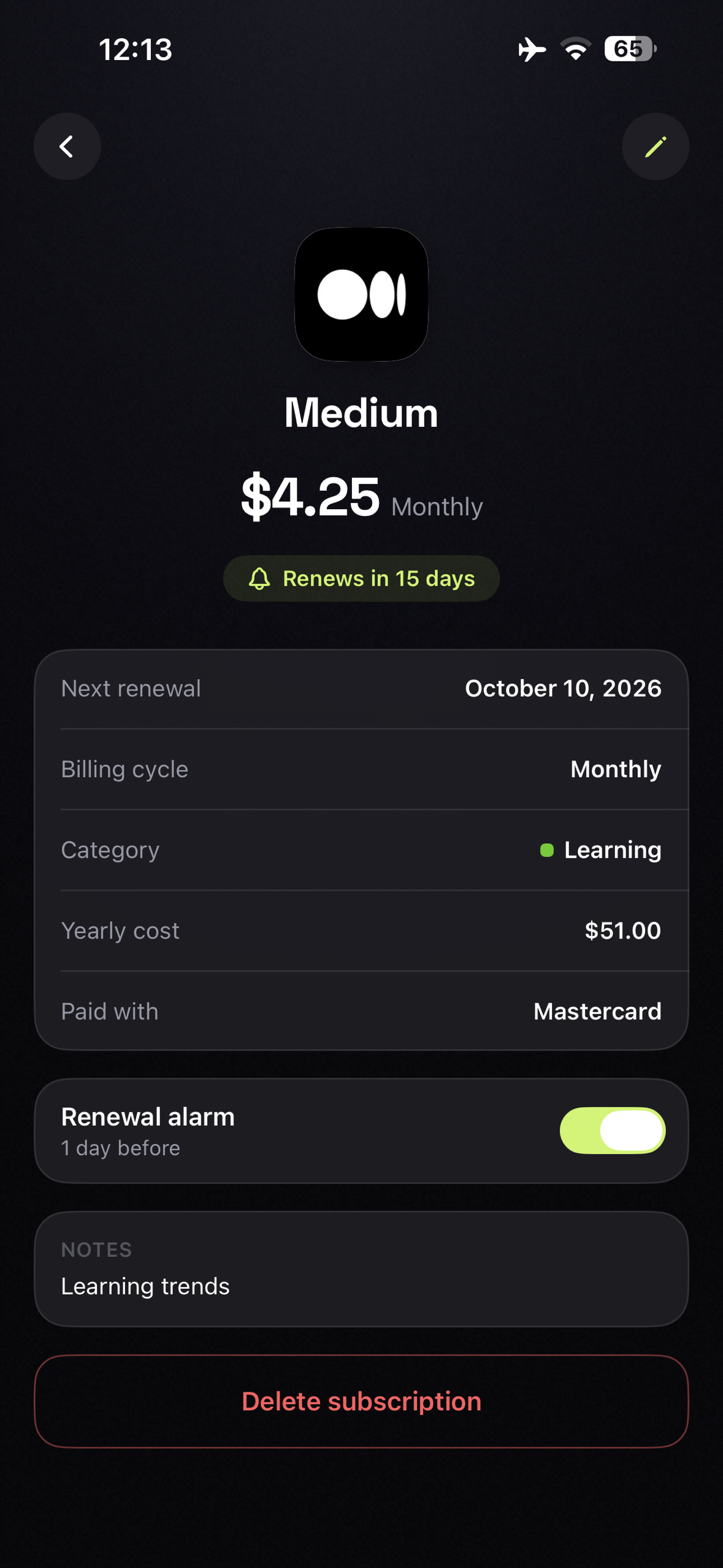
Subscription Details, View detailed information about a subscription, including pricing, billing cycle, renewal date, and service details.
-
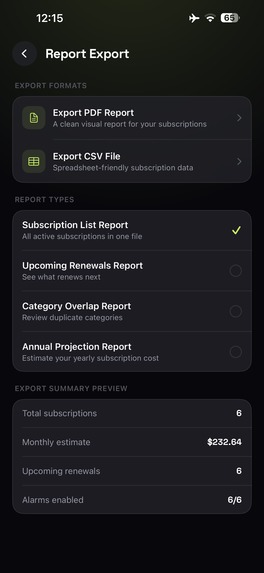
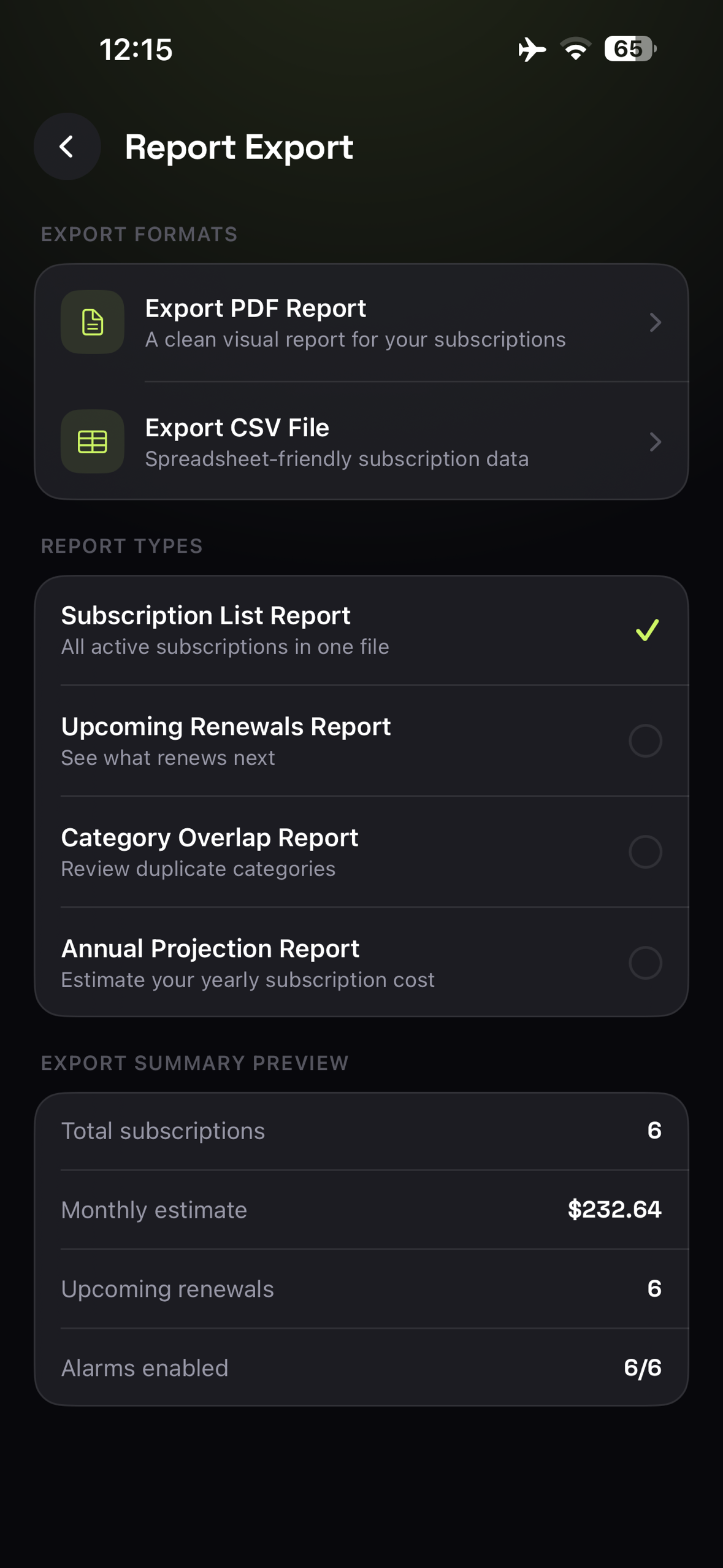
Report Export, Generate subscription reports in PDF or CSV format with a summarized spending overview.
-
App icon (1024 × 1024, uncropped)
The problem
I was paying for ChatGPT, Claude, Netflix, iCloud, Figma, and a handful of tools I barely remembered signing up for. Every month a charge would land and I'd only notice it on my bank statement, days too late to do anything about it.
Existing subscription trackers had two problems. They wanted me to type every subscription in by hand, and their reminders were push notifications, the kind you swipe away without reading. By the time you look again, the money is gone.
RenewBell fixes both. Instead of typing, you scan a subscription from a receipt screenshot and it fills in the details for you. And instead of a notification, every subscription gets a real alarm the day before the charge, set automatically. Pro unlocks Smart Scan and lets you move that alarm to whatever day and time suits you.
What it does
Smart Scan. Point it at a receipt or billing screenshot. On-device OCR reads the text, an AI pass cleans it up, and you get a pre filled form with service, price, billing cycle, and next renewal date. You confirm or edit before anything saves. Nothing is written behind your back.
Renewal calendar. Every subscription mapped across the month so you can see what is coming instead of finding out afterwards.
Automatic alarms. Every subscription gets an alarm the day before the charge, no setup. Pro unlocks custom timing per subscription. It is an alarm, not a notification you ignore.
Spend insights. Monthly total, trend, and category breakdown.
Works offline. Add, edit, and delete without a connection. Everything syncs when you are back online.
Who it is for
People who pay for a lot of modern digital services like creators, students, freelancers, designers, developers, and anyone stacking up AI tool subscriptions.
How it makes money
Freemium, powered by RevenueCat. Free tier covers 3 subscriptions with automatic day before alarms. Pro unlocks unlimited tracking, Smart Scan receipt scanning, and custom alarm timing at $7.99/month or $49.99/year with a 7-day free trial on the annual plan.
How I built it
Native SwiftUI with MVVM, iOS 17 minimum, iPhone only.
Auth and identity. Apple Sign In is the only way in, using the native id token flow into Supabase Auth. No email, no password, no guest mode. The Supabase auth.users.id is the single user identity across the whole system, and it is what gets passed to Purchases.logIn(), so a RevenueCat customer is never an anonymous ID or a raw Apple identifier.
Data layer. Supabase Postgres is the source of truth. GRDB is a local cache only, hidden behind a single repository so no screen ever touches the database or the network directly. Sync is last write wins on a client-controlled updated_at, with tombstone deletes. Row Level Security is on for every table, own row only, and the entitlements table is read-only to clients so gifted Pro can only be granted server side.
Smart Scan. OCR runs on device. The messy text goes to a Supabase Edge Function that calls Groq first and falls back to Gemini, validates the response against a schema, and returns structured JSON. API keys live in Edge Function secrets and never touch the client. The function does not log OCR text. There is also a server side kill switch, so Smart Scan can be turned off remotely without an app update.
Design. Space Grotesk, three themes including an obsidian mode, a floating glass tab bar with a lime accent, an animated spend hero, and brand logos for every service. Sixteen of the most common brands are bundled in the app so the splash and onboarding run with zero network calls.
Challenges
I submitted the app for review at the very start of the Shipaton window, expecting to be live within a week. Instead, Apple rejected it twice, and each round meant fixing, rebuilding, resubmitting, and waiting again. It finally went live on August 26, almost four weeks after the first submission. That's four weeks of the competition window spent waiting on review instead of on growth, and it's the single biggest reason the download numbers are still small.
Pricing was the part I rebuilt the most. The first version had prices written into the views, which breaks the moment someone opens the app outside the US. I stripped every literal out and made the paywall derive everything from Offerings, including the savings math and the trial line.
Testing Apple Sign In was harder than expected. The simulator kept failing against Apple's identity servers, so the whole auth, purchase, and sync chain had to be verified on a physical device.
What I learned
Building the app was the easy part. Getting it through App Store review took longer than writing the code, and two rejections taught me more about shipping than any tutorial did. Next time I'll submit a rough first version early and iterate, instead of polishing for weeks before Apple even sees it.
Never put a price in your code. The moment I did, the app was wrong for everyone outside the US. Pulling everything from the store fixed a whole class of bugs I didn't know I had.
Free features that cost you money don't convert, they just cost you money. Moving Smart Scan behind Pro was the right call and I should have launched that way.
And test the real thing on a real phone. The simulator lied to me about Apple Sign In for a week.
What's next
Android, shared household subscriptions, and price-change detection so the app can tell you when a service quietly raises its rate.
Categories I'm targeting
RevenueCat Design Award for the interaction and motion work, and the HAMM Award for a paywall that derives all of its pricing, savings math, and trial copy from Offerings rather than hardcoded values.

Log in or sign up for Devpost to join the conversation.