Inspiration
Gaussian splats preserve real places and objects as explorable 3D scenes, opening up a new way to capture moments for people in near future. But many existing workflows are designed around desktop editing or publishing. I wanted opening a splat on Android to feel as natural as opening any other image file.
What it does
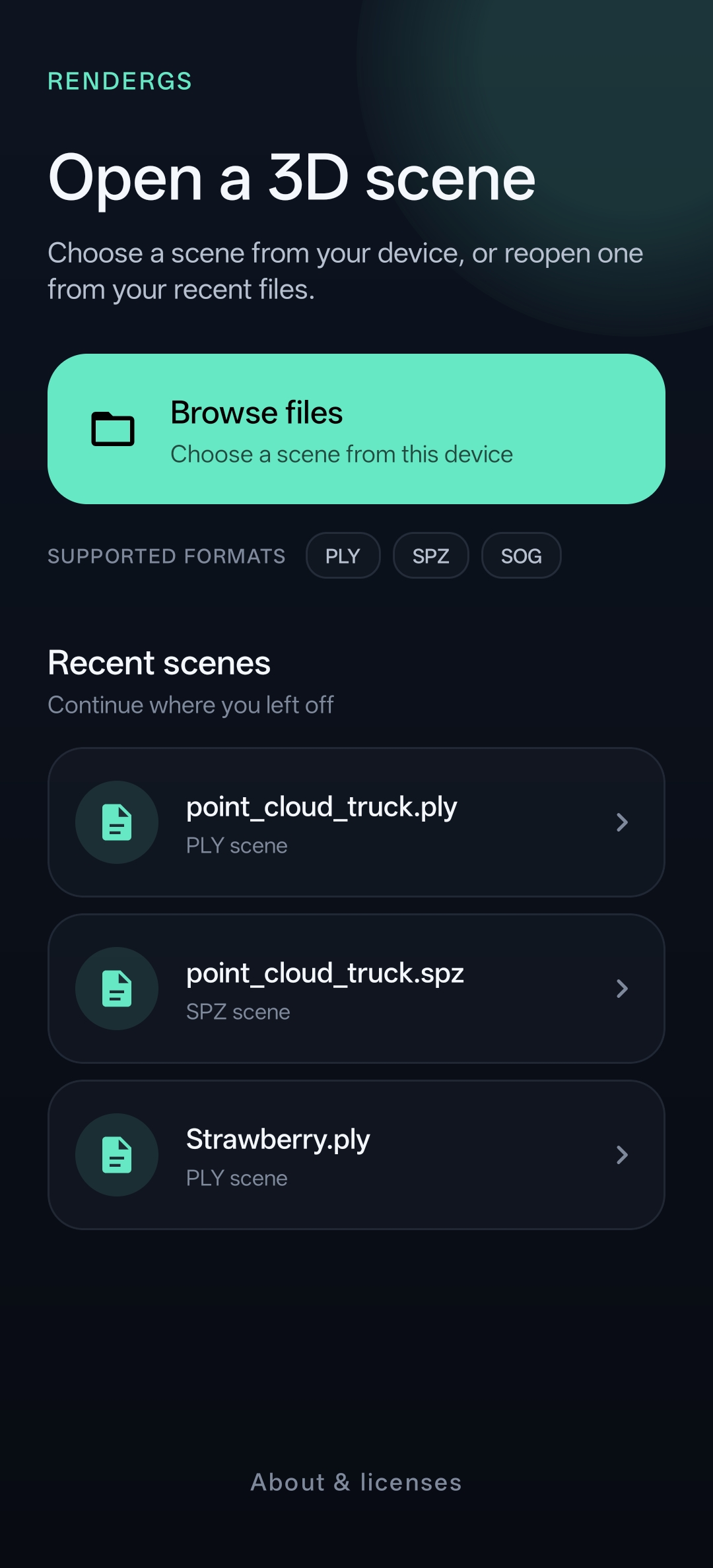
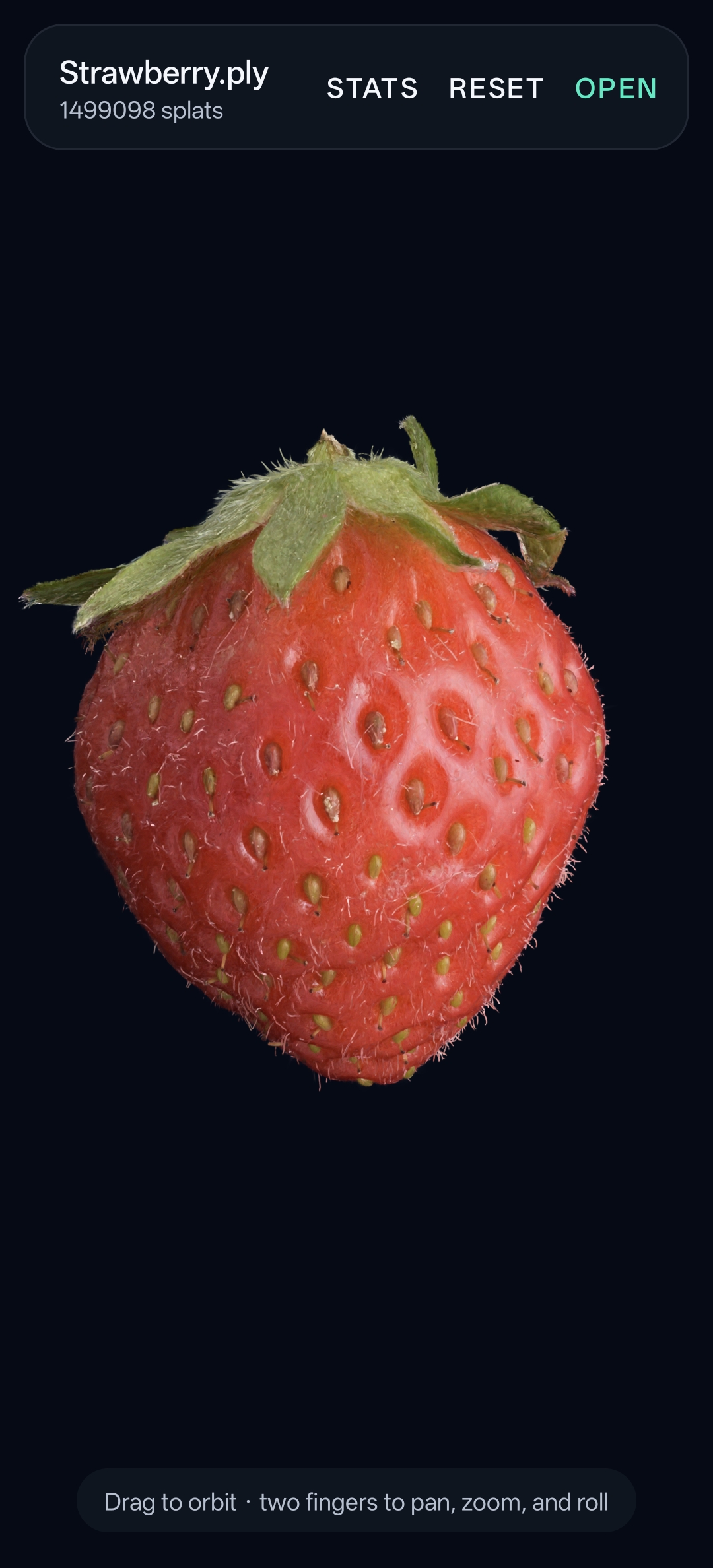
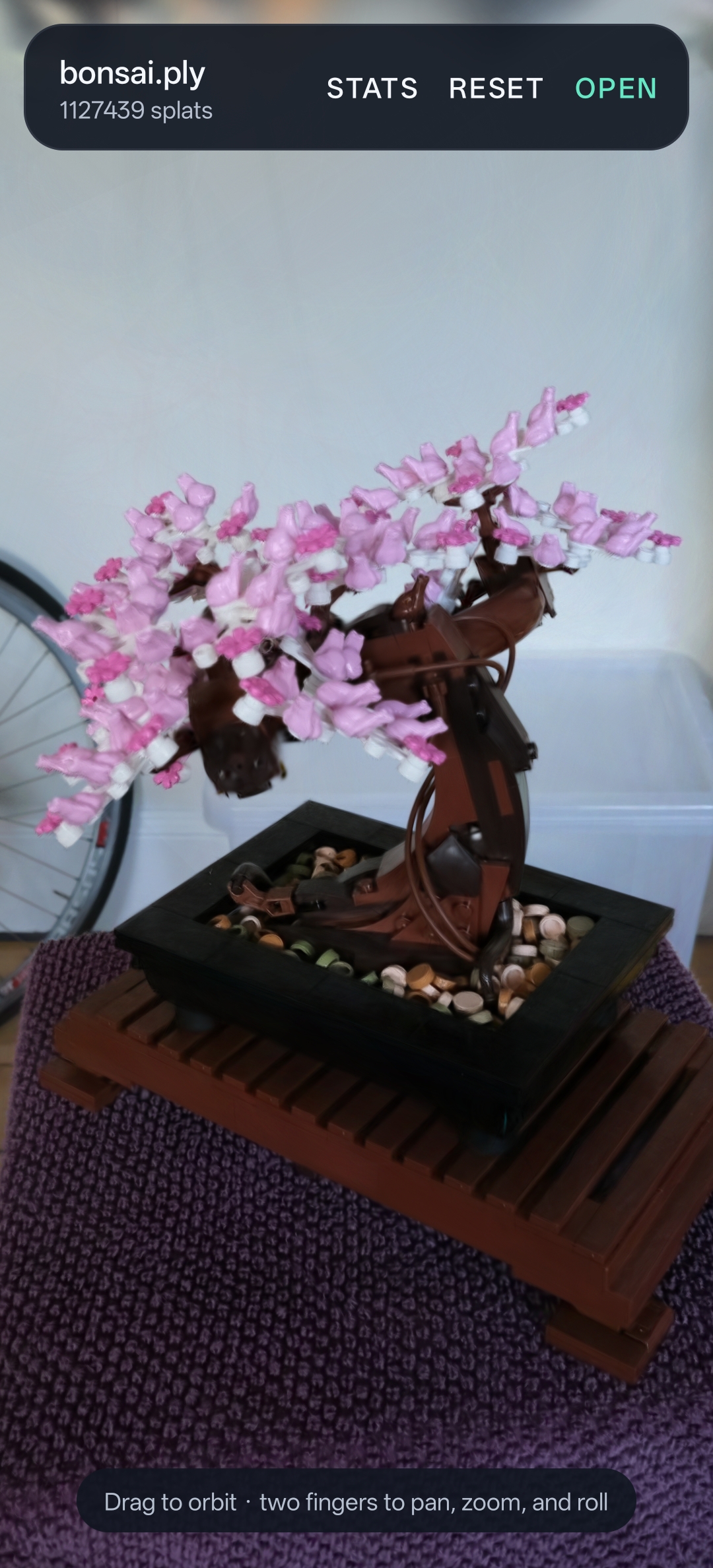
RenderGS is a mobile-first viewer for 3D Gaussian-splat scenes. Users can open PLY, SPZ, and SOG files directly from Android storage, return to recent scenes, and explore them using touch controls for orbit, pan, zoom, and camera roll.
It supports scenes containing up to six million splats, subject to device memory. I tested it on a OnePlus 13R running Android 16, including a 1.5 GB Bicycle scene containing 5.56 million splats.
How it was built
RenderGS uses a native Vulkan renderer. Projection, visibility culling, spherical-harmonic color evaluation, compaction, and global depth sorting run on the GPU. Four stable radix passes produce back-to-front order before a single indirect draw.
Each supported format is decoded into a common scene representation, keeping PLY, SPZ, and SOG support independent from the renderer.
How I used Codex and GPT‑5.6
RenderGS builds on an earlier experimental renderer. During Build Week, I used Codex with GPT‑5.6 to turn it into this focused Android product.
I directed the product and engineering decisions and performed all hardware testing. GPT‑5.6 implemented and documented the Kotlin, JNI, C++, Vulkan, and shader stack—including new SPZ and SOG support. It also helped audit resource ownership, diagnose a Vulkan barrier corruption, and design large-scene support for mobile GPU limits.
What’s next
Future work includes additional formats, level-of-detail rendering for scenes beyond the current limit, and enabling full training on device from sparse views such that anyone can capture and view these scenes.
Full architecture, verification notes, Build Week history, and setup instructions are available in the project README.
