Code Overview: https://youtu.be/sry-IXMu9A8
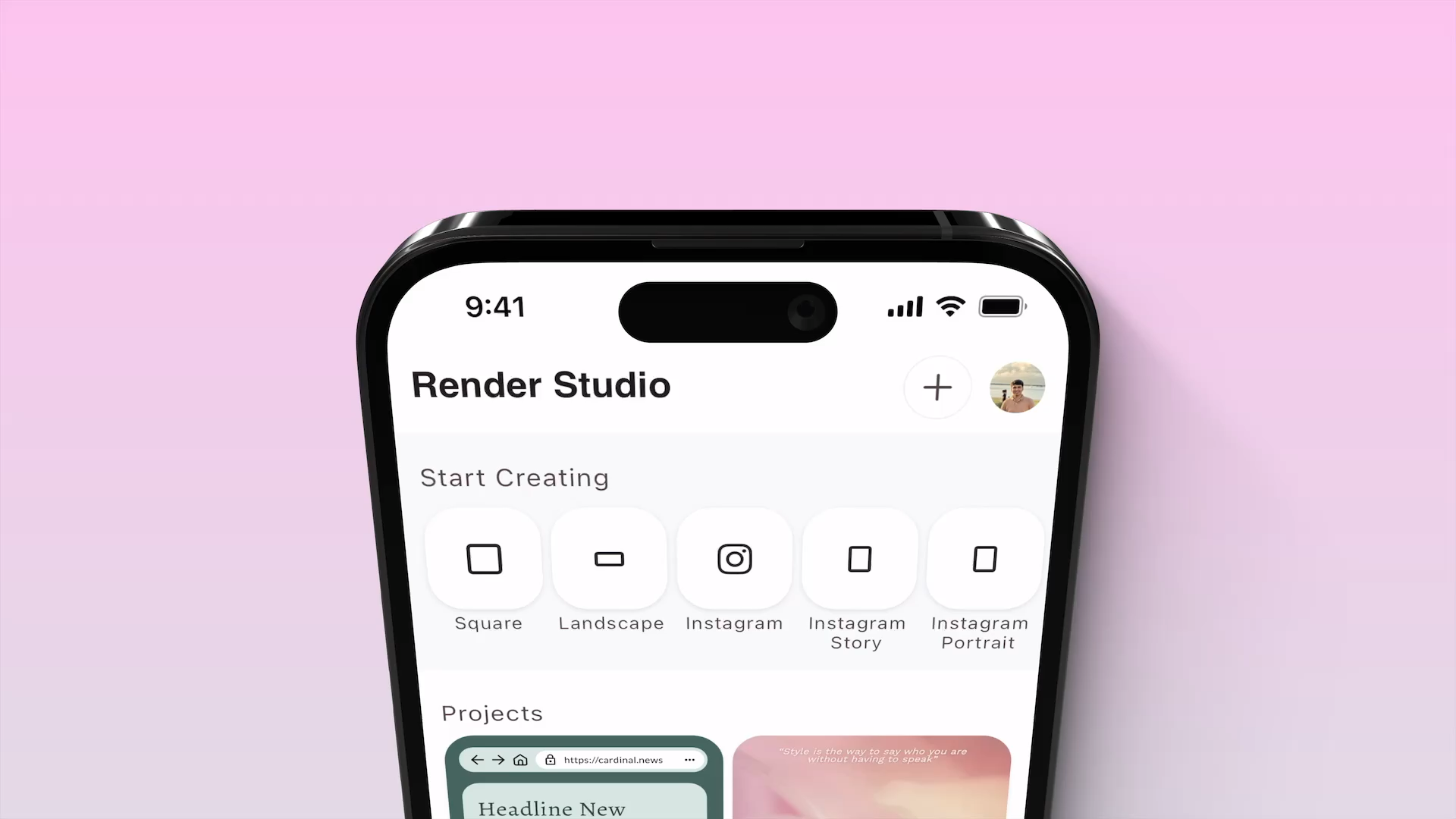
Why did you choose this project? What was your inspiration? While I was learning mobile app development, I started working on a social media app to practice my skills. I developed the whole app from scratch and to make it distinct from the others, I created a feature called Designer. With Designer, we could create basic images with text that could the be directly published to the same social media app. After becoming an experienced developer finishing up the app and a few apps from my clients, I wanted to work on something new that was a little different. I thought of removing the Designer feature from Rival and creating it’s own stand alone app Render Studio. As I progressed near completion, I also wanted to add a few AI powered features that gave the app a boost, and hence Magic Design in Render Studio.
What was the learning process? The biggest takeaways? What did you learn from building this project? The learning process was very helpful. I learned everything from using those maths equations taught in high school to advanced algorithms that generates color palettes, makes sure positioning of elements are consistent after using Magic Design, grouping elements together and a ton others that run behind the scenes.
Any improvements you would like to implement in the future? I plan to release Render Studio to the App Store in the coming weeks and only plan to make the features more stable. After the release, I intend to expand the app to include a complete suite of tools to take your social media page to the next level. Auto-publish functionality to streamline your workflow across platforms, the ability to plan your posts ahead of time, and an intelligent auto-generate feature that learns from your past posts to suggest new content.
