-
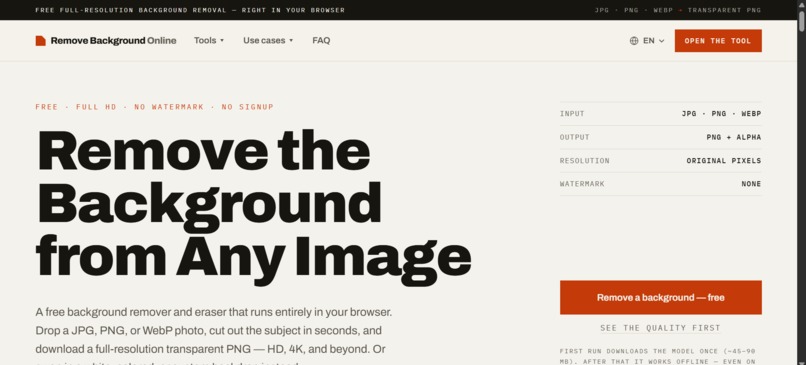
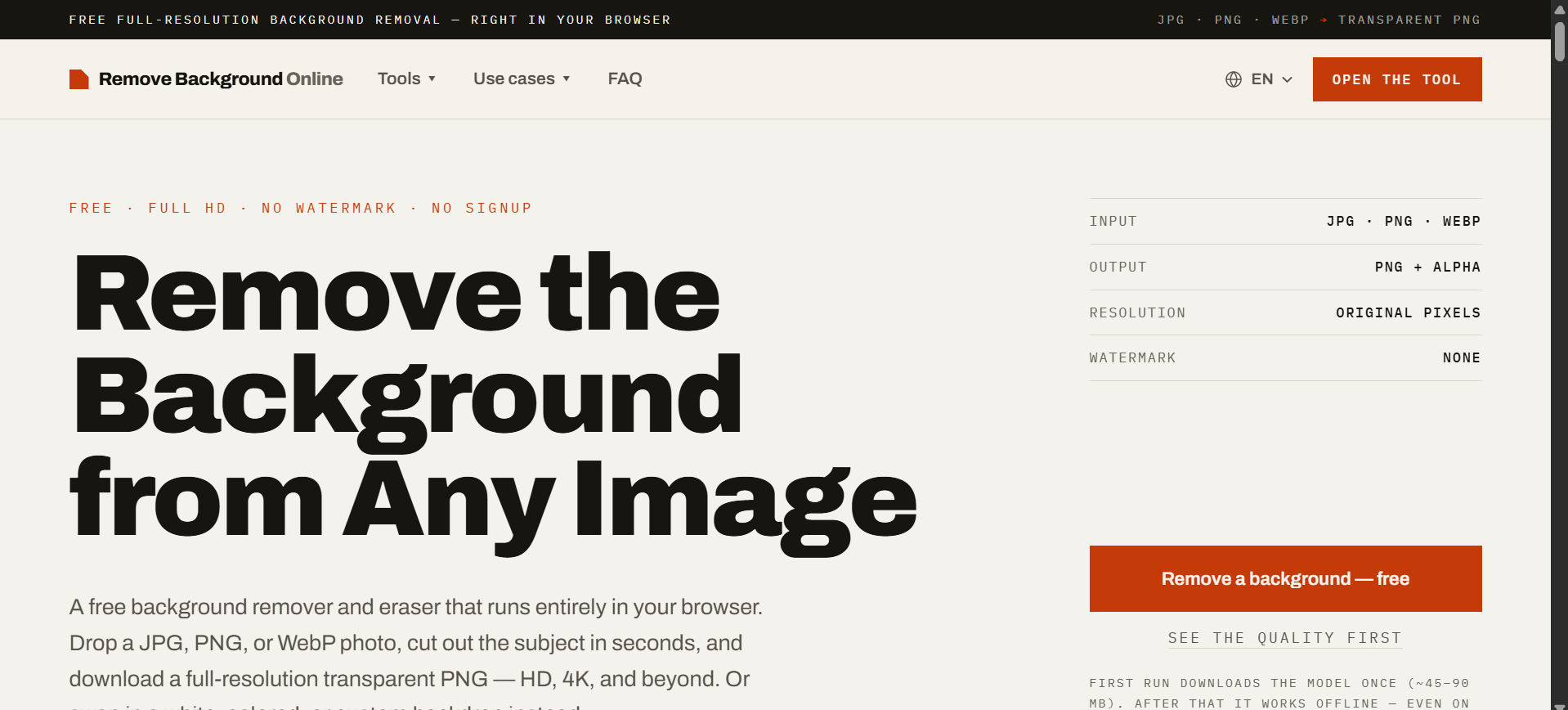
Home Page Screenshot
-
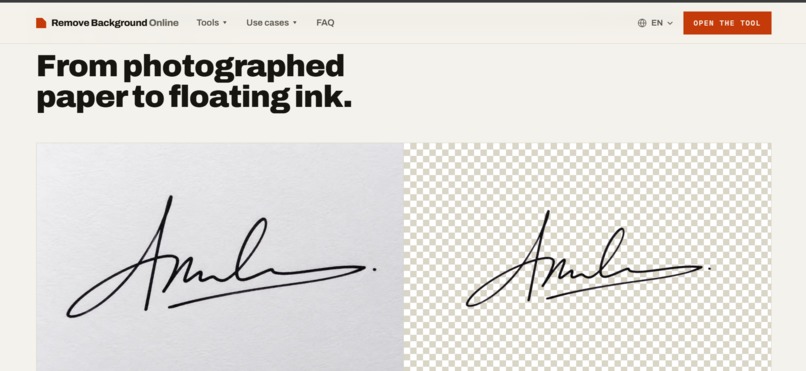
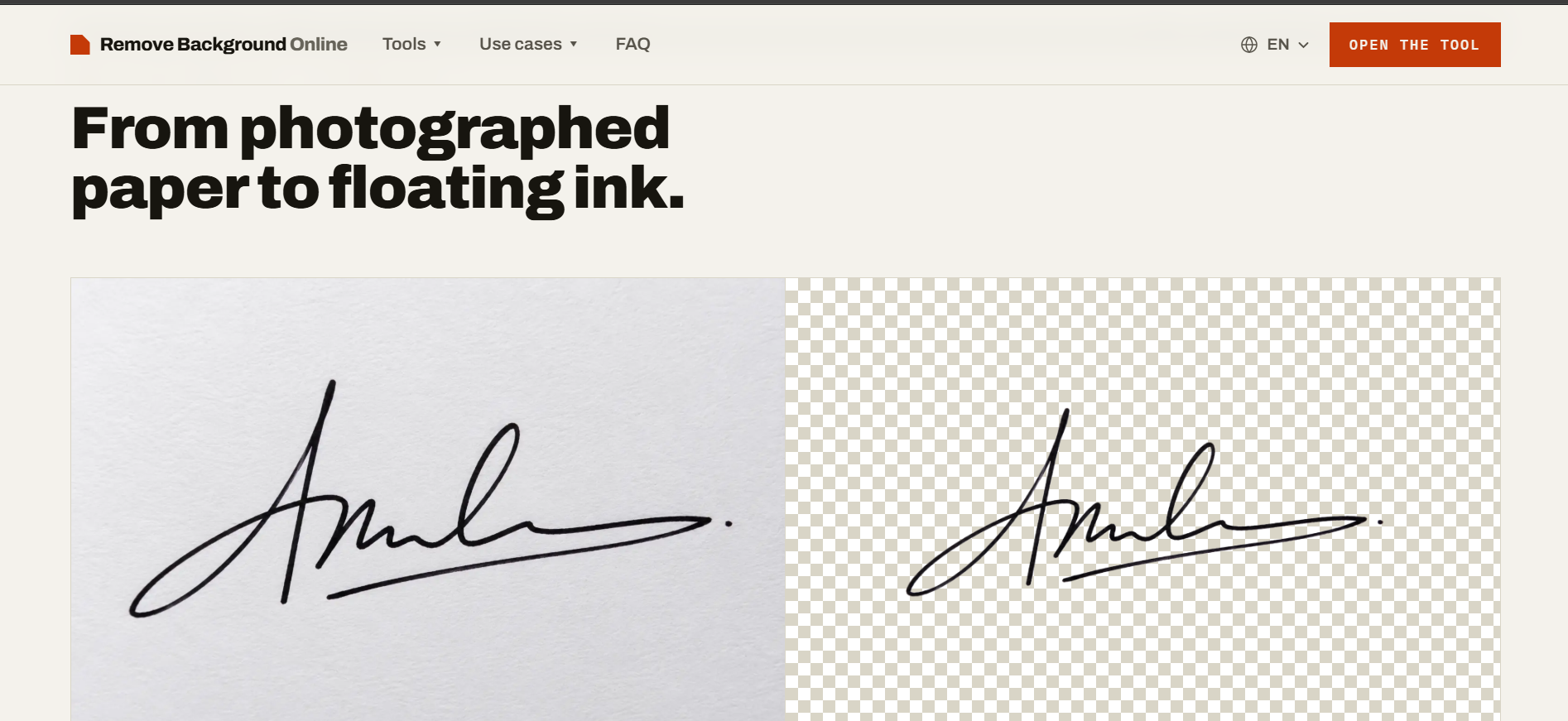
Remove Background from Signature
-
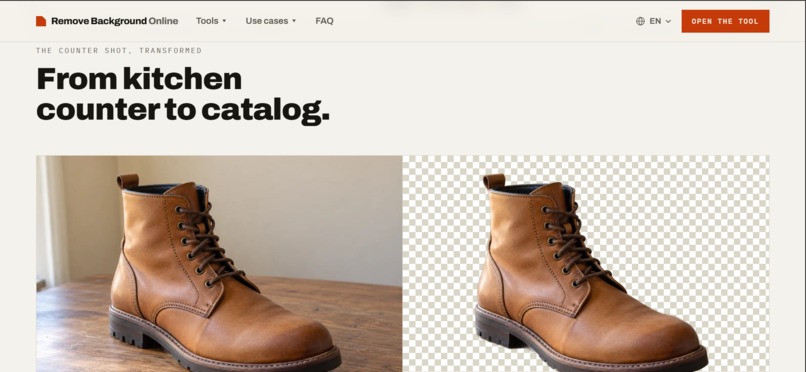
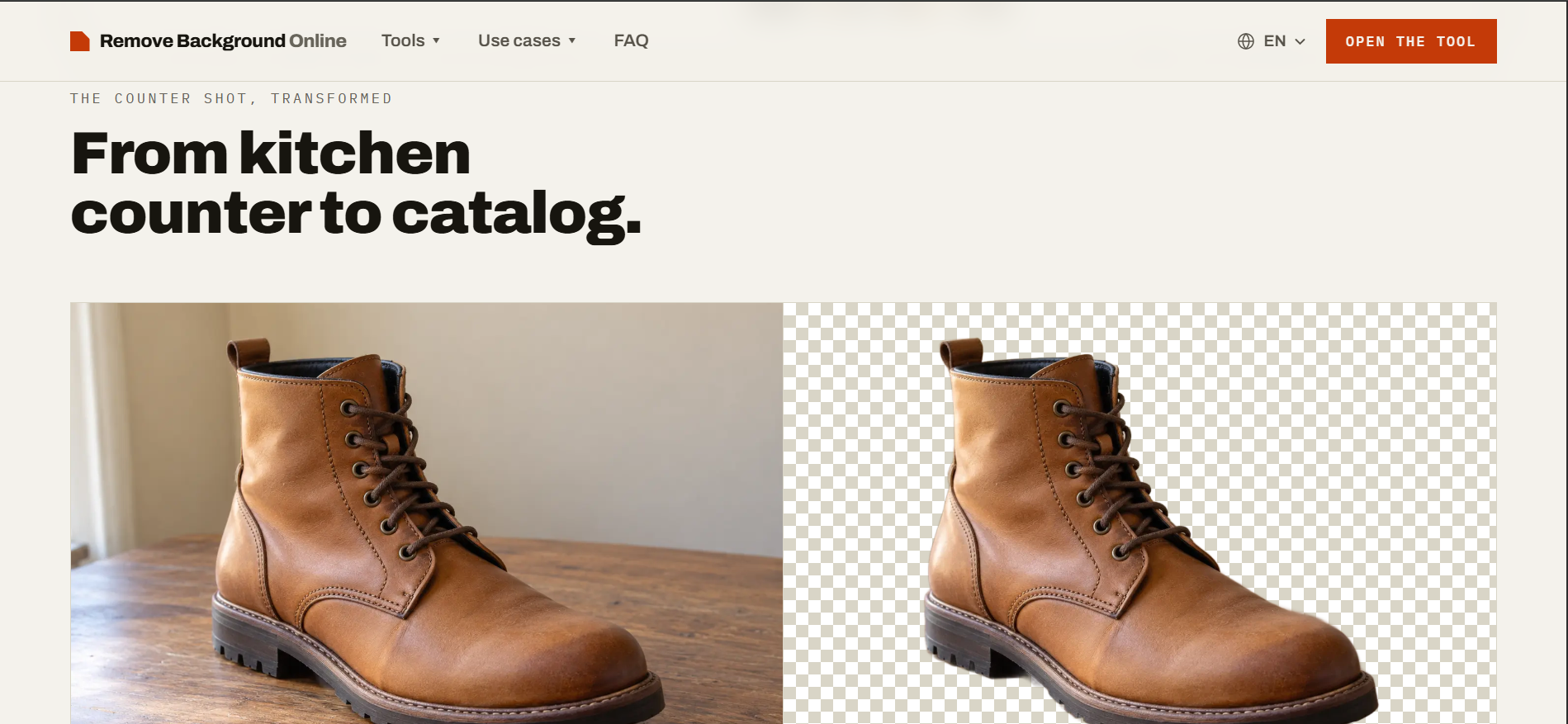
Change Background for Products
Inspiration
Every "free" background remover I tried had the same catch: my photo was the price. Upload it to their server, then pay for HD, or live with a watermark.
The moment that sent me down this path was a passport photo. I didn't want a stranger's server holding a picture of my family just so it could have a white background. And the more I looked, the more I realized the upload was never necessary — the model could run in the browser. So this project is my argument that "paste your photo on our website" is a business model choice, not a technical requirement.
The constraint I set: no server. At all. Not "we delete after 24 hours" — there is no upload endpoint to delete from.
What it does
It removes image backgrounds entirely on-device. Drop, paste, or pick a photo — a U²-Net-family segmentation model (running via ONNX Runtime Web on WebGPU where available, WASM everywhere else) separates the subject from its background in seconds.
Then it acts like an editor, not a one-trick tool: refine the edges with an erase/restore brush, drop the cutout on transparent, pure white, any hex color, a gradient, or a blurred version of the original scene, add drop shadows or outlines, and export at exact output sizes — including US 2×2 in and 35×45 mm passport presets at print-true 300 DPI. It reads iPhone HEIC files. Batch mode queues up to 30 photos and downloads them as a ZIP.
Unlimited images, no account, no watermark. And the network tab stays empty: 0 bytes uploaded, because there's no upload endpoint to hit.
How I built it
Astro frontend — almost every page ships zero JavaScript. Only the tool island hydrates (React). The landing pages are static HTML with structured data, so the SEO story doesn't cost runtime performance.
The engine is ISNet segmentation via ONNX Runtime Web, compiled to WASM with SIMD. WebGPU handles inference on capable browsers through the JSEP provider; everything else falls back to multi-threaded WASM.
The interesting decisions were all about memory. A 12-megapixel photo is ~48 MB of raw RGBA, and the pipeline needs several copies alive at once — original pixels (for the restore brush), the refined mask, the cutout, effects layers, the composite. I built a session object that aggressively disposes canvases, rebuilds the cutout in horizontal bands so the scratch buffer stays small, and caps exports at 16 MP because iOS Safari simply refuses bigger canvases.
Blur was the sneakiest problem. Blurring the original photo leaves a ghost of the subject floating behind the sharp cutout. The fix is a confidence-weighted pyramid fill: the subject's footprint gets painted over with colors pulled in from the surrounding background before the blur runs.
HEIC (every iPhone photo) arrives with empty MIME types on Windows and doesn't decode in Chrome at all. So the tool probes with the browser's own decoder first, and only fetches a WASM HEIC decoder — lazily, ~2 MB — if that fails. Nothing HEIC-related downloads until a HEIC file actually shows up.
For batch ZIP export I wrote a minimal store-only ZIP writer by hand (CRC-32 table and all) rather than pull in a dependency.
Challenges I ran into
fp16 was SLOWER than quantized weights on ARM — about 37% through WASM, despite ARM having fp16 SIMD. My initial assumption was wrong; I benchmarked on a real phone (Dimensity 7300) and built per-device precision routing around what the numbers said.
iOS Safari. Canvas area caps, missing ctx.filter support for blur, HEIC with no MIME type. Each got a workaround: dimension guards with graceful degradation, a shrink-then-grow blur fallback, extension-based file detection.
Layout shift. Client-only React islands hydrating into empty boxes pushed entire pages down — Lighthouse had me at 0.131 CLS. Aspect-ratio reservations for every dynamic component, and moving page copy into build-time data modules so pages ship complete HTML, got it near zero.
The passport page forced an honesty problem. No client-side tool can verify head position or biometric framing, and pretending otherwise gets people's applications rejected. The page now states exactly what the tool guarantees (backdrop, dimensions at 300 DPI) and what it can't — that section gets more traffic than I expected.
Accomplishments that I'm proud of
The network tab stays empty during actual use. Not a claim — you can watch it.
It works offline. After the model caches, I've processed images with Wi-Fi off, on a plane.
Zero-JS landing pages for ~20 keywords, each with structured data — the SEO layer costs the visitor nothing.
Batch mode with a hand-written ZIP writer (CRC-32 table and all) instead of a dependency.
The precision routing: quint8 on CPU, fp16 on WebGPU, chosen from benchmarks I ran and published on the developers page.
What I learned
"Runs in the browser" is an architecture decision with a long tail. Every feature I added — blur, HEIC, batch, passport sizes — had to be re-solved under the no-server constraint, and each solution was harder than its cloud equivalent. That difficulty is the moat.
Measure on the worst device you support. Desktop WebGPU hid every performance problem until I tested on a mid-range Android phone.
Marketing pages don't have to cost performance. Astro's islands approach let the content pages ship zero JS while the tool stays fully interactive.
Users read the honesty sections. The "what this tool can't do" blocks get real engagement, which tells me trust is a feature, not a disclaimer.
What's next for Remove Background Online
- A print-sheet layout: multiple passport photos tiled on one 4×6 or A4 at 300 DPI
- Country-specific ID presets beyond the US and 35×45 mm standards
- An on-device upscaler to pair with the cutout — same privacy architecture
- Batch queue improvements: per-item backdrops before export
- More format coverage and an AVIF export path
Built With
- astro
- canvas-api
- heic2any
- indexeddb
- onnx-runtime-web
- react
- service-worker-free
- tailwind-css
- typescript
- u?-net-/-isnet
- webassembly
- webgpu
