Inspiration
What it does
How we built it## Inspiration
Robotics is usually locked behind expensive hardware, complex setup, and “you have to be in the lab.” I wanted to flip that: explain robotics with a mobile-first experience where anyone can learn and control a robot arm using only their phone.
What it does
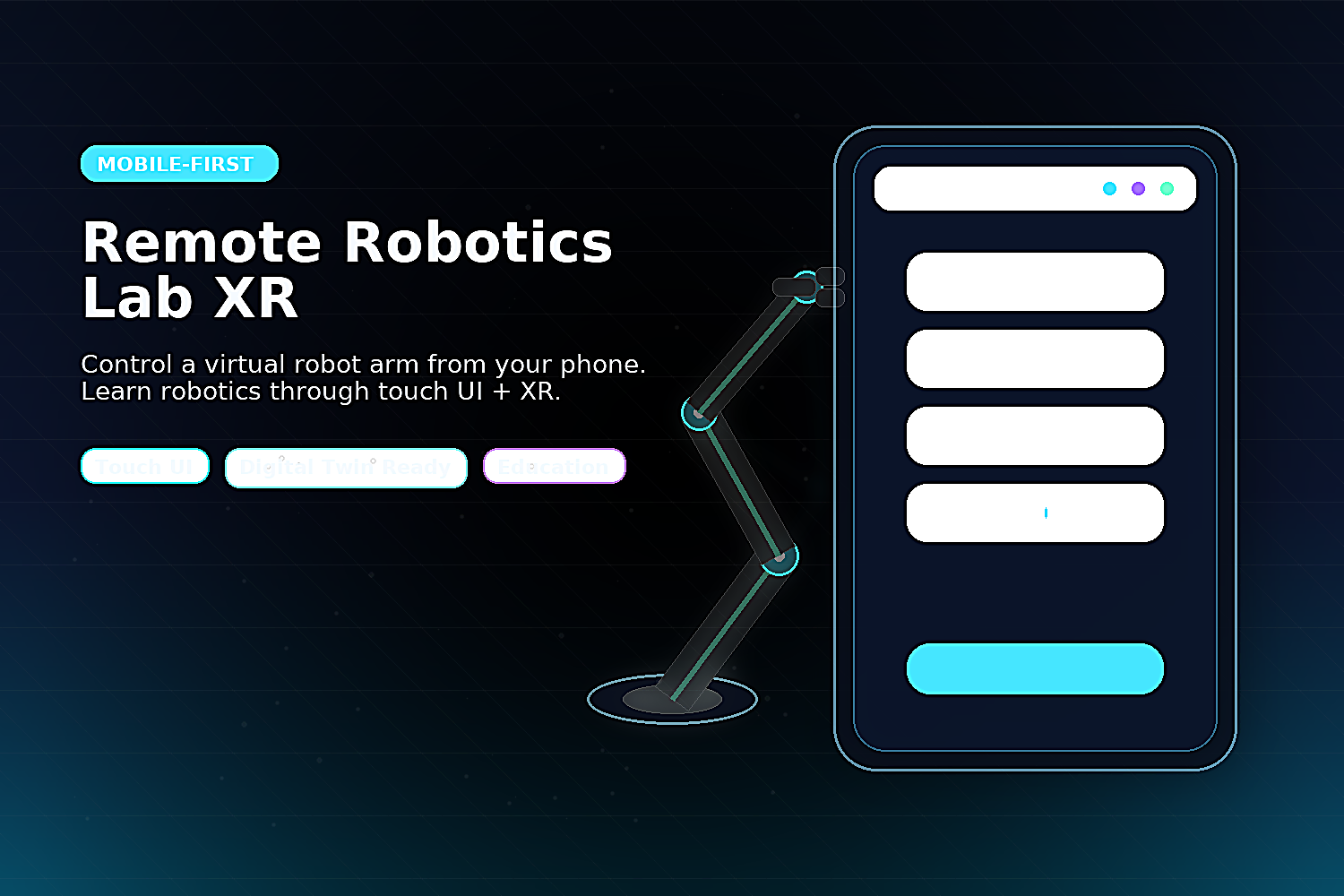
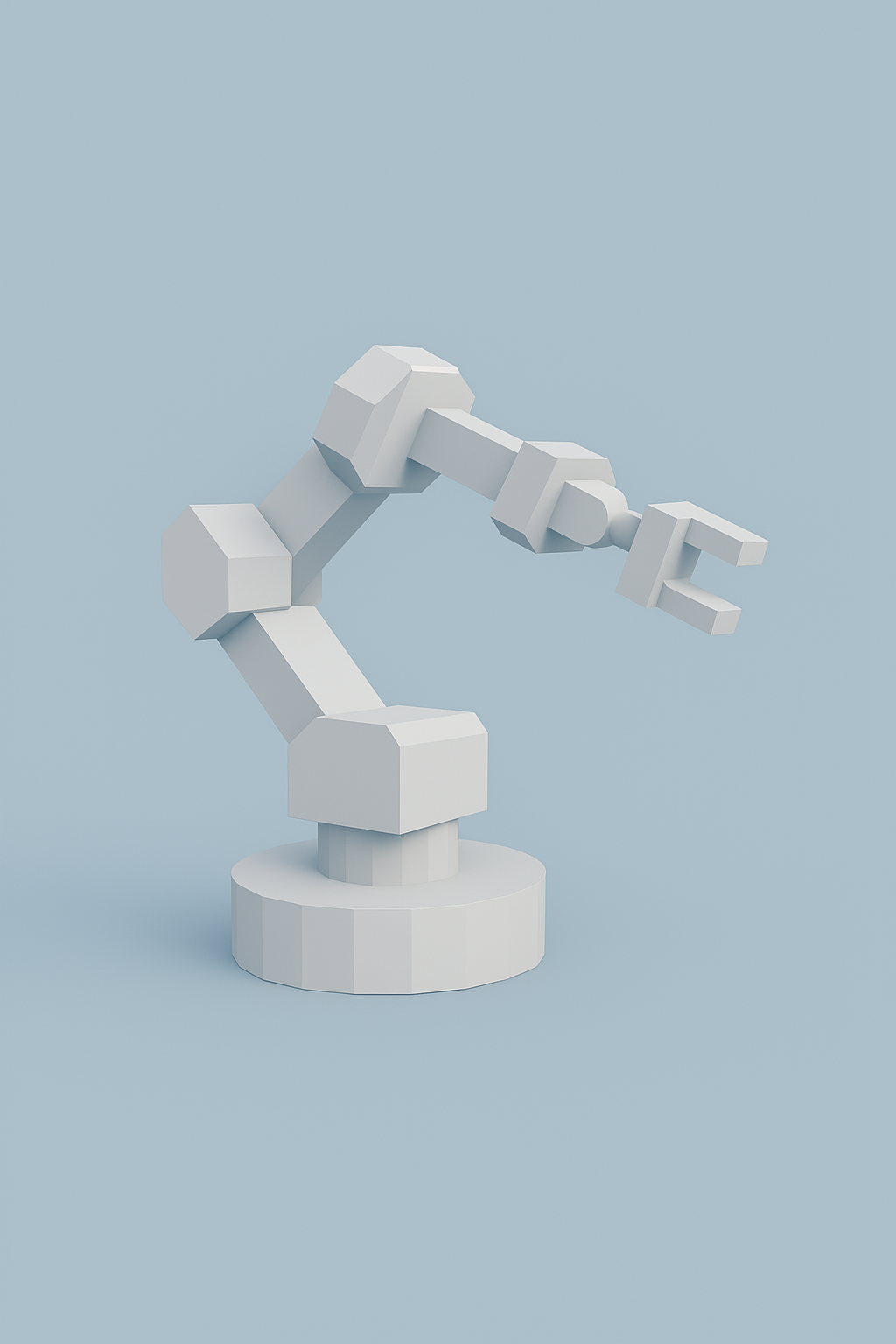
Remote Robotics Lab XR – Mobile Edition is a Horizon world designed specifically for Horizon on mobile. Players use a clean, one-handed touch UI (big buttons + simple sliders) to control a virtual 3-joint robot arm: base rotation, shoulder, elbow, and gripper open/close. The world teaches core concepts like joints, ranges, coordinated motion, and safe control through short micro-lessons and interactive challenges (e.g., move to “Home,” pick and place, repeatable poses).
How I built it
The arm is built as a lightweight “digital twin” inside Meta Horizon Worlds using a modular joint setup and scripted motion limits to keep movement smooth and predictable on mobile. A Custom UI overlay sends input events to the arm controller, which updates angles, clamps limits, and provides instant feedback.
Challenges
The biggest challenge was mobile usability + performance: large tap targets, minimal visual clutter, and avoiding jitter or over-sensitivity while still feeling responsive.
What’s next
Add multiplayer coaching, timed missions, replayable “programming” sequences, and an optional internet bridge that mirrors the same controls to a physical educational robot arm for real-world remote labs.
Challenges we ran into
Accomplishments that we're proud of
What we learned
What's next for Remote Robotics Lab XR – Mobile Edition
Built With
- custom-ui-gizmo
- horizon-desktop-editor
- interactable/trigger-gizmos
- meta-horizon-worlds
- mobile
- typescript-(horizon-worlds-scripting)
- ux


Log in or sign up for Devpost to join the conversation.