-
-
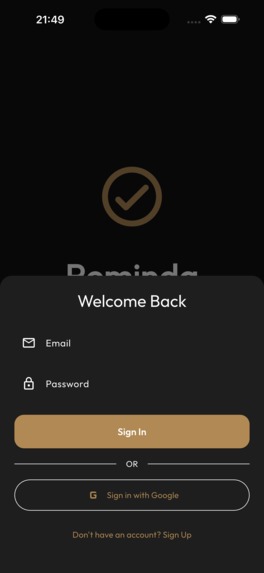
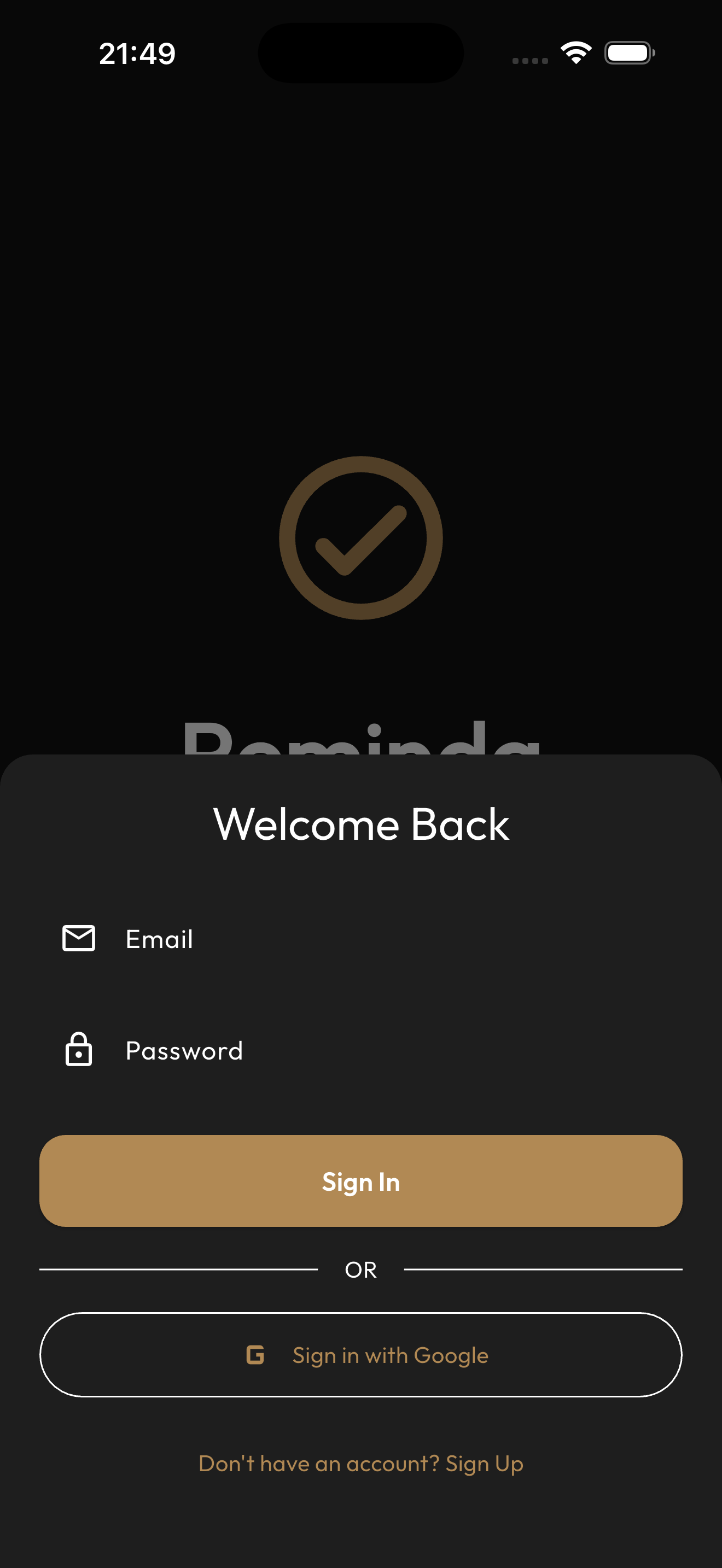
Sign in
-
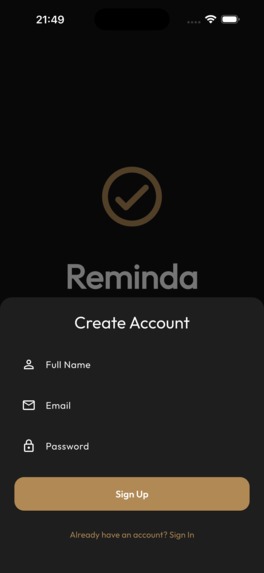
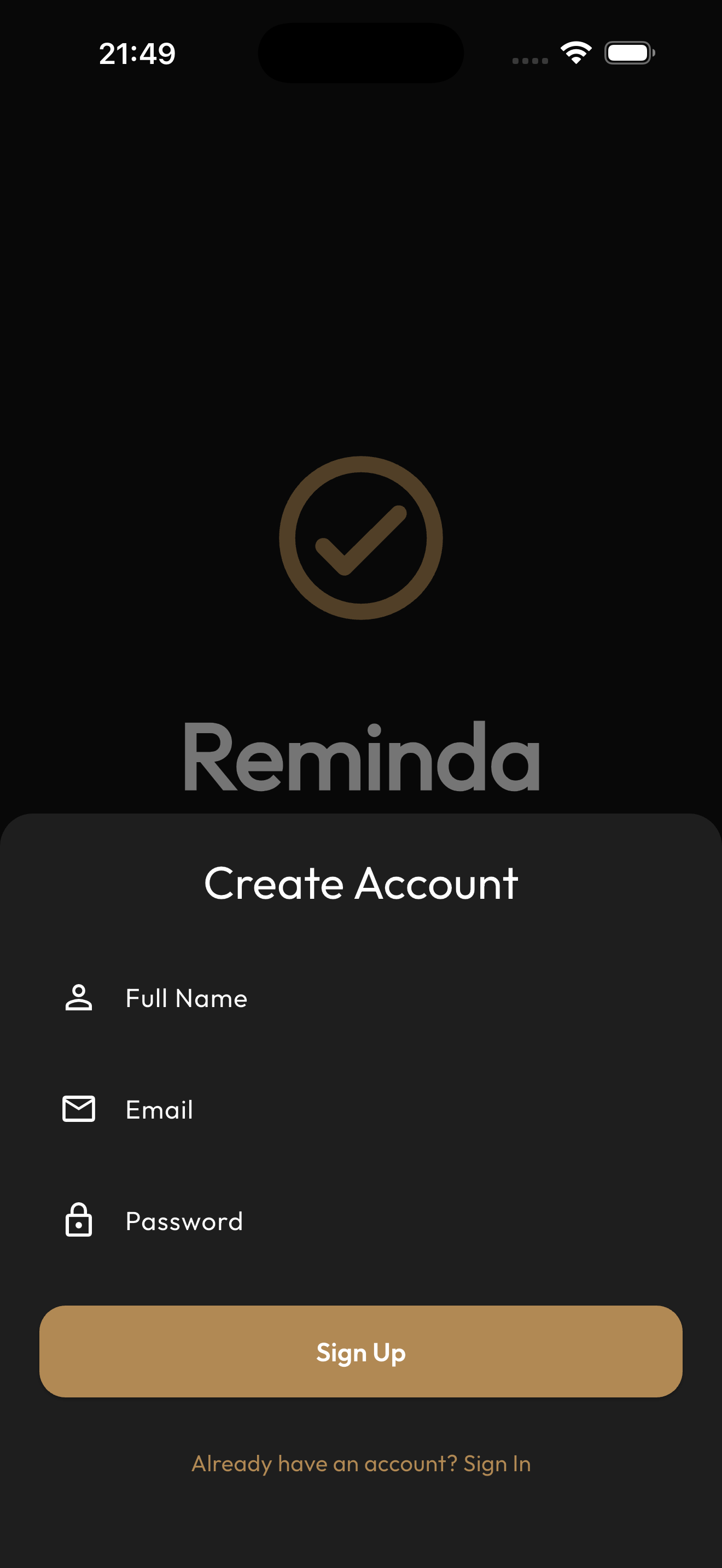
Register
-
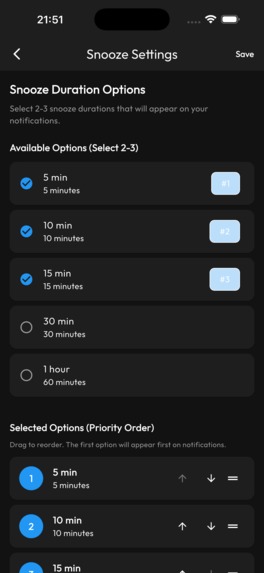
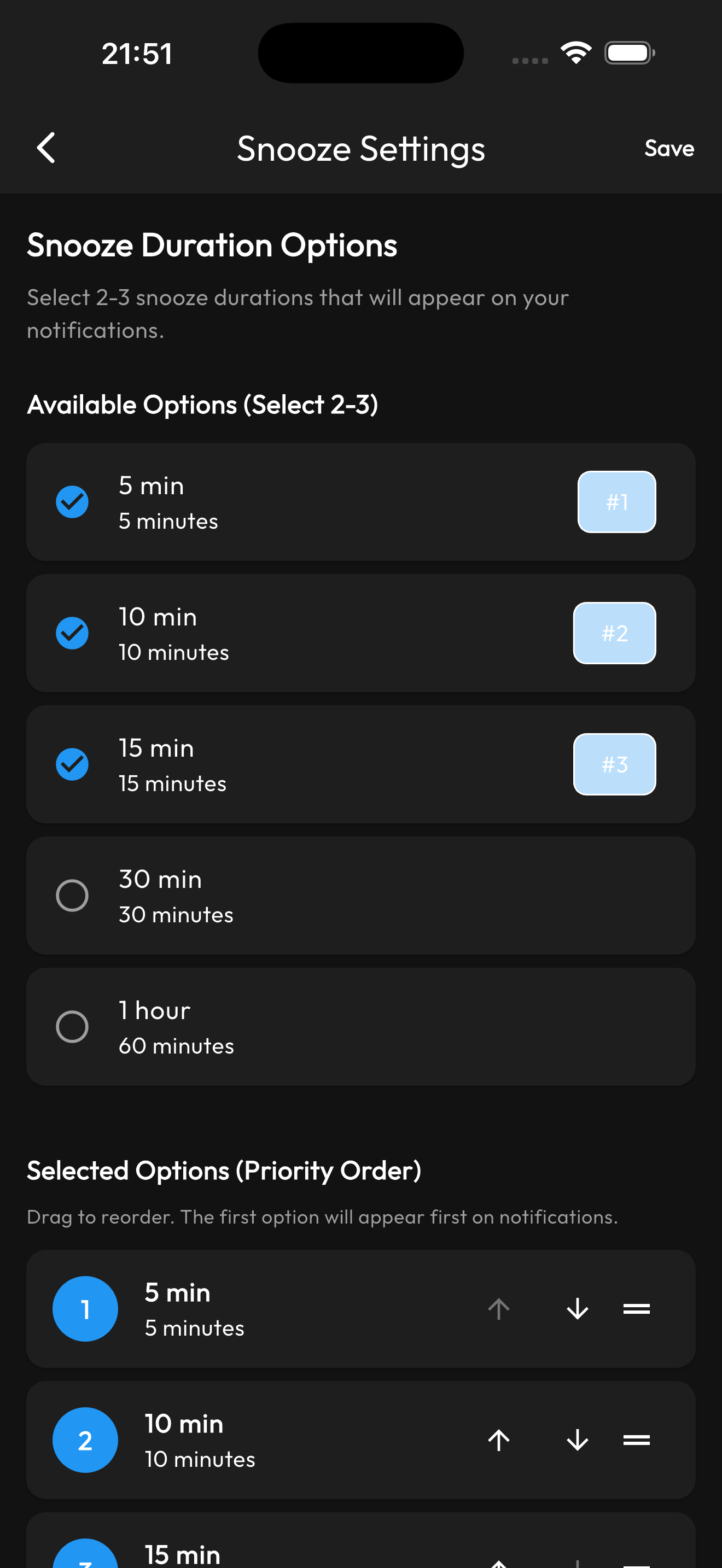
Custom Snooze settings
-
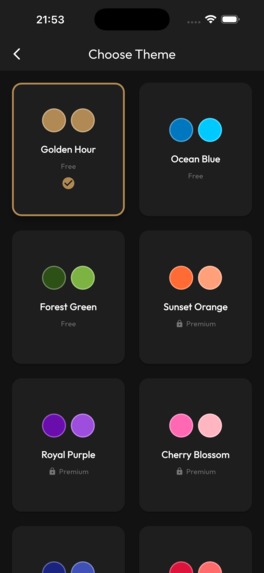
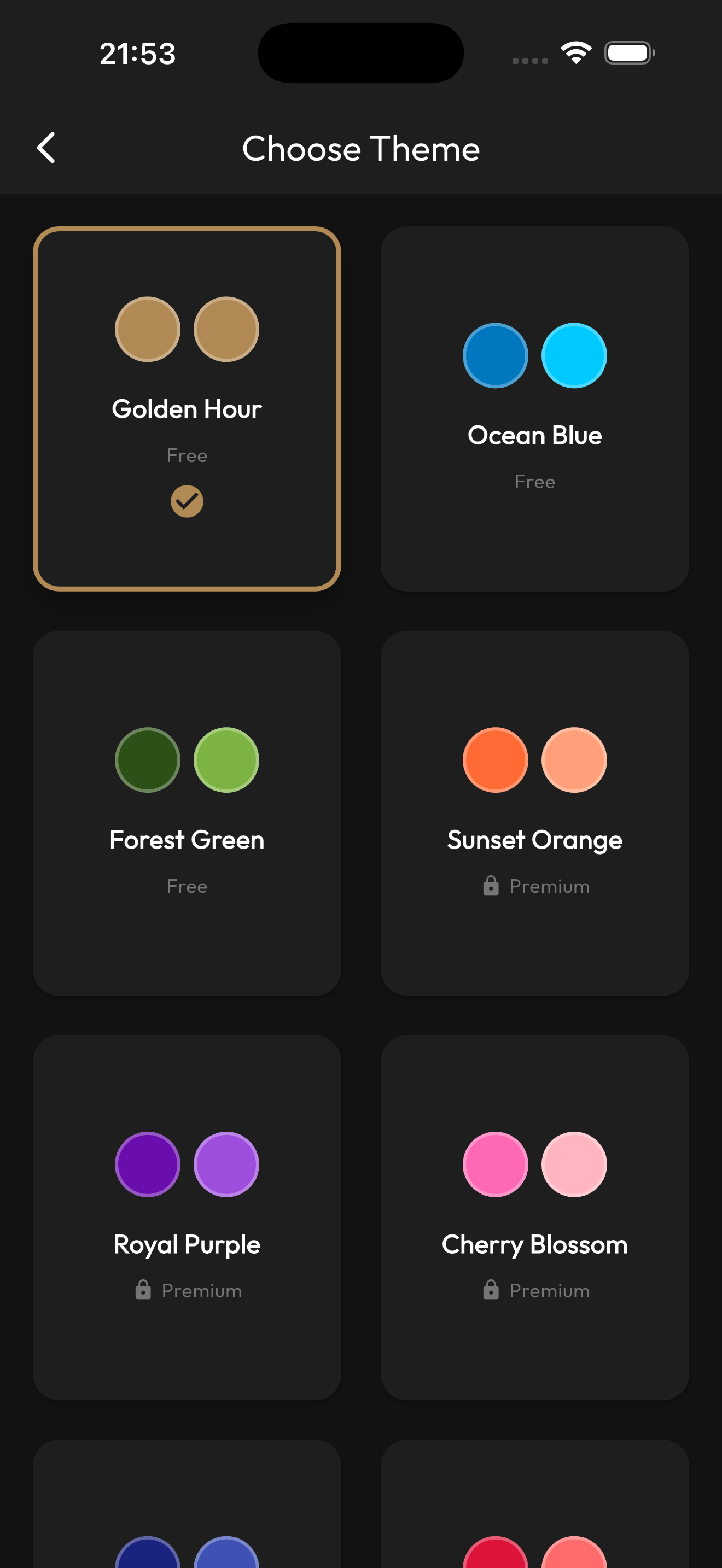
Choosing a Custom App Theme
-
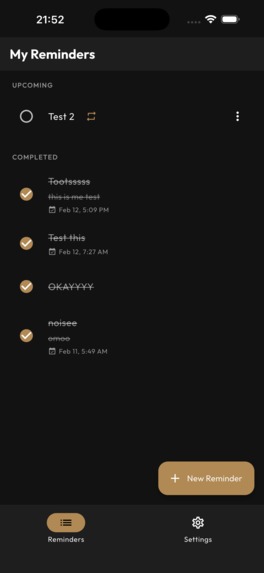
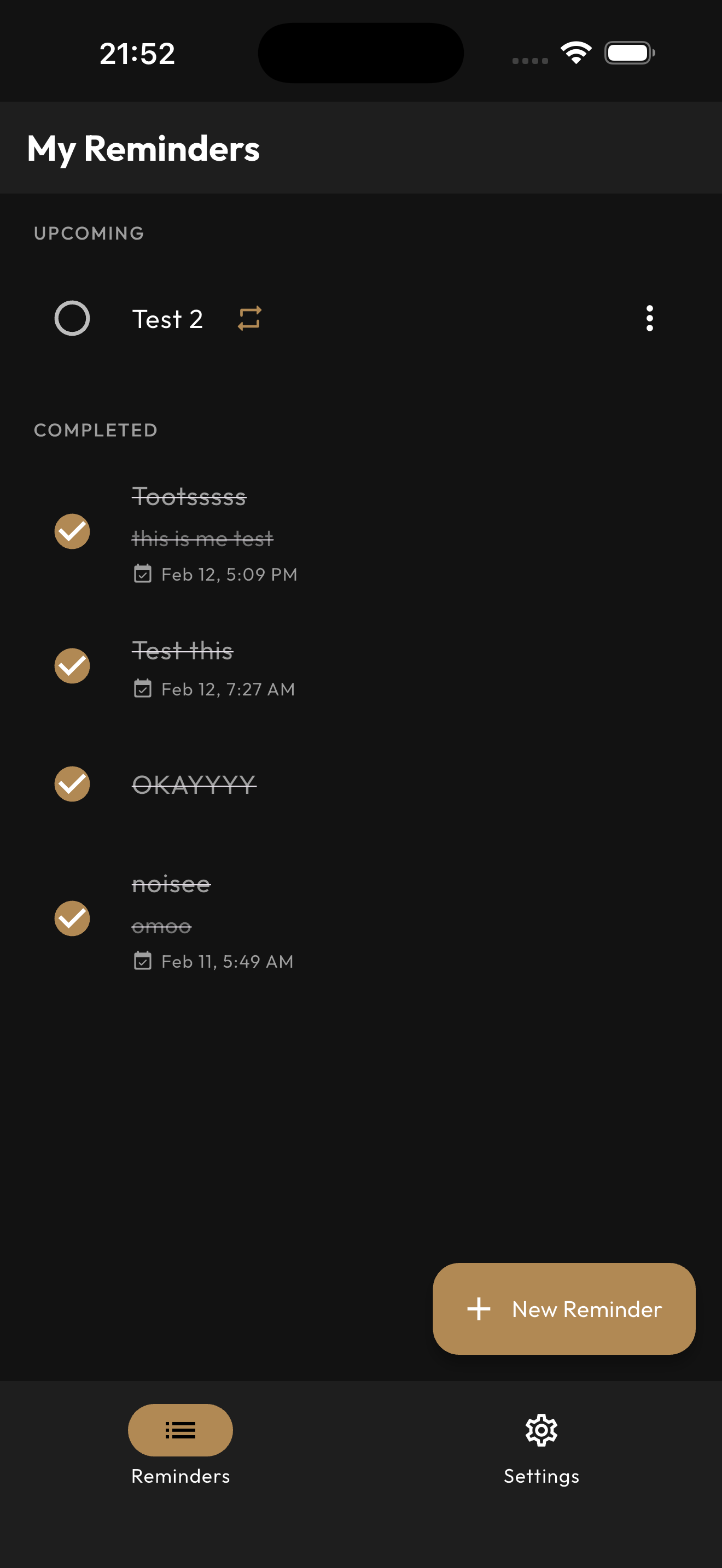
Active Reminders screen
Inspiration
Reminders are the heartbeat of my daily life. Whether I’m timing a meal, hitting a work deadline, or just trying to remember to call a friend, I live by my notifications. But I hit a wall with the default apps: they just wouldn't sync properly. I found myself constantly juggling tasks between my phone, tablet, and laptop, only to find a reminder stuck on a device I wasn't even using. I didn't want a "good enough" app; I wanted a seamless experience where my schedule followed me everywhere. That frustration became the blueprint for Reminda.
What it does
- Multi-Device Sync: Powered by Firebase, your reminders are instantly available everywhere.
- Smart Scheduling: Precise timing with intuitive snooze functionality.
- Secure Access: Simple, secure login via Google or Email.
- Personalized Style: Choose from 10 premium themes to make the workspace yours.
- In-app-purchases: Integrated "Pro" features managed smoothly through RevenueCat.
How we built it
I chose Flutter to ensure a consistent, high-quality feel on both iOS and Android. To make it "production-grade," I built it on a robust tech stack:
- The Brains: Bloc/Cubit for state management and GetIt for clean dependency injection.
- The Memory: An "offline-first" approach using Drift (SQLite) for local storage and Firebase Realtime Database for cloud sync.
- The Voice: Flutter Local Notifications with full timezone support to ensure "8:00 AM" means "8:00 AM" no matter where you are.
- The Polish: Auto Route for seamless navigation and RevenueCat for subscription logic.
Challenges we ran into
The road to a "simple" reminder app is surprisingly curvy,
- Modern Android versions are strict about "Exact Alarm" permissions. I spent hours debugging notification channels and drawable resources to make sure alarms fired exactly when they were supposed to.
- Coordinating a local SQLite database with a real-time cloud database is tricky. I had to ensure that if you edit a reminder while offline, it doesn't cause a "data war" once you're back on Wi-Fi.
- Integrating RevenueCat so that premium themes and realtime reminder notifications snoozing works seamlessly required a deep dive into entitlement logic.
Accomplishments that we're proud of
The thing I’m most proud of? I actually use it. Throughout the hackathon, I was using Reminda to set reminders about building Reminda. There’s no better quality control than being your own power user. Beyond that, I’m thrilled with Successfully navigating the Google Play Store’s internal testing requirements and being able to Successfully integrate RevenueCat for subscriptions.
What we learned
This project was a masterclass in User-Centric Development. When you build for yourself, you stop asking "Is this feature easy to code?" and start asking "Is this actually helpful?" I also gained a much deeper respect for the "boring" parts of dev package renaming, signing keys, and release management. It’s the difference between a "project" and a "product."
What's next for Reminda
- iOS App Store Launch.
- Smart Categorization: Folders for Work, Home, and Cooking.
- Collaboration: Shared lists for families or small teams.
- AI Suggestions: Using usage patterns to suggest the best times for tasks.


Log in or sign up for Devpost to join the conversation.