-
-
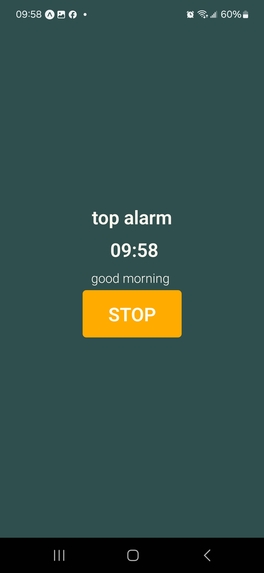
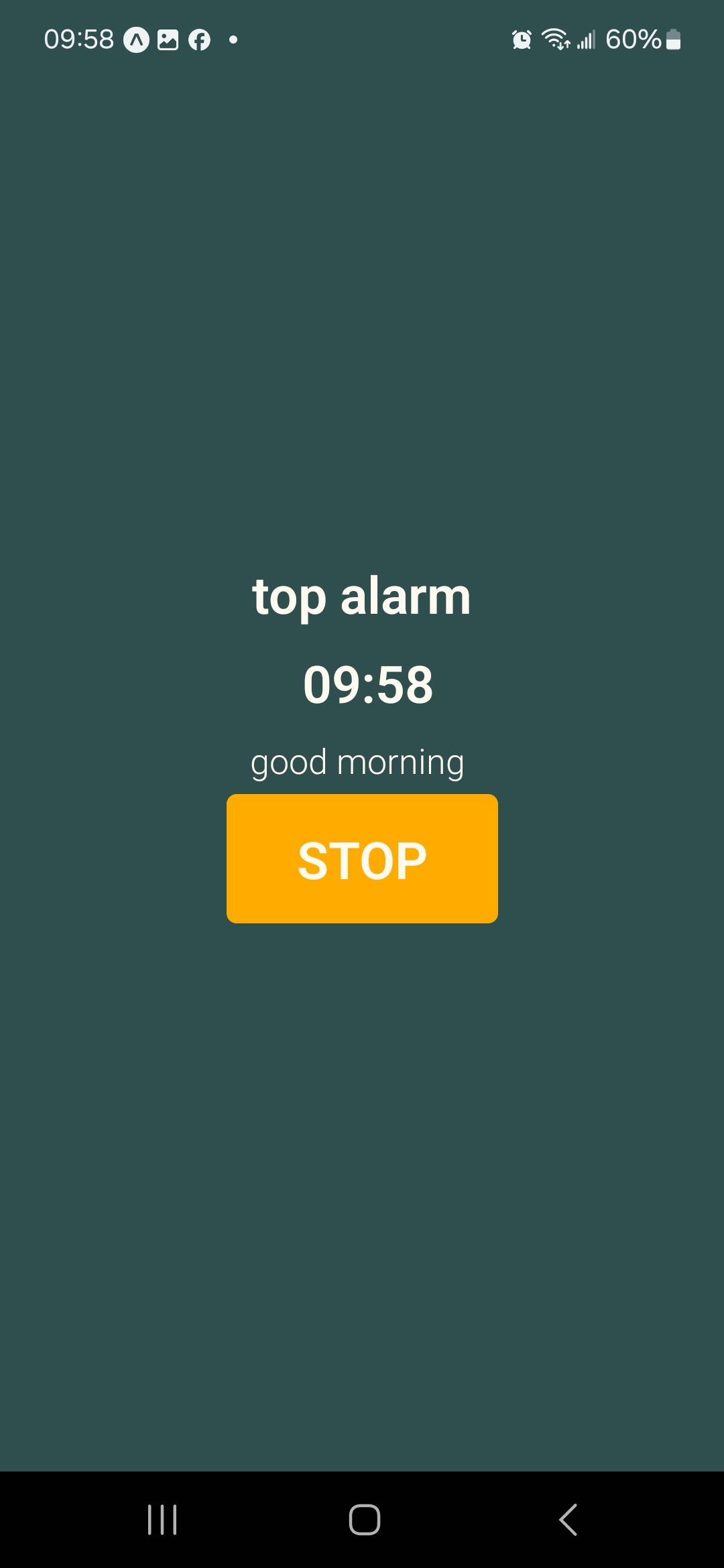
Alarm ring page
-
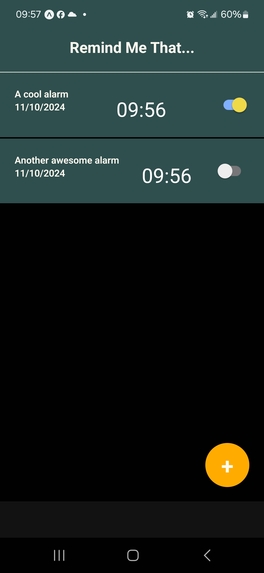
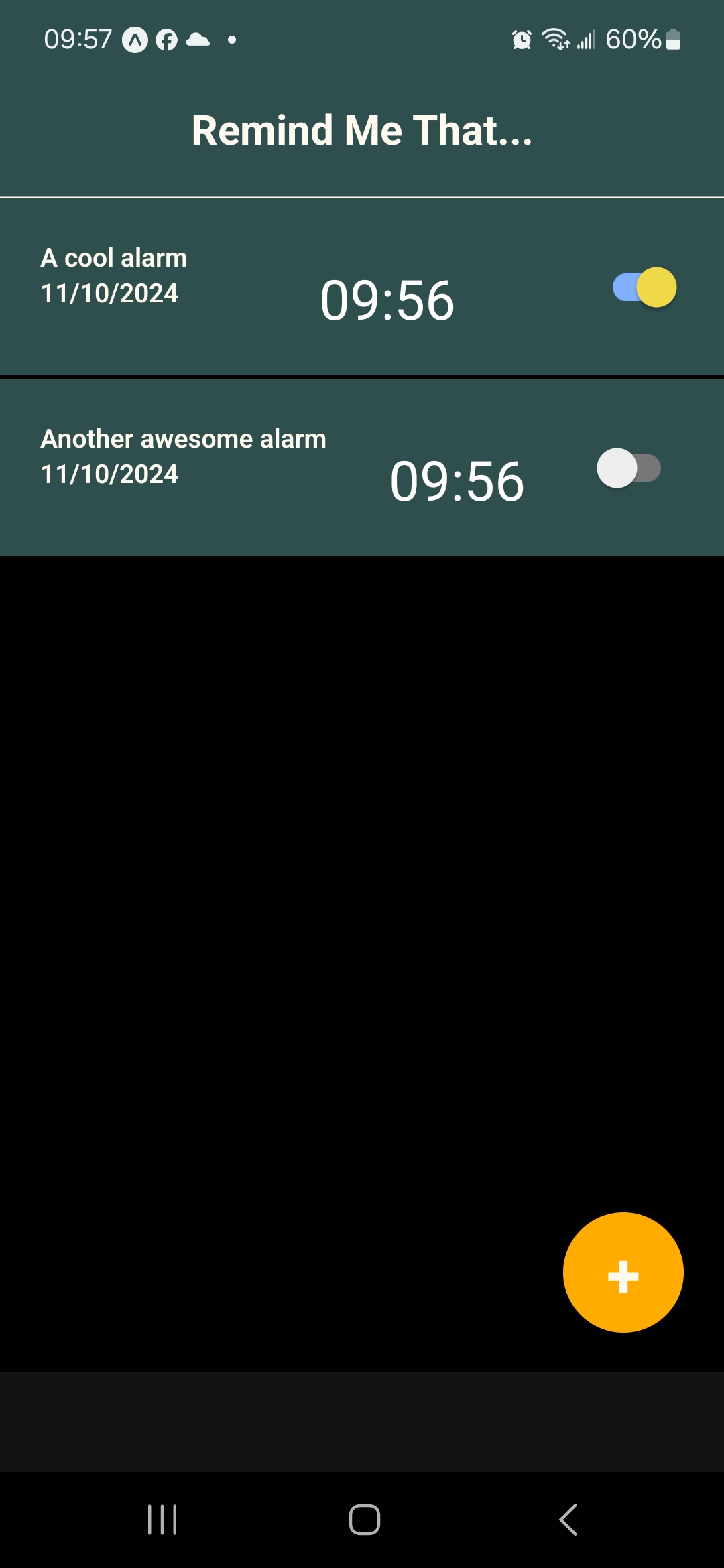
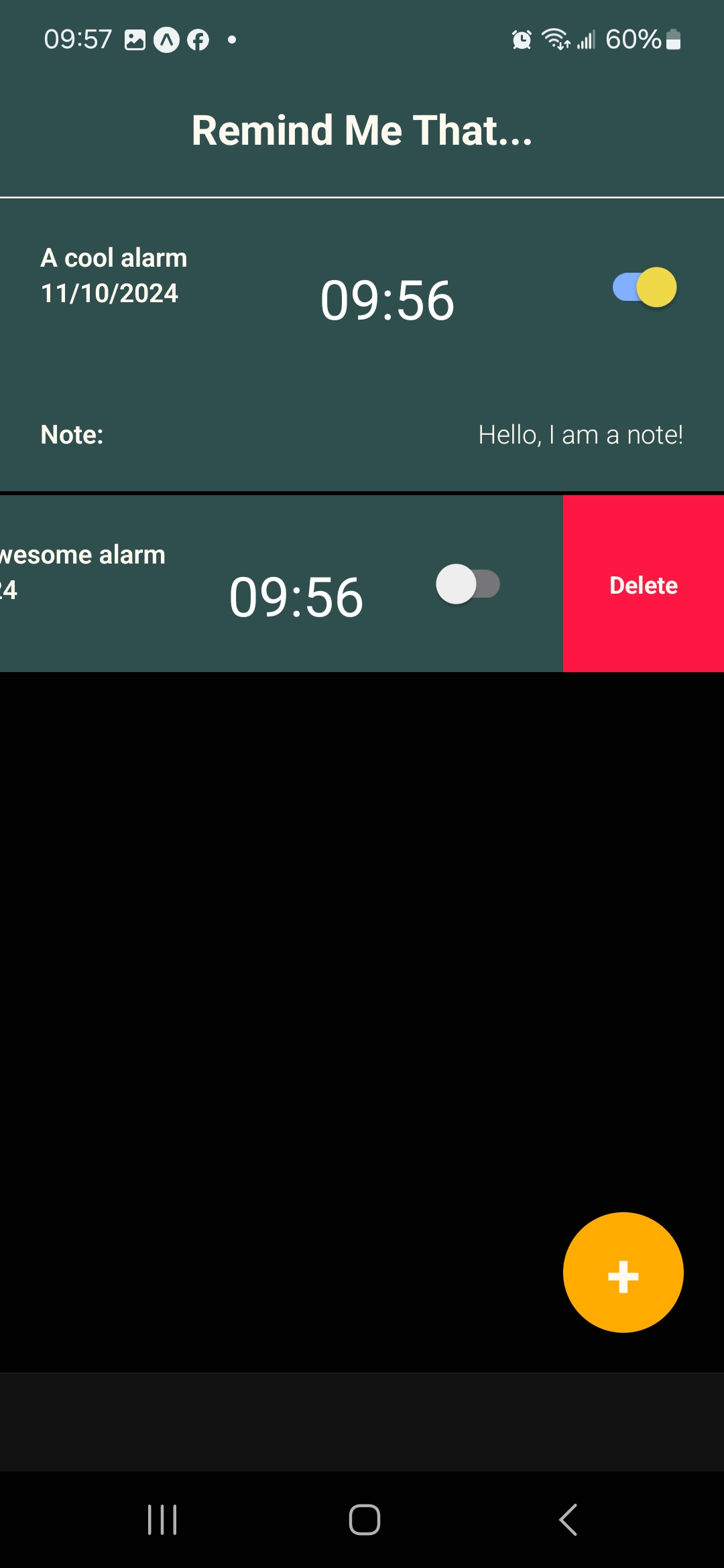
Main page with two alarms set
-
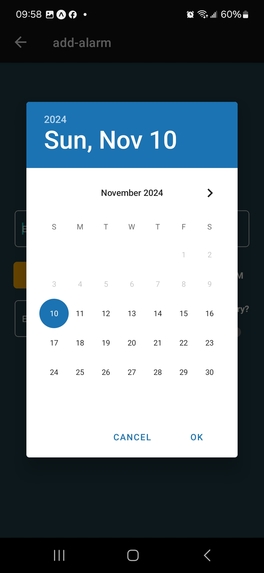
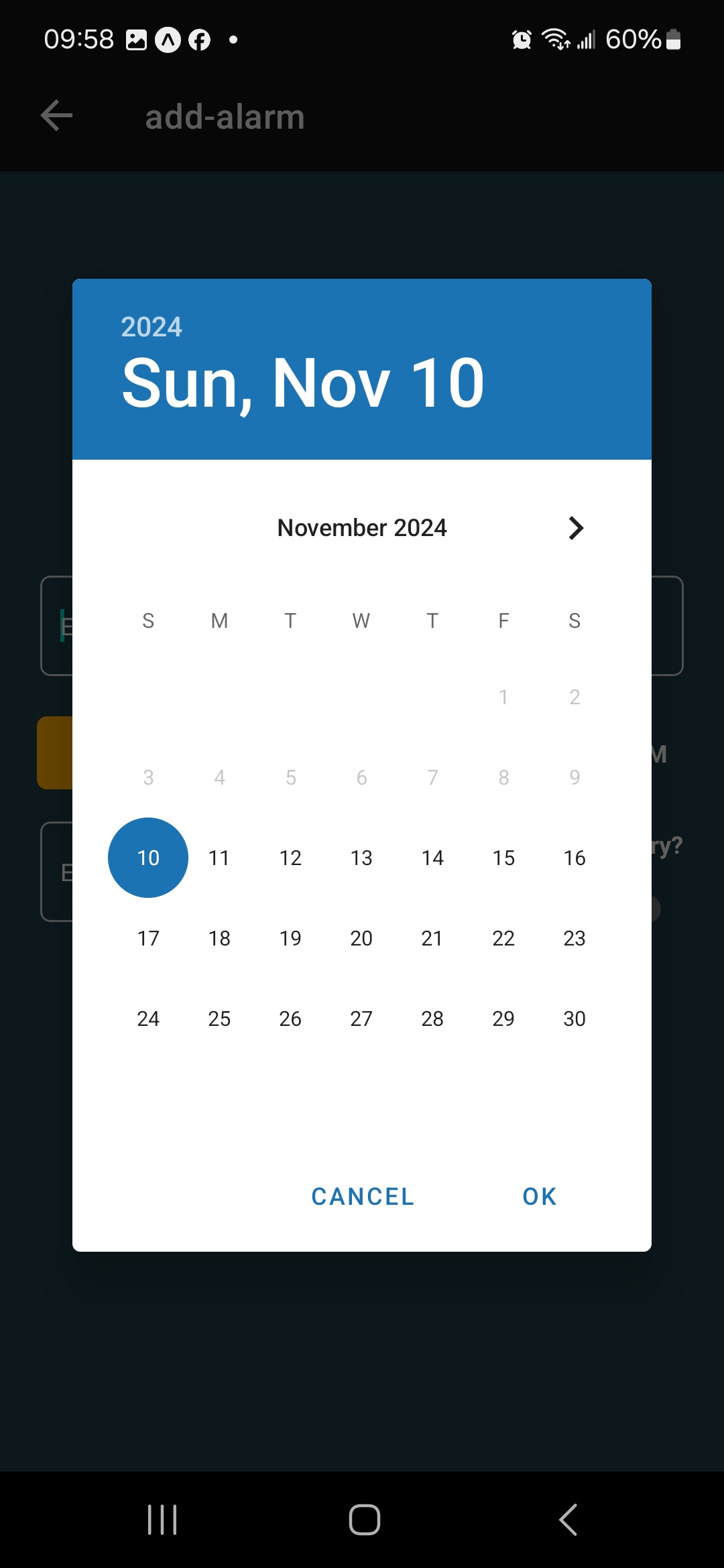
Date picker
-
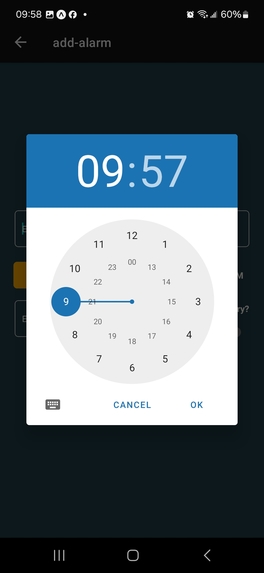
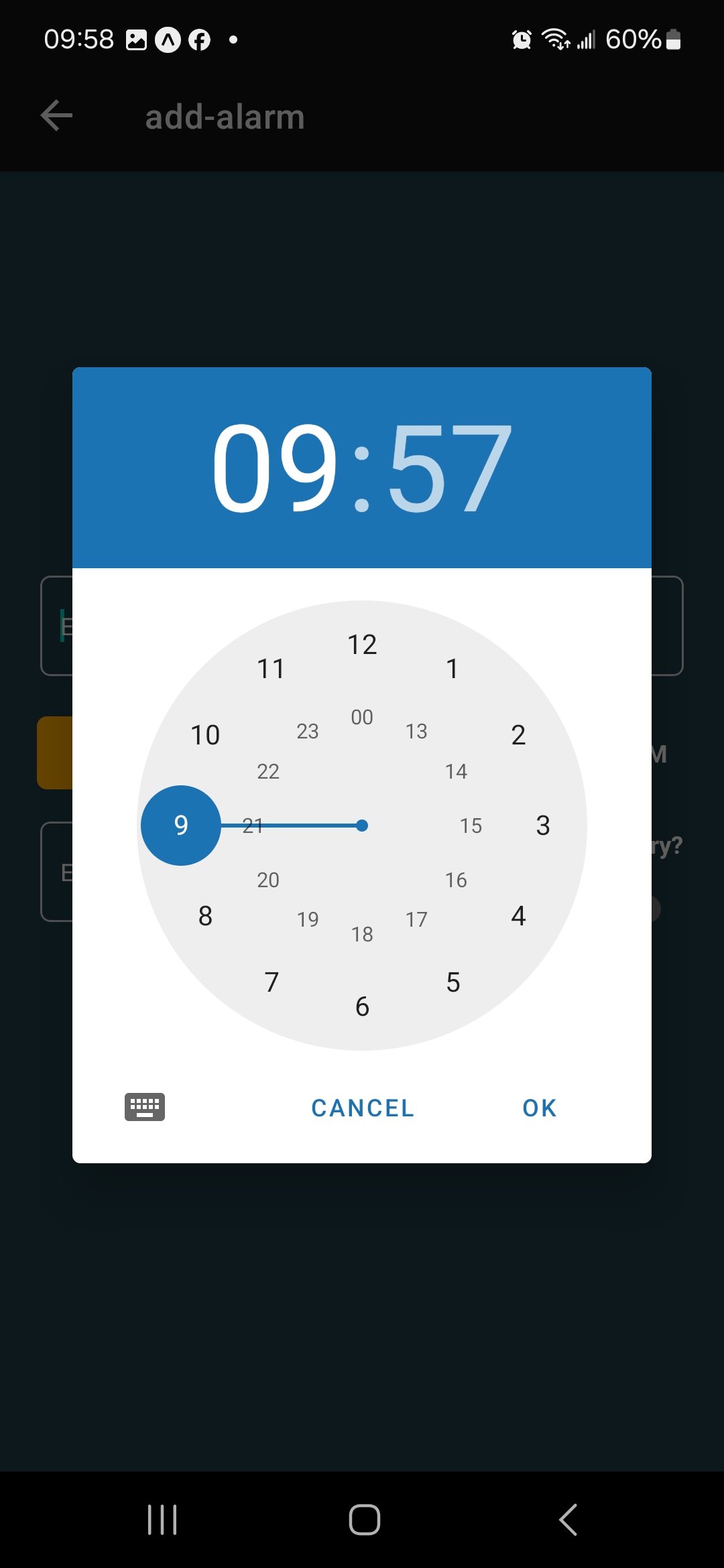
Time picker
-
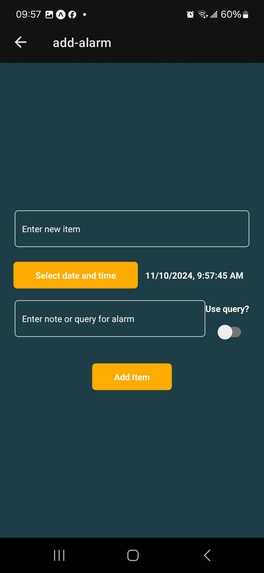
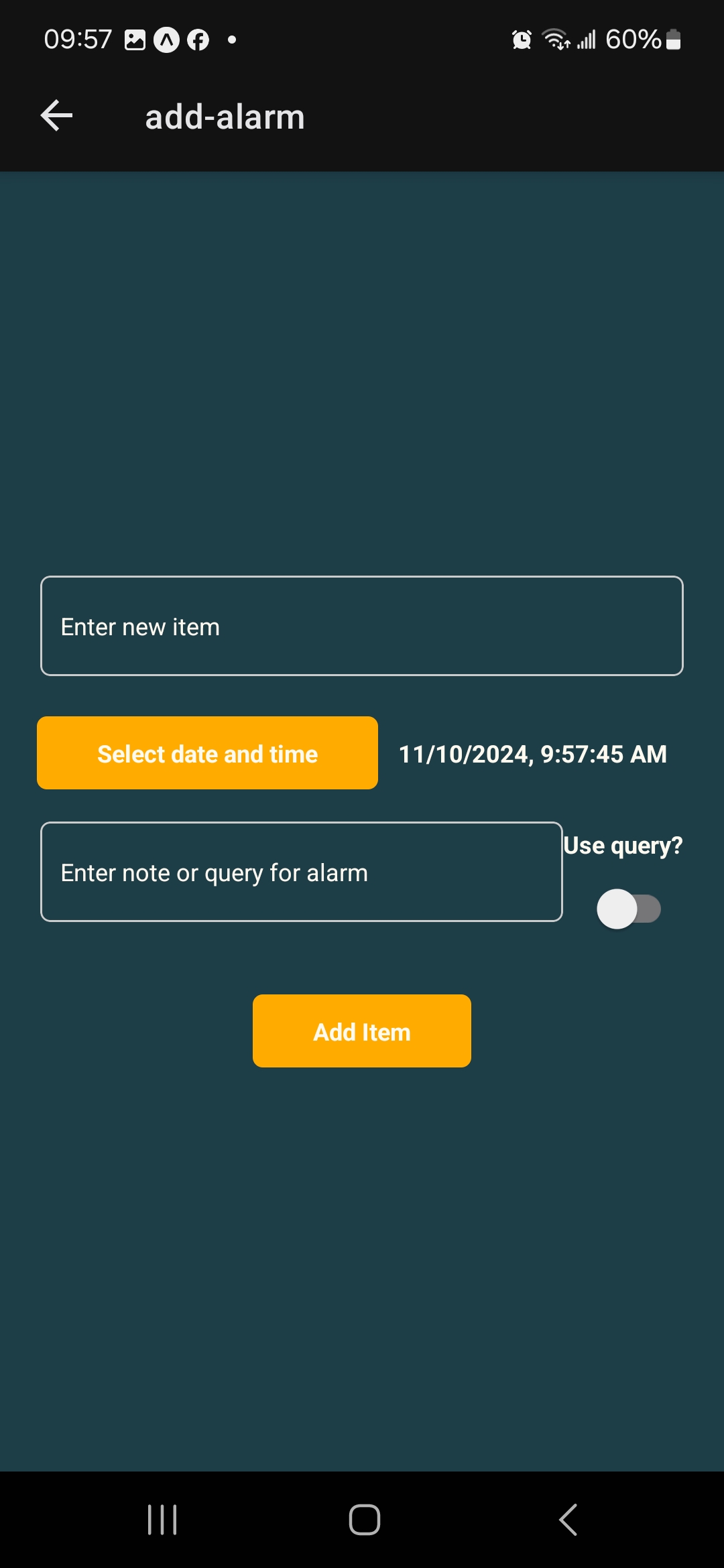
Add alarm page
-
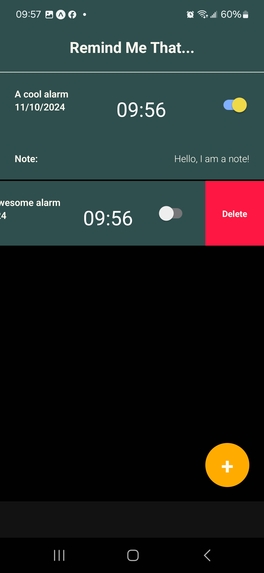
Options for alarms (visualize note, delete alarm)
Inspiration
Problem:
- 90% of college students procrastinate or struggle with time management (Piedmont Technical College)
- 4 in 5 people use their phone as their primary alarm
- People are getting used to traditional alarms, and alarms become less effective
Existing Solutions:
- Task assistants such as Google home or Alexa can be costly
- Online schedulers have limited accessibility options, and are often hard to incorporate into daily life unprompted
What it does
Upon opening up the app, you will be faced with an initially empty screen and a "+" button at the bottom right of the screen. Pressing + directs the user to a page to create a new alarm, which includes a text box for the name of the alarm, a date picker, a text box to enter the note that you want to be read at the time of your alarm, and a switch, which upon activation, lets this note become a internet search query that is summarized using Gemini (Google's LLM) and then read to you.
After that is set, all you have to do is wait. Once the selected time comes around, you will get a notification with the title of your alarm and the note you set. Upon clicking the notification, the app will display a page with the name of this alarm, the current time, and the text you saved as a note for this alarm.
The app supports the creation and deletion of multiple alarms, while also being able to toggle them on and off seamlessly, which allows for a wide range of user customization.
How we built it
- Frontend
- React Native
- Expo
- TypeScript
- Backend
- Express
- Ts-Node
- Google Cloud (TTS, Gemini LLM)
- DuckDuckGO (Web search)
Challenges we ran into
Unfortunately, every project is prone to errors, and we had our fair share of them. Our idea sounded too simple– deceivingly simple. Here’s a list of the main problems we faced throughout the past 24 hours:
- It is impossible to make full-screen notifications on iOS using Expo
- Notification sounds need to be statically bundled, so we cannot play a custom sound unless user opens the app
- Serving MP3 files from the backend to play on the frontend required workarounds
Accomplishments that we're proud of
Firstly, we are very proud of having such a powerful backend, as we were able to use state-of-the-art AI to generate TTS and also summarize information from the internet using LLM. This was the first time that any of us used AI programmatically, and it was a great success.
We are also very proud of having the push notification system working, as even though it sounds like a small and simple feature, it ended up being quite complex to implement, and probably one of the parts that took us the longest to get it working. Even though we had to compromise to only push notifications, getting them sent out at all was a big milestone we achieved.
Last but not least, we are very pleased to have a fully working and integrated application within 24 hours! Given that this is our first hackathon and most of us had little experience working in teams, we were still able to coordinate and organize this project to happen in under a day.
What we learned
For two of our team members, this was their first time using any TypeScript, as before this they only coded in Java and C. This has been a great learning experience as we were able to see how TypeScript can be applied for both frontend and backend.
It also provided great insight into applying the knowledge we learned from courses onto an actual build project. Since there is a big difference between coding in controlled spaces in class and coding in a free environment with no limitations. On one hand, the absence of such barriers truly let us go wild with our code, but the removal of that “safety net” can lead to unforeseen issues due to such practices.
For all of us, we learned how to code together in a hackathon, as no one had previous experience in programming for a hackathon.
What's next for Remind me that!
There are plenty of “quality of life” improvements that can be done, for example, editing alarms or making them recurrent (weekly, every Monday, etc.). These would be great next steps, as they are simple to implement, but will increase the user experience greatly.
We also thought of some interesting features, such as calling or messaging a friend if you didn’t snooze the alarm within a minute.


Log in or sign up for Devpost to join the conversation.