-
-
-
-
-
-
-
Codex Token Maxxing
About Remend
Inspiration
I built Remend because healthcare is often expensive, difficult to access, and reactive rather than preventative. My father is paralyzed with limited mobility in his hands. Many people cannot easily afford frequent appointments, live near the right specialists, or fit ongoing support into their schedules.
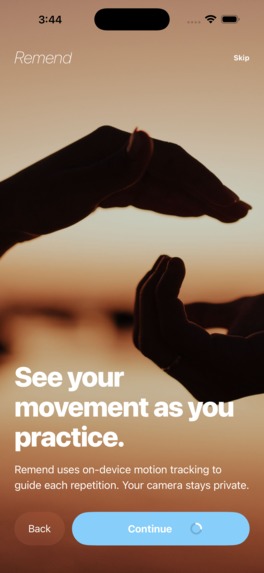
I believe there should be more affordable and widely accessible tools that help people stay engaged with their health. Remend explores how a device that someone already owns could provide more interactive movement guidance without requiring specialized equipment or sending sensitive camera data to the cloud.
My goal is not to replace clinicians or claim that an app can provide medical care. Instead, I want Remend to demonstrate how technology can make guided movement practice more accessible, private, and affordable.
What I built
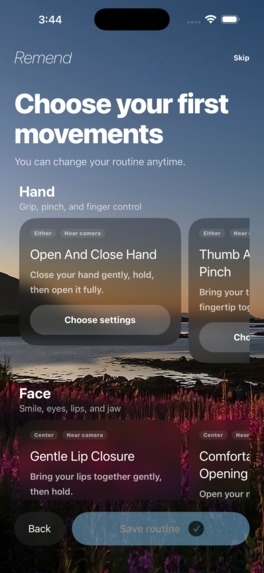
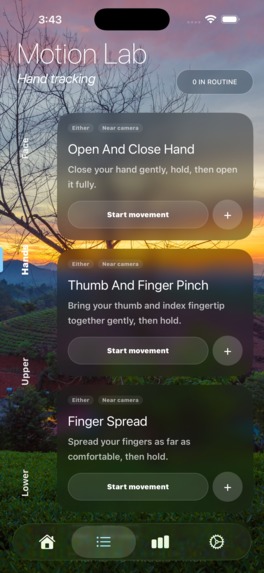
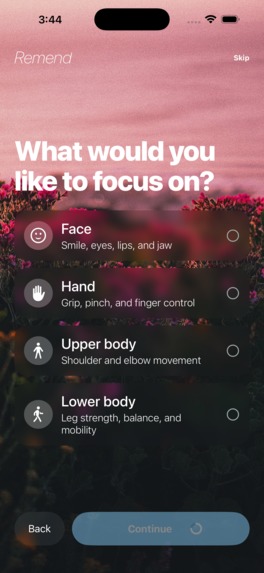
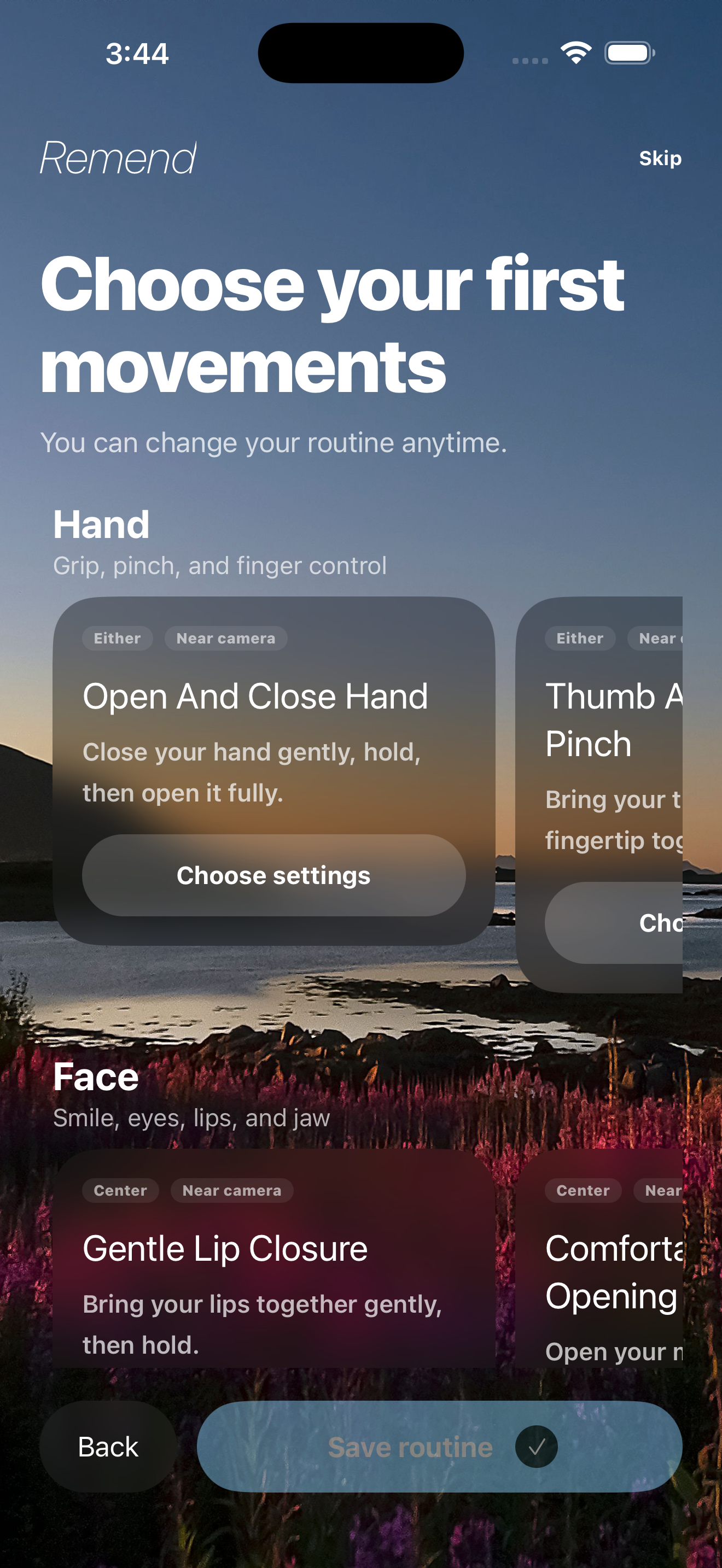
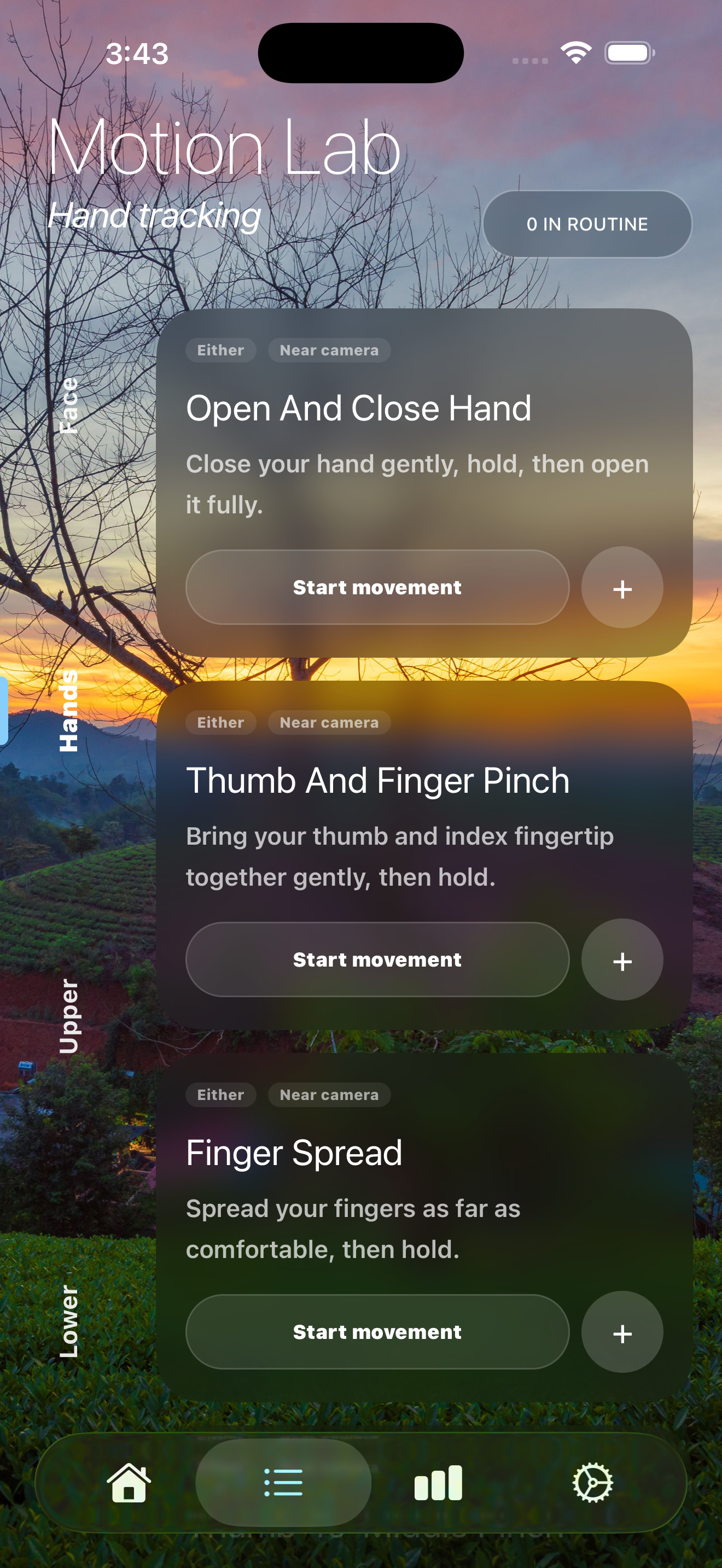
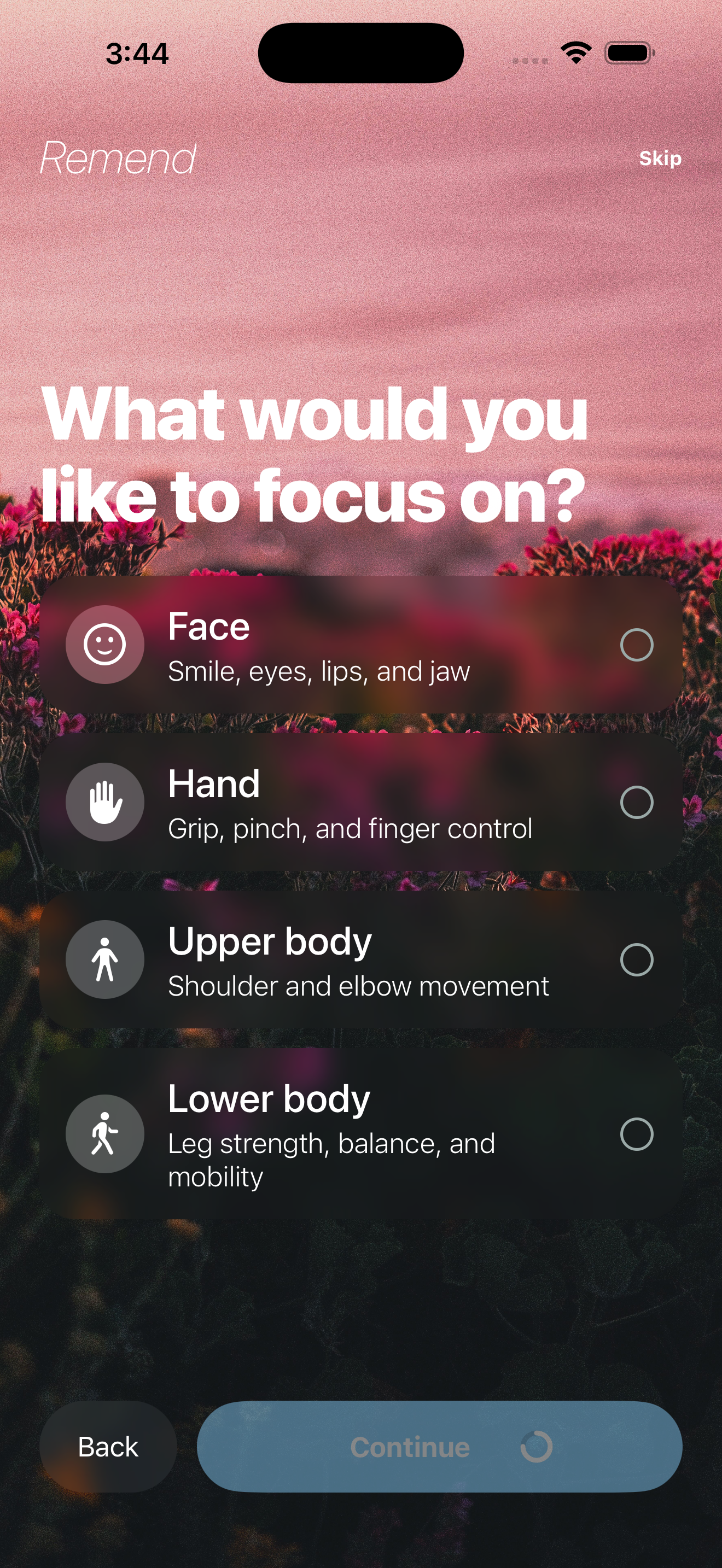
Remend is an Expo and React Native application that turns a device camera into an interactive movement guide. A user can browse exercises for the face, hands, upper body, and lower body; choose the appropriate side; configure sets and repetitions; and assemble a personal routine.
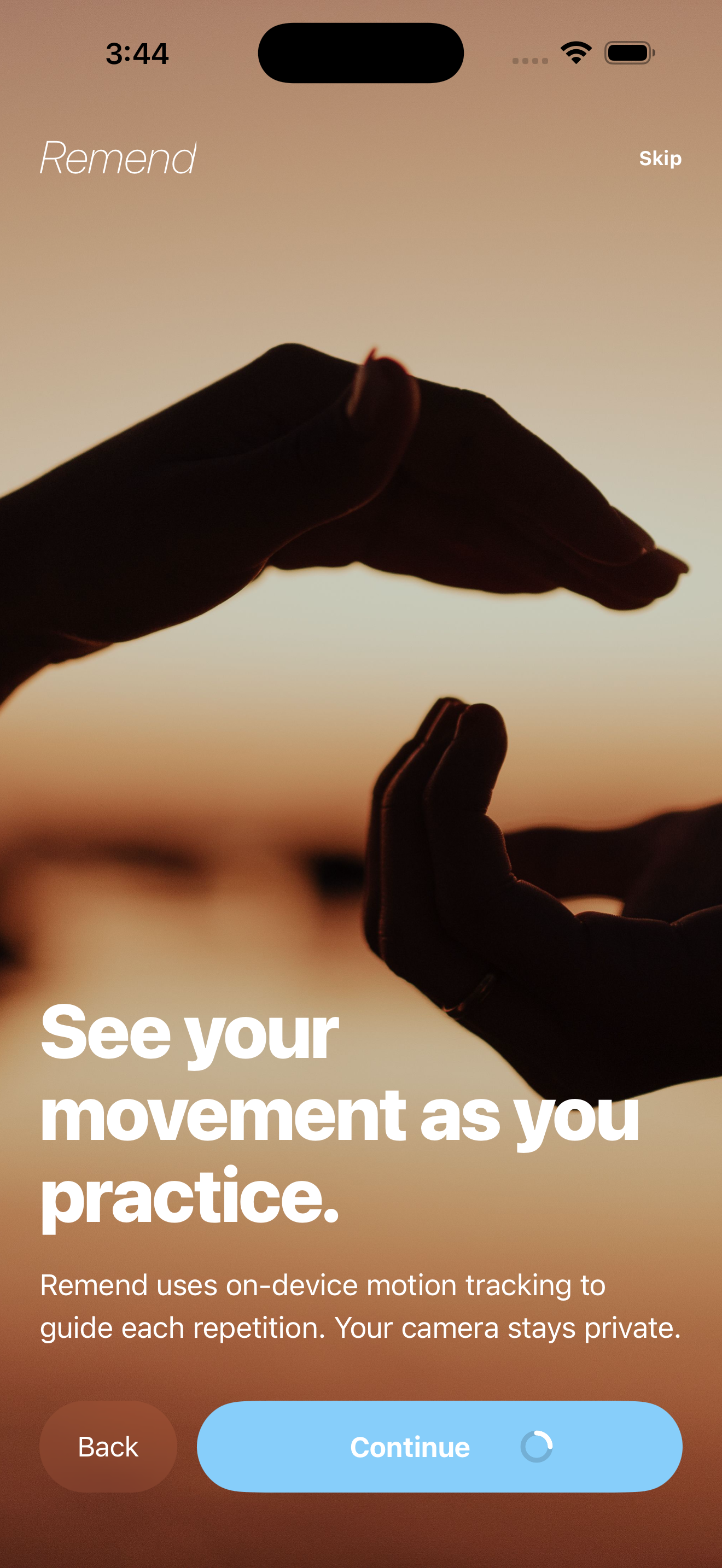
During an exercise, Remend processes movement landmarks on the device. It highlights the relevant area, provides positioning guidance, displays live progress, and recognizes completed repetitions.
For unilateral exercises, users can select Left, Right, or Both. Choosing Both runs the entire prescription on each side. For example, 2 sets of 2 repetitions are completed on the left and then repeated on the right.
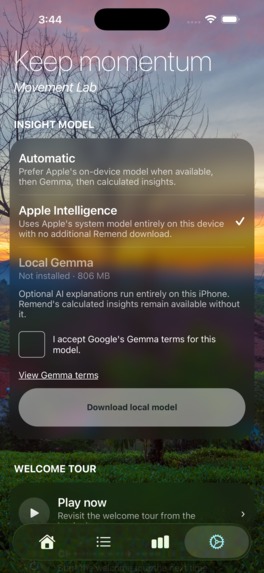
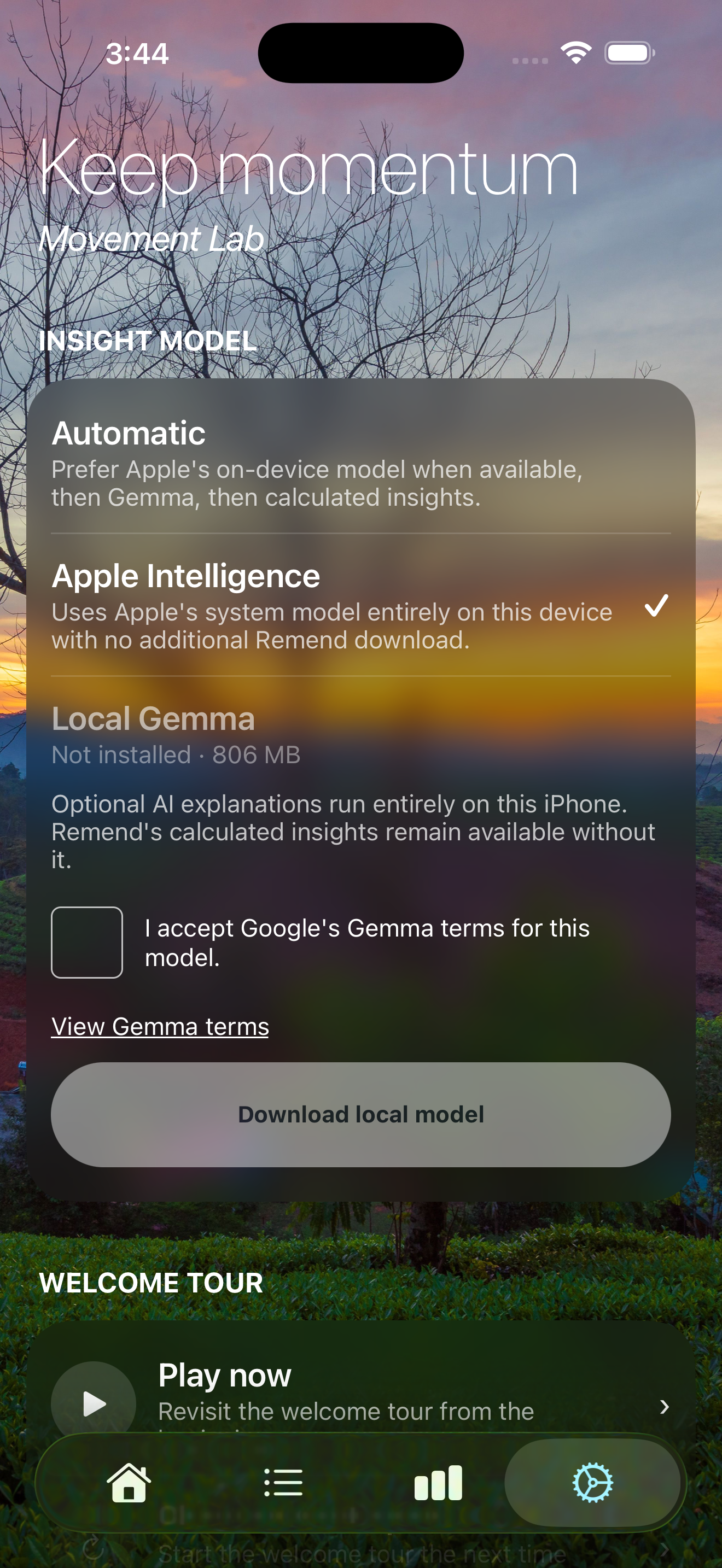
After a routine is completed, Remend records the activity and opens an Insights screen where the user can review their movement history. Camera frames and raw video are not stored by default, keeping the tracking experience private and on-device.
How I built it
I built Remend with Expo, React Native, Typescript, Zustand, Tamagui, React Native Reanimated, and a custom Expo native module for human-motion tracking.
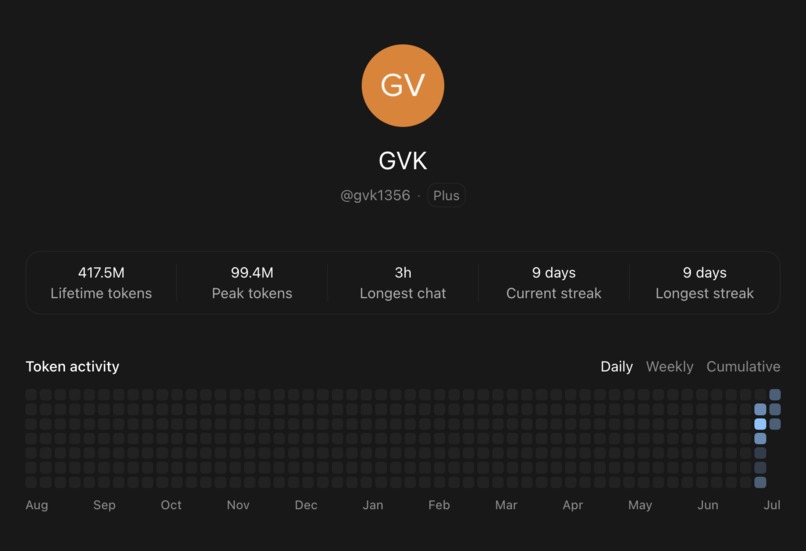
GPT-5.6 through Codex was my primary development partner across product planning, native computer vision, exercise evaluation, UI implementation, debugging, testing, and release preparation; the README includes a detailed breakdown.”
The tracking pipeline works by:
- Detecting face, hand, or body landmarks.
- Confirming that the necessary body region is visible.
- Converting the landmarks into normalized movement measurements.
- Mapping those measurements to progress values between (0) and (1).
- Using a state machine to identify the target position, hold, release, and completed repetition.
Conceptually, movement progress can be represented as:
[ p = \operatorname{clamp}\left( \frac{x-x_{\text{start}}} {x_{\text{target}}-x_{\text{start}}}, 0, 1 \right) ]
Here, (x) is the observed movement, (x_{\text{start}}) is the user’s starting position, (x_{\text{target}}) is the intended movement target, and (p) is the progress displayed in the interface.
I avoided relying exclusively on fixed landmark distances because people have different proportions, resting positions, and comfortable movement ranges. Where possible, Remend uses relative measurements, such as shoulder width, palm size, and personal starting ranges to make tracking more adaptable.
Challenges I faced
The most difficult challenge was making computer-vision output feel natural to a real person. A model can successfully detect landmarks while the exercise still feels impossible to complete because the target threshold, release condition, or measured landmark does not accurately represent the instructed movement.
For example, the pose model tracks the wrist but not the end of the hand. A natural hand-to-mouth movement could therefore fail unless the user raised their wrist unnaturally high. I addressed this by estimating the hand’s position beyond the wrist using the direction of the forearm.
Cross-body reaches originally required the wrist to approach the opposite shoulder. I changed the evaluator to measure travel across the torso instead, allowing users to perform the instructed reach without touching their shoulder. Narrow and wide squats also initially measured only knee bending, so I added foot-spacing requirements based on ankle distance relative to shoulder width.
Facial exercises presented another major challenge. Absolute thresholds did not work consistently across different resting expressions and facial proportions. This pushed me toward session-relative baselines and personalized movement ranges.
What I learned
I learned that a movement-tracking product is not only a computer-vision project. It is equally an interaction-design, accessibility, and feedback problem.
Accurate landmark detection is only the beginning. The product must also explain what it sees, distinguish anatomical sides, tolerate natural variation, recognize when the user returns to rest, and ensure that its instructions match the movement it is actually measuring.
Testing on a real device was especially valuable. Many of the most important improvements came from performing every exercise myself and identifying moments when the app’s interpretation differed from the intended motion.
I also learned to be careful about how movement data is presented. Remend treats tracking results as observations of demonstrated movement and completion, not as diagnoses, clinical validation, or proof of recovery.
What’s next
Next, I want to improve personalized calibration, camera-angle resilience, and real-time positioning guidance. I also want to test Remend across more people, devices, body proportions, and comfortable movement ranges.
Longer term, I would like to explore how affordable, privacy-preserving tools like Remend can help more people remain engaged with their health between appointments or when traditional services are difficult to access.
My goal is to make guided movement practice more accessible, responsive, and private—without pretending that technology alone can replace professional healthcare.
Built With
- expo.io
- gemma
- javascript
- jest
- llama-rn
- media-pipe
- react-native
- swift
- tamagui
- typescript
- zustand


Log in or sign up for Devpost to join the conversation.