-
banner
Inspiration
I watched an AI NAS demo where you ask the assistant to organize a folder and it sorts everything nicely. The demo ends there. It never shows you the week after, when you're hunting for the contract you scanned and can't remember if you filed it or the assistant did.
When a tool organizes your files and keeps no note of what it did, you end up searching the whole disk to find out what already happened. The NAS is always on and already has the files. It's a good place to keep that note too.
What it does
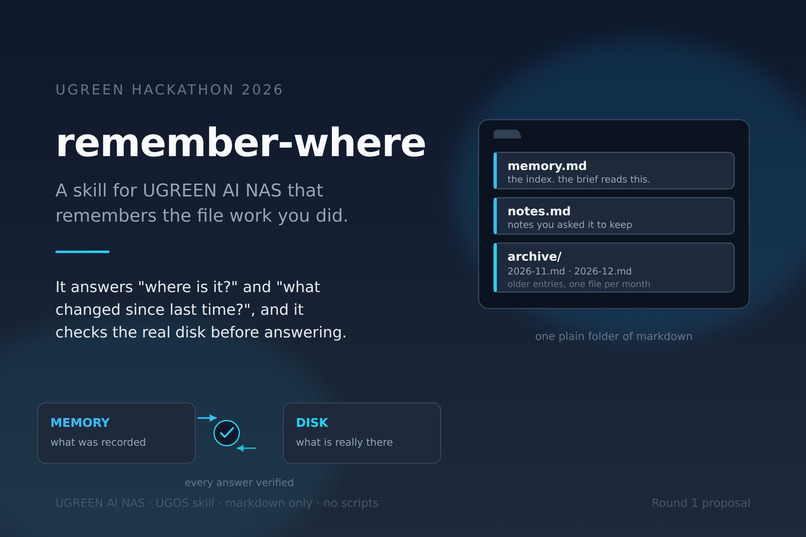
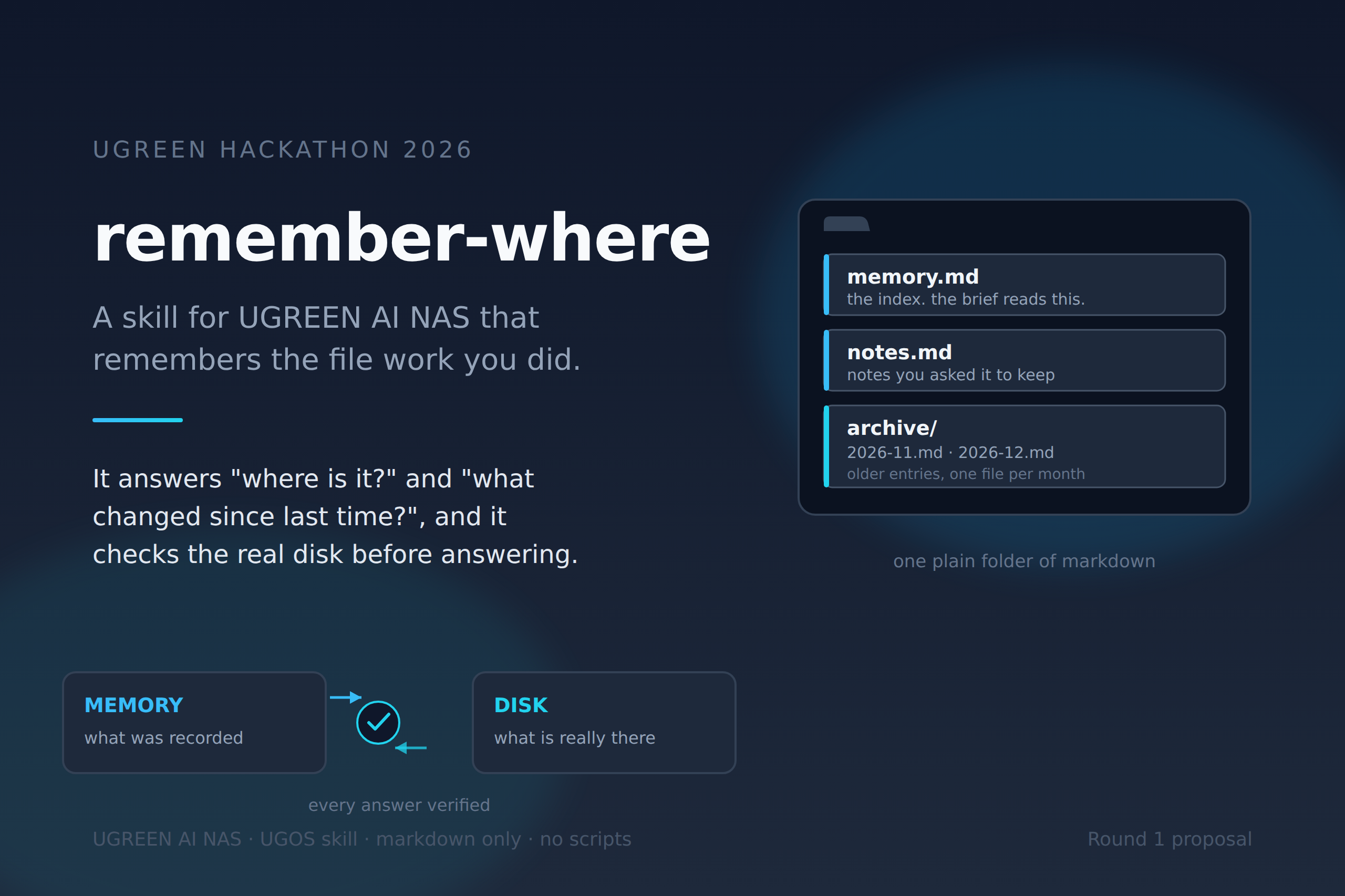
remember-where keeps a small store of notes on your NAS. There's an index, a notes file, and a month file for entries that get old. It records every task the skill runs and every note you ask it to keep: what it did, where, when, why, whether it still needs your review, and how important it is.
Each session starts with a short brief of what changed since last time. Ask "where is the June contract scan?" and it answers from memory, but it checks the file is really there first. If the memory and the disk disagree, it tells you, shows what the disk has, and offers to fix the memory. It won't repeat a stale path as if it were true. Old entries leave the index after a few months, so the brief stays short.
How we built it
I built the skill against the official capability catalog rather than guessing. The catalog lists 9 CLIs and 84 actions, and every step maps to one, through a named agent: the file agent handles reads, checks, and approved moves; the document agent handles facts pulled from a document; the knowledge agent is the fallback for writes.
The store is a small folder of plain markdown files, in a folder you choose the first time you run it. Plain names: an index, a notes file, and month files. No scripts, no hardcoded paths. Reading is free. Every write goes through the approval prompt, and after each one the skill reads the file back to make sure it landed. There are five flows: brief, record a task, note, document fact, and recall.
I built the package with the official UGOS Skill Creation Tool. It follows the Uliya standard, and it passes the kit's own checker with zero errors. It's markdown only: SKILL.md and two reference files.
Challenges we ran into
The kit's template and the kit's checker disagree. The template writes capability lines in a format the checker rejects, and its section heading isn't one the checker accepts. Following the docs gets you a failing package. I found the real rules by building test packages and running the checker on them, then wrote the design around what it actually wants.
The other challenge is the no-scripts rule. No scripts, no executables, so all the state has to live in markdown. That meant reading and rewriting each file instead of adding a line, one writer at a time, and an approval on every write. It's more work than just writing a file, but a note about your files is still a change to your files, and it should ask.
Accomplishments that we're proud of
- Every capability the skill uses is a real NAS action.
- The disk is the source of truth. Memory is just what the skill thinks happened, and drift gets reported instead of hidden.
- The package passes the same checker the reviewers run.
- A test plan sized for one device day: two core cases and one edge case, each written as the sentence a user would actually say.
What we learned
- The docs and the tools disagree more than you'd expect. Trust the tool, and write down why.
- A memory tool for files has to doubt itself. The hard part of "where is it?" isn't remembering, it's checking.
- I first put everything in one file. Then I worked out what happens as it grows, and moved it to a folder: an index, a notes file, and month files. Reads stay small, and you can still open it and read it.
- No scripts is a good constraint. Every step has to use something real, because there's nothing to hide behind.
What's next for remember-where
If it makes the final round, one day on a real NAS goes to the three tests, then to the two things I can't check without hardware: how often the approval prompt shows up in real use, and how fast the brief reads when there are months of entries.
After the hackathon it goes to the Skills Hub, and the store stays plain markdown you can read, copy, or move. Later the same idea can cover photos and media: record what the assistant did, check it before you say it, and keep the story next to the files.
Built With
- ai-agents
- claude-code
- file-management
- github-copilot
- markdown
- memory
- nas
- skill.md
- ugos
- ugreen-ai-nas
- uliya
