-
-
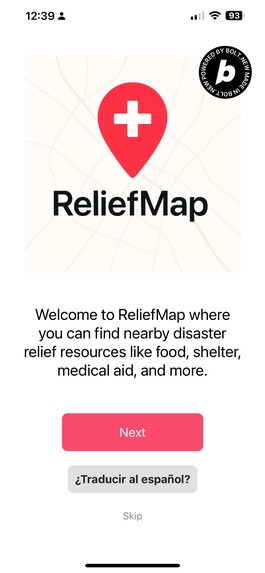
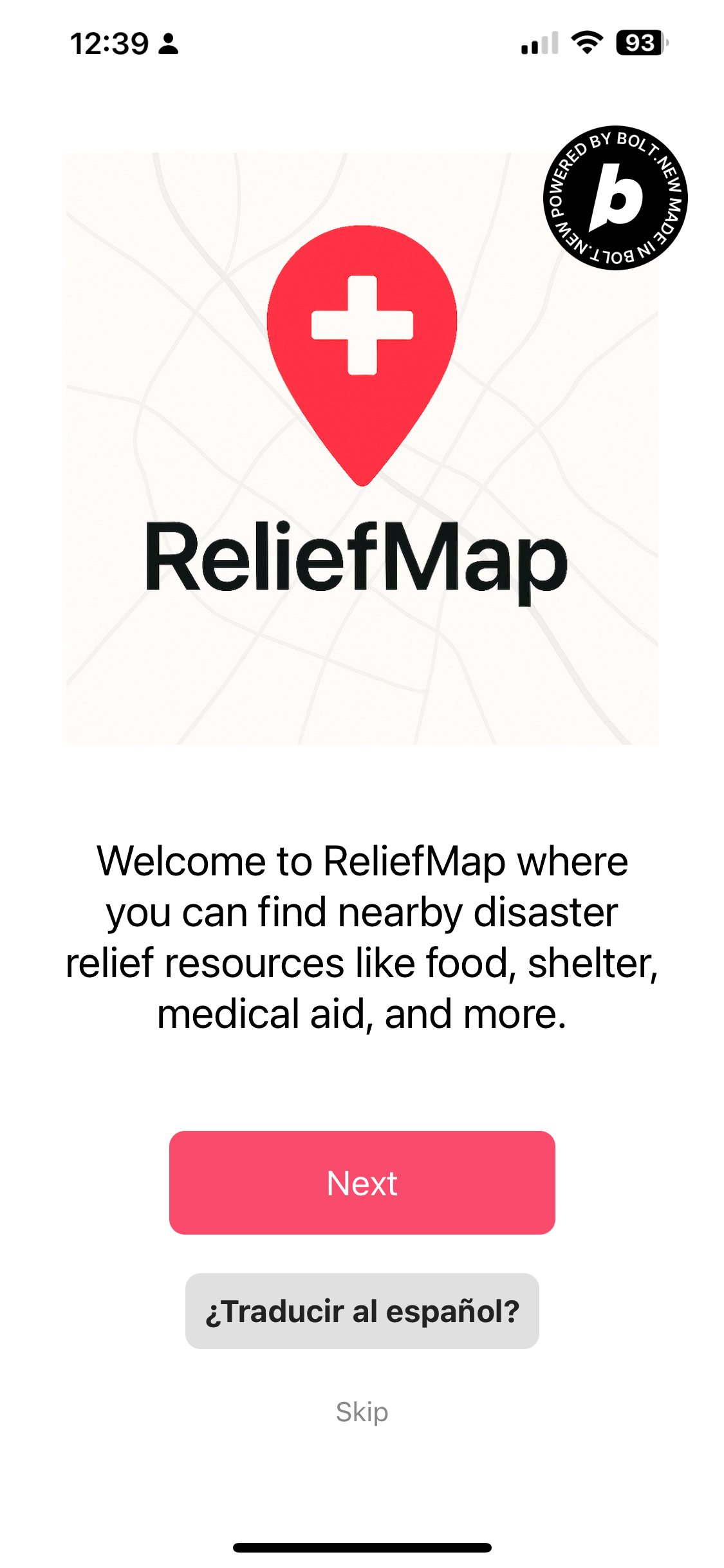
Onboarding sequence with Spanish translation.
-
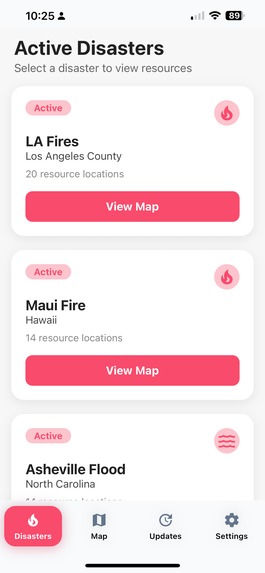
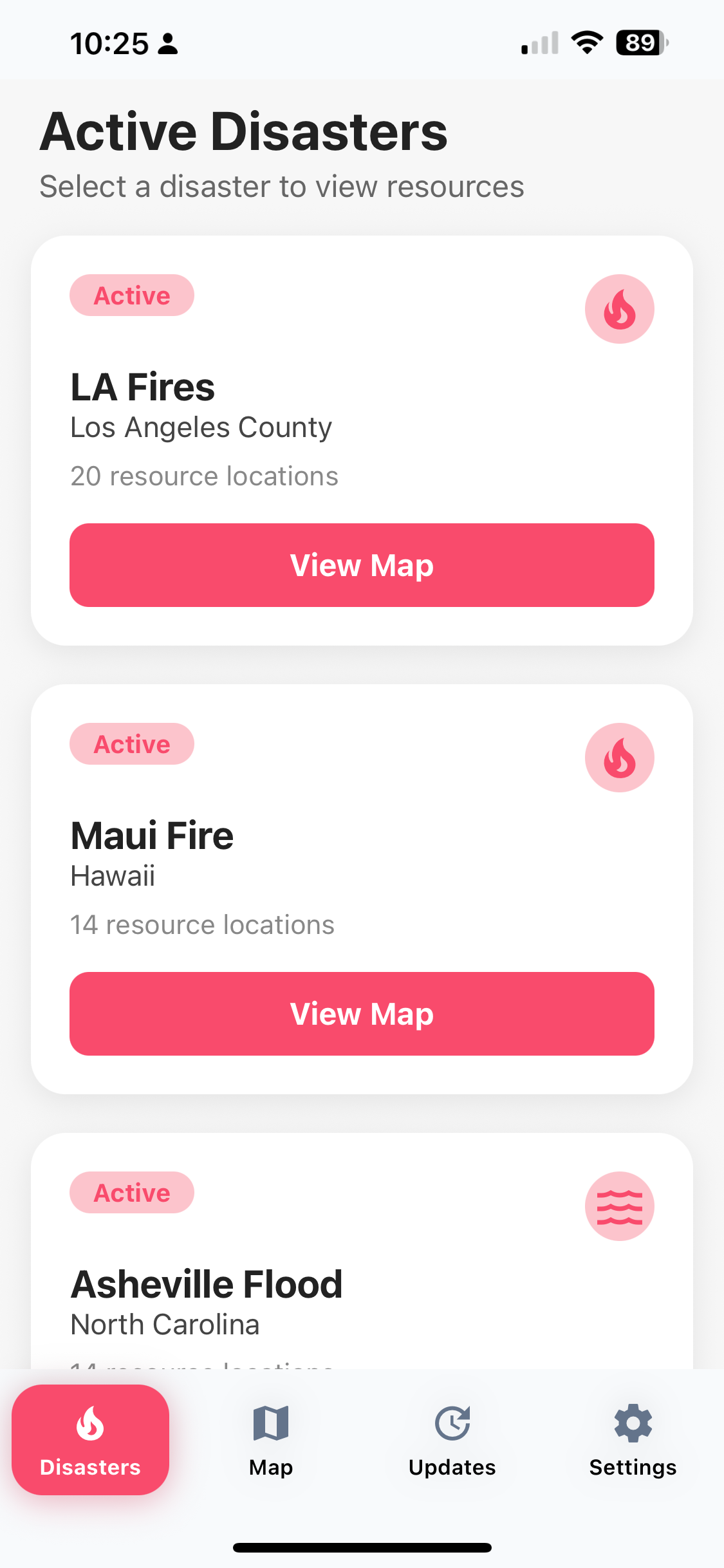
List of active disasters (mock data)
-
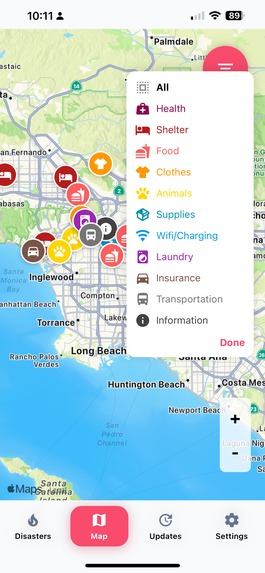
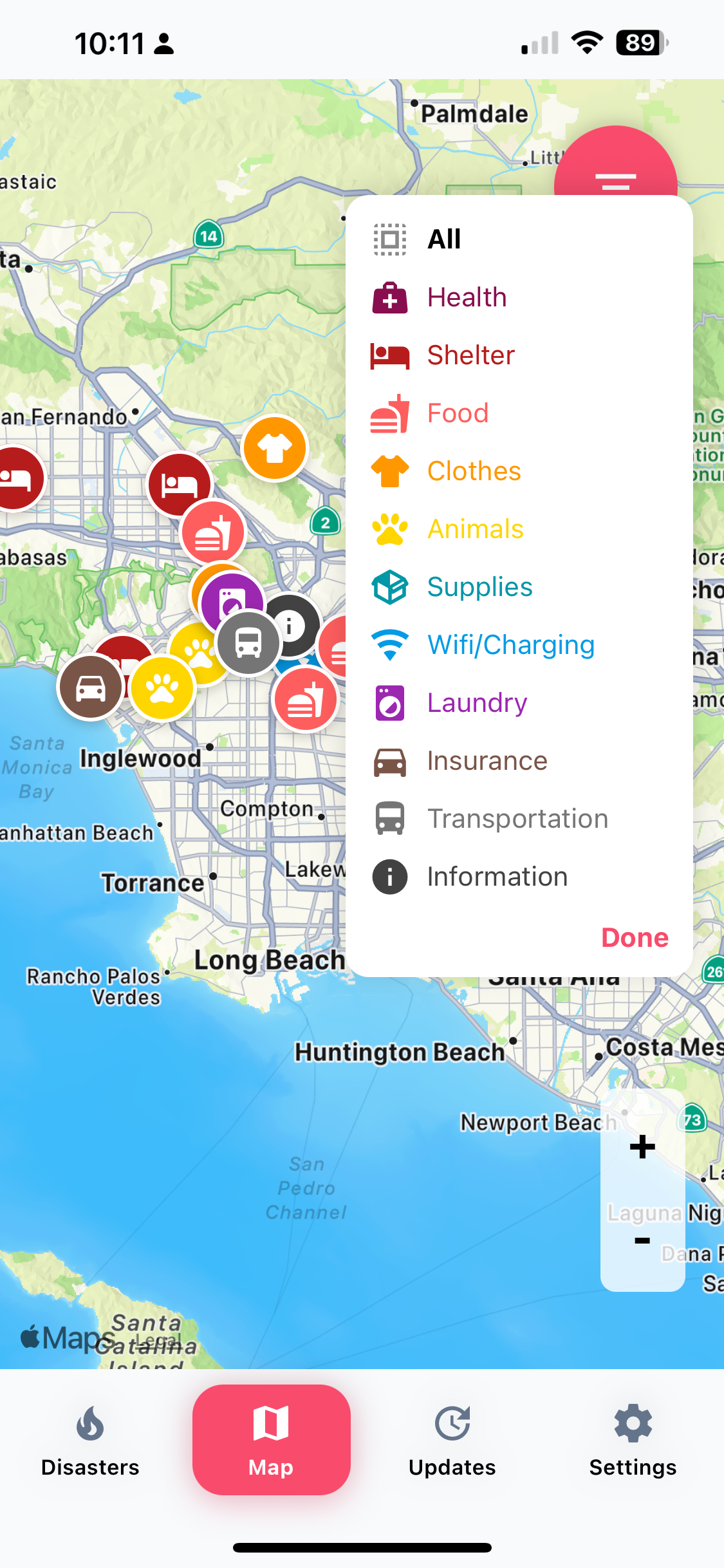
Disaster resources filtered by category
-
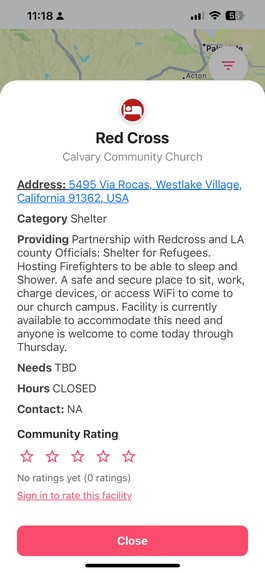
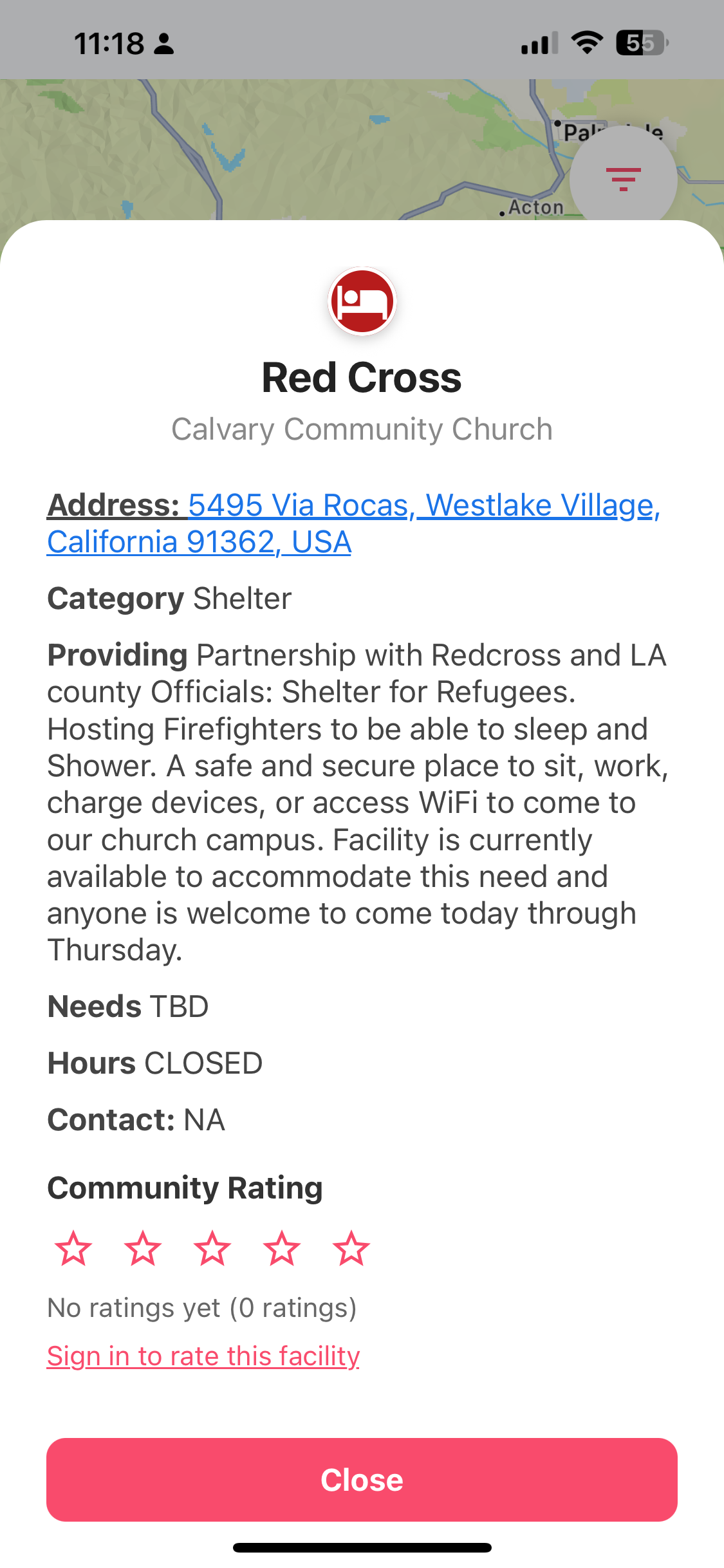
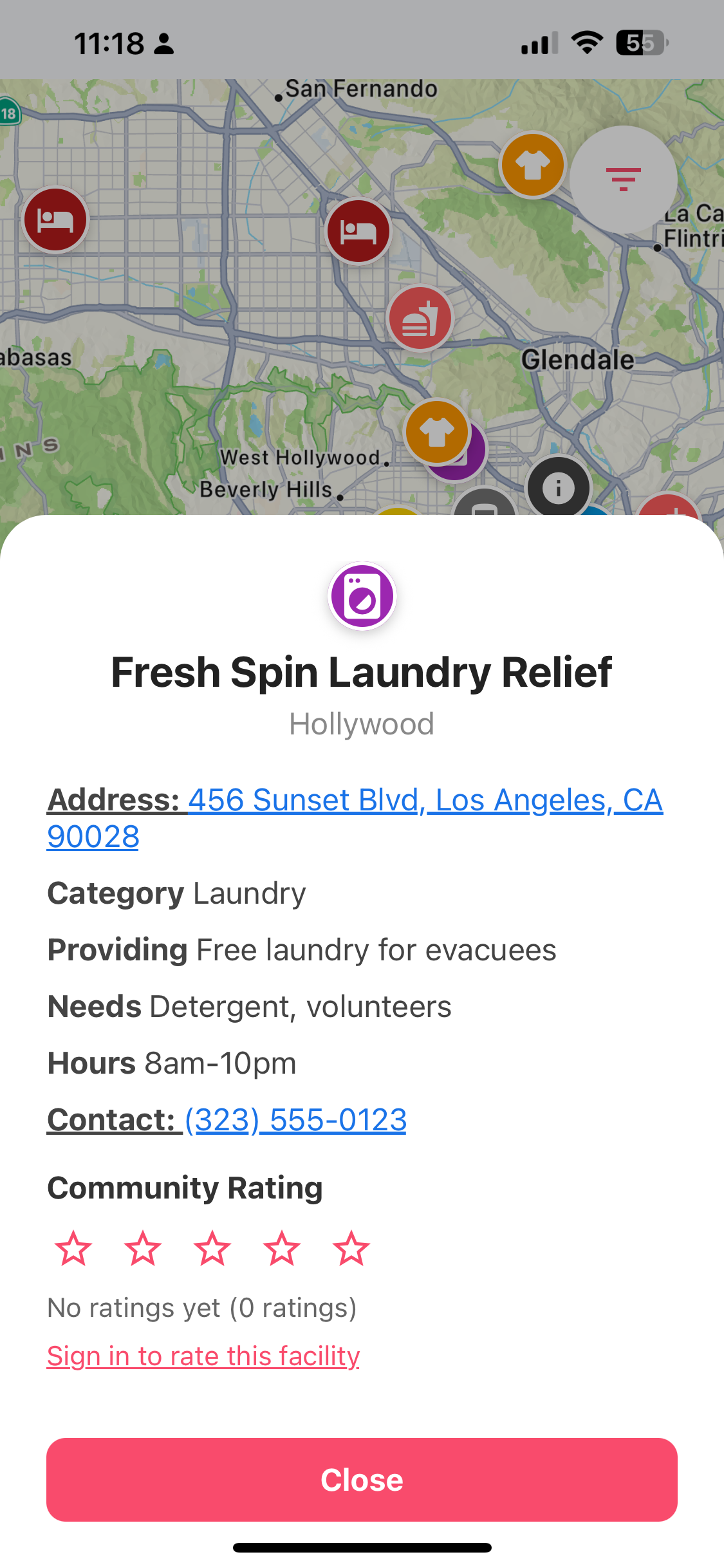
Example of detail screen from LA fires.
-
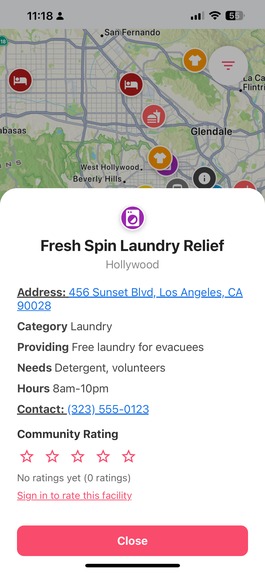
Example of detail screen from LA fires.
-
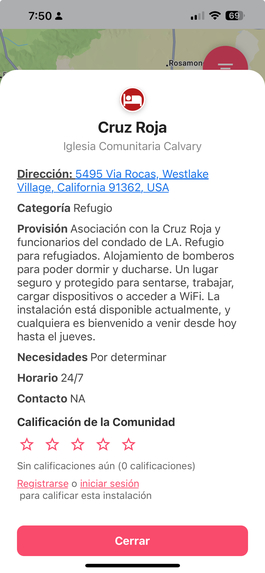
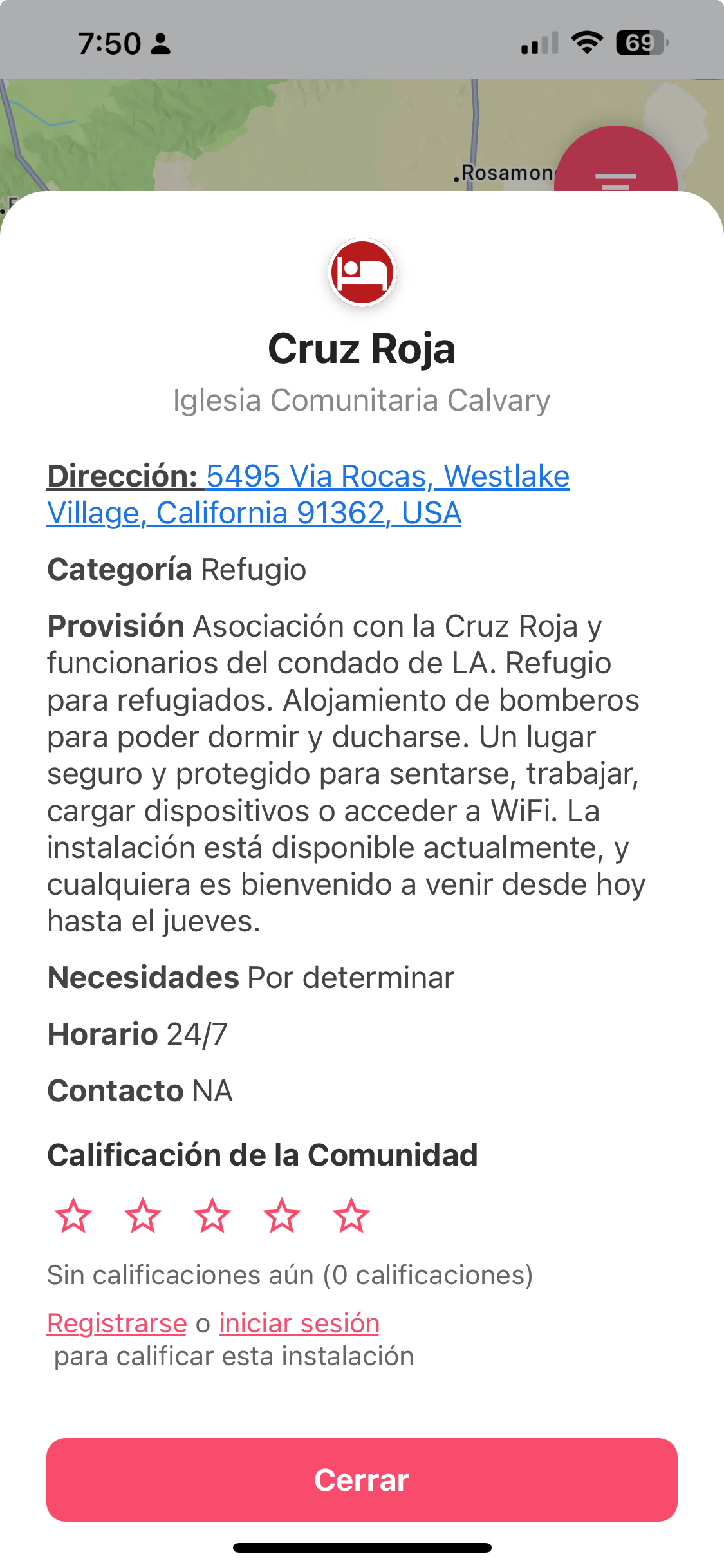
Spanish translation of detail screen
-
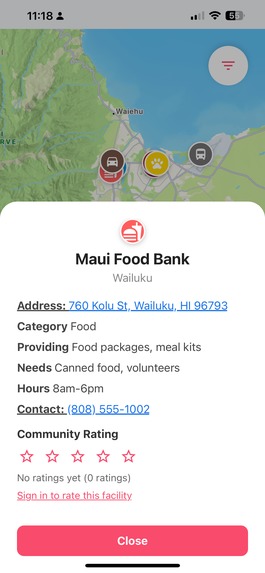
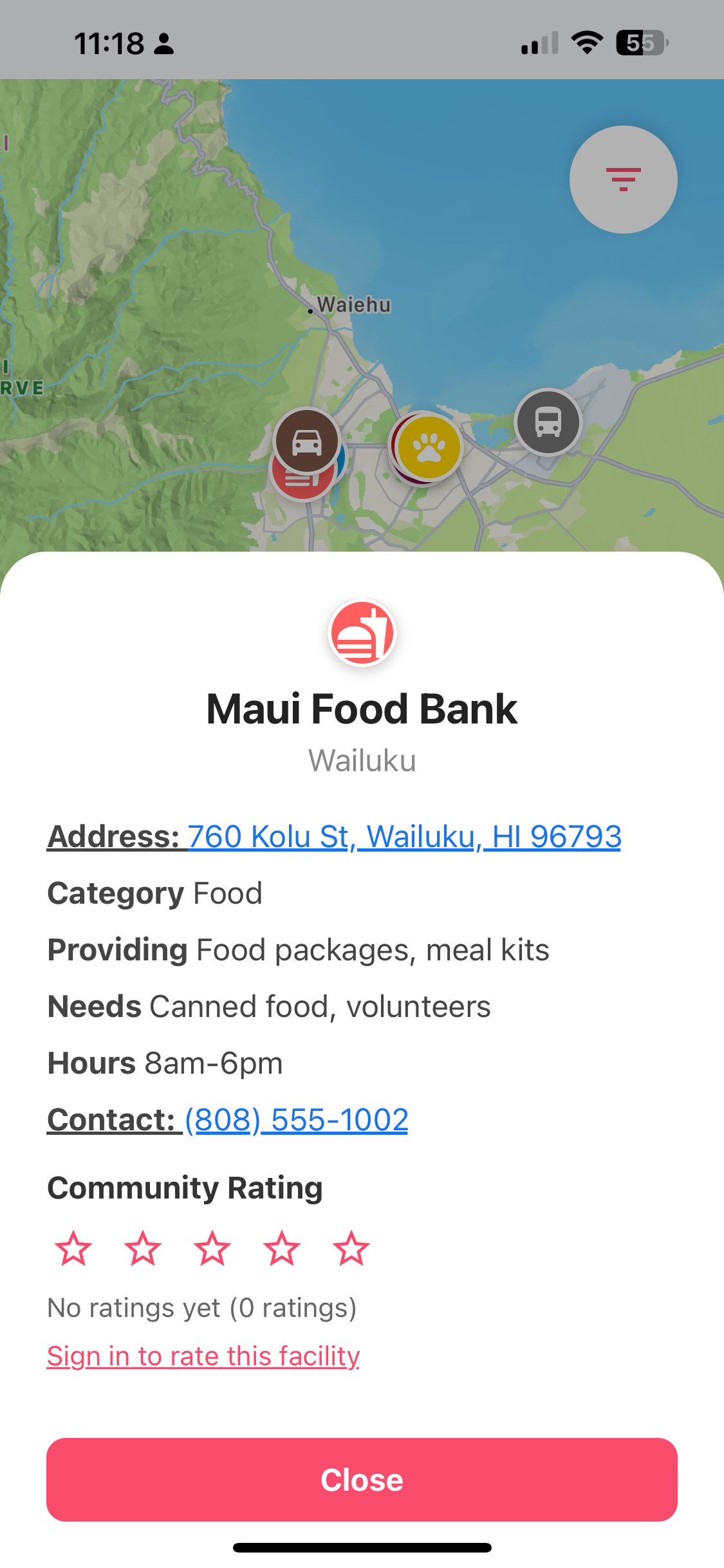
Example of detail screen from Maui fire.
-
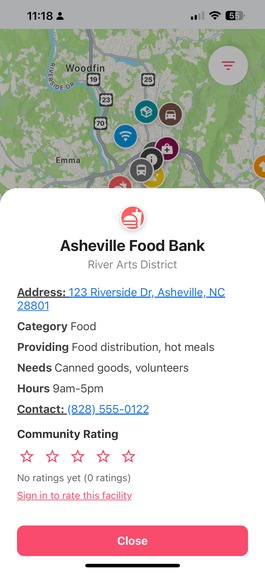
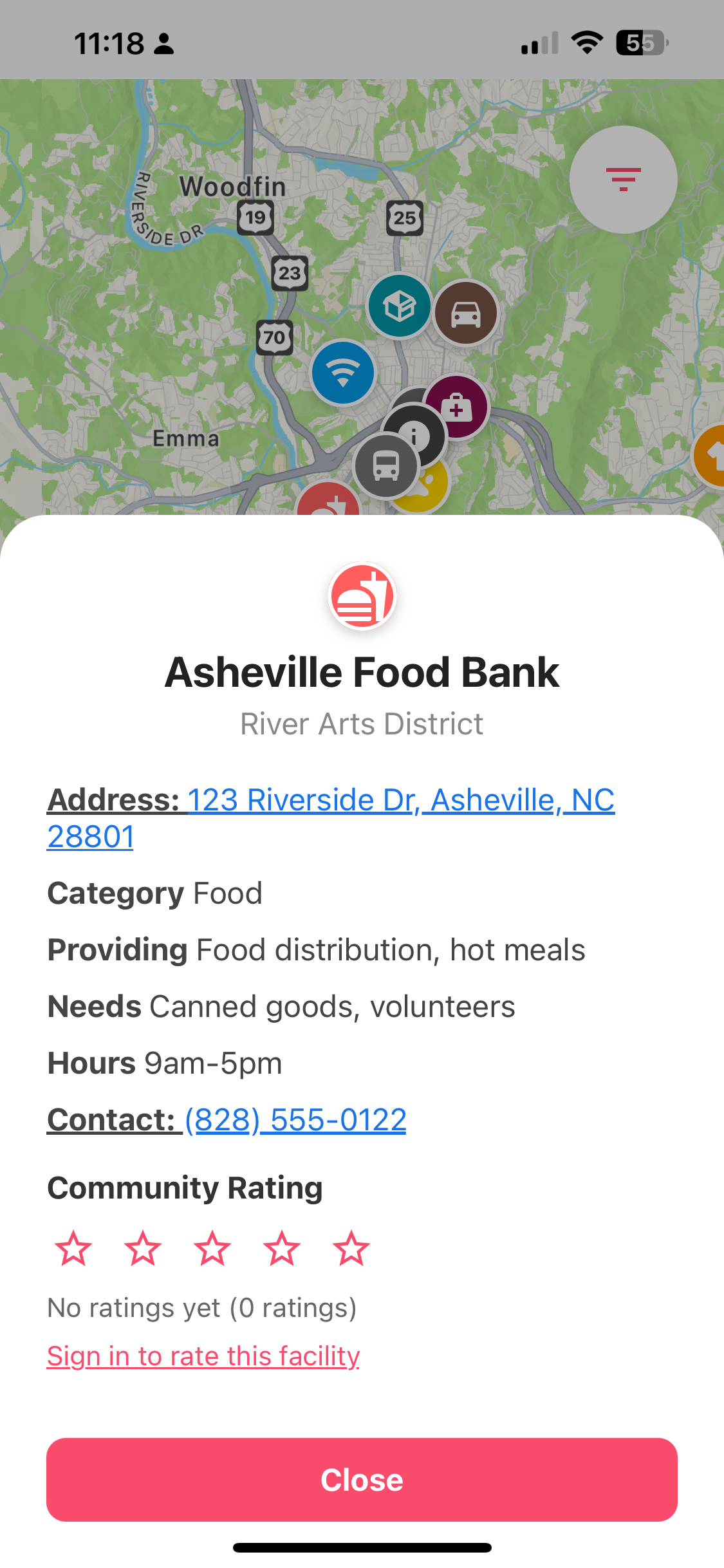
Example of detail screen from Asheville flood.
-
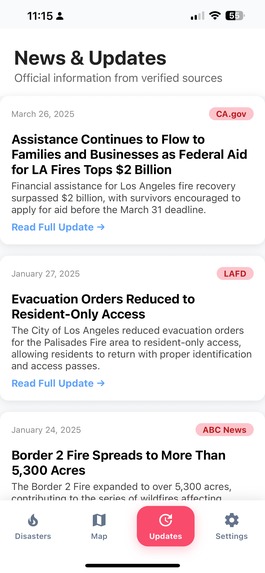
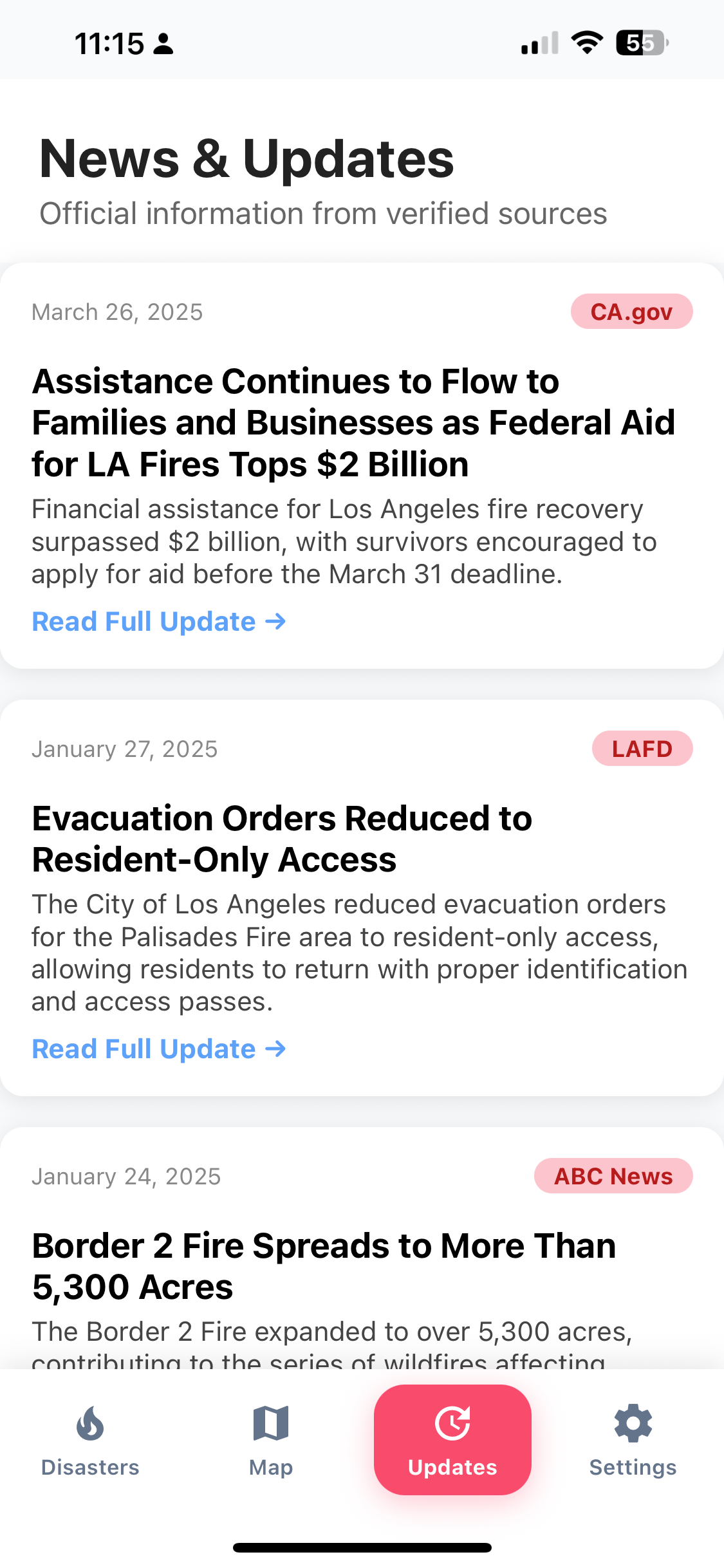
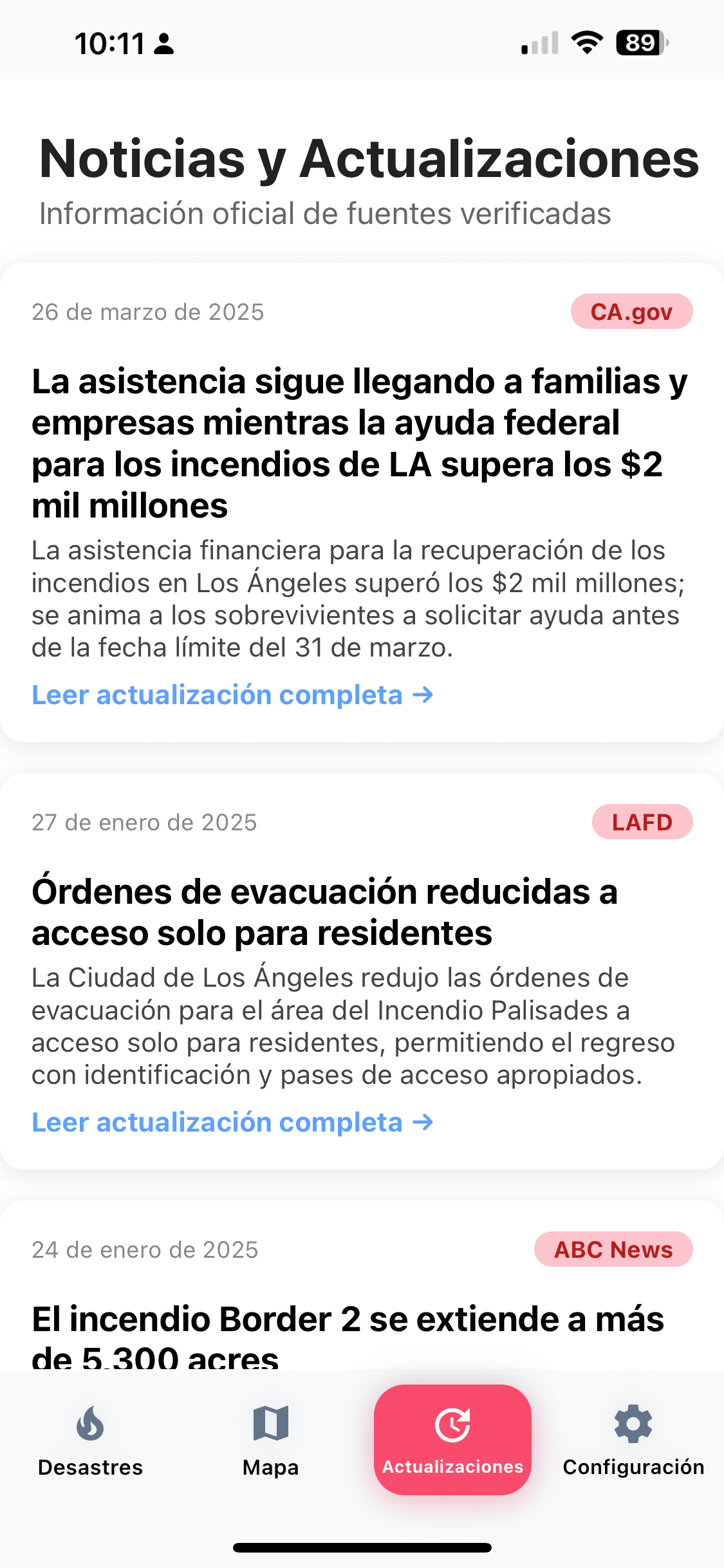
News and updates from official sources.
-
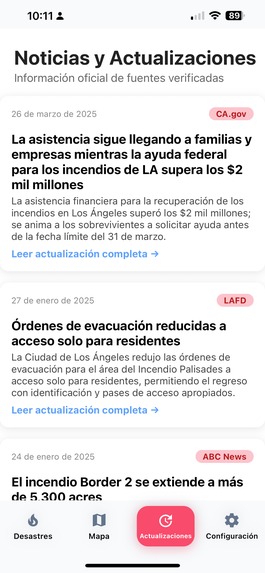
News translated into Spanish
-
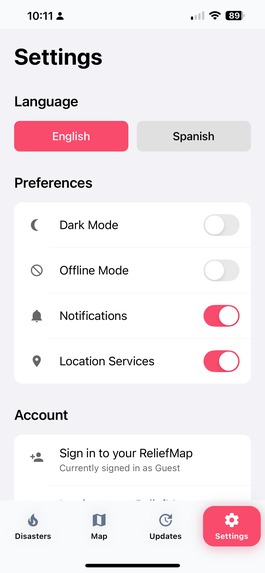
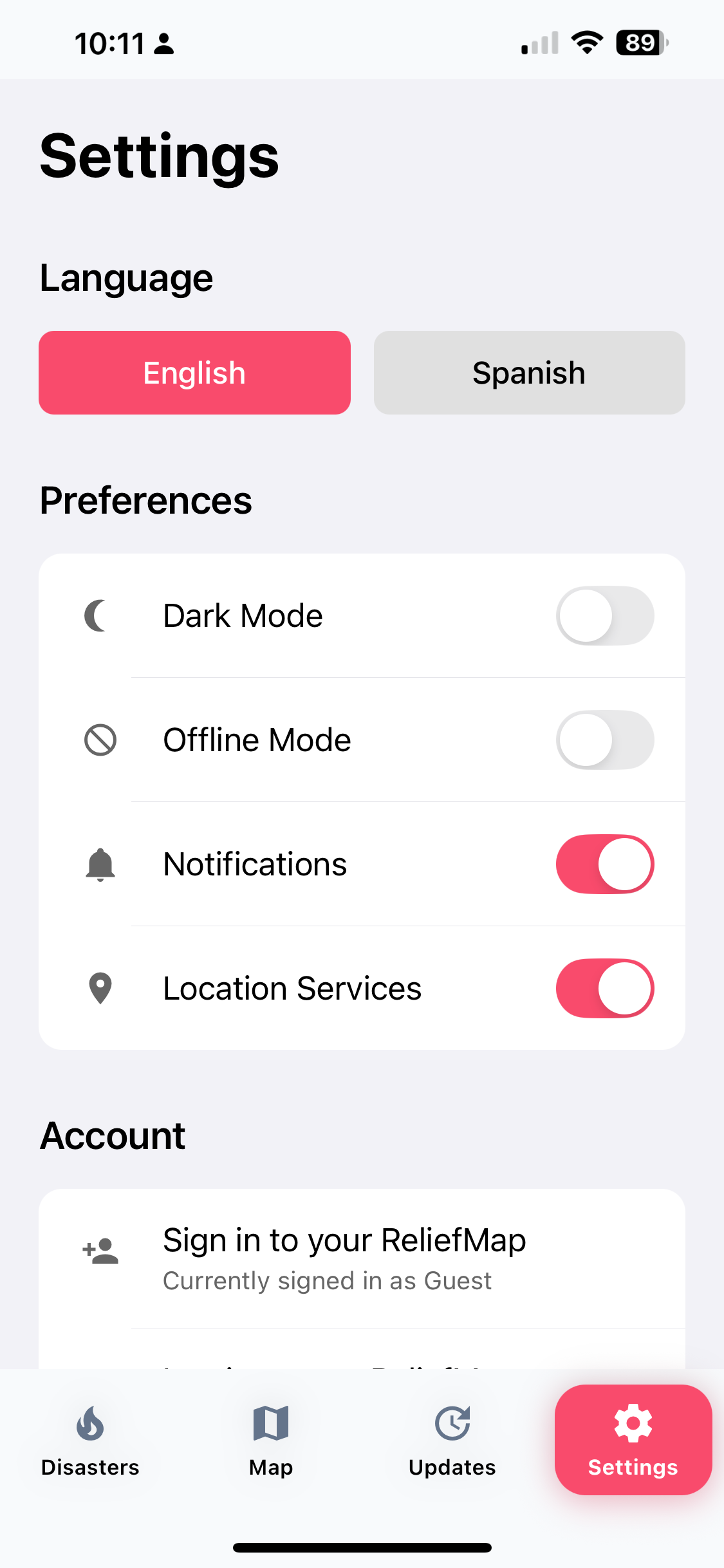
Settings page
NOTE: PLEASE TRY TO DEMO THE APP USING APPLE TESTFLIGHT OR AT LEAST THE PWA VERSION. It was meant to be used and experienced as a mobile app first.
About
ReliefMap is a mobile-first disaster relief app built for iOS, Android, and the web (as a PWA). It helps people quickly find nearby disaster resources like shelter, food, supplies, and medical help, all on an interactive map.
Users select a current disaster (mock disasters for this prototype include the LA Fires, Maui Fire, Asheville Flood, or Hurricane Milton), filter by the kind of help they need, and tap color-coded pins to see detailed information on shelters, supplies, and more. News and updates are also filtered based on the selected disaster.
ReliefMap includes Spanish translation, because in a crisis, non-English speakers are often the most vulnerable.
This app may seem simple, but there is nothing like it. There is no central place for disaster relief and recovery information. ReliefMap aims to fix that.
And here’s the kicker: I’m 55. I’ve never coded before. I thought Metro was a subway system and Cocoapods were marshmallows. I spent more time in my terminal this month than I have in my lifetime. But I built it, and it works.
Inspiration
I used to work for the Red Cross and was struck by the chaos that follows disaster—not just physically, but digitally. Reliable information is one of the most prized commodities during a disaster, but its often scattered, outdated, or buried throughout the web. There is no single, easy-to-use tool to find help nearby. On someone’s worst day, they shouldn’t have to work even harder to figure out where they're going to stay or what they're going to eat. ReliefMap is my answer to this informational gap.
What it does
Choose a current disaster from the list. View a zoomed-in, touch-responsive map of the affected area. Filter by the type of assistance: food, shelter, supplies, etc. Tap a pin to see detailed information about the resource. Click the address to open it up in Google to get directions. Click the phone number to call from the app. Get disaster-specific news and updates. Translate the entire app into Spanish, cache files for offline mode, get notified of new resources, and locate yourself on the map.
It's designed for phones because in an emergency, that's what people have.
How I built it
Let’s just say... it was a journey. I began with a Bolt-generated fitness app as a starting point, thinking I could modify it into what I needed. But there were too many unnecessary components and tangled logic, so I decided to build it from scratch. My first serious attempt was with Expo, but after three days of struggling with preview errors and failed builds, I had to rethink my strategy.
I then rebuilt the app using React with a Google Maps API. I ran into API key issues, display inconsistencies, and most persistently, dependency conflicts. Every time I fixed one problem, another would surface. It became a recurring pattern: resolve one error, create three others. I decided to build the IOS version with Apple Maps, and then finally got Google Maps to work for the web version.
Over the last few weeks, I rebuilt ReliefMap at least eight times. Two attempts with Expo. A couple of hybrid builds. Multiple configurations using Vite, Supabase, Apple Maps, and local storage. Each time I restarted, I understood a little more, but the road was far from smooth.
As someone new to coding, I had to learn everything from file structure to build processes, versioning issues, and mobile debugging. I relied on AI tools to assist, but I still had to make sense of the underlying architecture and logic. It was a crash course in app development, and I was often the crash test dummy.
Regarding the Challenge Requirements:
Custom Domain Challenge: I use Entri to get an IONOS Domain Name, and I published my app on the domain. It's reliefmap.org. I went with .org to communicate its public mission. Sign up was quick and easy.
Deploy Challenge: I used Netlify to deploy the app on the web. I tried multiple times from Bolt. I ended up connecting it to Github which proved effective.
Startup Challenge: I used Supabase as the backend. For now, its relatively simple, logging user names, passwords, and ratings of facilities. In the future, it could get very complex as I'll use it to dynamically list all disaster resources. I'd also like to set up a web scraper that fills in the necessary data fields in the Supabase database.
Challenges I ran into
Dependency Hell: This was, by far, the steepest part of the learning curve. Conflicting packages, mismatched versions, and missing peer dependencies derailed progress regularly.
Expo Compatibility: Despite multiple attempts, I couldn’t get Expo to work reliably on iOS or the web. Previewing the app consistently failed, and the error logs offered little guidance for someone new to development. I made two serious attempts to build the app with Expo, each lasting several days, before ultimately moving on.
Routing and Layout Errors: At one point, I encountered a frustrating "multiple files match the route name ./layout" error. This led to a deep dive into file naming conventions, Metro bundler behavior, and platform-specific file resolution. This is ultimately what led to the demise of Expo. AI couldn't figure it out and neither could I. I tried everything!
Map Integration: While Google Maps seemed like a straightforward integration, it brought a host of problems—blank maps, token issues, billing restrictions, and constant API errors. After several days of troubleshooting, I switched to Apple Maps, which was more reliable and worked natively on iOS. However, I gave it another go, and ultimately got Google Maps to work on the web.
Supabase Integration: It took me multiple attempts to make this work. Problems included environment variable setup issues, dependency clashes, and bugs I couldn’t resolve. Ultimately, I did get this to work.
Platform Issues: I thought that React and Expo would play well with the different platforms (IOS, Android, web). No one played well in the sandbox with others. Even icons were causing major problems.
Working with the AI: I found the AI always wanted to make substantial changes which then led to more errors. If it was a surgeon, it would always be cutting! I had to continually remind it to think and analyze before it acted.
What I've found is that vibe coding helps coders, but it doesn't replace them. You have to know what the AI is talking about, where to look, and even where to find error messages...all things a non-coder doesn't know. The AI assumed I knew things I didn't like what the Terminal is, where to find it, and what to do with it; or how to find error messages in console. Three weeks ago, I couldn't tell you what a package.json is or what .env did. Vibe coding is best with a basic understanding of coding.
This process taught me more than just how to code—it gave me a deep respect for the complexity behind apps we often take for granted. I’ve never spent more time in the terminal, but I’ve also never been more invested in solving a problem.
Accomplishments that I'm proud of
I brought a working prototype to life with no prior experience. I designed something that could actually help real people in real disasters. I proved that age and background are not barriers to building tech that matters.
What I learned
Having a baseline understanding of code would’ve saved a lot of late nights. I came up with a ton of ideas for future features—some practical, some just cool. The app works but its probably not clean and efficient. Bolt AI even gave me suggestions about what to do next. The power of AI is amazing, but it still needs a human to guide the vision and keep pushing when it hits a wall.
What's next for ReliefMap
I want to: launch a public version; build Supabase to handle web-scraping and real-time data feeds; and secure funding or partnerships to keep it maintained and disaster-ready. This app deserves to exist—not because it's flashy, but because it’s needed.


Log in or sign up for Devpost to join the conversation.