-
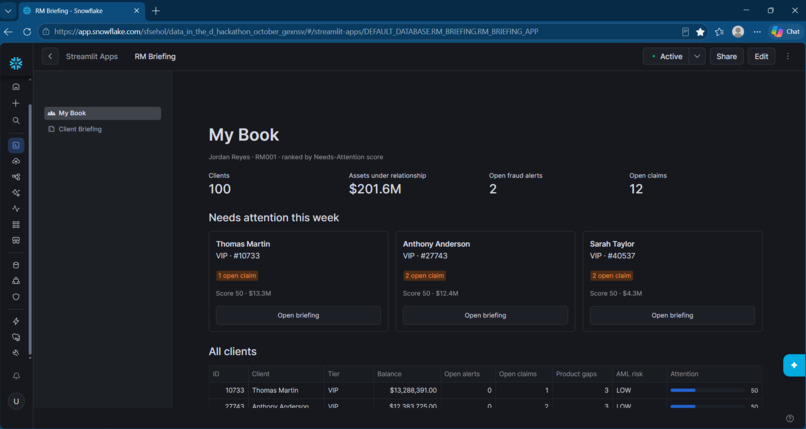
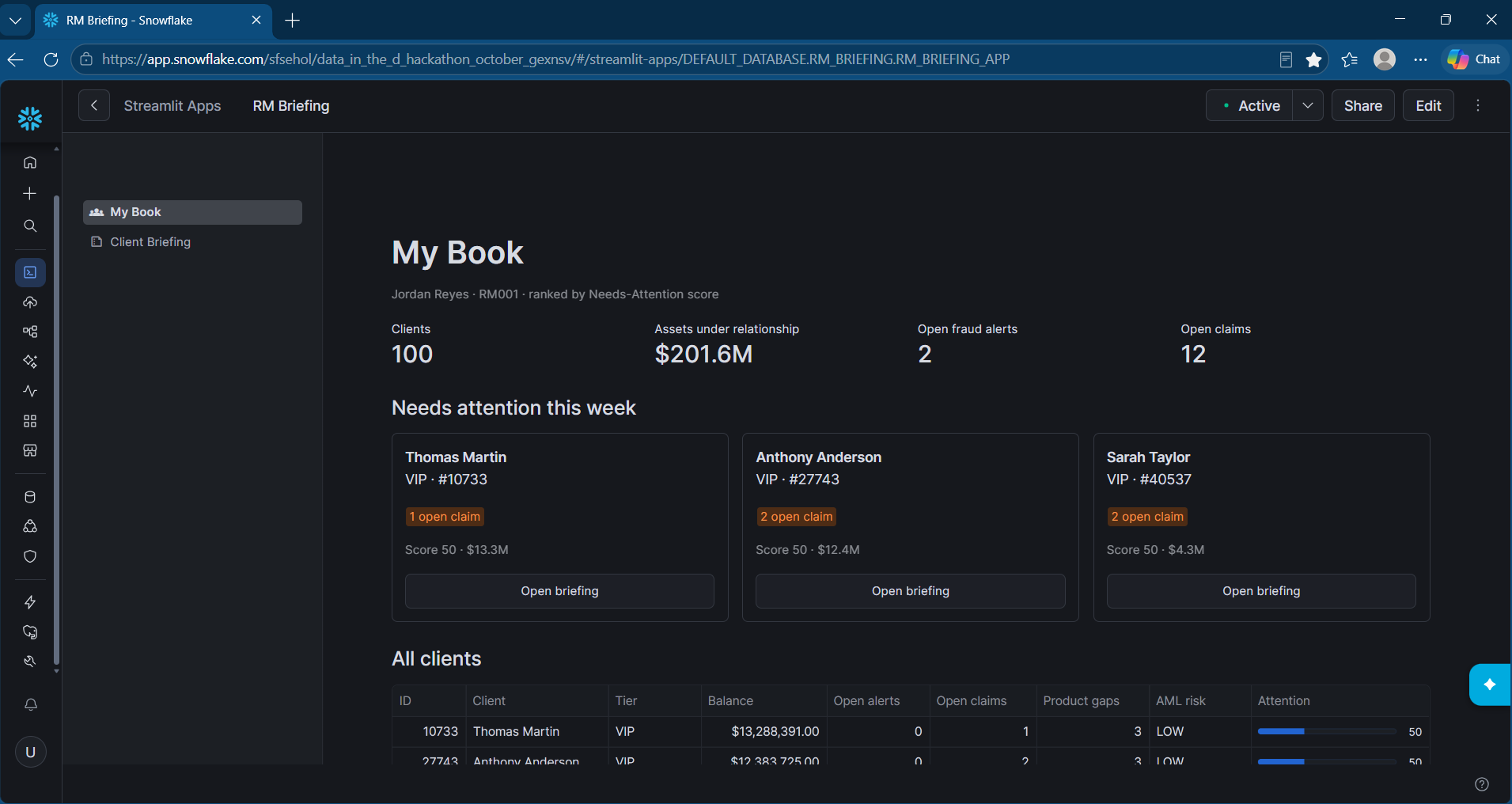
Home page with list of clients and the Top 3 clients listed
-
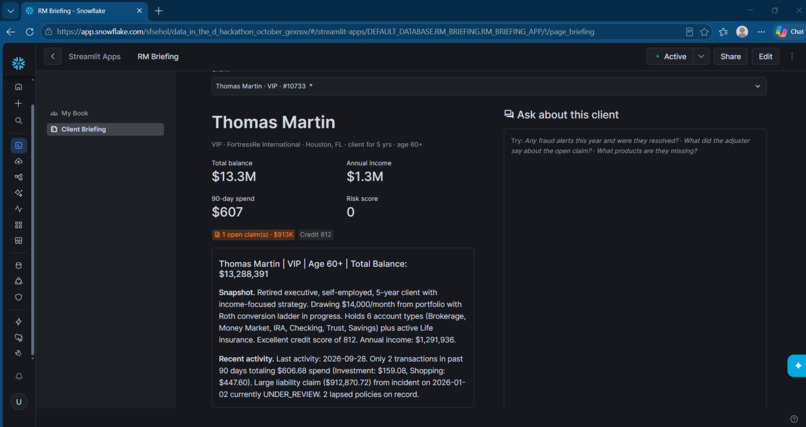
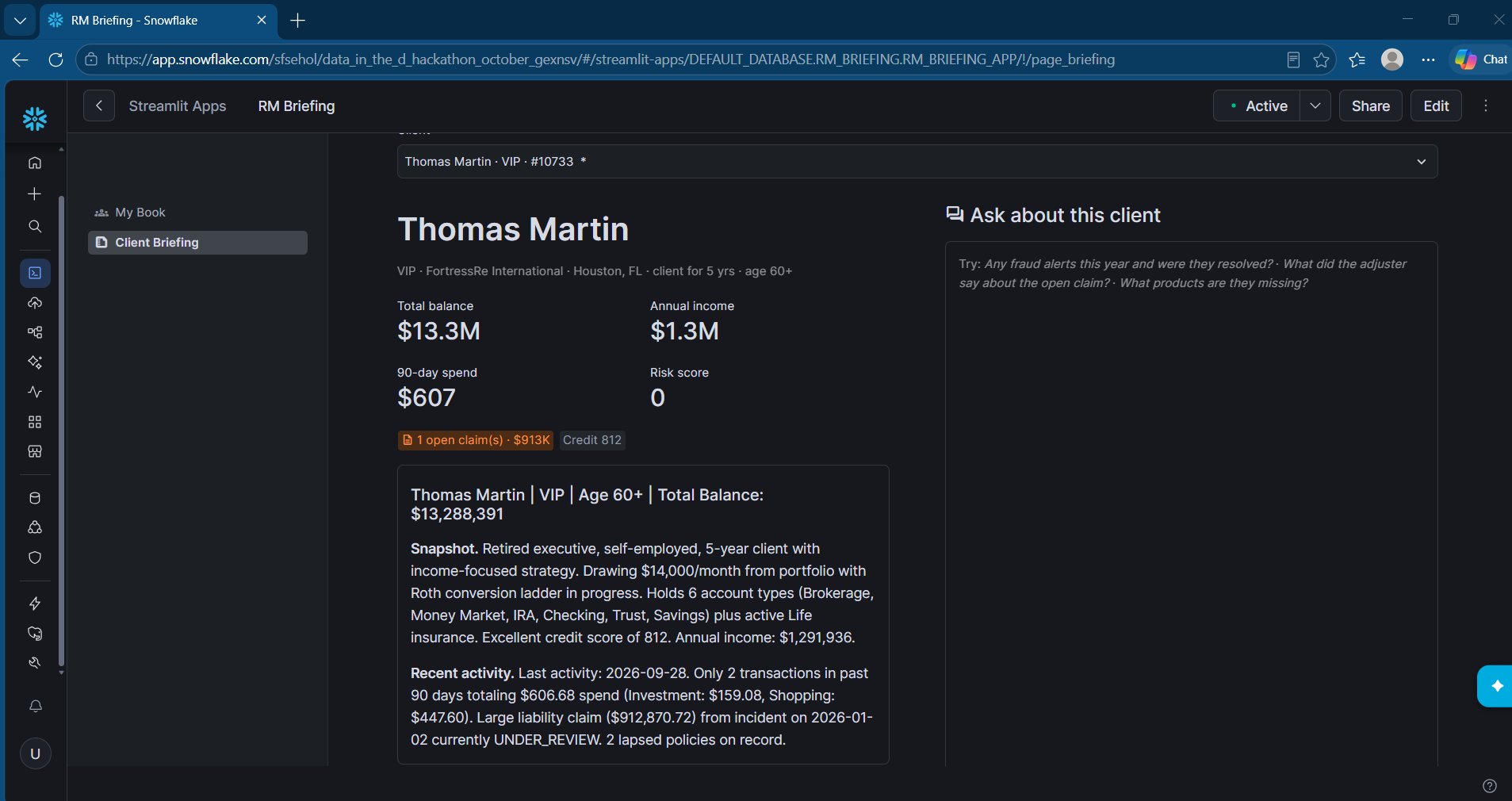
One page detail about a selected client
Inspiration
I'm a data engineer. Usually I build the pipelines and someone else decides what the product should be. For this hackathon I wanted to flip that: start with a real person and a real problem, and only then think about the data.
The person I picked was a bank Relationship Manager getting ready for a client meeting. Everything they need is in the data somewhere: balances, insurance policies, claims, fraud alerts, advisor notes. But it's spread across a lot of tables, and RMs aren't analysts. So I asked: what if they just got one page that tells them what's going on with this client and what to talk about?
What it does
The app has two screens:
- My Book: the RM's list of clients, sorted so the ones who need attention this week come first, with a short reason for each (an open claim, a fraud alert, a policy about to expire).
- Client Briefing: a one-page summary for each client: a quick snapshot, recent activity, risks, opportunities and suggested talking points. Next to it is a chat box where the RM can ask follow-up questions in plain English, like "What did the adjuster say about the open claim?"
How I built it
Everything runs in Snowflake:
- SQL views pull 9 source tables together into one row per client. This is the part I'm comfortable with.
- Cortex AI:
AI_COMPLETEreads the free-text advisor notes and pulls out useful signals.- Claude writes each briefing in a fixed JSON format, so the app always knows what it's getting.
- The chat:
- Cortex Search indexes the claim and adjuster notes.
- A semantic view handles the number questions.
- A Cortex Agent decides which one to use for each question.
- The app itself is built in Streamlit, running inside Snowflake.
Challenges I ran into
- Thinking like a product person. The hardest part wasn't technical. I had to stop asking "what can I build with this data?" and keep asking "would an RM actually care about this?" That meant leaving out a lot of interesting data.
- Not much time with the data. I got it at the start of the hackathon, so I had to make decisions quickly.
- Permissions. The app couldn't read the source data directly, so I made snapshot copies the app could access.
- AI getting things subtly wrong. At first it described the bank as the client's employer. Renaming one field fixed it, which surprised me.
- Small UI gremlins. For example, Streamlit turned dollar amounts into math formulas until I escaped the
$signs.
Accomplishments that I am proud of
- It works end to end: pick a client, read the briefing, ask a question, and get a real answer from their data.
- Someone non-technical can use it without ever seeing SQL or a dashboard.
- I built a product, not just a pipeline. That was the personal goal.
What I learned
- Starting from the user changes everything. It decides what to build, and also what not to build.
- How the data is labeled matters a lot to how well AI understands it.
- Asking the AI for a fixed format makes it much easier to build a reliable app on top.
- Snowflake has most of the pieces needed to go from raw tables to a working AI app in one place.
What's next for Relationship Management Briefing
- Refresh briefings automatically when something new happens, like a new claim or alert.
- Support multiple RMs, each seeing only their own clients.
- Let RMs rate the briefings so they get better over time.

Log in or sign up for Devpost to join the conversation.