-
-

Rekeep turns a damaged-item complaint into an item-level refund.
-
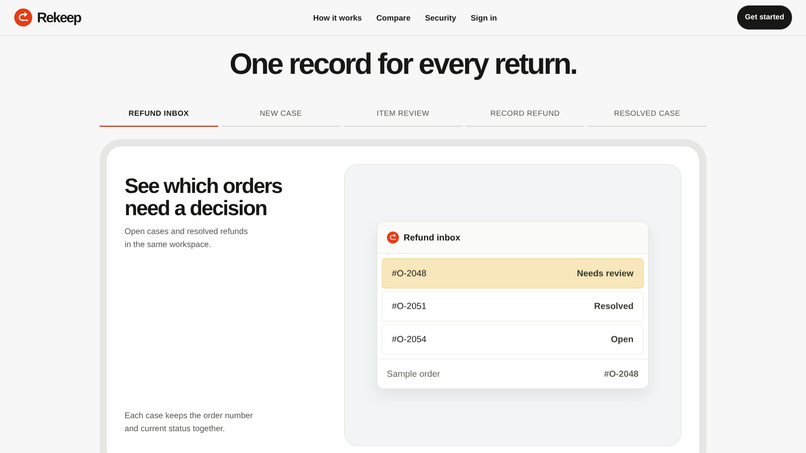
The workflow preview shows intake, review, refund and record keeping.
-
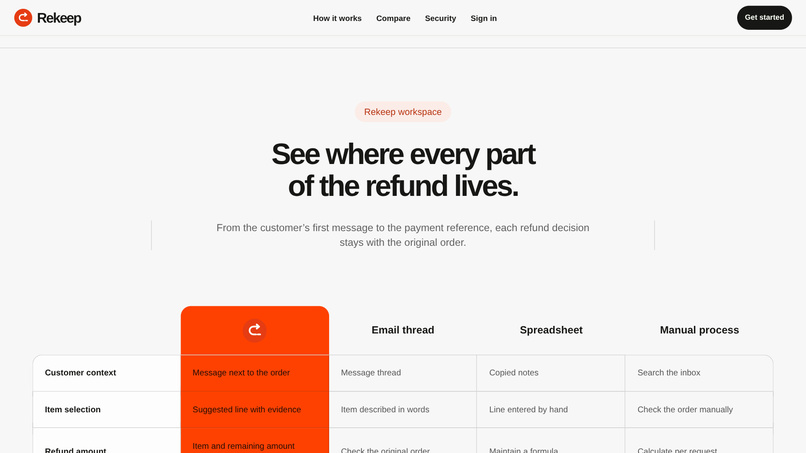
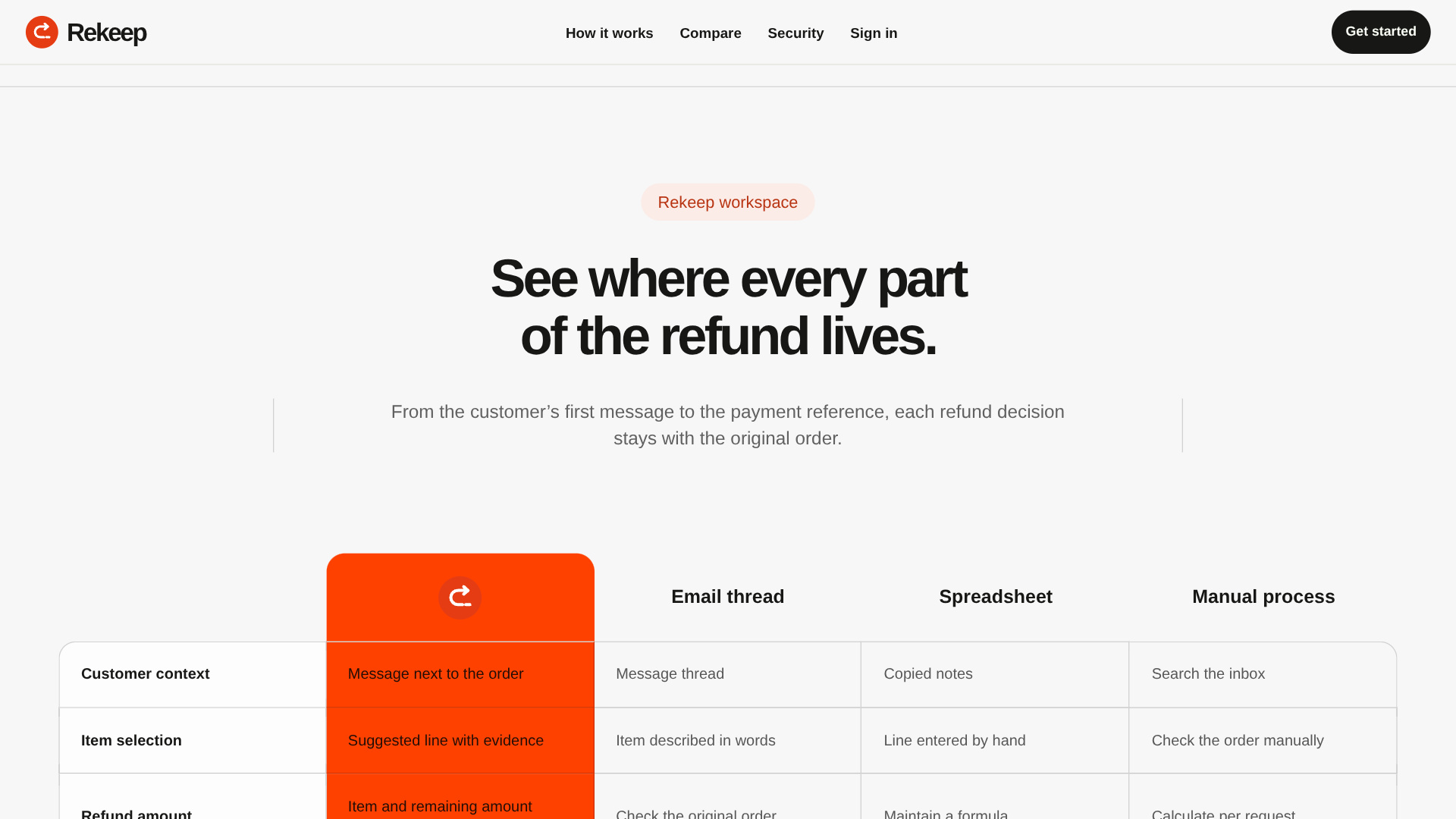
Compare Rekeep with spreadsheets, email and payment dashboards.
-
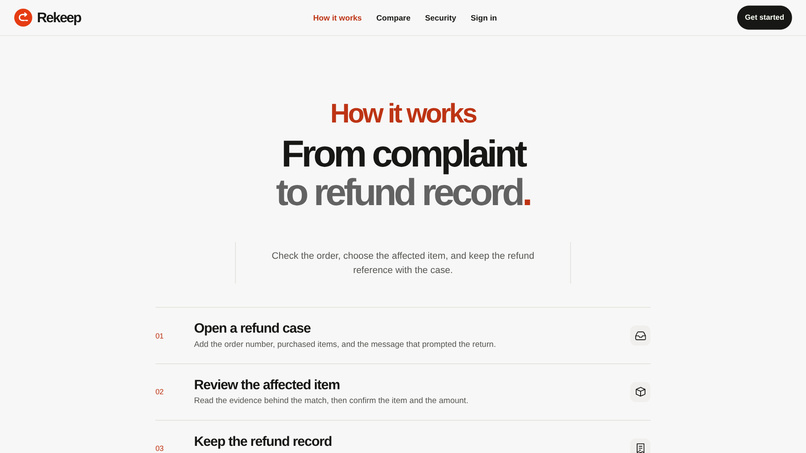
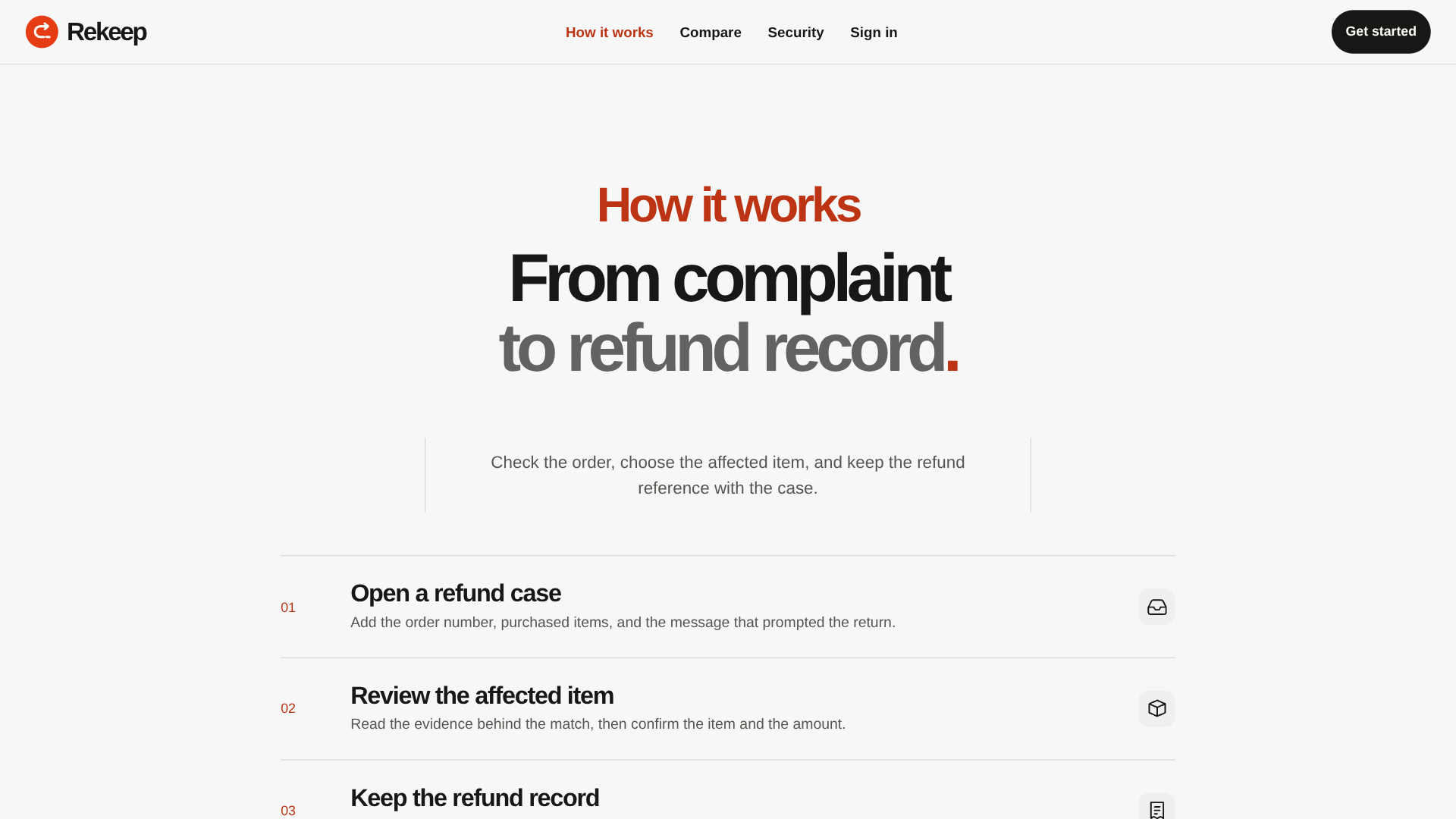
See the steps from a customer message to a saved refund record.
-
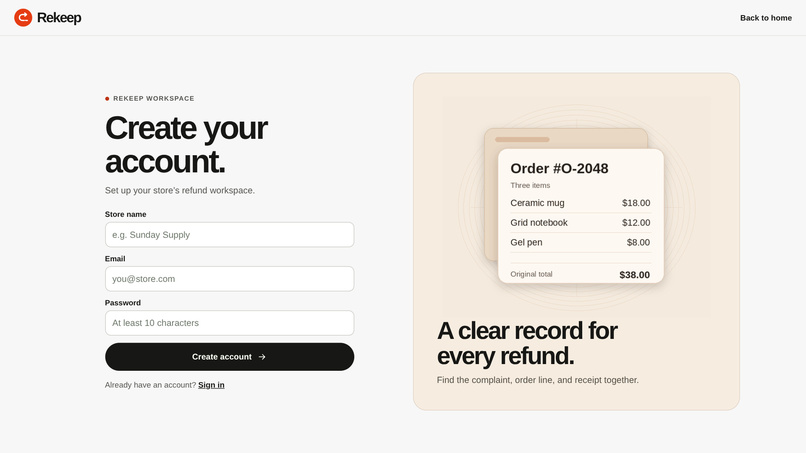
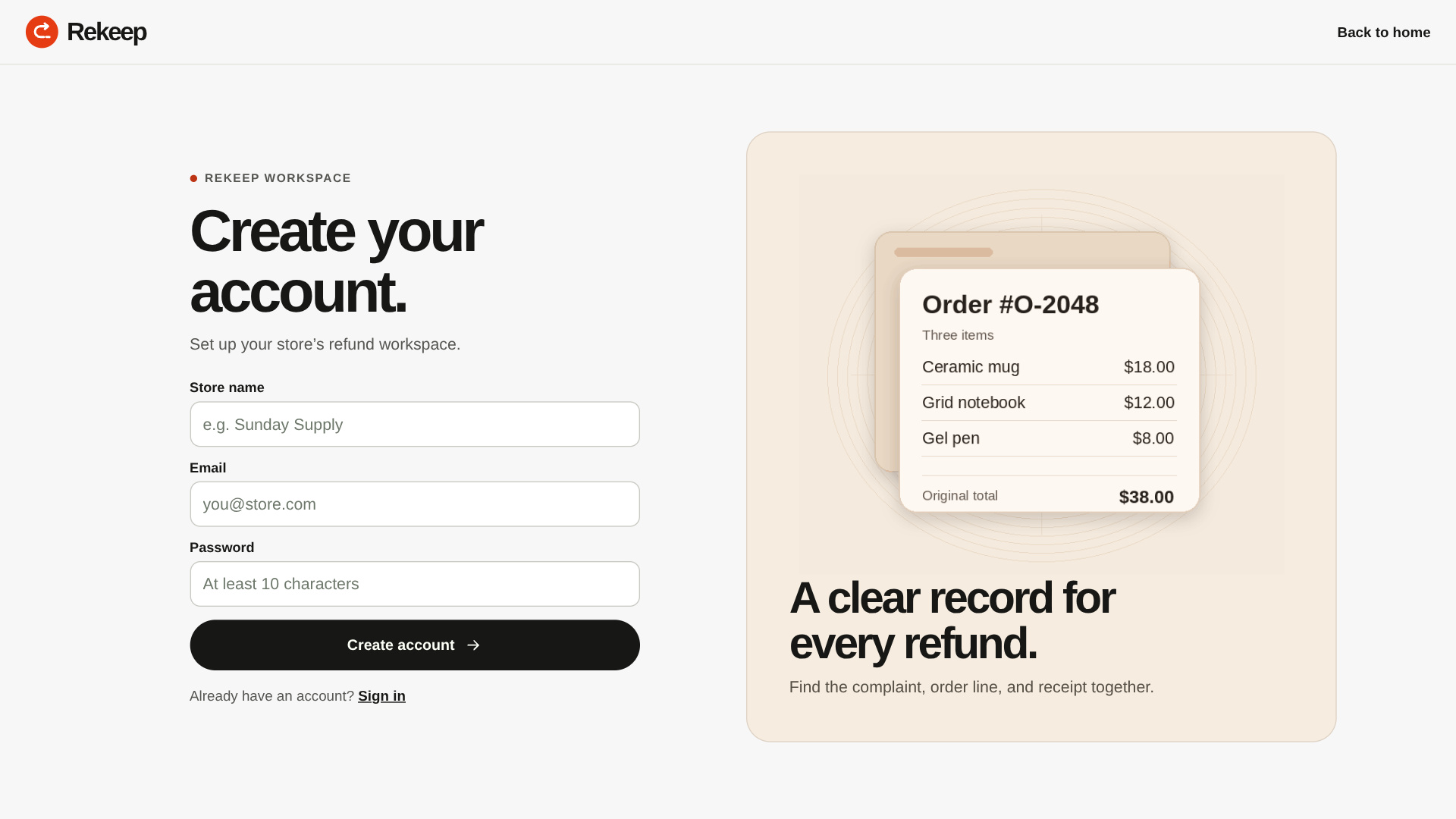
Create a shop workspace with an email address and password.
-
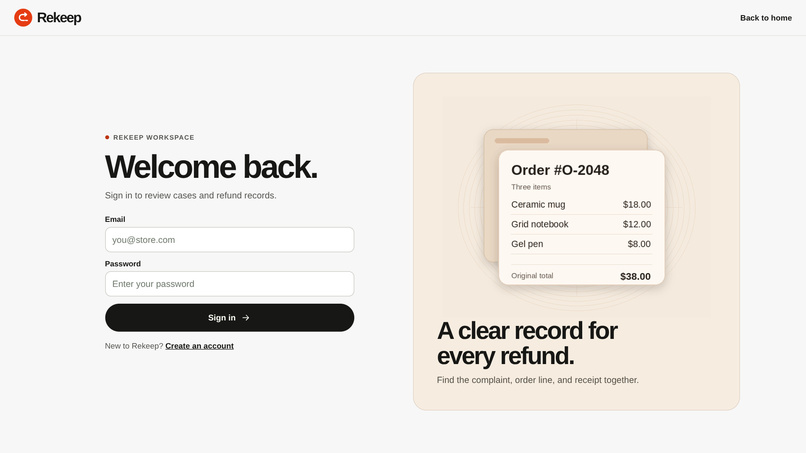
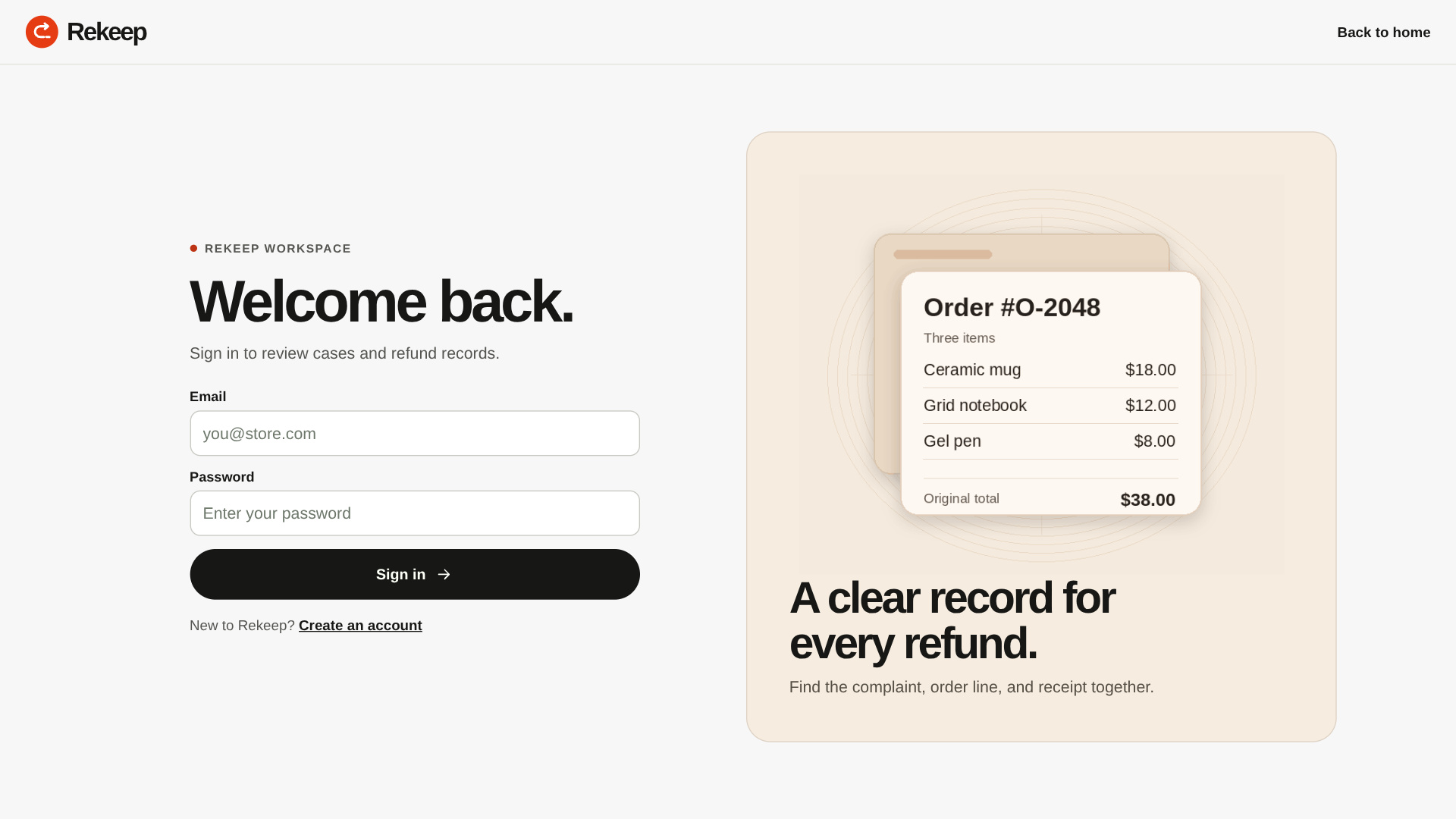
Sign in to a shop workspace or use the judge account.
-
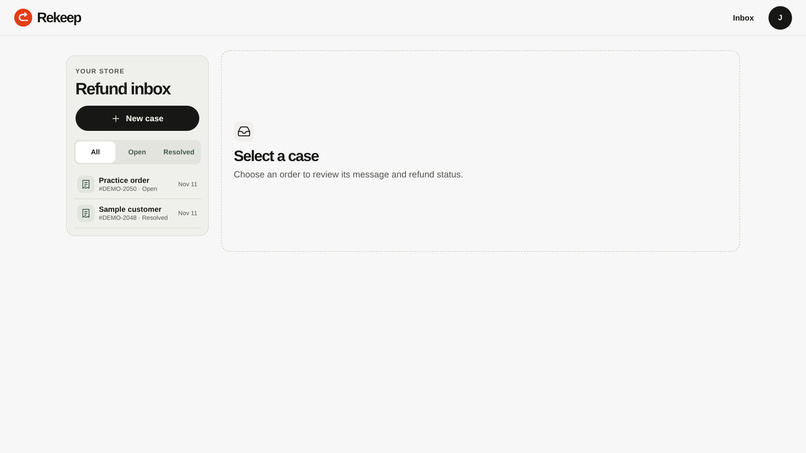
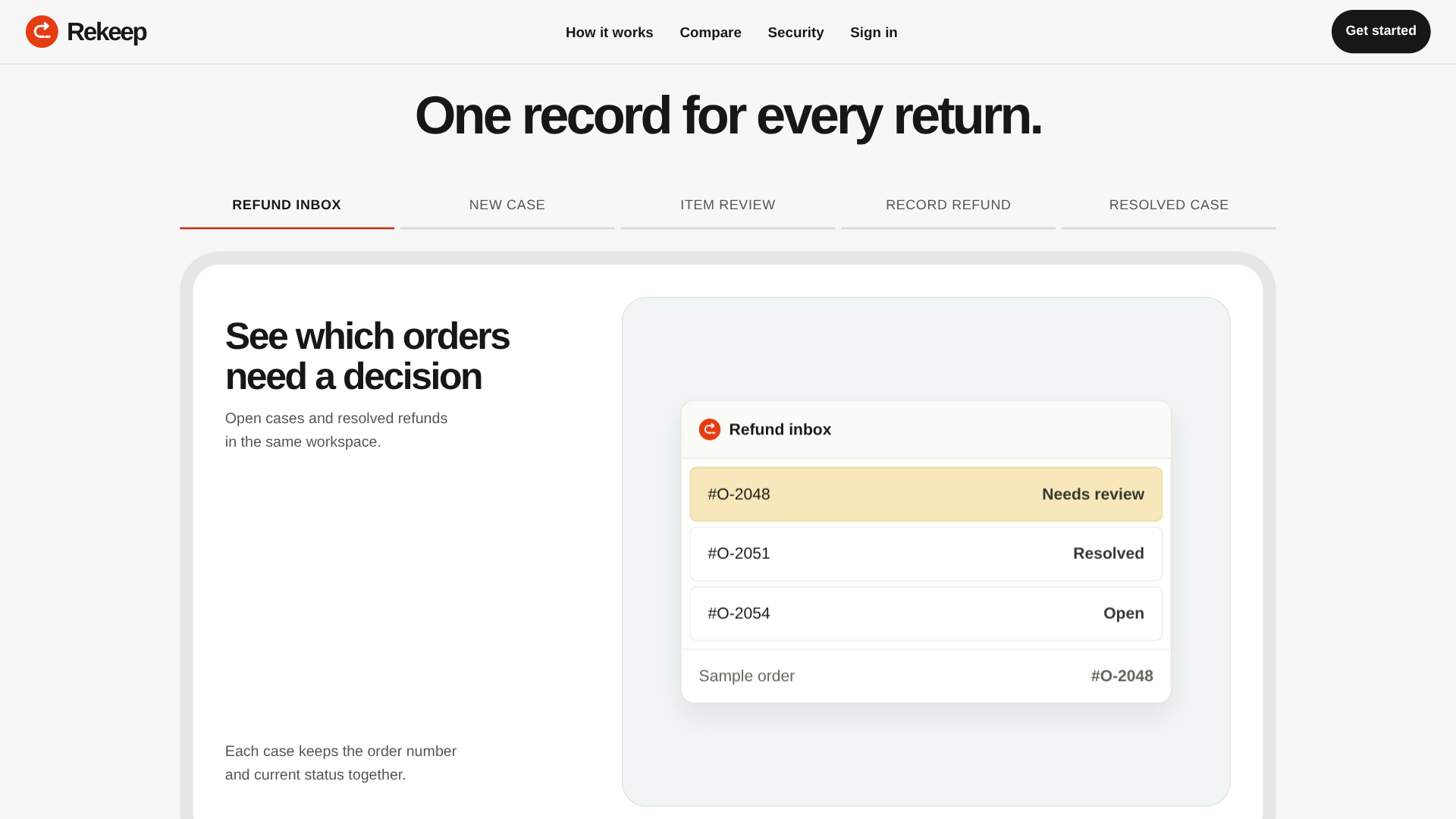
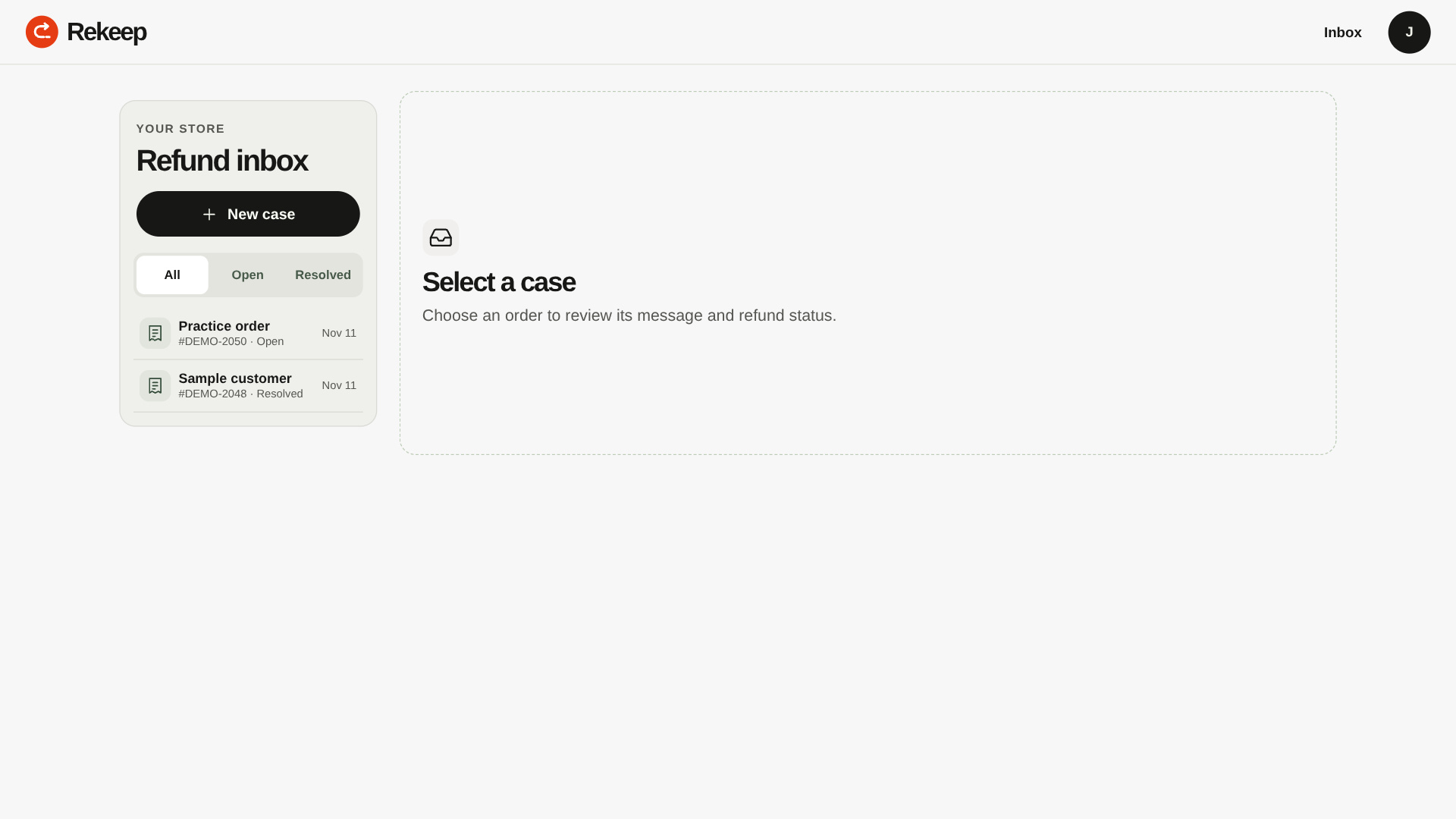
See open and resolved cases in a single refund inbox.
-
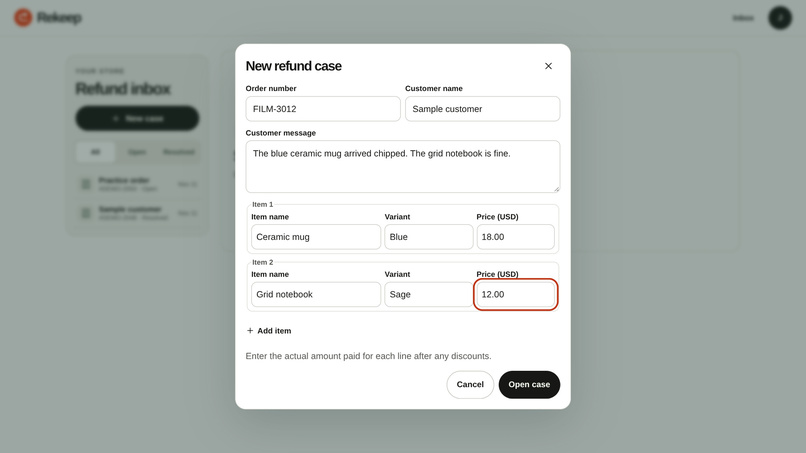
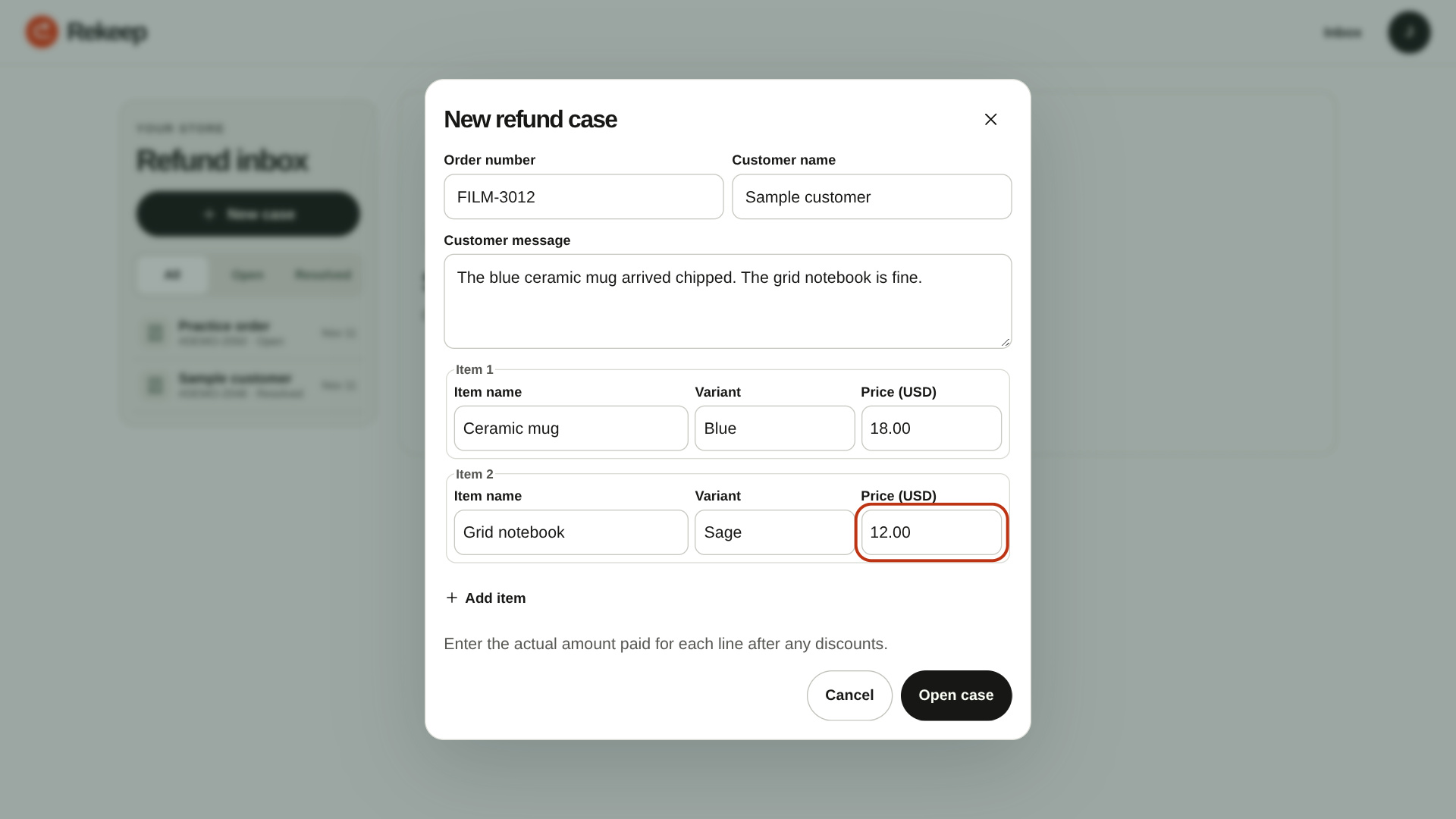
Enter the customer’s message and the actual price of each order line.
-
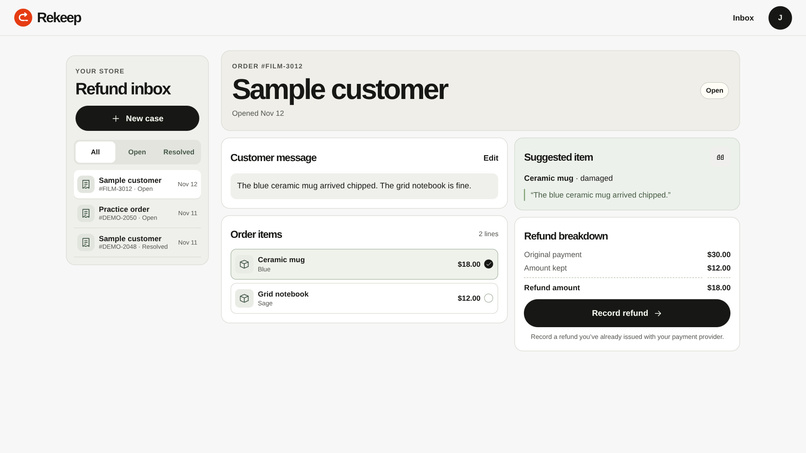
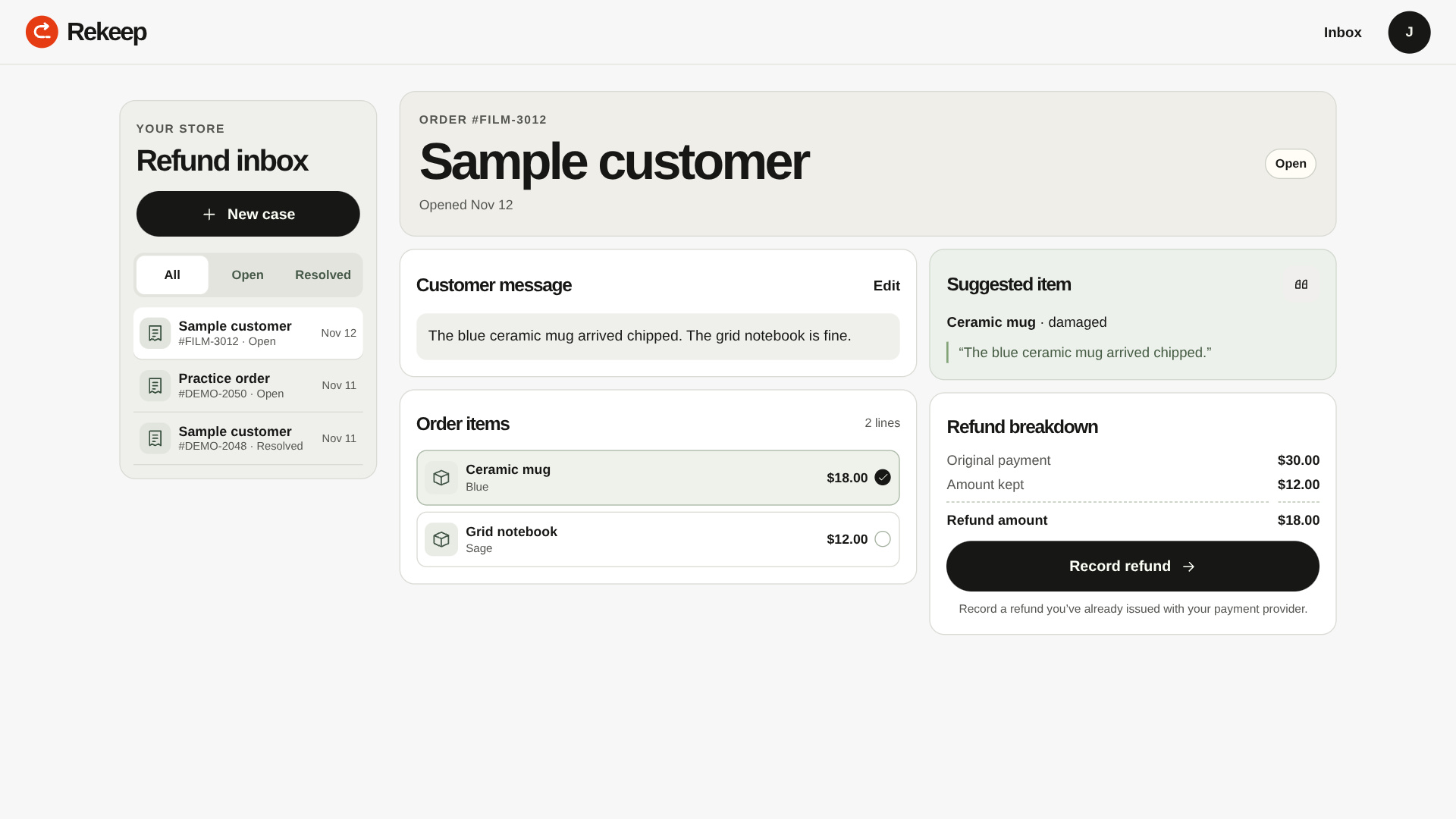
Review the suggested mug and its evidence before approval.
-
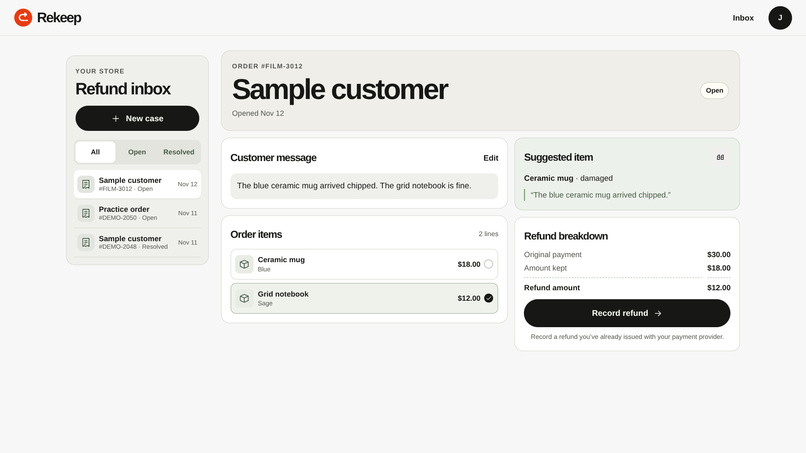
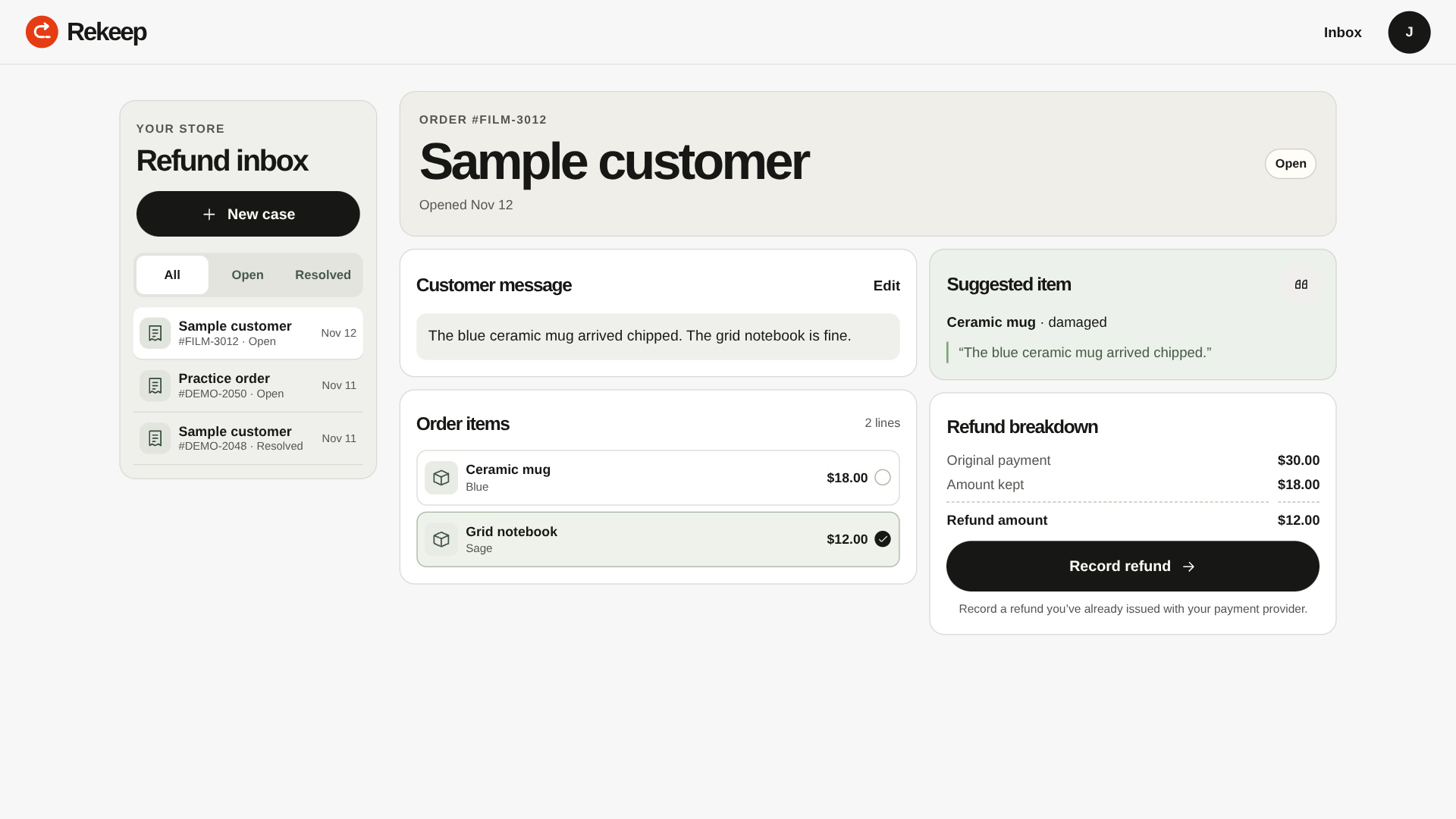
Choose another line to see how the refund and kept amounts change.
-
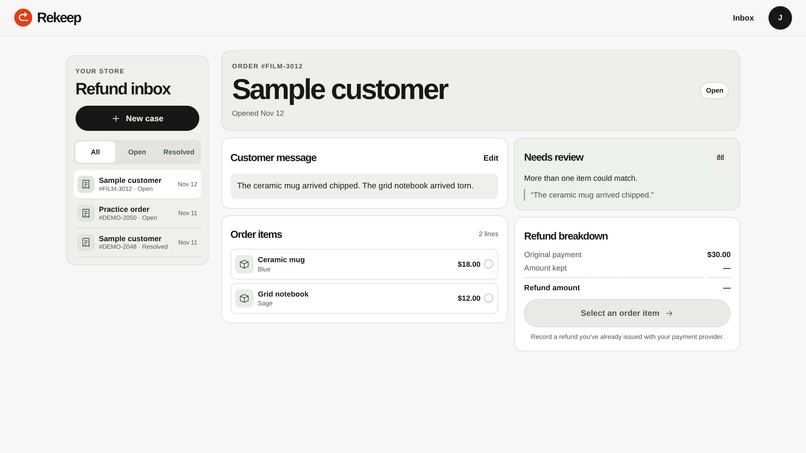
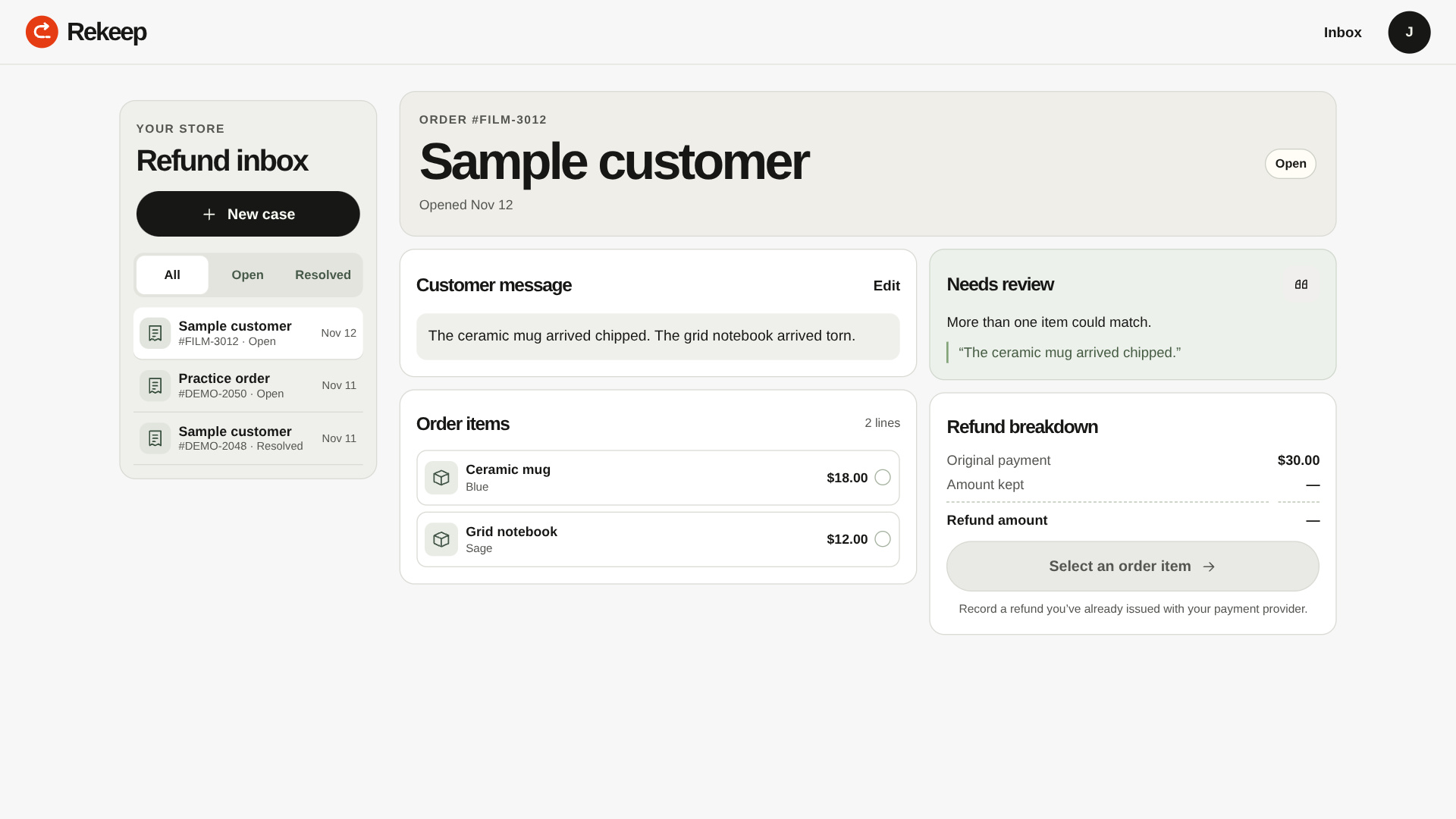
When two items appear damaged, Rekeep asks the merchant to choose.
-
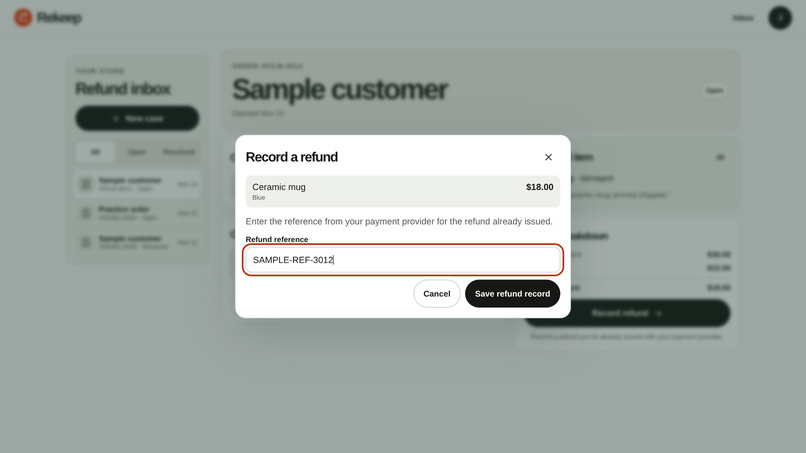
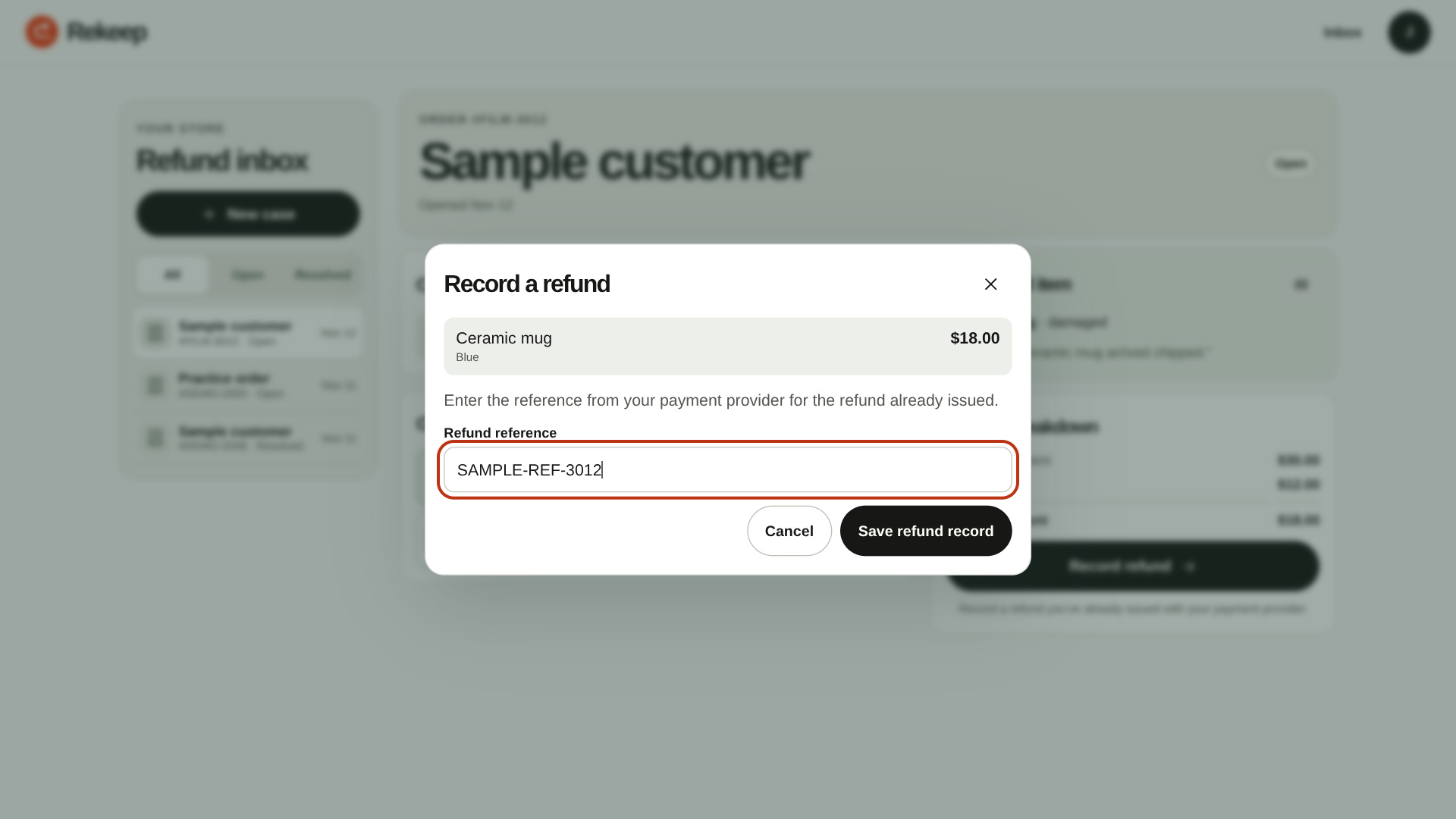
Save a sample refund reference in the judge workspace.
-
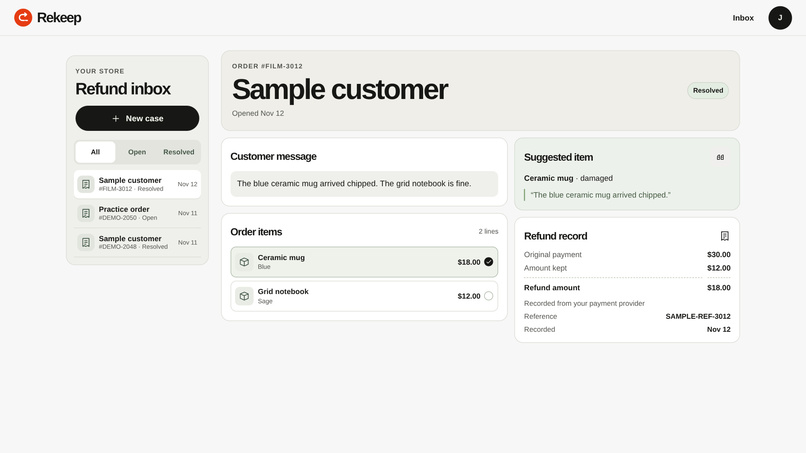
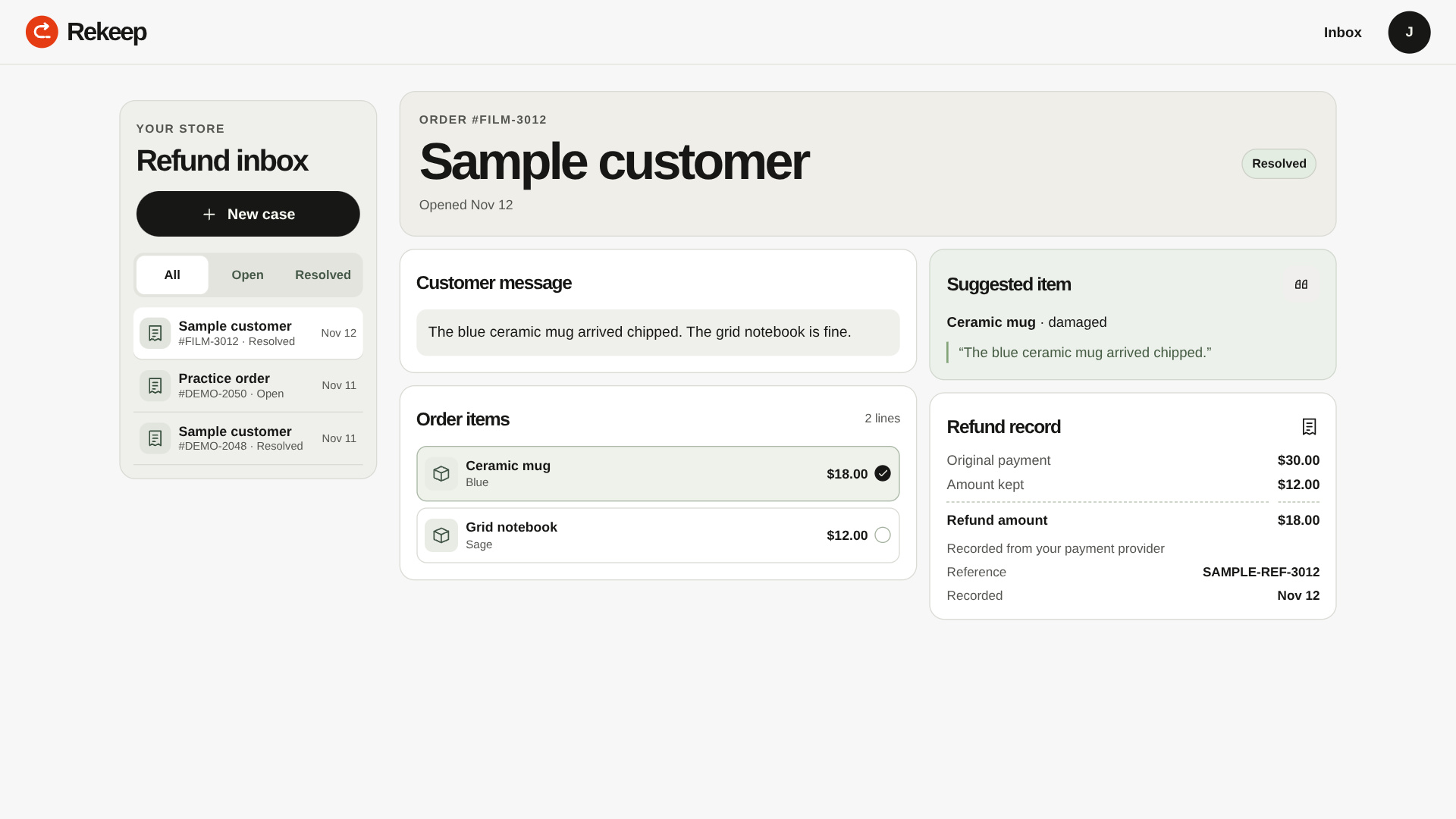
The resolved case keeps the selected item, amount and reference.
-
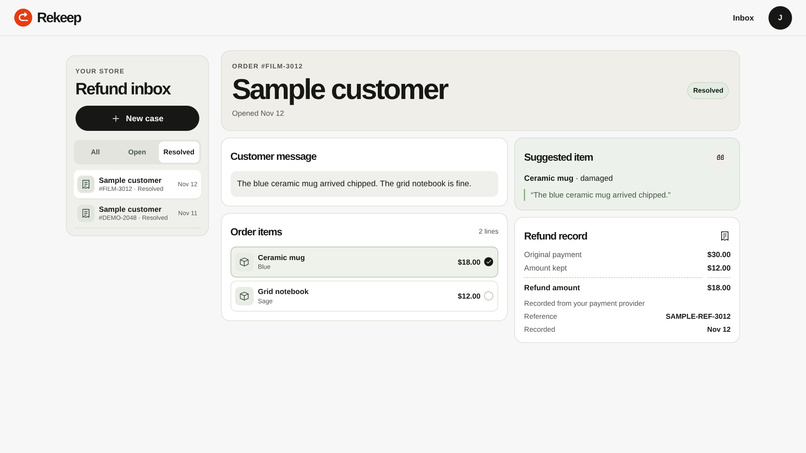
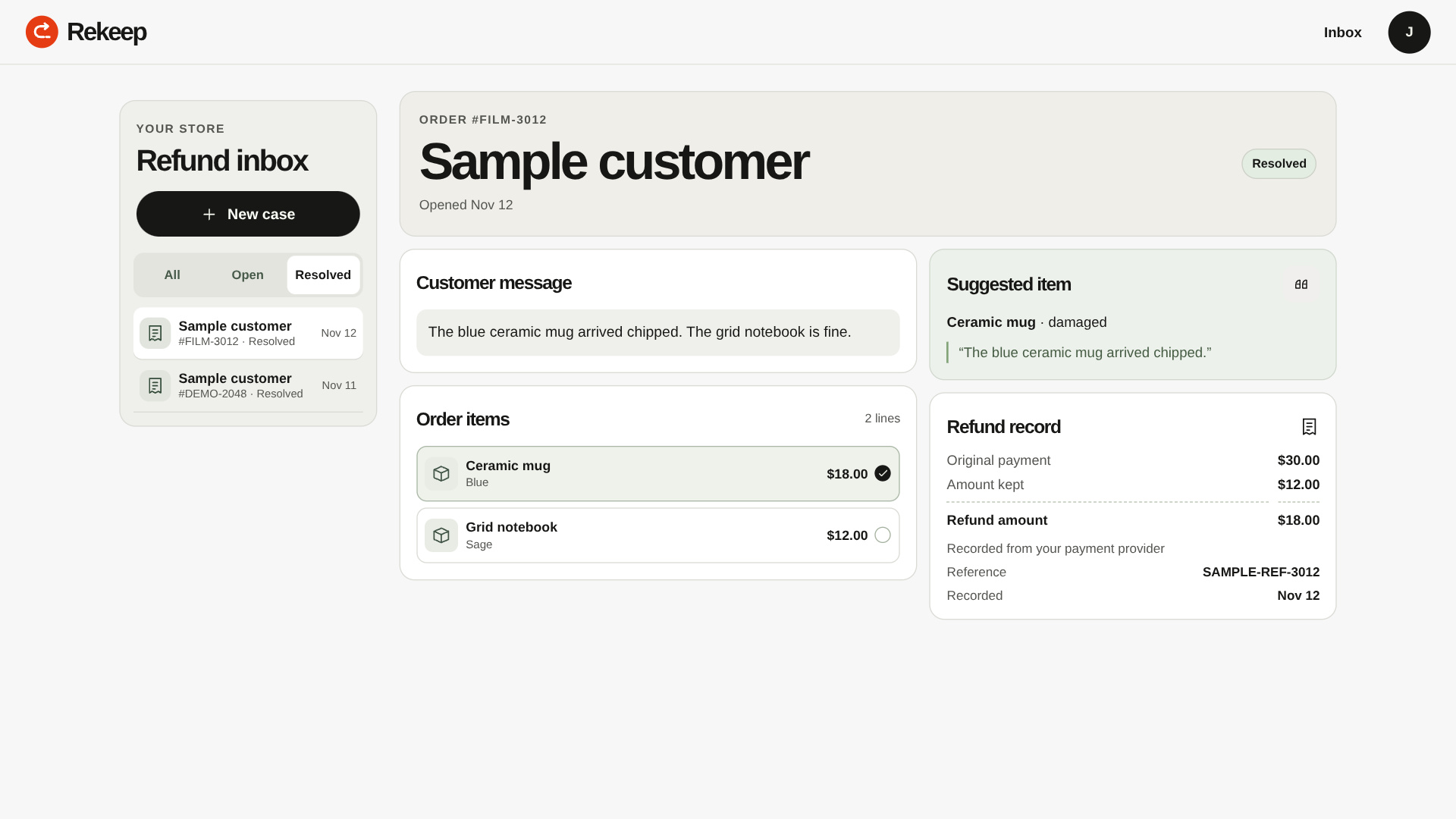
Filter the inbox to find completed refunds quickly.
-
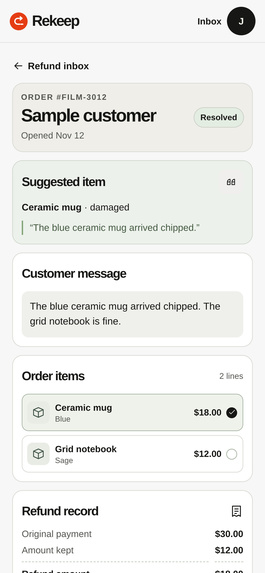
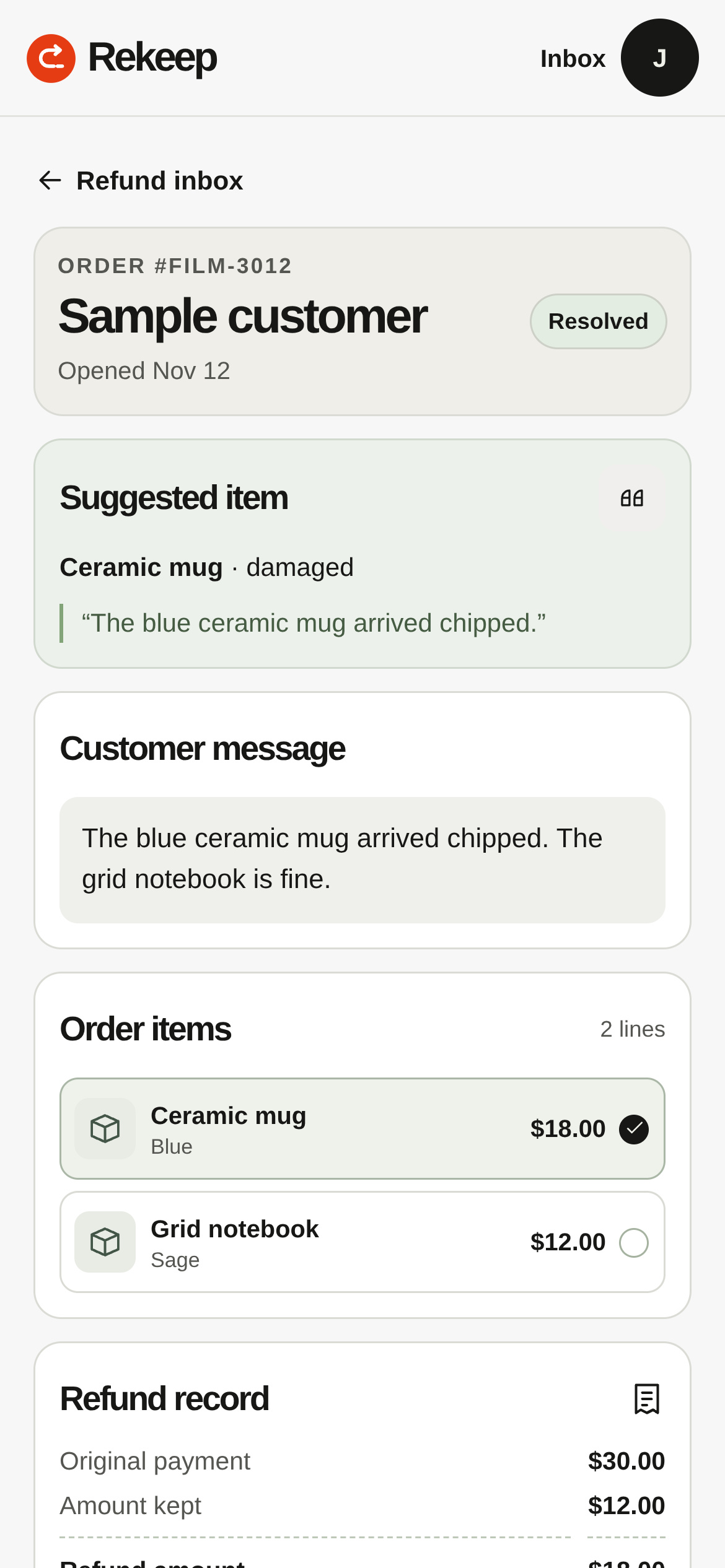
The same case opens in a narrow mobile browser.

The problem
A customer ordered a $30 mug-and-notebook bundle. The mug arrived chipped, and the notebook is fine. A shop owner has to find the right line, work out the amount, and keep a receipt for the next person who opens the case. A refund for the full order would return $12 more than the affected item cost.
What Rekeep does
Rekeep is a refund inbox for small merchants. The owner enters the order lines and pastes the customer’s message. Rekeep suggests the affected item, highlights the words that support the suggestion, and shows the original payment, the proposed refund and the amount the store keeps. In the sample, the $18 mug is refunded and $12 stays on the order.
The merchant reviews the suggestion and can choose a different line. When the message could refer to more than one item, the case asks for manual review. The refund reference stays with the order and can be reopened from the resolved inbox.
| Before Rekeep | With Rekeep |
|---|---|
| Jump between the order, customer message and payment dashboard. | See the order, exact complaint and suggested line together. |
| Work out a partial refund by hand. | Review the selected line, refund amount and remaining amount. |
| Search old messages for the payment reference. | Find the saved reference on the original case. |
Where PayPal and AI fit
PayPal Braintree Sandbox provides transaction lookup and partial refunds. Rekeep’s server checks that the original USD transaction is settled or settling and matches the case’s order number and total. The merchant approves the item-level amount. Rekeep records the attempt before calling Braintree so a pending result does not trigger another refund.
A small Naive Bayes text classifier runs in JavaScript. It learns from labeled sample complaints and combines the classification with item and variant matching. The output includes the matching phrase the merchant can read and verify. The case can also store a reference for a refund issued separately through a payment provider.
How it was built
The interface uses HTML, CSS and JavaScript. A Node.js API runs on Vercel and connects to PayPal Braintree over GraphQL. Supabase provides email sign-in and PostgreSQL. Row-level access rules keep each account’s cases private. The MIT-licensed repository contains the source, database migration, setup instructions and automated checks.
Try it
Open the hosted app and sign in using the judge credentials in the submission testing instructions. Open DEMO-2050 to review a sample item or DEMO-2048 to see a saved refund reference. The judge account uses fictional orders and is available for testing the review and record workflow. The merchant Sandbox account is scoped separately. We verified an $18 partial Sandbox refund on a settled $30 test order. Reopening the case showed the saved Braintree receipt and the $12 kept on the order.
Built With
- css
- graphql
- html
- javascript
- naive-bayes
- node.js
- paypal-braintree-sandbox
- postgresql
- supabase
- vercel