-
Home Screen
-
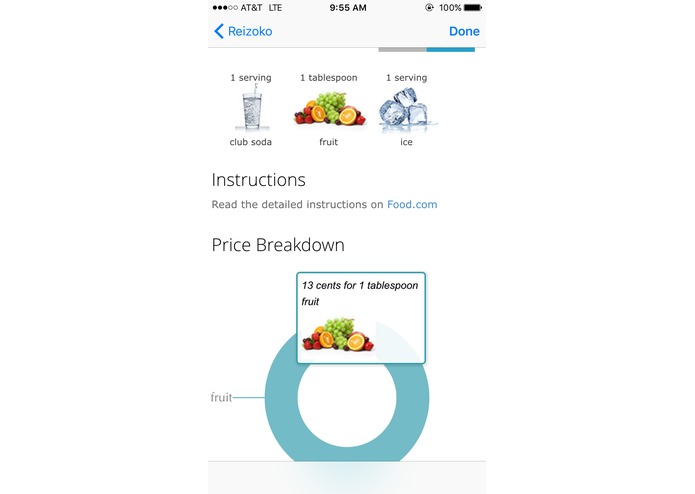
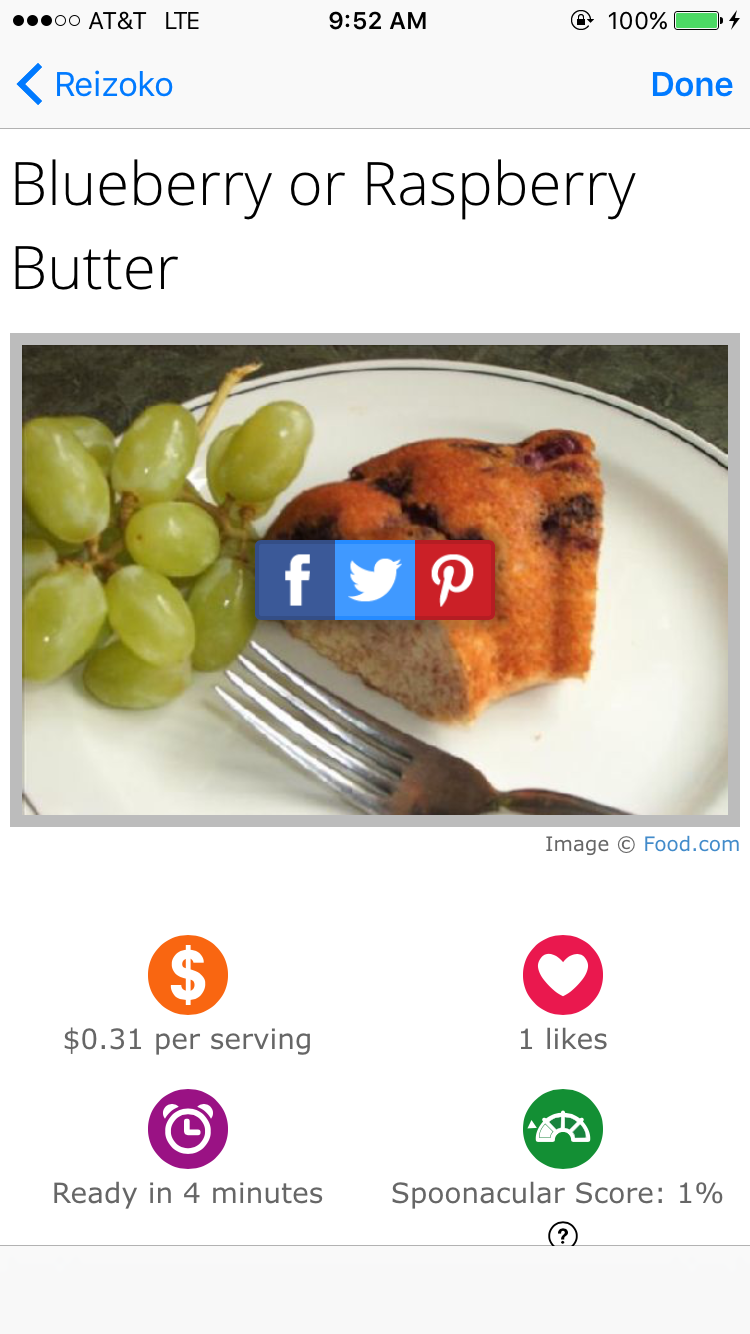
Recipe Information
-
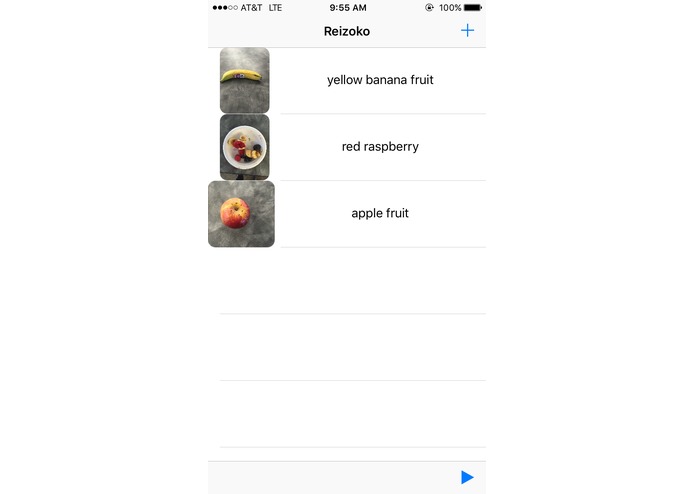
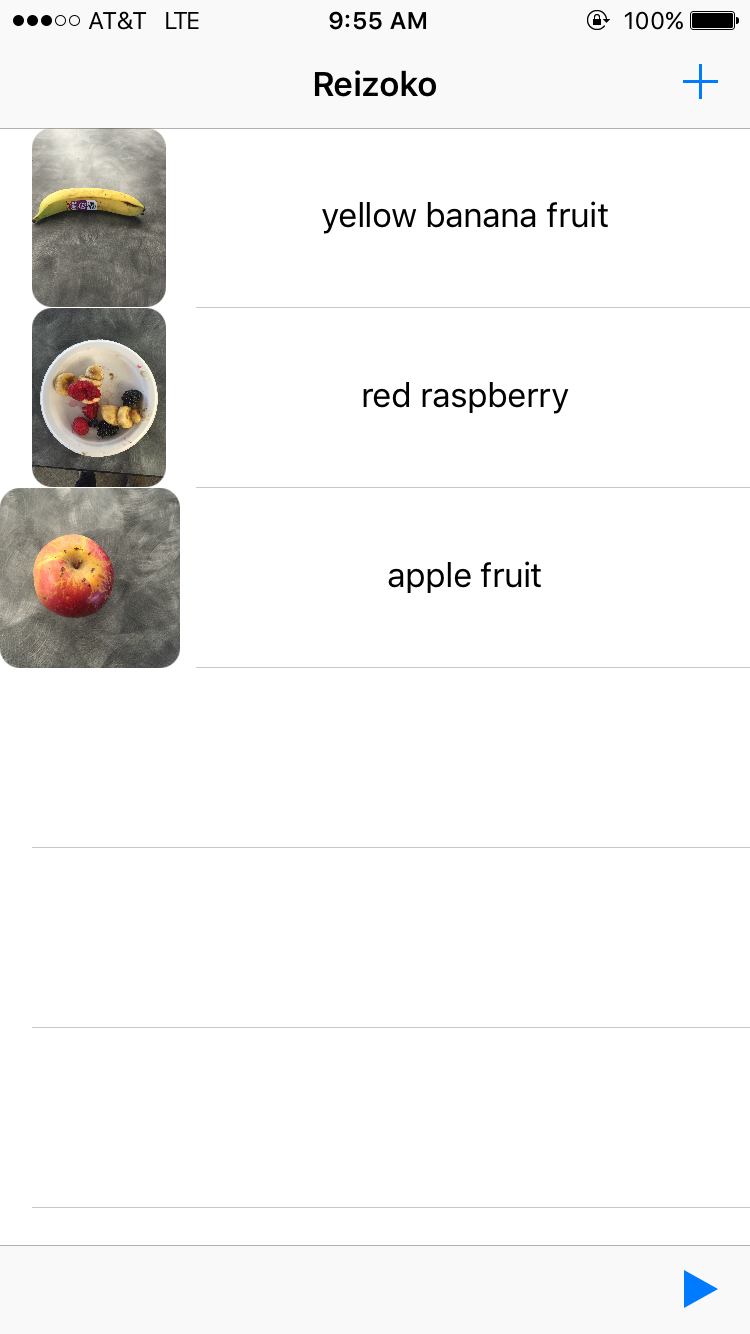
Table Entry for Image Identification
-
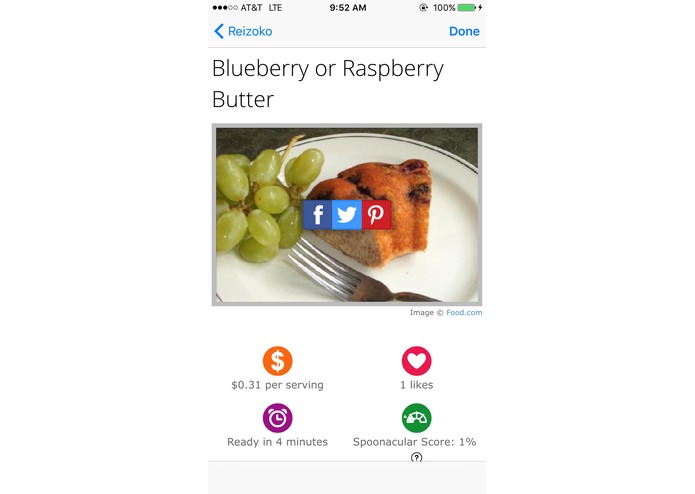
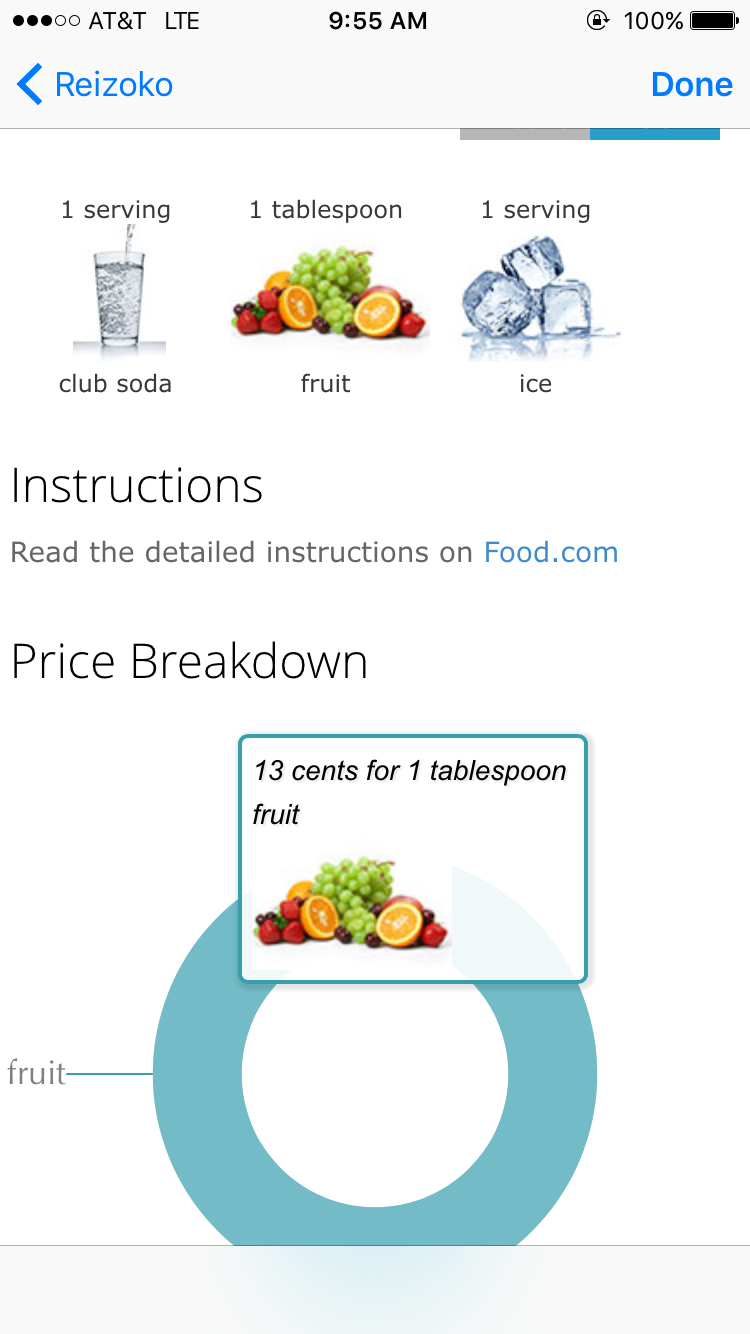
Recipe thumbnail
-
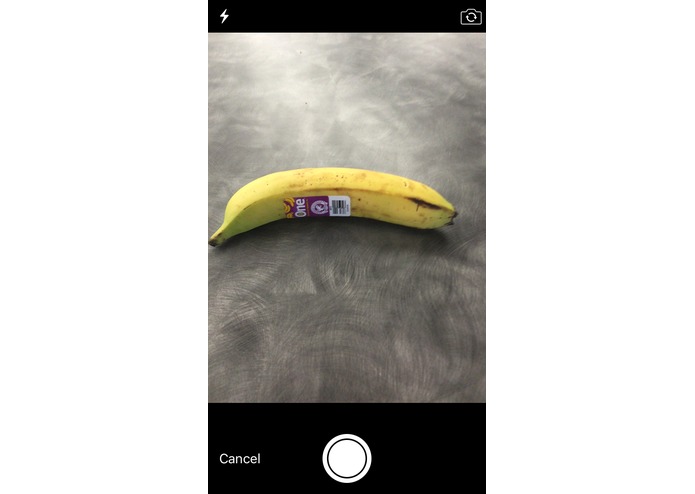
Sample Ingredient Image
-
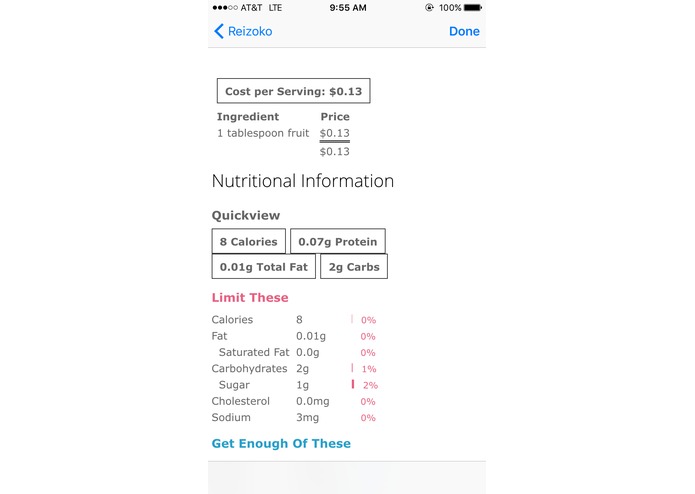
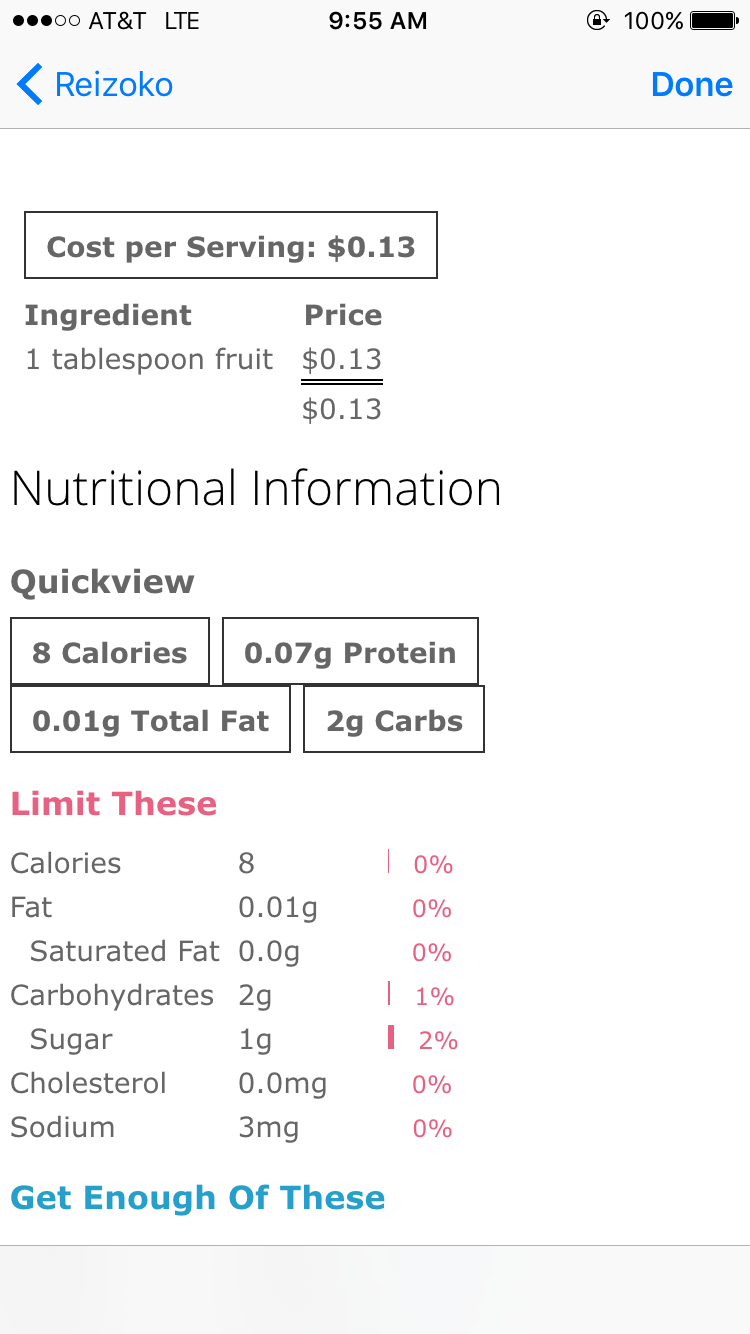
Nutritional Information
-
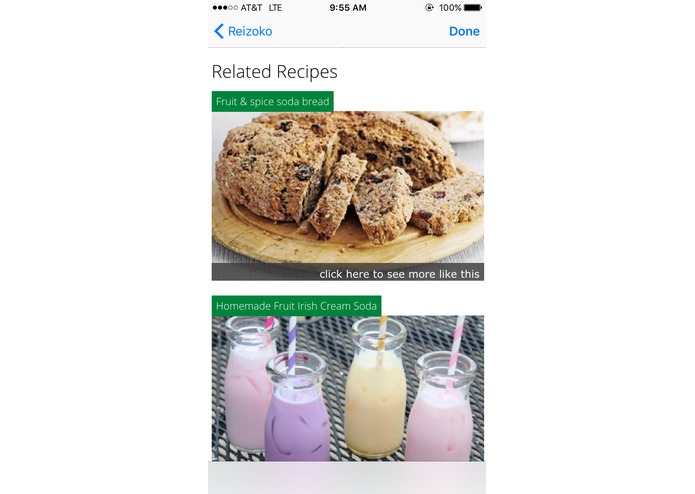
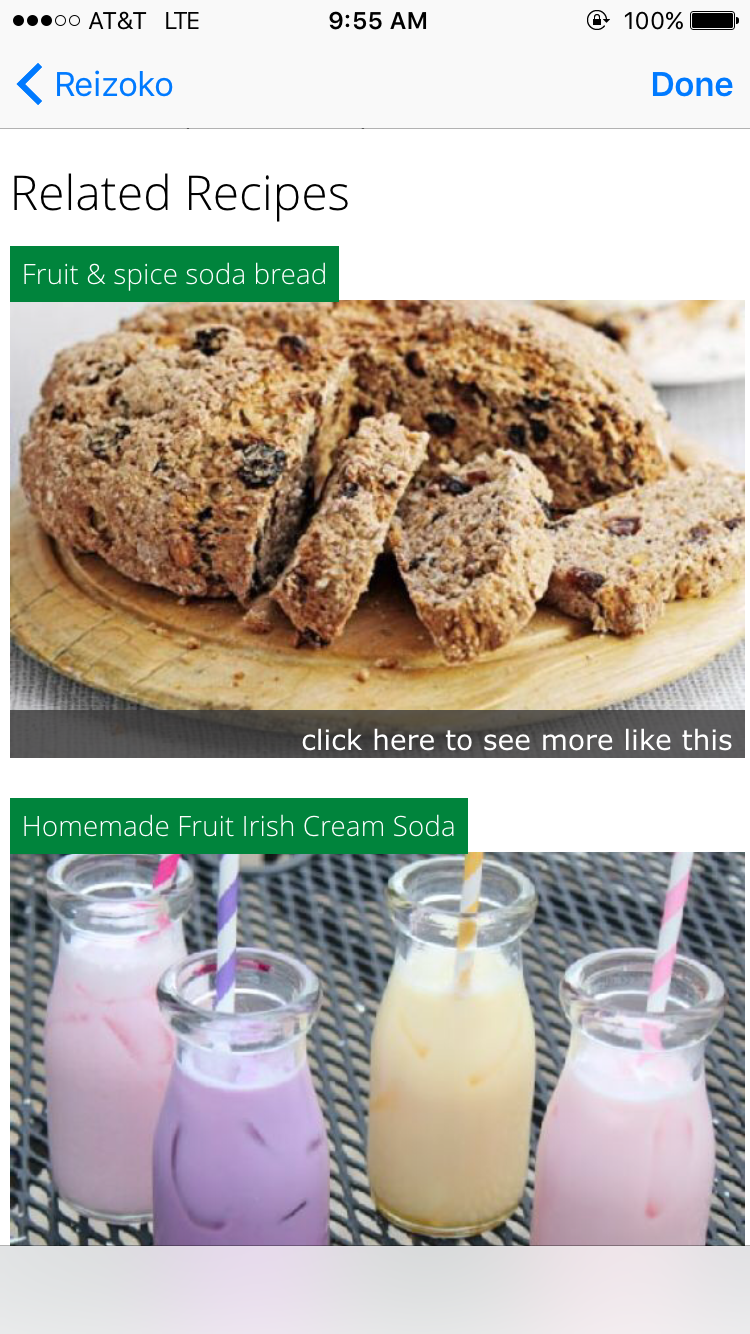
Related Recipes
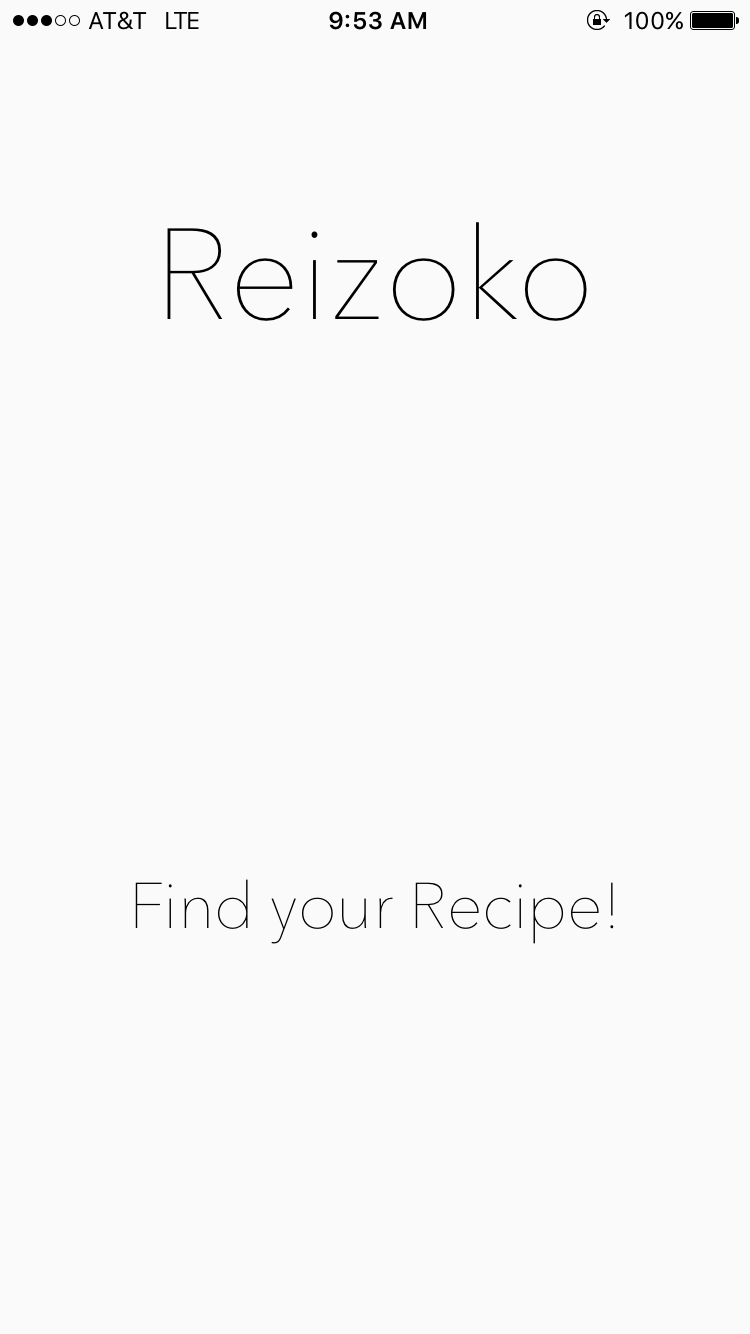
The Name
Reizoko means fridge in Japanese.
Inspiration
Everyone has food in their fridge, but not everyone knows how to cook. So, in typical millennial fashion, we decided that we never wanted to have to look in a cookbook again.
What it does
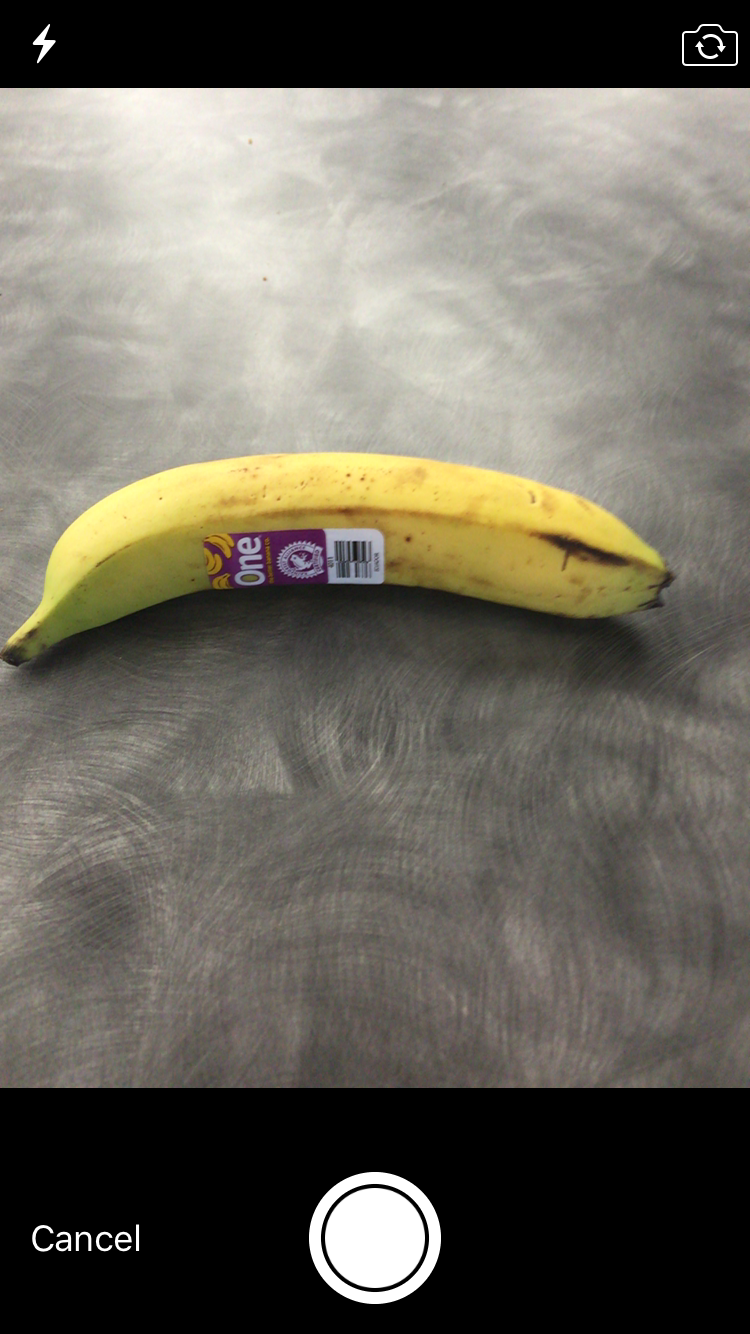
Reizoko allows users to take pictures of the items in their fridge, compiles them into a list of ingredients, and returns the optimal recipe as well as relevant information and suggestions.
How we built it
Step 1: The Front End We began our design with the mantra of simplicity. We built an easy to use interface which ultimately leads users to take pictures of food items they would use to cook. The entirety of the front end was written from scratch in Swift in Xcode, which offered us flexibility in coding style.
Step 2: Image to Text After the user took a picture, we used the CloudSight API, an image processing API, to identify which food product was represented in the image and then return raw data representing that product. The next step was to use natural language processing in order to convert that raw data into a form usable by our next API, Spoonacular.
Step 3: Text to Recipe The final step in our project, we used the spoonacular API in order to find the optimal recipe based on the list of ingredients, returning the recipe for which we had the most ingredients. The API returned a json object which we then used to extract raw information including the number of ingredients in the recipe that the user owned, the rating of the recipe, and a URL that we could display locally in the app with all relevant instructions.
Challenges we ran into
The first challenge we ran into was that two of the people on our team did not know Swift for an iOS project. Then, we realized that one member of our team couldn't even run Swift because he has a PC, which we overcame by setting up a connection to a fellow teammate's Swift server, a function developed by one of the mentors (Gautam Mittal) in a previous project. Moreover, many of the API's we planned on using ended up requiring payment or lacked proper documentation, prompting us to email certain companies requesting full access for a Hackathon, a strategy that proved effective in most instances. Even after receiving access to the API's, we had never worked with REST API's, which posed a new challenge and many hours of seemingly pointless debugging, as is common with learning new subject matter. Finally, the quintessential Hackathon challenge of of time forced our team to really come together and outline ambitious but still reachable (through a combination of sleep deprivation and one too many red bulls) goals.
Accomplishments that we're proud of
First and foremost, we as a team had a cool idea and in less than twenty-four hours, we created a fully functional app from scratch. Moreover, we overcame differences in individual visions of the app to create a complete product which combines our passions and viewpoints.
What we learned
One of the most important things we learned at this Hackathon as the value of having a unified vision. We realized a few hours in that if we were all freelancing different parts of the app, we would end up with five different parts for five different apps. Thus, we had to periodically appoint a new person as the "head" of the team, who would put forward their vision for the app and point everyone else in the right direction to reach that end goal. Moreover, we solidified our knowledge of swift and the nuts and bolts of iOS app making. Finally, we learned that the technical aspect of any app is only one part of the user experience. Contrary to our expectations coming into the Hackathon, we spent the most time developing a sleek, elegant, but easy to use design for a product.
What's next for Reizoko
The core of Reizoko is not the product, but rather the people, and we as a group are highly motivated and prepared only for further growth. Our ideas for expansion include but are not limited to: 1) Take one picture of fridge and separate contents automatically. 2) Make the image identification process faster. 3) Maybe build our own classifier for food. 4) Add filters allowing users to specify cuisine, diet type, and nutritional restrictions among other fields.


Log in or sign up for Devpost to join the conversation.