-
-
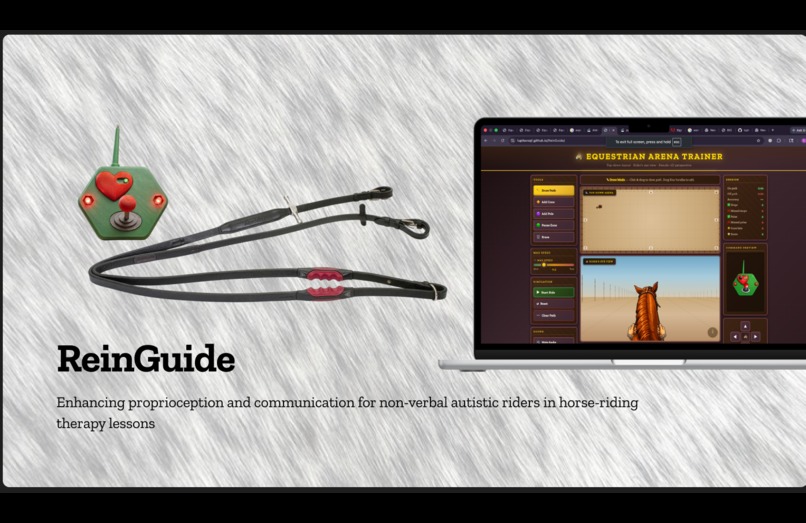
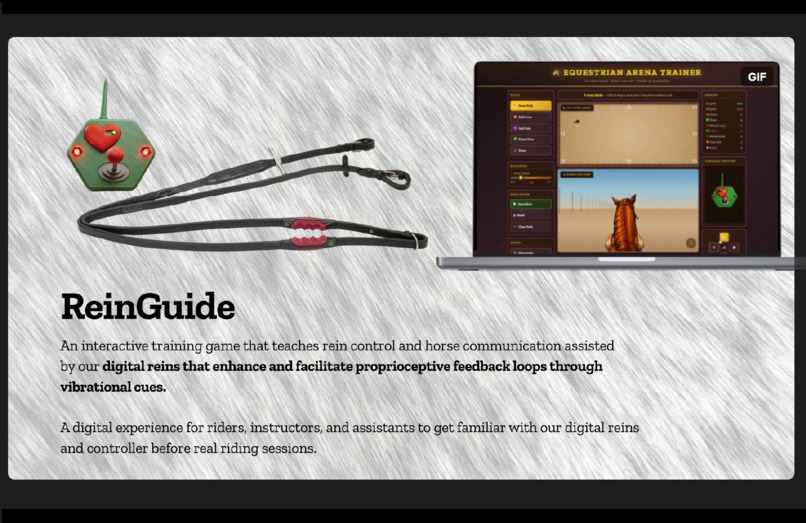
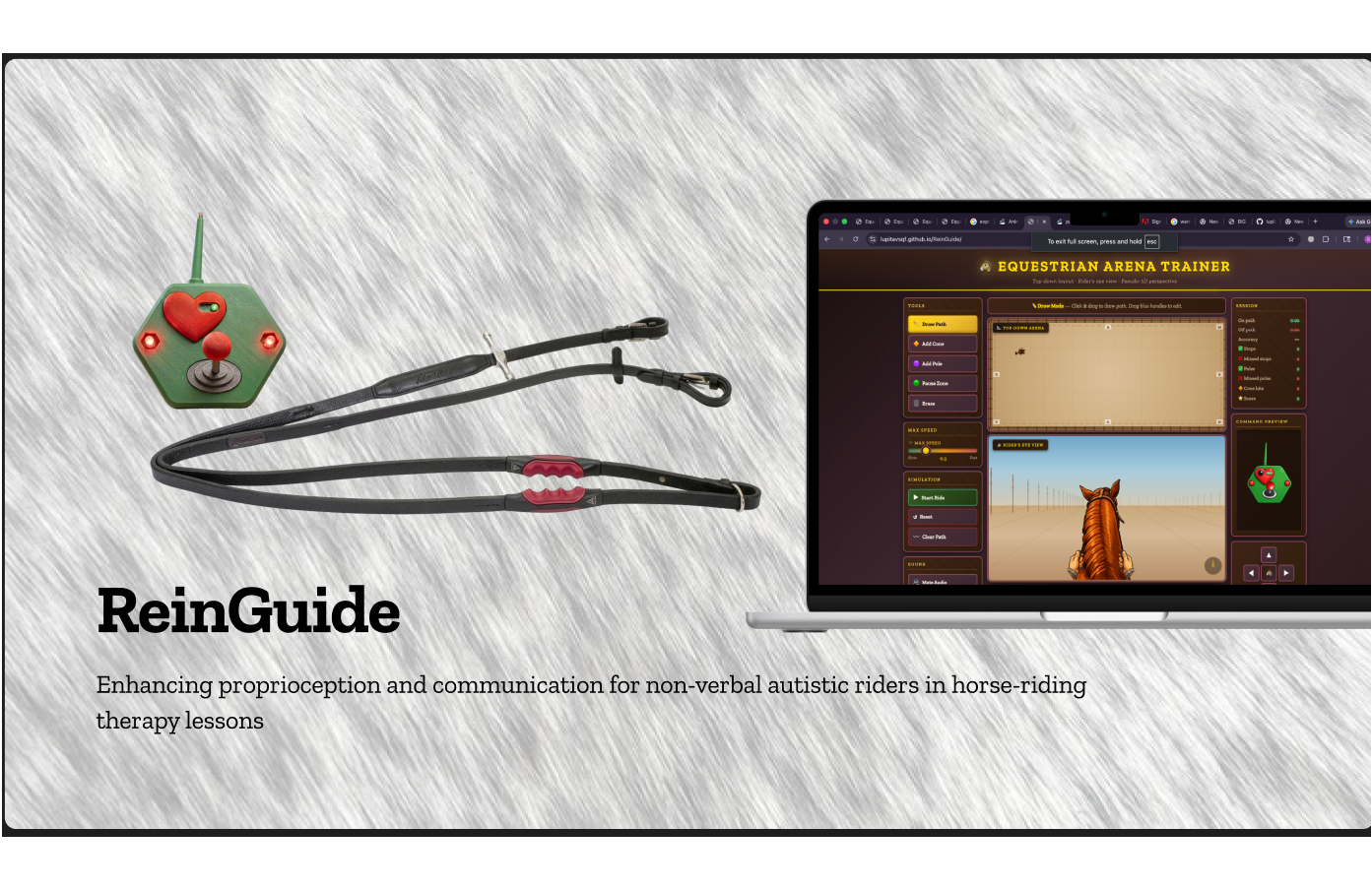
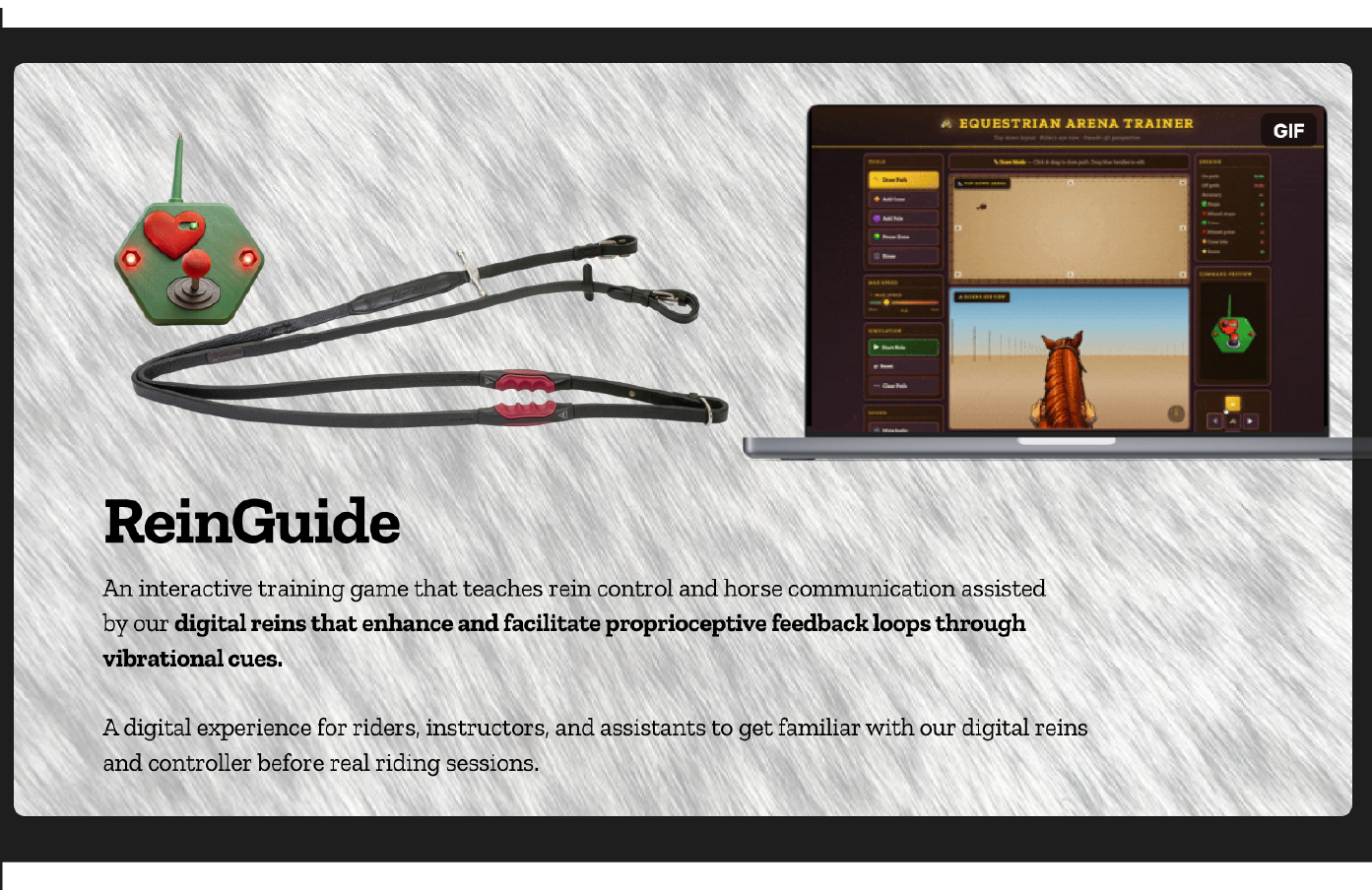
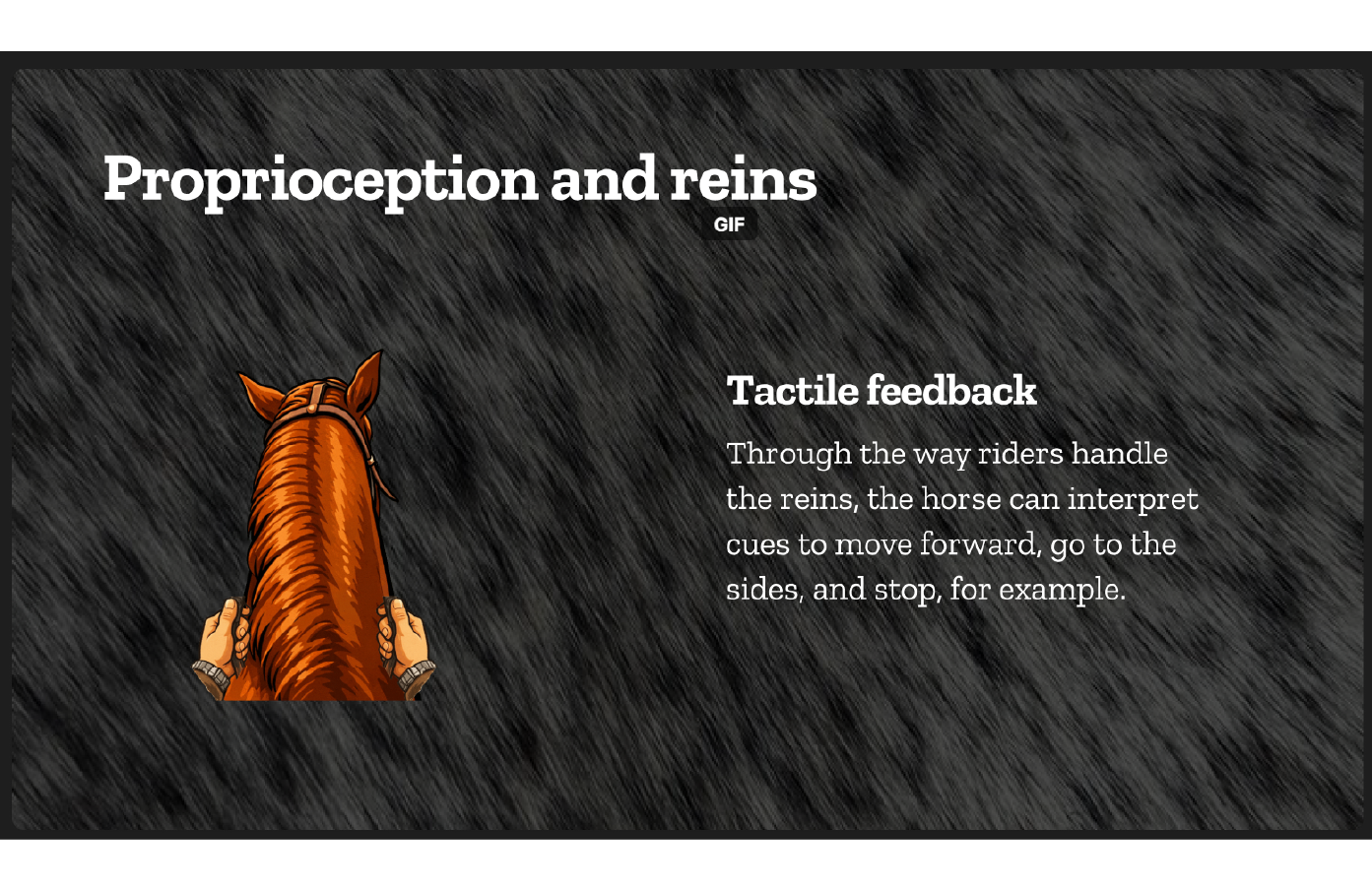
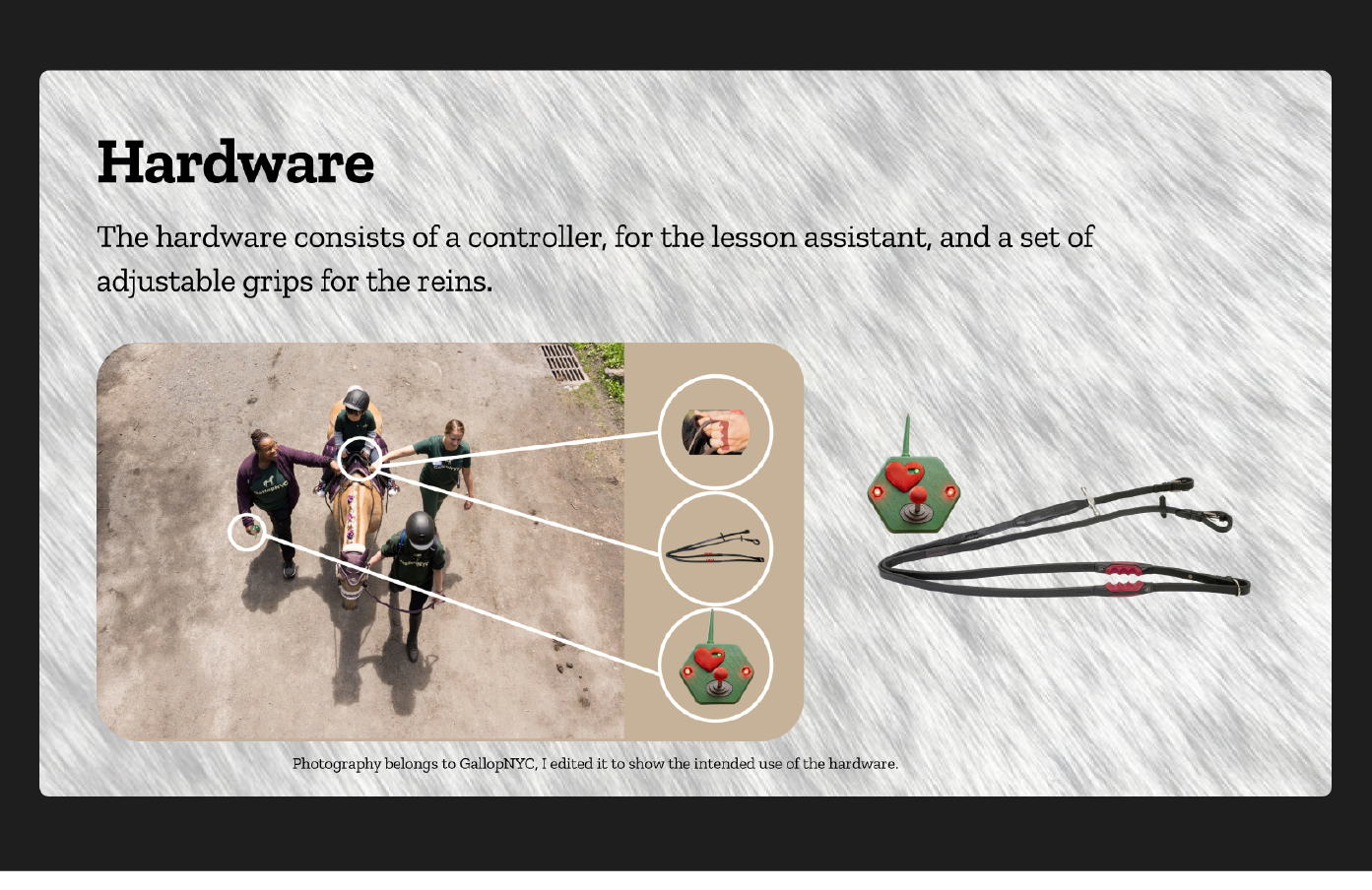
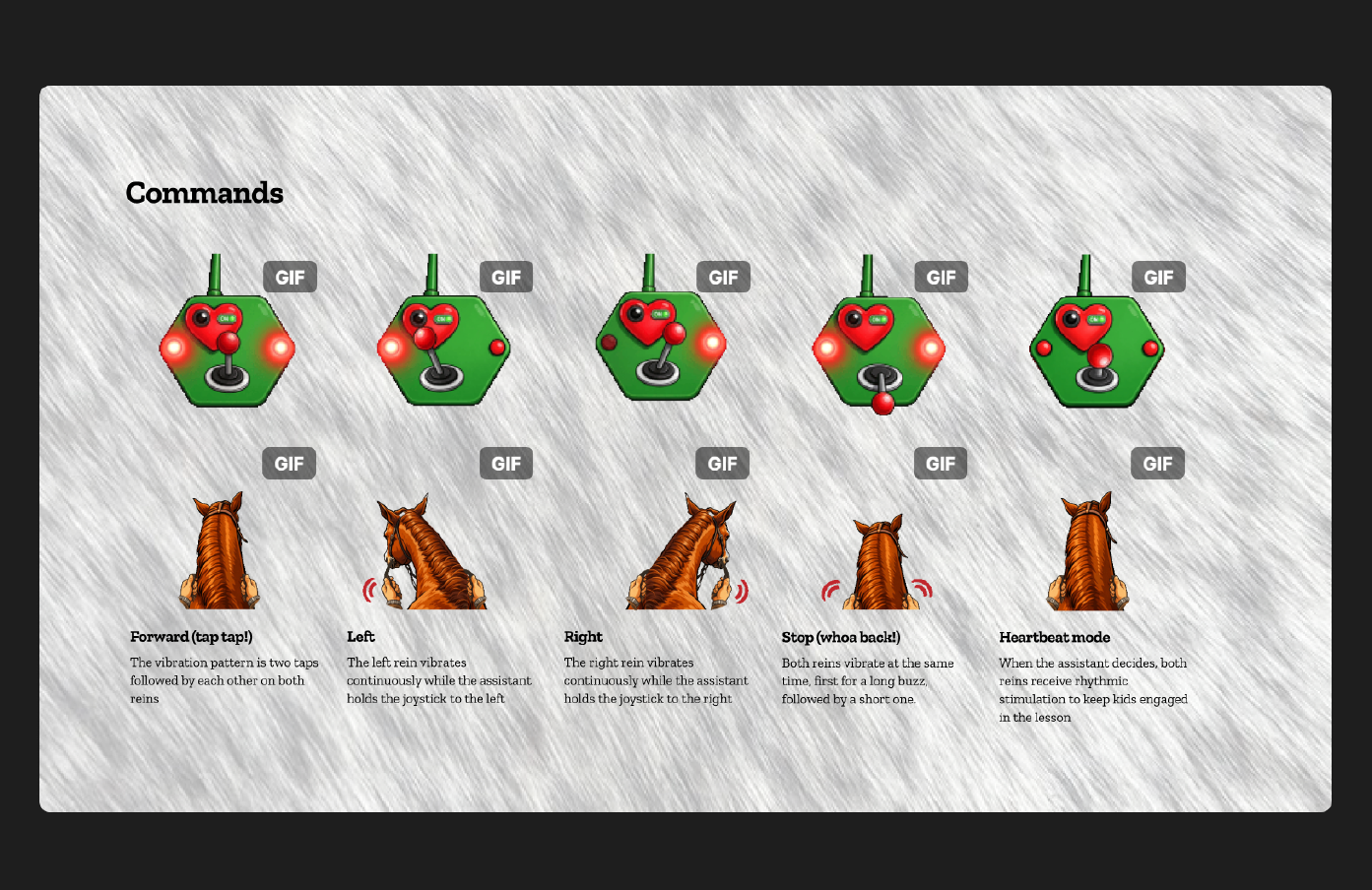
An interactive game that teaches rein control and communication assisted by our digital reins that facilitate proprioceptive feedback loops.
-
-
-
-
-
-
-
-
-
-
-
-
-
-
-
-
-
-
Inspiration
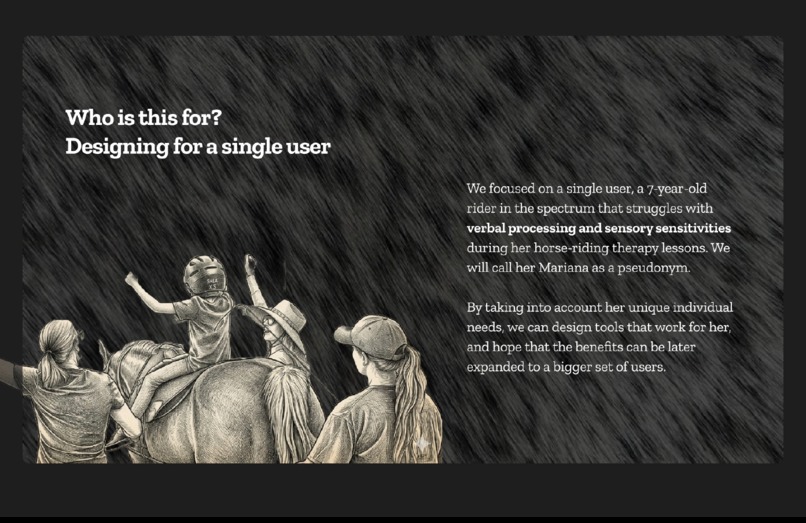
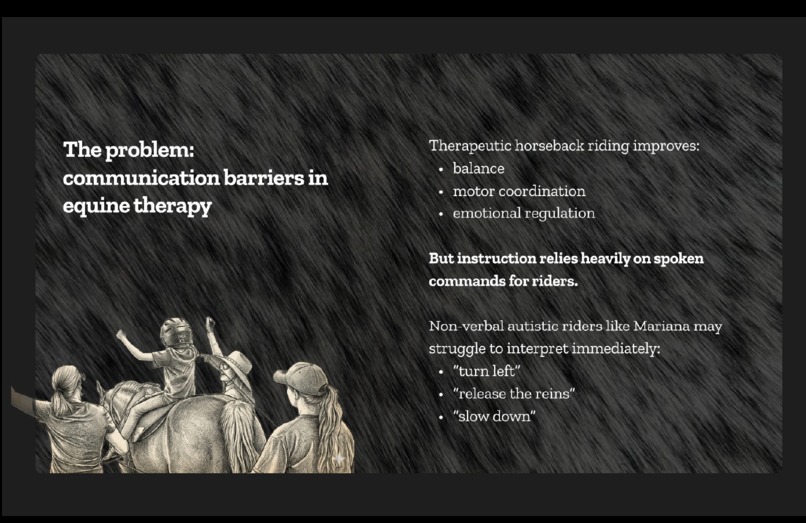
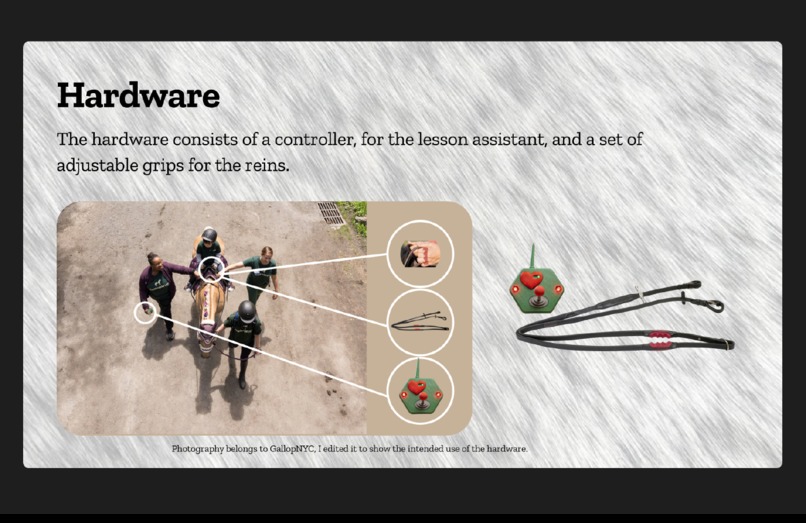
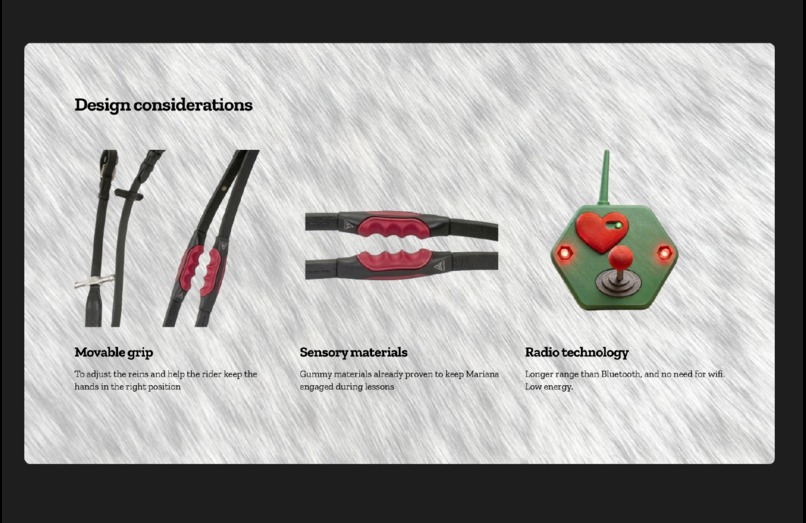
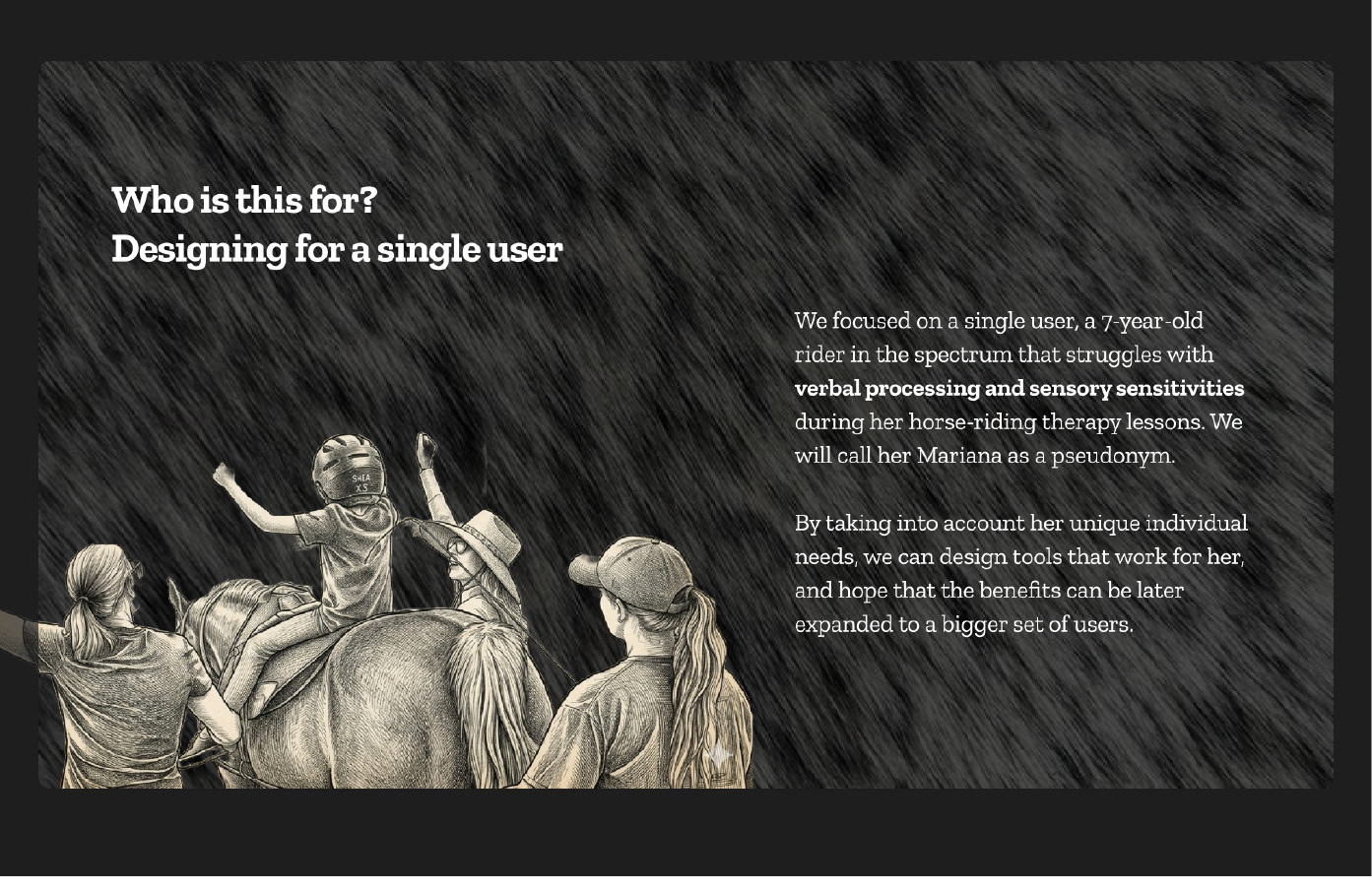
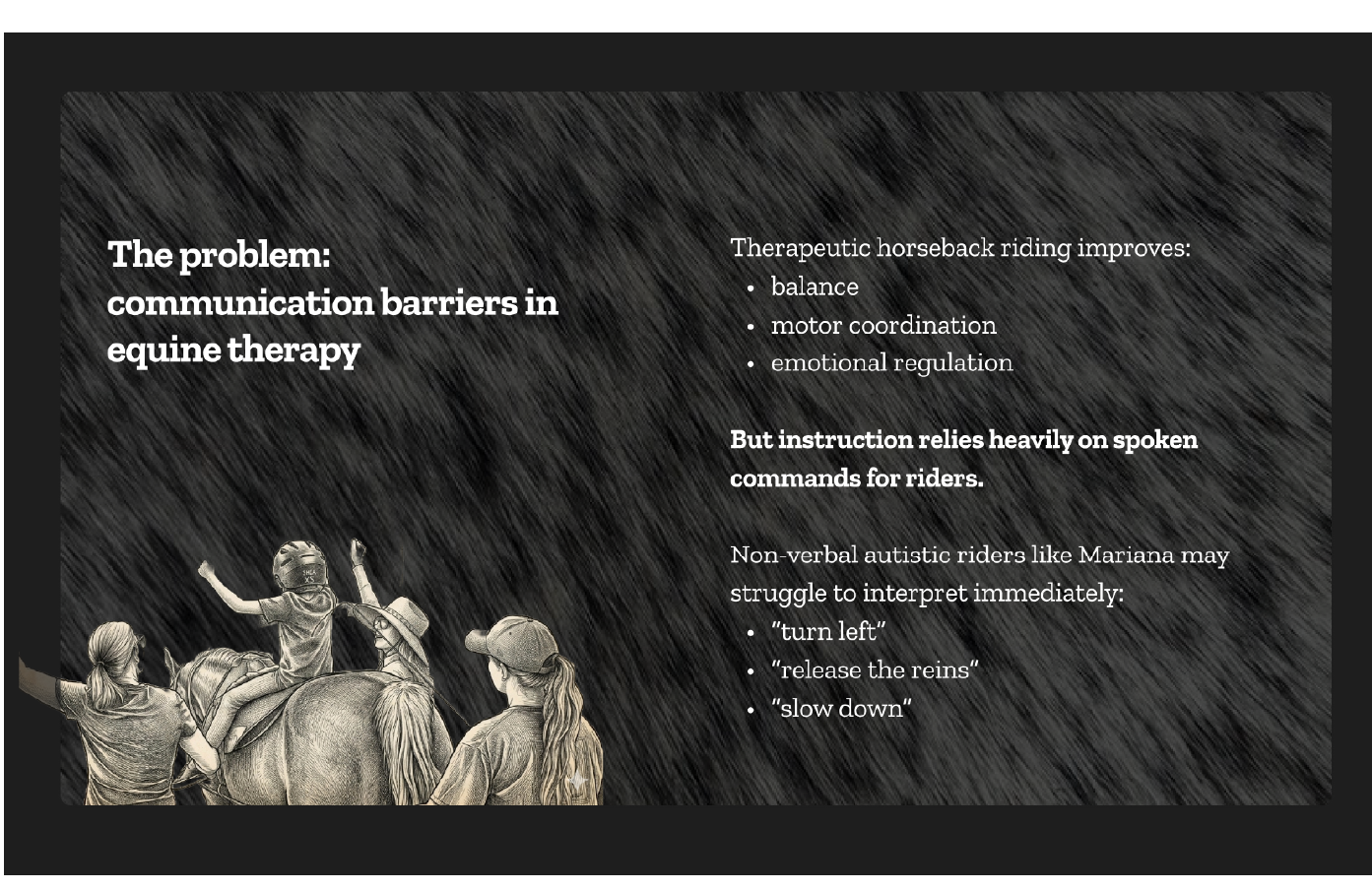
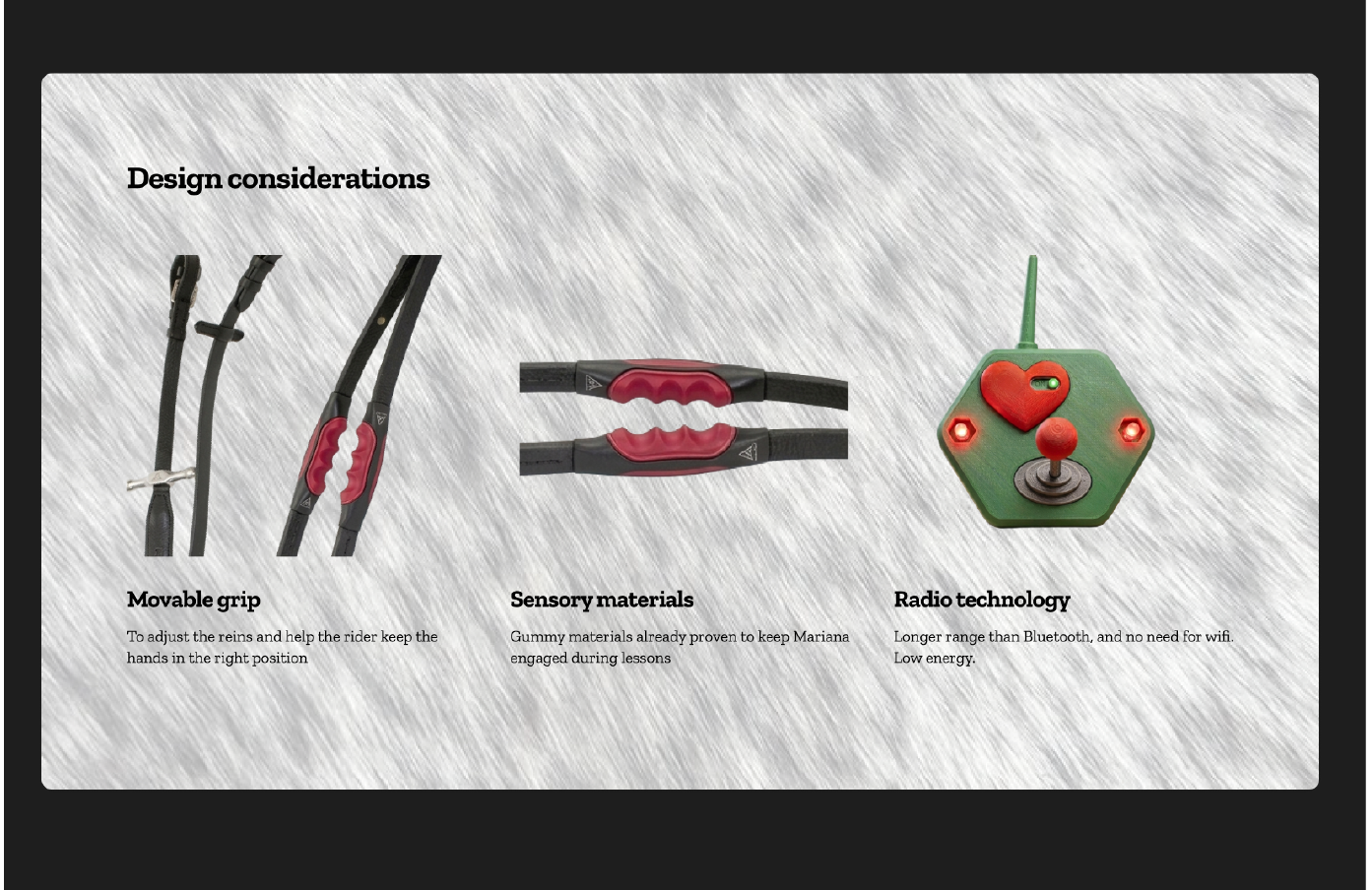
As horse enthusiasts, we recognize how big of an impact horses have on our wellbeing. After volunteering for about a year at a horse riding therapy center, we decided to design assistive tools (digital reins) to help a non-verbal autistic rider do her best during her lessons. Some of the most common problems that this rider experiences are:
- lag in processing verbal instructions that interferes with the participation during class
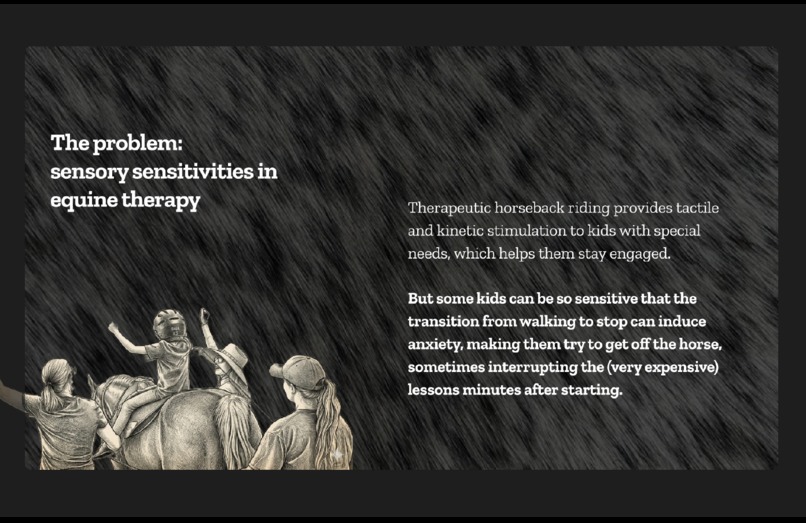
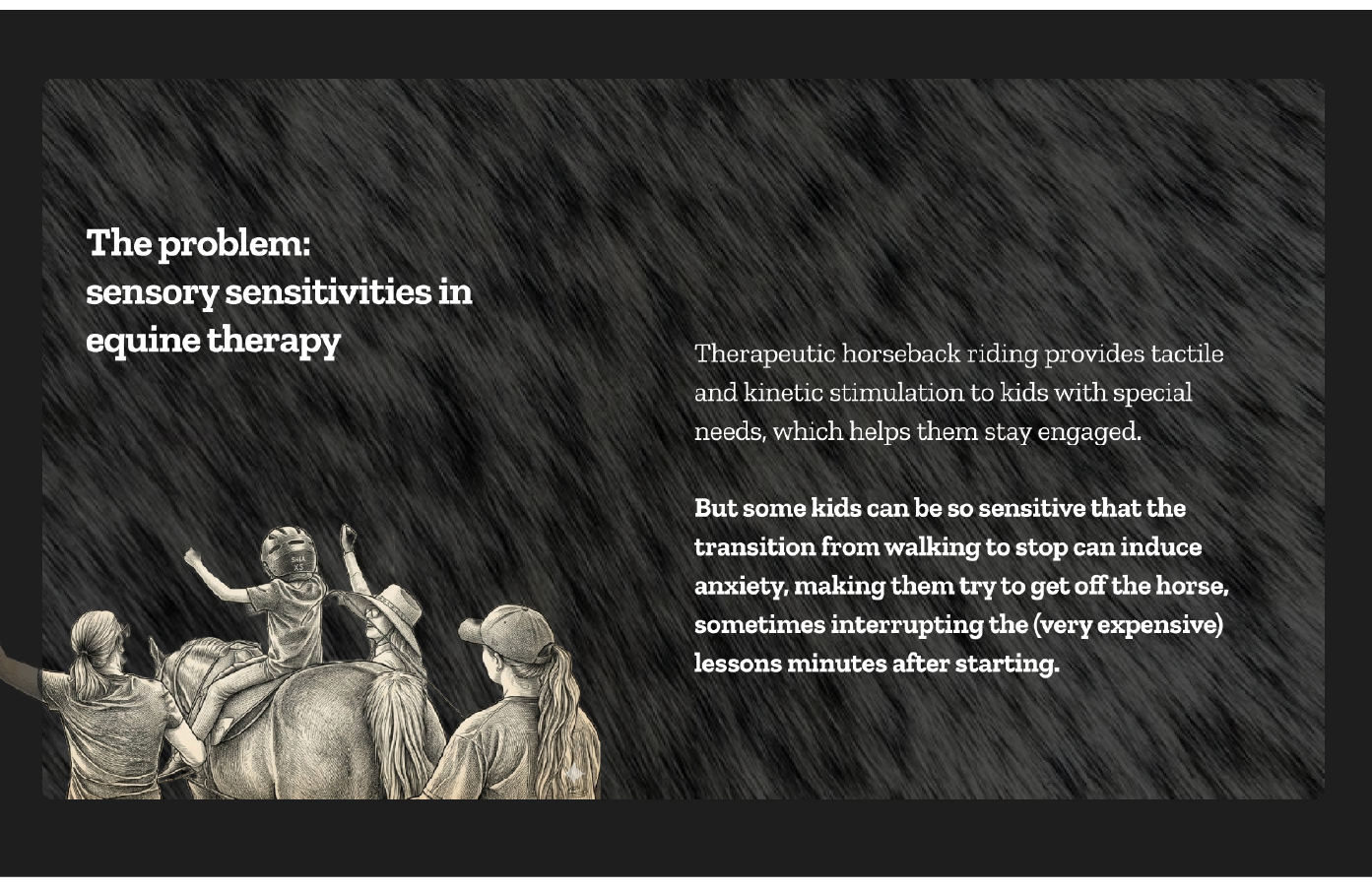
- sensory sensitivities that interrupt the lesson. If the horse stops suddenly, for example, the rider loses a rhythmic tactile feedback from the horse, which makes her uncomfortable enough to stop the lesson, sometimes just minutes after the lesson started.
- the need for three volunteers, a lead walker for the horse, and two lesson assistants, one on each side of the horse. If there is not enough volunteers, sometimes the kids learn about grooming horses, etc., instead of the lesson, which is still good, but not ideal.
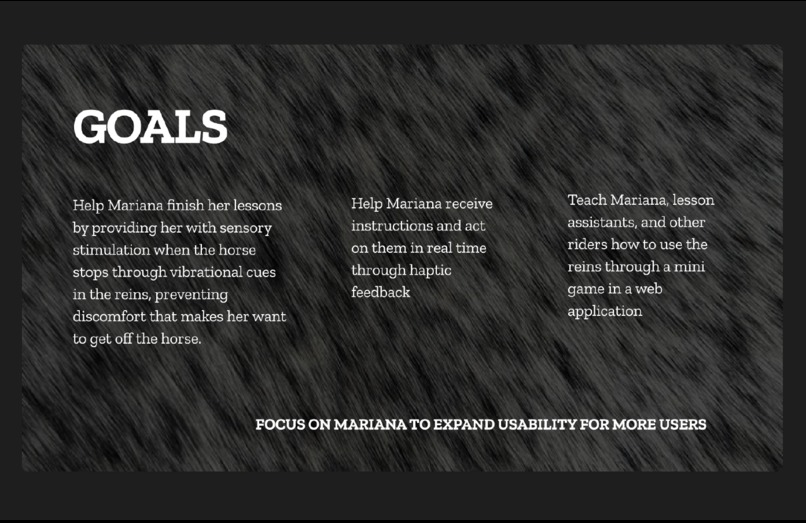
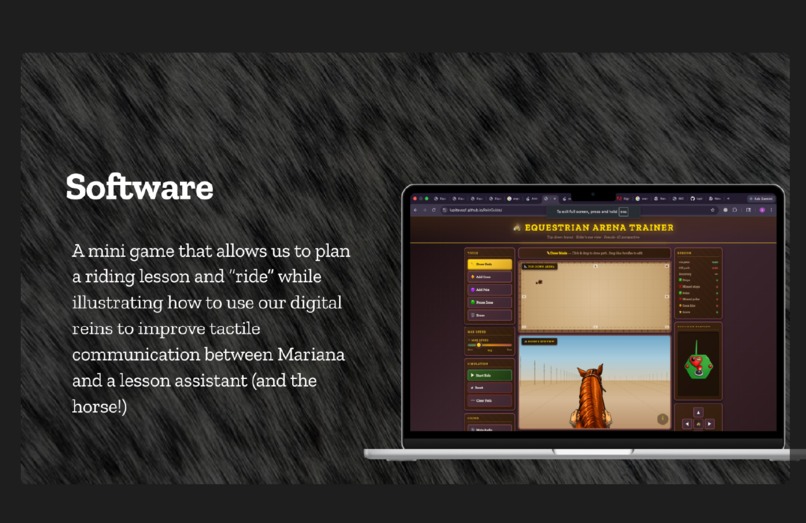
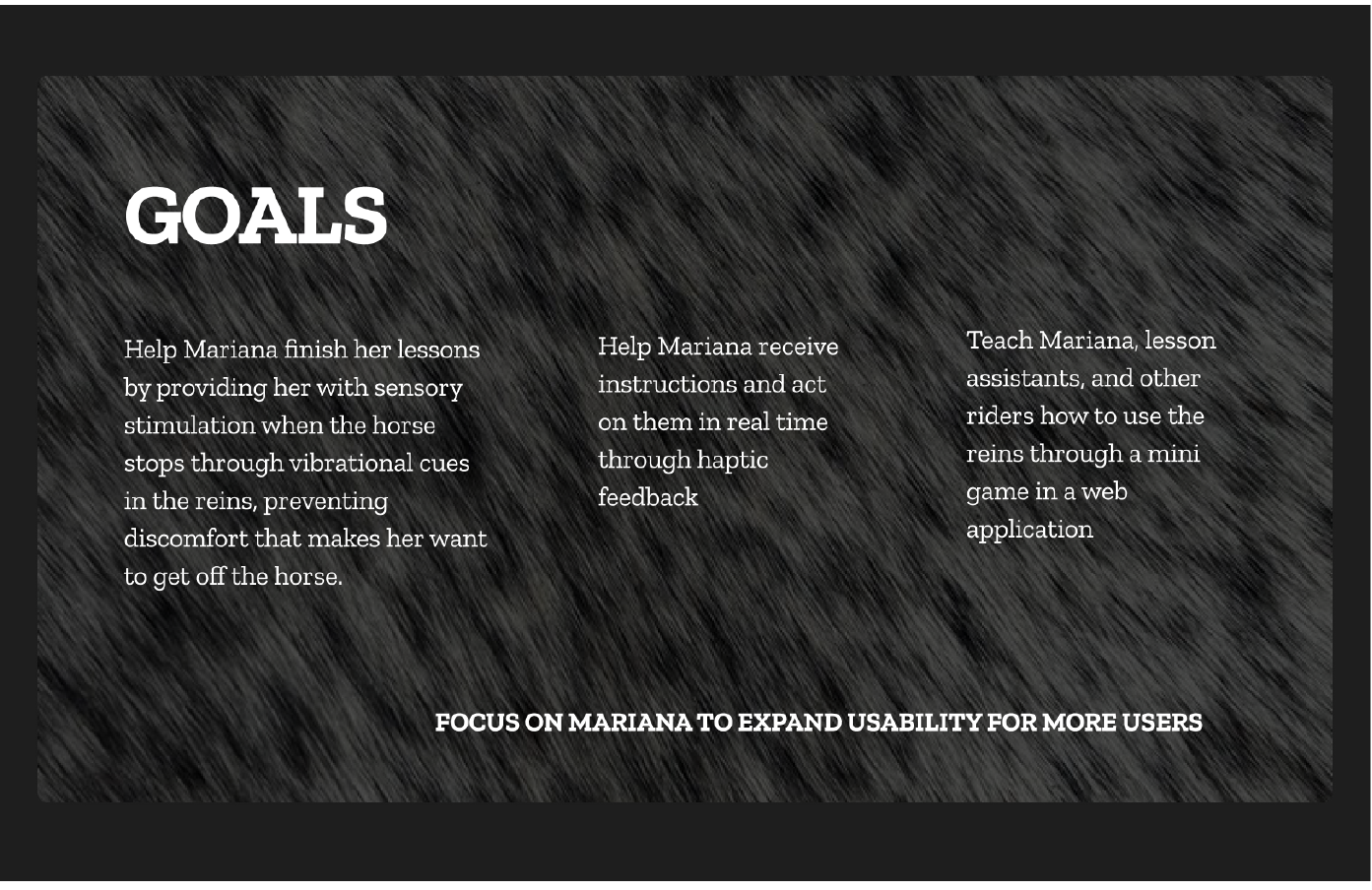
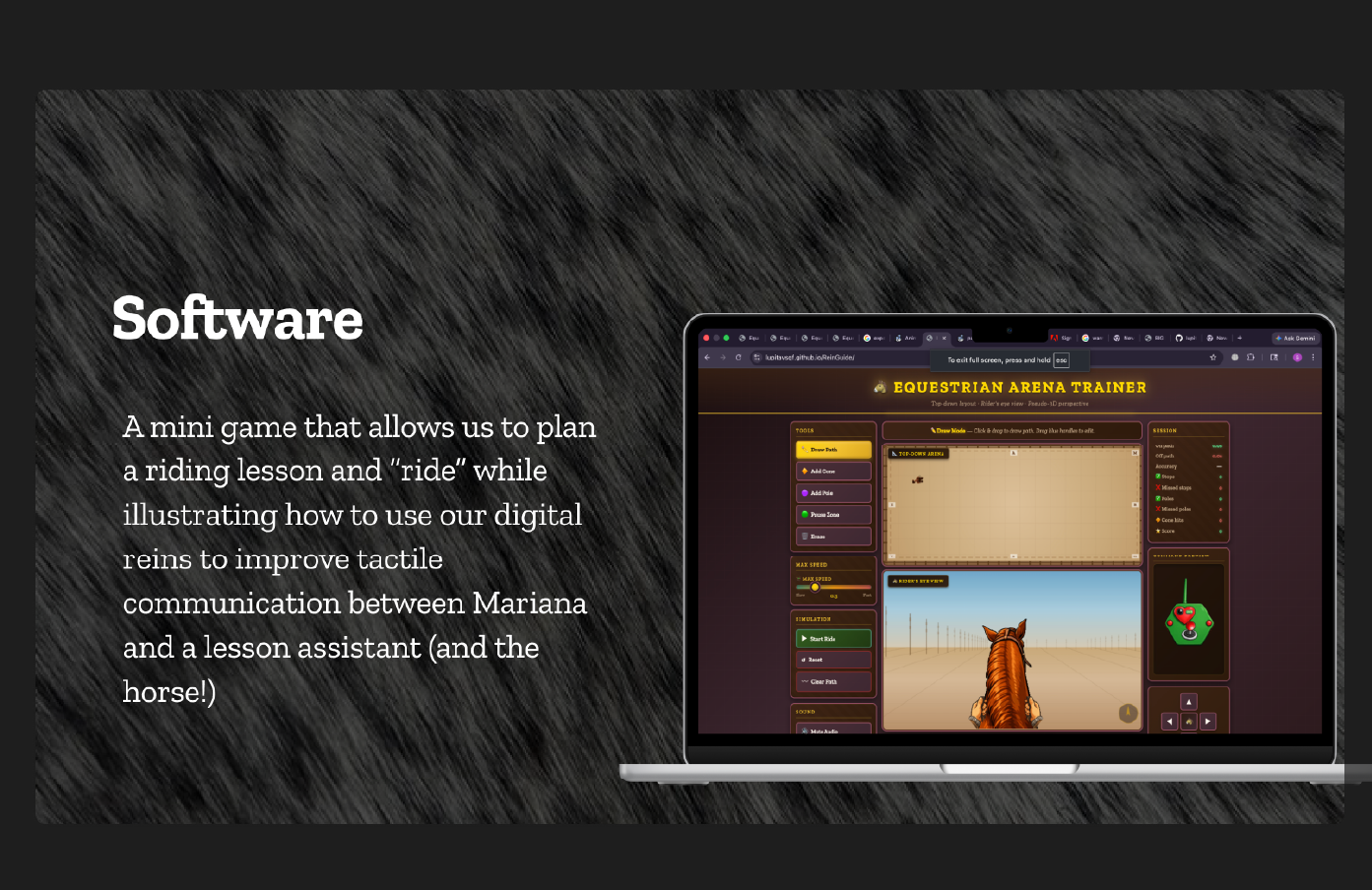
After designing a set of digital reins for the rider to receive tactile cues from the instructor, the next step is to teach both the kid, instructors, and the volunteers how to use the reins, for which we decided to make a web application with a mini game to show how the digital reins work in a fun way that respects the special needs of the riders.
Proprioception
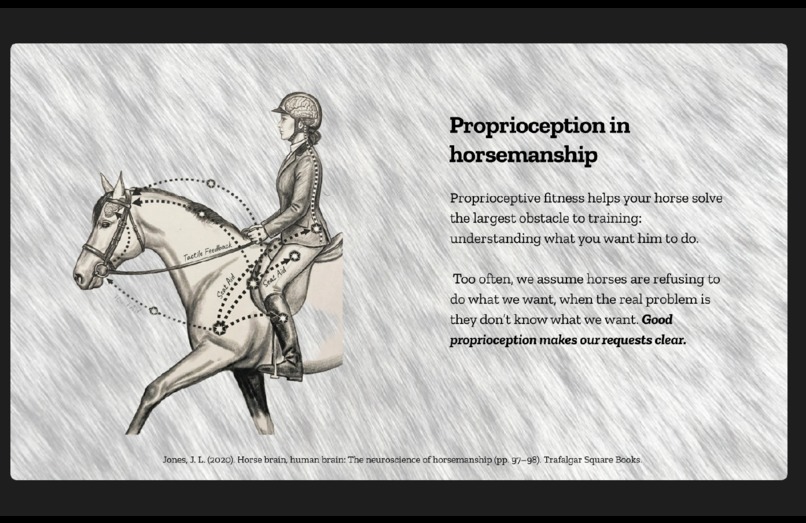
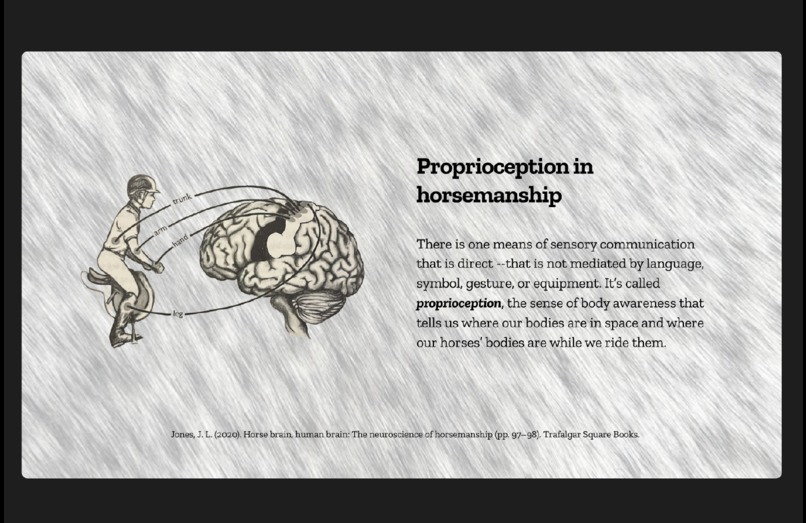
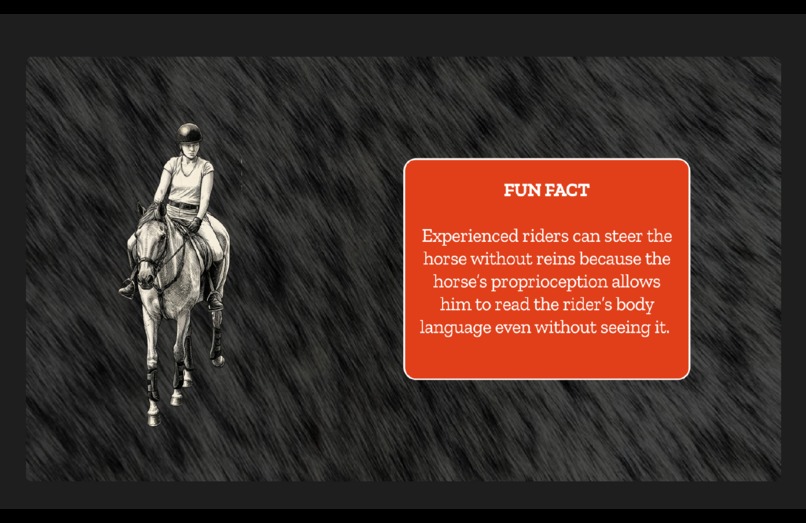
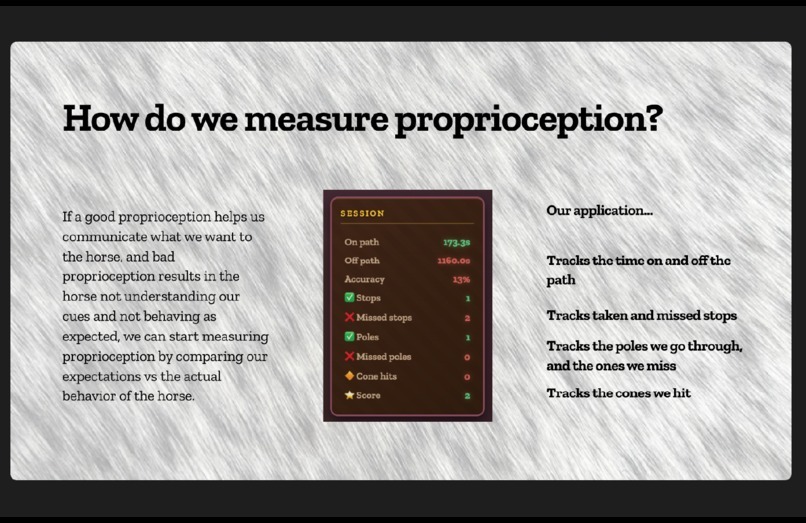
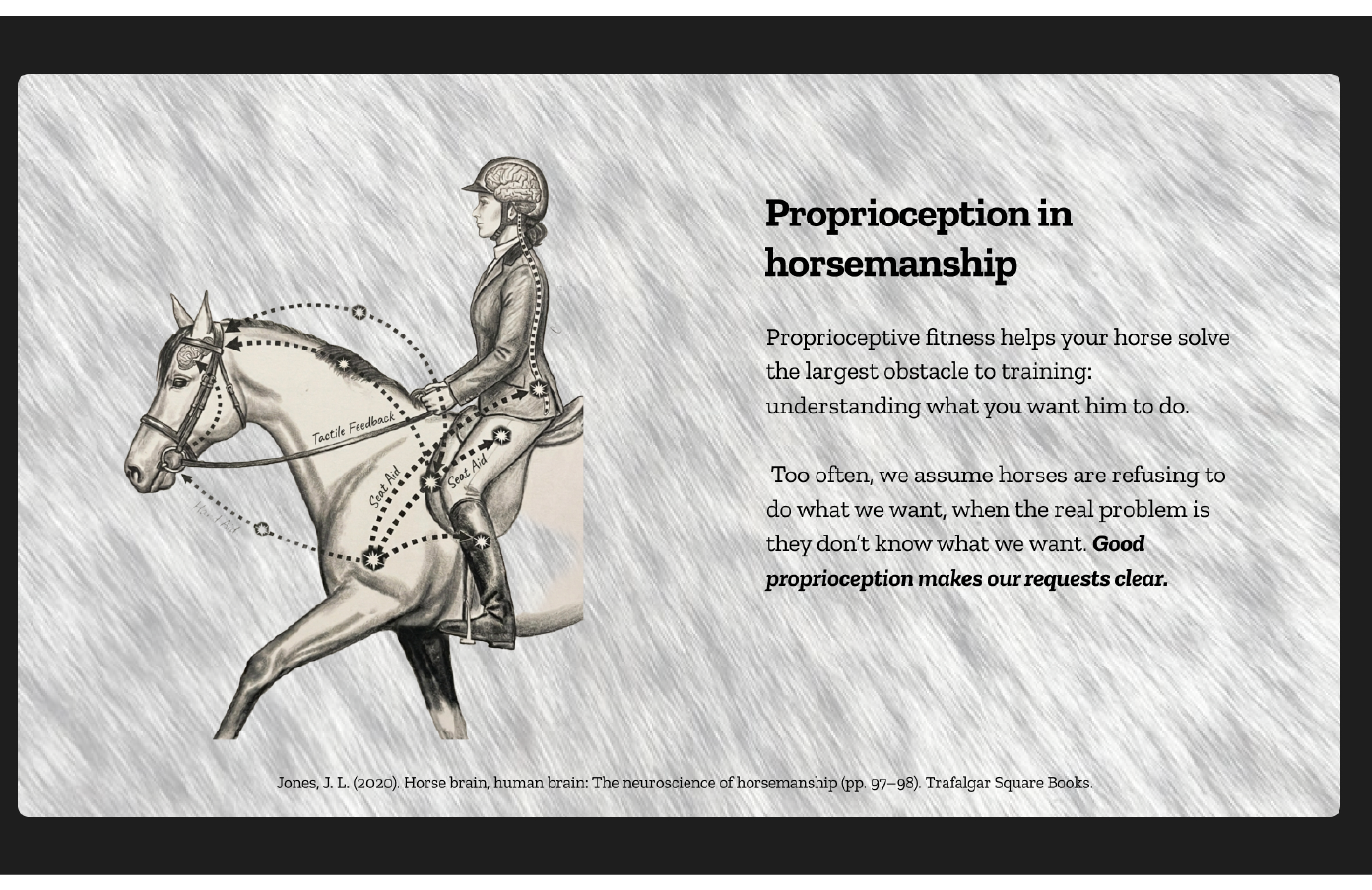
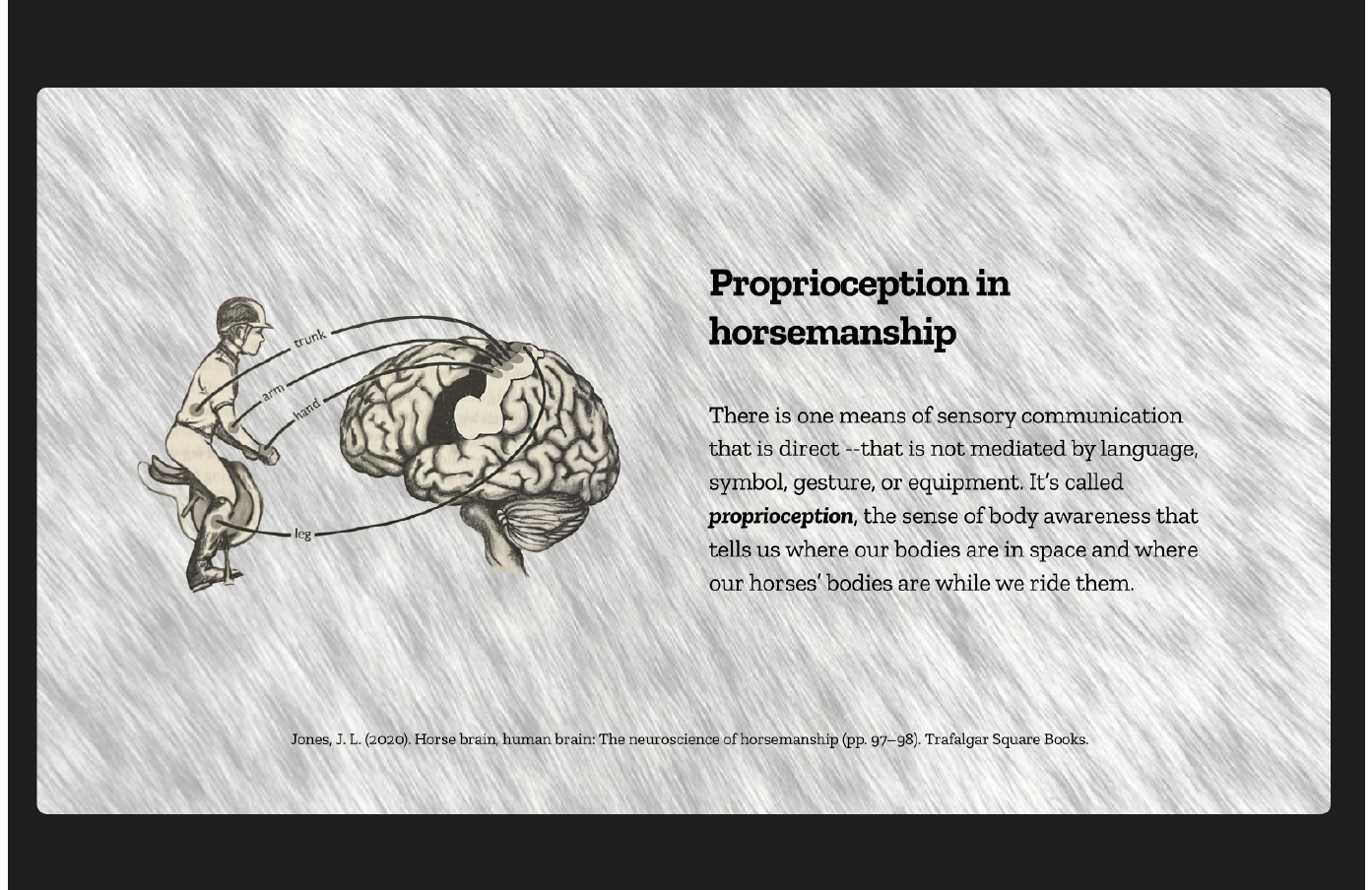
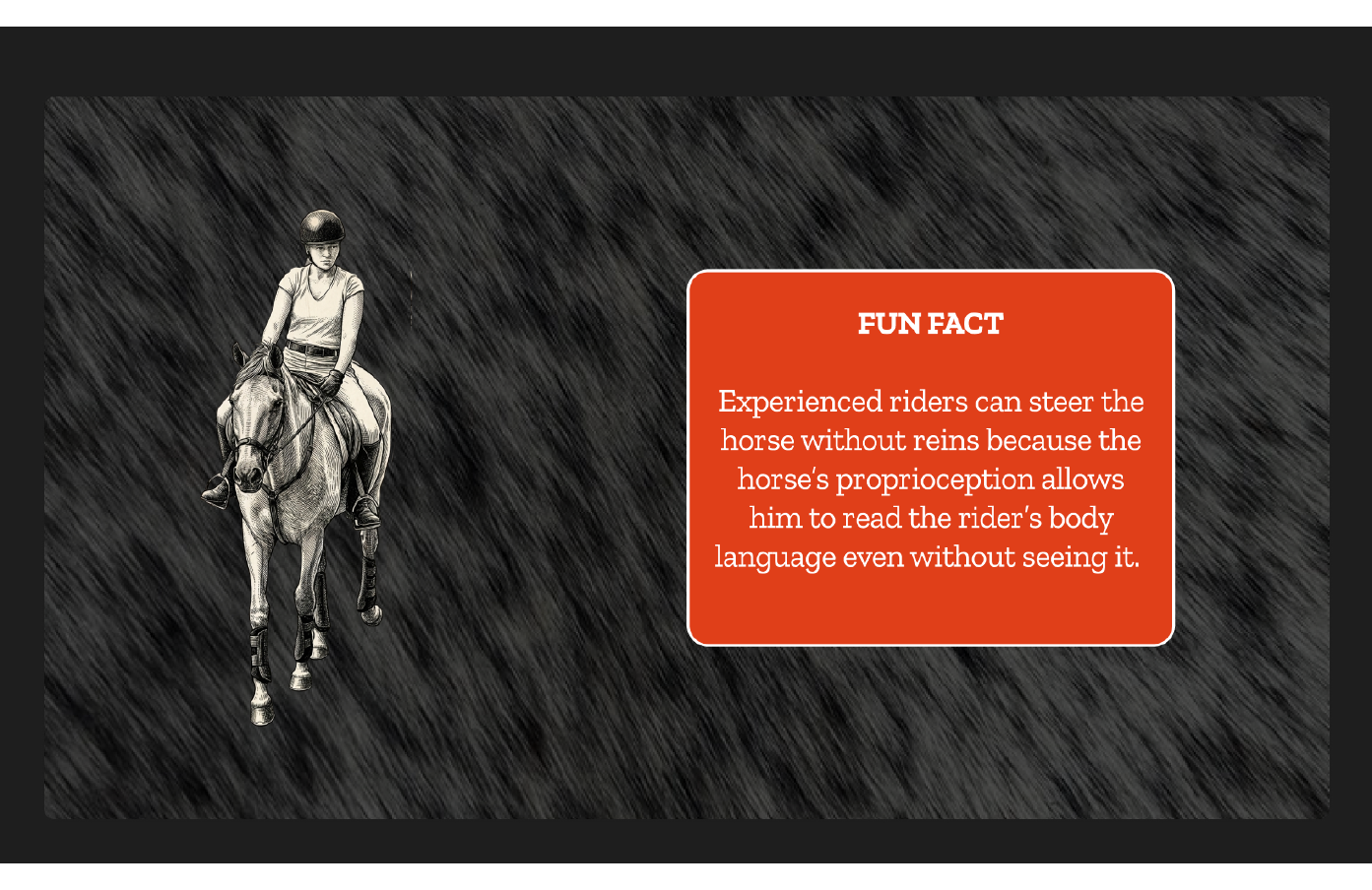
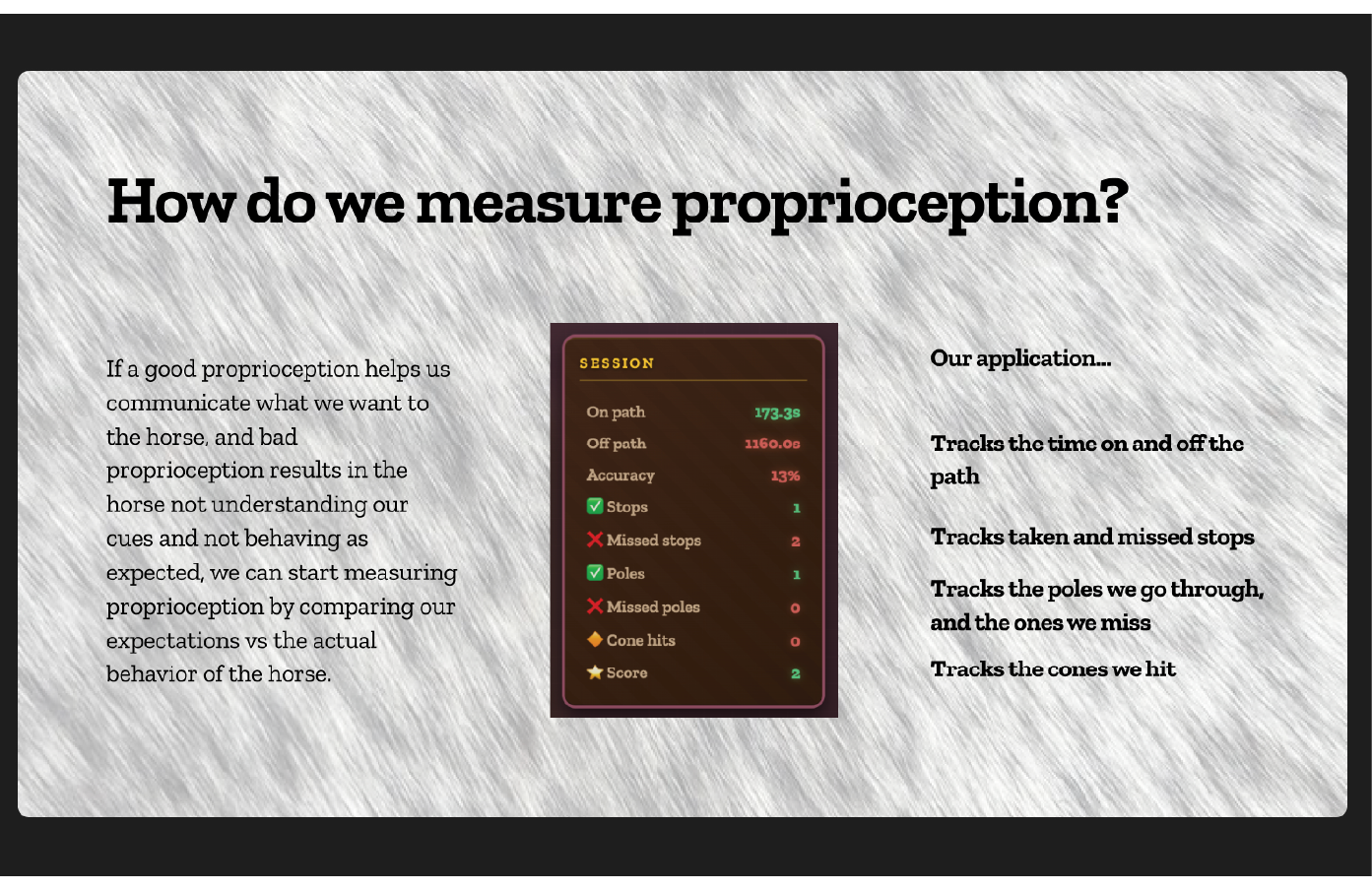
There is one means of sensory communication that is direct --that is not mediated by language, symbol, gesture, or equipment. It’s called proprioception, the sense of body awareness that tells us where our bodies are in space and where our horses’ bodies are while we ride them. Proprioceptive fitness helps your horse solve the largest obstacle to training: understanding what you want him to do.
Too often, we assume horses are refusing to do what we want, when the real problem is they don’t know what we want. Good proprioception makes our requests clear.
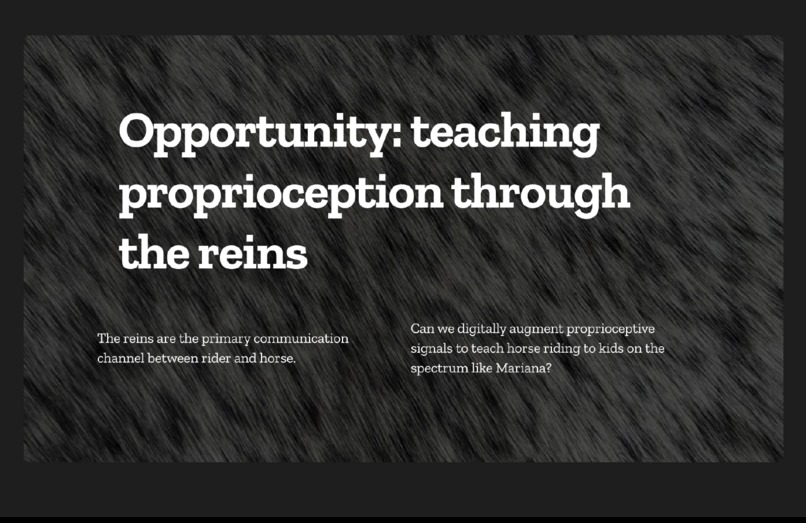
Opportunity: teaching proprioception through the reins
What it does
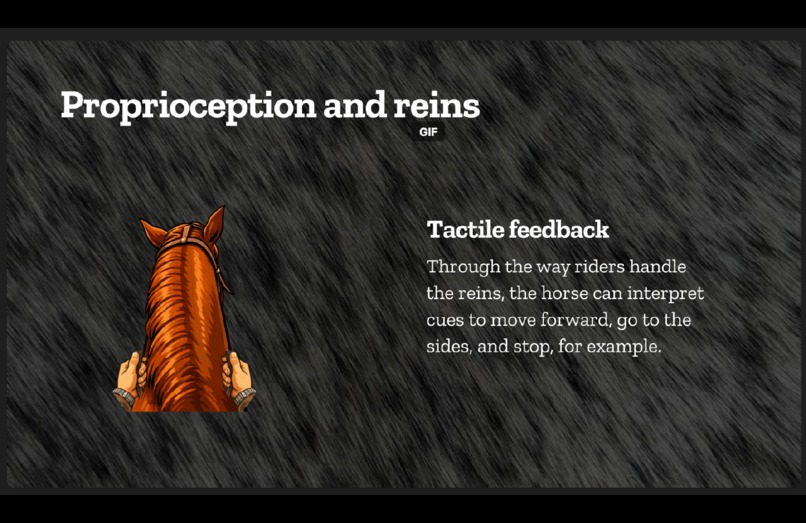
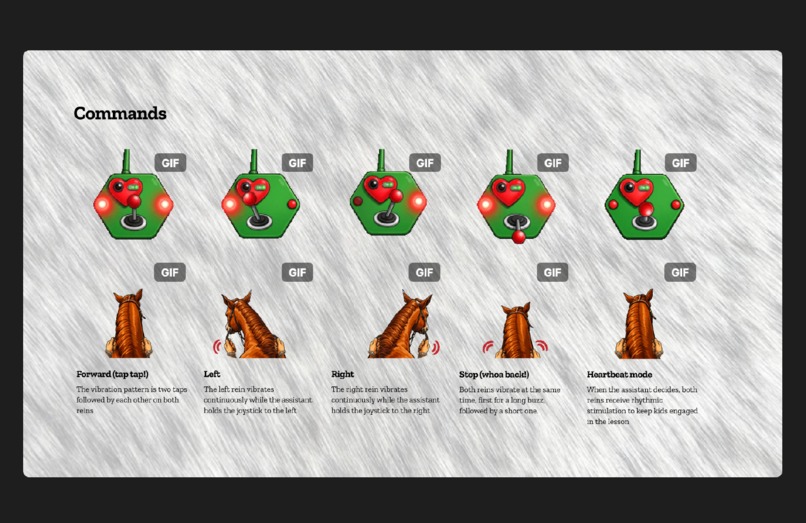
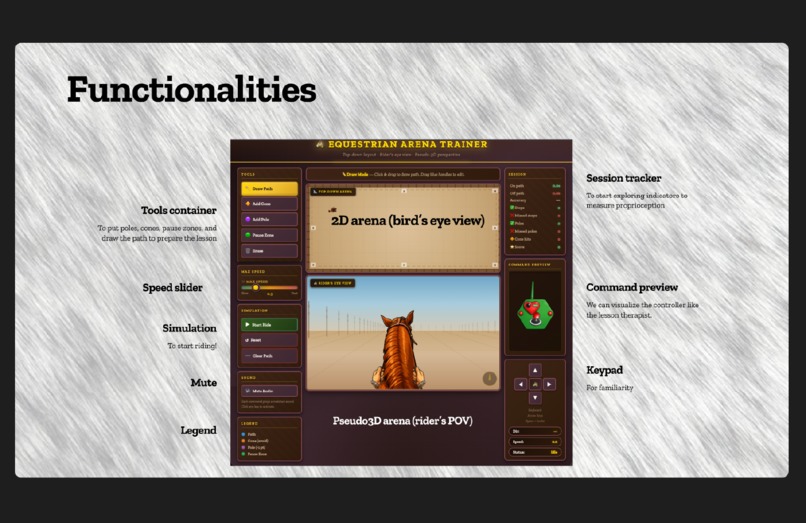
We made a website that simulates a horse riding lesson while showing the rider and instructor how to use our digital reins before getting into the horse. Our digital reins help lesson assistants and therapists provide tactile cues for kids in the spectrum who may struggle with verbal instructions during riding lessons.
How we built it
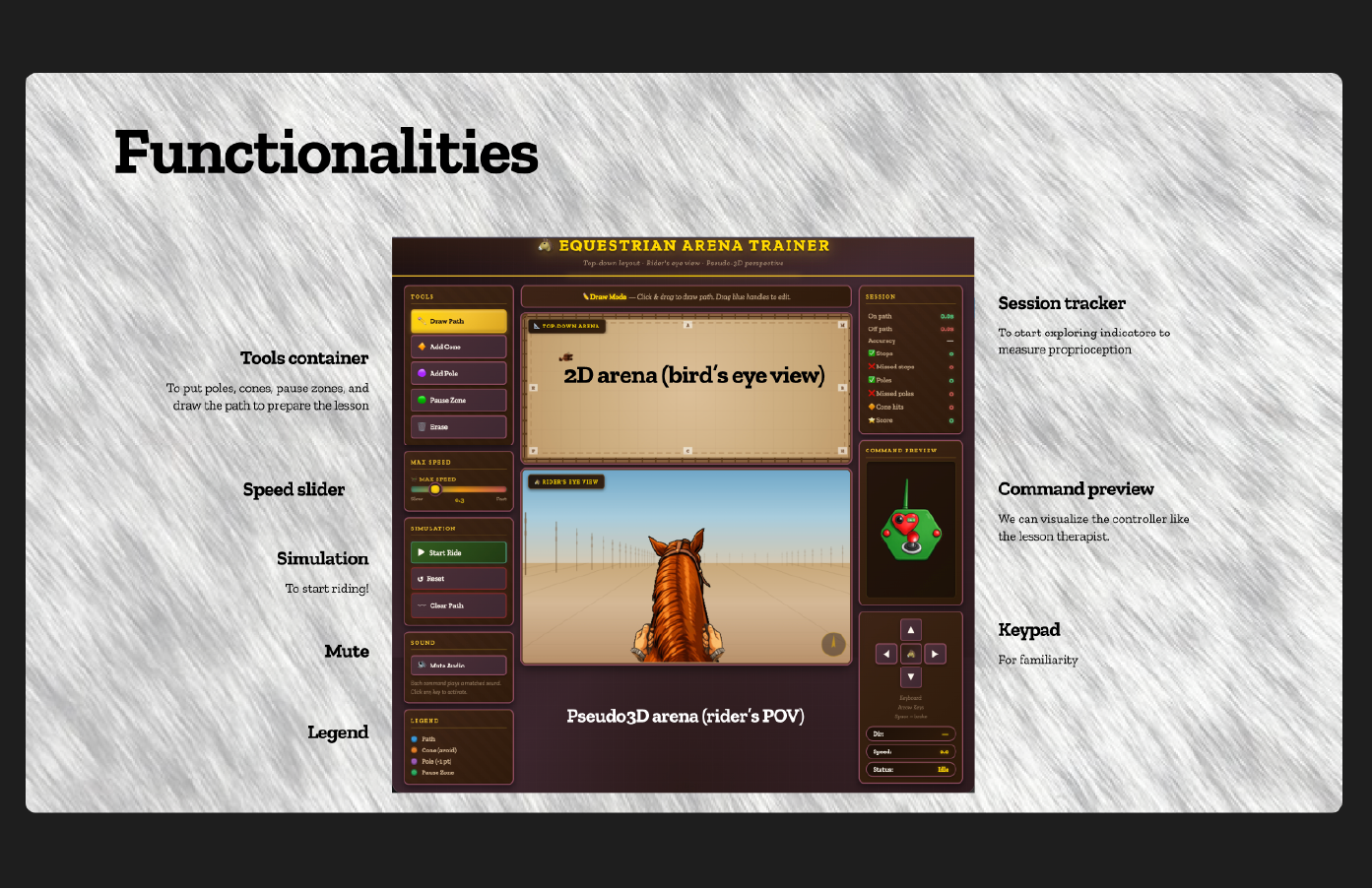
Languages HTML5 CSS3 Vanilla JavaScript Fonts / Typography Zilla Slab (Google Fonts) APIs / Browser APIs Canvas API (2D context) — for the top-down arena and pseudo-3D POV renderer Web Audio API (new Audio()) — for command sounds RequestAnimationFrame API — for the simulation loop No frameworks, libraries, databases, or cloud services — it's entirely self-contained in a single HTML file. We first worked on the backend with a low fidelity diagram, and designed a prompt for Figma Make to refine our user interface and UX.
Challenges we ran into
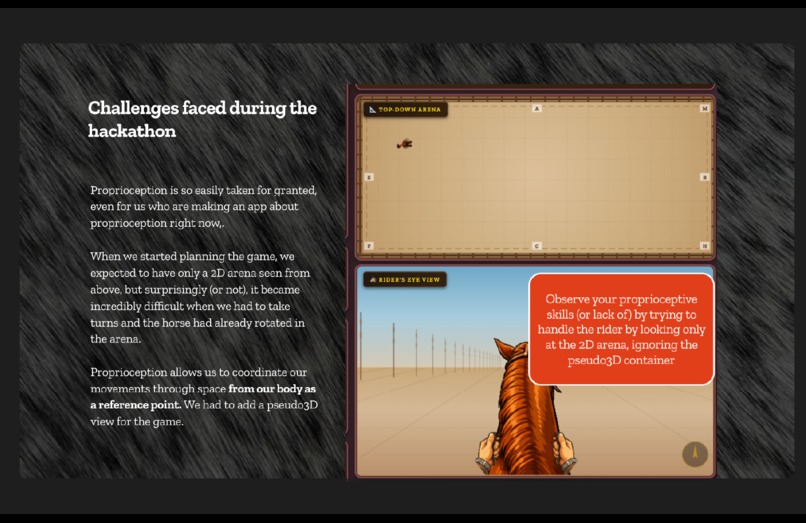
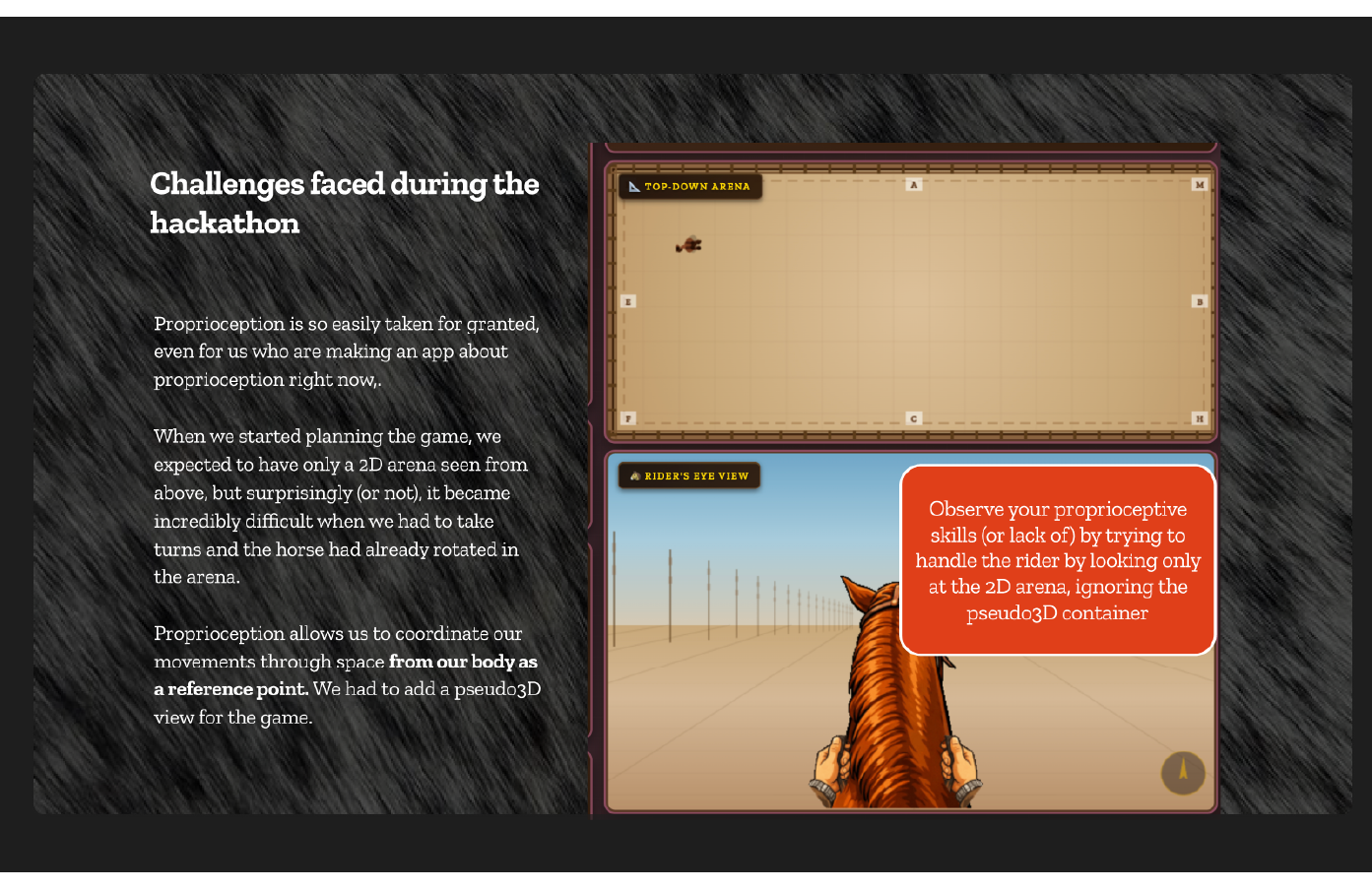
It is funny to also reflect that we take proprioception for granted that we run into a surprise. Visualizing rein handling from the arena in 2D versus from the rider’s point of view completely changes the rules of movement. Because of that, we decided to keep the 2D arena only as a planning tool—a way to diagram the class and show the intended path. But the game itself had to exist in pseudo-3D if we actually wanted to demonstrate how reins are used while riding. What is interesting is that this design decision emerged from thinking about proprioception. Rein handling is not only about where the horse moves in space. It is about how the rider feels the position of their hands, their body, and the horse’s mouth in relation to one another. The top-down arena view removes that embodied relationship; the rider’s perspective restores it. In a sense, the interface ended up mirroring the lesson itself: rein use cannot be understood only from a diagram. It has to be experienced from the rider’s position.
Accomplishments that we're proud of
We had experience in static illustrations, and it was our first time trying pseudo 3D, animations, and gifs. We are proud of how we managed to choose the right tools for each one of the functionalities to work right.
What we learned
Proprioception is everywhere and yet it is so easy to take for granted that we started thinking a 2D bird’s eye view would suffice for the website. It felt very difficult to try to handle the horse from that POV and we realize we needed a pseudo3D view (a 3D view ideally, but we had to make do with what we had).
What's next for ReinGuide
We will complete the integration of the Arduino components to the website to start testing the digital reins with the game at GallopNYC! And we are already working on the final form of the cases to achieve a final product. I am particularly interested in measuring the impact of the digital reins in a live setting. We would like to later scale the project with more functionalities for more advanced lessons. For example, cues to achieve a two-point position before jumping. https://youtu.be/oBGgK2CAUOw
Built With
- css3
- html5
- javascript
- vanilla


Log in or sign up for Devpost to join the conversation.