
Inspiration
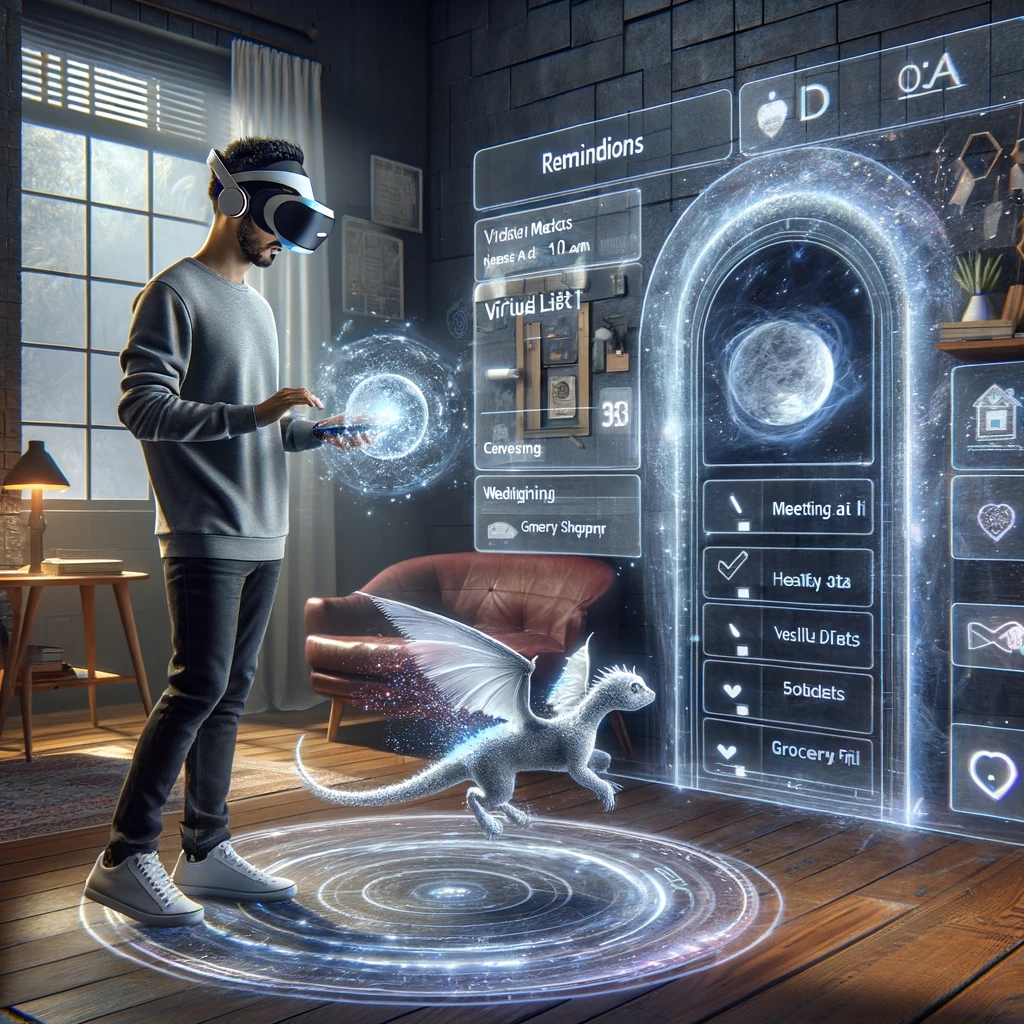
In our virtual hackathon brainstorm, we distilled a plethora of ideas into one standout concept: Widgetron. This app is a versatile hub of 3D widget models we call it widgets for reminders, health tracking, gaming, and even a virtual pet, designed for both utility and daily delight. It's the epitome of our innovative spirit, ready to enrich everyday digital experiences.
https://gcdnb.pbrd.co/images/DYPao0ZIZQot.png

What it does
Widgetron presents an innovative library of 3D models that users can anchor in their real-world environment for interactive experiences. These models can be customized into a personal Heads-Up Display (HUD), offering the flexibility to bring your digital assistance along, no matter the place or activity.
The application excels as a fitness companion, offering tracking capabilities and motivational prompts powered by conversational AI like ChatGPT. It encourages consistent progress and provides engaging interaction to keep users focused on their health goals.
For seniors, Widgetron can transform living spaces into smart environments. It can set up virtual tooltips throughout their home for organization and task management, all voice-activated for ease of use.
Additionally, Widgetron could serve educational purposes, allowing students to visualize complex concepts in 3D, whether it's for studying human anatomy or exploring astronomical models. It can also aid in navigation, offering real-time HUD directions and location-based widgets, enhancing everyday travel experiences. With the potential for expansion, Widgetron could integrate with smart home devices to control your environment or offer virtual cooking assistance, projecting recipes and guides right onto your kitchen surfaces. It's not just an application—it's a comprehensive tool for enhanced living.
Our build Plan
A screen displays a list of widgets that users can scroll through to find the one they need. An information button at the top reveals details about each widget when hovered over.
Users can seamlessly grab and drag a widget from the screen into their real space, placing it wherever they prefer. We utilize special anchors from the Sense Pack to secure the widget’s position in three-dimensional space (x, y, z coordinates), ensuring it remains where it was last placed upon the user’s return.
Additionally, users can summon widgets to craft a custom Heads-Up Display (HUD). They can arrange these widgets on a HUD creator and then scale the display from in front of their face to world-size, editing and adding the summoned widgets as desired.
Other widgets are designed to interact with the room environment, like a ball that can bounce off walls and floors, reacting to the objects present in the room. We leverage the room capture feature from the Pico Interaction SDK to forge a flawless mixed-reality experience.
Challenges we ran into
As beginners, we encountered a steep learning curve in understanding and conceptualizing design ideas through shapes and forms. The process of placing special anchors for our interactive models and the ideation phase presented significant challenges.
Moreover, we devoted considerable effort to researching user comfort and experience, which was crucial for our project but also time-consuming. Understanding the nuances of what makes an experience intuitive and user-friendly required delving deep into user behavior and preferences, which was both challenging and enlightening.
Time was our most precious and scarce resource, as we were confined to the universal constraint of a 24-hour day, with only 2 to 4 hours available to dedicate to this project daily. We often found ourselves wishing for longer days to accomplish more.
placing special anchors and presenting them throws use exception for POC.
we discovered the user's potential pain points and made changes to our design according to the problem, we have read and understood, the possibilities and limitations of the interaction SDK.
What we learned
pico interaction SDk with sense pack, XR designing by referring to a lot of Altera and pico desgin system.


Log in or sign up for Devpost to join the conversation.