Inspiration
RehearseMe was inspired by a simple but frustrating problem: How do you practice a script or speech when no one else is around to help? Actors, presenters, teachers, and students all struggle with solo rehearsal. Reading your lines out loud alone isn't engaging and you miss important feedback like pacing, clarity, and delivery mistakes. With AI voices and browser voice tech getting better, I realized I could create a virtual rehearsal partner that speaks your missing lines, listens to your delivery, and gives real-time feedback all in your browser
What it does
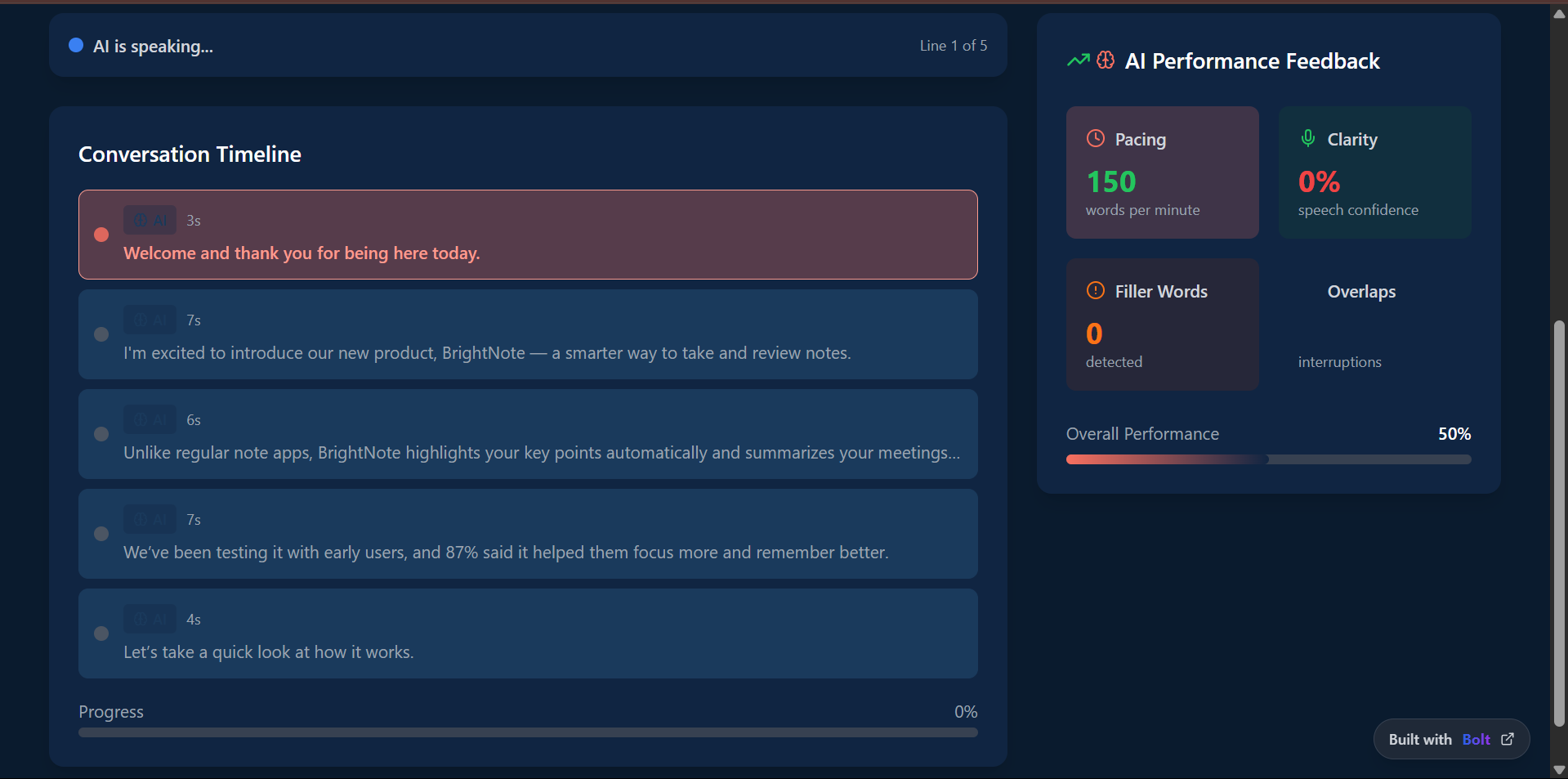
- Gives real-time feedback on your voice, pace, clarity, and filler words
- Lets you practice scripts or free speech with AI playback
- Offers voice warm-ups, drills, and personalized tips
- Tracks your progress and helps build confidence
How I built it
- Frontend: React with TailwindCSS
- Voice Synthesis: ElevenLabs API to play back lines using natural human-like voices
- Speech Recognition: Web Speech API to listen to the user’s voice, transcribe it, and provide timing/clarity feedback
- State Management: Local state for script saving
- Audio/Playback Tools: Simple timeline tracking and dynamic play/pause control to sync AI voice and user delivery
- Feedback Logic: Gemini 1.5 processes transcripts to analyze pacing, filler words, delivery confidence, and memory accuracy
- AI Script Partner: Gemini also helps generate practice scripts, simulate dynamic responses, and provide coaching-like feedback
Challenges I ran into
- Timing synchronization: Getting AI playback and microphone input to feel natural and coordinated was tricky. I had to fine-tune line delays and transitions to make practice feel real.
- Voice selection: Balancing performance, tone, and latency between ElevenLabs and fallback browser voices.
- Browser compatibility: Web Speech API behaves differently across browsers, so I had to implement fallbacks and test thoroughly.
- Distraction-free design: Keeping the UI minimal but useful took iterations too much data overwhelmed rehearsal; too little made it feel hollow.
Accomplishments that I'm proud of
- Built and launched RehearseMe, a fully working AI-powered script rehearsal tool using ElevenLabs, browser voice input, and real-time feedback.
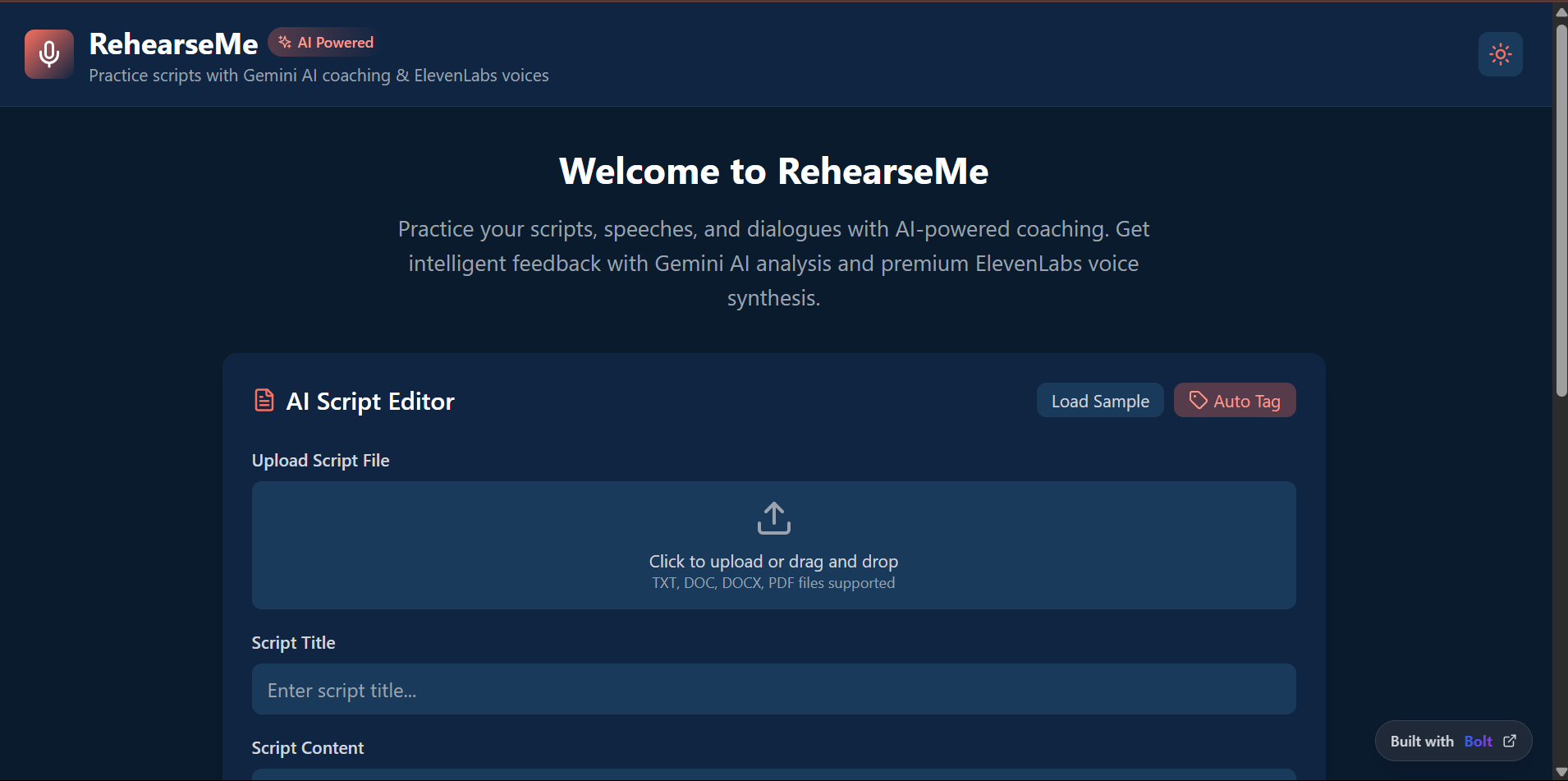
- Designed and implemented a drag-and-drop script feature for fast, user-friendly content uploads.
- Integrated natural-sounding AI voice playback with precise timing control for immersive solo practice.
- Used browser voice input + AI to deliver feedback on pacing, filler words, and clarity in real time.
- Created a smooth, minimal UI with React + Tailwind, optimized for focus and speed.
- Explored Gemini 1.5 integration for adaptive feedback and coaching suggestions.
- Improved performance and usability across browsers (Chrome, Safari, Edge).
- Designed with real-world users in mind — presenters, actors, students — making practice practical and fun.
What I learned
- Integrating real-time voice input and playback creates a surprisingly immersive experience even without a second person.
- Users love looping and pacing modes, which help build memory and delivery confidence faster.
- Speech feedback UX needs to be forgiving and human overly robotic grading kills the flow.
- Lightweight MVPs can still be powerful when focused on a clear, everyday use case.
What's next for RehearseMe
- Save & track progress across rehearsals
- Multiple AI voices for different styles or accents
- Script templates for pitches, scenes, lectures
- AI coaching feedback via Gemini or other models
- Mobile-friendly version for on-the-go practice
- Shareable takes with private feedback links
- Freemium pricing with premium unlocks


Log in or sign up for Devpost to join the conversation.