-
-
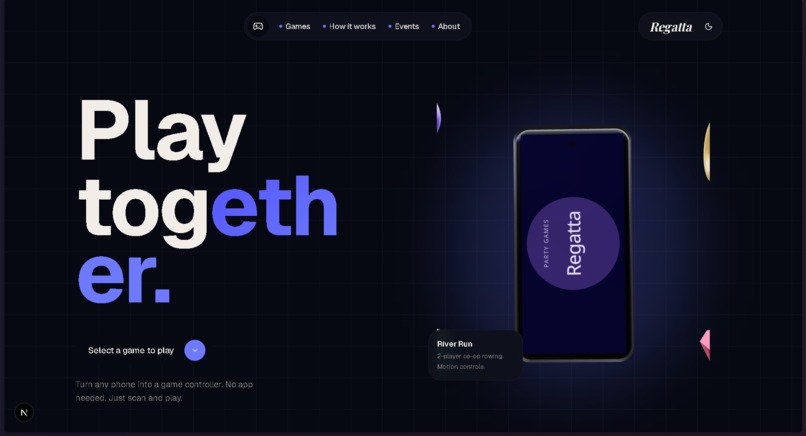
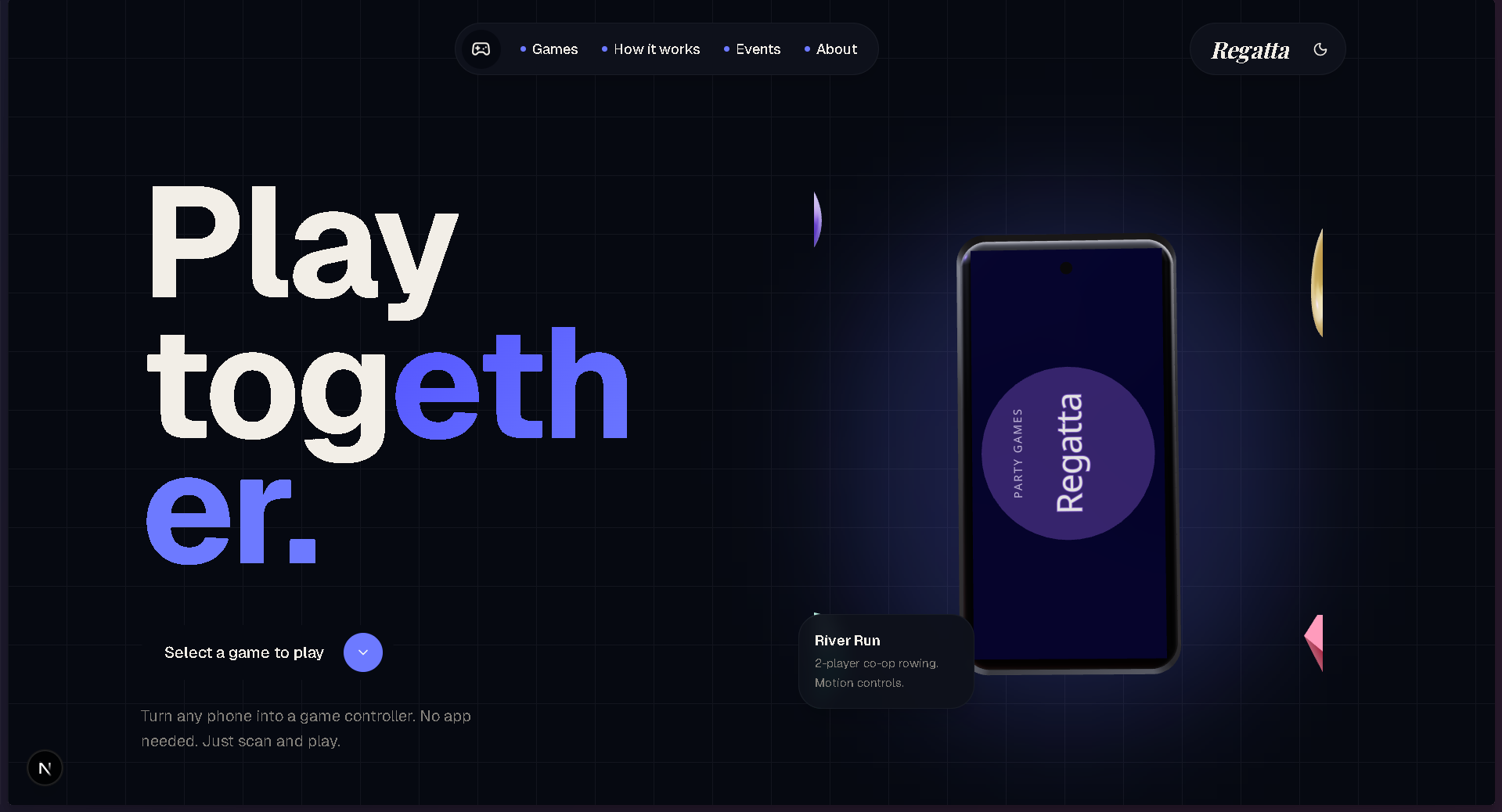
Landing Page Dark Mode
-
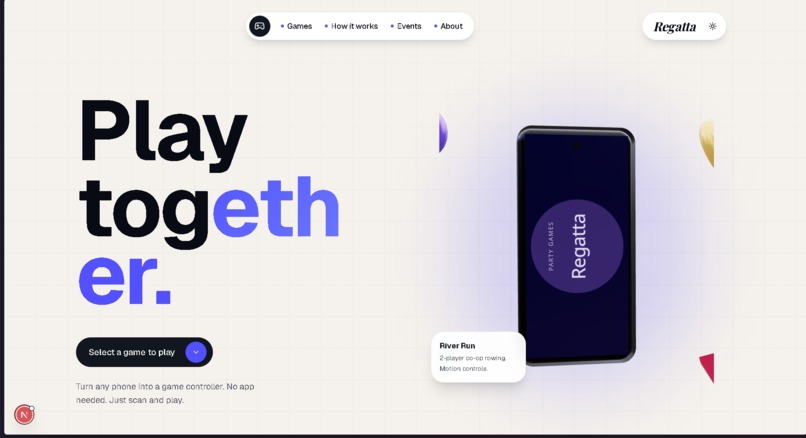
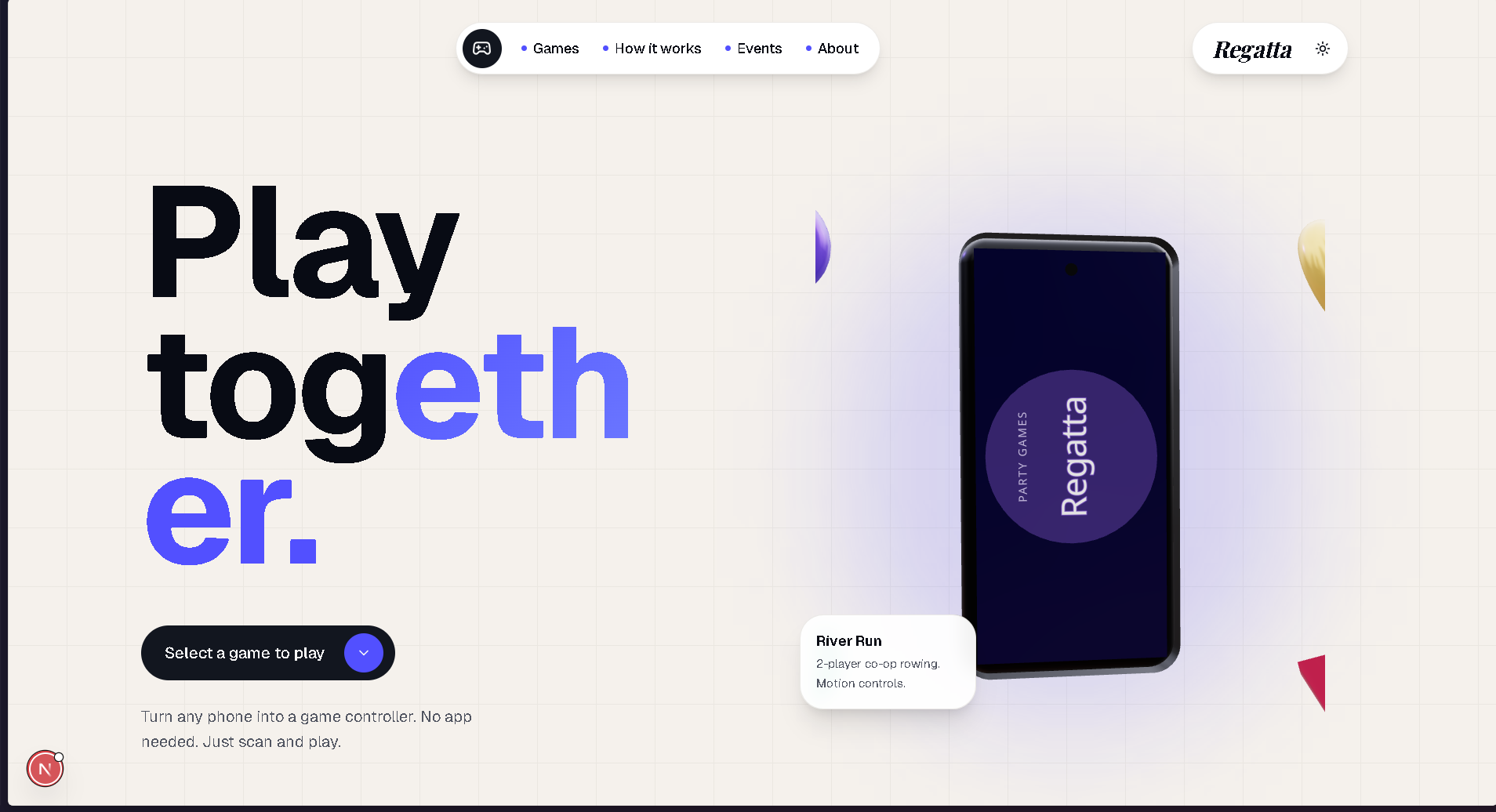
Landing Page White Mode
-
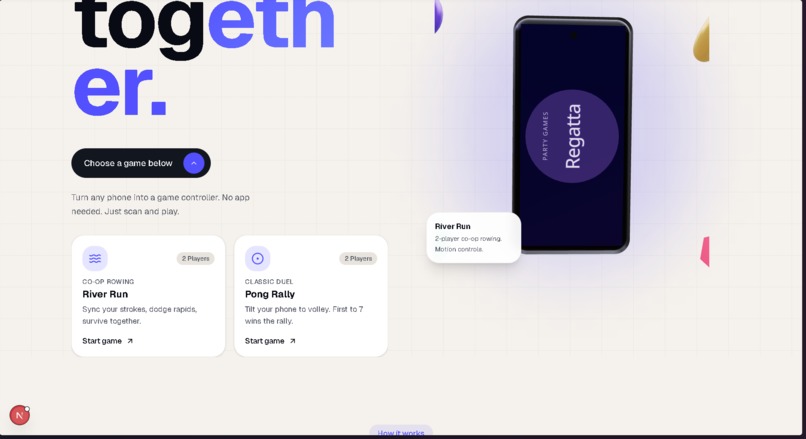
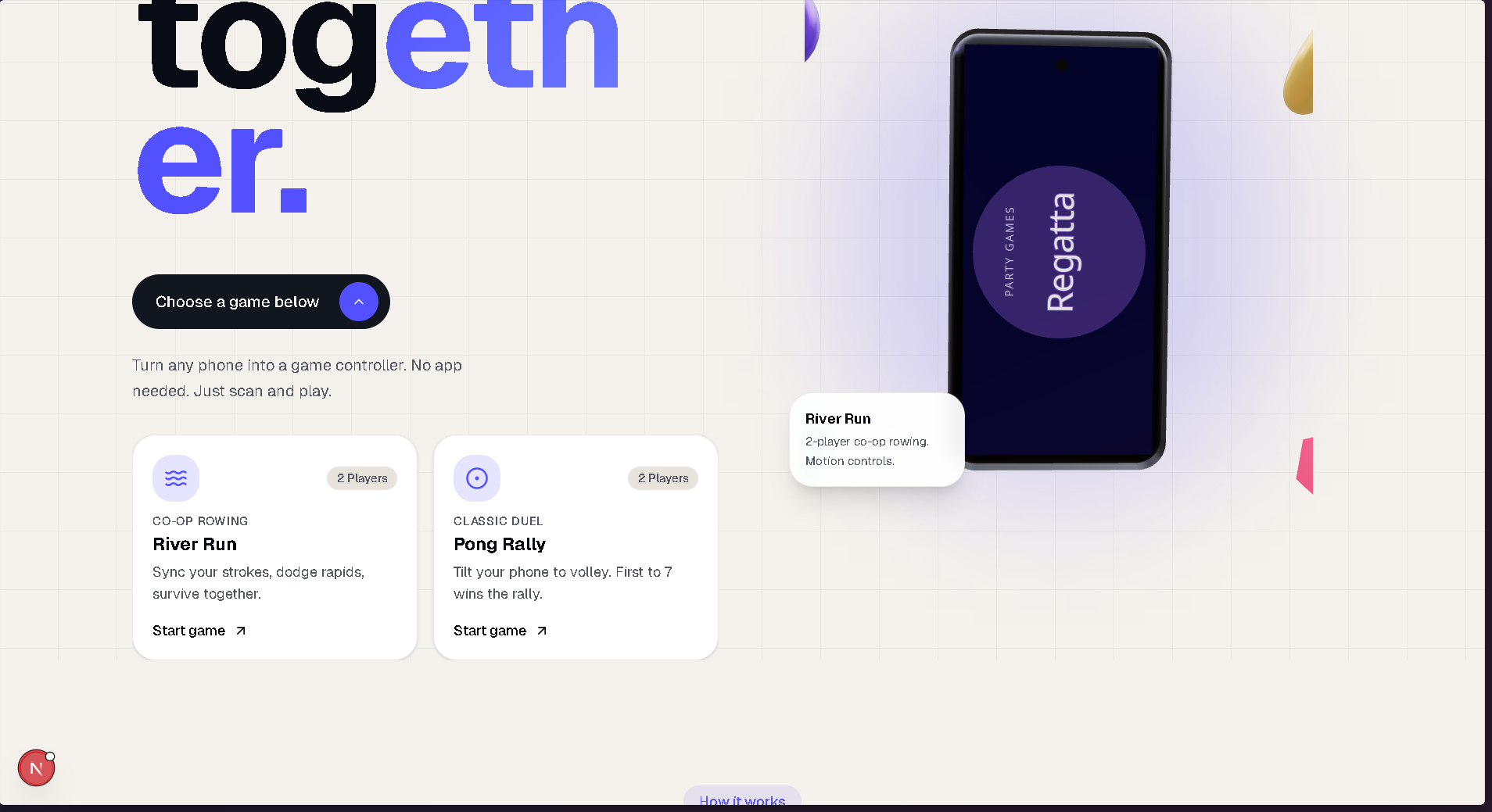
Games
-
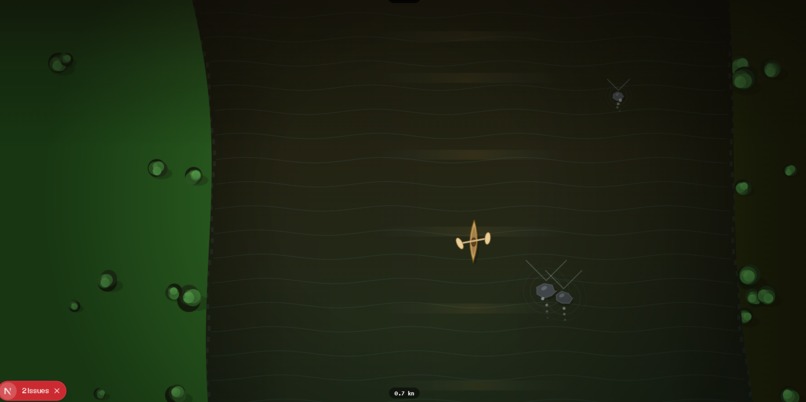
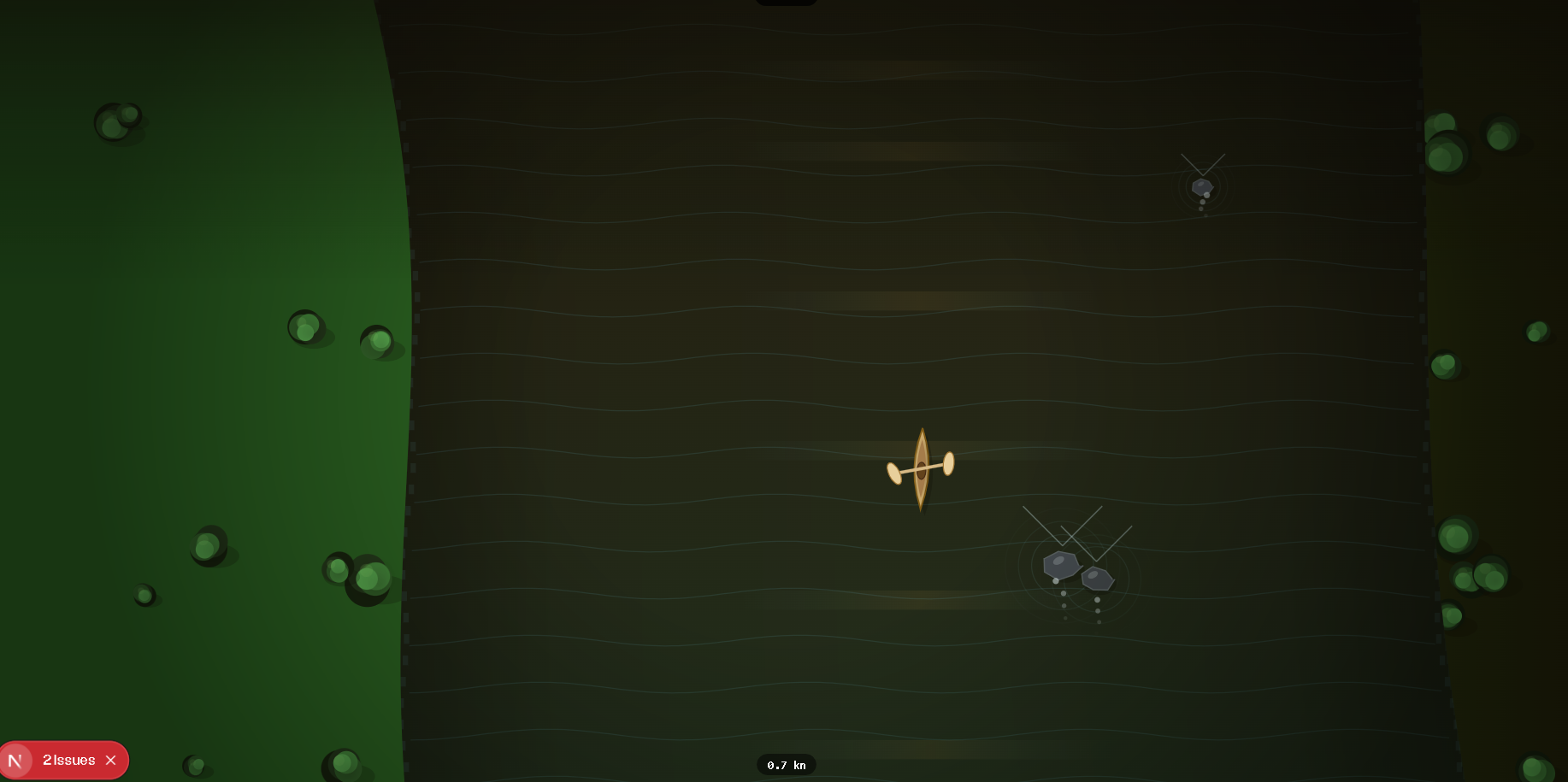
River Run
- Elevator Pitch
Your phone becomes a real game controller in 5 seconds. No app. No setup. Just motion.
- About the Project Inspiration
We wanted to answer a simple question: what if your phone could be a real physical game controller, not a touchscreen, but something you hold, tilt, and swing in 3D space. Phones already have powerful motion sensors that mostly go unused. We wanted to turn them into a real input system for games.
What it does
Regatta is a multiplayer motion-controller gaming platform.
Players scan a QR code on their phone. No app install. The phone instantly becomes a physical game controller using motion sensors.
We built two games on top of the platform:
Pong Rally Tilt your wrist forward and backward to control your paddle. Real-time haptic feedback and audio cues are sent back to the phone. The phone is not used as a screen, only as a controller. River Run Hold your phone like an oar and physically row to control a shared boat on a river. The system detects stroke type, power, and side in real time and maps it to movement on a shared game screen. How we built it
The system is split into three layers:
Phone (PWA Controller) A Progressive Web App served over HTTPS. Uses DeviceMotion and DeviceOrientation APIs to stream accelerometer, gyroscope, and orientation data at up to 60Hz. No app store, no installation, just QR join in seconds.
Server (Node.js + Socket.io) Manages game rooms using short codes, routes live sensor data from phones to the game screen, and sends feedback events back to specific players.
Game Screen (Web Canvas) Runs on a laptop or TV. Receives processed motion events like tilt and stroke classification and renders game state in real time.
Motion Processing Pipeline
Inside the phone controller:
Adaptive sampling (10Hz idle, up to 60Hz active) Sliding window stroke detection Feature extraction from raw motion signals Lightweight classifier for: stroke brace lean power movement
For Pong Rally:
Direct beta angle mapping for paddle control Auto-calibration on join for consistent feel across devices
For River Run:
Stroke classification based on motion patterns Normalization of force and direction per user Feedback System
A real-time feedback loop runs between game and phone:
Haptics via navigator.vibrate Audio feedback via WebAudio API
Examples:
Paddle hit: 40ms vibration + 440Hz tone Score gain: rising C→E tone Score loss: low sawtooth pulse Challenges we ran into iOS requires a user gesture before motion sensors activate, so we built a tap-to-activate controller flow Balancing latency vs smoothness in paddle movement required careful deadzone tuning and interpolation Keeping round-trip latency under 40ms was critical for haptics to feel responsive Device variation required a calibration system for fair gameplay across phones and users Accomplishments we're proud of Zero-install controller via QR scan in under 5 seconds Real-time motion-to-game loop that feels like a physical controller Game-agnostic input layer usable across multiple games Stroke classification that separates stroke, brace, lean, and power movements Sub-40ms feedback loop between game and phone What we learned
The motion detection system is not the hard part. The real problem is feel.
Latency, vibration timing, and visual response matter more than raw sensor accuracy. Absolute orientation (beta/gamma angles) is more reliable than integrating acceleration over time because it avoids drift and feels more stable for continuous control.
What’s next for Regatta Single-player Pong Rally against AI Expanded River Run with obstacles, co-op mechanics, and synchronized rowing combos AI captain narrator using ElevenLabs for real-time commentary TensorFlow.js model trained on real motion data for better stroke classification
Built With
- cloudflade
- css
- devicemotion-api
- deviceorientation-api
- express.js
- html5
- javascript
- ngrok
- node.js
- progressive-web-app-(pwa)
- socket.io
- tensorflow
- three.js
- webaudio-api

Log in or sign up for Devpost to join the conversation.