-
-
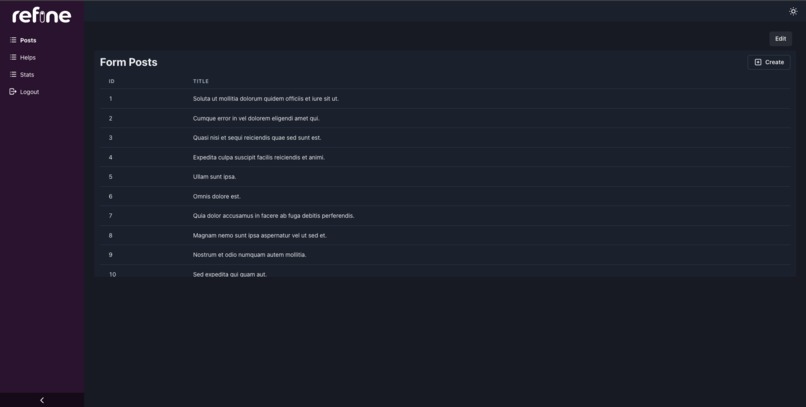
Home
-
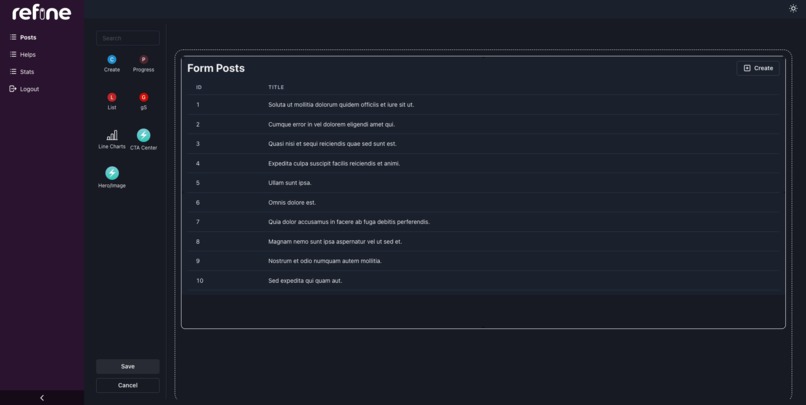
Edit
-
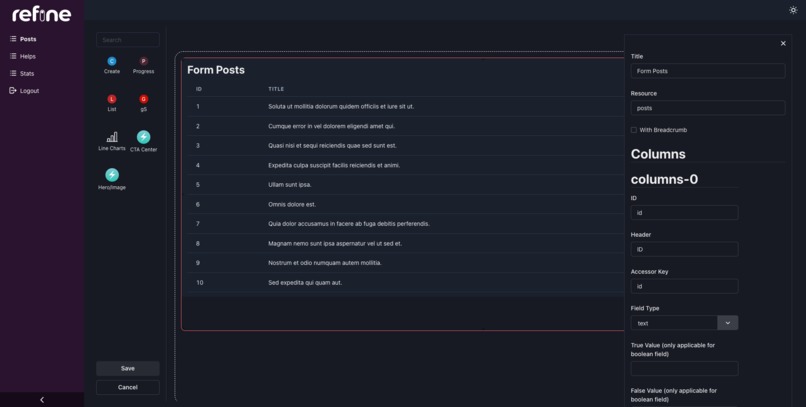
Edit Component
Inspiration
Previously, developers need to spend excessive time debating website layouts with project managers, so why not let them do it themselves and free up precious time for coding!
What it does
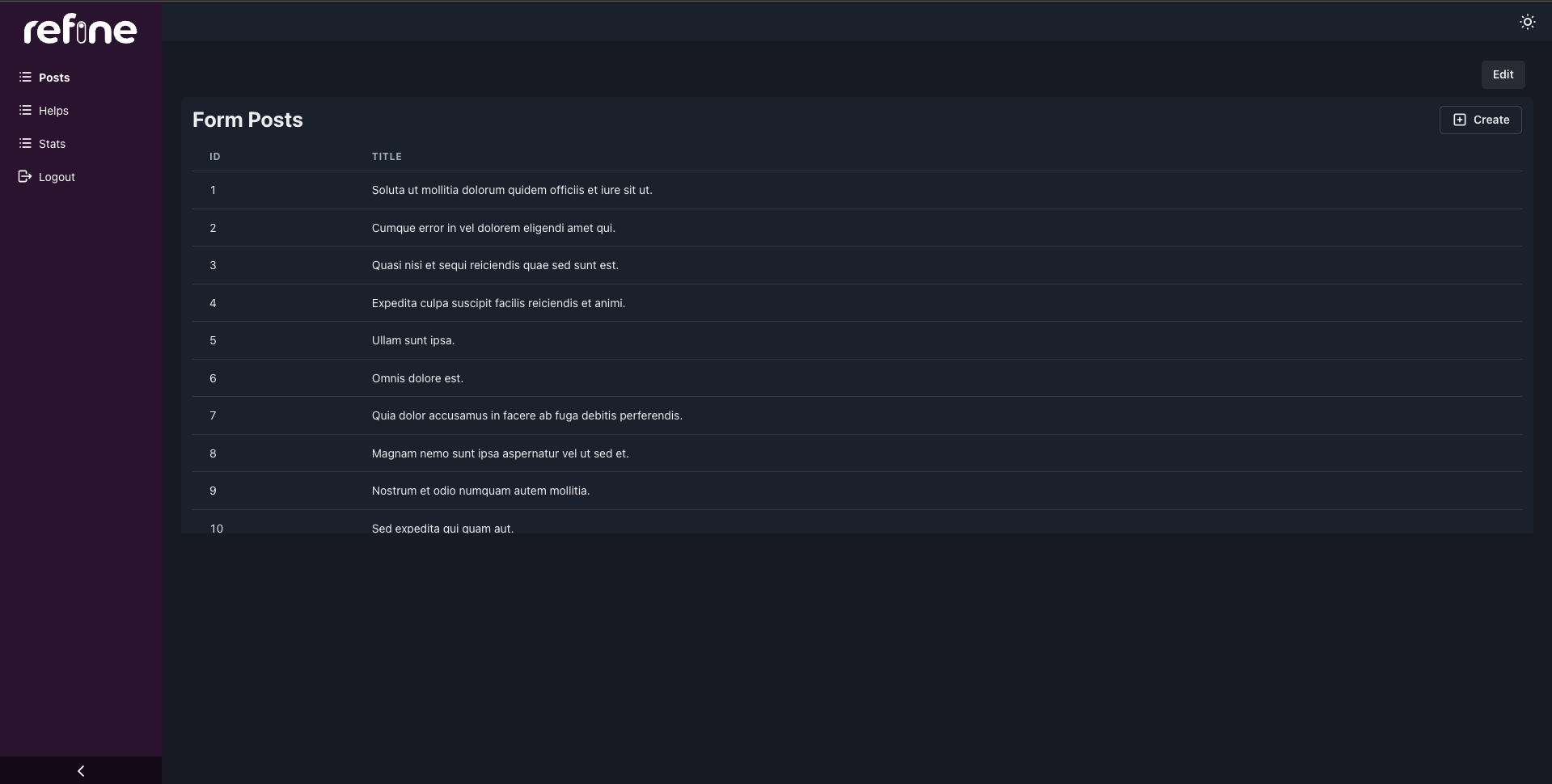
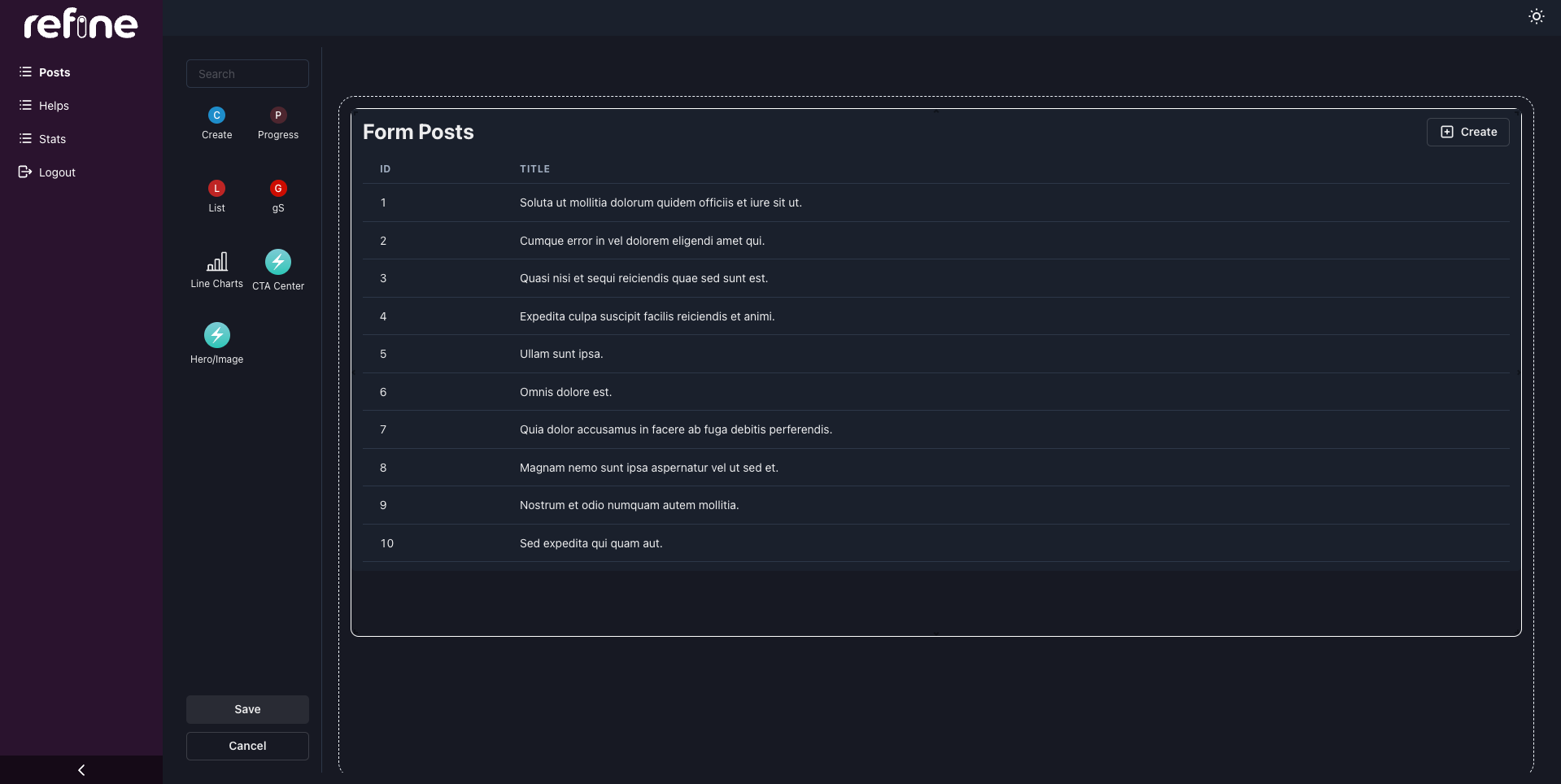
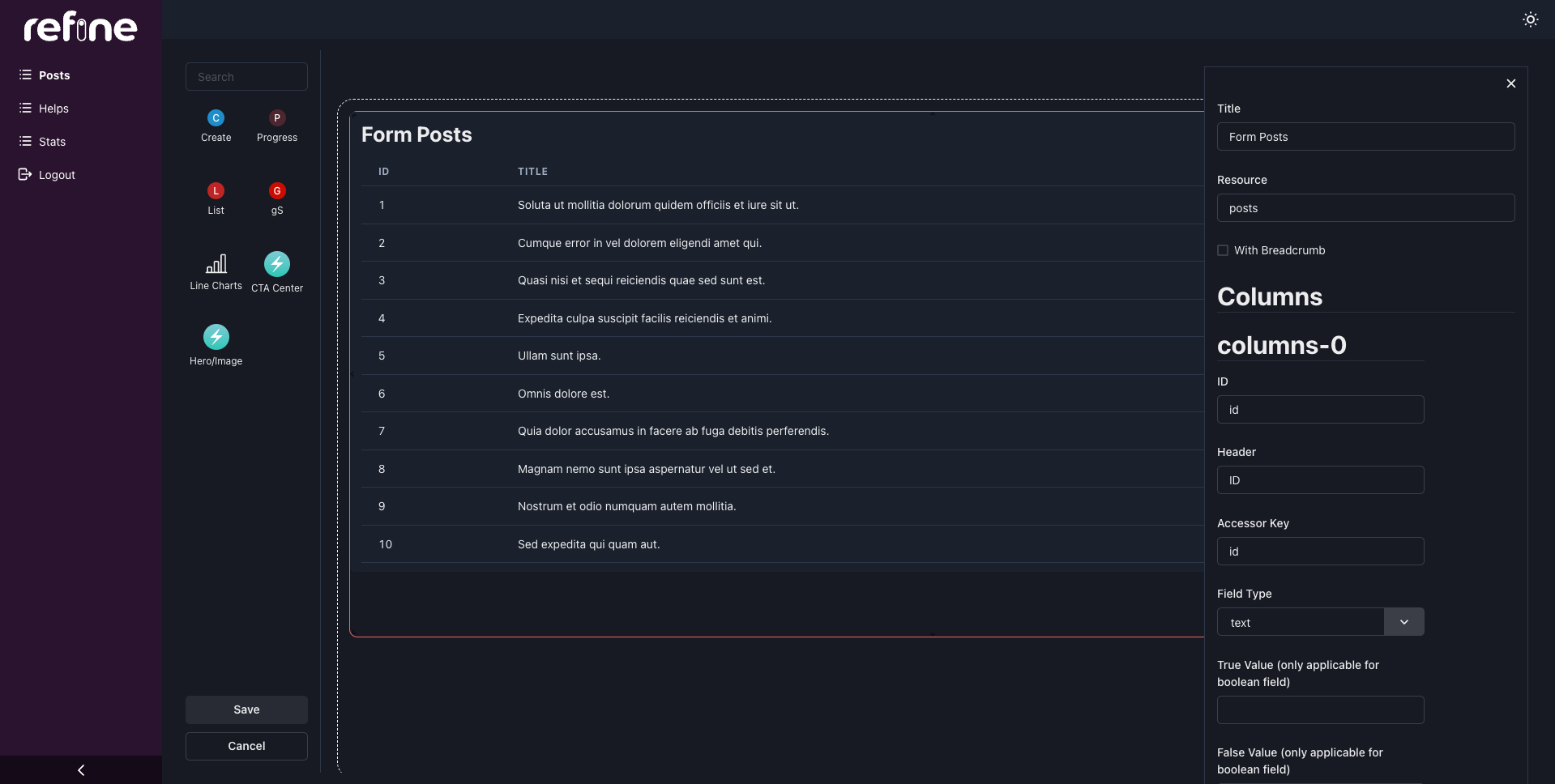
It is a tool that allows users to place built-in or custom components within a grid design meant for websites they want to create. In this way, users can see an accurate representation of their website without relying solely on designs and repeated changes from developers.
How we built it
We first built a dashboard with a sidebar and some built-in components, then added refinement components such as lists and creates. We also implemented drag and resize functions, and used JSON schemes to save user configurations.
Challenges we ran into
It was tough to find a way for users to create and register custom components, and to convert form data into schemas useable by components.
Accomplishments that we're proud of
We created a prototype that achieved our initial goals: users can now visualize the final website with both built-in and custom components, and can configure the fields accordingly.
What we learned
Not only does a UI placement solution save time, but also easy CRUD operations.
What's next for Refine
We intend to add Refine components as built-in features, since it reduces the complexity of setting up CRUD flows, which in turn meets our goal of creating a low code platform.
Built With
- chakra
- jsonschema
- next.js
- react
- refine


Log in or sign up for Devpost to join the conversation.