Inspiration
Getting a proper health facility is a dream for all. Not all government/private hospitals have good facilities, equipment, or experienced staff to take care of the people of that city. The issue can be resolved if all the hospitals work collaboratively and ensure good facilities are provided to all.
For eg: Consider in a small town, a government hospital does not have the equipment to treat the patient, so, the hospital referred that patient to a more equipped hospital near the city. Now the patient feels helpless to go to the referred hospital and explain his/her illness, as they know must follow the same procedures as followed before in the small-town hospital. Like going through the same test, same checkups, etc.
What it does
The project has the following features:
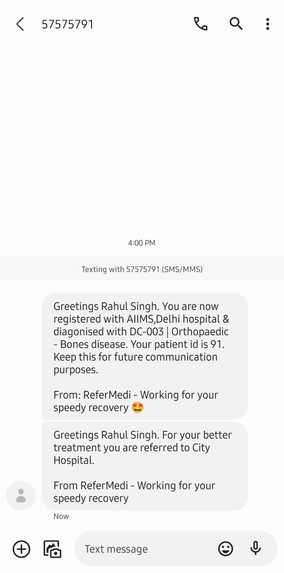
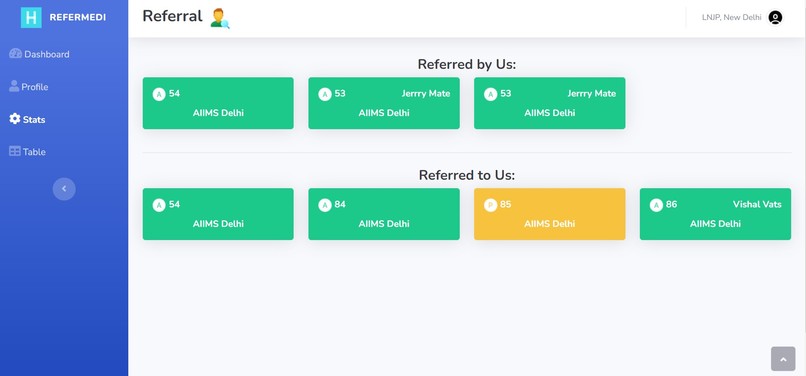
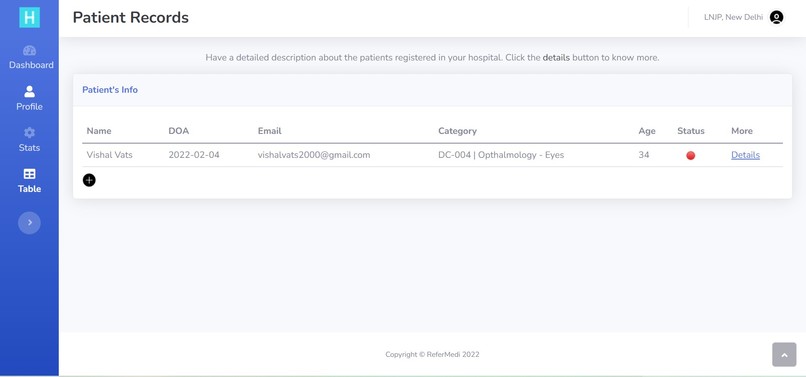
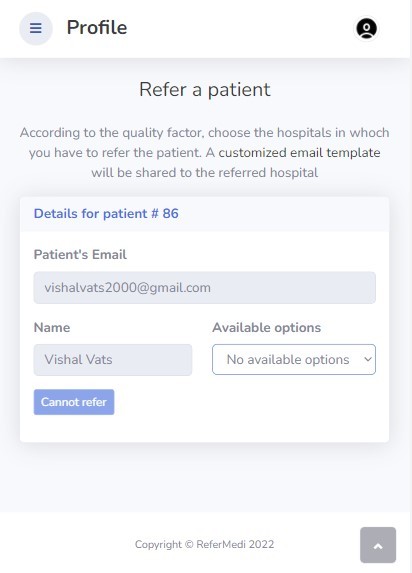
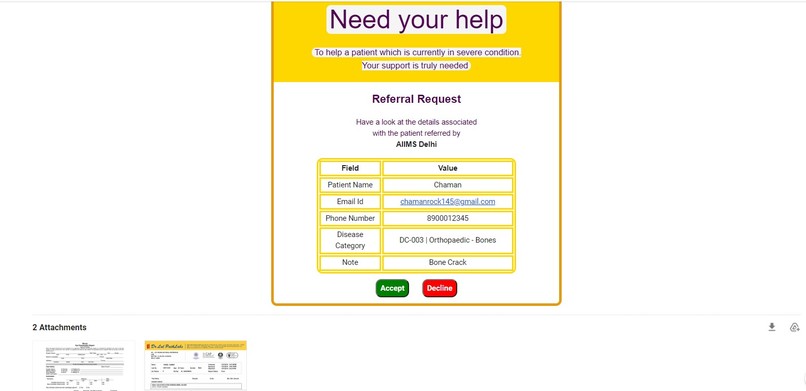
Patients' records are maintained on the platform and sharing while referring to other hospitals. Referring patients to other hospitals will be seamless. The hospitals have a way to connect. The patient will be intimated on two occasions (through Twilio API). One, is when the patient is registered by a hospital, and another one, is when the patient's referral request is accepted by the other hospital. When the hospital will make a referral request, then all the related test reports of that patient will be forwarded as an attachment along with the email. So, every hospital will be receiving the referral requests in the form of an email. Every hospital will be having a statistics page that will be having every referral log. The referral log can have three states which are as follows:
a. Accepted (A): If the referred patient has been accepted
b. Rejected (R): If the referred patient has been rejected
c. Pending (P): If the referral is still pending i.e. the referred-to hospital has not responded to the request
How we built it
We thought web application would be an important part of making the project accessible to every hospital because in this manner more and more hospitals can collaborate on this platform. So we used PHP, bootstrap, and HTML for making a site that can prove to be an efficient solution for the above-stated problem. Wehave routed various actions of the user such that the hospital can have a seamless experience in using the application.
For hosting the website, we used the Hostinger service. Referral request templates have been coded from scratch and the inclusion of reports as attachments with email has elevated the project level a lot. To use the messaging service, we used the Twilio REST API and configured it using the Integromat scenarios (webhooks) so the patient will also be intimated about what is going on behind the scenes. Initially, we thought of making it a hospital-only-oriented website but in the end, we included the patient in the workflow which sort of added new dimensions to the project.
Challenges We ran into
When we thought of integrating Twilio with the project, we were facing many problems The message request was failing again and again because we were not considering spaces in the parameters for the REST API. Then we solved that by encoding %20 for spaces. The webhooks for Twilio were also a bit frustrating because we weren't able to properly extract the URL parameters from the request and then form a message body for the SMS
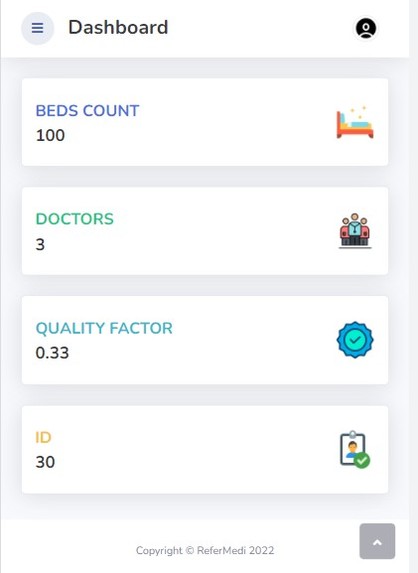
Initially, there was no plan of including the statistics page for hospitals. But as we proceed further we changed a lot of routing in the app and thus used PHP to its fullest and then made three states for the request (which are looking beautiful) and pleasing to the eyes.
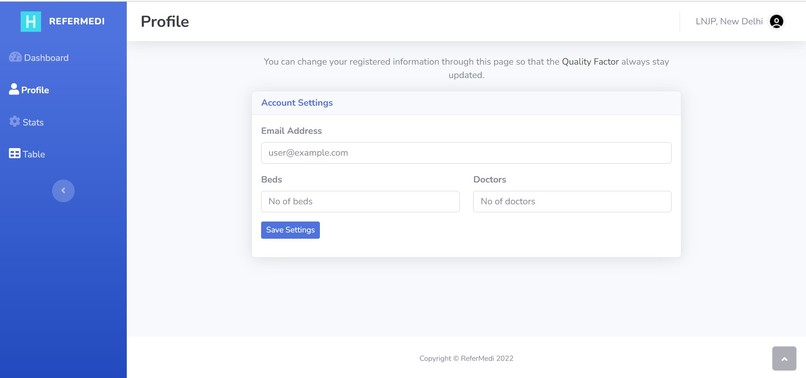
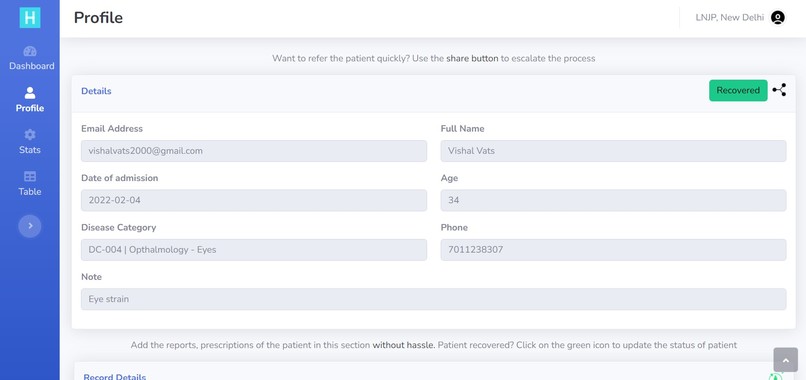
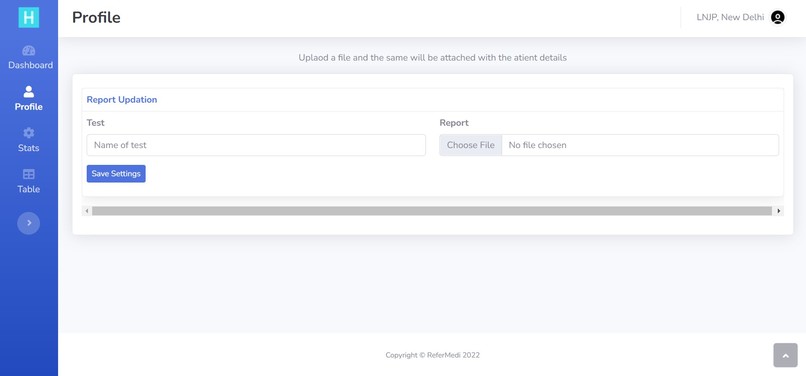
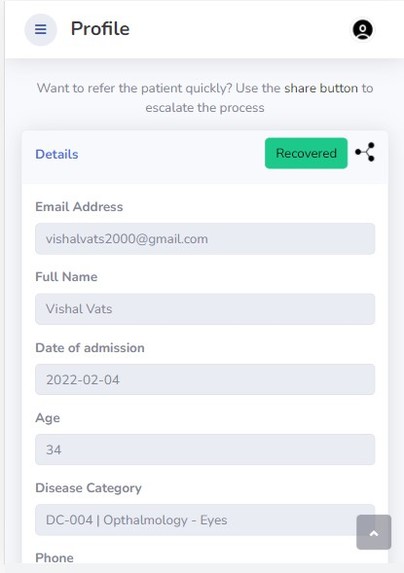
According to the actions, the app should have 10 separate pages because there are a lot of functionalities running. To limit the number of pages, we used the concept of routing along with parameterized GET requests so that we can use a single page for 3-4 actions. (For eg: We have used the Profiles page for adding a new patient, changing the hospital stats, adding patient reports, etc.) This thing not only helped us to enhance the UI/UX but also got involved in brainstorming and plating around sorting information along with the different route requests.
Accomplishments that we are proud of
1️⃣Developing an app in 2 days and also the use case of this project is very high, as it is related to the healthcare industry.
2️⃣I am sure the hospitals will be having a seamless experience while referring and managing patients.
3️⃣With bare PHP and a few front-end languages I have developed an app that ensures that the users/hospitals will be having the best User Experience. There are plenty of things to play around and thus the end-user will neither be confused nor be bored after using this platform.
4️⃣From uploading reports of the patients to updating them I am proud of every bit in making this project and it rightly fulfills the purpose of why I made this.
What We learned
Handling REST API requests
Making and customizing email templates from scratch & integrating them with PHP.
Sending attachments with emails through PHP.
Configuring Twilio API and using it with webhooks made through the Integromat platform (now known as Make).
Making a completely responsive web app that looks great on every screen size
What have we made during this event?
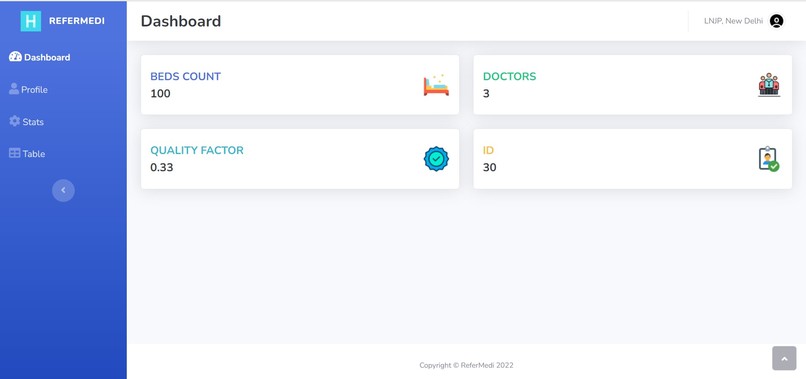
You can see through the video itself, that we have provided the video in which you can only see the hospital's functionalities. We did the following things:
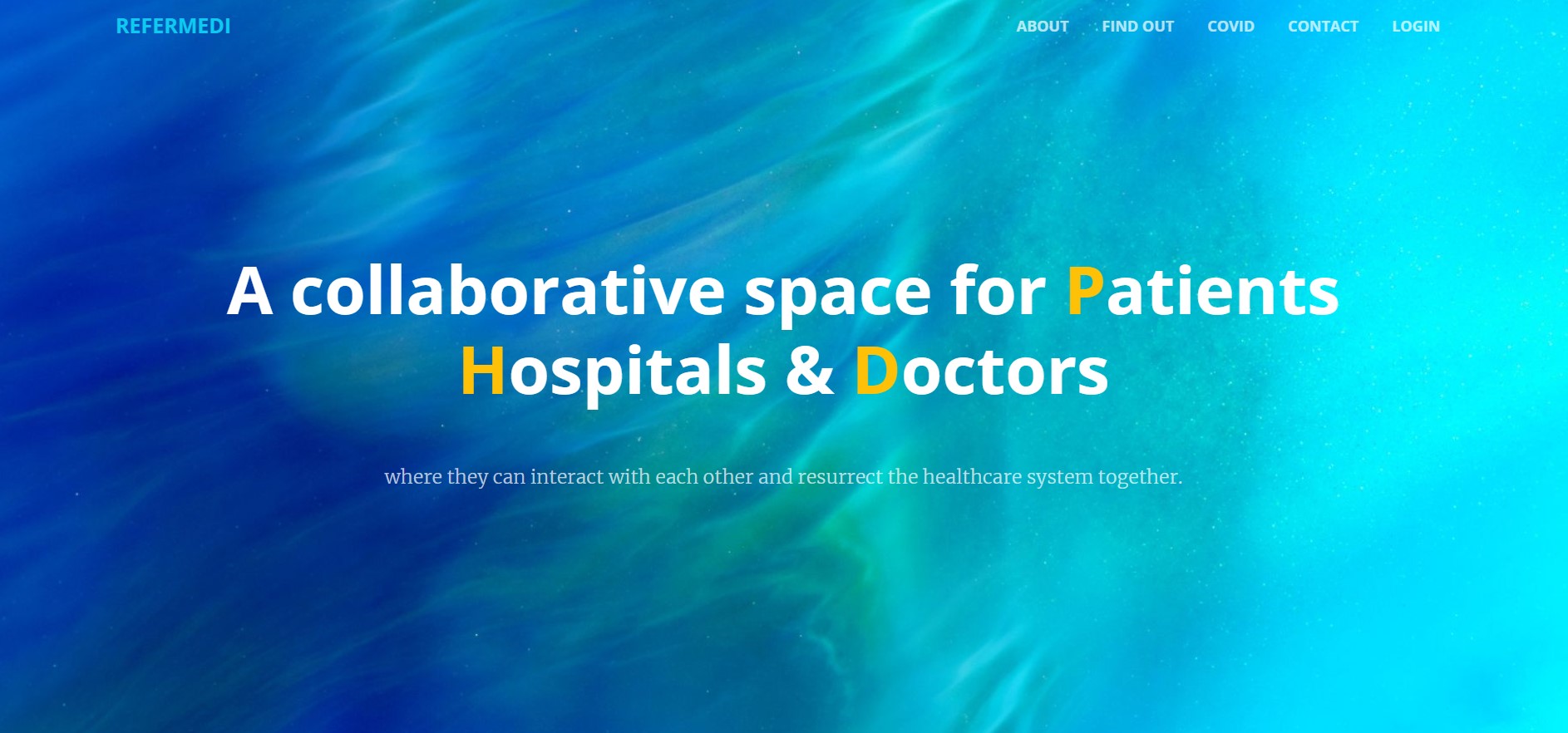
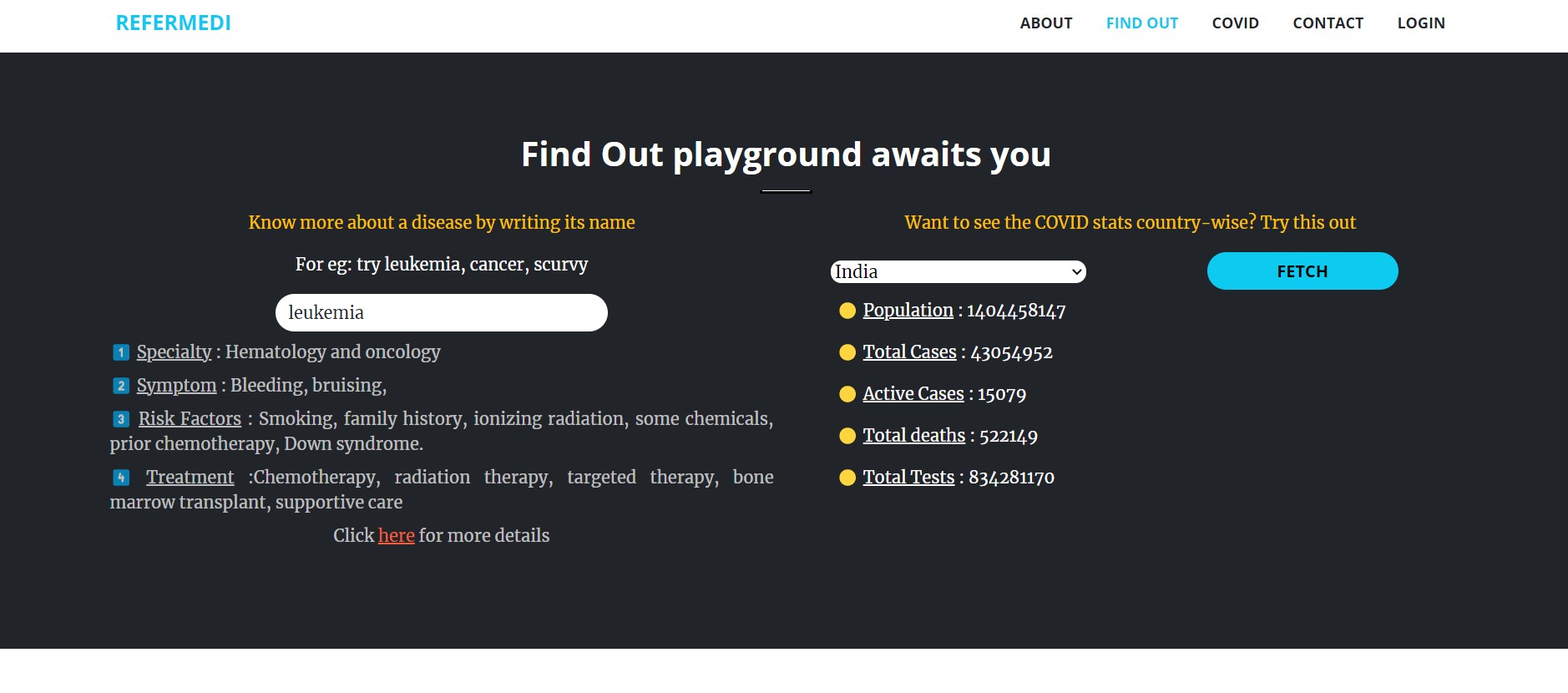
1️⃣ Made a dynamic and interactive landing page for the website (play.html) page which has many sections. But the main highlight of the page is the find out section

Here you can see that the user can do two things: firstly he/she can search for any disease (just have to enter the disease name in the input field and then click enter) and the related information like symptoms, causes, treatment, etc will be shown. Second is the Covid stat section which enables the user to get covid stats of 232 countries with a mere click.
2️⃣ As we have now expanded our project for two more entities (patients & doctors) we have to change the registration form for them. We have ensured that the doctor doesn't have to register themselves because whenever a hospital will add a doctor, the login credentials will be automatically created at the back end and will be shared with the doctor and thus the doctor can log in into his/her account anytime (which will save their precious time). Let's have a look at the input fields for patients in the form.

3️⃣ This is the dashboard of a patient.

Within this dashboard, the patient can do numerous things. Firstly he can have a look at the various details that he filled in at the time of registration. Next, he can change the phone number and email by going into the profile section. From the dashboard, he can book an appointment by the search & sort facility provided at the bottom. If no options/doctors will be available there then NA will be shown. The patient's requests status will be visible in the bottom-right corner.
If the appointment gets accepted by the requested hospital, then a chat option gets enabled through which one can do a lot of things like, ask any query, get a prescription by the doctor.

Note: A patient can request an appointment with a single doctor in a hospital at a time. For eg: if a patient has requested an appointment for Bones in LNJP hospital then he can't book another appointment for bones in the same hospital again. Also, when a request is being made, it is directed to the desired hospital where the hospital will either accept or reject the appointment.
4️⃣ Now let's have a look at what things a doctor can do?
🟢 Add/delete up to 5 prescriptions which will also be visible to that patient.
🟢 If a patient has asked any question through the Q&A section, then he can answer that question.
🟢 If he feels the patient has recovered, then that patient can be discharged from the doctor's end by clicking on the Discharge button.

So, in this fashion, we have created a website that makes space for Patients, hospitals & Doctors and offers a ton of functionalities. We have created a beautiful-looking website that has very strong backend support and we are proud of the fact that we pulled off this great website by using bare PHP, HTML, BOOTSTRAP & JS. No fancy libraries or frameworks have been used to build this.
We have tried our best to explain everything that can be done by the patients and doctors through pictures and stuff. We wanted to put this all together in a video but that was taking the length to 13 minutes. So, we tried to explain the hospital stuff in the video and other functionalities through textual format only.
Apart from all the mentioned functionalities which we have discussed, we have another major thing in the store. We wanted the hospitals to just not have the typical custom way of interacting through the website - TOUCH & TYPE. So, we made a JS-based voice assistant for doing the majority of the things. Hospitals can use their voice to do the following things:
1️⃣ Create a patient's record 2️⃣ Navigating between various sections of the website 3️⃣ Updating the profile section and much more.
I genuinely insist that you watch the JS-voice assistant video also because we have almost minimized the main video by 90% and this feature is making our project very much unique and awesome. So, do have a look at that video also.
https://youtu.be/xq3O43UyBkg (From 3:45, the JS voice assistant use is shown)


Log in or sign up for Devpost to join the conversation.