Inspiration
As a vibe coder, I often struggle to develop webapps or iOS apps without coding knowledge. The way I build apps fully relies on AI, and often, I encounter the same errors across different projects. For example, Google authentication — every time I try to implement Google Sign-In, I keep getting the same error, and I swear I’ve spent a lot of time fixing it previously. I grew tired of keeping track of AI conversations, and there’s no place for me to manage all these golden nuggets when working on a project. The conversations that fixed common bugs get lost in project folders.
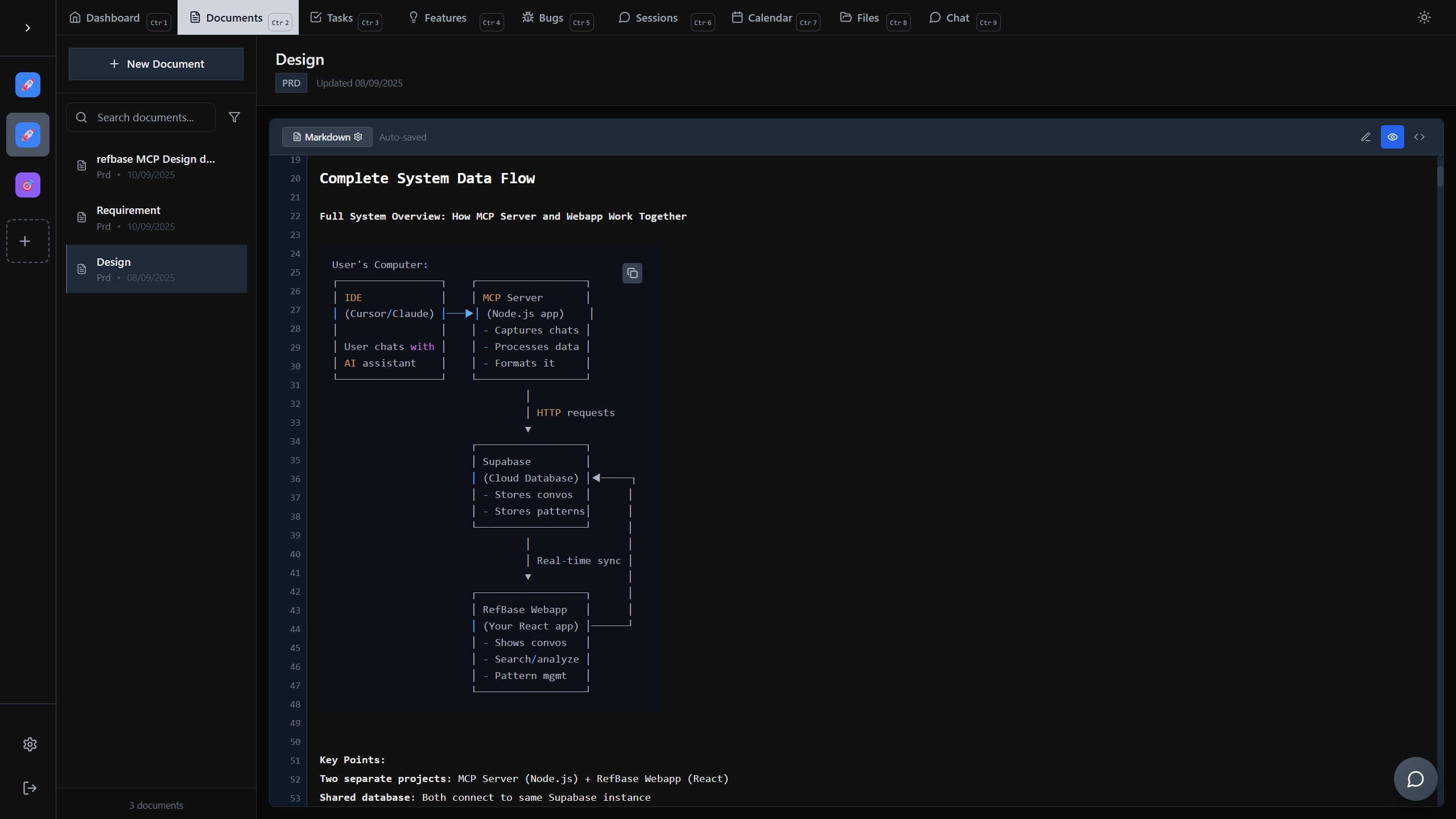
That’s when I decided to create a project management webapp with its very own MCP server, so everything can be saved and fetched by the project manager via MCP tool calls. The webapp acts as a central knowledge base containing all sorts of useful AI-generated content or user created content, which can then be used again in different projects.
What it does
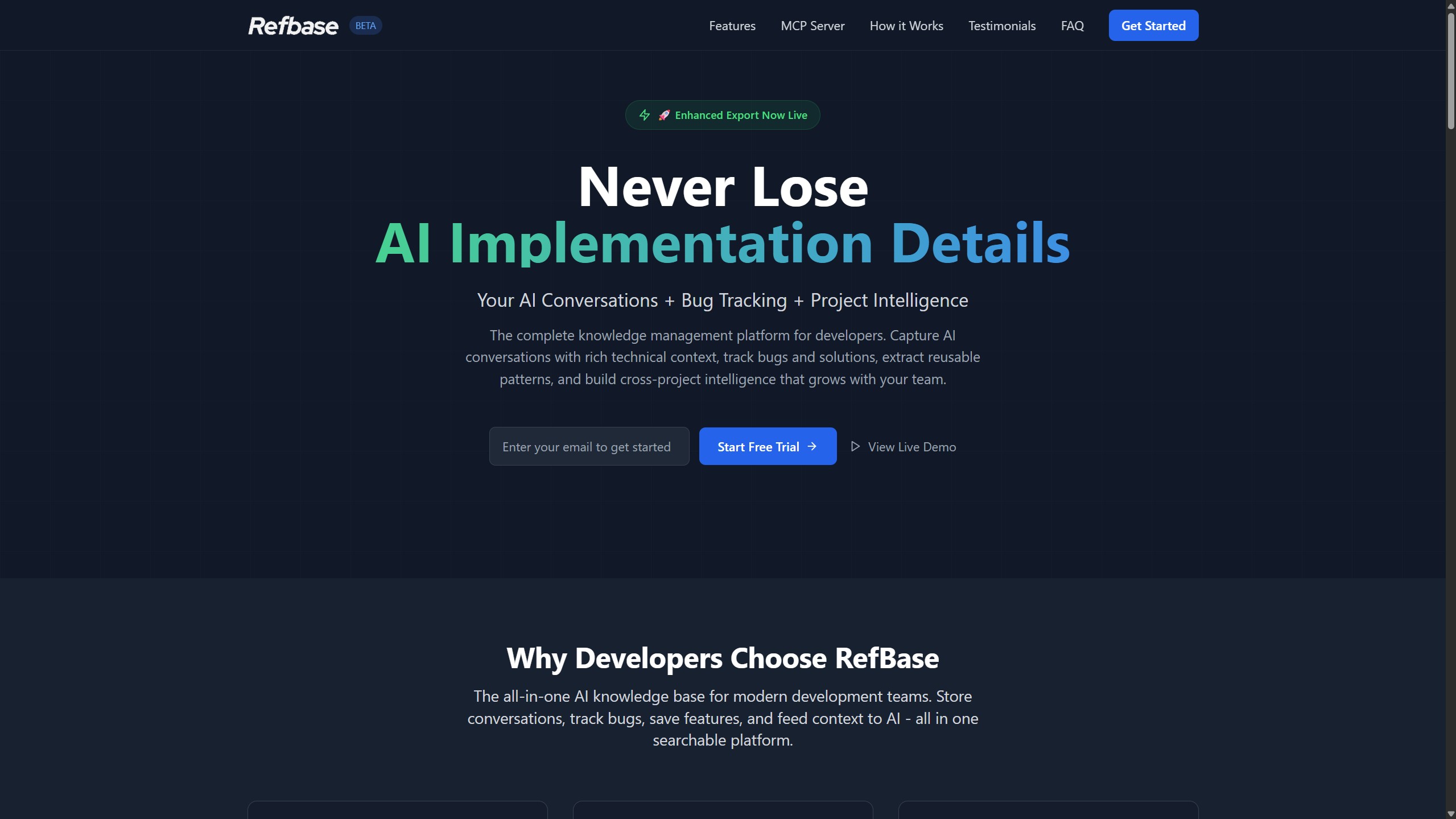
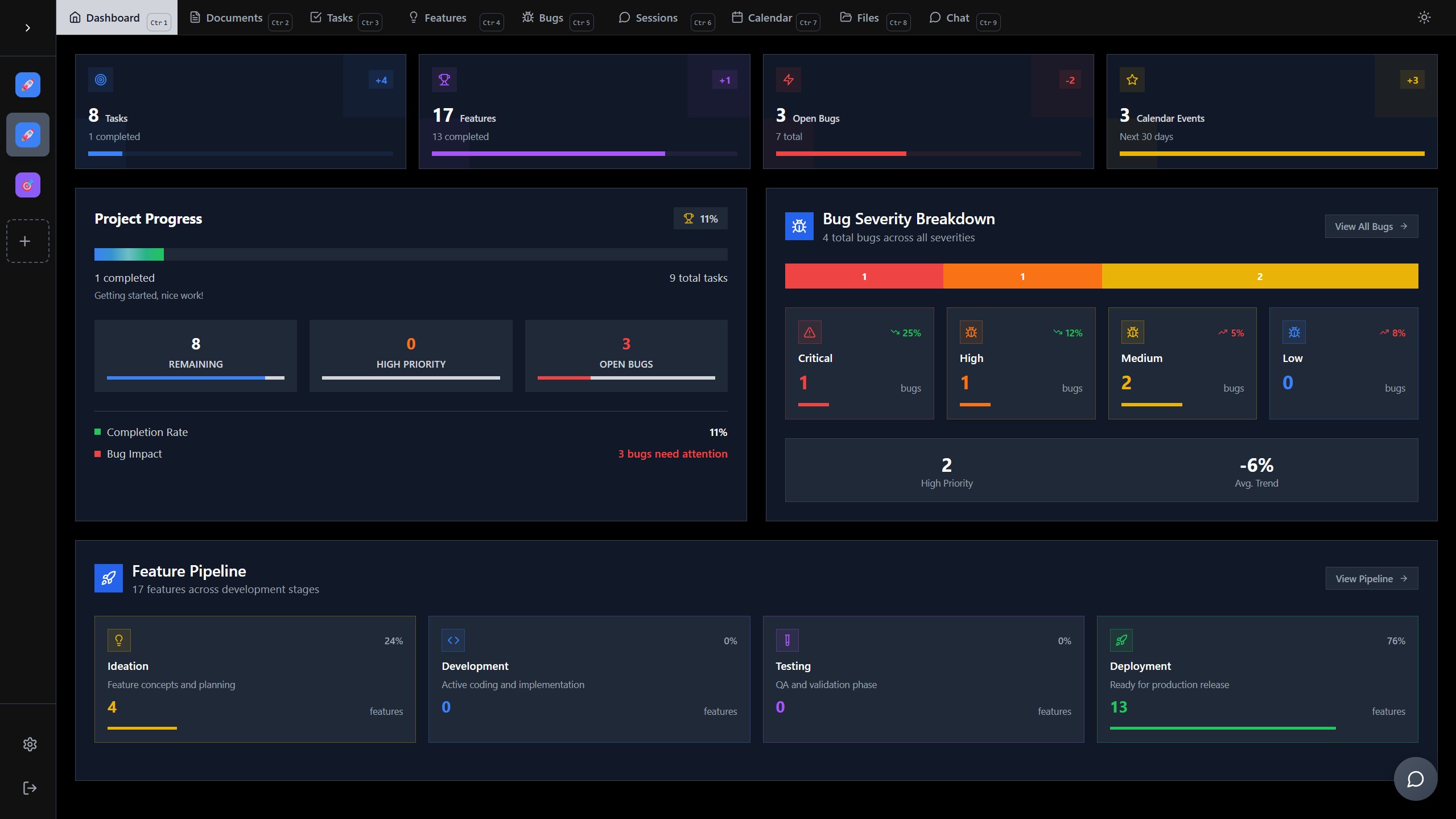
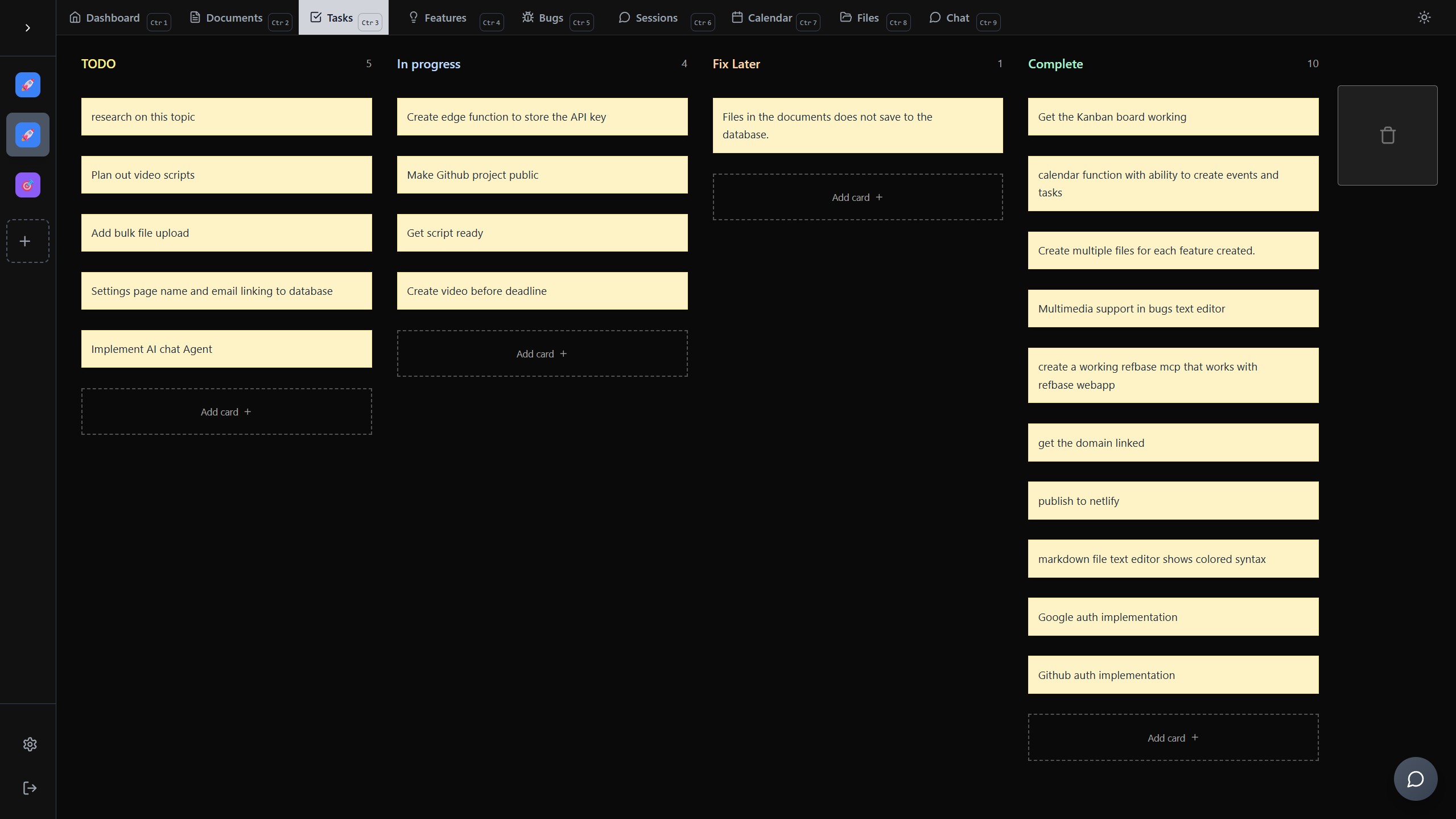
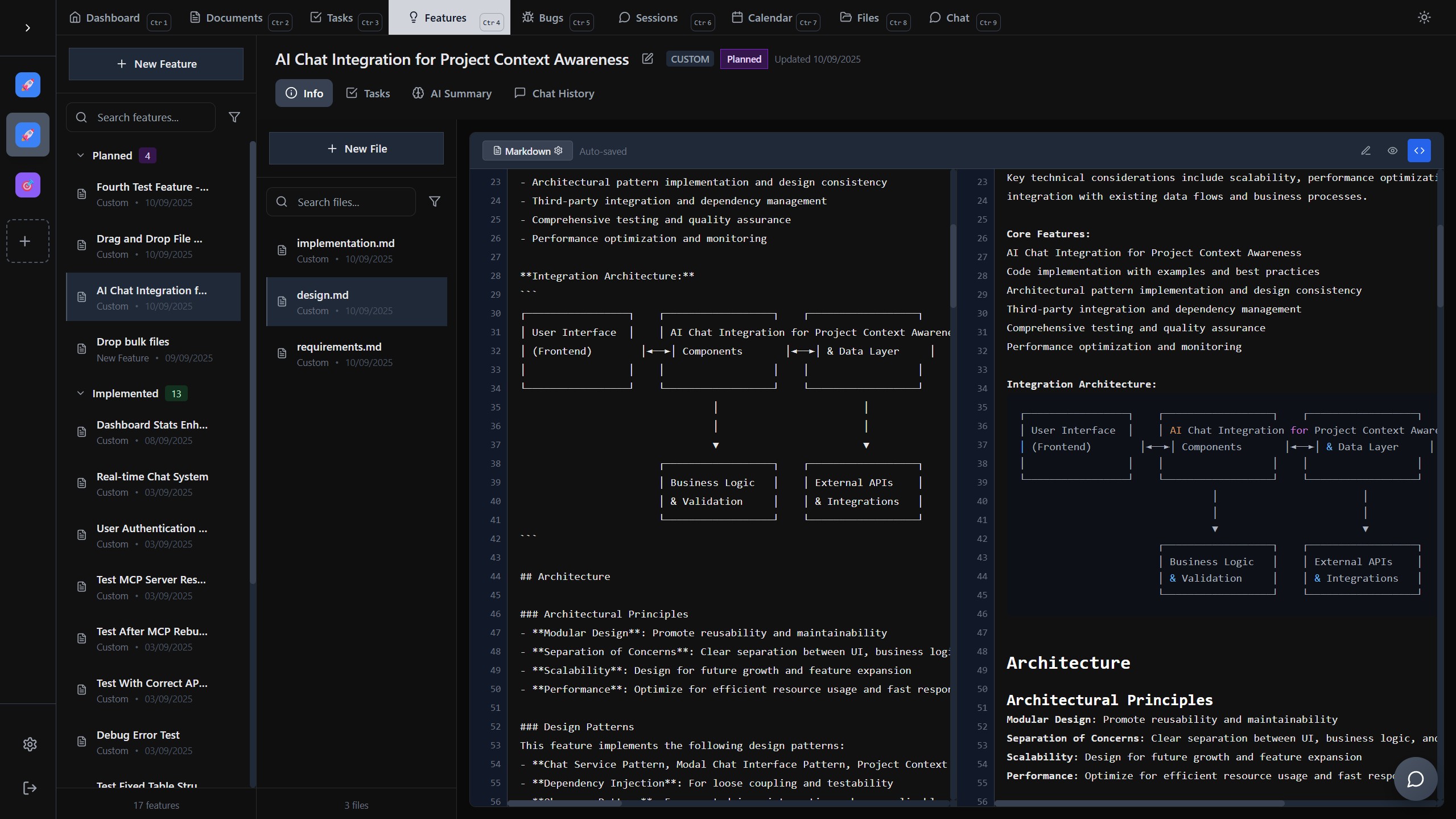
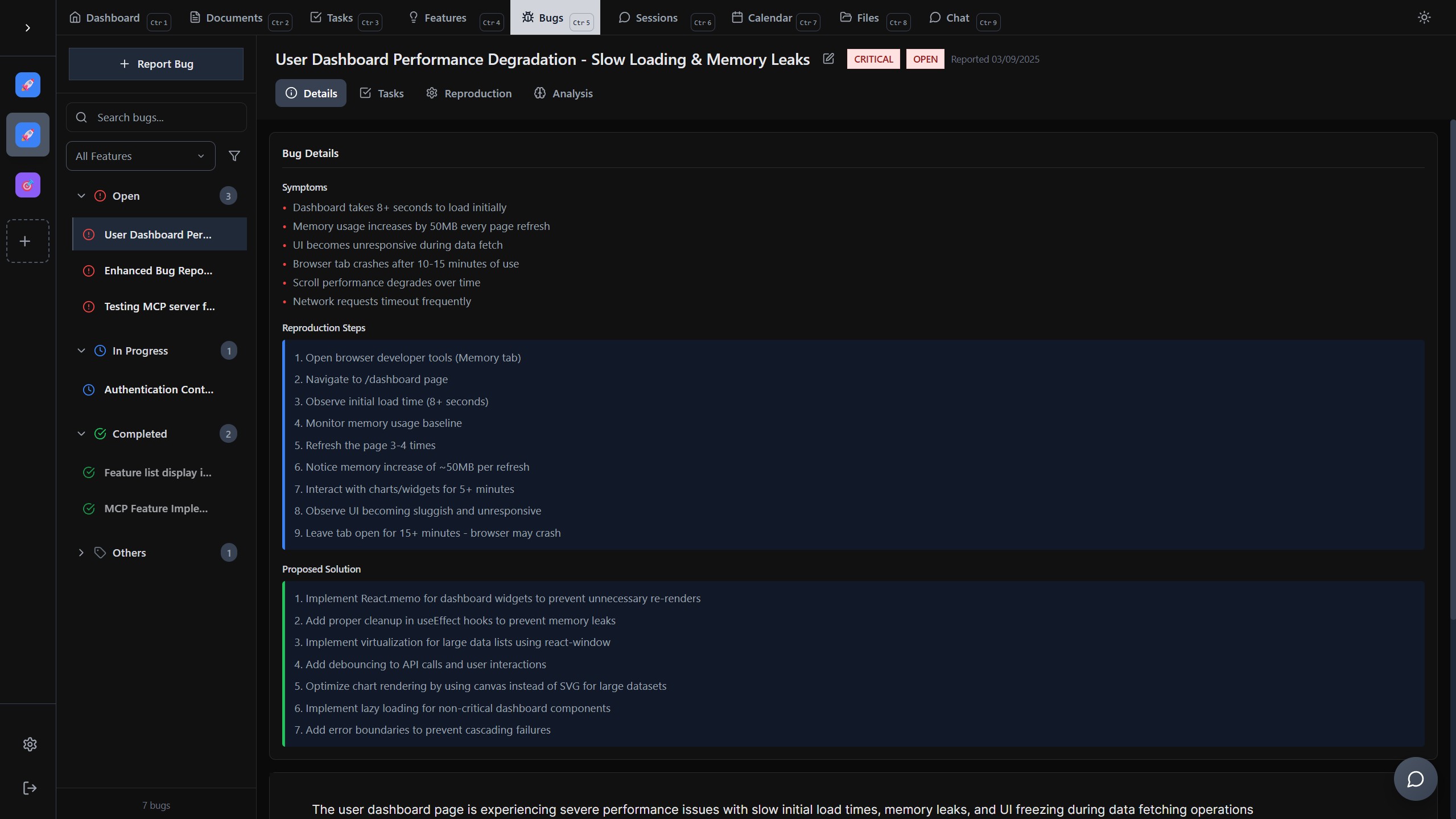
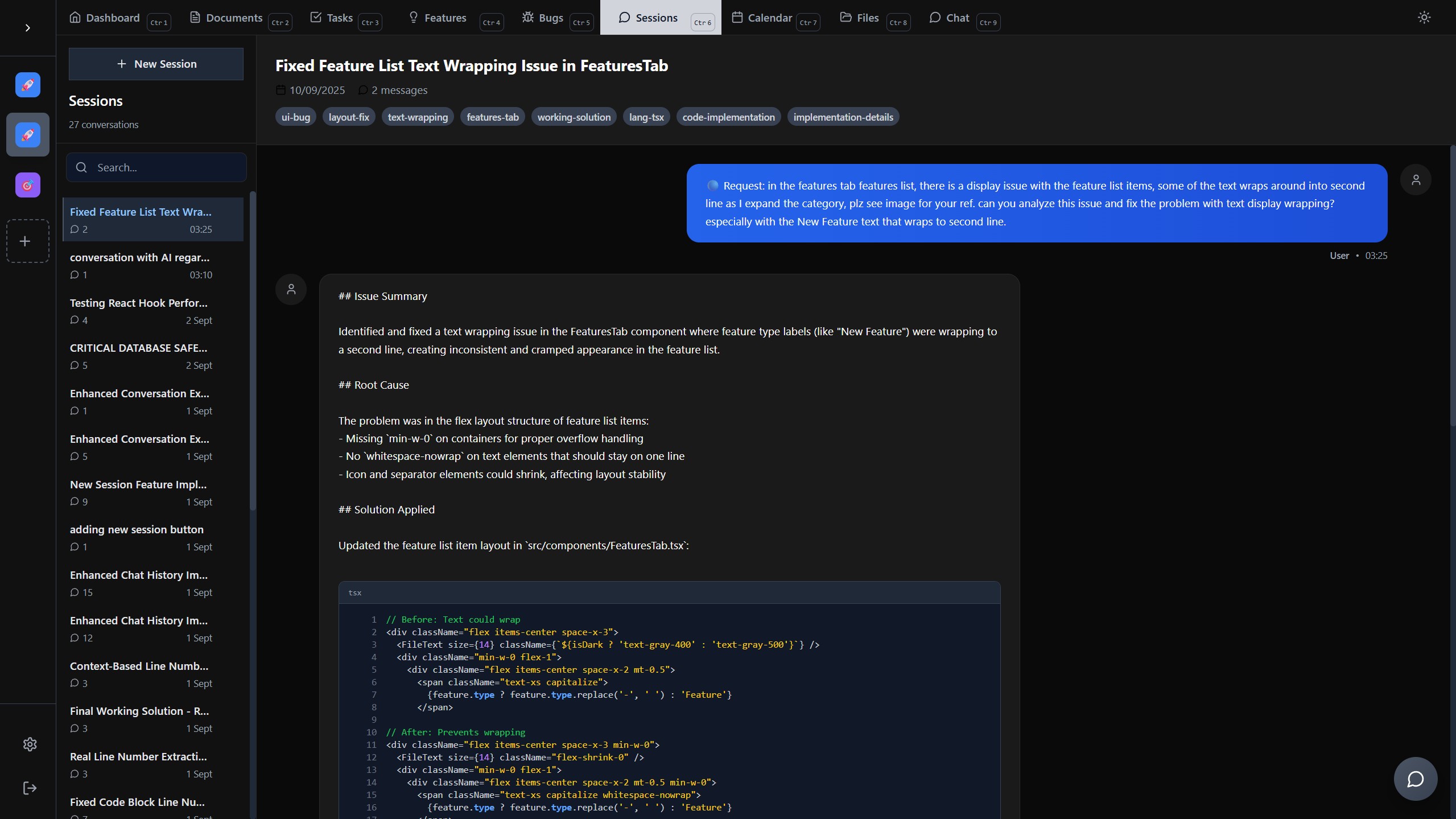
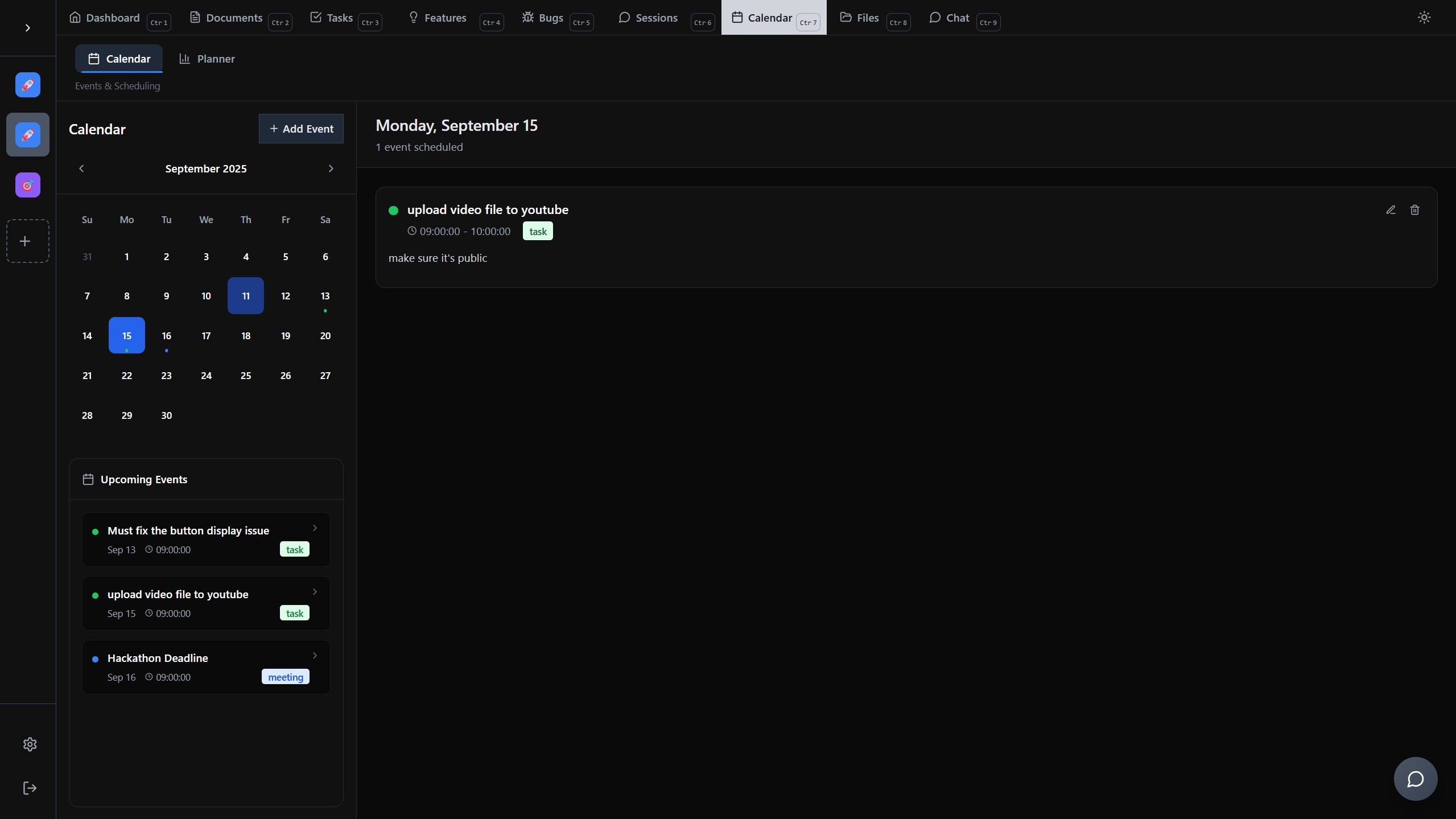
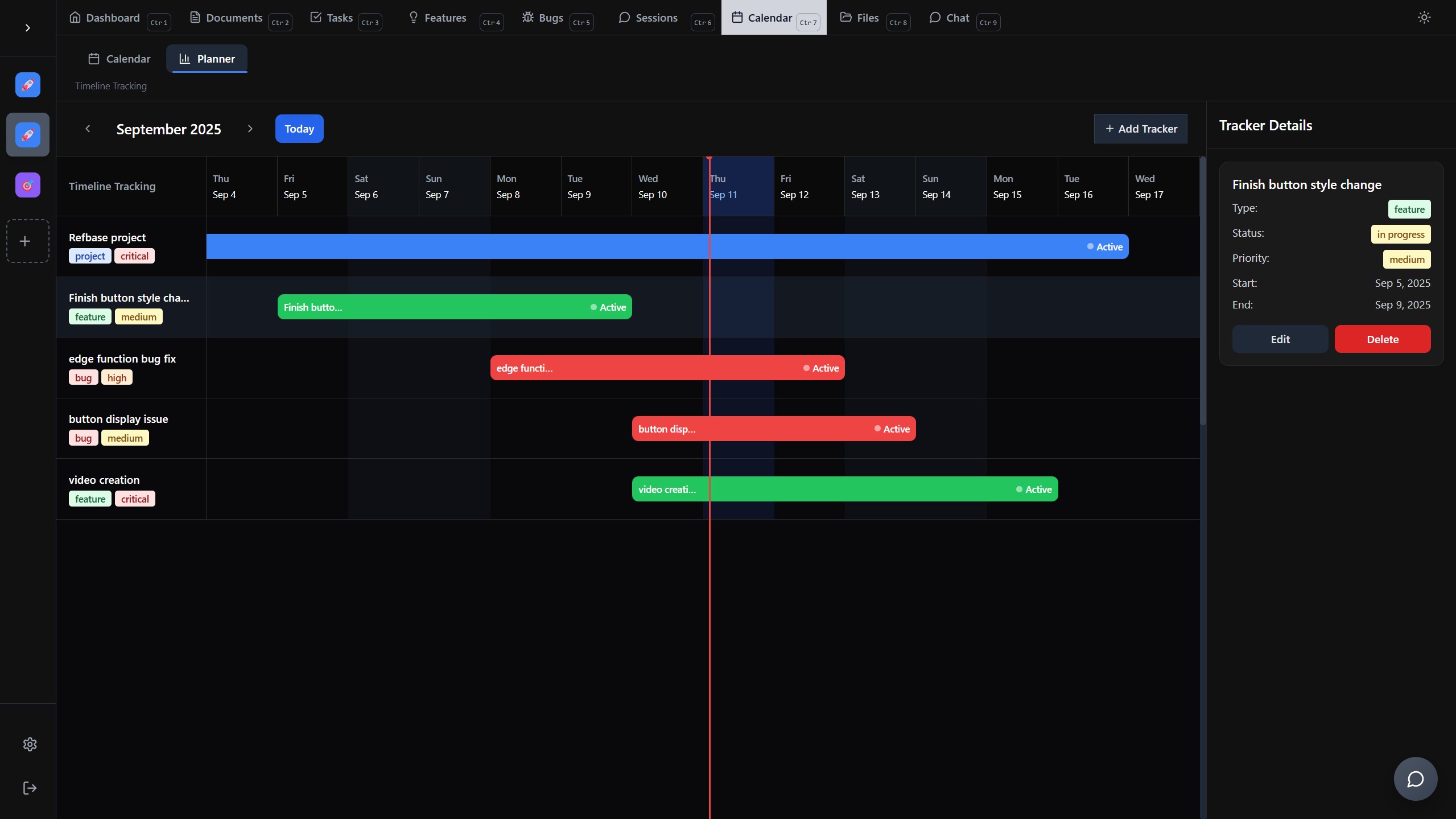
Refbase is a project management webapp where you can create project documents, plan out features, report bugs, manage tasks with a drag-and-drop board, store AI conversations, and plan your project with calendar events and timeline views, either manually by hand or by AI via MCP tool calls. The Refbase webapp supports multiple coding languages with colored syntax display. Everything is auto-saved, so there’s no need to click a save button — even if you forget, you won’t lose your work.
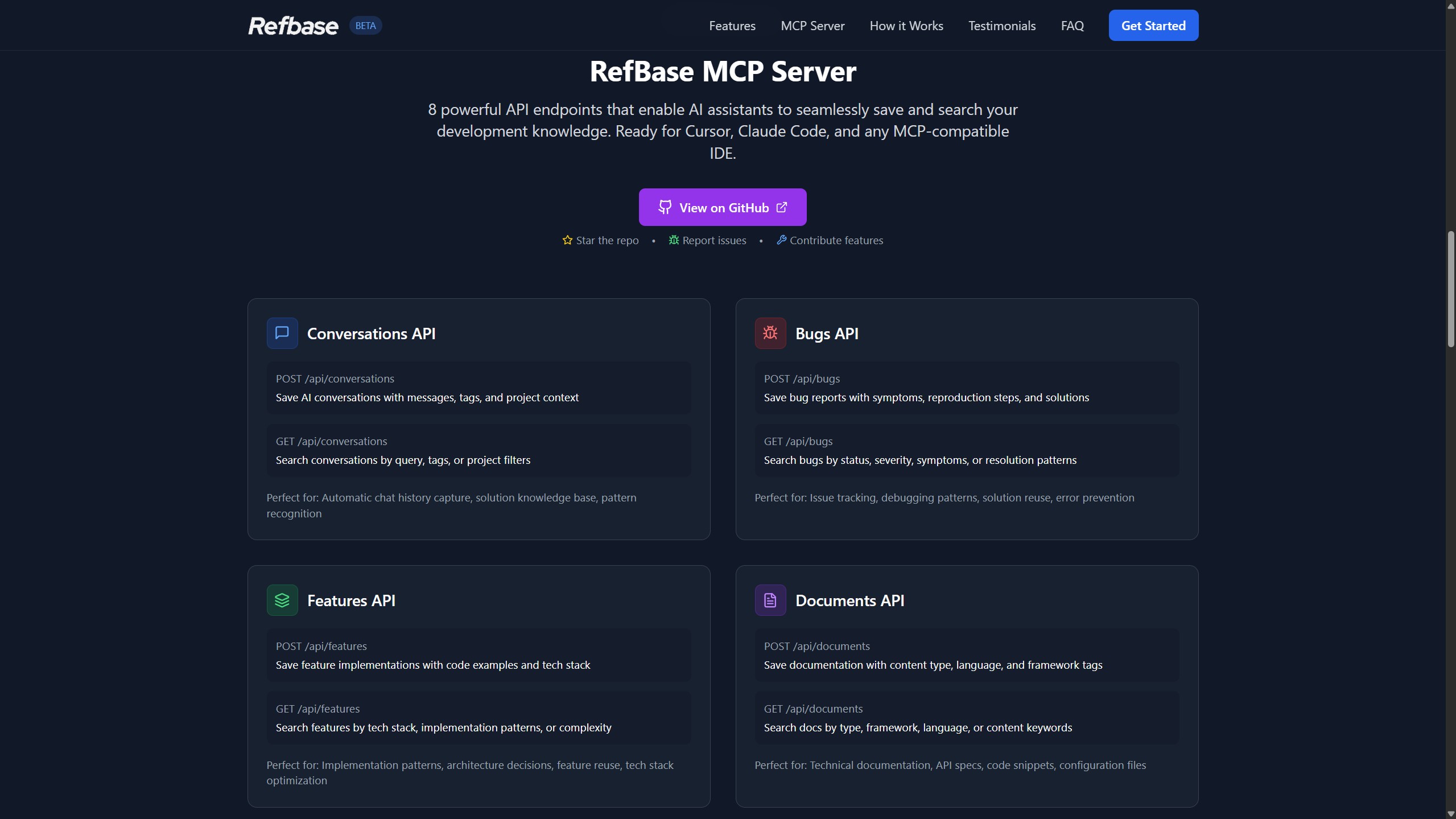
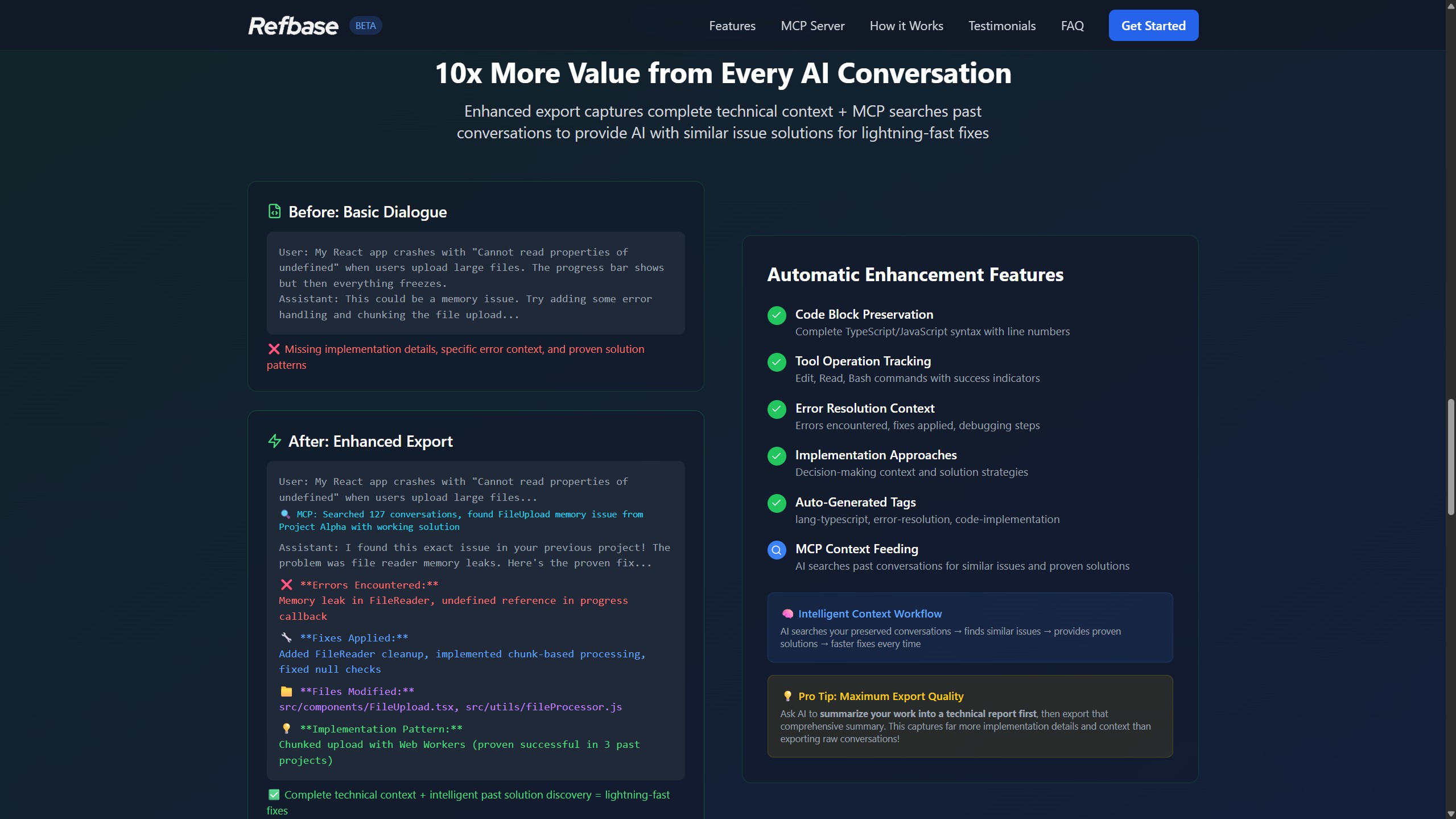
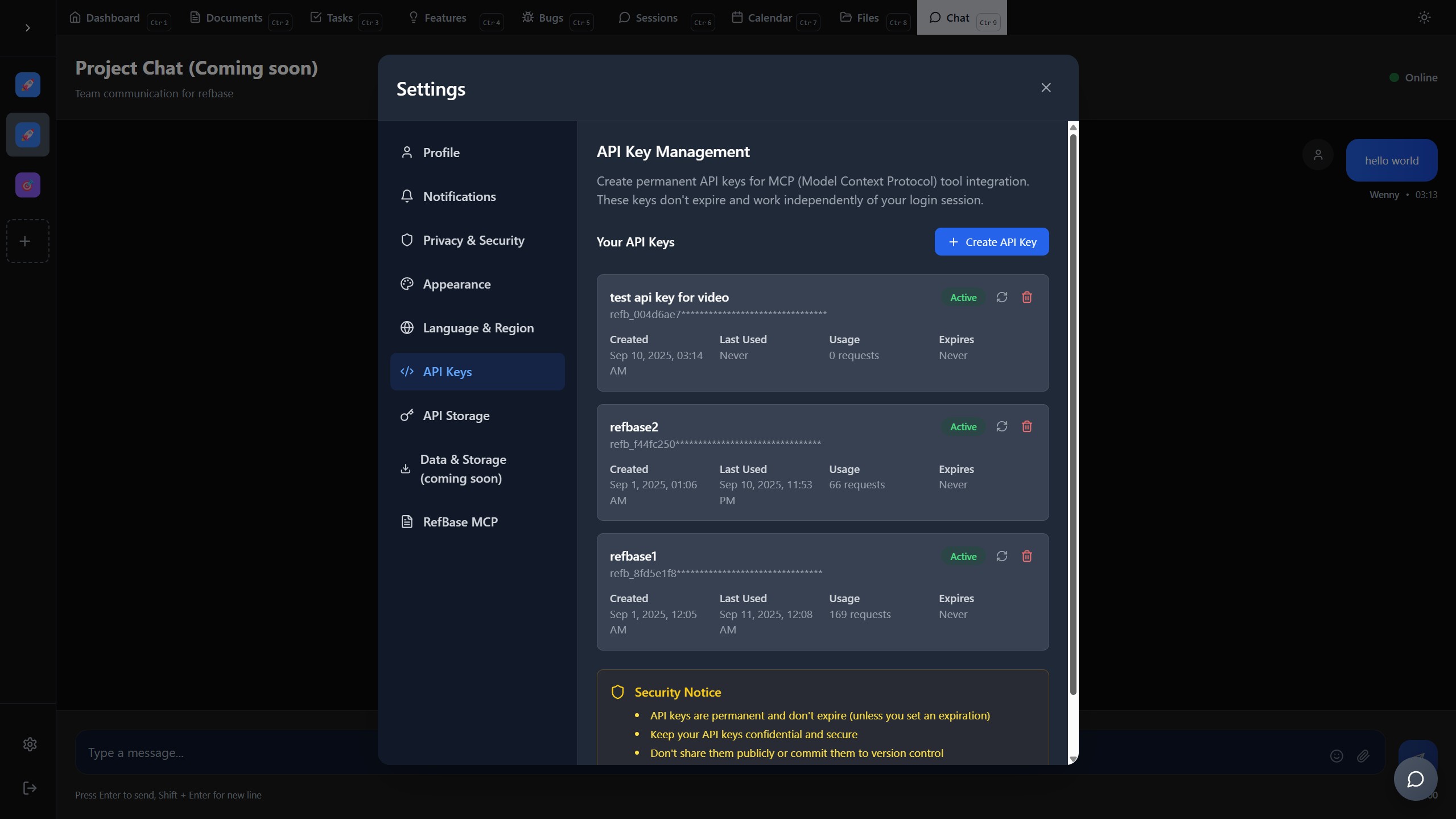
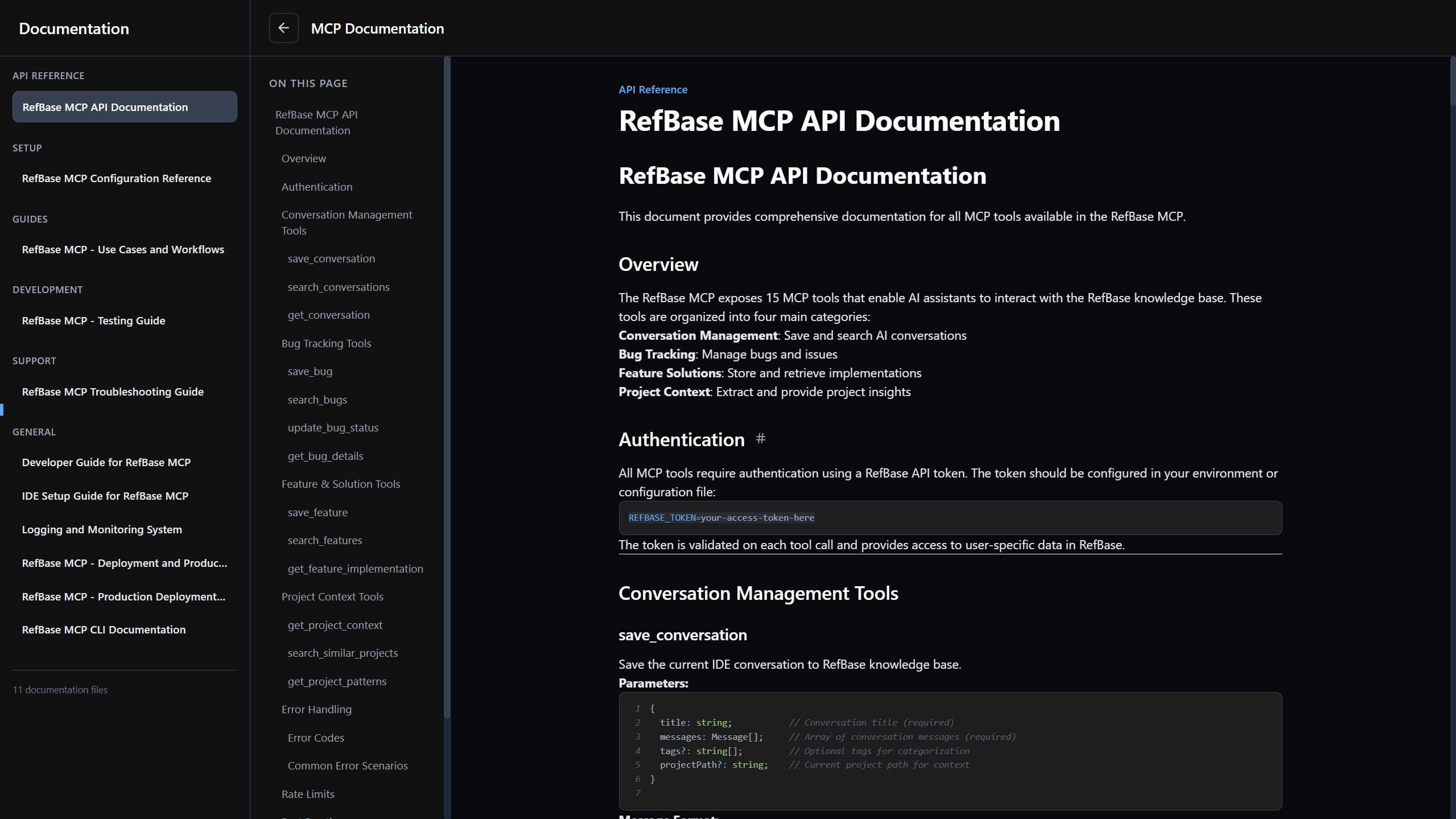
Refbase MCP is a companion app that works hand in hand with the Refbase webapp. It can search any keywords across all projects under your account and look for most relevant information you ask for. It has 13 tools you can use, including saving conversations, searching conversations, saving bugs, searching bugs, saving features, searching features, etc. Each save tool is able to create comprehensive content that’s directly saved to the webapp. So all the valuable AI chat sessions can be saved for later use, and most importantly, it matches your coding style.
How we built it
I started the webapp with bolt.new to create an initial landing page and the barebones of the webapp. Then I fully ported it to Kiro IDE and started working from there. I built features one by one using Kiro’s spec sessions.
During the early stage of development, I created agent steering, so Kiro would always know what the project is about. I then created 5 agent hooks, including architecture review, code quality checker, security auditor, etc. Some of the agent hooks fire up after each file edit to check for any potential errors and code issues, which I find very useful. At the end of a spec session, the features usually work out of the box, I had a few Wow moments with the Kiro's spec feature.
Toward the middle of webapp development, most of the tab features were working. Then I asked AI if it was a good time to start creating an MCP server, using Kiro’s spec to create an MCP plan based on the current state of the webapp. Kiro created a massive 27-task implementation plan, which later took over 2 hours to fully implement. All I had to do was tell Kiro to continue.
The result was surprisingly good. Now, looking back at it, the MCP server was mostly correct, with little to no missing files or modules. The rest of the MCP development was just bug fixes and output improvements.
Challenges we ran into
One of the most challenging parts of development was MCP API generation. First of all, I had (and still have) no idea how an API is created — let alone creating a webapp that can generate an API and connect it to MCP and link to the webapp. It’s almost impossible just thinking about it. But with the help of Kiro and lots of iteration, I finally did it, which is a crazy achievement.
Another challenge I ran into was connecting MCP to the webapp and letting my other test projects access the MCP, which is connected to the Refbase database. The challenging part was making database table and column names consistent across the webapp and MCP. It took me quite some time to figure out some naming mistakes.
One challenge that also got my attention was the MCP output quality. Initially, when I asked AI to save a conversation, it kept generating very basic information, which wasn’t helpful at all. It was quite a challenge toggling between the Refbase project and MCP project, asking each AI the same question, and letting it figure out whether the issue was caused by the webapp side or the MCP side. It was quite a headache.
Accomplishments that we're proud of
First of all, this Refbase webapp is my 4th project vibe-coded using AI, and this is by far the most difficult one — and it really works! I’m very happy to be at this stage, and tools like Kiro made it possible. In this hackathon, I essentially created two projects and interconnected them! I believe this webapp will truly help people code better and manage better.
What we learned
There are a few things I learned from creating these projects. Context is king. Every AI session requires a large amount of context about the project and the things you want to make. Give as much information as possible to the AI — it will do a better job. With that, I found Kiro extremely useful for this. Every vibe session or spec session I do, it automatically reads the projects, keeps AI focused, and the specs are created with detailed implementation plans referencing the exact requirements. All these really help AI to be on point. I haven’t seen anything like this anywhere else.
What's next for Refbase — Vibe coding knowledge base management
I will be continually developing these projects. I plan to add more features, such as AI chat with the project, where you can directly talk to the webapp AI and ask anything about the project. I also plan to add a feature where users can bulk upload files to any section of the webapp and automatically create these files for you.
Built With
- claude
- kiro
- react
- supabase
- tailwind
- typescript


Log in or sign up for Devpost to join the conversation.