-
-
-
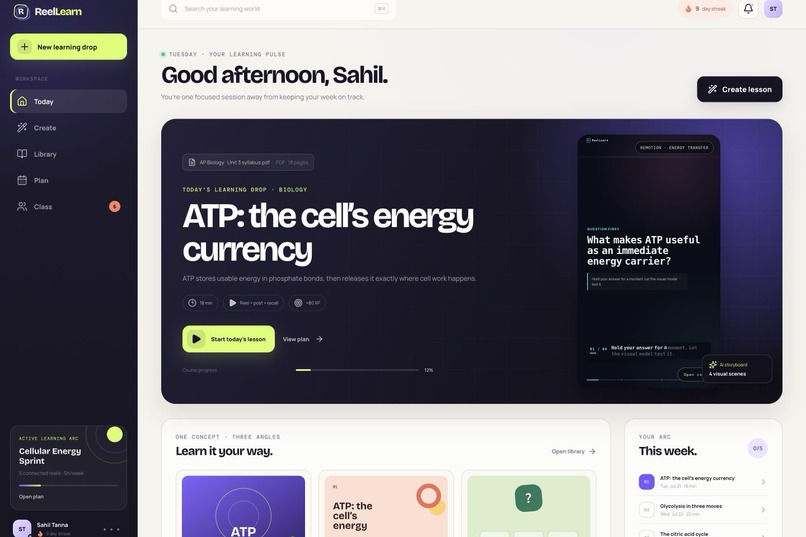
From one syllabus to a complete learning world.
-
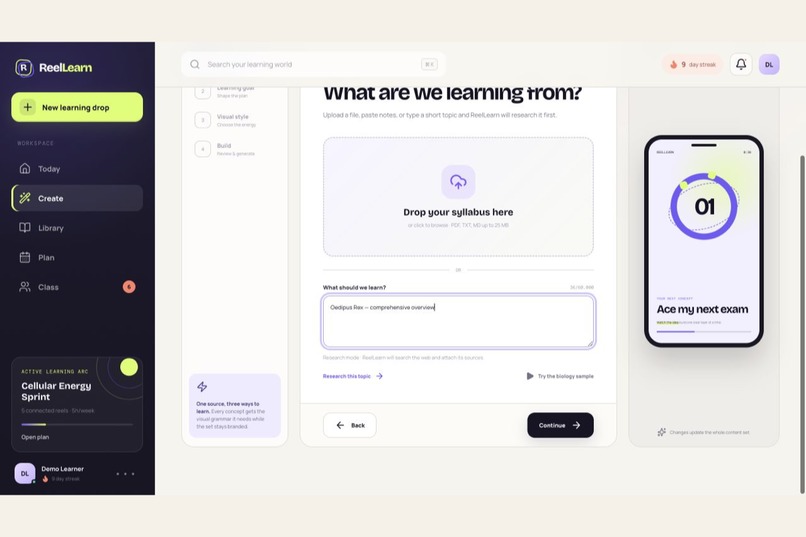
A topic is enough to begin.
-
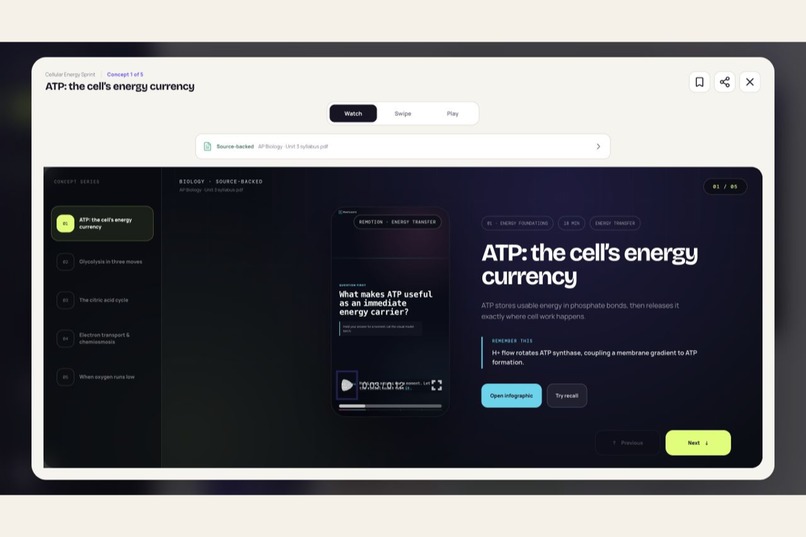
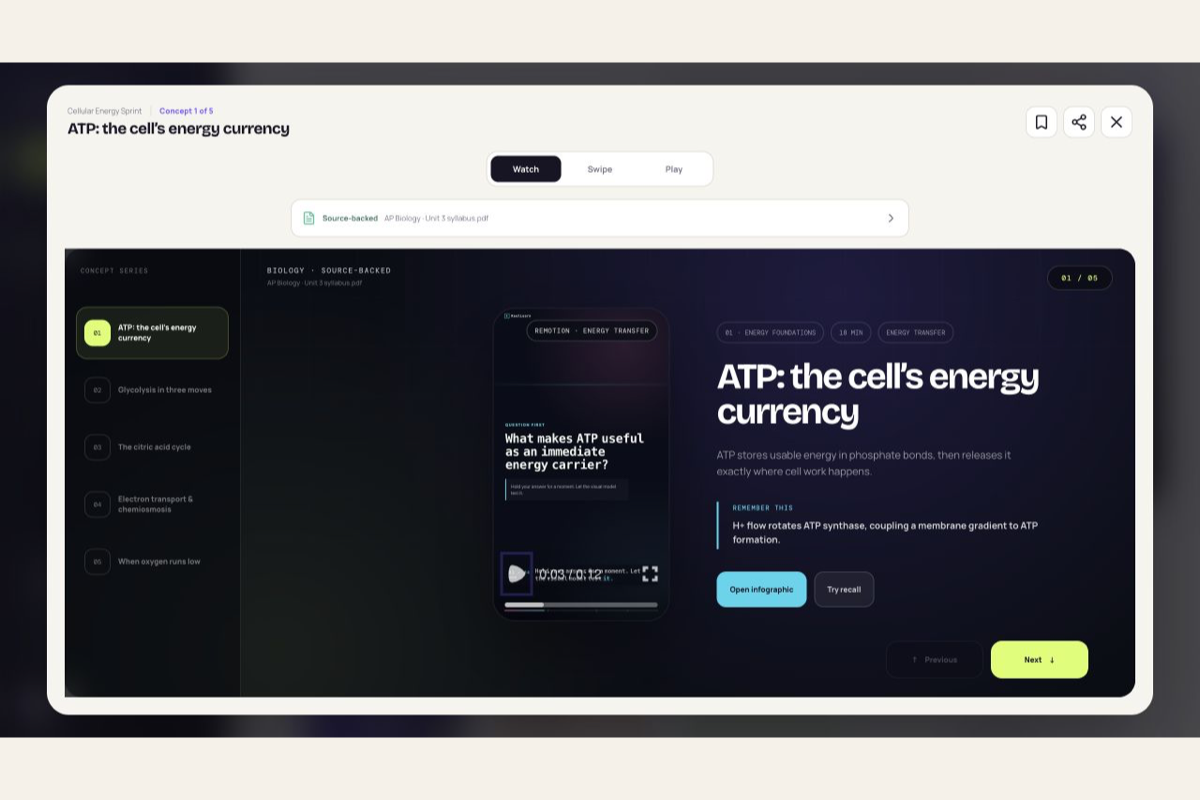
Connected concept reels, not isolated clips
-
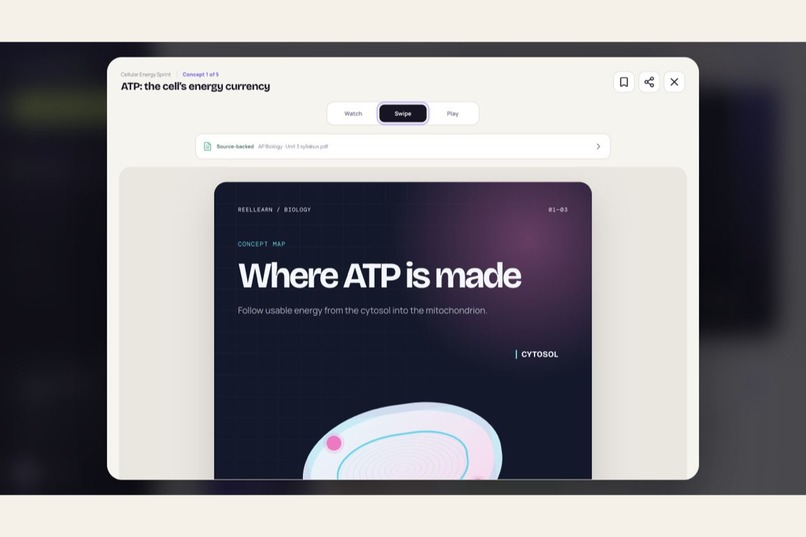
[Infographic carousel](/Users/sahiltanna/reellearn/docs/submission-media/07-infographic-carousel.png)Infographics that teach, not decorate.
-
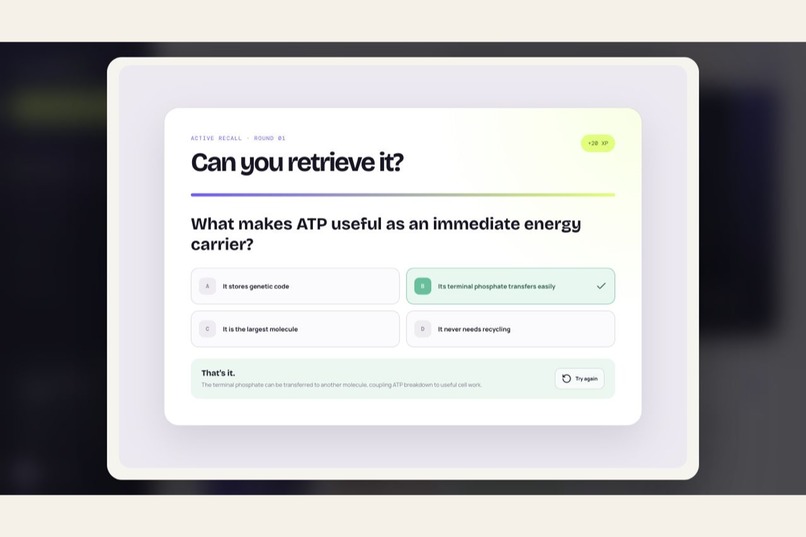
Retrieval replaces passive scrolling.
-
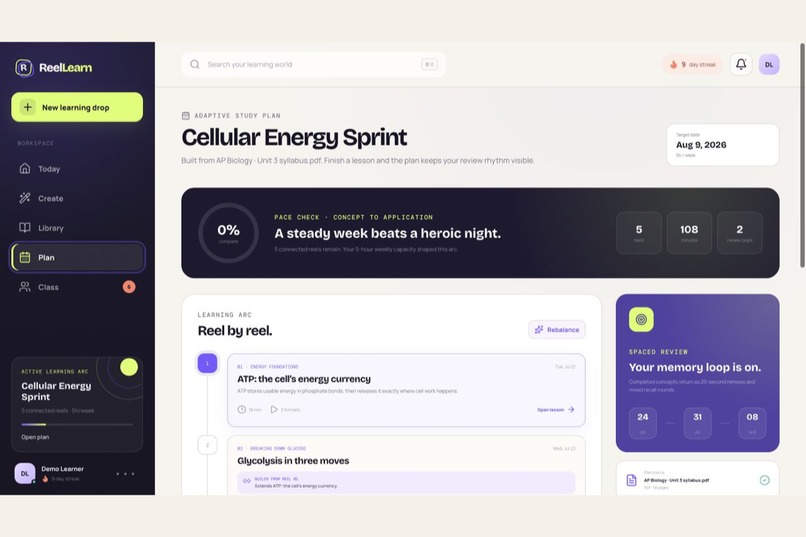
Every reel knows what it builds on.
-
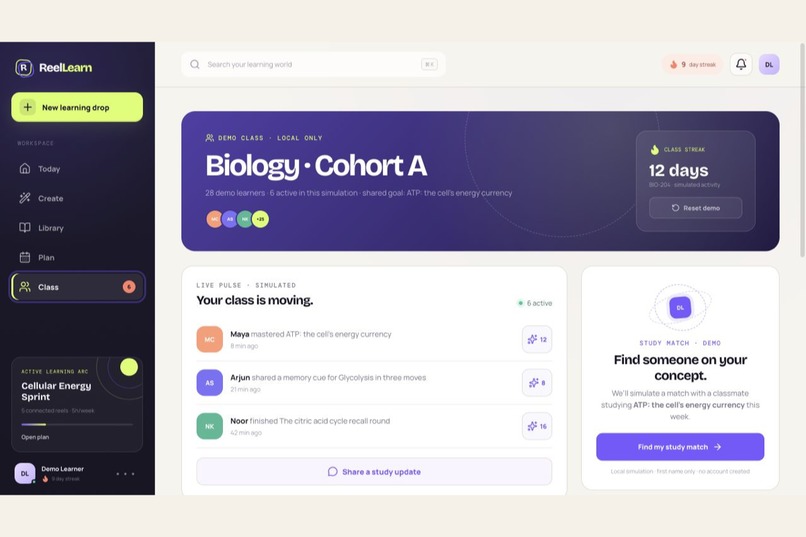
Healthy motivation, demonstrated honestly.
-
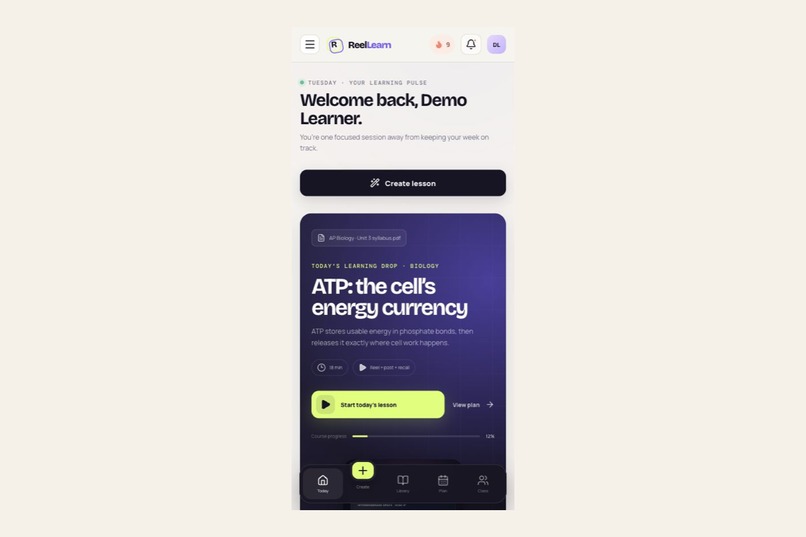
The same learning world, designed for mobile.




Inspiration
Students rarely lack content. They lack a clear sequence, engaging explanations, and enough retrieval practice to remember what they studied.
Most short-form learning products copy the infinite-feed model: concepts feel entertaining in isolation but do not build toward a larger understanding. ReelLearn started with a different question: what if the visual energy of reels served a real learning plan?
The goal became a platform where a learner could upload a syllabus, paste notes, provide a topic list, or simply type a subject—and receive a connected learning world rather than another folder of disconnected content.
What it does
ReelLearn converts educational material into:
- a dated, prerequisite-aware study plan;
- three to eight connected motion reels based on weekly study capacity;
- swipeable infographic posts;
- active-recall playables with immediate explanations;
- per-reel narration and caption pacing;
- source provenance and research links; and
- an interactive, clearly labeled class simulation with reactions, challenges, Study Match, notifications, and an opt-in leaderboard.
ReelLearn supports two distinct factual modes. Uploaded notes remain bounded to the learner’s material. Short topic prompts enter a separate research flow that searches the web, builds an evidence brief, and retains the consulted sources.
Motion is subject-aware. Mathematics lessons display actual equation steps. Physics lessons can animate bodies, trajectories, forces, vectors, waves, circuits, and rays. Biology and other subjects use visual grammars selected for the concept rather than generic animated cards.
How we built it
The client uses React, TypeScript, Vite, Framer Motion, PDF.js, and Remotion. An Express server handles validation, moderation, research, structured planning, image generation, narration, and MP4 rendering.
The central engineering decision was to let the model direct educational meaning without letting it write executable animation code.
GPT produces a strictly validated semantic MotionSpec: educational beats, equations, diagram objects, relationships, tempo, and bounded emphasis values. Reviewed Remotion components transform that data into deterministic motion. The browser Player and MP4 renderer consume the same specification.
OpenAI Responses web search is isolated from structured lesson planning. Research first produces a bounded evidence brief and source list. A second structured call creates the connected learning arc using only that evidence. Zod schemas and additional semantic validators reject disconnected arcs, duplicate quiz answers, invalid diagram references, weak equation data, and malformed infographic plans.
The app is deployed as one same-origin service on Google Cloud Run. The OpenAI key is stored in Secret Manager and never enters the browser bundle.
How GPT-5.6 Ultra and Codex were used
The project was engineered primarily in Codex using GPT-5.6 with Ultra reasoning effort. That describes the development environment; the running application uses separately configured runtime models.
The human supplied the educational vision, visual judgment, reel references, subject-specific motion requirements, capacity rules, connected-learning requirement, and the boundary that social functionality should remain an honest demo.
Codex accelerated repository audits, architecture comparisons, UI implementation, responsive design, strict schemas, OpenAI integration, Remotion rendering, debugging, browser testing, secret auditing, GitHub publication, and Cloud Run deployment.
Important decisions were evaluated rather than accepted from the first plausible design. For motion, we compared model-written Remotion code, fixed templates, and typed semantic motion. Typed semantic motion preserved creative flexibility while preventing generated code execution.
Codex also shortened difficult verification loops: it inspected installed SDK behavior instead of trusting memory, diagnosed structured-output schema incompatibilities, tested real OpenAI responses, rendered actual 1080×1920 MP4 files, exercised desktop and mobile flows, and maintained an append-only engineering contract throughout the build.
Challenges
The hardest challenge was maintaining coherence across pedagogy, model behavior, provenance, animation, responsive UI, and graceful failure states.
Structured output can be valid JSON while still being educationally wrong. We therefore added semantic checks beyond schemas: exact reel counts, prerequisite continuity, foundation and synthesis roles, valid motion references, unique quiz answers, and subject-specific equation and physics constraints.
Media generation can also fail partially. ReelLearn preserves accessible lesson data when an image, narration track, or MP4 export is unavailable and reports the degradation instead of hiding it.
Another challenge was making the class experience interactive without pretending that simulated learners were real. Every social surface is explicitly marked as a local demo, while still allowing reactions, XP movement, challenges, notifications, and Study Match to be demonstrated.
What we learned
Engagement does not require an infinite feed. A finite reel series can retain the familiarity of short-form media while giving the learner a visible destination.
We also learned that source provenance must be part of the product experience, not merely backend metadata. Separating supplied-source mode from research mode made the system more honest and easier to debug.
Finally, AI-controlled motion works best when the model controls semantics and reviewed software controls execution.
What we are proud of
- Weekly study time genuinely changes the number of connected lessons.
- Mathematics and physics receive concept-native motion.
- Research prompts preserve sources instead of relying on hidden model memory.
- The same typed motion plan powers interactive playback and real video export.
- The social demo is engaging without making false production claims.
- The deployed application works end-to-end with a server-only OpenAI key.
What’s next
The next production step is to add accounts, durable object storage, real classrooms, collaborative study sessions, OCR for scanned PDFs, persistent rate limiting, and a distributed Remotion render queue.
Built With
- api
- express.js
- framer
- gpt
- gpt-5.6
- image
- node.js
- openai
- outputs
- react
- remotion
- responses
- search
- structured
- text-to-speech
- typescript
- vite
- web
- zod

Log in or sign up for Devpost to join the conversation.