-
-
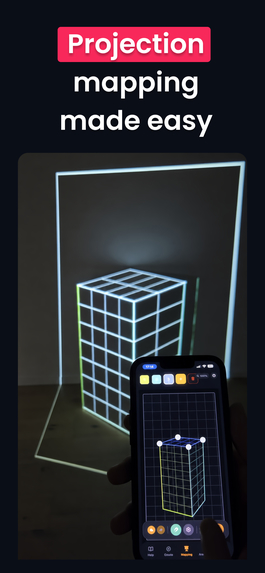
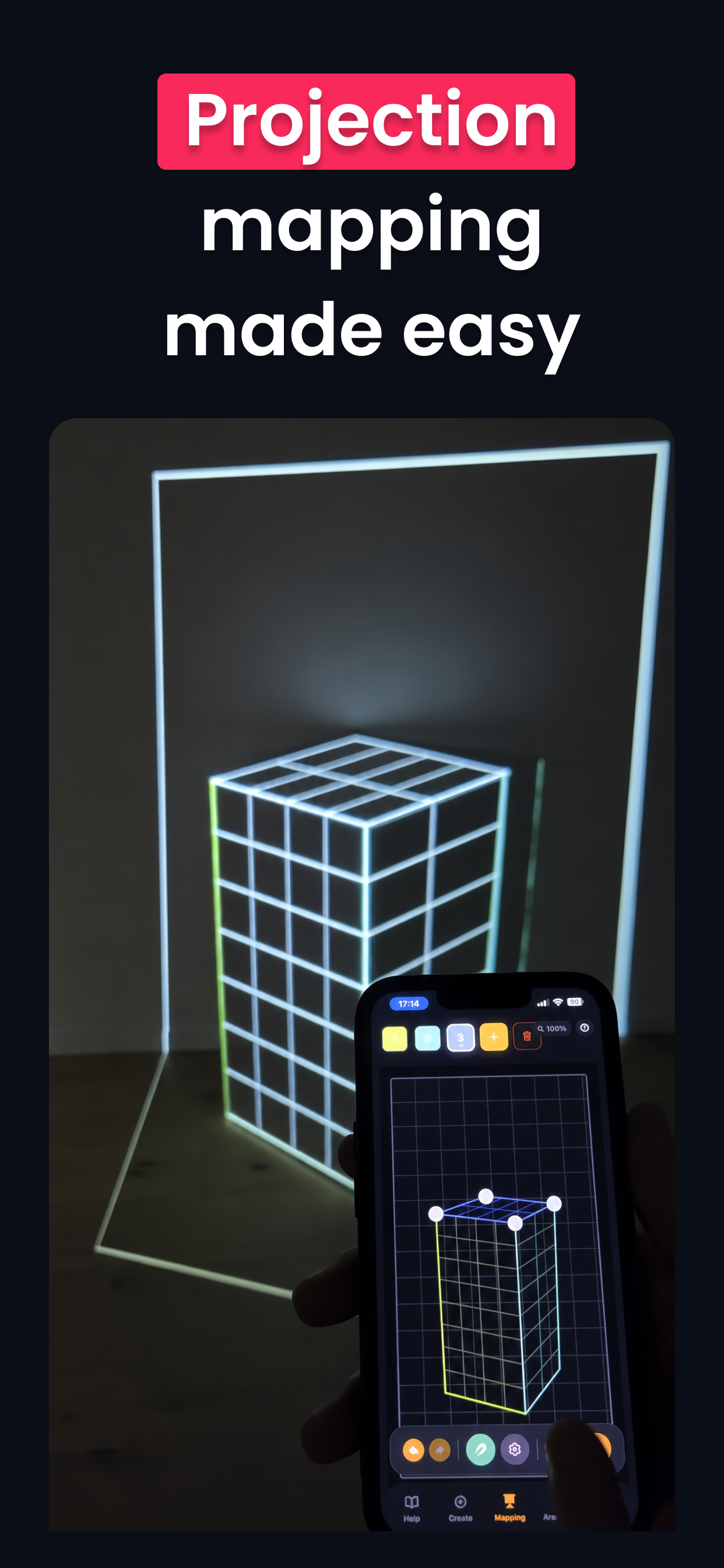
Projection mapping made easy
-
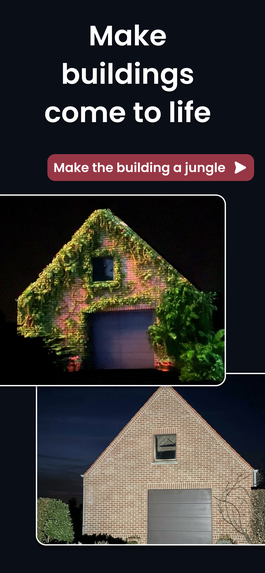
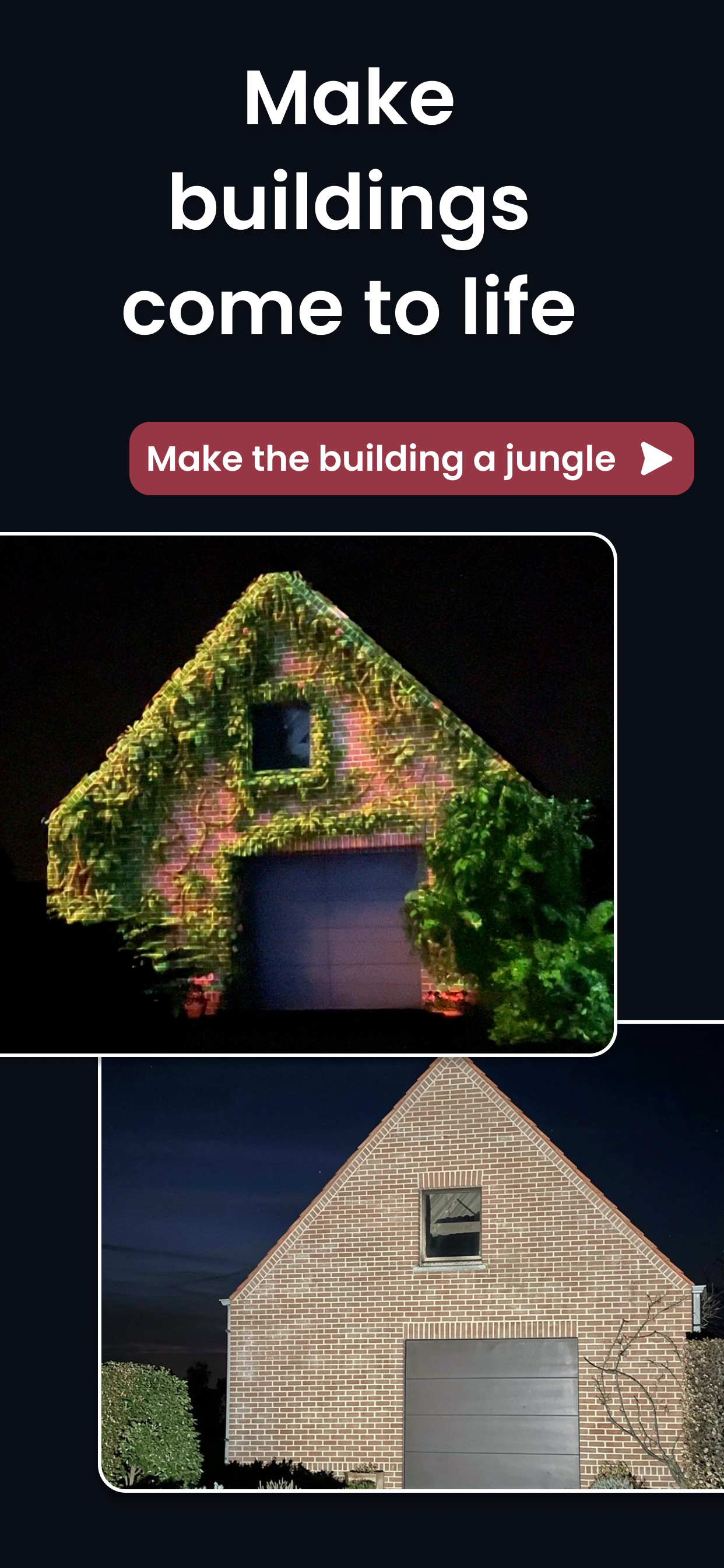
Make buildings come to life. Capture an image with your phone, calibrate it, and see your image or video come to life.
-
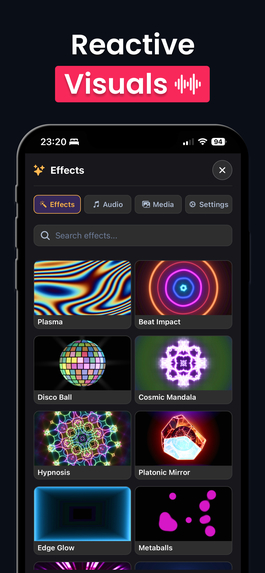
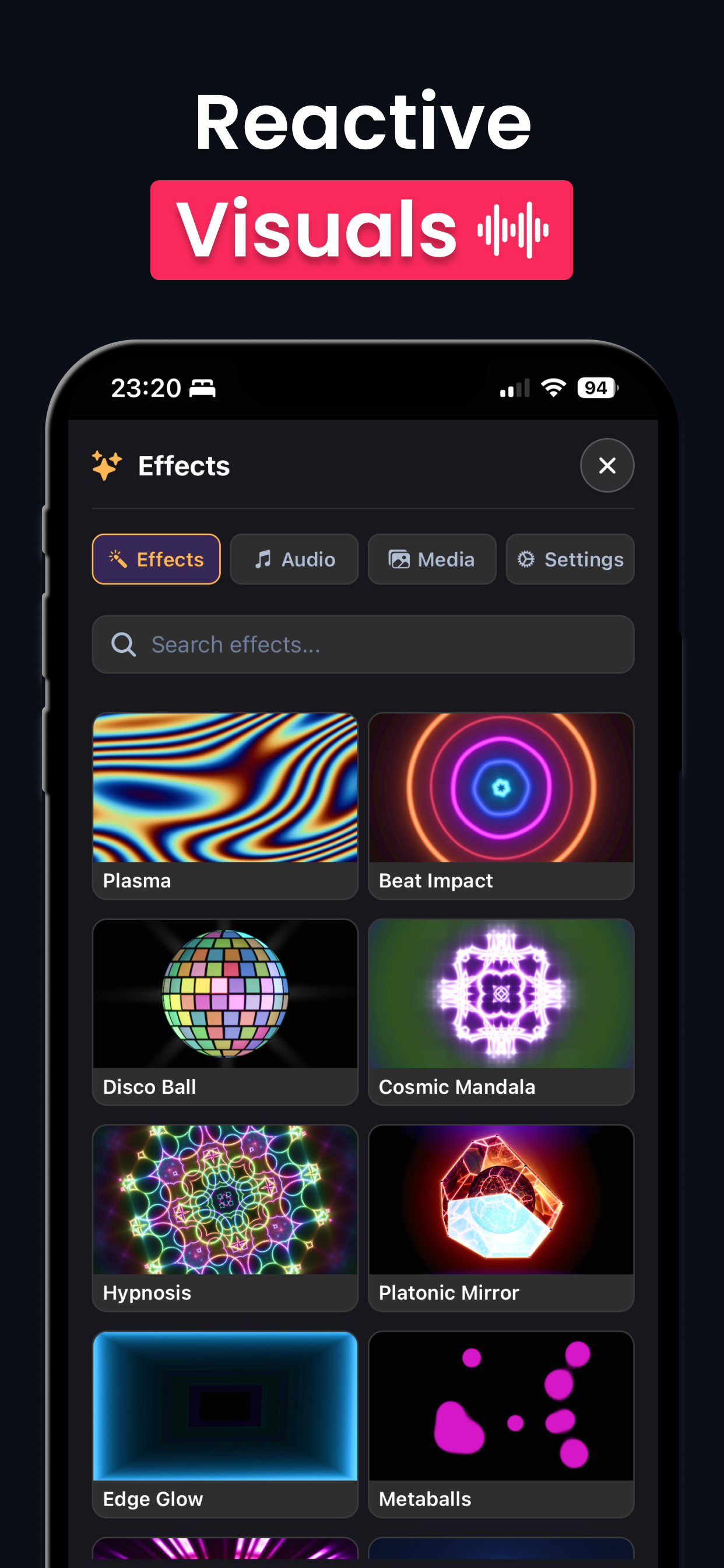
You can add reactive visuals to your mapping, these visuals react on music and can be adjusted in real time.
-
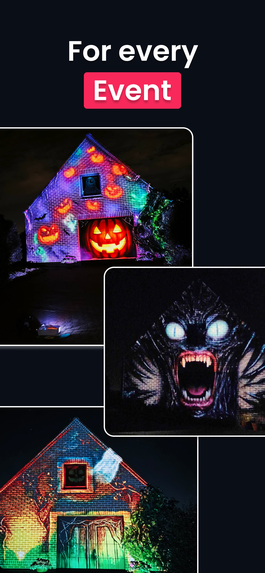
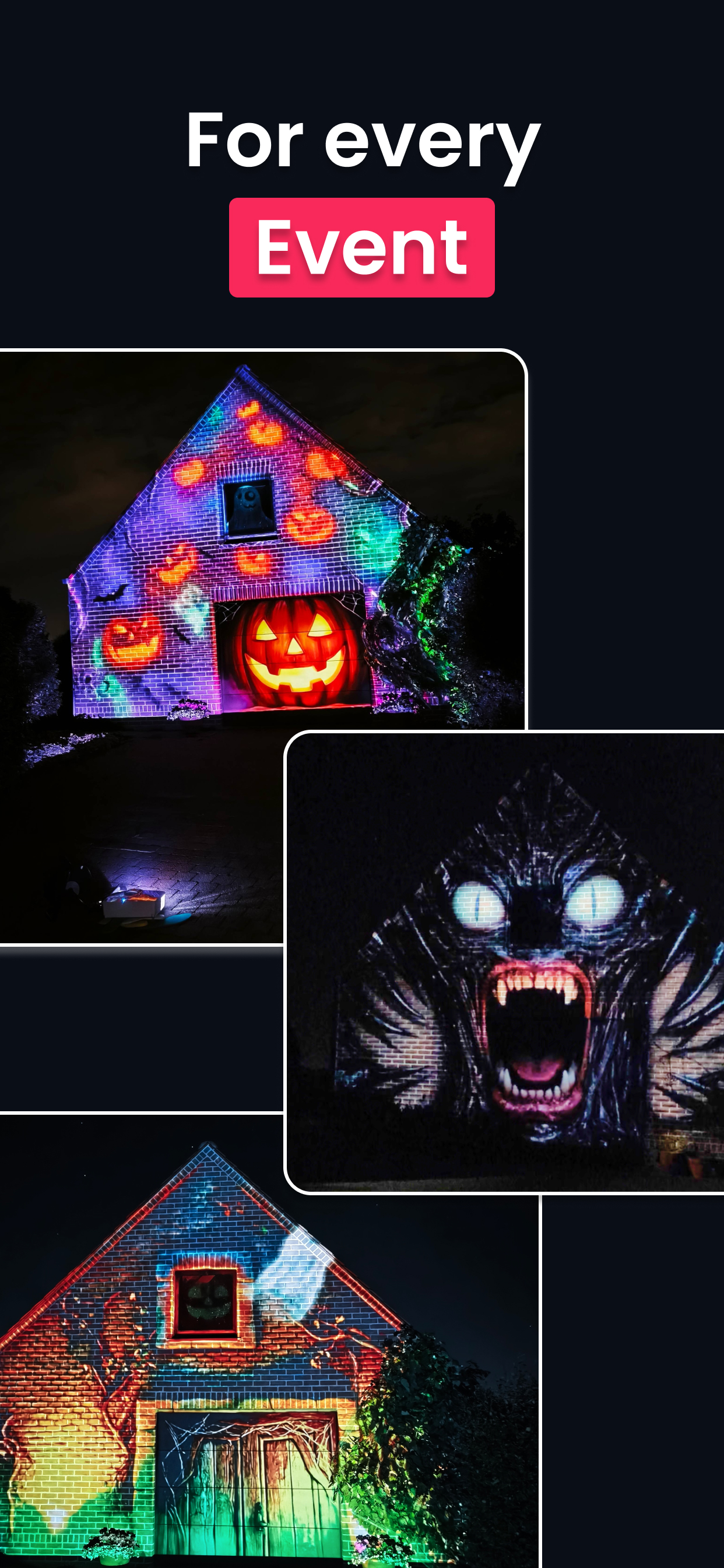
Redrawing Reality can be used for every type of event: Halloween, Christmas, weddings, parties, etc.
-
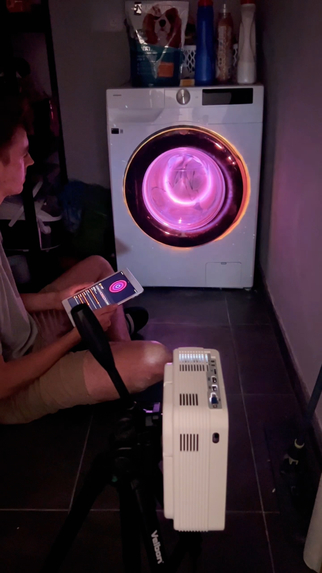
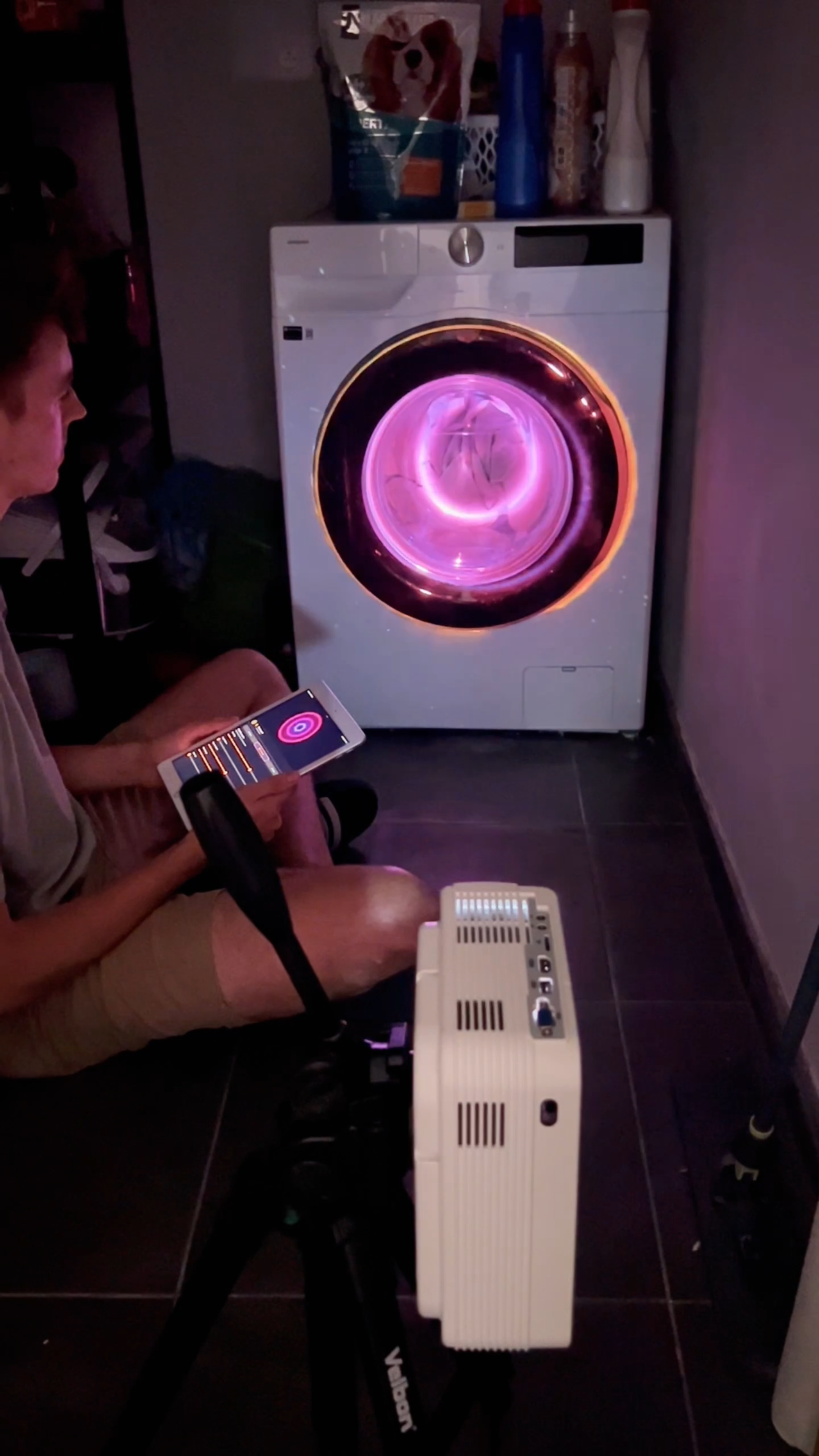
Create a disco ball out of your washing machine with reactive visuals
-
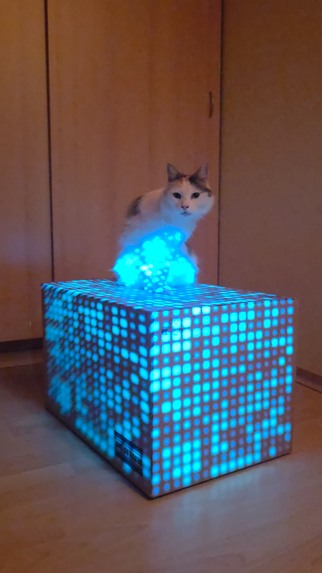
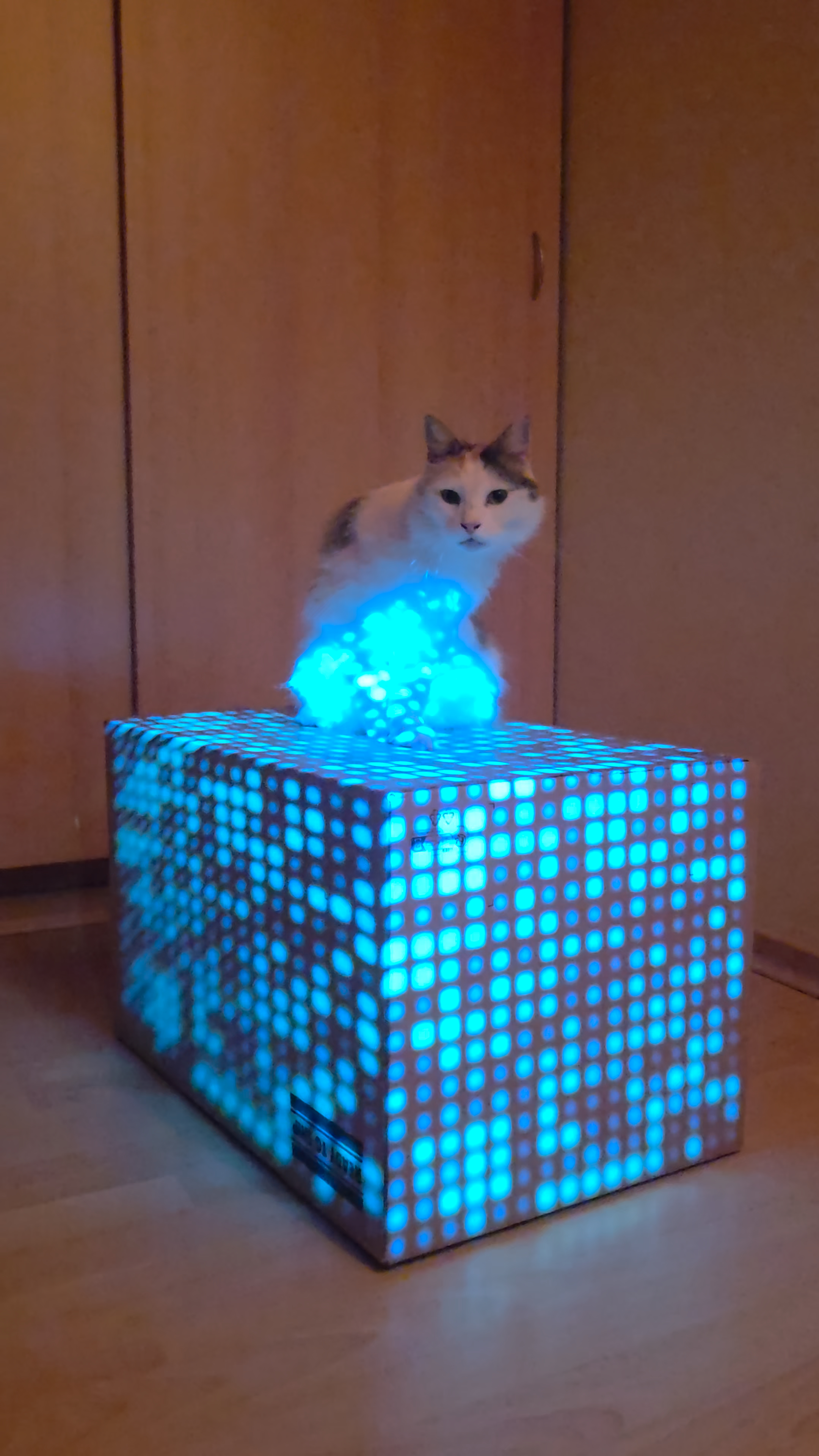
Map live visuals on wherever you want
-
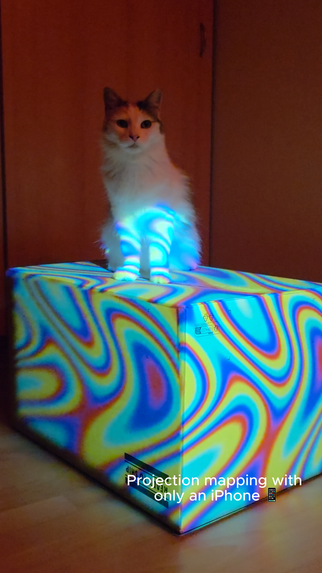
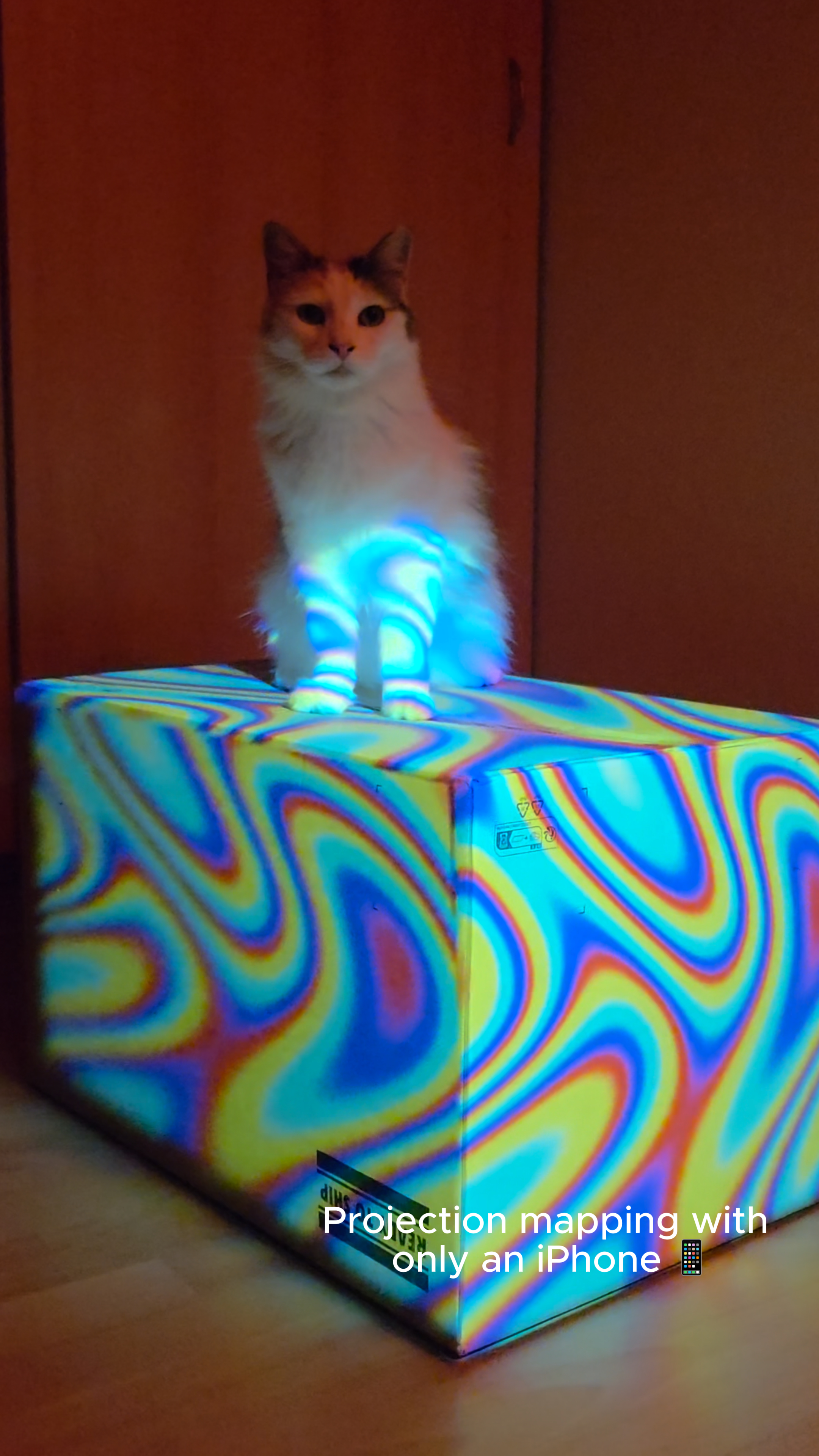
Plasma fluids mapped out on a box
-
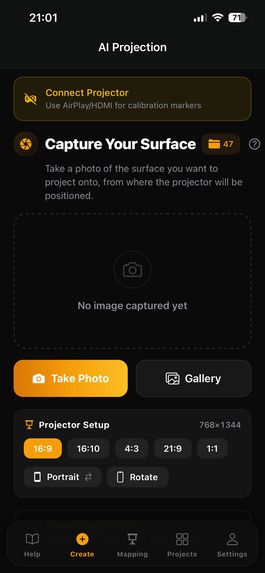
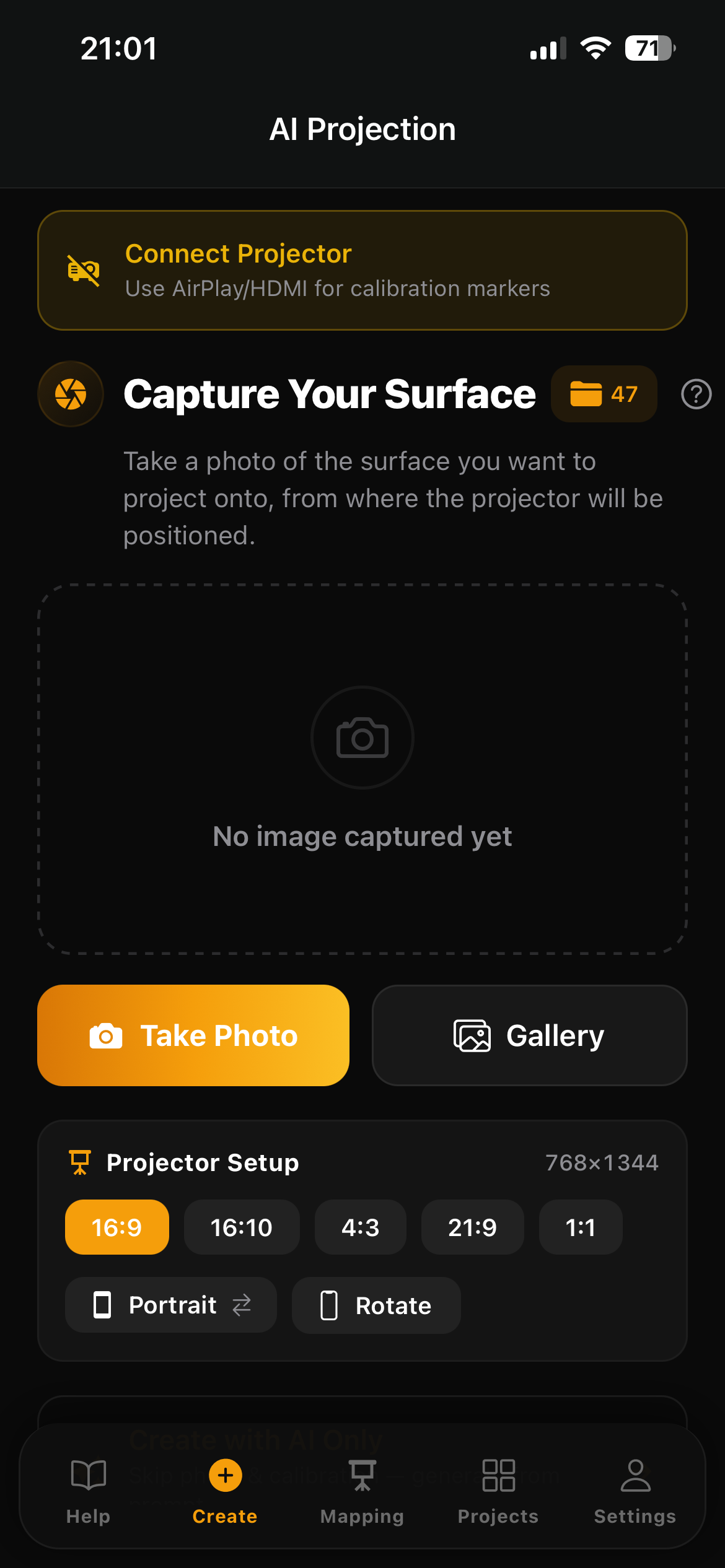
AI projection screen
-
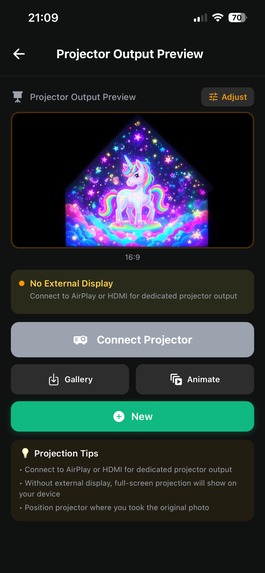
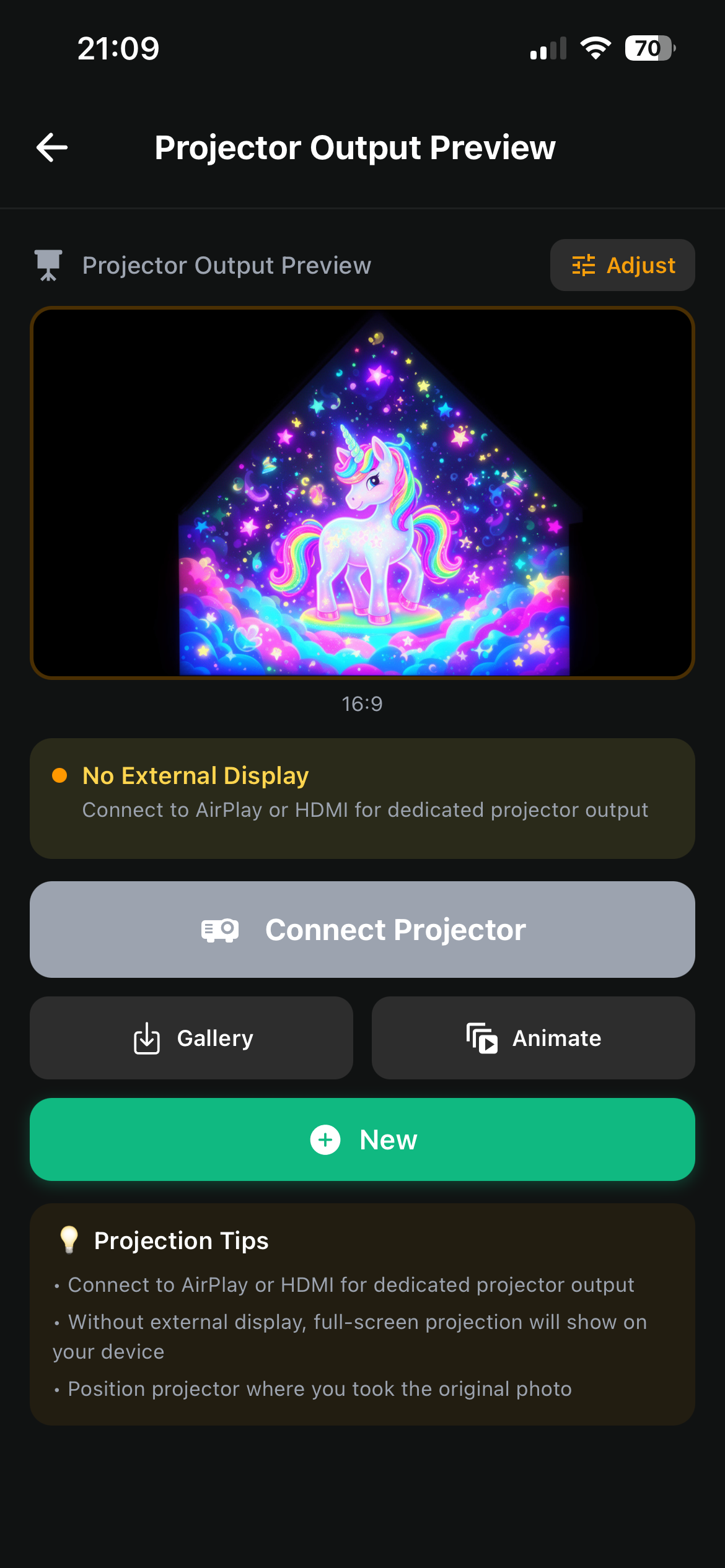
AI projection screen output
-

Logo
Inspiration
I wanted projection mapping to feel like something you could try on an ordinary evening without having to deal with laptops, cables etc. Take a projector, point it at a wall, and get an immediate result.
I've always been fascinated about creating visuals (by working on games in the past), projection mapping opened this up to the outside world. For example by projecting crazy scenes on buildings for Halloween, Christmas, or a room moving with the music. But getting from an idea to an actual projection involves a lot. You need content, expensive hardware and software, you need to make it fit the surface, and you need a way to control it.
I built Redrawing Reality around the idea that your phone could bring those steps together. You already have a camera and a more than capable processor all in your smartphone. I wanted to see how much of the process I could put there.
What it does
Redrawing Reality is a projection mapping app for iPhone and iPad. You photograph a surface, describe what you want to create, and generate AI images or looping video using that surface as a reference. There's a calibration step so that the image maps perfectly on the surface.
You can then adjust the mapping, combine different visuals, add effects, and make them react to music. You can also use your own photos and videos. A connected projector displays the result while your phone stays in your hand as the controller.
How I built it
I built the app with React Native, Expo, and TypeScript, with a Python FastAPI backend for AI generation and calibration. Supabase handles authentication, storage, and project data.
For the live visuals, I used WebGPU and TypeGPU to render effects on the device. I also built an audio analysis pipeline that separates incoming sound into frequency bands and tracks beats, so different parts of the music can influence the visuals.
A lot of the work was connecting those pieces: taking a camera image, generating content, adjusting it on the mapping canvas, and sending the result to an external display.
Challenges I faced
One of the hardest problems was getting something that looked good on a screen to work on a physical surface. The camera and projector can see that surface from different angles, and small alignment errors can spoil the illusion.
Keeping the effects smooth was another challenge. Shader problems could leave me with a black screen and very little indication of what had gone wrong. I had to get more systematic about isolating rendering problems.
The audio response also took careful tuning. Making an effect react to sound is one thing; making that reaction feel musical is another. Sudden changes could make animations jump, so smoothing the response became just as important as detecting the beat.
What I learned
This project pushed me deeper into graphics programming, perspective mapping, and audio processing. It also taught me how much work sits behind a simple creative interaction.
The biggest lesson was that each part has to work well with the next. A generated image still needs to fit the wall. An effect still needs to run smoothly. The editor still needs to make sense on a small screen.
Built With
- expo.io
- fastapi
- python
- react-native
- runware
- supabase
- typegpu
- typescript
- webgpu

Log in or sign up for Devpost to join the conversation.