-
-
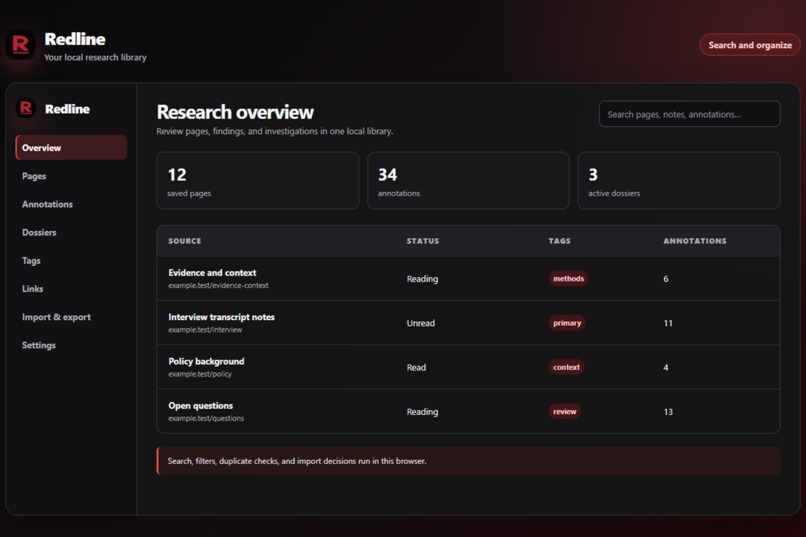
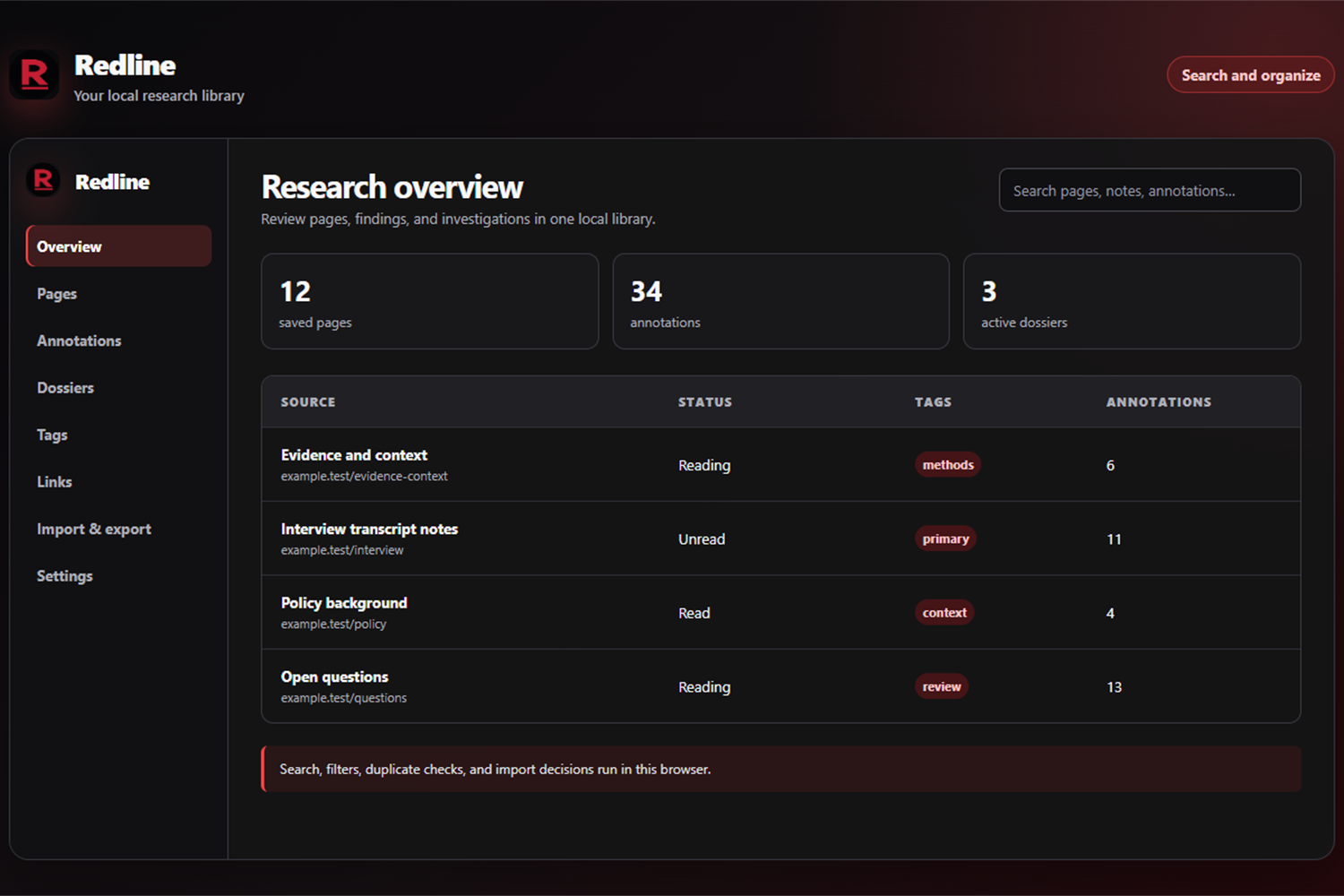
The research overview with saved sources, annotations, dossiers, search, and library navigation.
-
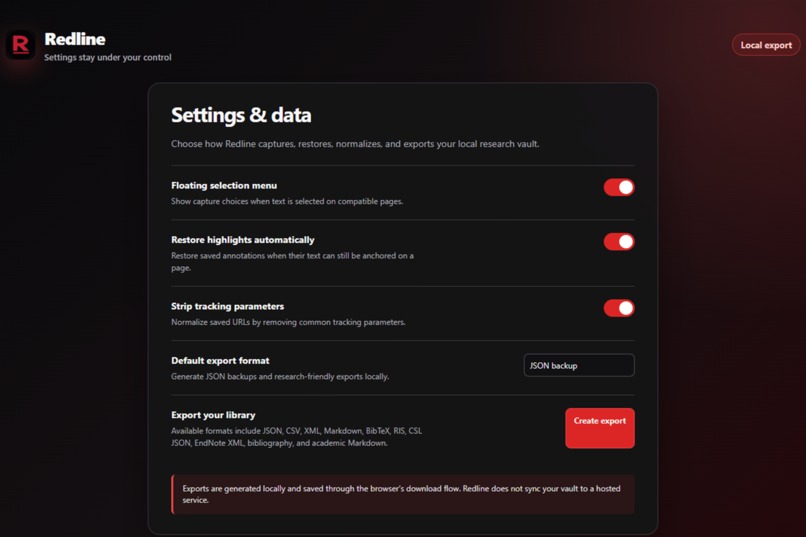
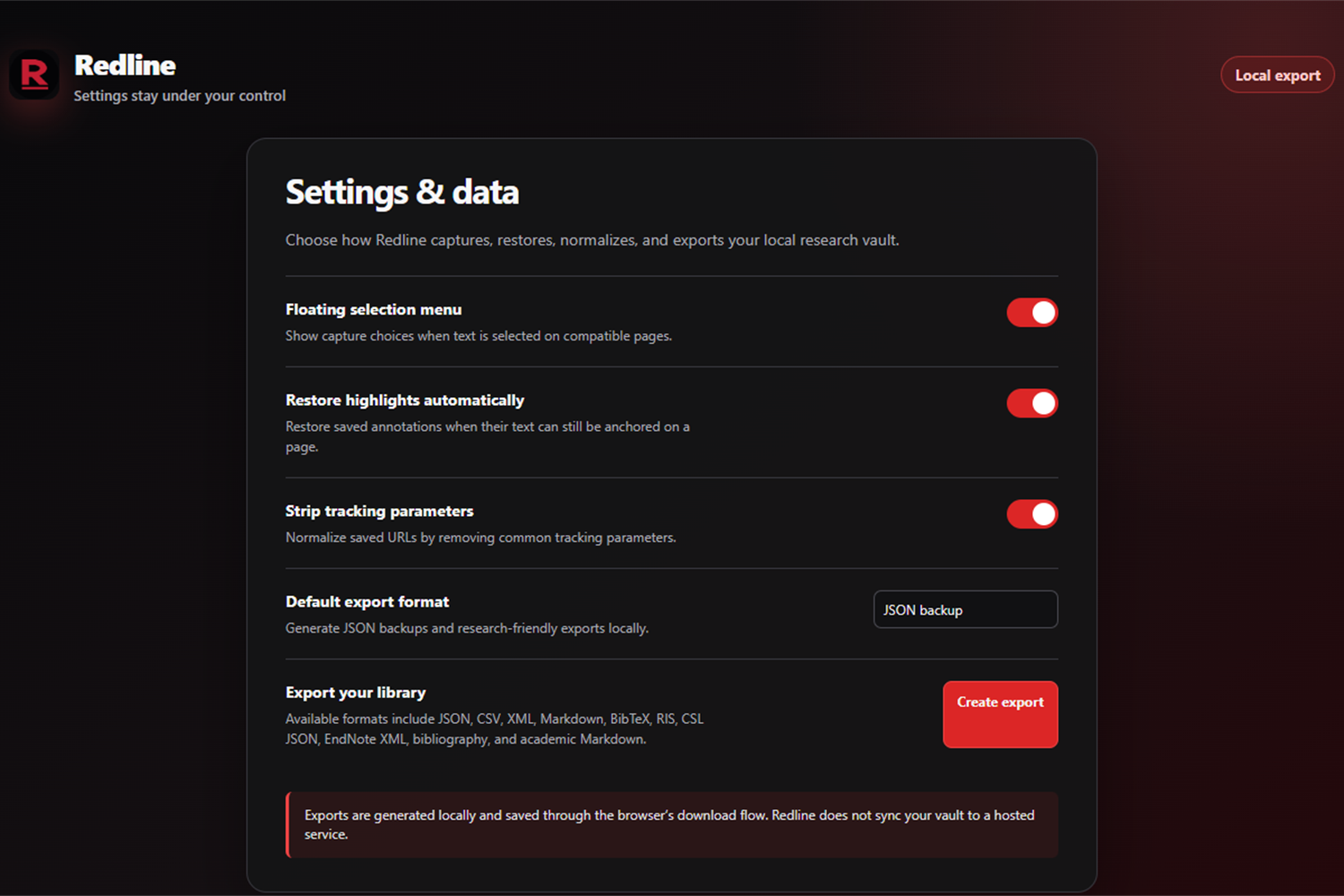
Settings and local data export options, including JSON backups and research-friendly formats.
-
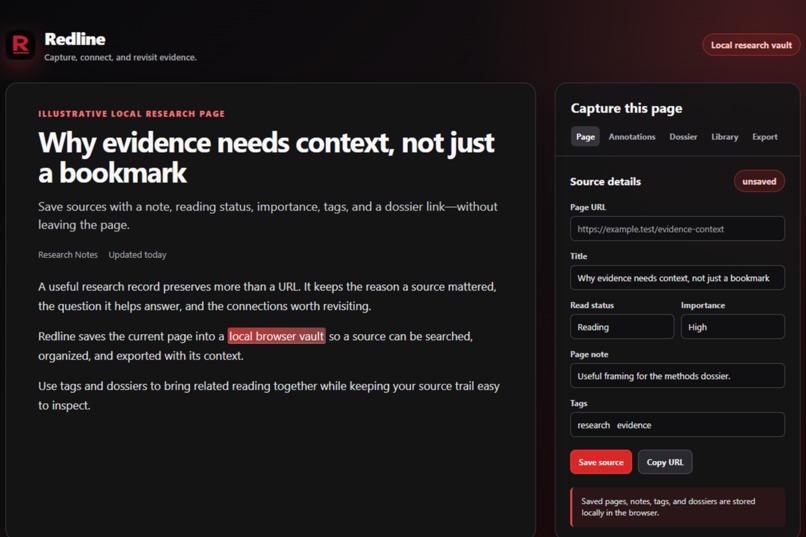
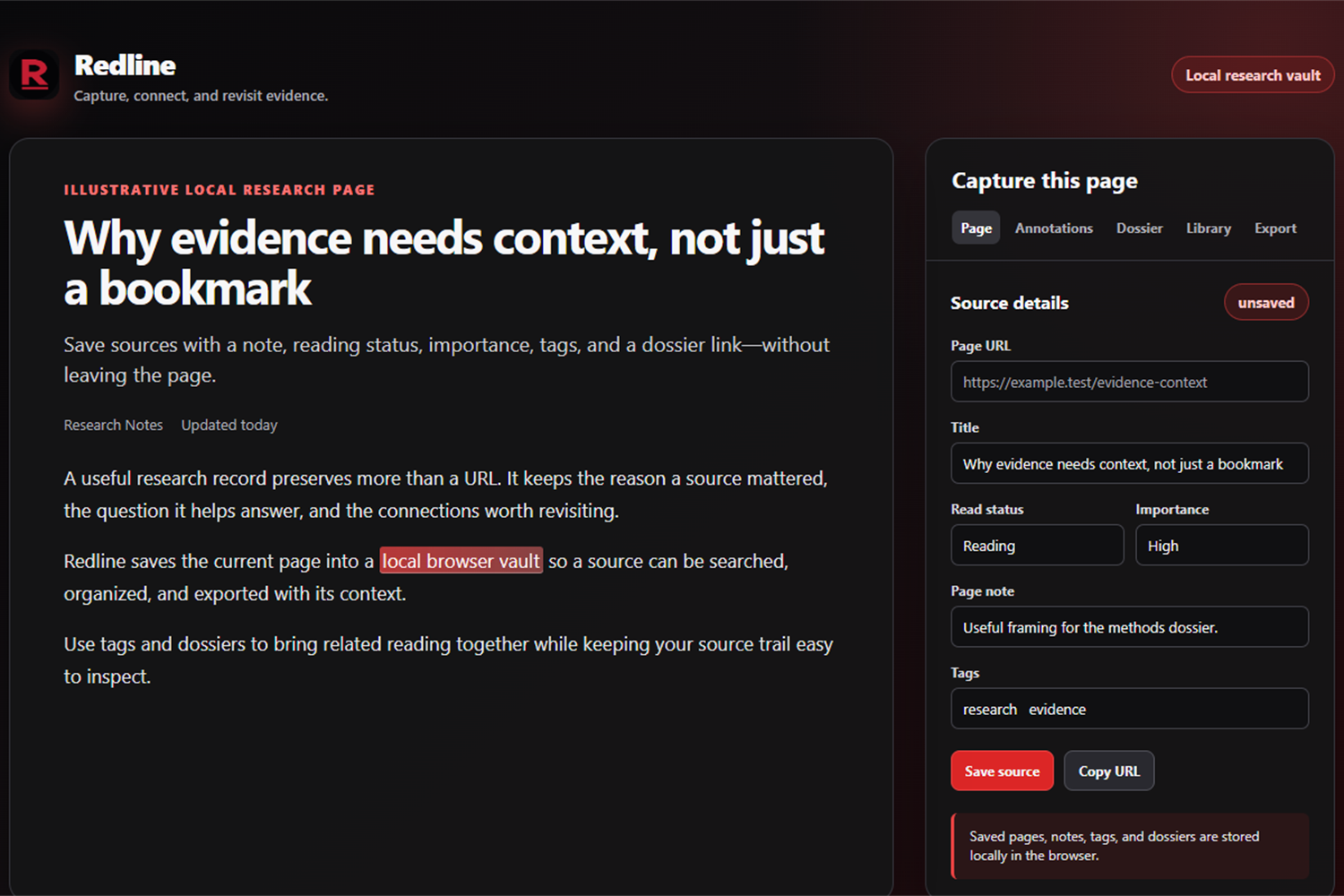
A research page beside the Redline capture panel, showing source URL, title, notes, reading status, importance, tags, and dossier links.
-
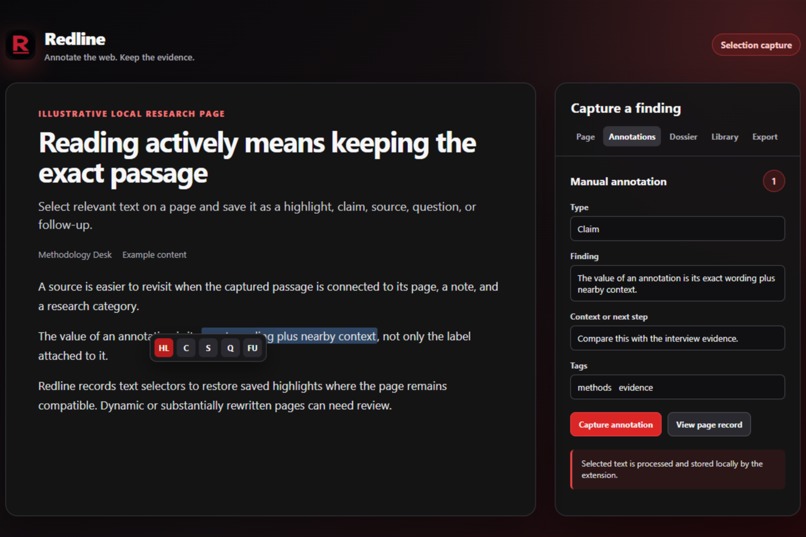
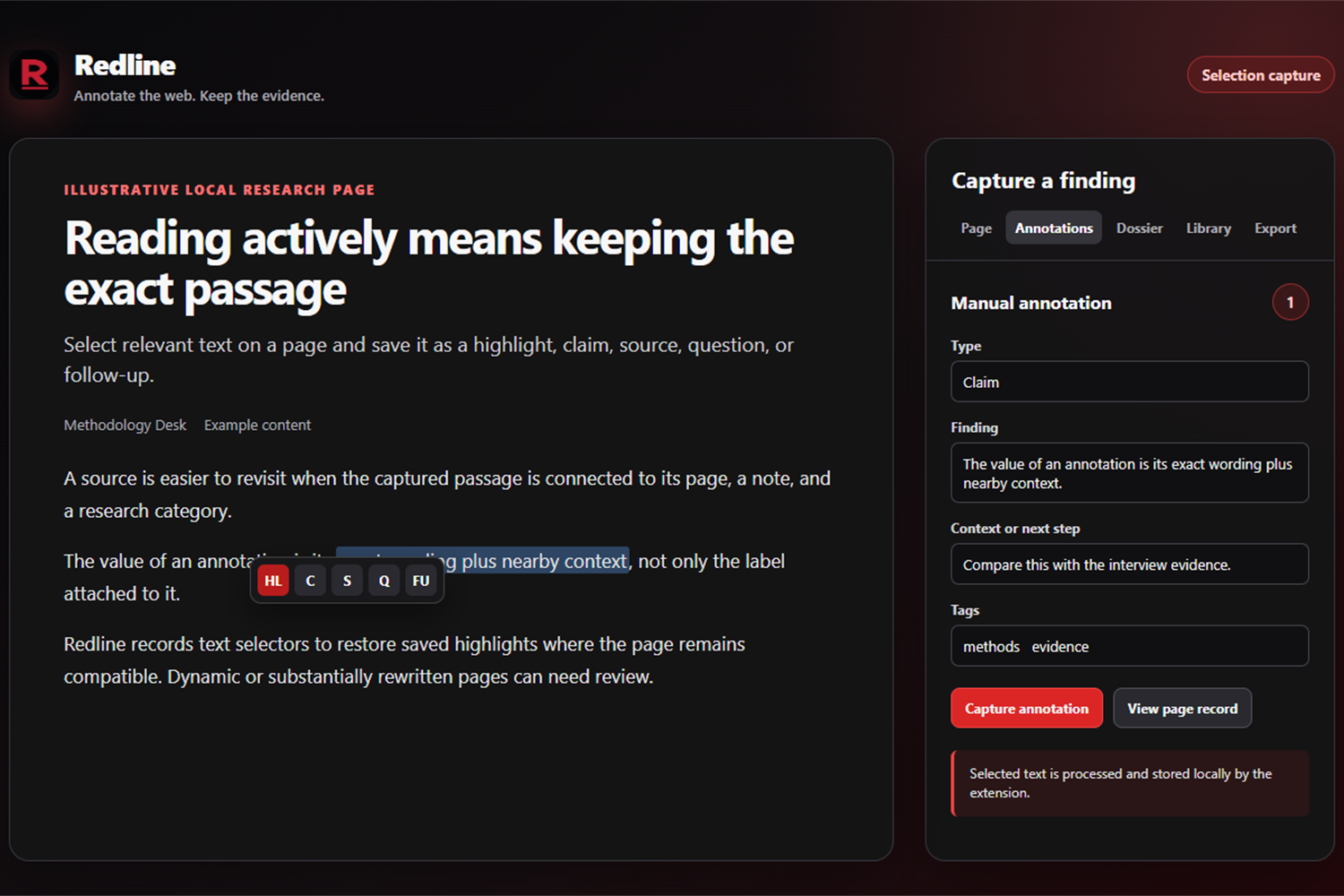
A selected passage and the annotation form for recording a finding, its context, and tags.
-
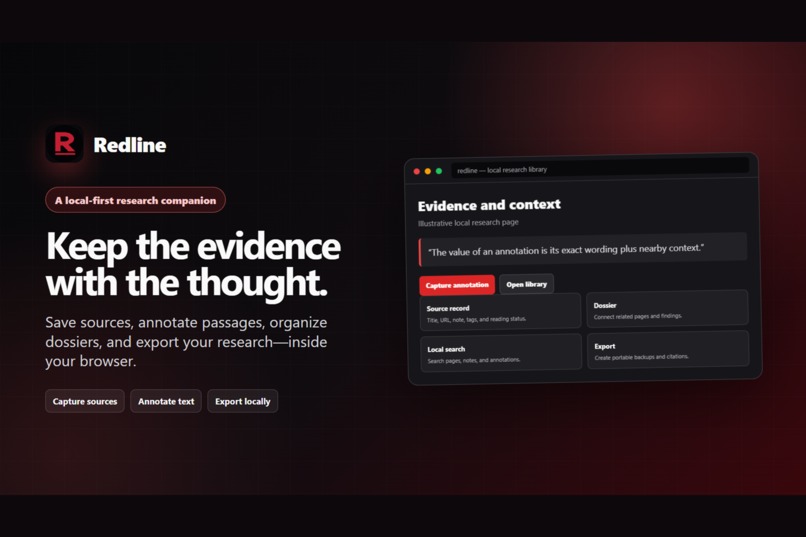
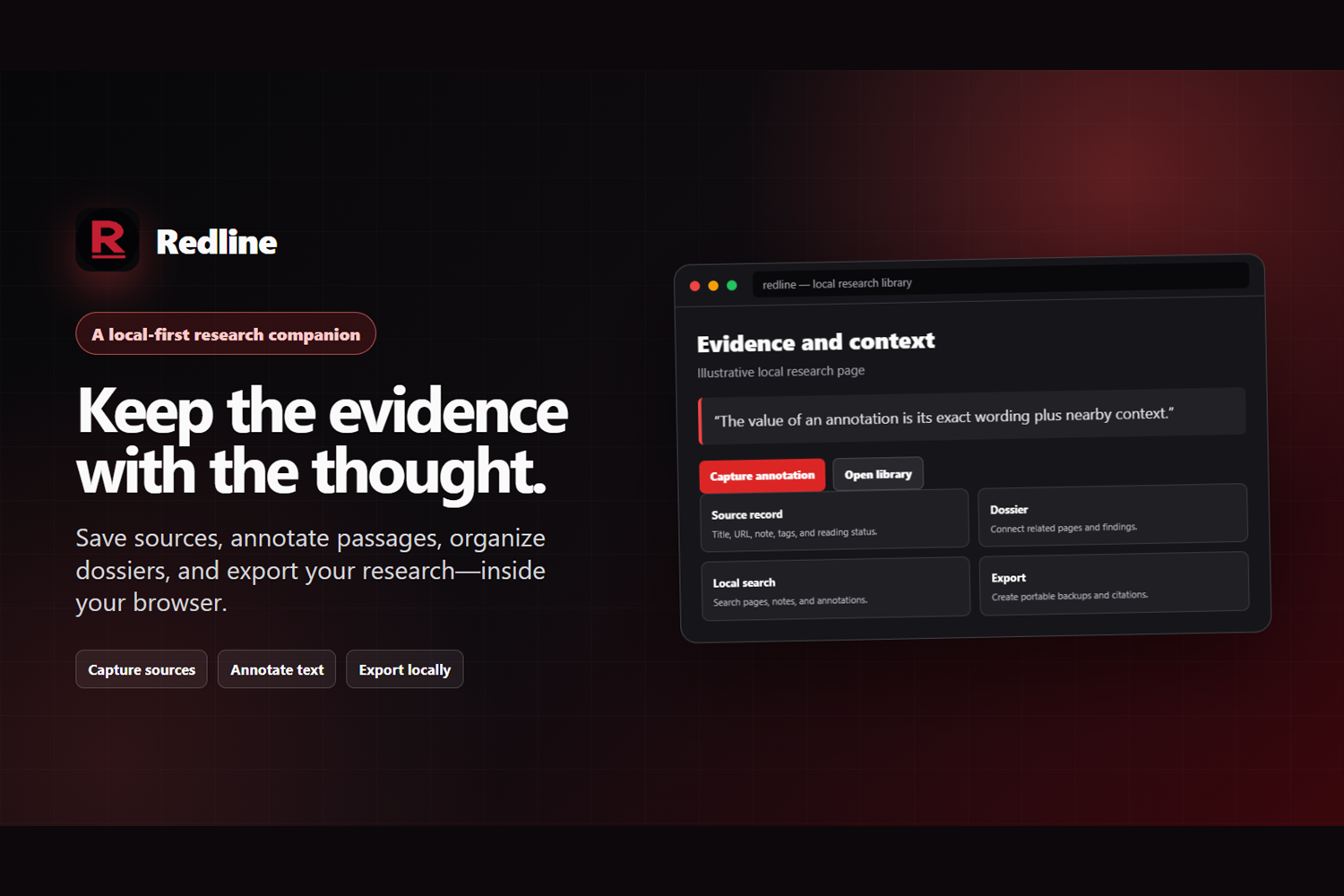
A product overview showing the complete flow: capture sources, annotate text, organize research, and export locally.
Inspiration
Research rarely fails because we cannot save a link. It fails when the evidence, the exact passage that mattered, and the thought it informed become separated. Redline started from a simple question: what if web research could keep that context intact without asking people to hand their notes to another cloud service?
What it does
Redline is a local-first browser extension that turns web reading into a portable evidence trail. It saves pages as structured source records, captures selected passages as annotations, connects related material through tags and dossiers, and makes the library searchable. Researchers can then create local backups and export their work in formats including JSON, CSV, Markdown, BibTeX, RIS, CSL JSON, and EndNote XML.
The whole workflow stays in the browser. Redline is accountless, has no Redline cloud service, analytics, or telemetry, and stores its vault in browser-managed local storage.
How we built it
We built Redline as a cross-browser Manifest V3 extension with React 19, TypeScript, and Vite. A content script handles selection capture and highlight restoration; React surfaces power the side panel, sidebar, library, and settings. Typed background messages keep those UI surfaces separate from the storage layer, which uses IndexedDB for the local vault.
The domain layer handles URL normalization, text anchoring, search, imports, exports, and citation metadata. The same product supports Chromium-based browsers and Firefox through a shared WebExtensions abstraction with browser-specific manifests where necessary.
How Redline uses Codex
Redline is local-first, so we made its Build Week process local-first too. We built a control room that turns product research into fourteen implementation-ready briefs without moving the project state into another SaaS tool. Each idea has a durable prompt and a small JSON status record stored beside the code.
From the workboard, we can open an idea directly in the Codex desktop app with the correct local repository and assignment preloaded. A checked-in Codex plugin gives the agent Redline's implementation protocol: preserve unrelated work, build one complete vertical slice, respect research-integrity boundaries, verify the real browser journey, and leave proof. As Codex works, an atomic local utility updates the idea's status file. The workboard reads those files every five seconds, so progress, blockers, next actions, and verification evidence remain visible and inspectable.
There is no hosted orchestration layer and no hidden project database. The human still presses Send, approves scope, reviews changes, and decides what ships. Codex accelerates implementation; the repository remains the source of truth.
Challenges we ran into
The hard part was preserving a useful annotation after a page changes. Exact text alone is not enough, so Redline records the selected passage with nearby context and uses text anchoring to restore it on compatible pages. Dynamic pages can still need review, which is why the product treats restoration as a careful evidence feature rather than an invisible promise.
We also had to balance a frictionless research flow with local-first boundaries. The extension needs to capture context while people read, yet its data model, imports, exports, and cross-browser behavior all need to remain understandable, portable, and private.
Accomplishments that we're proud of
We are proud that Redline completes the research loop instead of stopping at bookmarking: capture a source, preserve the relevant text, organize it with context, find it later, and take it elsewhere. We are also proud of keeping this workflow accountless and local-first while still offering citation-friendly and full-fidelity export formats.
The extension has a clean separation between product UI, background orchestration, domain logic, browser adapters, and IndexedDB storage. That structure makes the complex parts—anchoring, search, imports, and exports—testable without making the experience feel heavy.
What we learned
We learned that privacy is not just a storage location; it shapes product decisions. Local-first design meant being explicit about data retention, making export a first-class workflow, and resisting convenience features that would blur where a research vault lives.
We also learned that an annotation needs more than highlighted text. Context, source identity, organization, and the ability to recover or export the record are what turn a selection into research evidence.
What's next for Redline
Next, we want to keep improving annotation review and restoration on changing pages, refine duplicate and library-maintenance workflows, and continue polishing the capture-to-export experience across supported browsers. The north star remains the same: make it effortless to keep the evidence with the thought while keeping the researcher in control of the data.
Why enter?
Because i had nothing better to do while waiting for the store listings to complete, whenever it wins anything im sure a couple of you will keep installed for a very long time.
Built With
- codex
- github
- gpt5.6
- indexeddb
- manifestv3
- prettier
- react
- typescript
- vite
- vitest


Log in or sign up for Devpost to join the conversation.