-
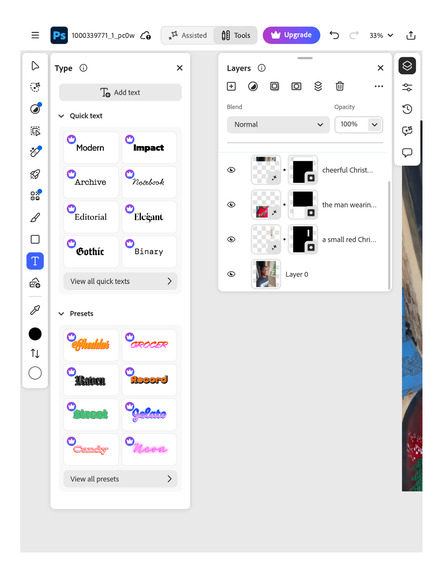
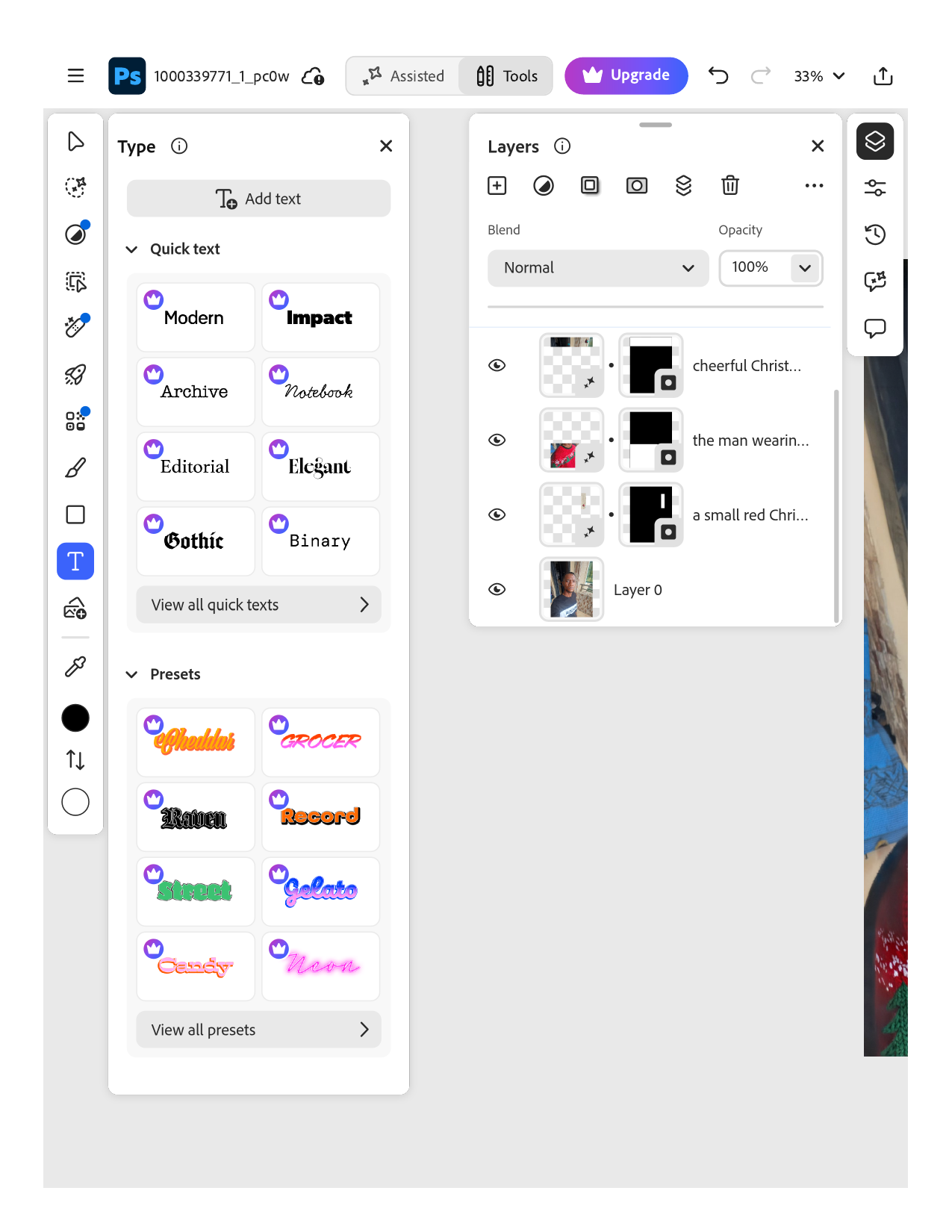
Photoshop Layers panel — the original photo layer
-
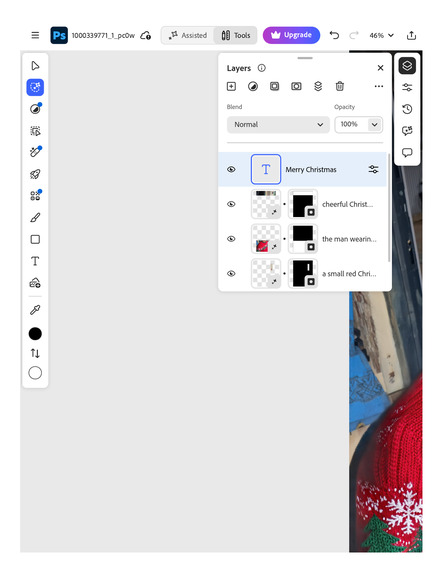
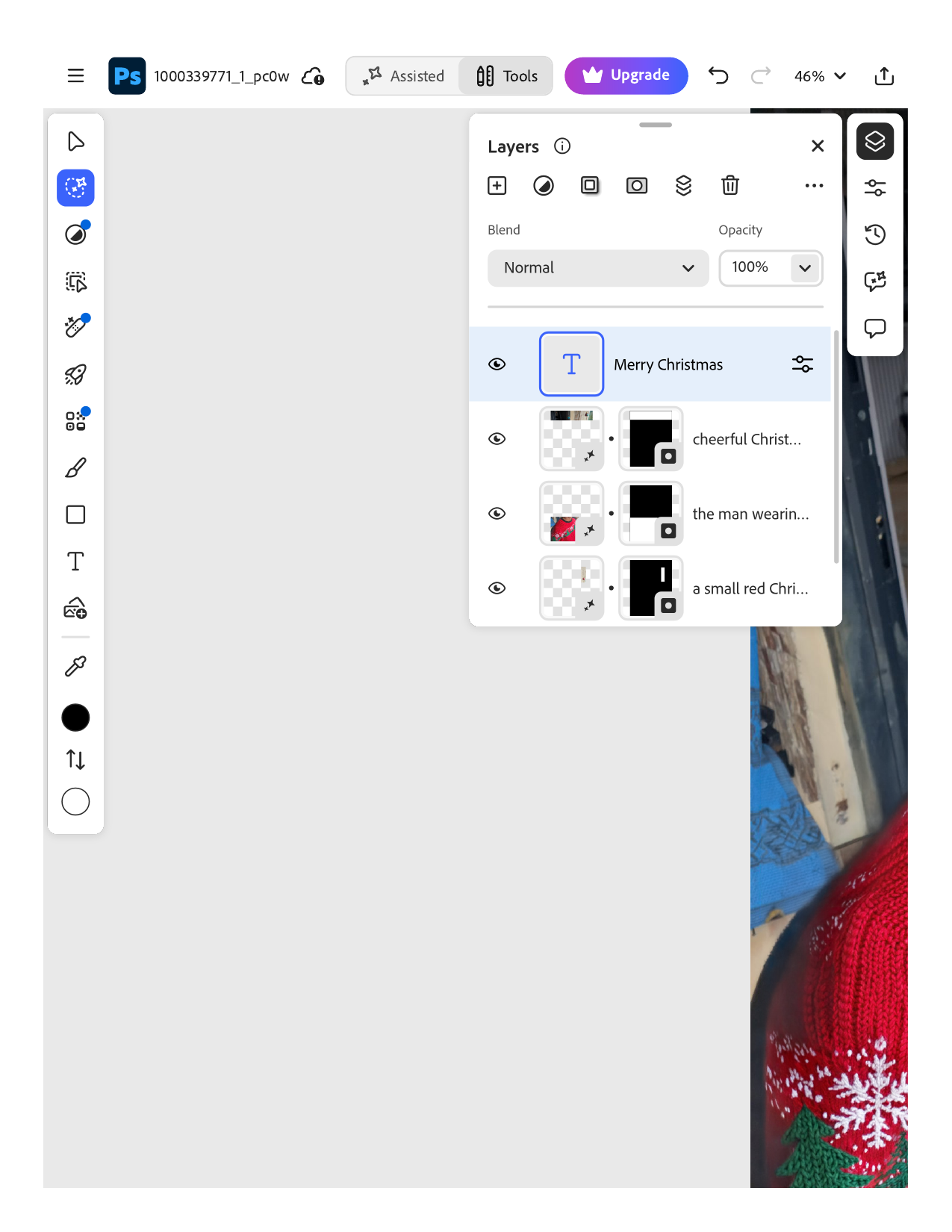
Photoshop Layers panel — each generation on its own layer above the original photo
-

Holiday card — the finished sweater design with a 'Merry Christmas' greeting

How the sweater design was made
I started from my own selfie as the base image in Photoshop on the web. With Generative Fill (Adobe's Firefly Fill & Expand model), I first tested a small Christmas bauble on the wall, then generated the sweater itself — a bright red knitted Christmas sweater with white snowflakes and green Christmas trees. The generation also removed the brand text printed on my original shirt, so the final design carries no logos. A final Generative Fill pass on the background added hanging Christmas baubles. My face is the original photograph, untouched — only the clothing and background decorations were generated, each on its own layer above the original photo.
How the holiday card was made
The card is the same finished sweater image, with a 'Merry Christmas' greeting added as a text layer using Photoshop's Text tool. No additional generation was used, so the two pieces match exactly.
Tools and features used
Photoshop on the web (free tier); Generative Fill powered by Adobe Firefly Fill & Expand; layer-based editing (each generation on its own layer over the original photo); the Text tool for the greeting. The Nano Banana partner models in the model picker required a plan upgrade on this account, so all generation was done with Firefly inside Photoshop.
