-
Electronic Waste
Inspiration
A few years ago, an employee of the city came to our school to talk about the environment and created all these different recycling bins. He spent more than three hours talking about it, but no one at our school was comprehending what he was saying. Then, when the bins were installed in our school, no one knew how to use it. They did not know in which bin to keep all trash in. Moreover, even some teachers were confused! I wanted to create an AI which is able to sort out all the trash into different categories. This AI will ensure less waste will end up in landfills and more of it will end up in the proper recycling centers, in order to benefit society.
What it does
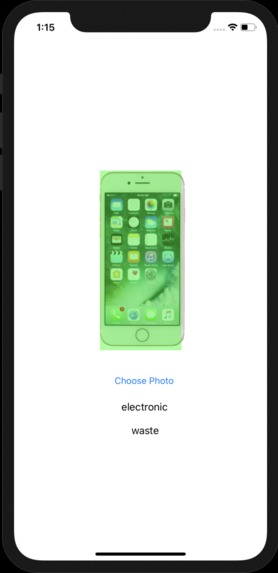
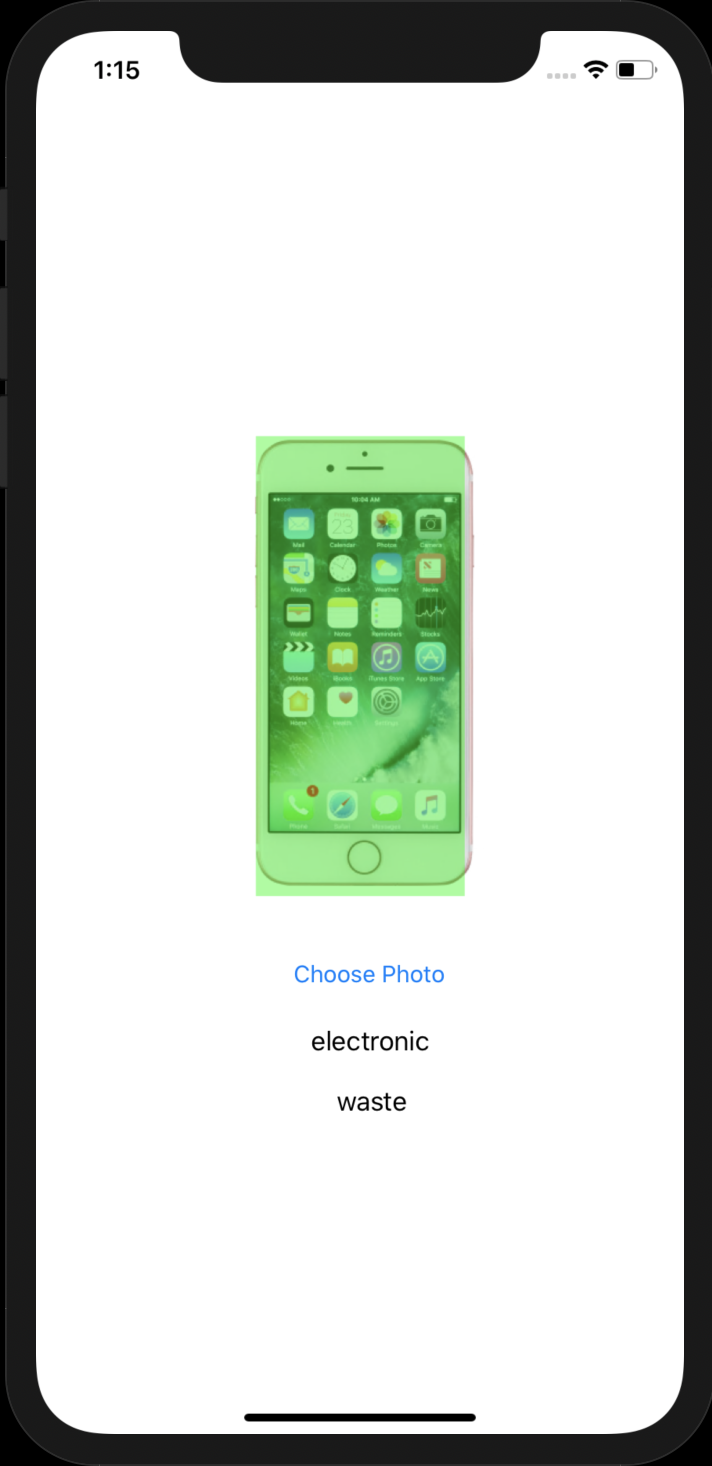
The user inputs a picture of the waste. This waste is then processed by the machine learning algorithm that I wrote. This algorithm has been trained with an immersive dataset ensuring accuracy. Moreover, the results of the picture are then parsed into readable Strings and Integers. Out of which, it takes the highest confidence label and outputs it to the user.
How I built it
I used IBM Watson Cloud Annotations to annotate my data. In this application, I inputted many images of the data and annotated it with the respective waste type. There are more than 500 labels! This data had the following annotations: metal, paper, glass, plastic, organic, batteries, lightbulbs, and electronic waste. Furthermore, after I got all this data I ran it through the CreateML machine learning classifier in swift. I ran it for 500 iterations. This took a long time! After this, the accuracy was very high! Many of my test pictures worked perfectly.
Challenges I ran into
I am very new to machine learning which caused many of these challenges! The biggest challenge was to parse the data. This was fairly difficult as I am fairly new to machine learning! Eventually, I was able to parse it all using online documentation. The documentation was actually very good when I looked into it! Also, the data algorithm took a long time. My original plan was to leave it overnight, but my computer kept going to sleep, even though I turned off all sleep and display turn off options. Five minutes ago I realized that I had low power mode turned on during the nights, which automatically overruled these options. Also, in the beginning, I only trained it with 30 iterations and the model barely worked. Once I trained it with 500 iterations, it worked perfectly!
Accomplishments that I'm proud of
I am very happy with the accuracy of this model. When I created it the accuracy was fairly low, and then after training it for a lot more iterations it worked very well. I am very happy about how quickly it is as well. Since it was a machine learning algorithm, I thought the app would be very slow and unusable. But, that is the complete opposite! It works very fast!
What I learned
I learned to always plan things out. Because my computer slept, I had very little time to train the model. I should always keep backup plans. But, mainly I learned a lot about how data science works. Using the IBM platform for annotating my data, I saw how big companies are able to analyze data for effective use and ease of use.
What's next for Recycling Project
I definitely want to make the UI better. Moreover, it is very fast right now, but if I want to implement it into a large scale project I would definitely have to make it a little faster. I also want to add some more functionality. Such as pointing toward nearby centers where you can take your waste. But, as a beginner, I feel this project was very good!
Built With
- createml
- ibm-watson
- swift
- xcode


Log in or sign up for Devpost to join the conversation.