-
-
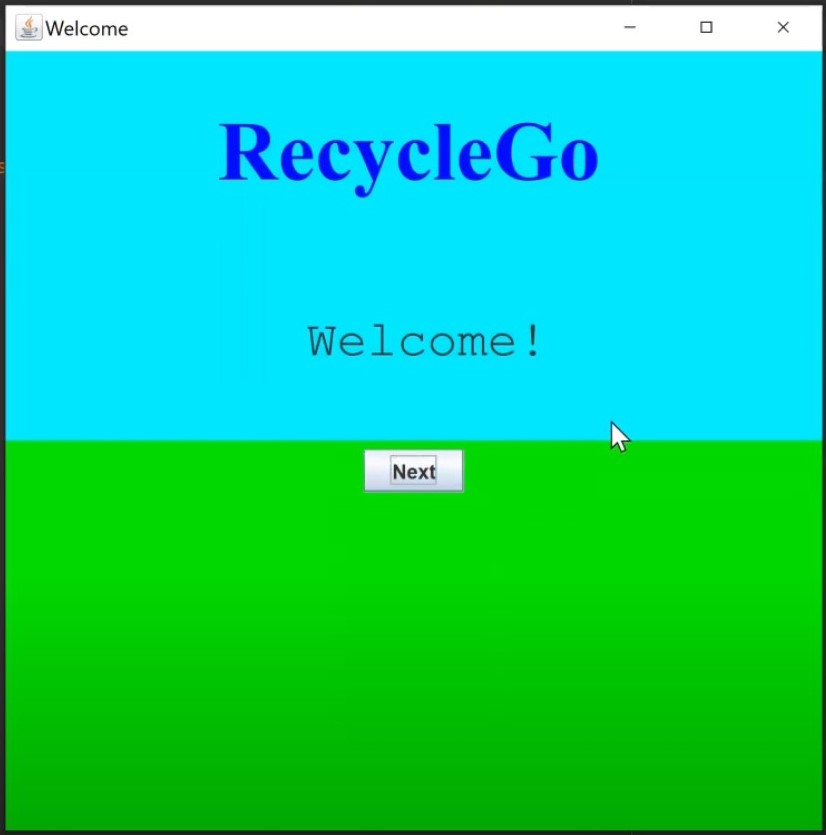
Welcome page
-
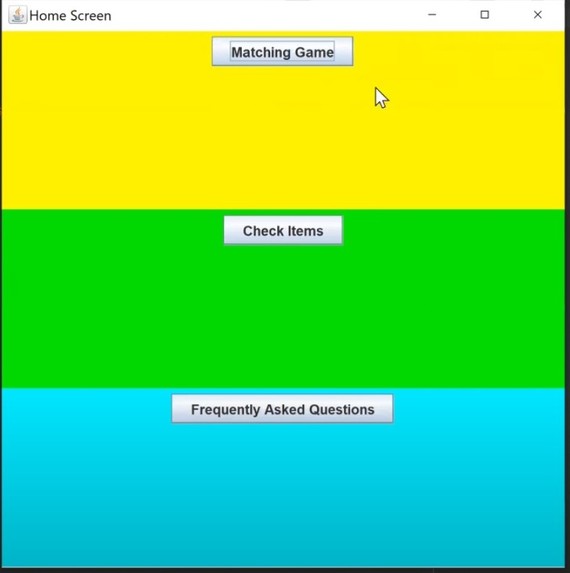
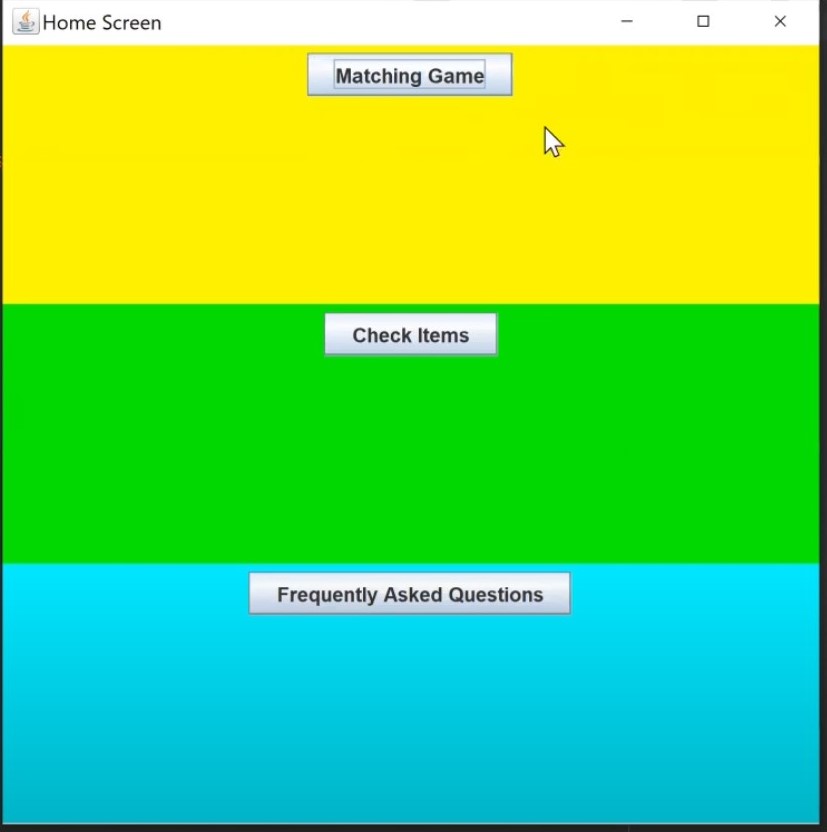
Homescreen
-
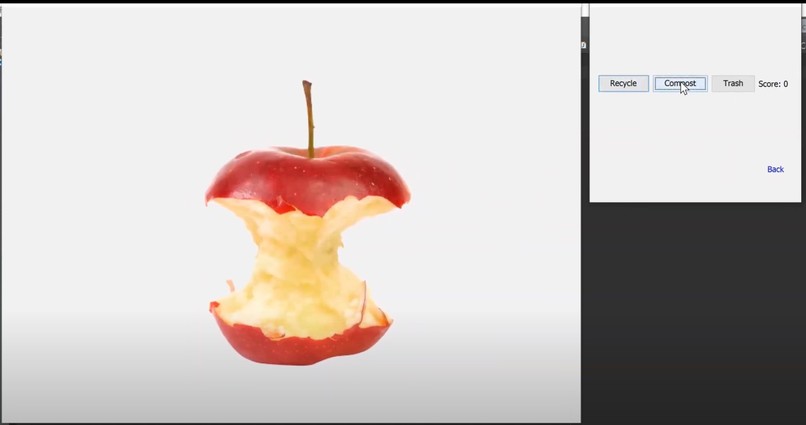
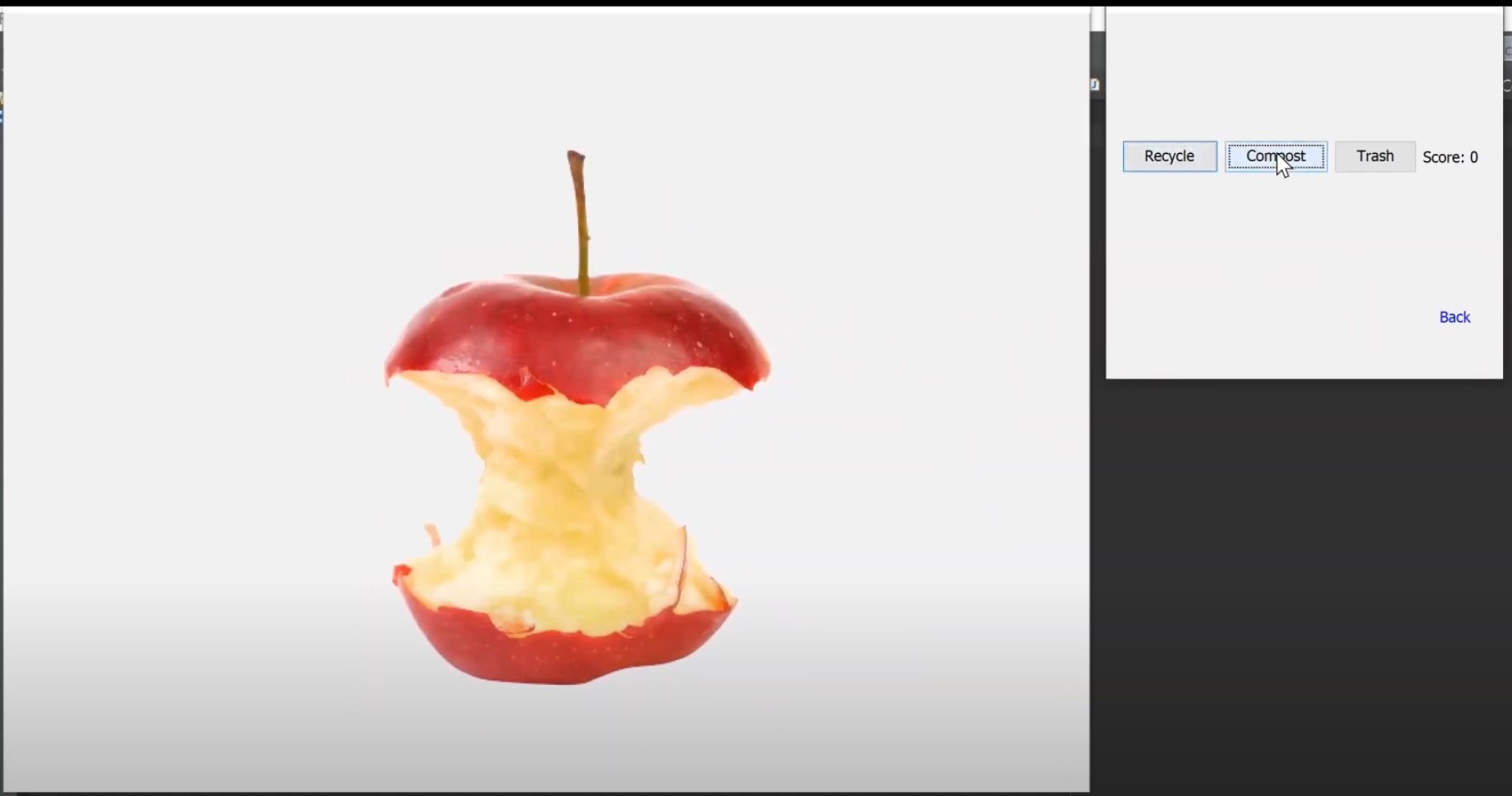
Matching Game
-
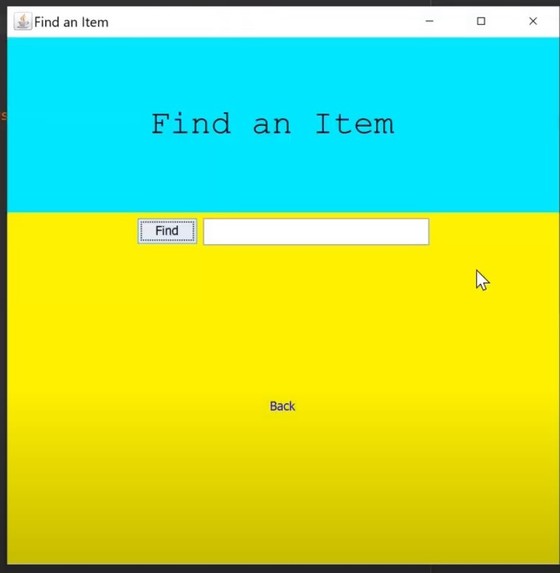
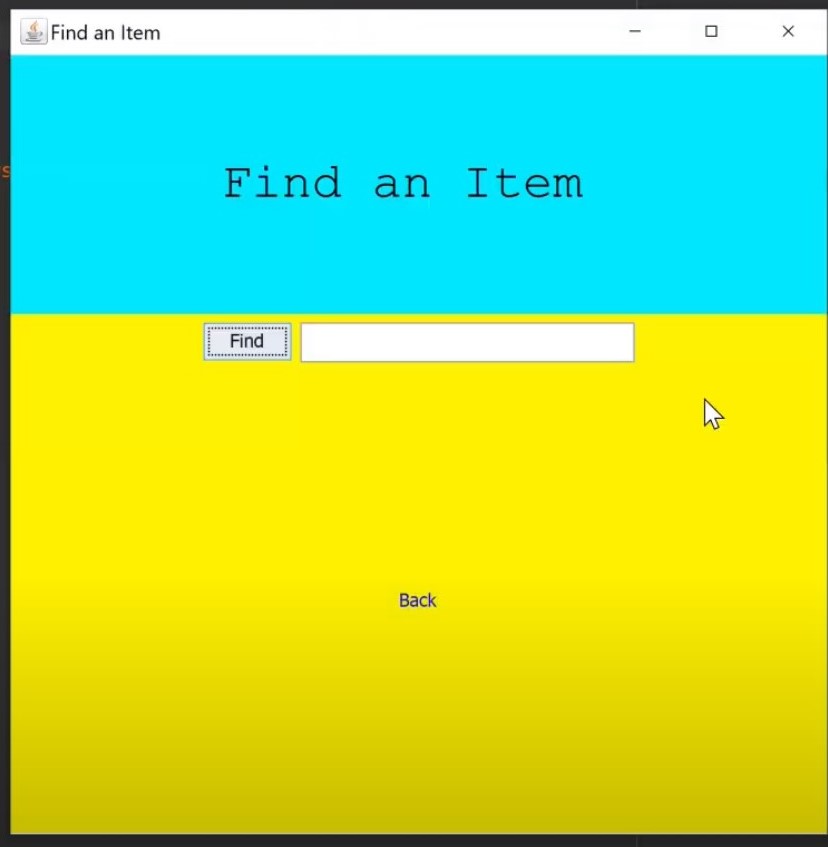
Find Item
-
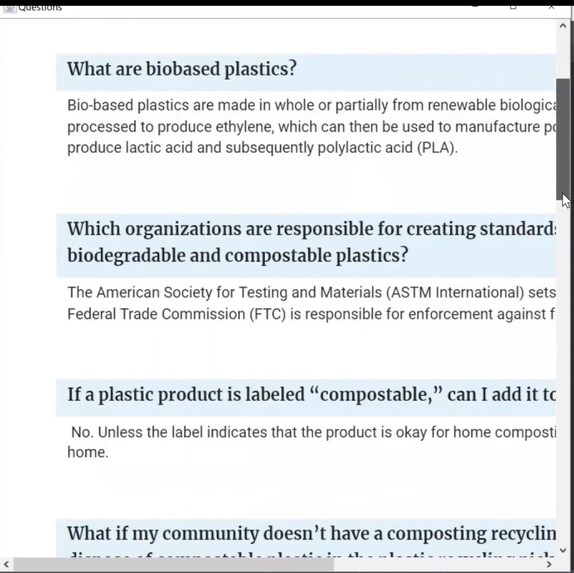
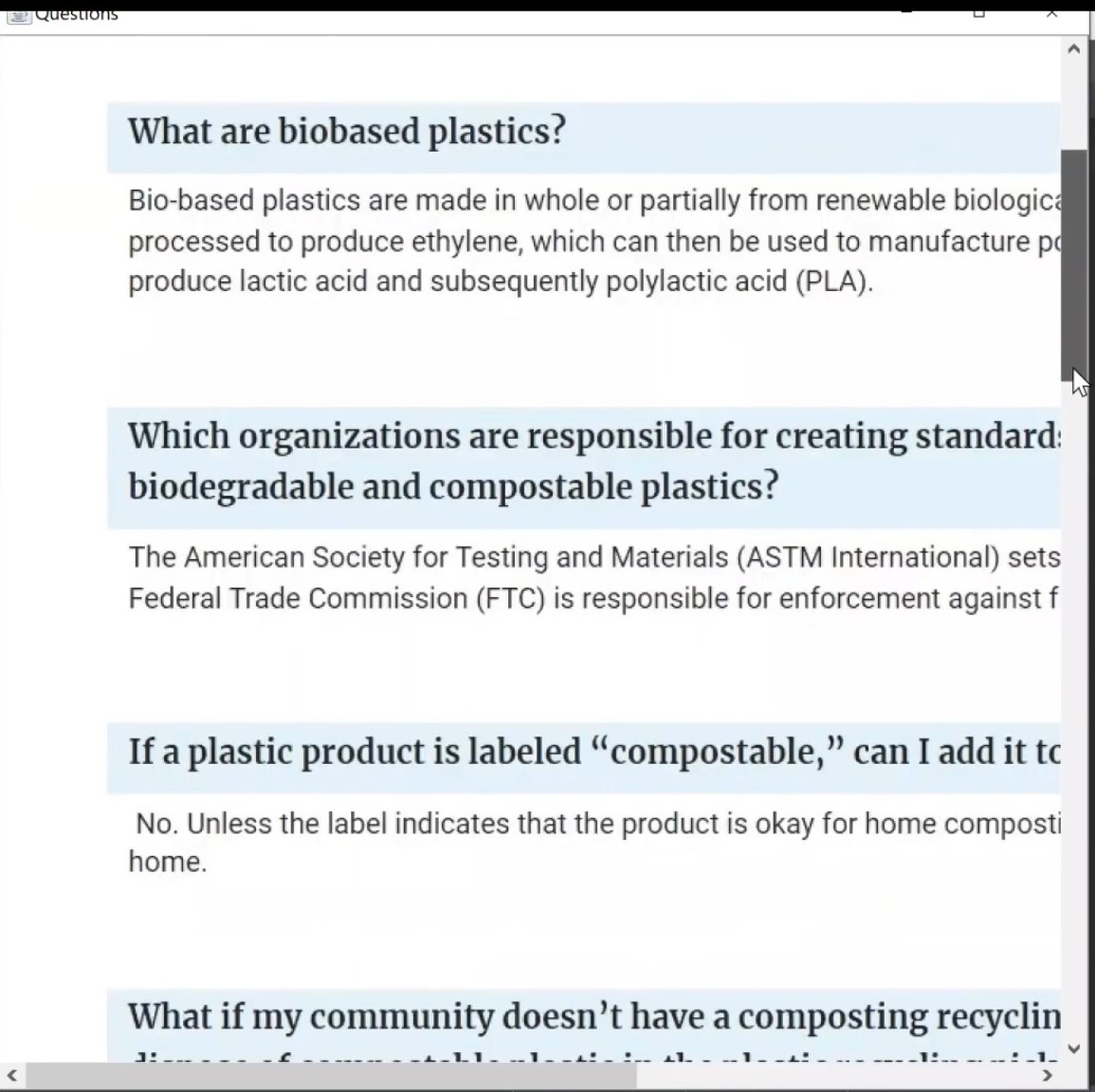
FAQ
Inspiration
This app was inspired by personal experience as I myself struggled to distinguish between different categories of waste.
What it does
The three main features in recycleGo include: the matching game, check items features, and frequently asked question page. The matching game imports Java’s swing library in order to access Java’s GUI aka Graphical User Interface. If a button a part of the Buttons Jframe is clicked, an action event is registered, which results in the calling of the Action Performed method. In this method, if the user clicks on the button which correctly describes the animated image to the left, a new animated image is shown. A score variable is utilized to keep track of the number of times the user clicks on the correct button in one round. If the user clicks on the button which incorrectly classifies the animated image, then the GameOver JFrame is shown.
In the check items feature, data from three files that store items either recyclable, compostable, or trashable respectively are read into 3 separate arrays. Using the quick sort algorithm, these three arrays are sorted based on the first letter of the strings. This executes in O(n log n) time. Once the user enters an item into the JTextField and clicks on the Find button, an action event is registered, which results in the invocation of the Action Performed method. In this method, the text inputted into the text field is received, and using a binary search, the program looks for the same string within the three arrays. This search runs in O(log n) time. Once the string is found, the text within the text field is changed to the classification of the item. If the string is not found, the text is replaced with the “Item not found” string. In the last feature, the FAQ page, a couple of questions and their respective answers are shown to the users.
How we built it
I built the program using Java.
Challenges we ran into
One of the biggest challenges I faced was animating the image in the Matching Game.
Accomplishments that we're proud of
I am proud that I was able to complete the app on time and have a fully working prototype!
What we learned
I learned how to better make use of Java's graphical user interface,
What's next for RecycleGo
In the future, I hope to add a KeyListener that allows users to drag the images into designated boxes labeled Compost, Recycle, and Trash. This makes the app even more interactive. I also want to make sure that in the Find Items feature, I account for misspellings, capitalization errors, and punctuation errors when users type into the JTextfield.

Log in or sign up for Devpost to join the conversation.