ReclaimAI
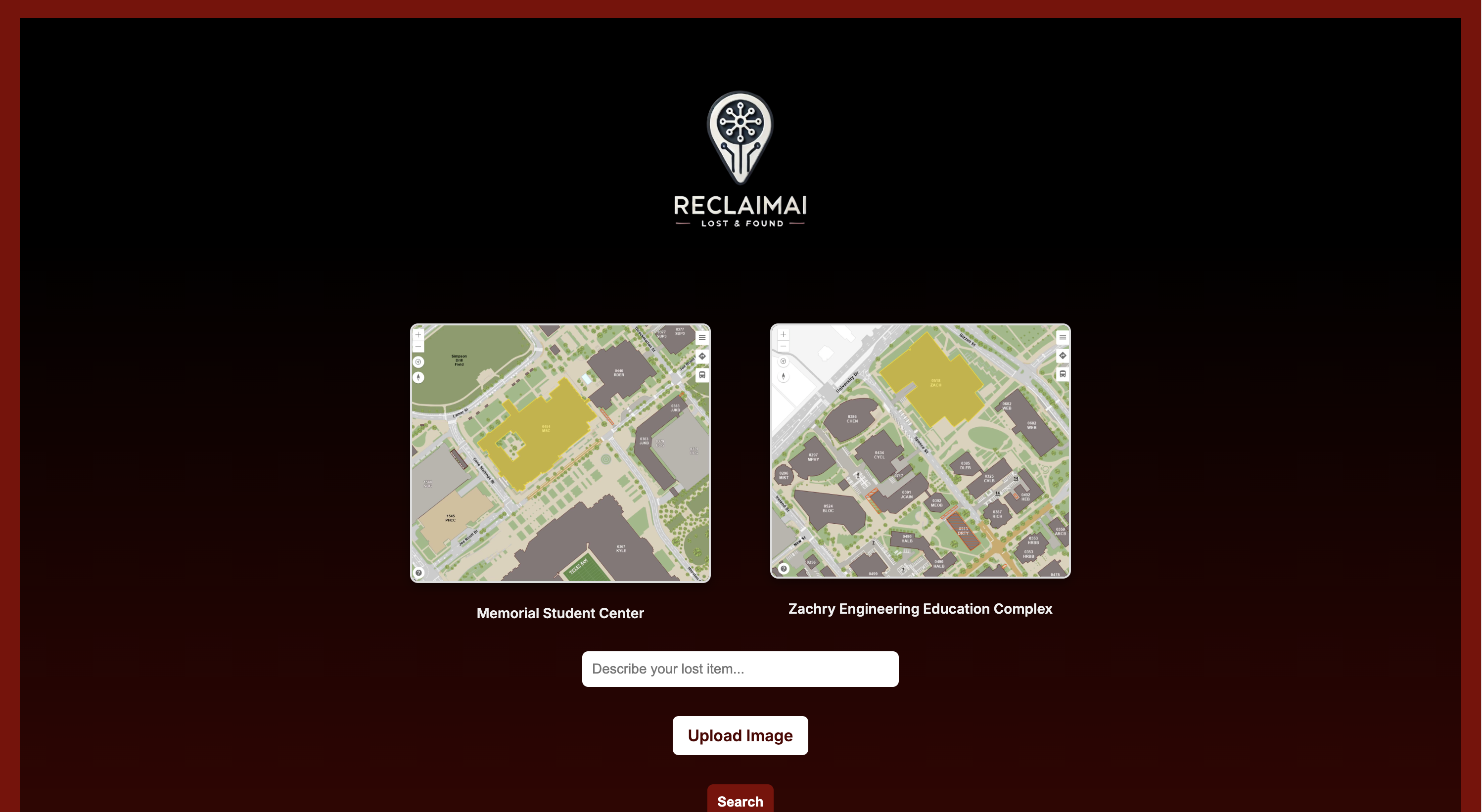
ReclaimAI is an intelligent lost-and-found system designed to help people locate and recover their lost belongings on campus using the power of AI and computer vision.
💡 Inspiration
Lost and found centers often rely on manual search processes, making it frustrating for people to recover their items. We wanted to modernize this system with AI to make finding lost items faster, more accurate, and user-friendly — especially in large environments like college campuses.
🚀 What it does
ReclaimAI allows users to:
- Upload an image or type a description of their lost item
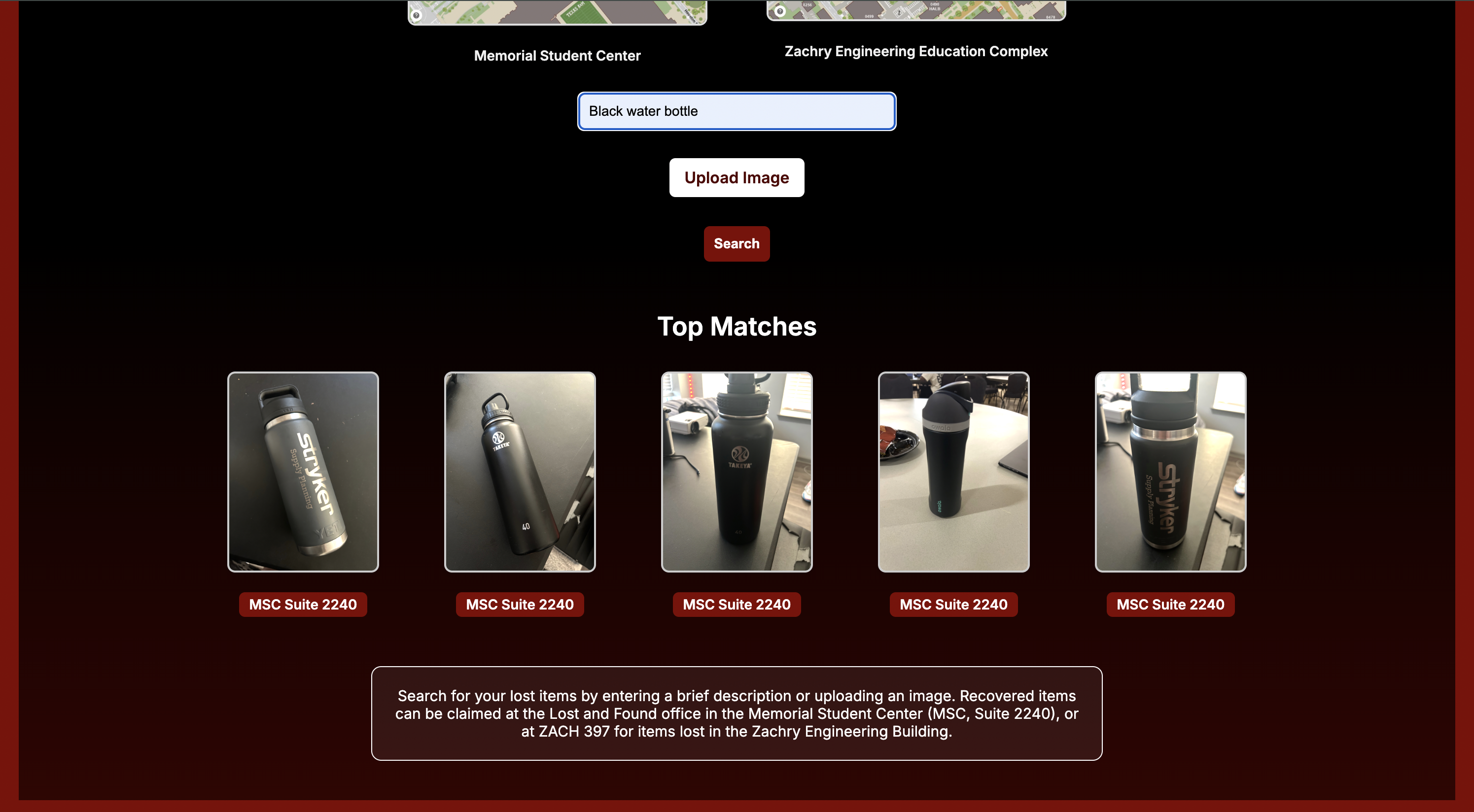
- Find visually and textually similar items in the lost-and-found database
- See where to pick up their item with map links and suggested locations
🛠️ How we built it
- Frontend: HTML, CSS, Jinja (Flask templating)
- Backend: Python with Flask
- AI Models: OpenAI’s CLIP model for image-text embeddings and FAISS for similarity search
- Image Matching: CLIP to support both visual and text-based queries
🧩 Challenges we ran into
- Integrating both image and text search in a clean user workflow
- Displaying results visually in a polished UI
- Managing model performance and storage efficiency
🏆 Accomplishments that we're proud of
- Seamlessly integrated two forms of AI search (image + text)
- Built a full-stack application with a clean interface
- Enabled real-world usability with map integration and real-time results
📚 What we learned
- Deep understanding of image embeddings, similarity search (FAISS), and multimodal AI models
- Frontend-backend communication using Flask
- User interface design principles for accessibility and clarity
🔮 What's next for ReclaimAI
- Deploy to the Cloud: Launch ReclaimAI on a scalable cloud platform like Render, AWS, or Google Cloud to make it accessible campus-wide.
- Database Integration: Replace file-based storage with a relational database (e.g., PostgreSQL or SQLite) to store image metadata, item descriptions, upload times, and associated pickup locations.
- User Accounts: Add user authentication to allow item submissions, confirmations, and claim tracking.
- Admin Dashboard: Create tools for lost-and-found staff to manage submissions, mark items as claimed, and monitor system usage.
- Improved Mobile Support: Optimize the UI for mobile devices to support on-the-go item reporting and retrieval.
- Location-Aware Search: Use GPS metadata or building-specific tags to refine search results by proximity.
- Donation / Marketplace: After 30 days, unclaimed items will automatically be moved to a donation / marketplace category based on item and condition. This will clear up lost and found space and make good use of unclaimed items.

Log in or sign up for Devpost to join the conversation.