-
-
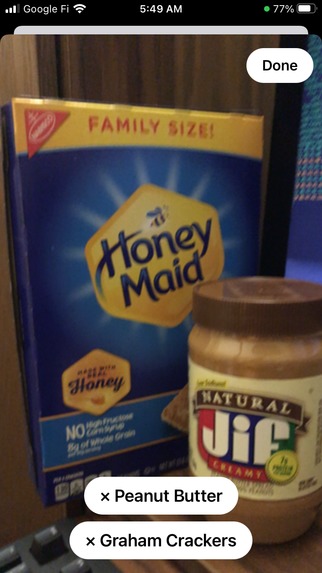
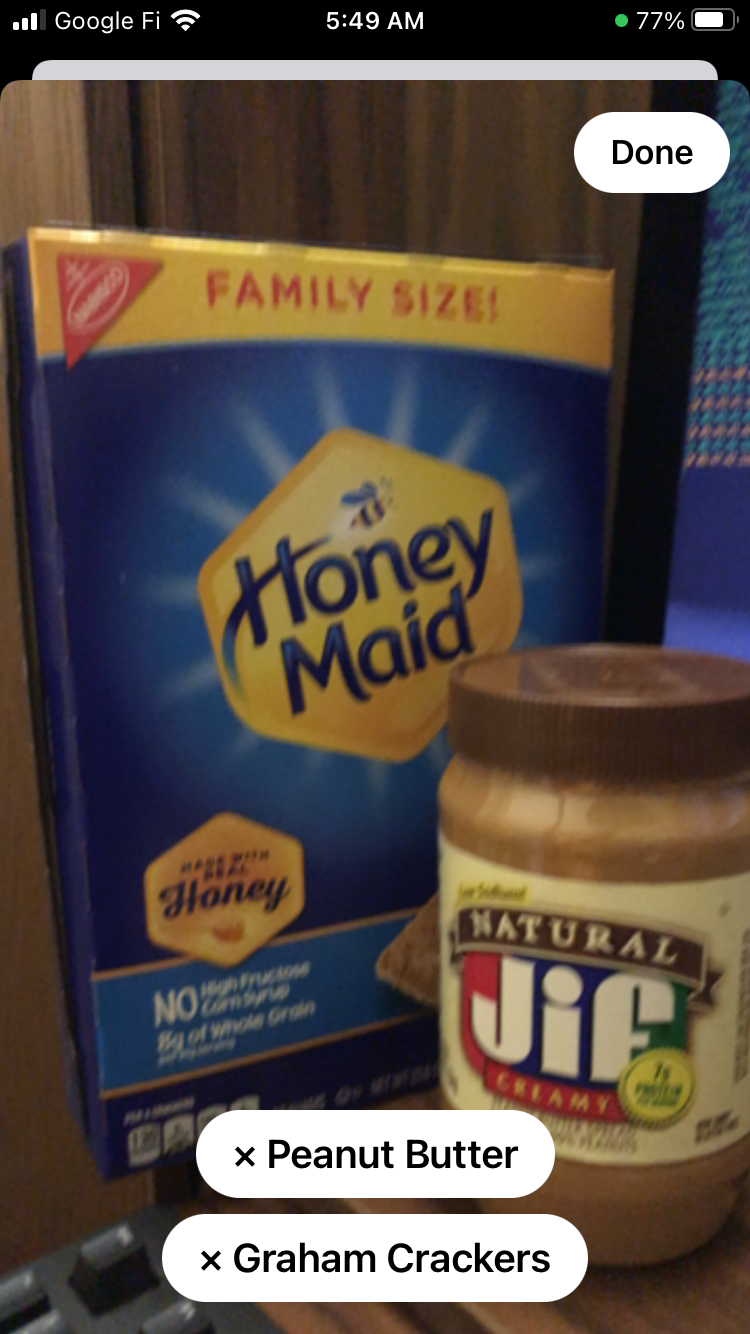
Ingredient detector
-
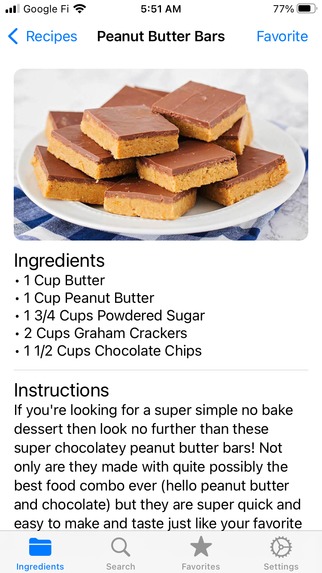
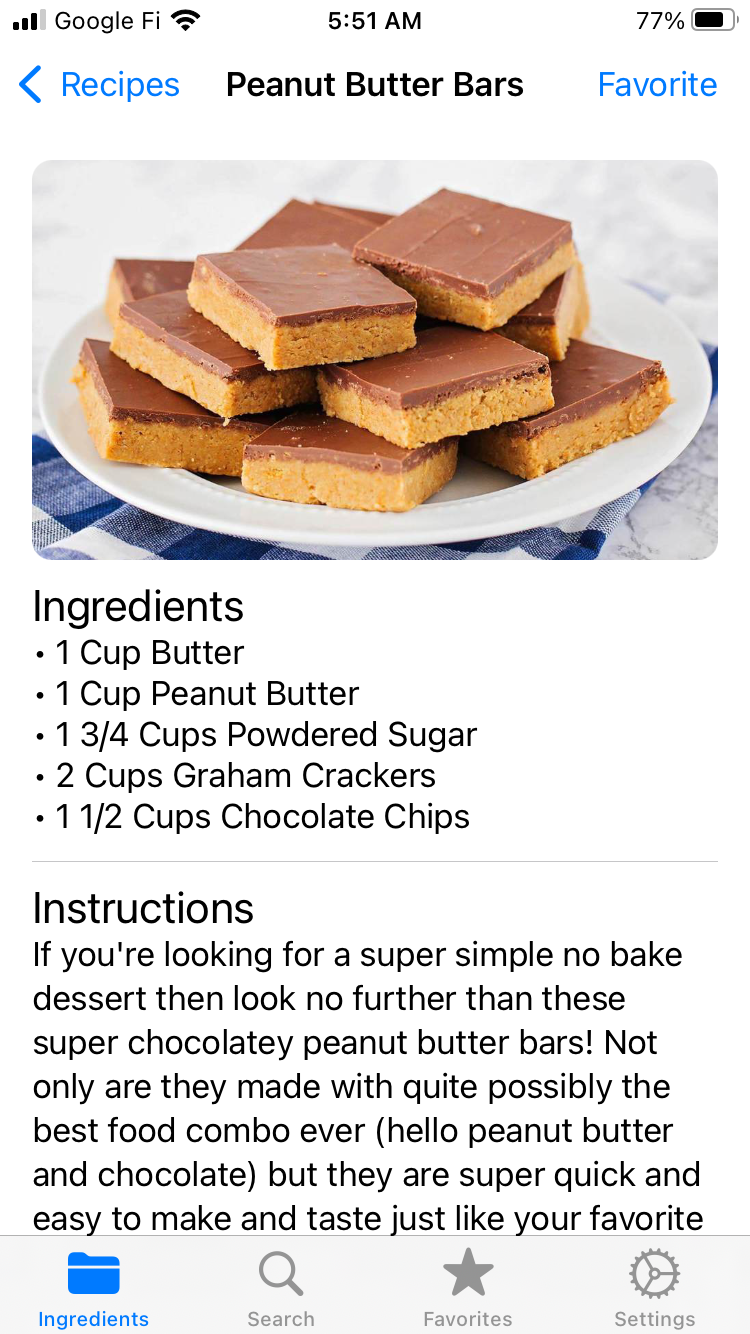
Recipe detail view
-
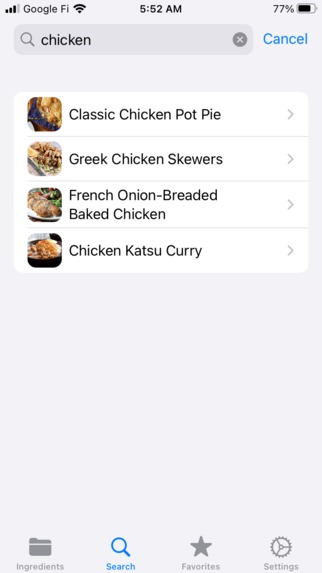
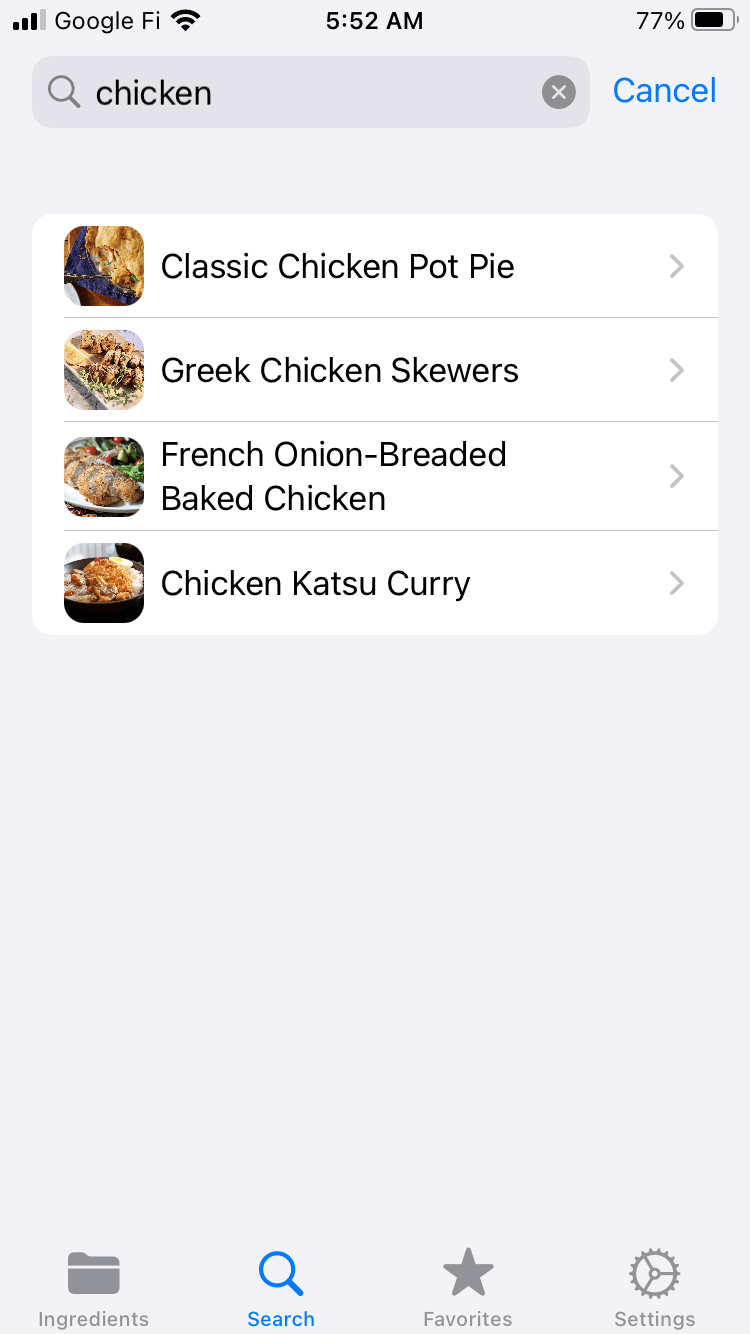
Search tab
-
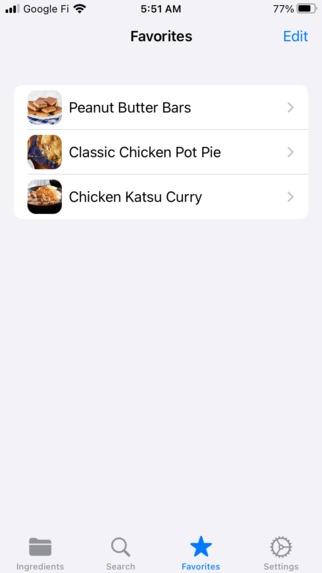
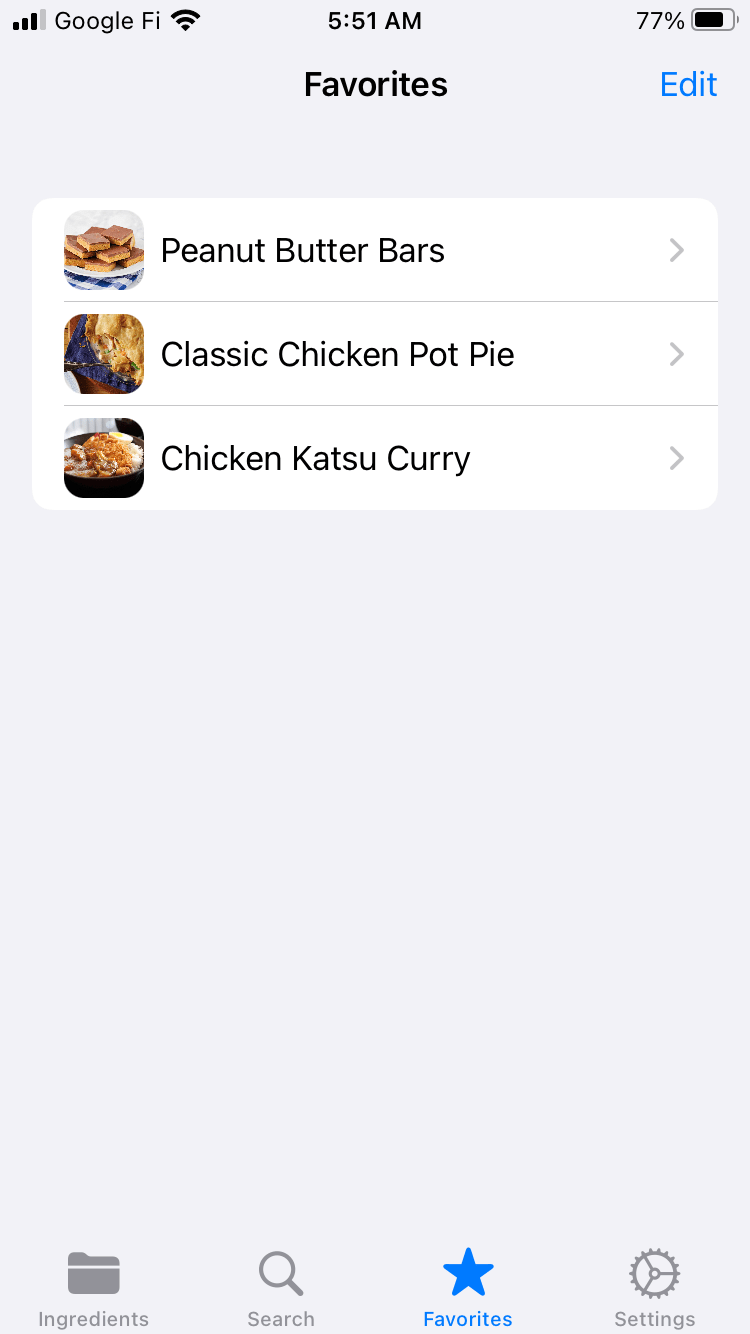
Favorites tab
-
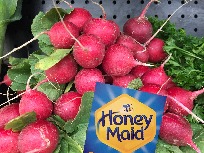
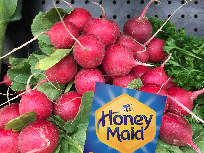
Turi Create synthetic data example
Inspiration
Do you have lots of ingredients sitting around, slowly aging, that you can't think of a recipe for? Consider this: around 40% of the US food supply is wasted due to over-ordering, spoilage, and other factors according to the USDA. What if you could simply look at your ingredients and instantly come up with an amazing recipe?
What it does
Well there is way. RecipeHub uses computer vision to scan and detect ingredients using your phone's camera so you don't need to lift a finger. After you've scanned your ingredients RecipeHub sends a request to our backend API, asking for recipes that share ingredients with the ones you've provided. Our API responds with a list of matching recipes which are then displayed in the app. Users can favorite recipes for easy access and also search for recipes normally using our intelligent search field.
How we built it
The mobile app was built using SwiftUI, Apple's latest app development framework. While most features are implemented directly with SwiftUI, some parts, like the camera preview, require an interface to UIKit. This interface performs the object detection on device using the Vision framework.
We were able to train the model using only 1 image per class (i.e. 1 image per ingredient) thanks to Turi Create's one-shot object detection (OSOD) algorithm. The OSOD algorithm uses the provided images to generate thousands of synthetic images by overlaying each object on a collection of sample images, automatically generating the necessary bounding boxes and occasionally distorting parts of the image to train the model. A sample image generated by the algorithm is provided at the end of the image gallery.
Challenges we ran into
Our original training images had dimensions of around 1000x1000 however the OSOD algorithm is designed to accept images no larger than 500x500. Therefore most of the synthetic data didn't actually include our training data due to the applied transformations, meaning the resulting model was not accurate. Since the actual training takes around an hour for 5 images, we needed to be very careful to properly format our images. Thankfully our second attempt was successful and the model was able to accuracy detect ingredients.
Also, accessing and managing video data from a phones camera and feeding that data our model was a little tricky, especially since the camera can output data faster than the model can process it. Thankfully there was a lot of online documentation and sample code that we were able to take advantage of.
Accomplishments that we're proud of
The final model was (a lot) more accurate than we initially thought it would be, especially since it was only given one image per ingredient. The app is smooth, easy to use, and has a nice appearance. Also, the API is currently running smoothly on our VPS so anyone in the world can use our app.
What we learned
- How to train an object detection model using limited data
- How to make API requests in Swift
- How to use Django's ORM to make the API
What's next for RecipeHub
- Add more recipes, possibly via crowdsourcing
- Train the model on more ingredients


Log in or sign up for Devpost to join the conversation.