-
-
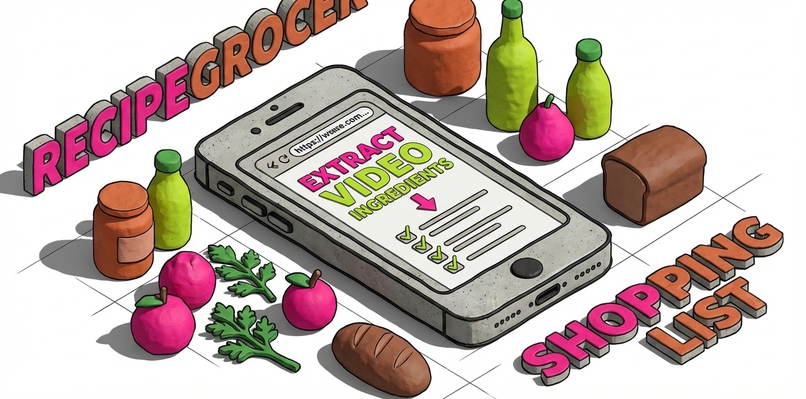
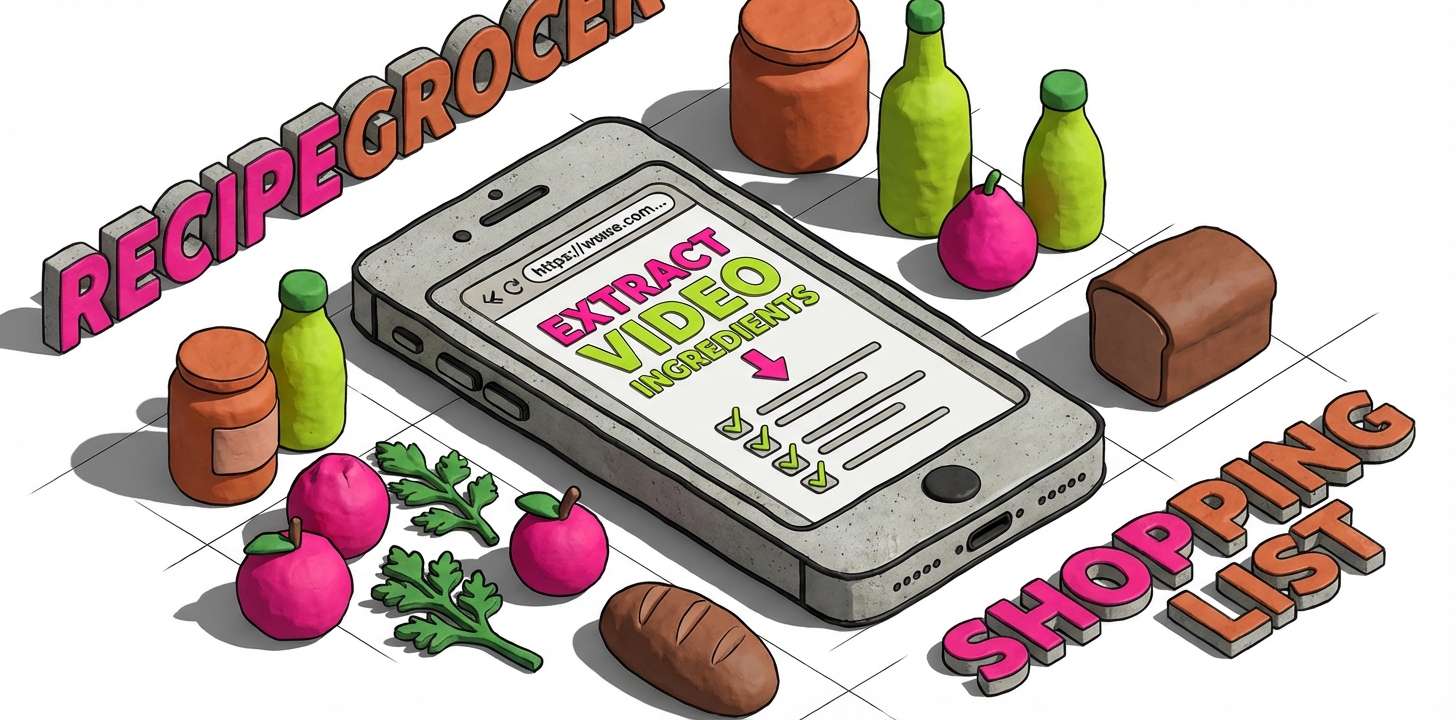
Main app store banner
-
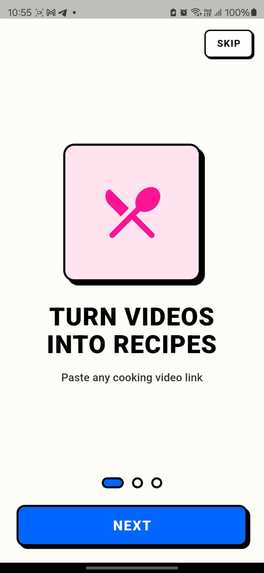
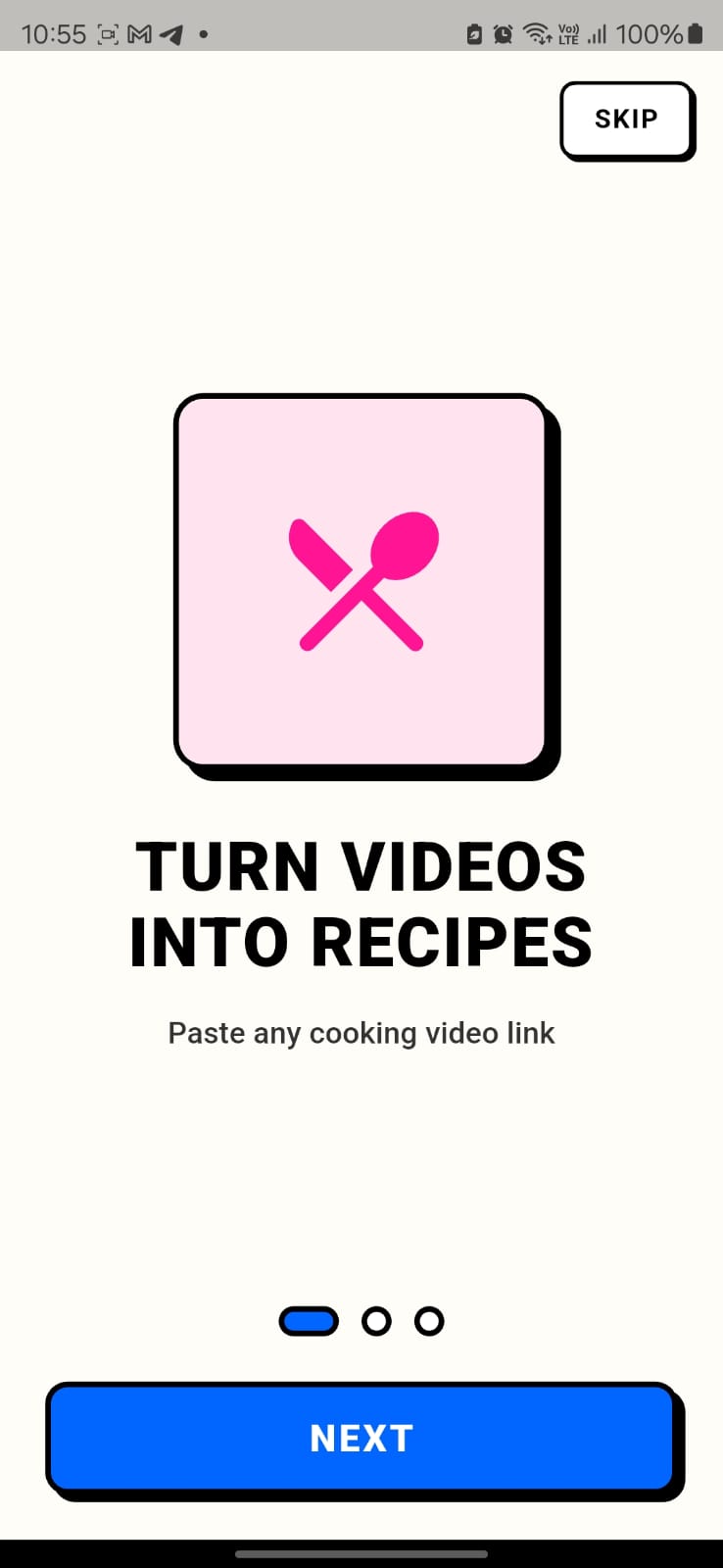
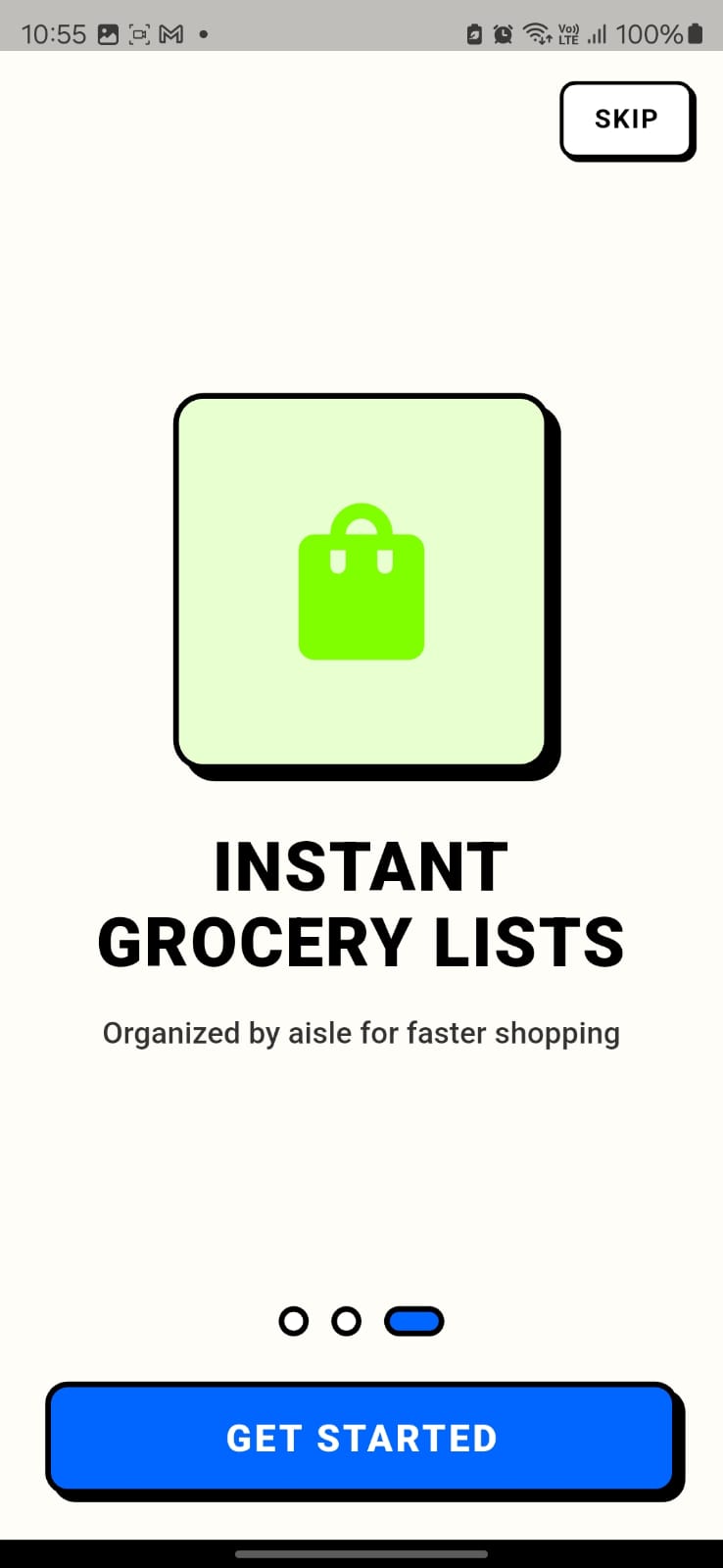
Info Screen 1
-
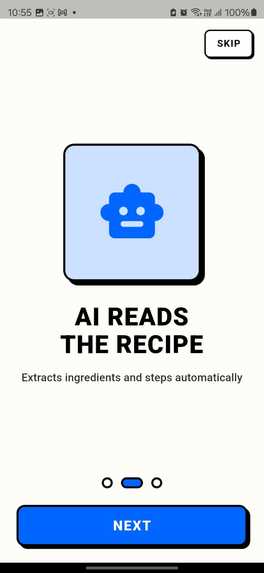
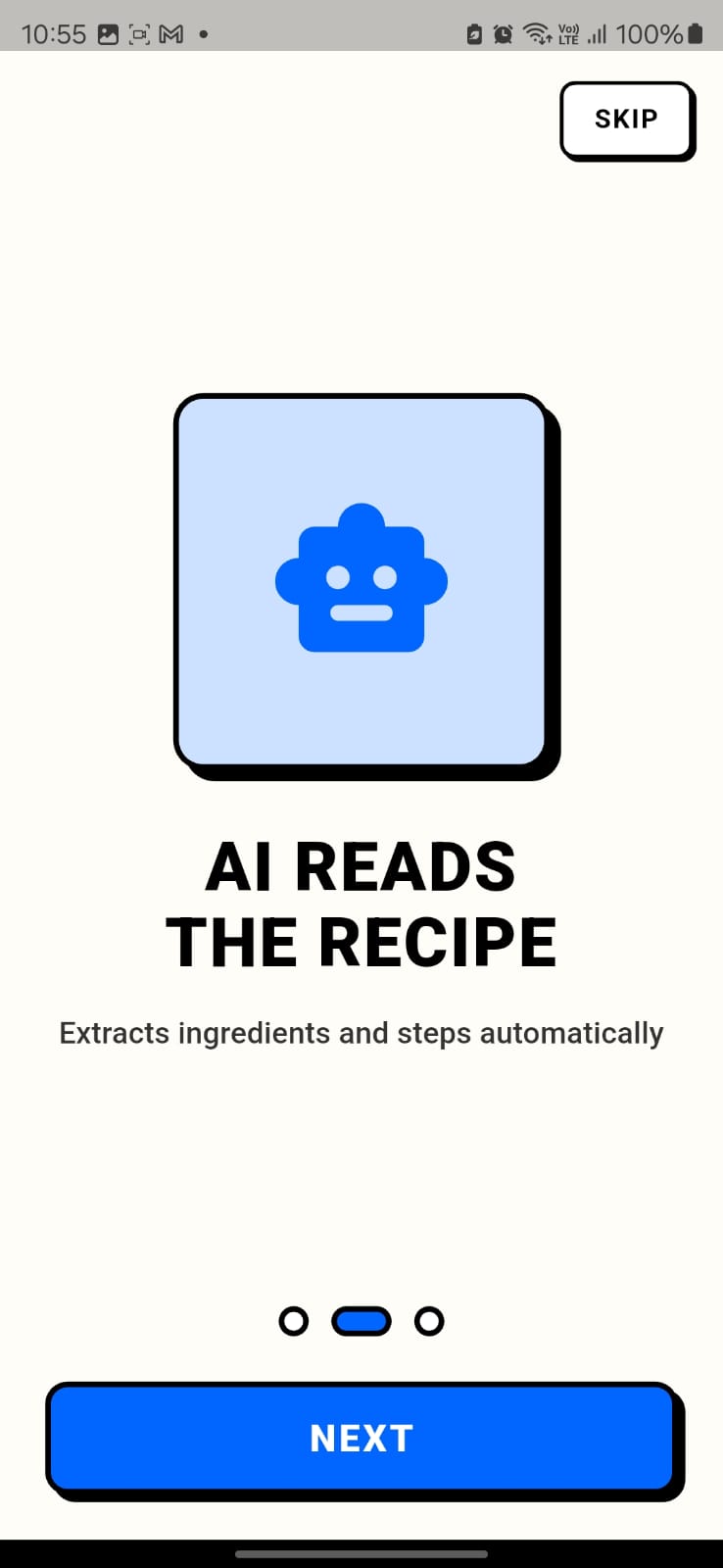
Info screen 2
-
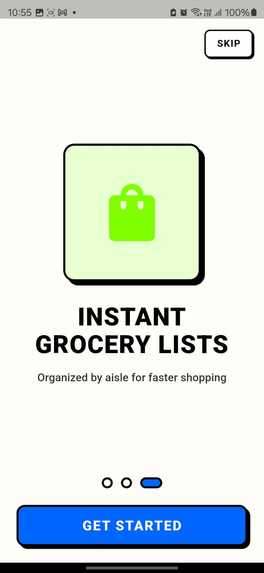
Info screen 3
-
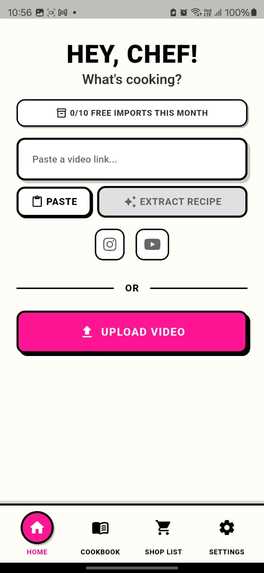
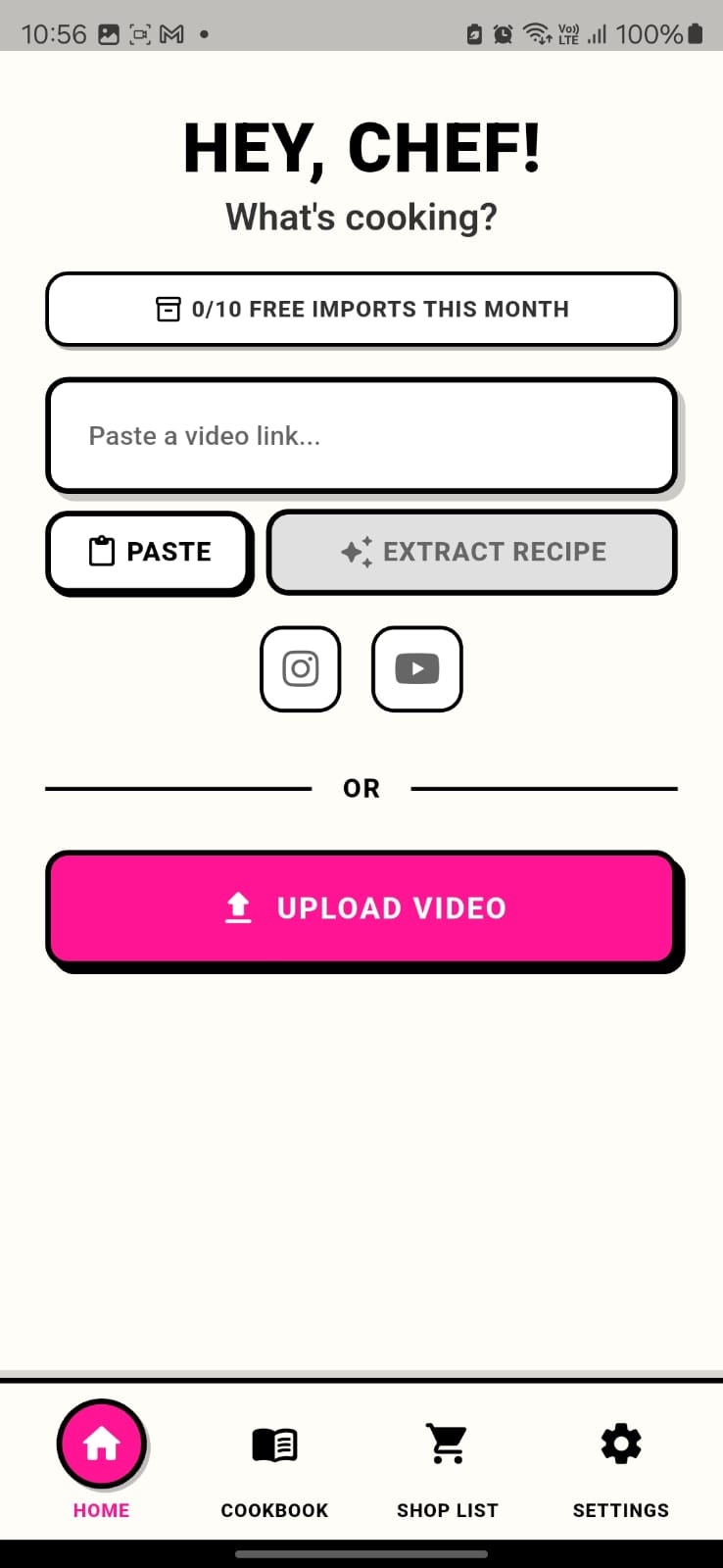
Main Extraction Screen, just e
-
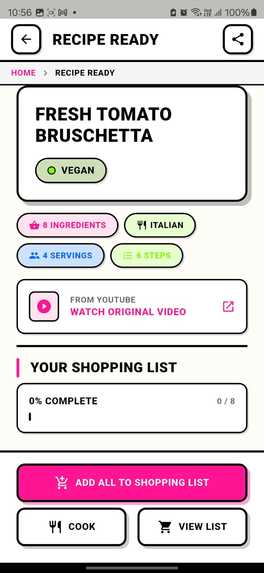
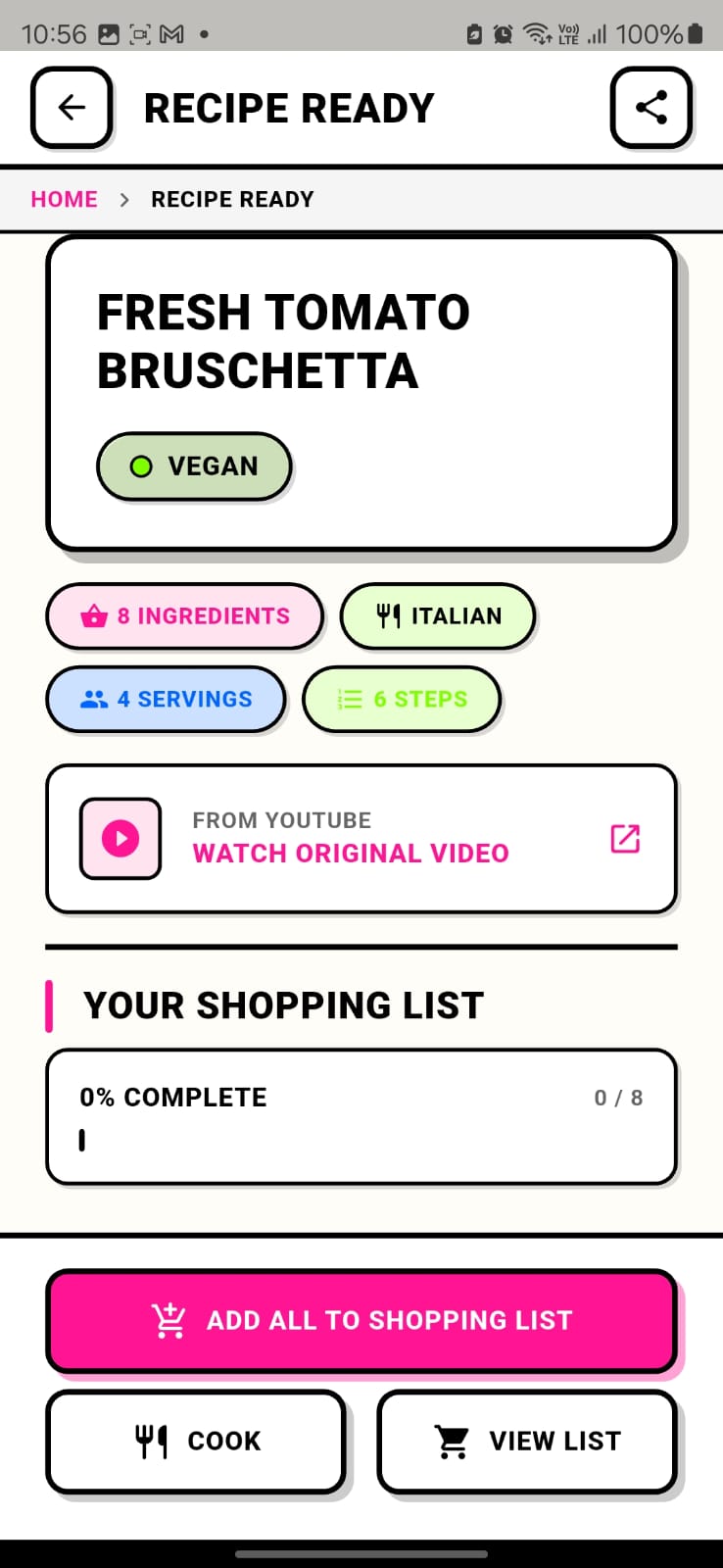
Post extraction Preview
-
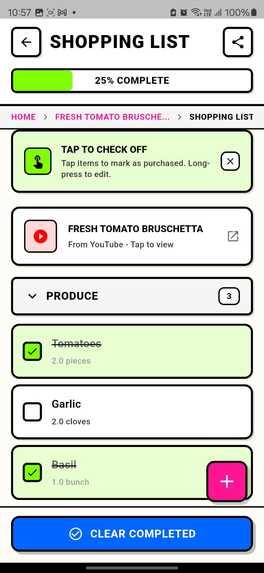
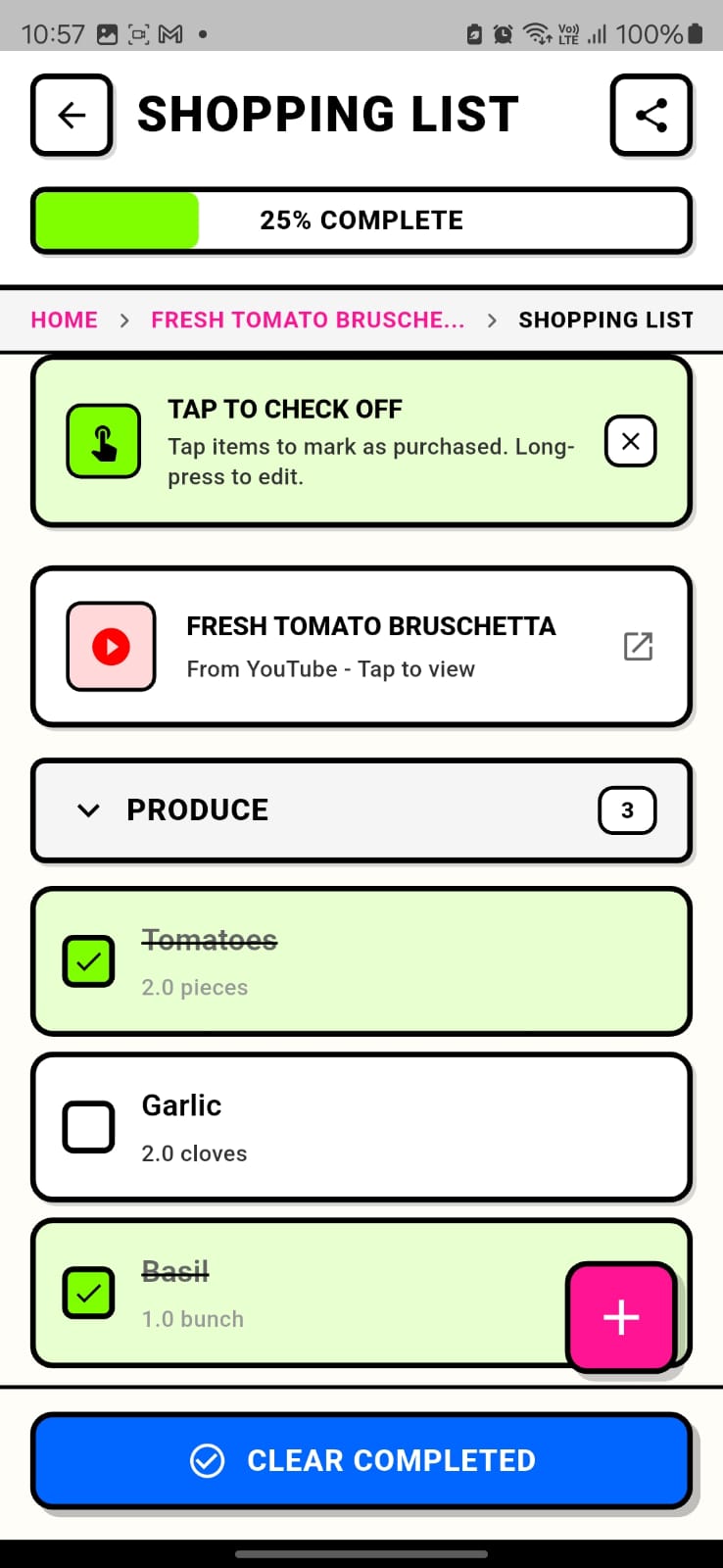
Checkable Shopping List, including clear completed
-
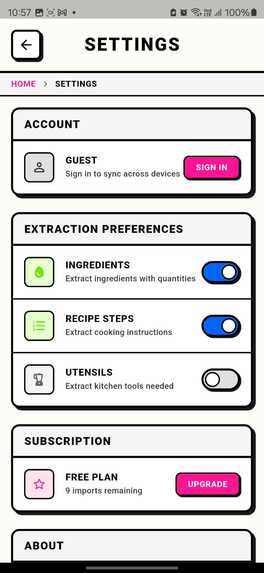
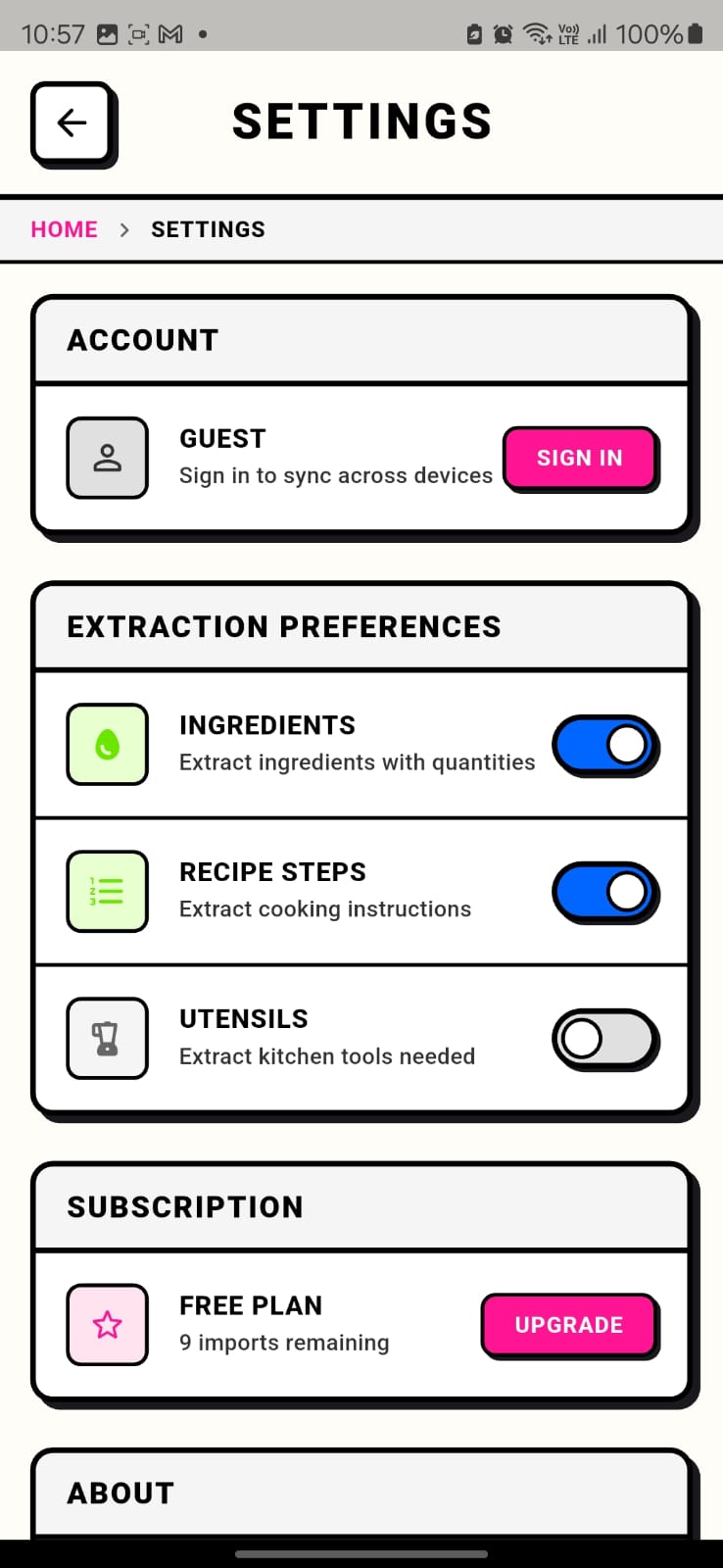
Settings - you choose what to extract
-
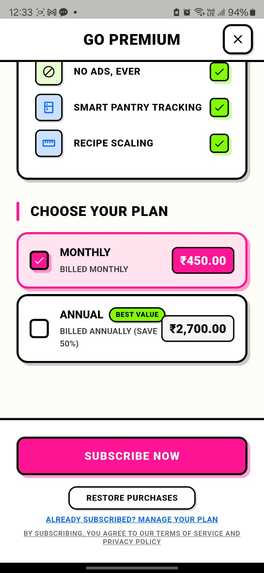
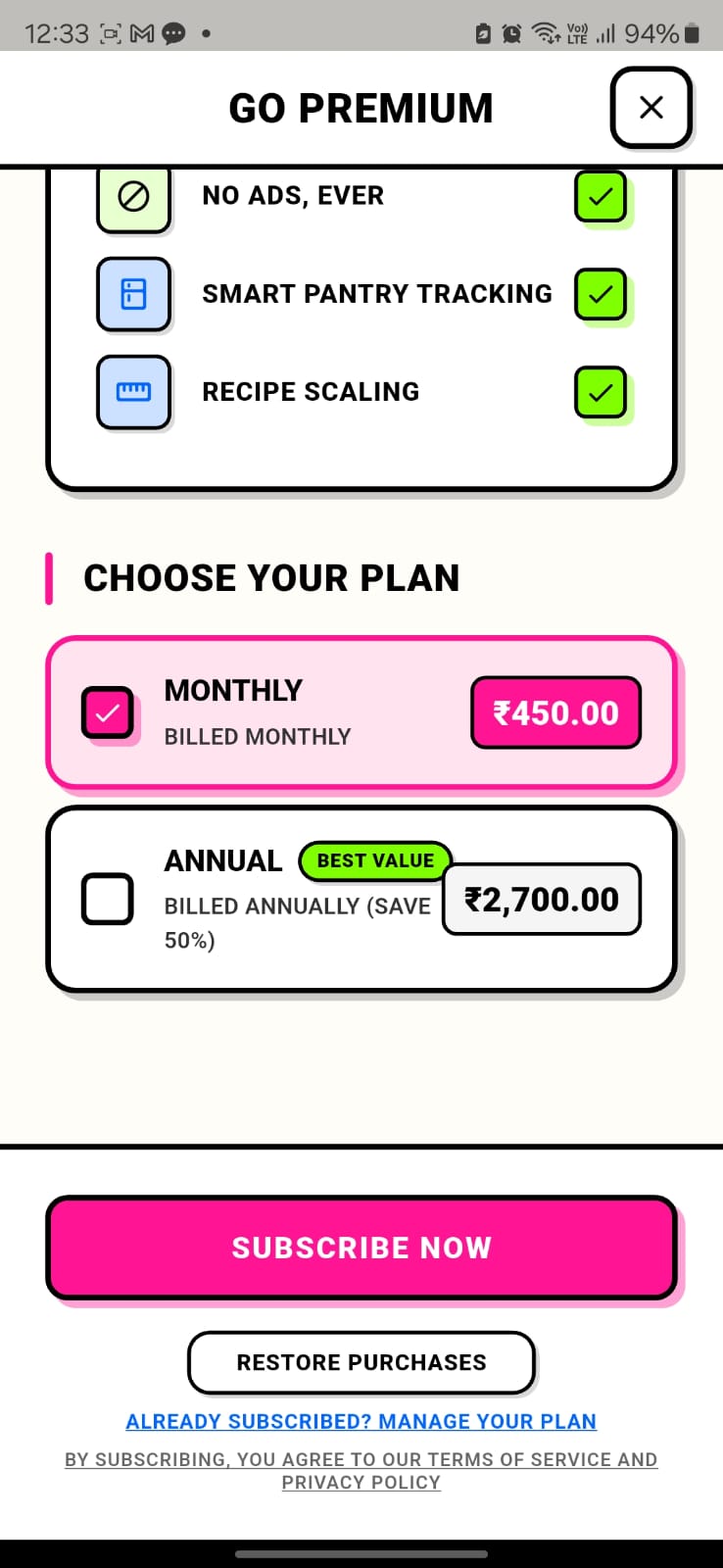
Complete Shipyard integration with manage, cancel, change subscription
Inspiration
We've all been there: you're scrolling Instagram at 10pm, you see Eitan Bernath absolutely nail a pasta dish, and you think "I'm making that this weekend." Then reality hits. You screenshot the video. You scrub through it trying to catch every ingredient. You open Notes and start guessing quantities. By the time you're at the grocery store, you've forgotten half the list and you're replaying the video in the produce aisle with one bar of signal.
The gap between seeing a recipe you love and actually cooking it is absurdly wide. Millions of incredible recipes live inside short-form video, but there's no bridge from "that looks amazing" to "I have everything I need."
RecipeGrocer is that bridge.
What it does
RecipeGrocer turns any Instagram or YouTube cooking video into a complete, aisle-organized shopping list in under 10 seconds.
The flow is dead simple:
- See a recipe video you love
- Copy the link
- Paste it into RecipeGrocer
- Get a full recipe breakdown: title, cuisine, diet type, ingredients with quantities, and a shopping list grouped by grocery aisle (Produce, Dairy, Meat, Pantry, Spices, etc.)
- Tap "ADD ALL TO SHOPPING LIST" and head to the store
The magic moment is the animated recipe reveal: a 4-phase cinematic transition where the recipe title drops in, info badges count up (ingredient count, servings, cuisine), and shopping list items stagger into view grouped by aisle. It turns a utility into an experience.
Key features:
- AI-powered video extraction -- not screenshots, not frames, the entire video is analyzed for maximum accuracy
- Diet classification -- automatically tags recipes as Vegan, Vegetarian, Eggetarian, Non-Veg, or Jain
- Smart ingredient parsing -- separates "2 finely diced onions" into the ingredient (onion), quantity (2), and preparation note (finely diced)
- Aisle-grouped shopping lists -- 10 categories matching real grocery store layouts
- Cumulative shopping list -- import multiple recipes and all ingredients accumulate into one master list with checkboxes
- Saved cookbook -- every imported recipe is stored for quick reference while cooking
Monetization: Free users get 10 recipe imports per month with full feature access. Premium (via RevenueCat) unlocks unlimited imports, priority processing, and an ad-free experience. The free tier is generous enough to hook users but scarce enough to convert.
How we built it
Frontend: Flutter (Dart) for cross-platform mobile, using Riverpod for state management and Freezed for immutable data models. The UI follows a bold retro comic book design system -- thick borders, hard shadows, hot pink CTAs, lime green success states -- that stands out from every minimalist recipe app on the market.
AI Pipeline: When a user pastes a URL, RecipeGrocer:
- Detects the platform (Instagram/YouTube) via strict domain matching
- Downloads the full MP4 video via platform-specific APIs (apihut.in for Instagram, Zyla Labs for YouTube)
- Encodes the video as base64 and sends it to a vision-capable LLM via OpenRouter
- Parses the structured JSON response through a 4-stage fallback system (direct parse, sanitize, JSON extraction, regex recovery)
- Validates, categorizes ingredients by aisle, and builds the recipe model
Subscriptions: RevenueCat handles all subscription logic -- offerings, entitlements, restore purchases. The paywall triggers automatically when free tier limits are reached, with no feature-gating during the free period.
Auth: Firebase Authentication with Google Sign-In, linked to RevenueCat customer IDs for cross-device subscription sync.
Security: API keys are XOR-obfuscated with versioned secure storage. AI responses are sanitized against injection patterns. URLs are validated with strict domain matching to prevent abuse.
Challenges we ran into
Google Sign-In on Play Store builds was our most frustrating bug. Everything worked in debug. Everything worked with sideloaded APKs. But Play Store installs silently failed with ApiException 10. The root cause: Google Play re-signs AABs with their own App Signing key, generating a third SHA-1 fingerprint that needs to be in Firebase Console. We had debug and upload keys configured -- but not the Play Console App Signing key. One missing SHA-1, hours of debugging.
AI response reliability was a constant battle. Vision models don't always return clean JSON. We built a 4-stage parsing fallback: try direct JSON parse, then sanitize common issues (markdown fences, trailing commas), then extract JSON from surrounding text, then regex extraction as a last resort. We also added backup API key rotation when primary keys hit rate limits or expire.
Video download APIs each had their own quirks. Instagram's API requires specific handling for public vs. private profiles. YouTube needed format filtering to find MP4s with audio tracks. Both needed retry logic with exponential backoff and dedicated API keys (we initially shared a key between services, causing 401 errors on every other device).
Adaptive icons on Android looked perfect in the IDE preview but rendered tiny on actual devices. The source PNG had 17.5% invisible padding, and the XML had an additional 16% inset. We had to strip both and regenerate every mipmap density.
Accomplishments that we're proud of
The magic moment screen. When extraction completes and the recipe animates into view -- title sliding in, ingredient count ticking up, shopping list items staggering by aisle -- it genuinely feels delightful. It transforms a utility app into something you want to use.
10-second end-to-end. From pasting a link to holding a complete aisle-organized shopping list. That speed makes it feel like magic rather than a tool.
Production-grade error handling. The 4-stage JSON parsing fallback, backup key rotation, exponential backoff retries, and input sanitization mean this app doesn't just work in demos -- it works in the wild, on real devices, with real API flakiness.
The free-to-premium conversion flow. Users get 10 full-featured imports per month. No nag screens, no feature gates. Just a visible counter that creates natural urgency, and when they hit the limit, a beautifully designed paywall that sells the upgrade on its own merits.
Shipping a complete product in a hackathon. This isn't a prototype. It's on the Play Store with real subscription infrastructure, real error handling, and a real design system.
What we learned
RevenueCat makes subscription infrastructure trivial -- but understanding the testing workflow (license testers, sandbox accounts, RESPOND_NORMALLY settings) has a learning curve worth investing in early.
Vision AI models are powerful but unpredictable. You can't trust the output format. Building robust parsing with multiple fallback stages was essential, and it's a pattern we'll carry into every AI-powered feature going forward.
Play Store signing is a hidden complexity. The three-key system (debug, upload, app signing) is well-documented but easy to miss when you're moving fast. Every Firebase + Play Store project should set up all three SHA-1 fingerprints on day one.
Design creates differentiation in utility apps. Recipe and grocery apps are commodity markets. Our retro comic book aesthetic with bold animations makes RecipeGrocer memorable. The "magic moment" reveal is what turns a tool into an experience people talk about.
What's next for RecipeGrocer
- Smart Pantry Tracking -- tell RecipeGrocer what you already have, and it subtracts those ingredients from your shopping list. No more buying garlic when you have three bulbs at home.
- Recipe Scaling -- cooking for 6 instead of 2? One tap to adjust all quantities and the shopping list updates automatically.
- Grocery Delivery Affiliate Integration -- partner with Instacart, DoorDash, and other delivery platforms so users can send their shopping list directly to a delivery service. One tap from recipe video to groceries at your door. This creates a powerful affiliate revenue stream alongside subscriptions.
- In-App Native Ads -- brand partnerships with food and kitchen brands, integrated naturally into the recipe and shopping experience. Non-intrusive, contextually relevant ads (a knife brand alongside a recipe that needs precision cutting) that add value rather than interrupting.
- iOS Launch -- Flutter makes this straightforward. The codebase is already cross-platform; we need App Store assets and Apple Sign-In. (awaiting apple dev account approval)
- Social Features -- share your shopping list with family members, collaborate on meal planning for the week, and discover what recipes your friends are cooking.
- More Platforms -- TikTok, Facebook Reels, and direct video upload support to cover every source of cooking content.

Log in or sign up for Devpost to join the conversation.