-
-
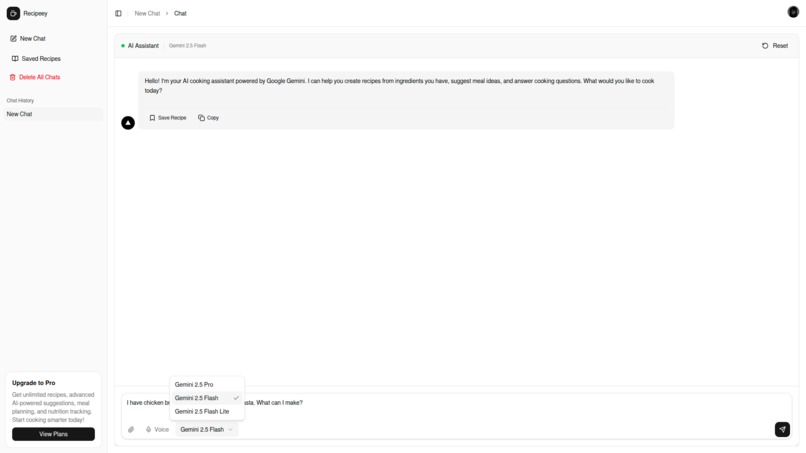
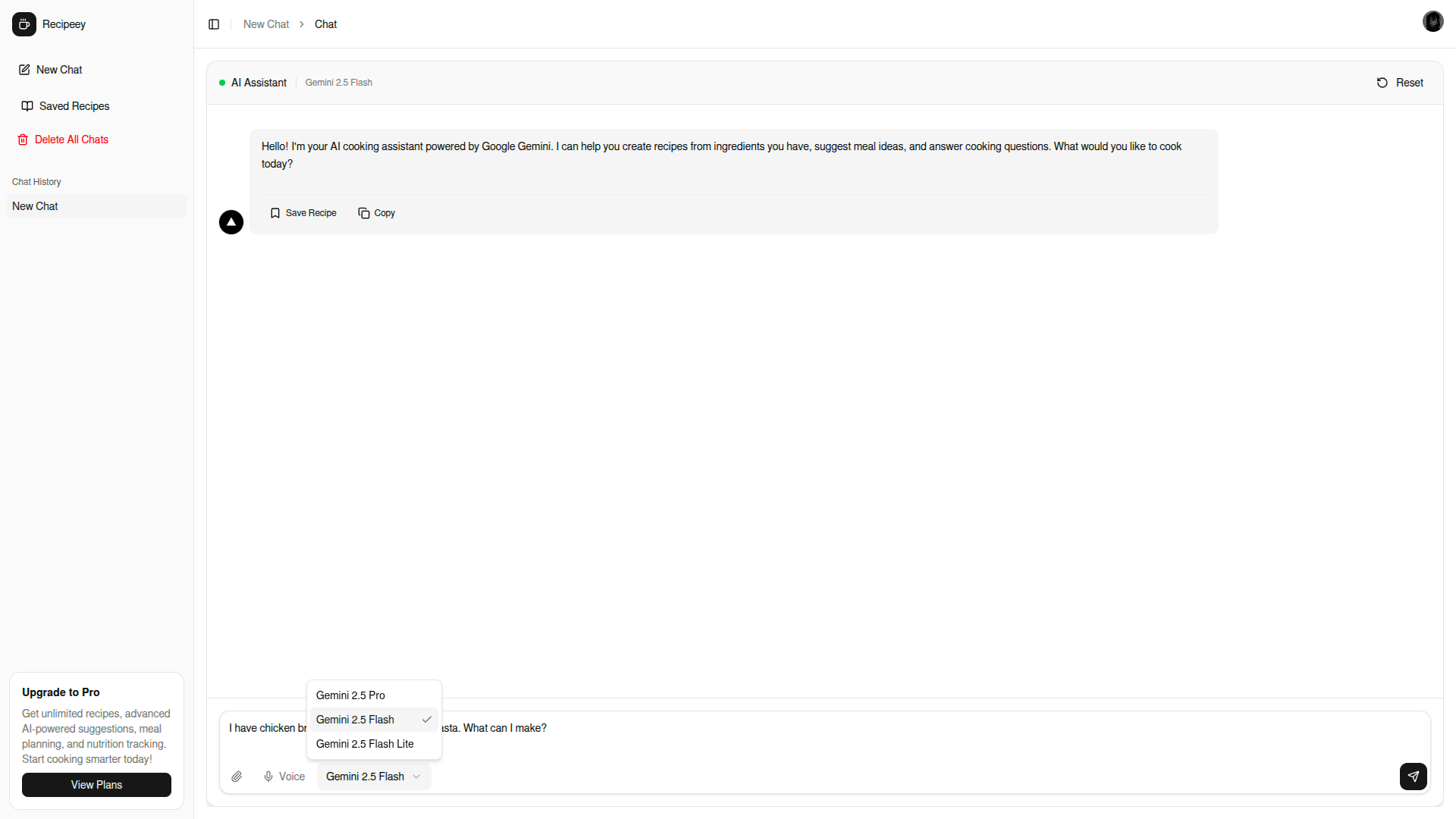
model selection
-
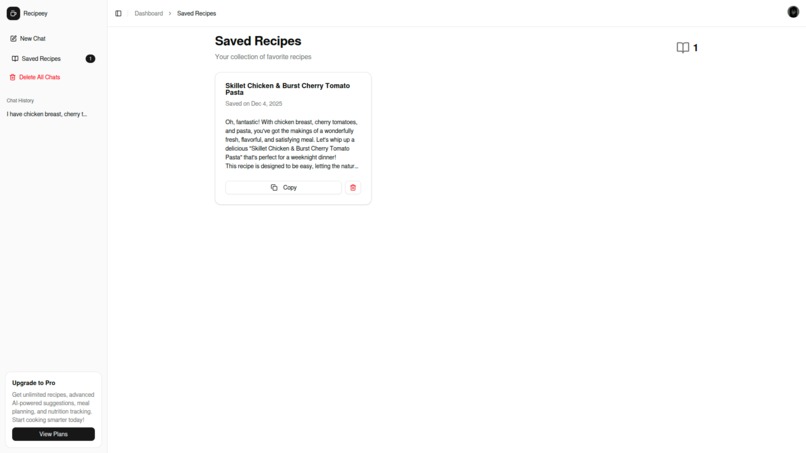
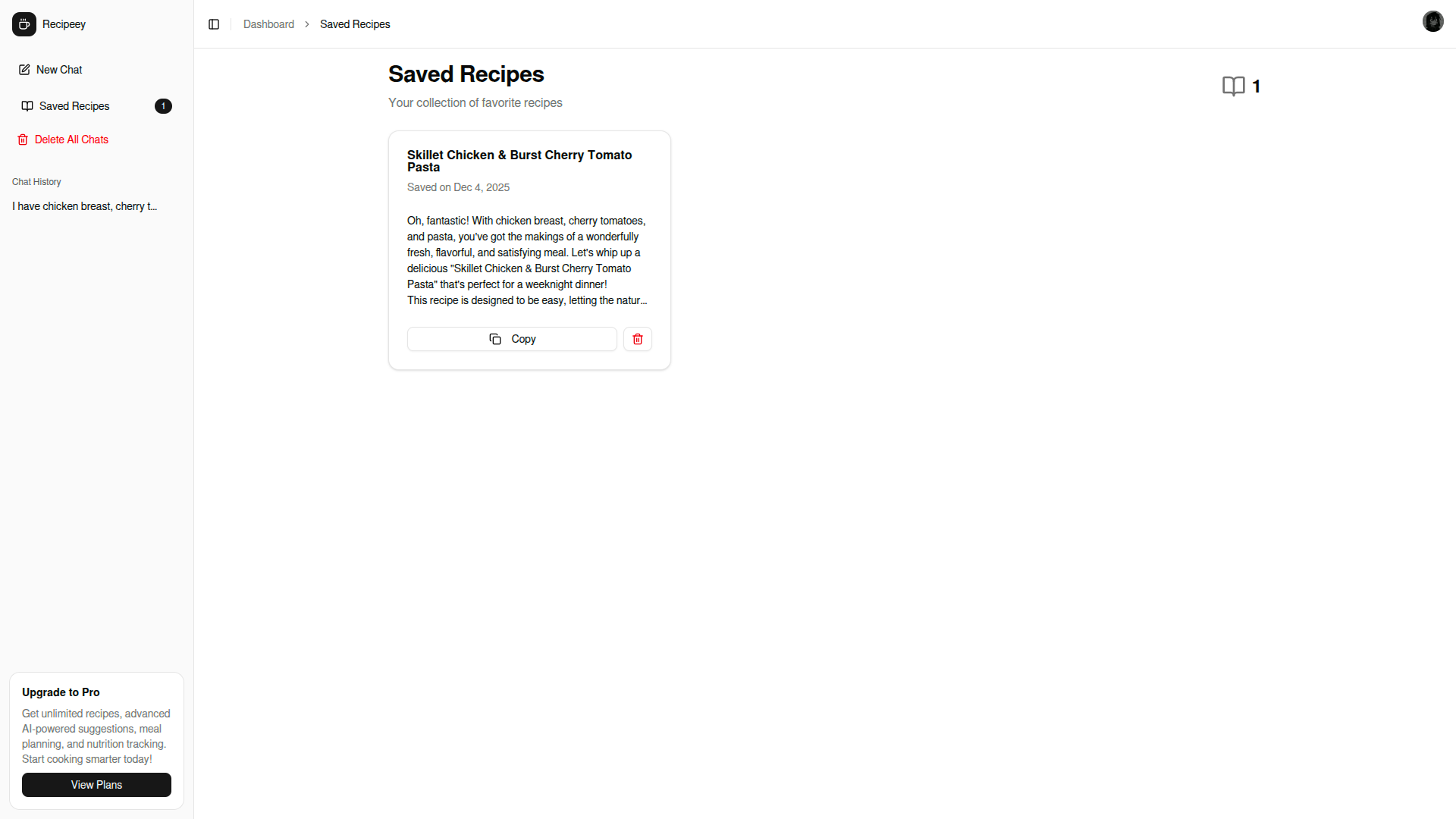
saved recipes list
-
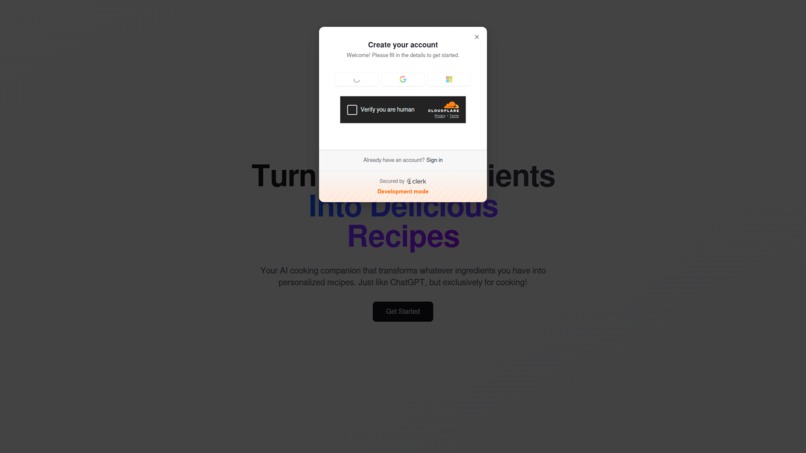
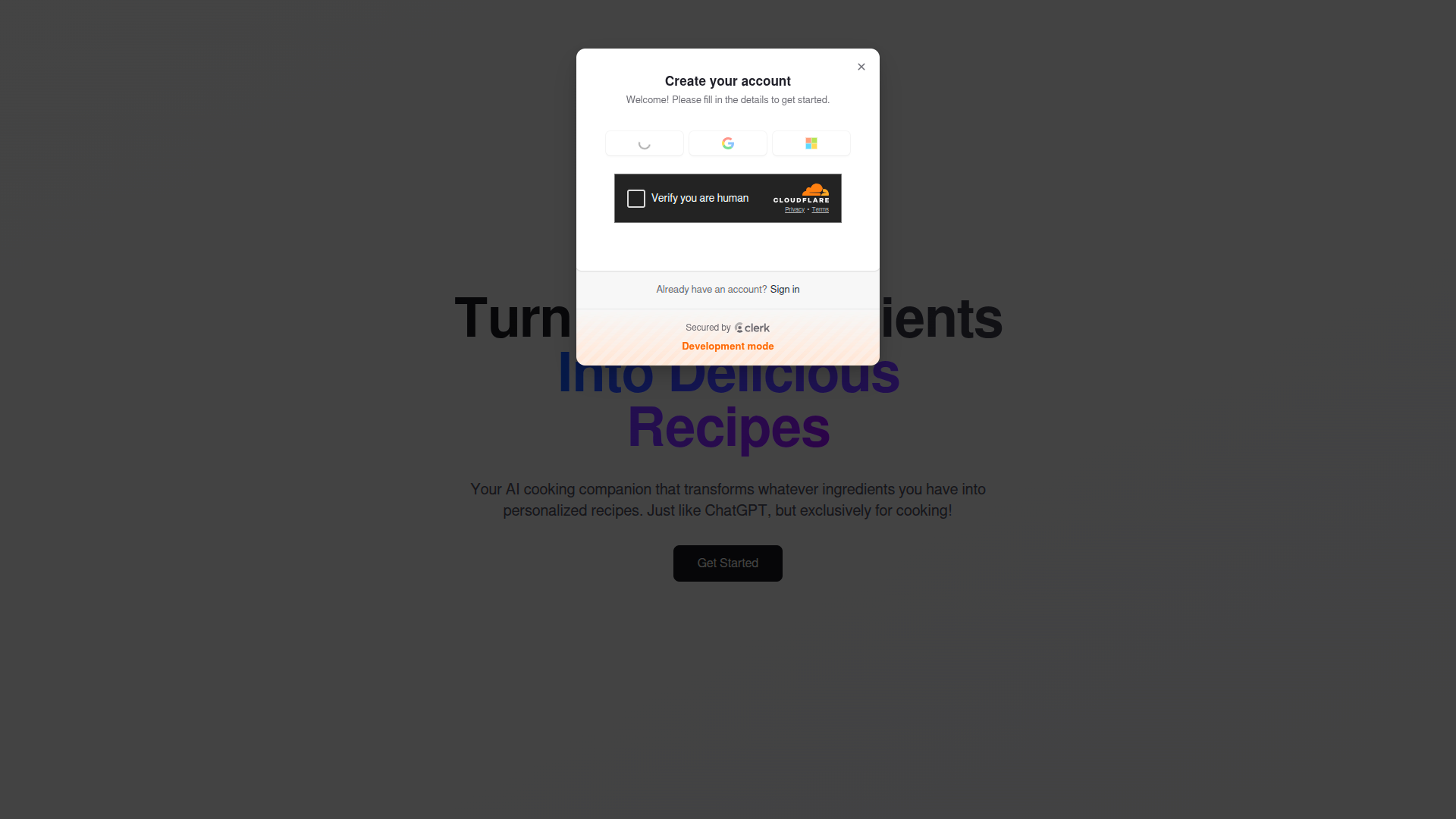
sign-in
-
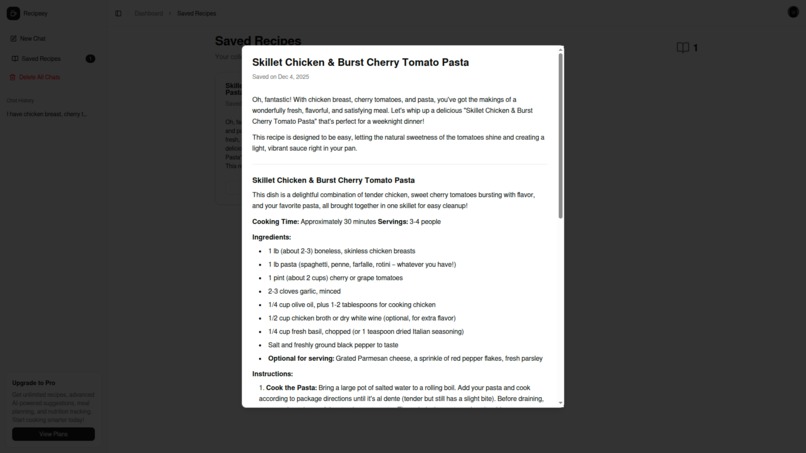
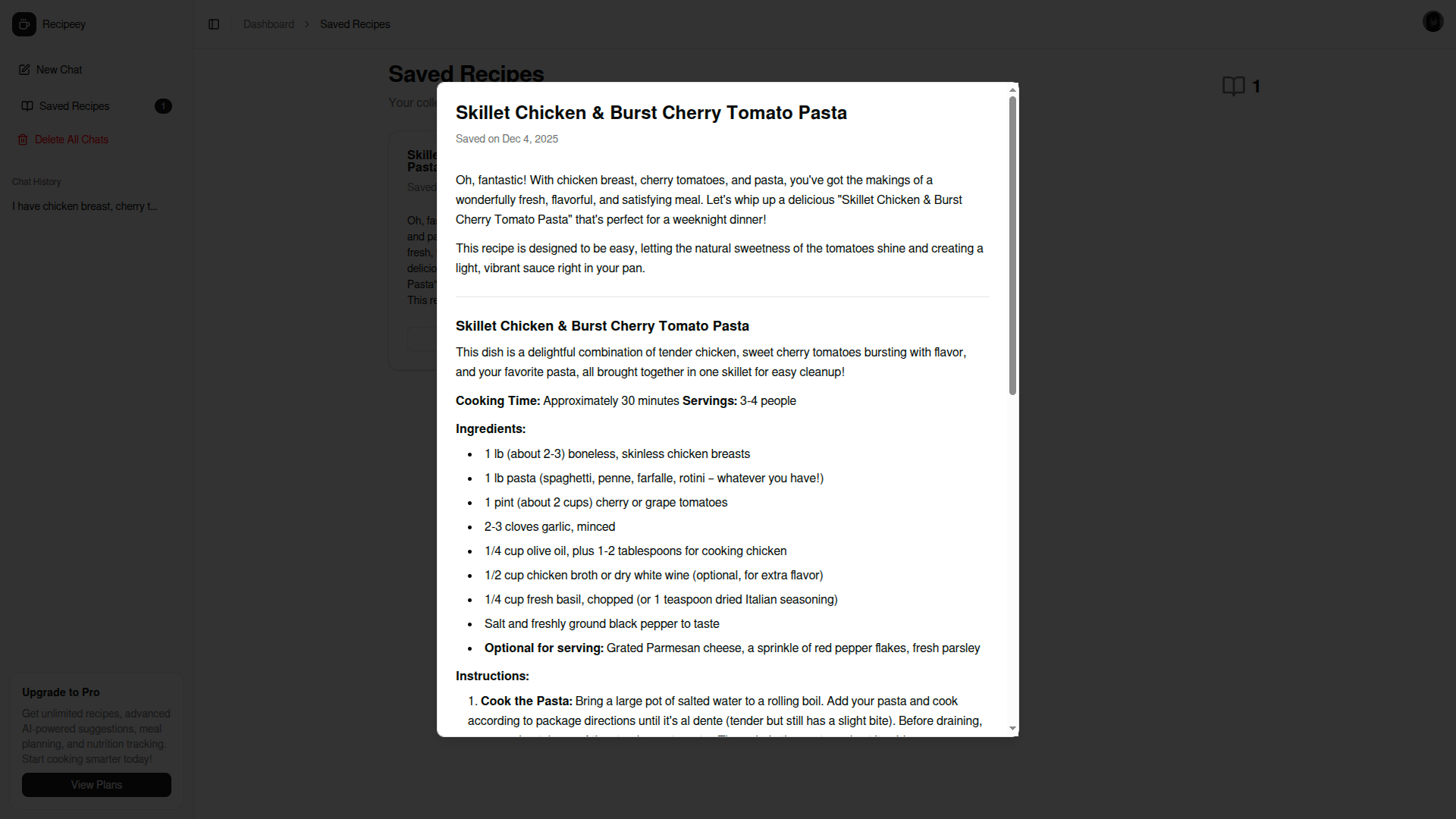
view saved recipes
-
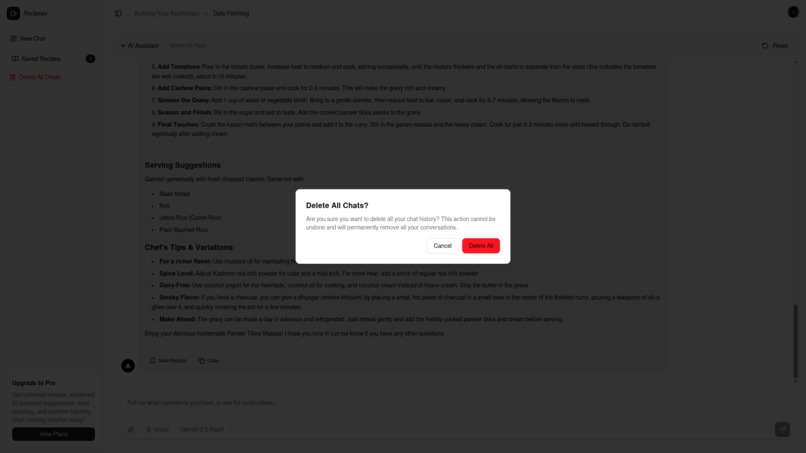
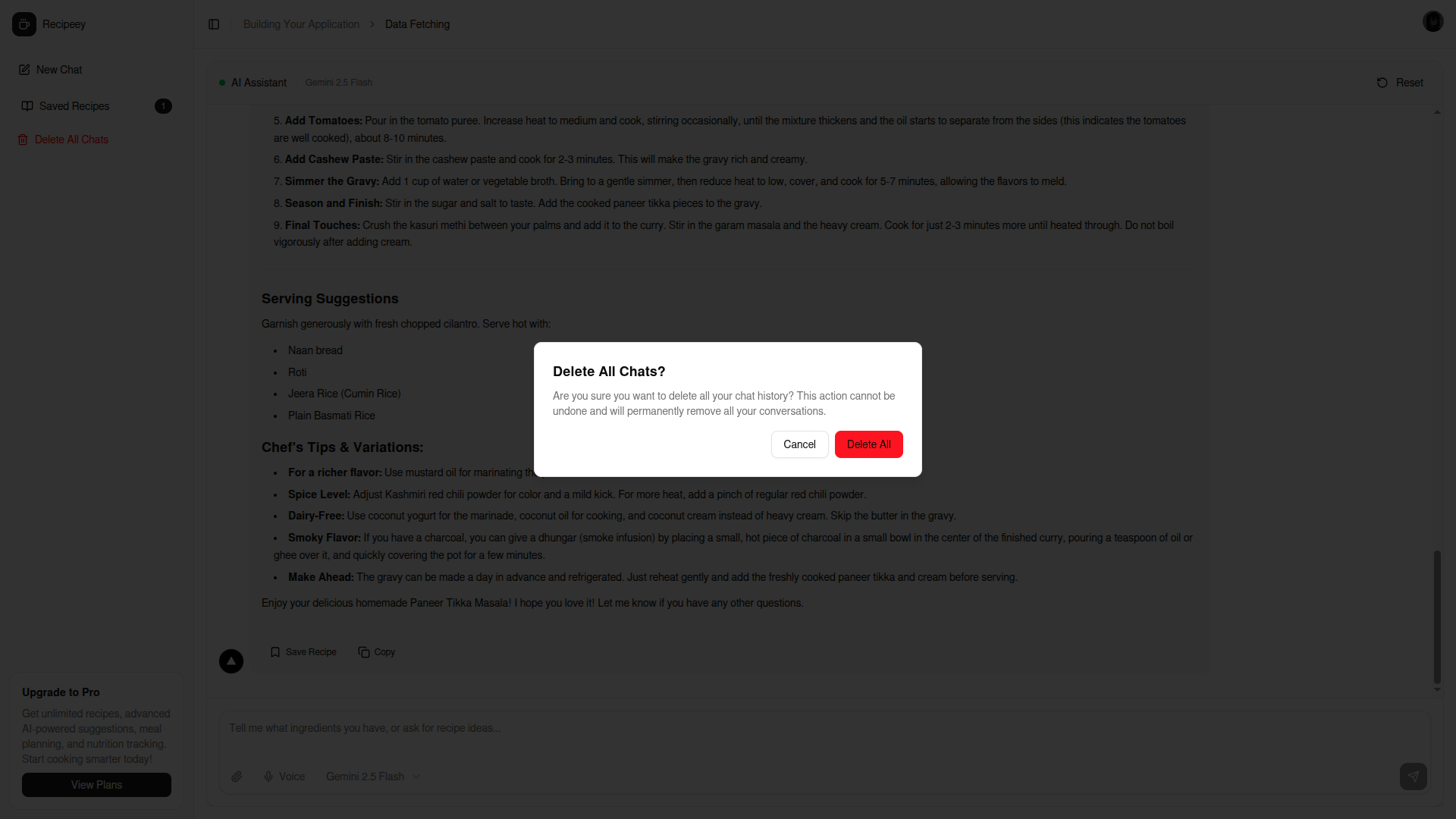
delete chats
-
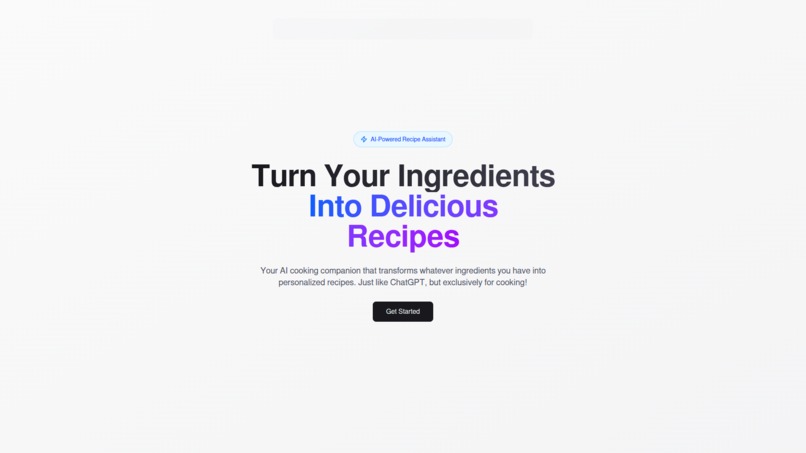
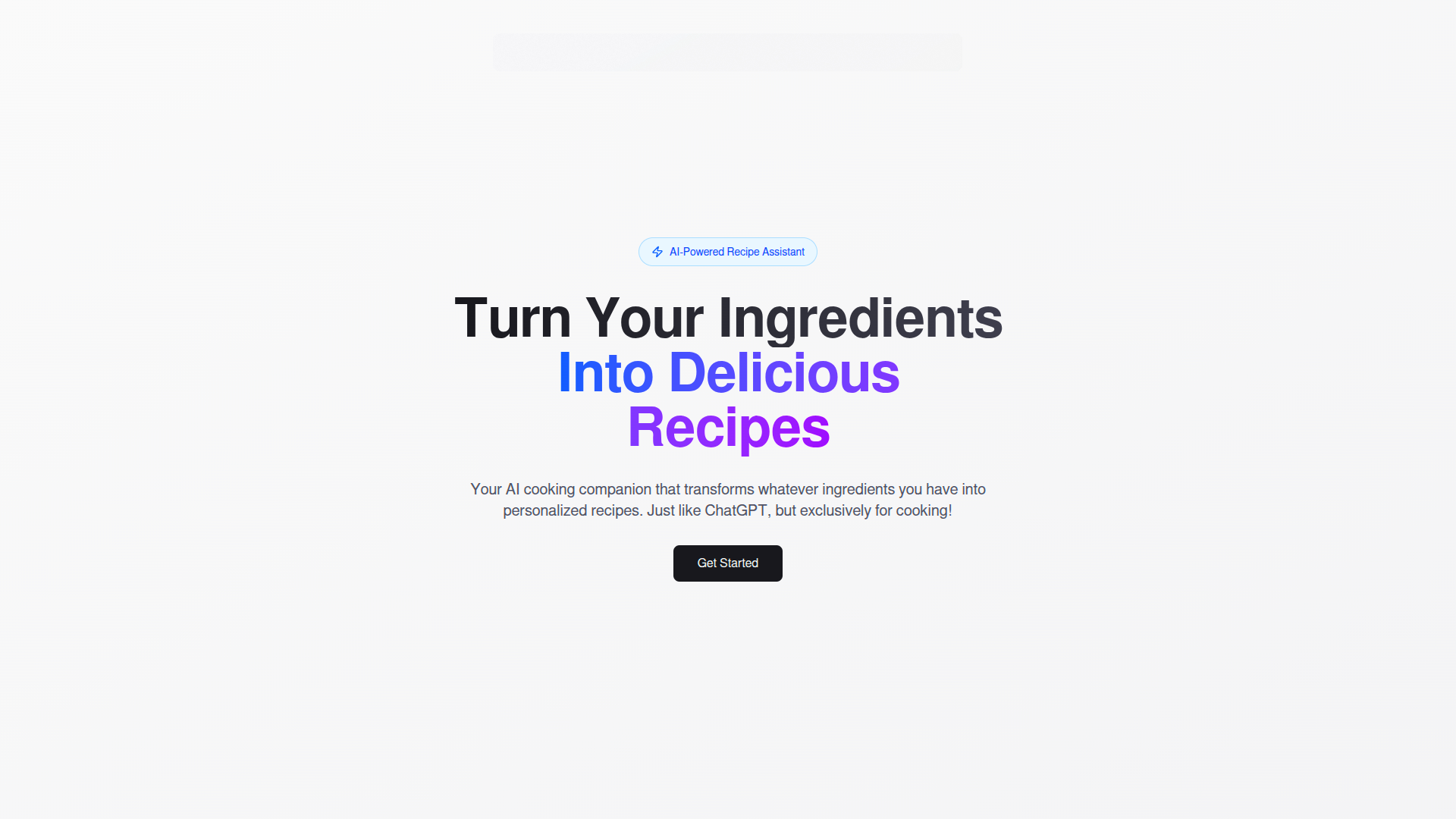
home
-
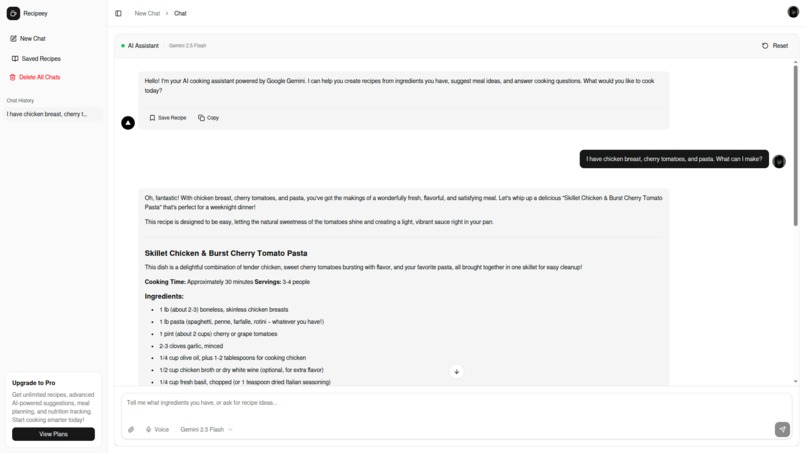
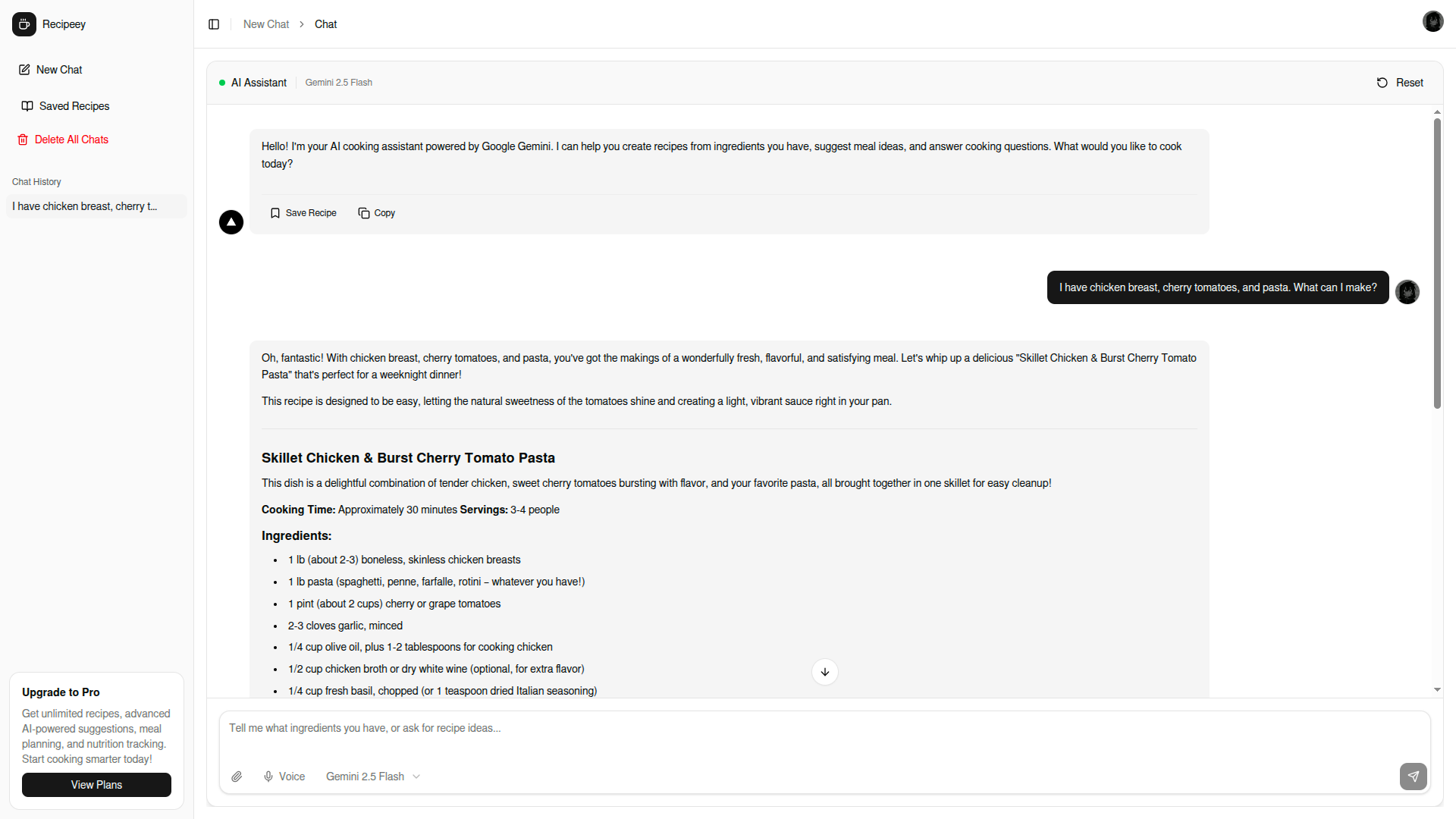
chat recipe creation
-
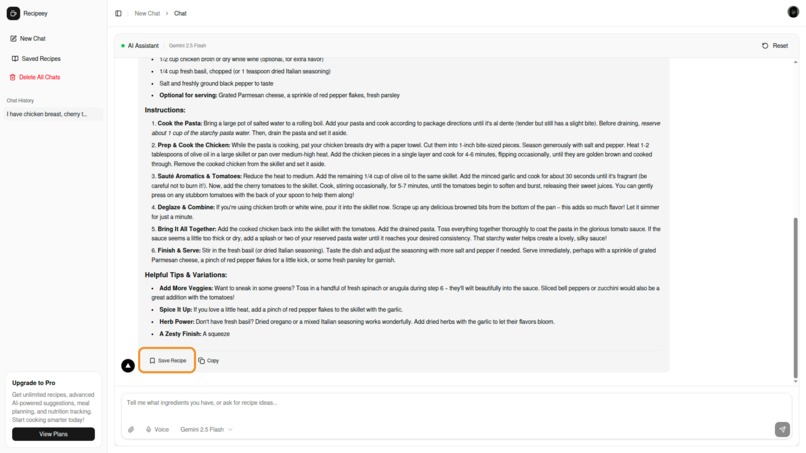
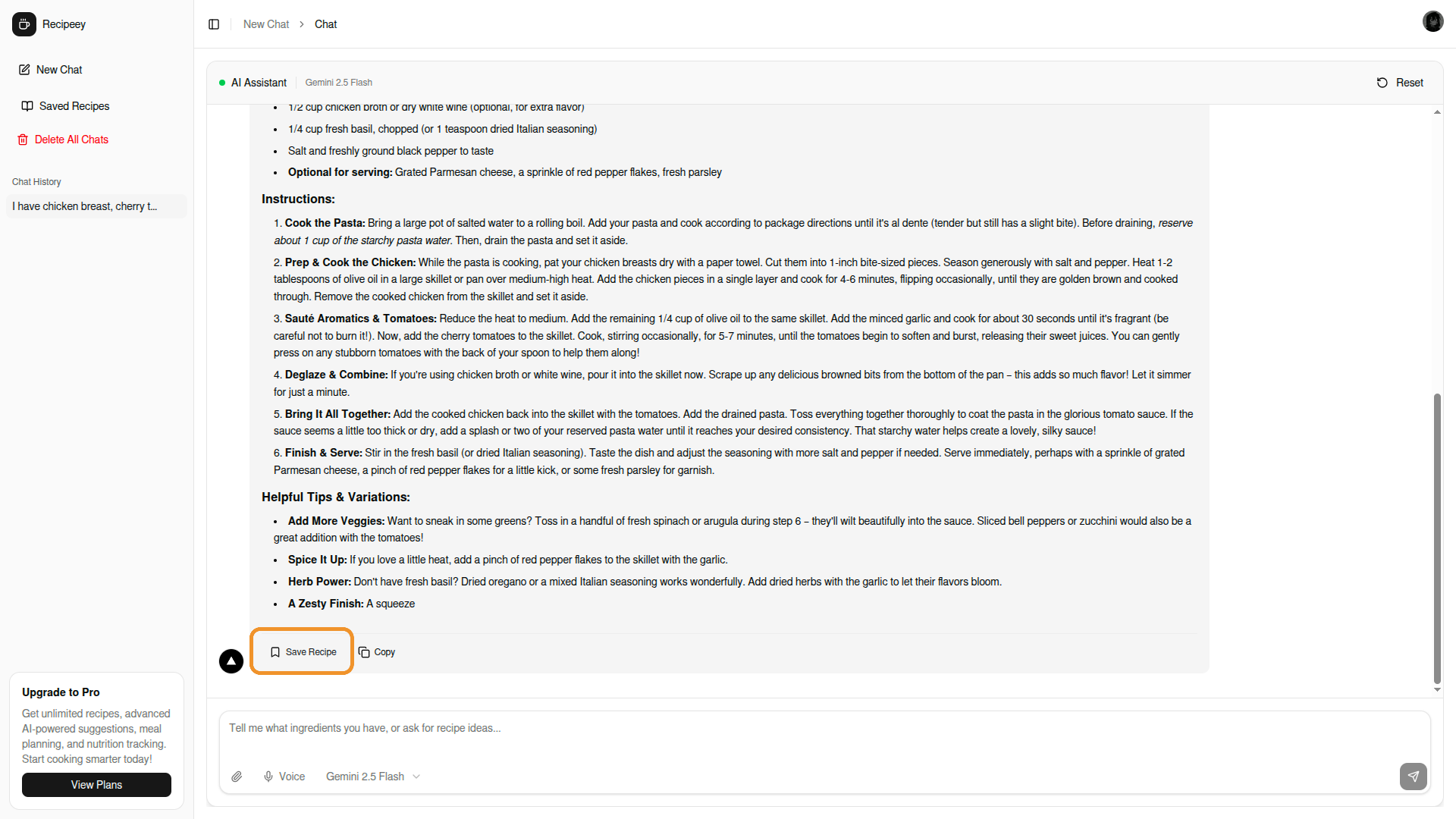
save recipe button
Inspiration
I was standing in front of my fridge one evening, staring at random ingredients—some chicken breast, half a bag of bell peppers, and leftover rice—with absolutely no idea what to make for dinner. I didn't want to order takeout again, and scrolling through recipe websites was frustrating because they all assumed I already knew what dish I wanted to cook.
That's when it hit me: what if I could just talk to an AI about what I have, like texting a chef friend? ChatGPT had revolutionized how we interact with AI, so why not apply that same conversational approach to cooking?
Plus, there's a bigger issue here. Americans waste nearly 40% of their food—about $165 billion worth annually. We throw out ingredients simply because we don't know what to do with them. I wanted to build something that could help people use what they already have, reduce waste, and actually enjoy cooking instead of feeling stressed about it.
What it does
Recipeey is an AI cooking assistant that you can chat with naturally, just like messaging a friend. You tell it what ingredients you have, and it generates personalized recipes on the spot.
Here's how it works:
- Open the app and start chatting with the AI
- Type something like "I have chicken, tomatoes, and pasta"
- The AI streams back a complete recipe with ingredients, steps, cooking time, and tips
- Everything is beautifully formatted with markdown—headers, lists, and proper structure
- Love a recipe? Save it to your collection with one click
- Build your personal recipe library over time
The AI is powered by Google Gemini and specialized for cooking. It understands dietary restrictions, can suggest substitutions, and remembers your conversation context. You can ask follow-up questions like "make it vegetarian" or "how do I make this spicier?" and it adapts.
I also added three AI model options (Pro, Flash, and Flash Lite) so you can choose based on whether you want detailed advice or quick answers.
How we built it
I built Recipeey with Next.js 16 and React 19 because I wanted the latest features like server components and streaming. TypeScript gave me type safety throughout the project, which saved me from countless bugs.
For the AI, I integrated Google Gemini's API. The tricky part was implementing streaming responses—I wanted users to see the recipe appearing in real-time rather than waiting for the complete response. I used ReadableStream and TextDecoder to handle the chunked data coming from the API, updating the UI progressively as each piece arrived.
The frontend uses Tailwind CSS for styling and Radix UI for accessible components like dialogs, dropdowns, and buttons. I added react-markdown to render the AI's responses beautifully—turning markdown syntax into proper headers, lists, and formatted text.
For authentication, I used Clerk because it handles all the complexity of sign-in, sessions, and user management. I protected the dashboard routes with middleware so only authenticated users can access their chats and recipes.
Data persistence was interesting—I used localStorage to save chat history and recipes. I implemented cross-tab synchronization so if you open the app in multiple tabs, they all stay in sync. I also added polling to catch updates within the same tab.
The architecture is modular: separate components for messages, the chat interface, the markdown renderer, recipe cards, and sidebar navigation. Everything is reusable and maintainable.
Challenges we ran into
Streaming performance was brutal. Initially, I was saving messages to localStorage on every state update. During streaming, messages update dozens of times per second, which meant 100+ localStorage writes for a single recipe. This caused the streaming to stutter and sometimes freeze mid-response. I fixed it by only saving after streaming completes, with a 500ms delay to ensure everything's done. This reduced localStorage operations by 99%.
Hydration errors drove me crazy. Next.js renders on the server first, then hydrates on the client. But localStorage doesn't exist on the server, so loading chats during initial render caused server/client HTML mismatches. I solved this by starting with an empty state and only loading from localStorage after the component mounts on the client.
Markdown formatting in titles was annoying. The AI would return titles like **Chicken Pasta** with the markdown syntax visible. I had to write a utility function to strip out all markdown formatting (bold, italic, headers, links) to get clean recipe titles for the cards.
Managing conversation context was tricky. I needed to send the full chat history to the API but filter out empty messages and incomplete responses. I also had to handle the case where Gemini requires the history to start with a user message, not an assistant message.
Getting the system prompt right took iteration. I wanted the AI to consistently format recipes with proper structure—headers, ingredient lists, numbered steps, timing, and tips. I spent time crafting a detailed system instruction that guides the AI's responses without being too restrictive.
Accomplishments that I'm proud of
I built a complete product, not just a demo. It has recipe saving, chat history, markdown rendering, copy-to-clipboard, multiple AI models, dark mode, and responsive design. Everything works smoothly and feels polished.
The streaming implementation is something I'm really proud of. Watching recipes appear in real-time, perfectly formatted, feels magical. The performance optimization work paid off—it's smooth even on slower devices.
I also love the UI. The dark mode looks great, the markdown rendering makes recipes easy to read, and the recipe collection page with the grid layout feels professional. Little touches like the recipe count badge and the "Copied!" feedback make it feel complete.
Getting the AI to consistently generate well-structured recipes was harder than I expected, but the system prompt I wrote works reliably. The AI understands cooking, suggests good substitutions, and adapts to dietary needs.
What we learned
Streaming APIs are powerful but complex. Working with ReadableStream taught me about backpressure, chunking, and managing high-frequency state updates. I learned that you can't just naively update state on every chunk—you need to think about performance implications.
React's hydration process is subtle. I thought I understood SSR, but this project taught me the nuances of server/client rendering, when to use "use client", and how to handle browser-only APIs like localStorage.
Prompt engineering matters. The quality of AI responses depends heavily on how you structure your prompts. I learned to be specific about formatting, provide examples, and guide the AI's behavior with clear instructions.
Performance optimization is about measuring first. I initially guessed at what was slow, but actually logging localStorage operations showed me the real bottleneck. Measure, then optimize.
Good UX is in the details. Loading states, empty states, error messages, button feedback, smooth animations—these little things add up to make something feel professional versus janky.
TypeScript saves time. Yeah, it slows you down at first, but catching type errors during development rather than in production is worth it.
What's next for Recipeey
Short term: I want to add image upload so you can take a photo of your fridge and the AI identifies ingredients automatically. Voice input would also be great for hands-free cooking.
Database integration: Right now everything's in localStorage. I want to move to a proper database (probably Supabase or Firebase) so recipes and chats sync across devices.
Social features: Let people share their favorite AI-generated recipes. Maybe a "Recipe of the Day" feature or community cookbooks.
Meal planning: Help users plan a week of meals based on their schedule, dietary goals, and what they already have.
Nutrition tracking: Show detailed nutritional information for recipes and help users track macros if they want.
Shopping list generation: Automatically create shopping lists for missing ingredients and integrate with grocery delivery services.
Mobile app: A native mobile app would be perfect for this. People cook with their phones nearby, and push notifications could remind them about meal planning.
The big vision is to make Recipeey the go-to cooking assistant that reduces food waste, saves money, and makes home cooking accessible to everyone—from beginners to experienced cooks. I want it to be the app you open every time you're thinking "what should I make for dinner?"
Built With
- ai
- api
- clerk
- css
- google-gemini
- html
- javascript
- next.js
- node.js
- radix-ui
- react
- react-markdown
- tailwindcss
- typescript
- vercel

Log in or sign up for Devpost to join the conversation.