-
-
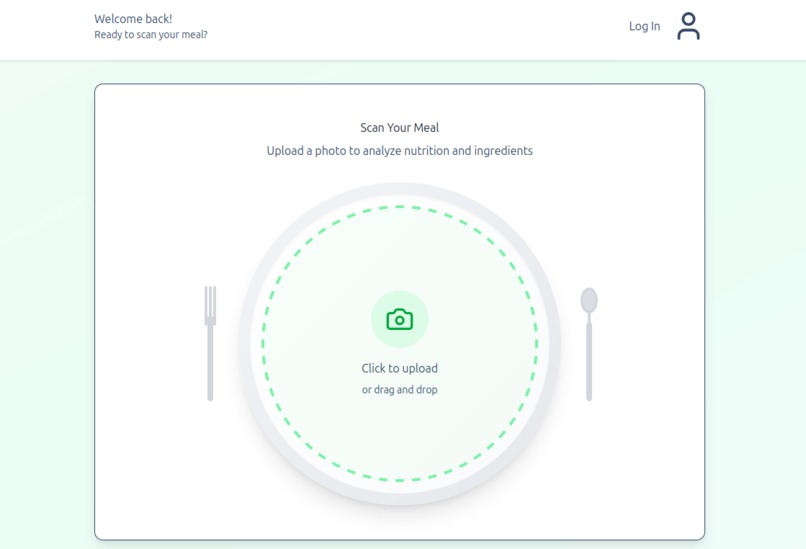
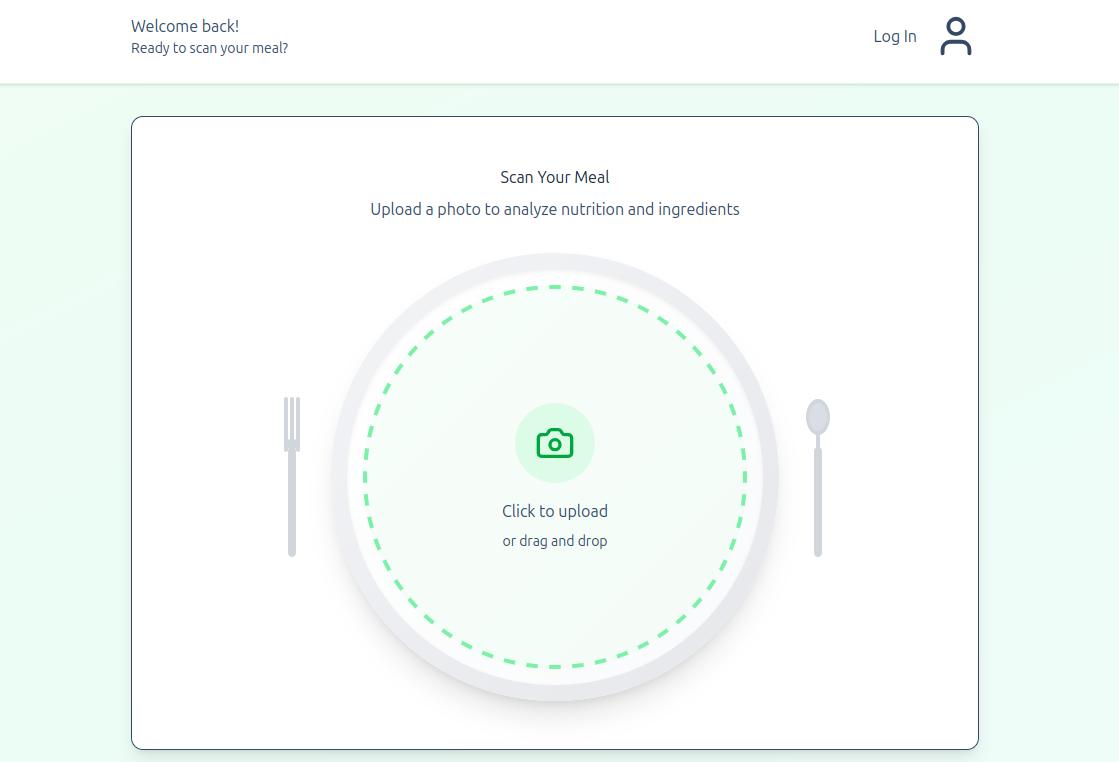
Users are greeted with a simple and stylish user interface that allows them to log in and submit an image of a recipe for instant insights.
-
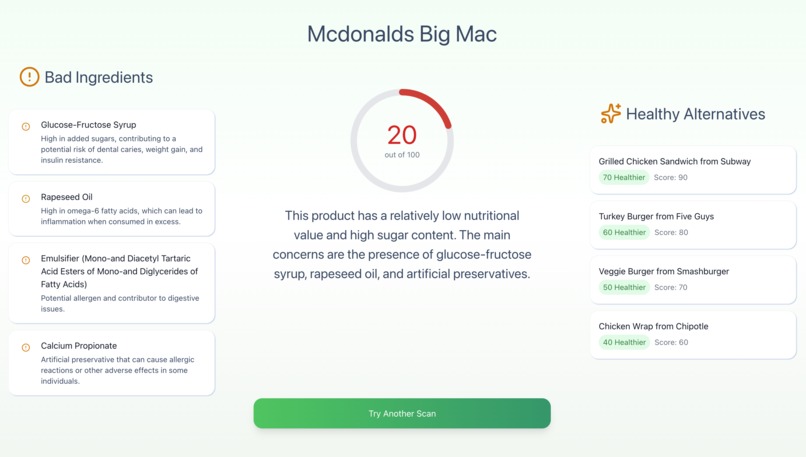
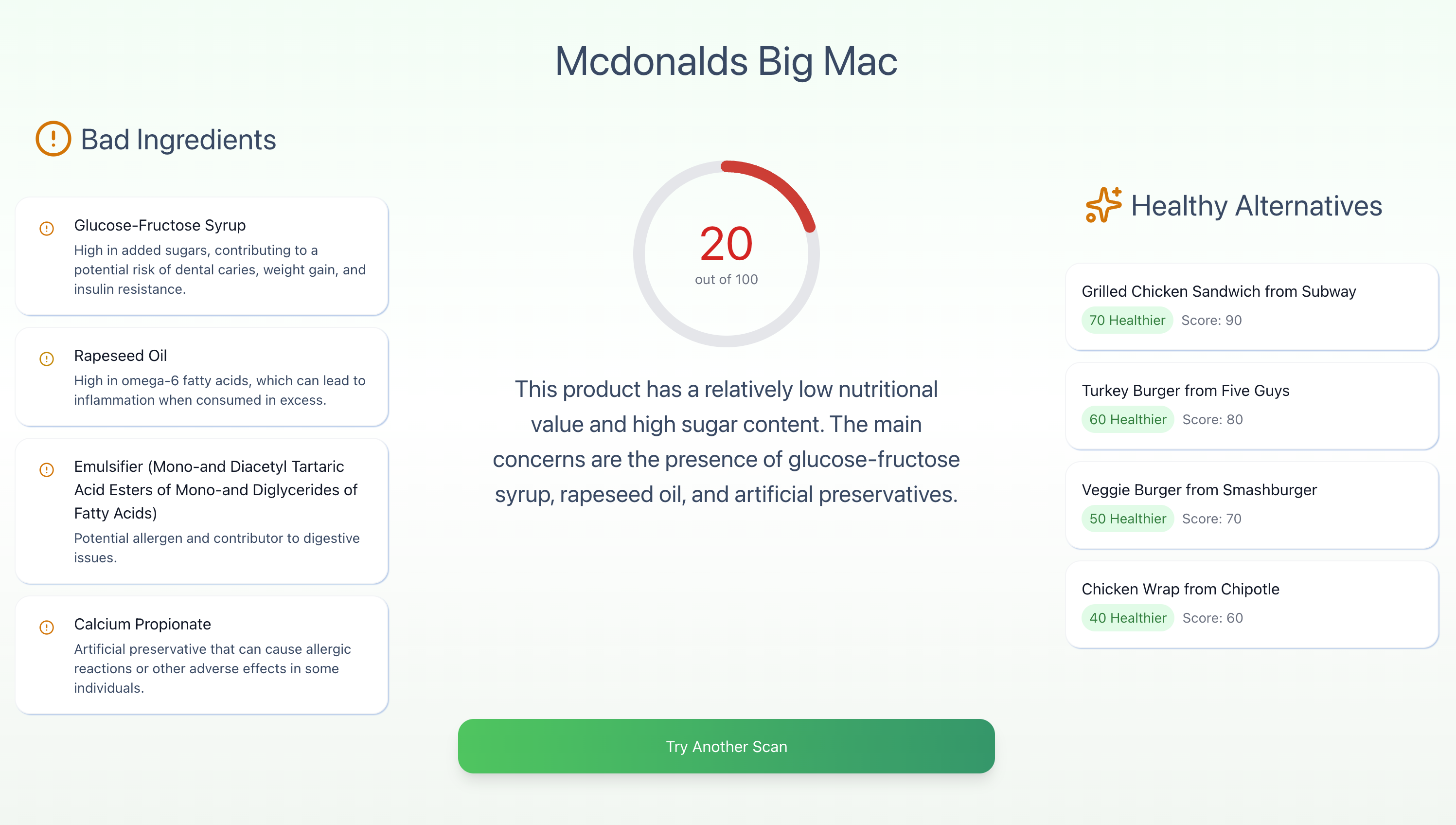
This is the dashboard screen that displays the nutritional score, analysis, and recommended alternatives.
Inspiration
This was our first year being fully independent, including buying and making our own food. We discovered the hard way that there were many pitfalls and challenges that go along with this newly gained freedom.
One of the big ones being, the cheapest food isn't always the greatest. We started learning more about the bad things in regular cheap food at the grocery story, which led us to the idea that more people need to know about this.
That's when we thought of making a website that does that for you, since often times ingredients list seem like a different language. Whether you're a school trying to put together healthy meals for children and want to give them the best, or you're a busy parent at the store trying to quickly get the best for your family, nutriLeaf is for you!
What it does
Our platform lets you quickly figure out what is actually in your food by snapping a picture of any ingredient list, whether it comes from a package, a screenshot, or a handwritten recipe. The image gets scanned, the text is pulled out, and then it is sent to our local Ollama3 model for analysis.
From there, Ollama3 breaks down the ingredients, highlights any harmful additives, and gives the food a simple, easy-to-read health score. You can use that score to compare different items, see which ingredients are questionable, and understand why they matter.
It also suggests healthier alternatives and shows how their scores stack up, along with a quick explanation of why they are better. Overall, it makes finding cleaner, better options much easier and much faster.
How we built it
We built nutriLeaf as a full-stack project using a React frontend and a Spring Boot backend. React (with JavaScript and TypeScript) handles the UI, image uploads, routing, state, and displaying results. On the backend, Spring Boot manages user accounts, database storage, and all API communication. We used Tesseract OCR to extract text from uploaded images, then sent that text to a local Ollama3 model through a REST API. The model analyzes the ingredients, creates a score, and returns everything to the frontend. GitHub kept our workflow organized while we split tasks between frontend and backend.
Challenges we ran into
Getting the OCR to read images accurately took more tweaking than expected, especially with low-quality or oddly formatted ingredient lists. Integrating the local LLM and making sure the backend could communicate with it reliably was also tricky. We also had to figure out how to structure the database so users could save items, compare scans, and keep everything organized. Styling and connecting the frontend and backend smoothly took time as well.
Accomplishments that we're proud of
We are proud that the whole pipeline actually works. You can upload an image, extract the text, analyze it with an LLM, get a score, and see everything displayed cleanly on the frontend. We also built a real login/signup system, a responsive UI, and a working database. For a short hackathon, getting all of these parts connected and running together was a huge win.
What we learned
We learned how much goes into building a full-stack project that uses OCR, AI models, and a backend all at once. We learned a lot about integrating external tools, managing APIs, handling images, and structuring data cleanly. We also learned how to collaborate more efficiently, divide responsibilities, and debug problems across the entire stack.
What's next for nutriLeaf
We want to improve the accuracy of the ingredient parsing, expand scoring categories, and add more detailed nutrition breakdowns. We also plan to add user history tracking, and possibly introduce barcode scanning for efficiency. Eventually, we would love to turn nutriLeaf into a web app so people can use it instantly while shopping.
Built With
- css
- figma
- git
- github
- html
- intellij-idea
- java
- javascript
- llm
- ollama3
- postgresql
- postman
- react
- rest-apis
- springtboot
- tailwind
- tesseract-ocr
- typescript
- vite
- vscode


Log in or sign up for Devpost to join the conversation.