
🍲 RecipEasy 🍲
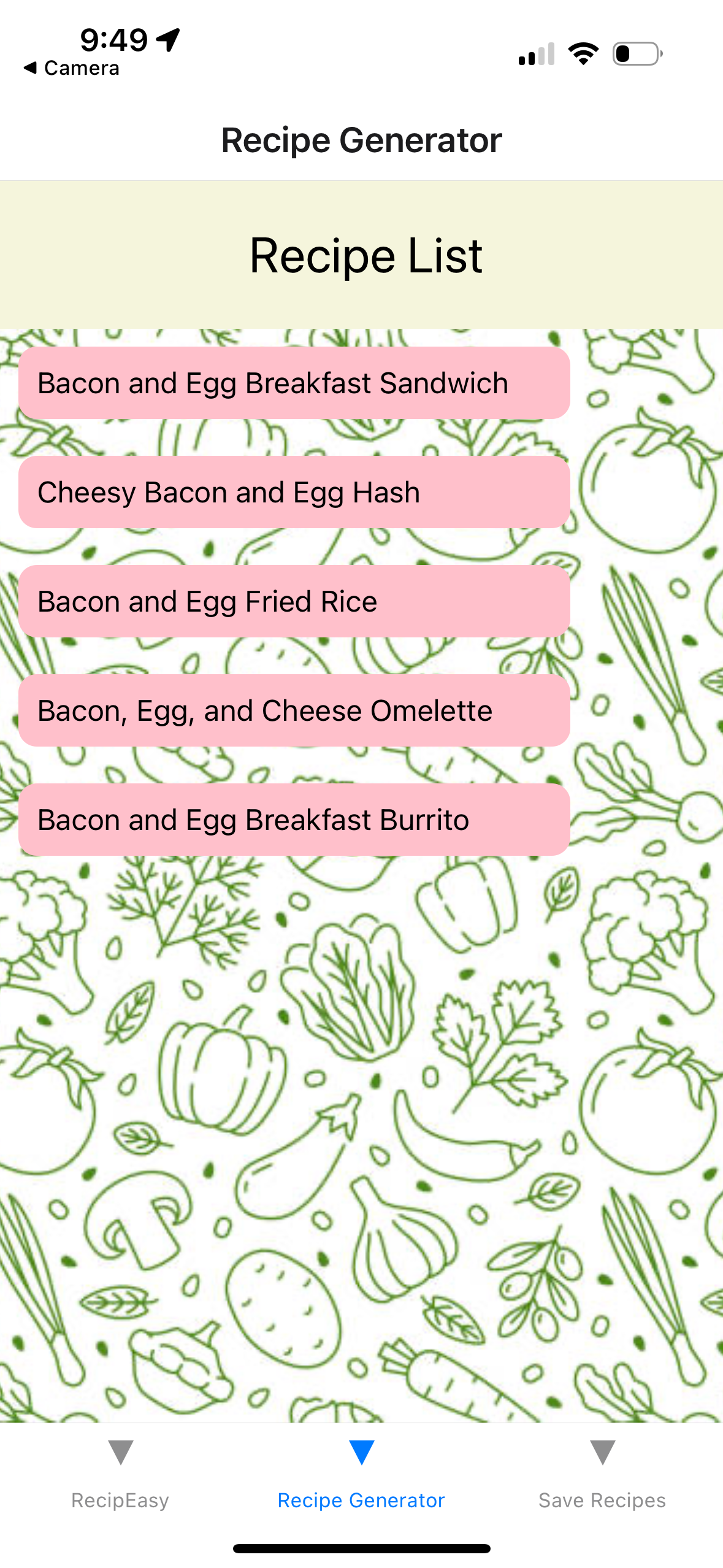
RecipEasy is a web app that suggests delicious food recipes based on the ingredients users have available. By leveraging AI and advanced querying, it provides personalized recipes tailored to your preferences and available ingredients. Whether you're planning a grocery list or looking for recipe inspiration, RecipEasy has you covered!
Inspiration
The inspiration for RecipEasy stemmed from the common struggle many college students face: food spoilage. With busy schedules and limited meal planning, it's easy for groceries to be forgotten and go to waste. Our goal was to create an app that not only helps track ingredients before they spoil but also provides creative recipe suggestions based on what’s already available in the pantry. By using AI-powered recipe generation and GROQ for matching ingredients, we aim to minimize food waste and make cooking easier and more enjoyable for students and anyone with a hectic lifestyle. This way, users can make the most of their ingredients, avoid unnecessary trips to the grocery store, and always have a meal idea ready, no matter how limited their options might seem.
Key Features
- Ingredient-Based Recipe Suggestions: Input the ingredients you have, and the app will suggest recipes you can make.
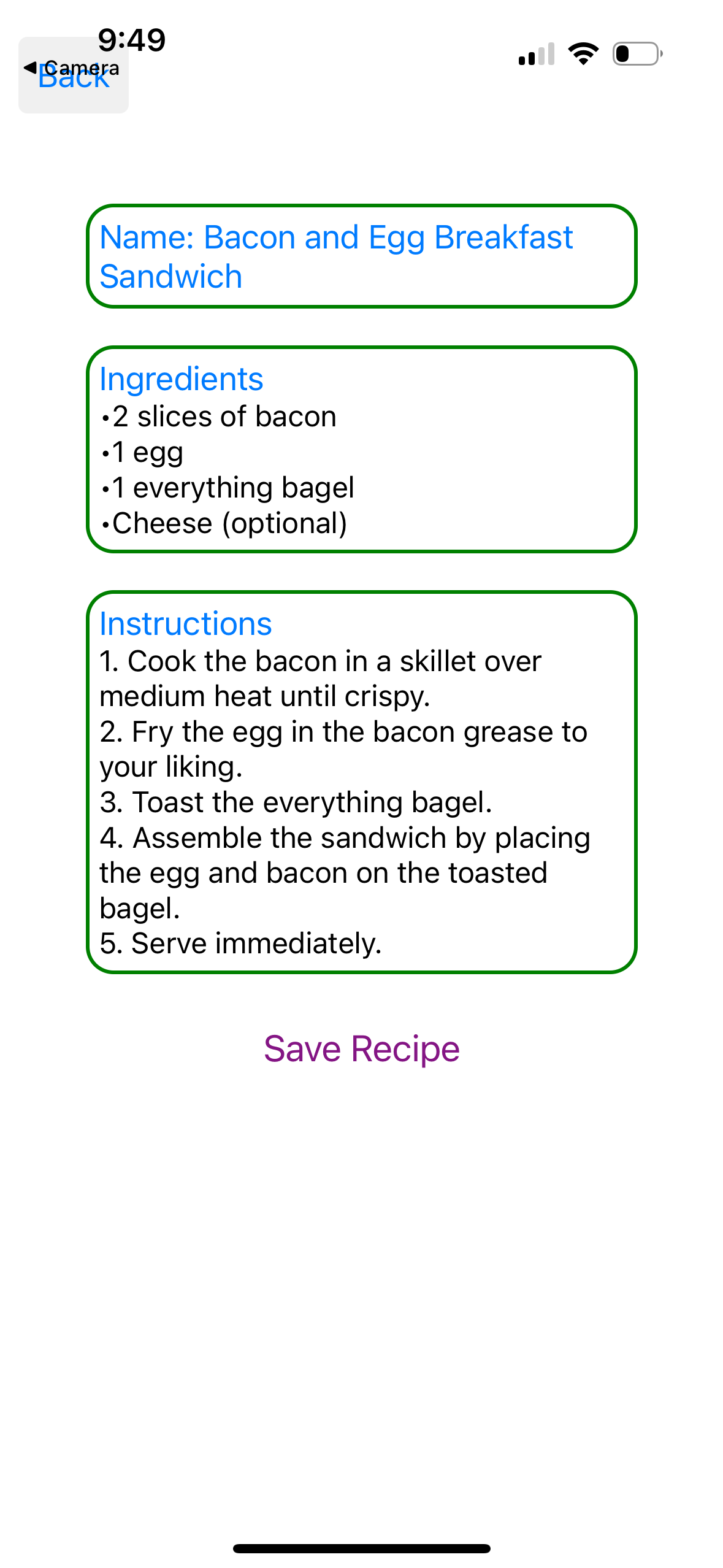
- AI-Powered Recipe Generation: Using GPT-4 and GROQ to generate unique and creative recipes based on user inputs.
- Grocery List Integration: Add ingredients to your grocery list and get recipe recommendations based on what you plan to buy.
- Recipe Recommendations: Request recipe ideas along with ingredient lists, and easily add missing items to your grocery list.
Technologies & Frameworks
- Backend: Flask
- Frontend: Expo, React Native
- Database: MongoDB
- AI Integration: GROQ and LangChain
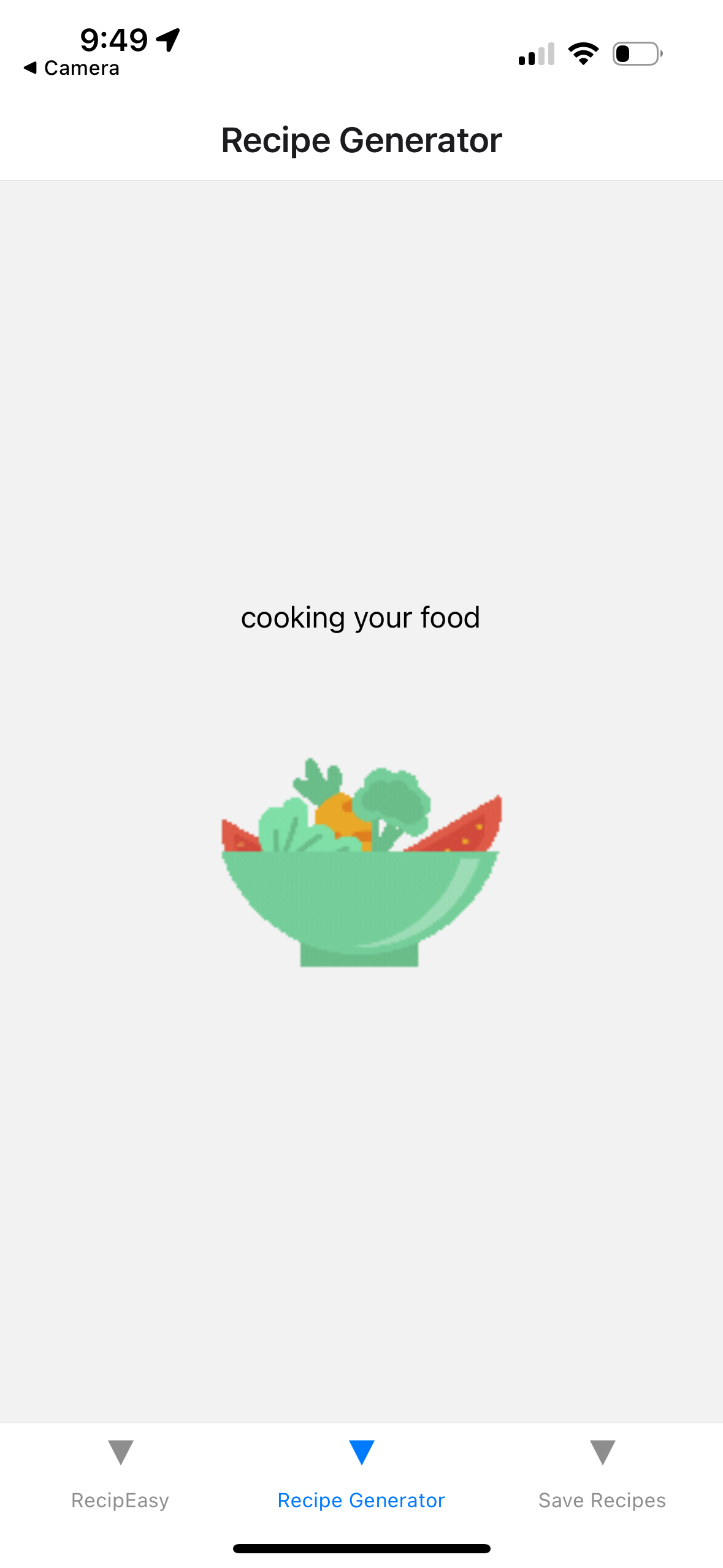
- Recipe Generation: GROQ is used to intelligently generate recipes by matching ingredient data with user inputs.
Design Process
The development of RecipEasy involves a combination of frontend, backend, and AI integration to deliver a seamless user experience. Here’s an overview of the design process:
Project Initialization:
- Set up the project environment, including the repository, virtual environment, and necessary libraries such as Flask, React Native, and GROQ.
- Define core features like ingredient input, AI-powered recipe generation, and grocery list management.
Backend Development:
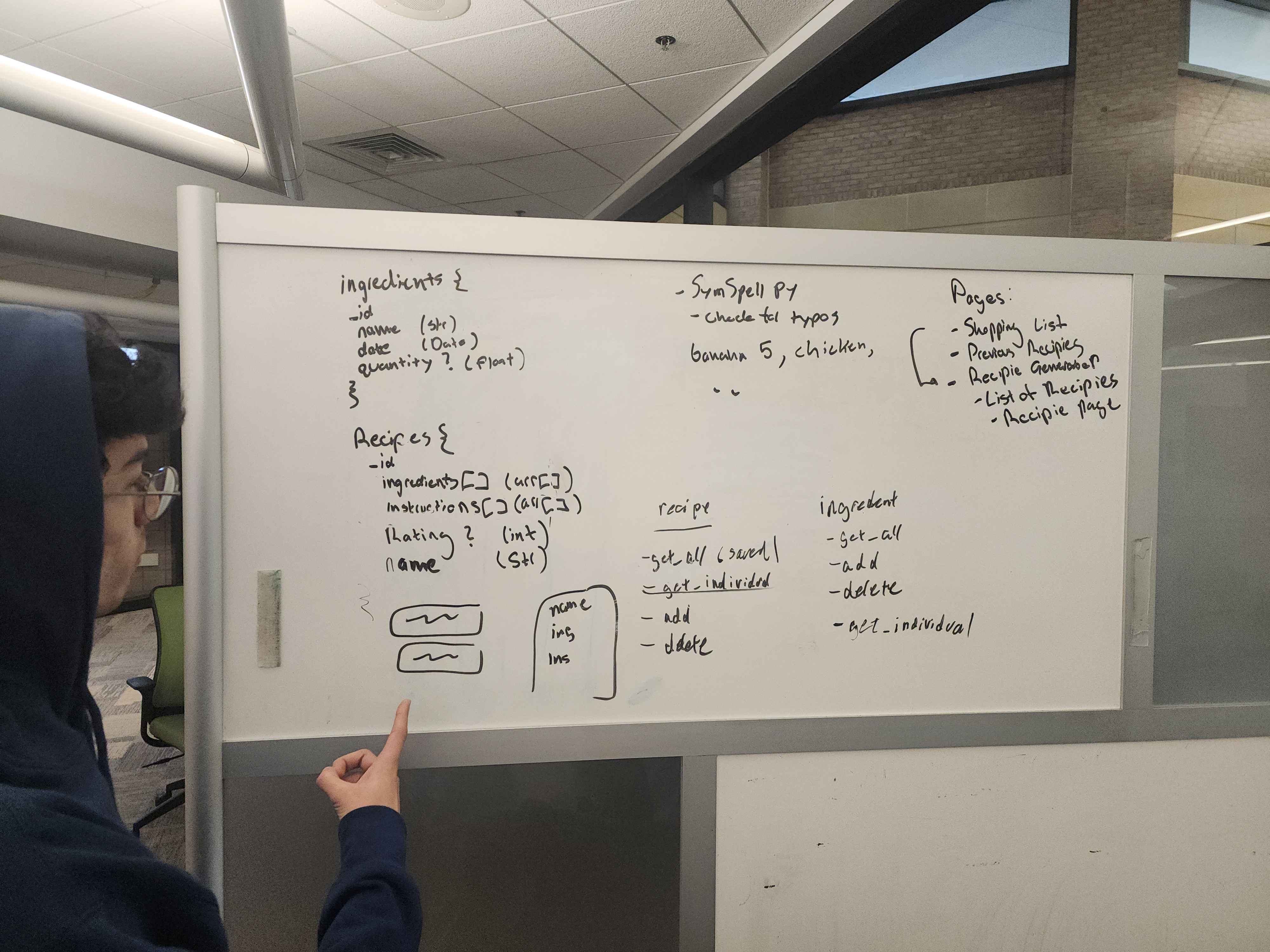
- Build a robust backend using Flask to handle ingredient inputs and manage user data.
- Integrate a database using MongoDB to store user information, ingredients, and recipe data.
AI and GROQ Integration:
- Connect to GROQ's API to generate creative and structured recipes.
- Use GROQ for querying and matching ingredient data with recipe requirements to intelligently generate suggestions based on available ingredients.
Frontend Development:
- Develop a user-friendly interface using React and Expo for users to input ingredients and view recipe suggestions.
- Implement responsive design principles to ensure the app works well on various devices, with a focus on mobile-friendly layouts.
Connecting Frontend and Backend:
- Link the frontend interface with the backend to facilitate seamless communication between the user inputs and the AI-generated recipes.
Testing and Refinement:
- Test the app thoroughly to ensure all features work as expected, including ingredient input, recipe generation, and user interactions.
- Refine the AI model prompts and GROQ queries to improve the quality and relevance of recipe suggestions.
Deployment:
- Perform a final round of testing to ensure the app is accessible and functional across different platforms and devices.
Frontend Design
Figma Design
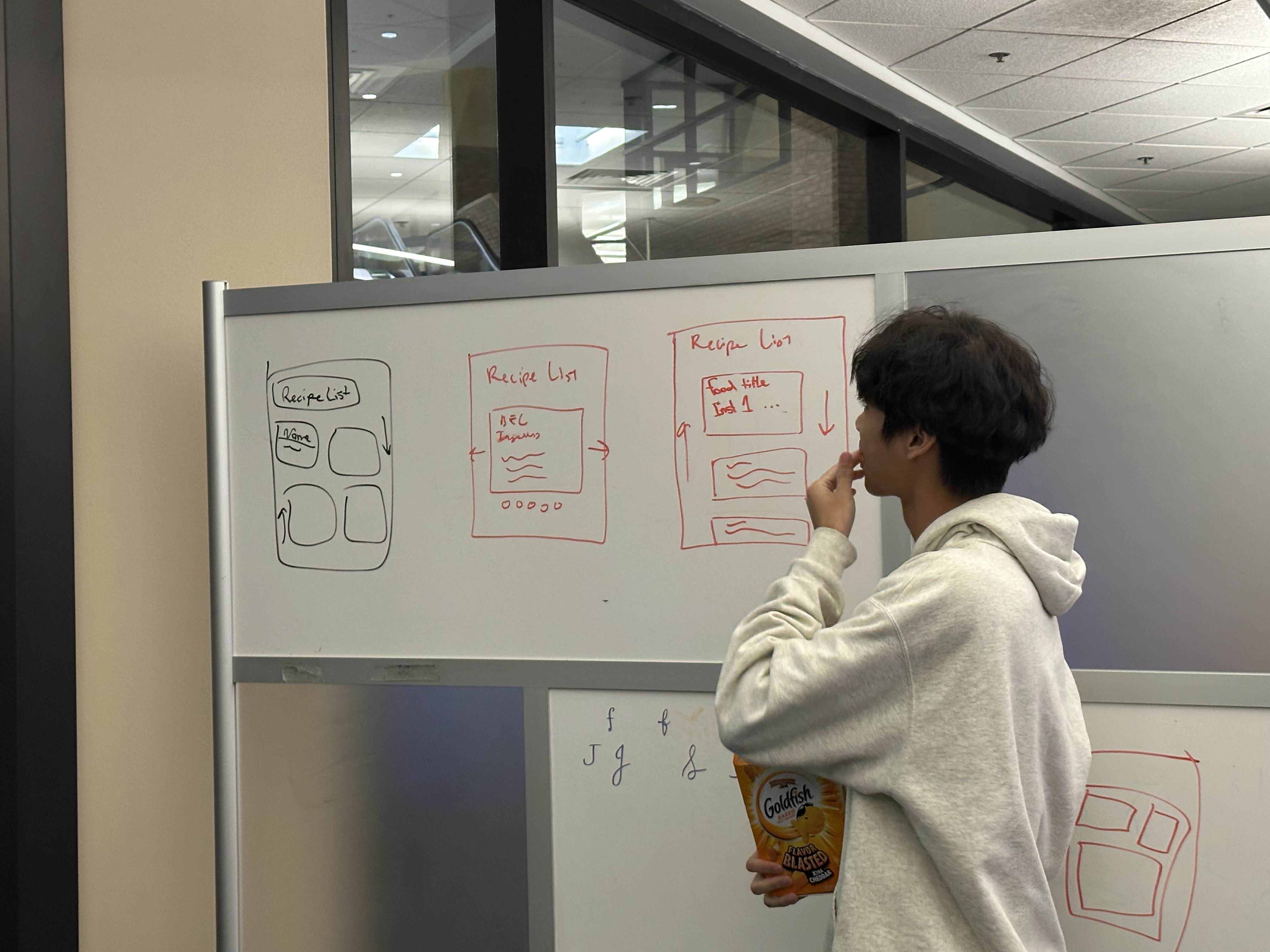
- Explore our Figma Design for a detailed mockup of the user interface.
Ingredients List Page (Main)
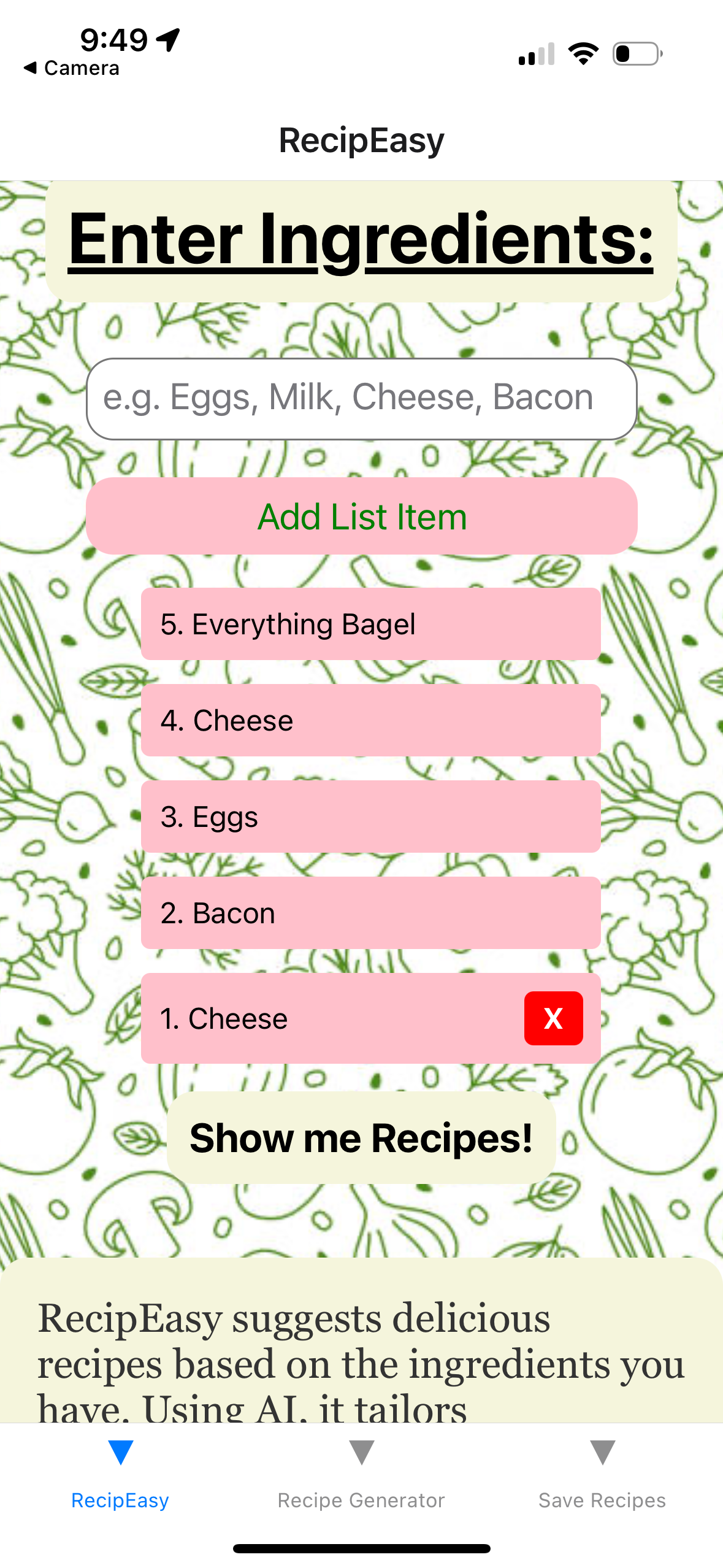
- Users enter a list of ingredients, each separated by a comma.
- Clicking the “Save” button redirects to a page with recipe suggestions based on the entered ingredients.
React Navigation & Expo Router
- For routing between pages, refer to Expo Router Documentation.
Expandable Ideas
- Receipt Scanning: Scan receipts to automatically add ingredients to your pantry.
- Ingredient Expiration Management: Track ingredient expiration dates and send alerts to help reduce food waste and use items while fresh.
- User Accounts: Create an account to save recipes and accommodate food preferences like allergies and favorite meals.
- Diverse Meal Options: Choose from various meal types such as Breakfast, Dessert, Dinner, Lunch, Romantic Meals, or Meals for One Person.
How To Run
- run npm install
- run npm start
- install expo go on Android or IOS
- scan the QR code


Log in or sign up for Devpost to join the conversation.