Inspiration
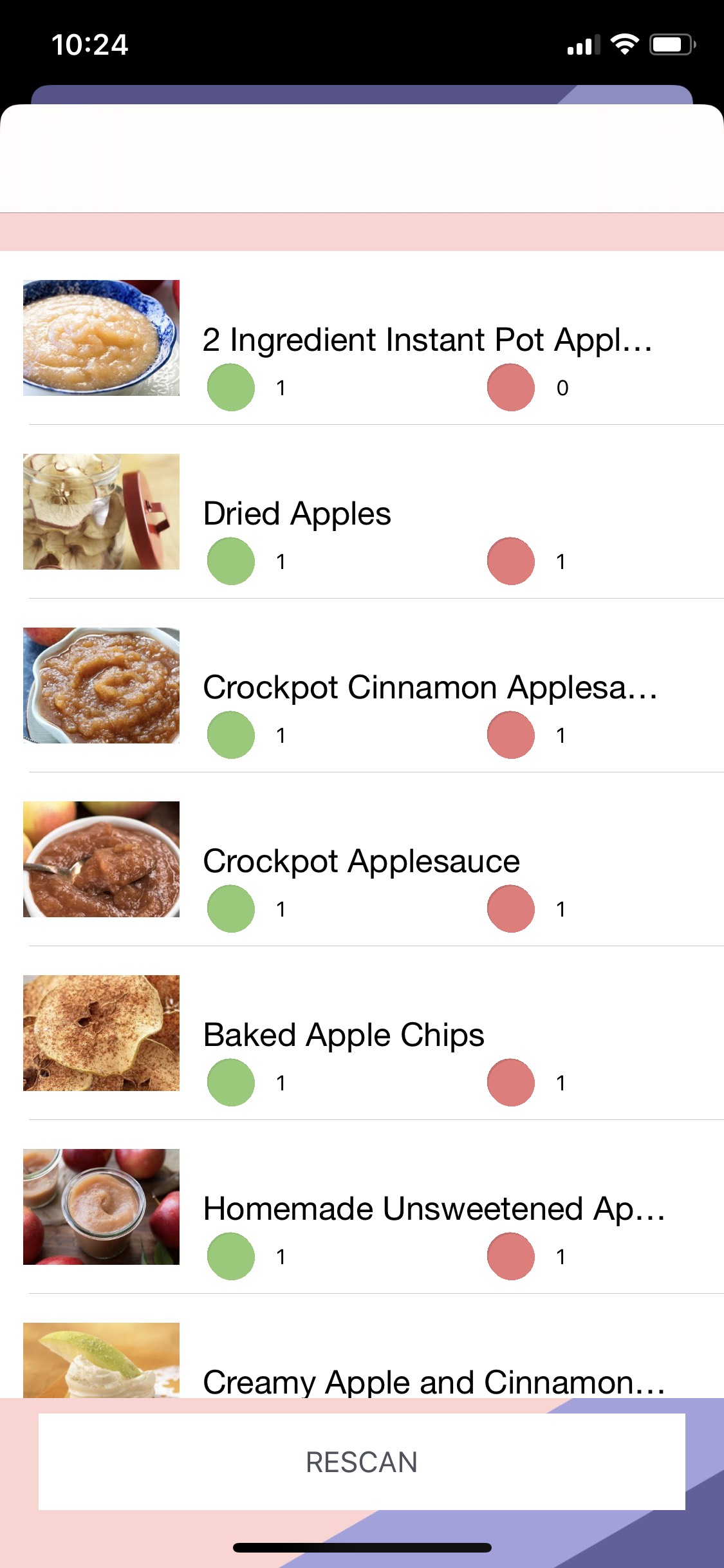
We were inspired by our own struggles of often having difficulties find new recipes based on the ingredients we have in our own fridge. We found that while many apps do this, none are able to scan the receipt right from your device and get the results instantly.
What it does
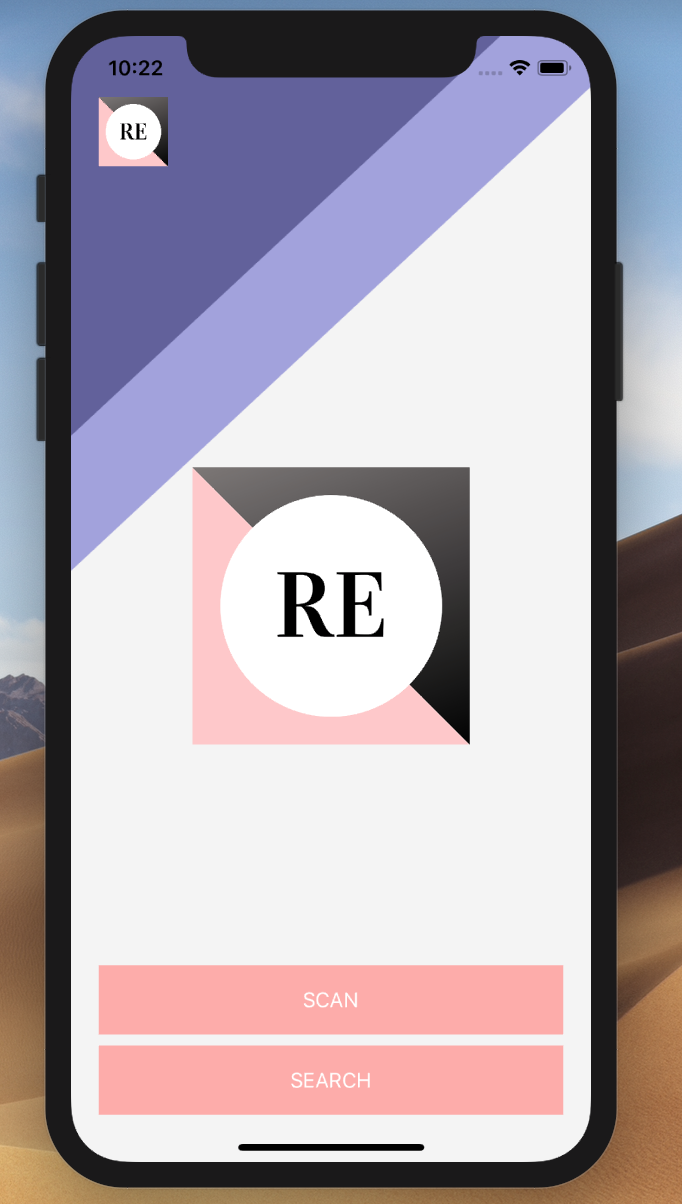
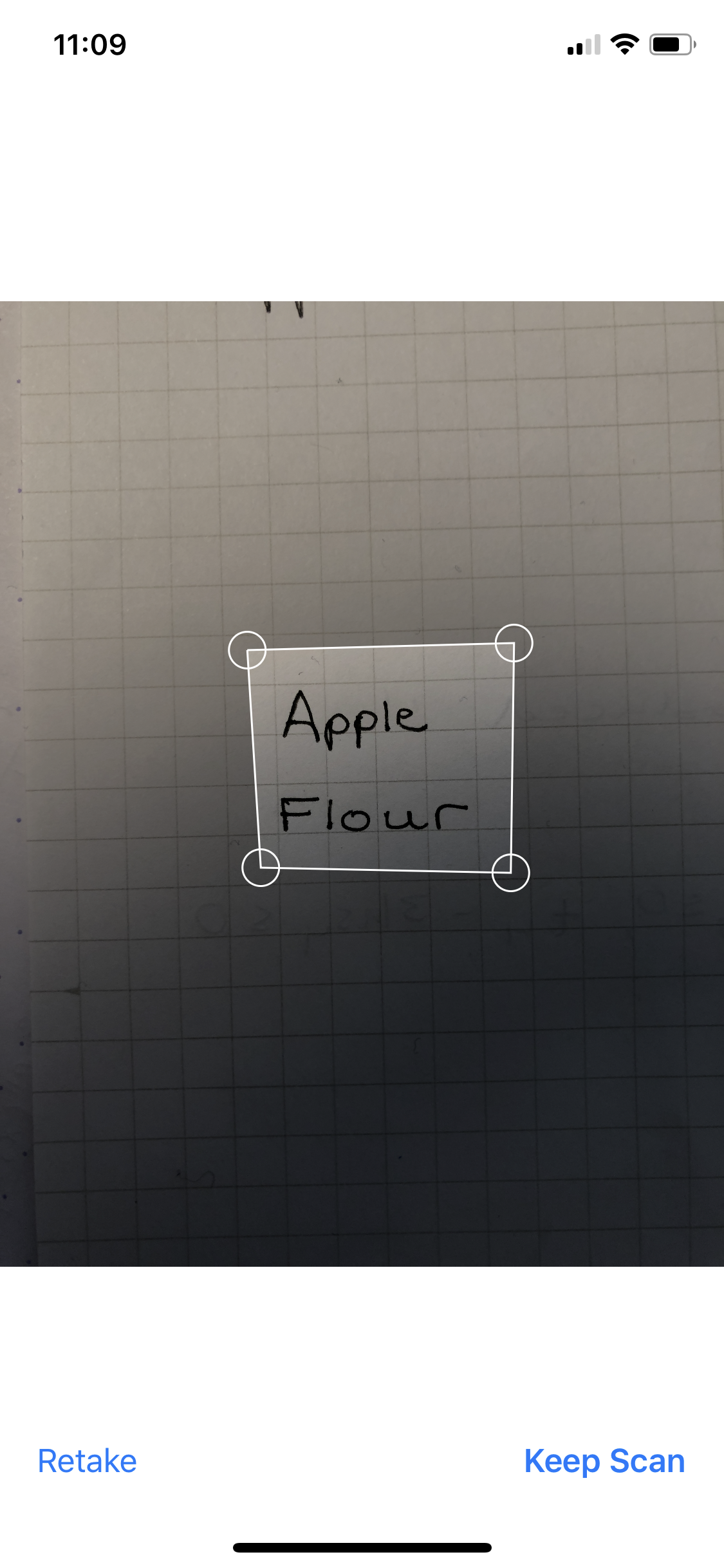
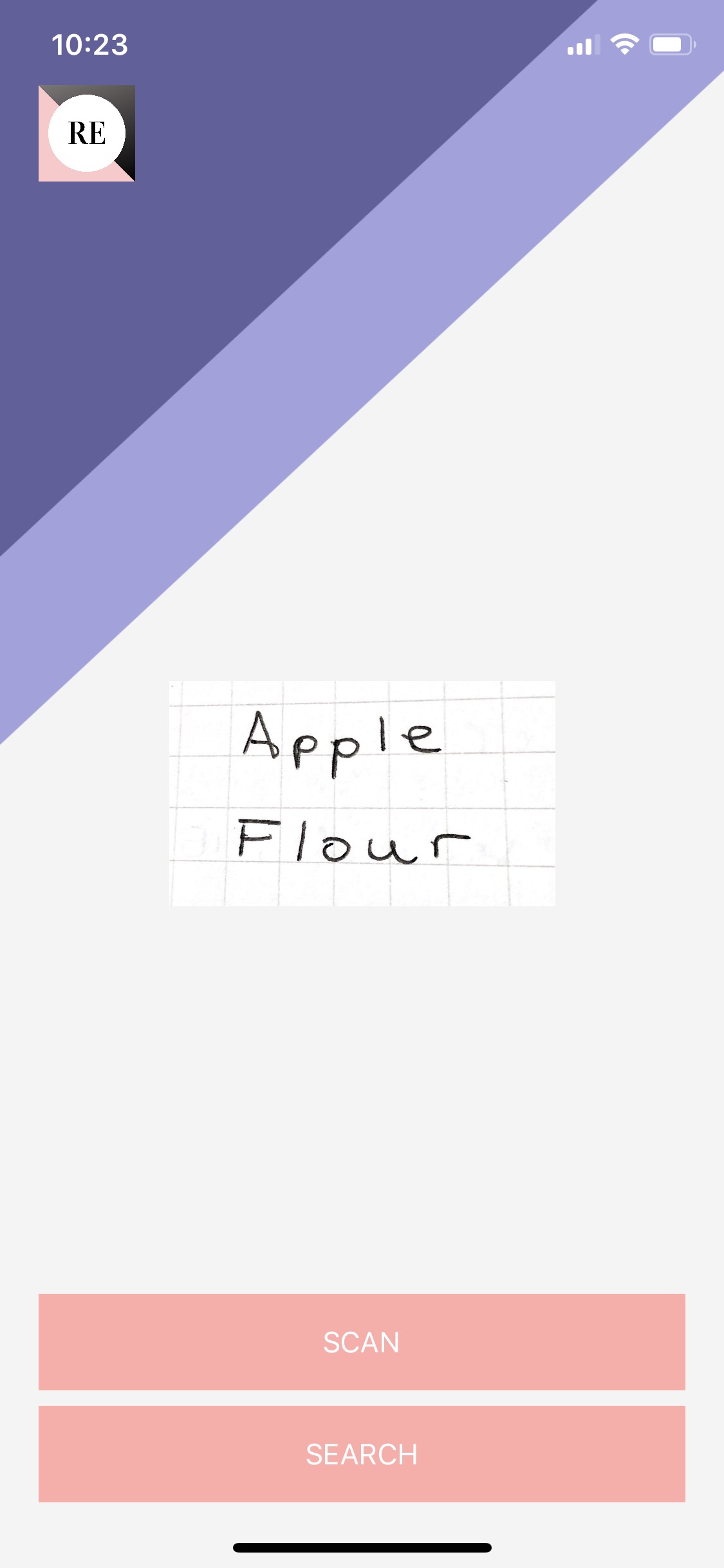
When you open the app you are prompted to take a photo of some text you wish to scan. Once you have taken your photo, you can crop it to filter out any unnecessary details.
How we built it
This iOS app was developed using Swift Code in the XCode environment. We use Apple's MLVision and MLKits to take the photo and translate it into text. From there we use Spoonacular API to fetch recipes based on the data received.
Challenges we ran into
Using Apple's MLVision and MLKit was tough to learn and often crashed and was inaccurate. On top of several XCode issues we had issues debugging but in the end finally got it working.
Accomplishments that we're proud of
- Building a fully fledged iOS app using Machine Learning from scratch
- Debugging and working as a team to produce a final product.
What we learned
- Lots about API's, Swift Coding, XCode, and Machine Learning
- Don't be afraid to ask questions
- Sometimes you spend more time debugging than writing actual code.
What's next for RecipEasy
We would love to add:
- Stronger UI
- More accurate text recognition
- Ability to access and read from photos
- Provide links to the respective recipe online
- Expand past Spoonacular to use a more expansive API
Built With
- mlkit
- mlvision
- spoonacular
- swift


Log in or sign up for Devpost to join the conversation.