-
-
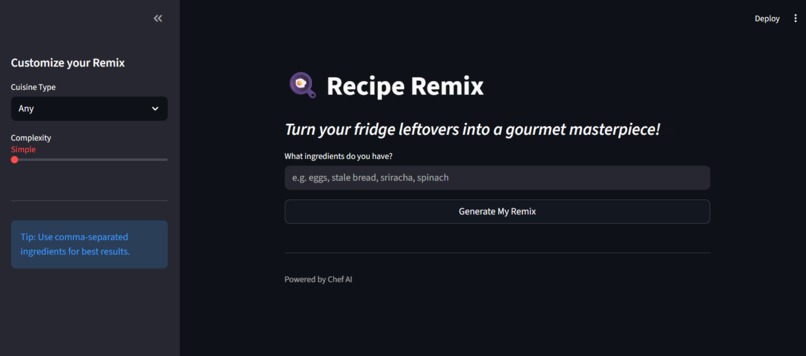
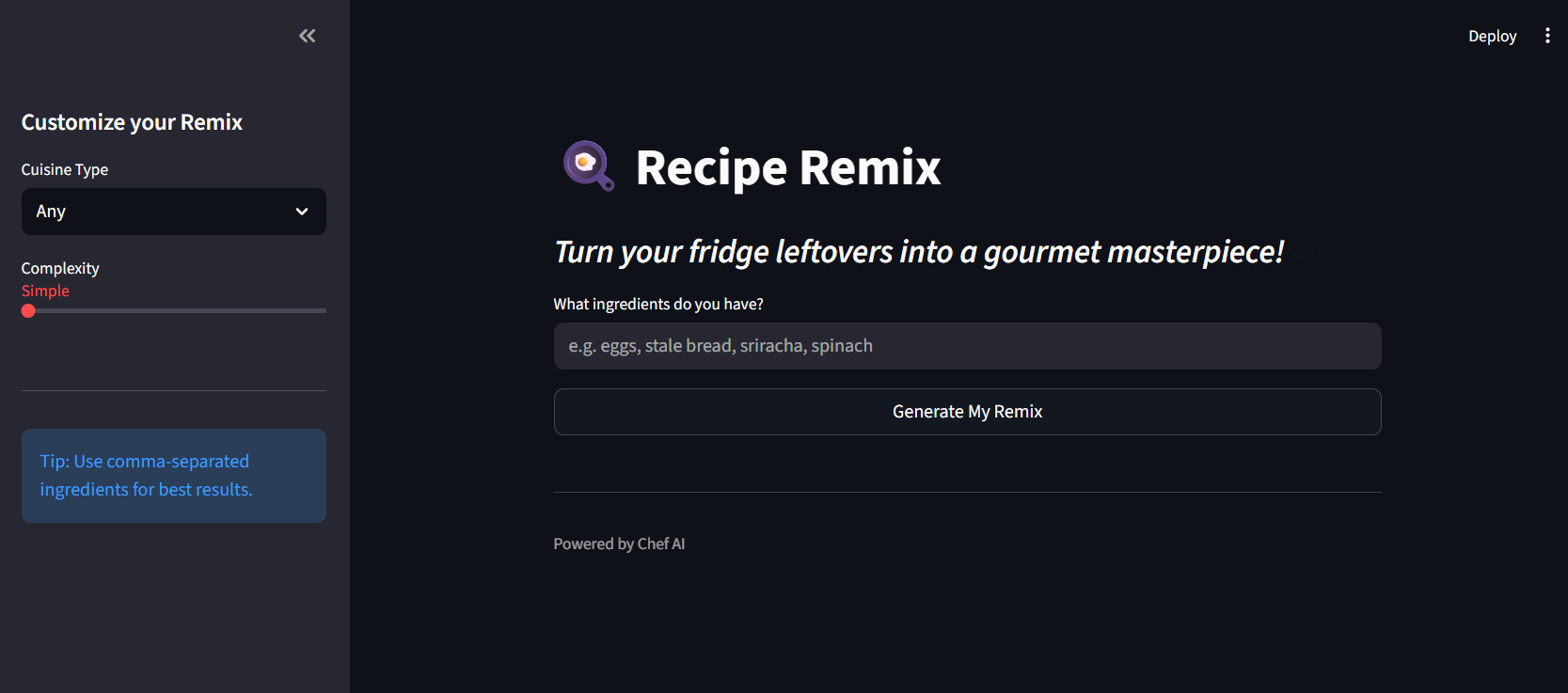
HomePage
-
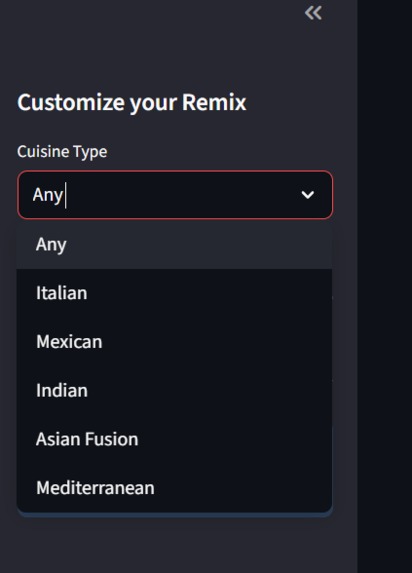
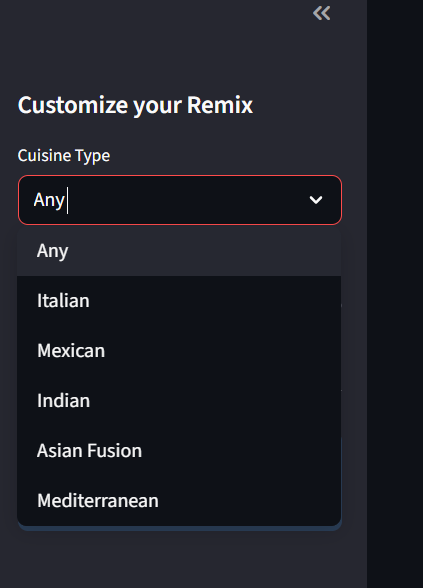
Dropdown
-
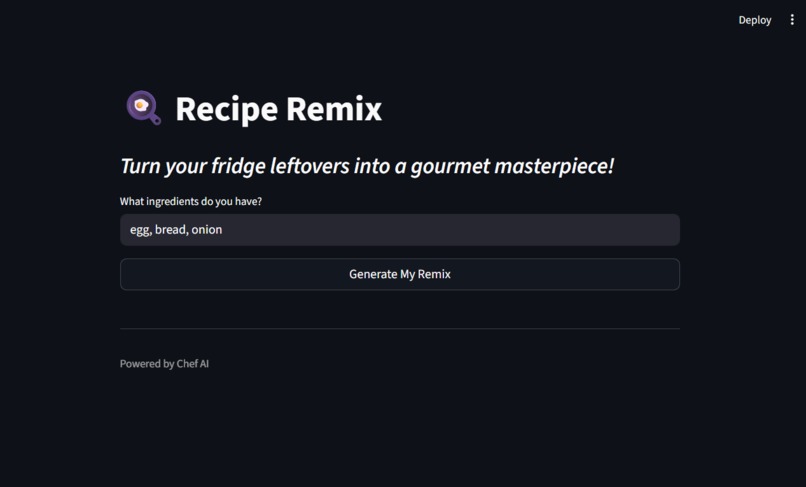
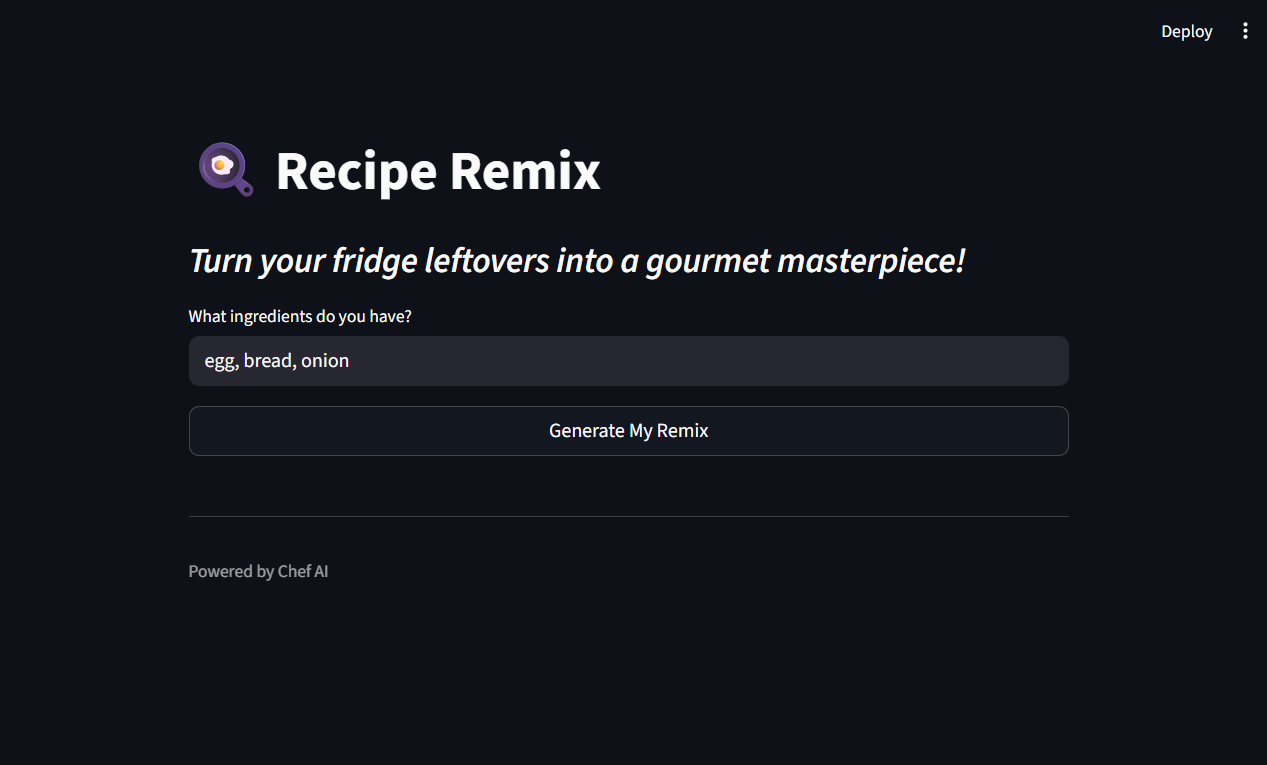
Entered Ingredients
-
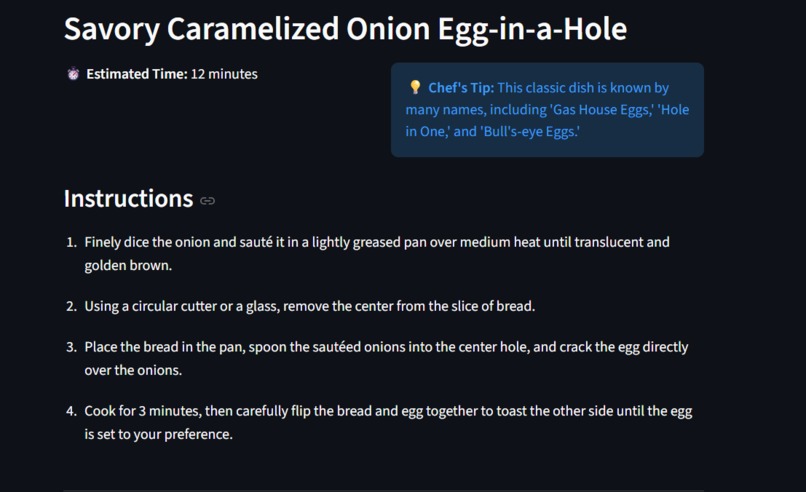
Generatd Results
-
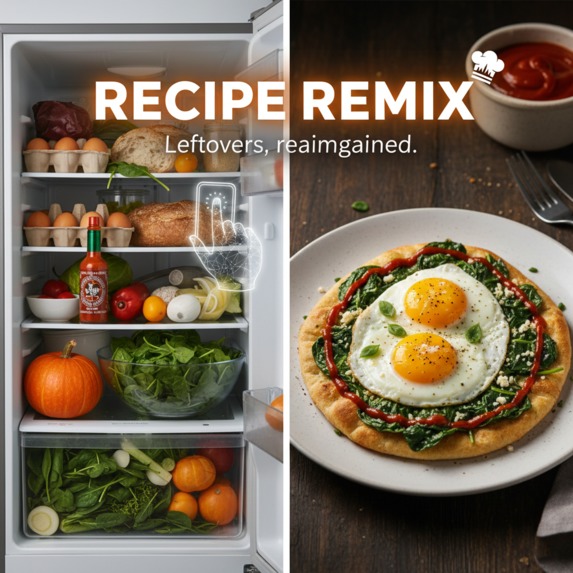
Thumbnail
Inspiration
I have been there: staring into a nearly empty fridge at 8 PM, seeing nothing but a stray egg, half an onion, and some sriracha. Most recipe sites require a long list of specific ingredients you don't have. I wanted to build a "Chef in your pocket" that doesn't tell you what you’re missing, but instead celebrates what you do have. Recipe Remix was born from the desire to reduce food waste and turn mundane leftovers into gourmet experiences.
What it does
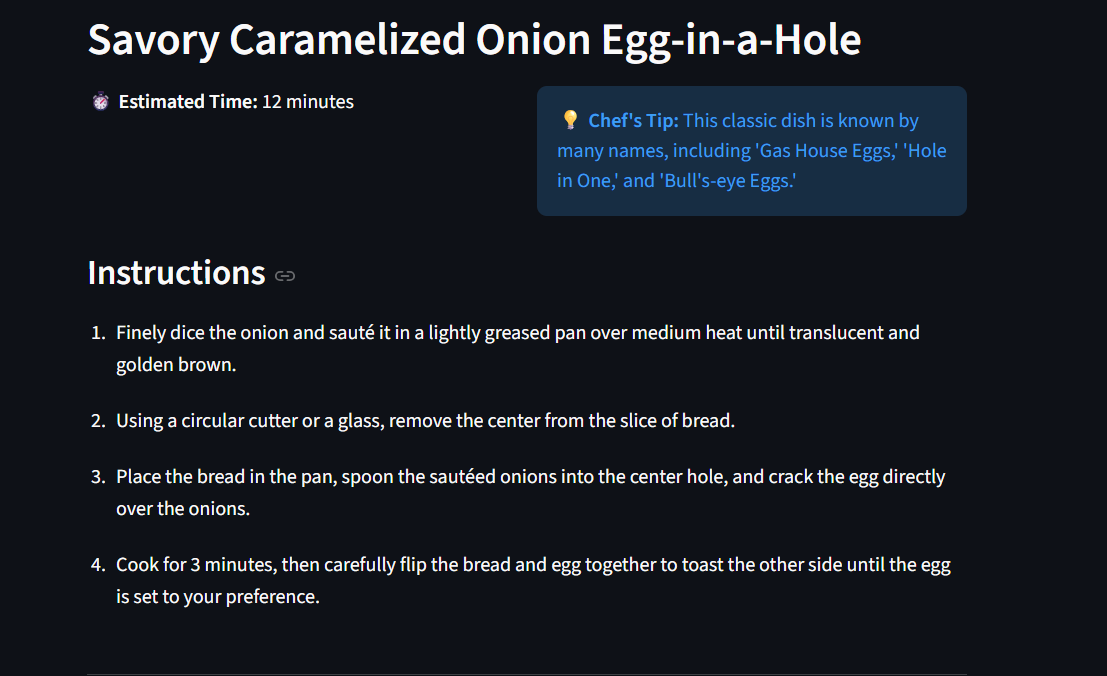
Recipe Remix is an AI-powered culinary assistant that generates custom, professional-grade recipes based on whatever random ingredients a user has on hand.
Smart Filtering: Users can select their preferred cuisine (Italian, Mexican, etc.) and cooking complexity (Simple to Fancy).
Dynamic Generation: Using Gemini 3 Flash, the app instantly creates a unique recipe title, step-by-step instructions, and a "Chef's Tip" to elevate the dish.
Instant Logic: It calculates estimated cook times and formats everything into a clean, easy-to-read dashboard.
How i built it
The project is built on a modern AI stack designed for speed and local execution:
Frontend: Built with Streamlit, allowing for a responsive, web-based UI using pure Python.
Brain: Powered by the Google Gemini 3 Flash model via the google-genai SDK. We utilized System Instruction and MIME-type enforcement to ensure the AI always returns strict, parseable JSON.
Environment: Managed with python-dotenv for secure API key handling.
Logic: Custom Python functions handle the transformation of raw AI strings into structured UI components like metrics and success boxes.
Challenges i ran into
JSON Parsing: Initially, the AI would add conversational text like "Here is your recipe!" which crashed our JSON parser. I solved this by using the response_mime_type="application/json" configuration in the Gemini SDK.
Library Conflicts: I faced issues with overlapping Google Cloud libraries. I overcame this by performing a clean environment wipe and sticking strictly to the latest google-genai package.
Environment Paths: Getting Streamlit to run correctly on Windows required a deep dive into Python's -m module execution flags.
Accomplishments that i'm proud of
Zero-Waste Logic: I successfully prompted the AI to prioritize the user's specific ingredients rather than suggesting they buy new ones.
Clean UI: I managed to build a layout that feels like a premium cooking app using only Python code.
Latency: By choosing Gemini 3 Flash, I achieved sub-2-second response times for full recipe generation.
What i learned
1.Prompt Engineering: I learned how to "jailbreak" the AI's tendency to be chatty by using strict schema definitions.
State Management: I gained experience in how Streamlit handles button clicks and data persistence during a session.
API Integration: I mastered the new 2025 Google GenAI SDK, which is significantly different from previous versions.
What's next for Recipe Remix
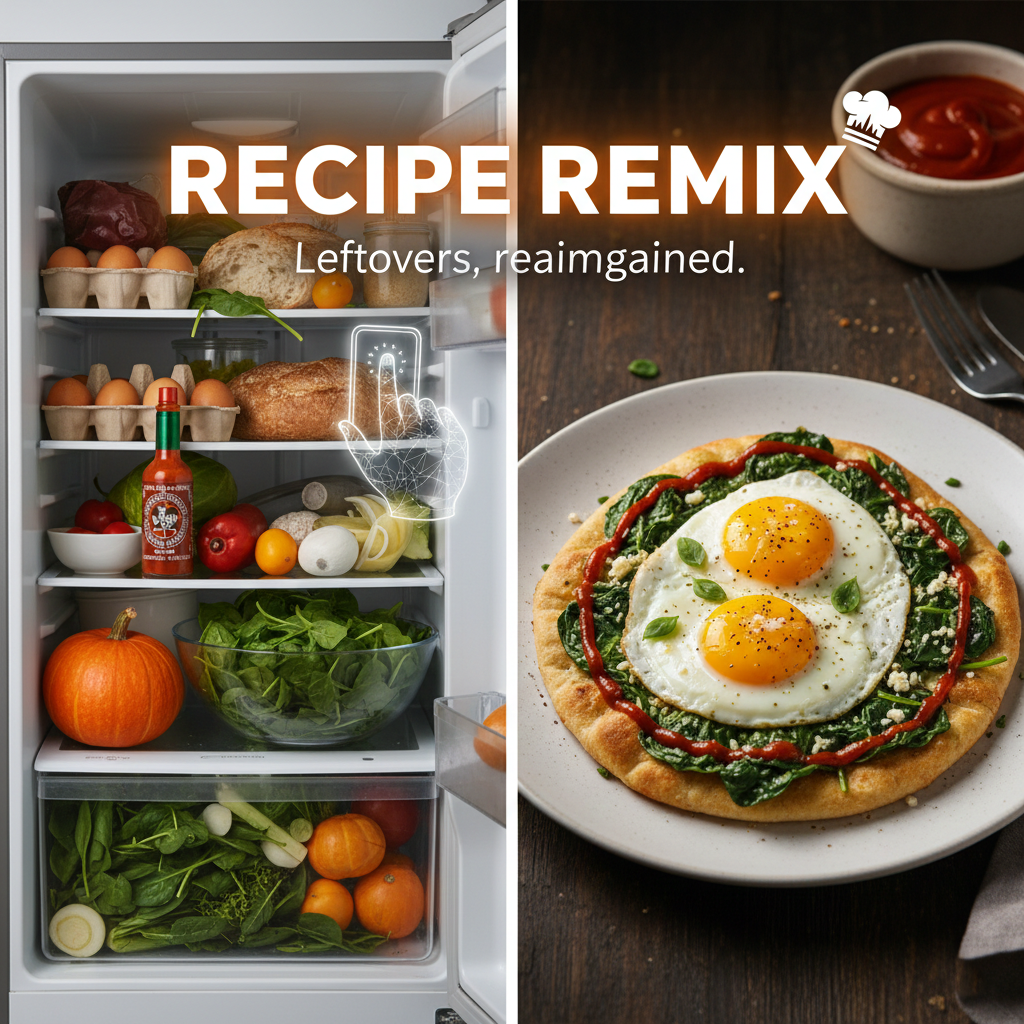
Vision Integration: Use Gemini Multimodal to let users simply take a photo of their fridge instead of typing ingredients.
Nutritional API: Integrate with Edamam or Spoonacular to provide real-time calorie and macro counts.
Save to PDF: Allow users to download their "Remixes" to build a personalized AI cookbook.
Social Sharing: A feature to "Post your Remix" to a community gallery of creative leftover meals.


Log in or sign up for Devpost to join the conversation.