-
-
Logo
-
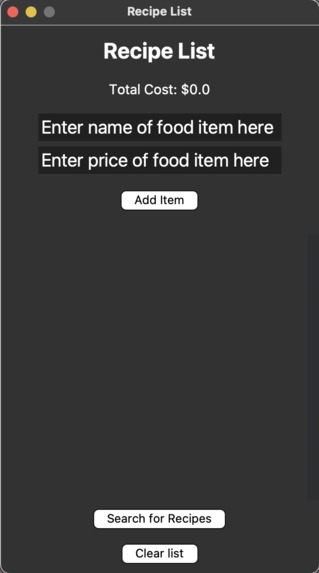
Home Page
-
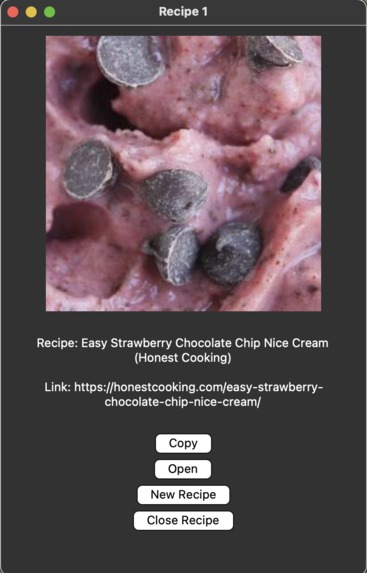
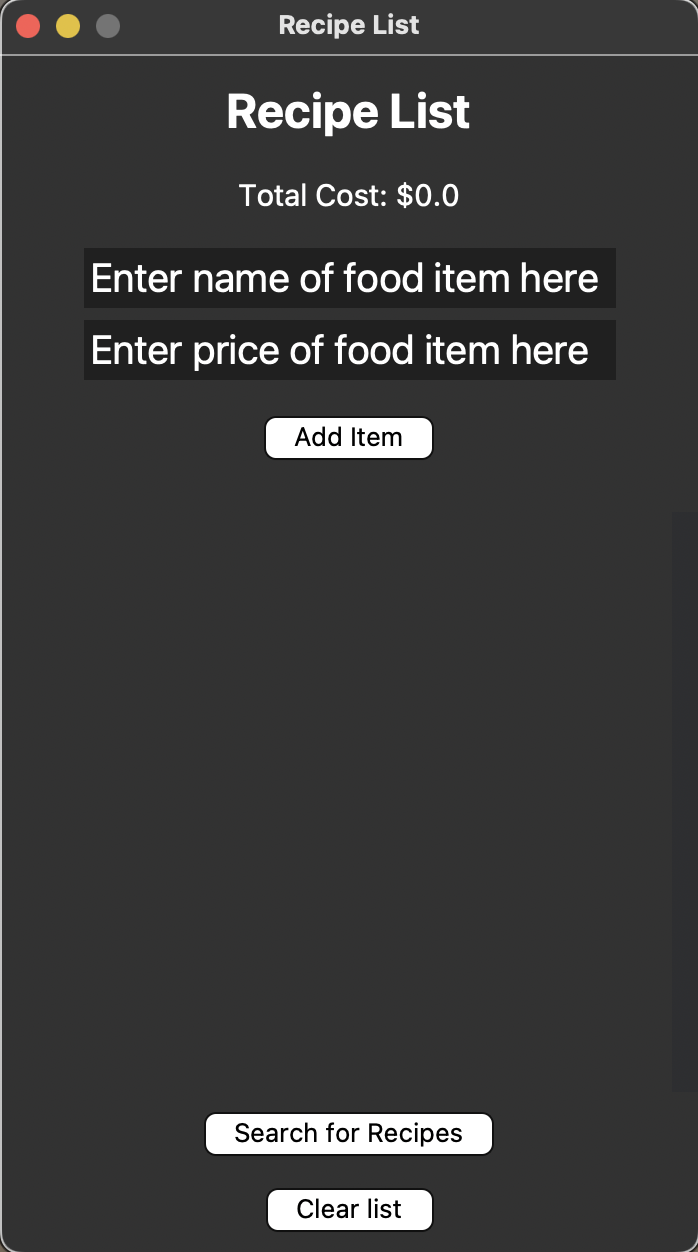
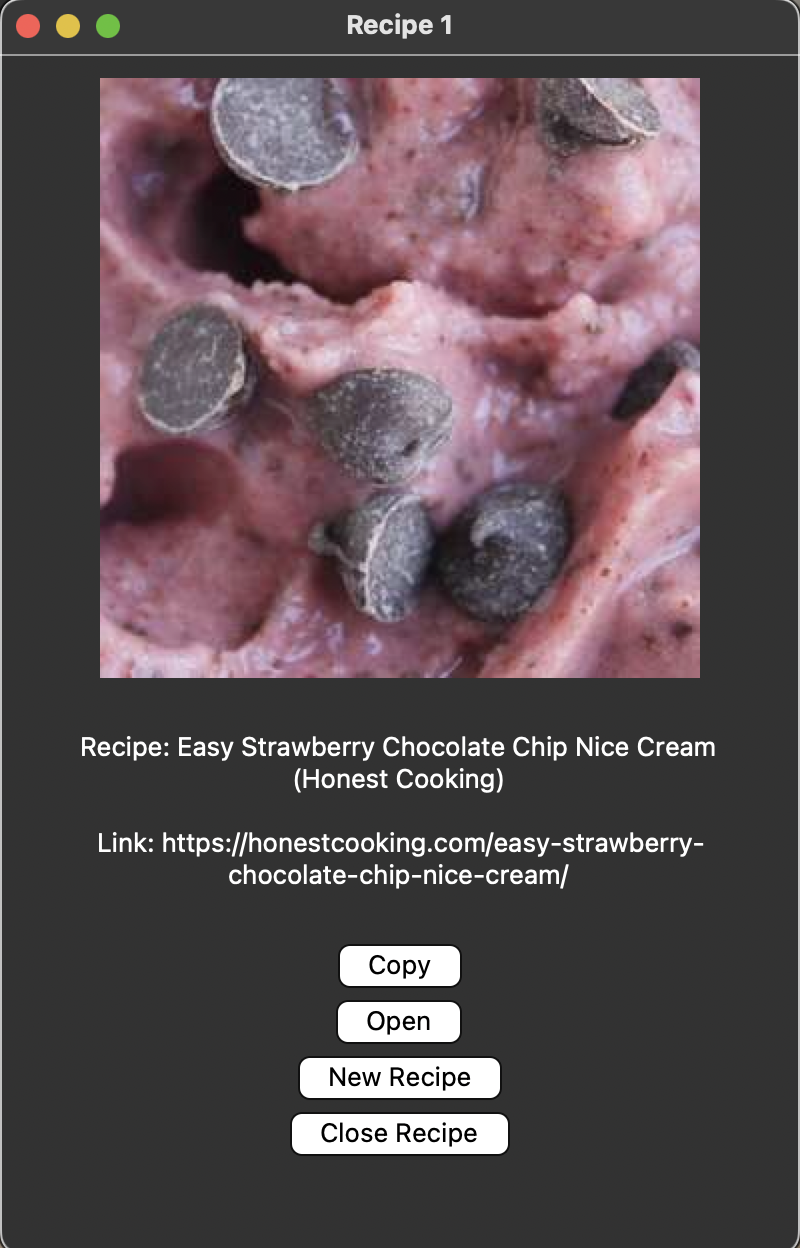
Recipe search with example food items (Bananas, Chocolate, Strawberries)
Inspiration
My mom often finds it challenging to decide what to cook each day, which led me to create an app to simplify meal planning and recipe discovery.
What It Does
Our app is a recipe finder that begins with a customizable grocery list. Users can add items and their prices to this list, and once complete, they can search for recipes that match their ingredients.
How We Built It
We developed the Recipe List application using Python and Tkinter for a user-friendly GUI. Key features include:
- Grocery List Management: Users can add and manage food items and their prices.
- Recipe Search: Recipes are fetched from the Edamam API based on the grocery list.
- Integration: Utilized libraries like
requestsfor API interactions,pyperclipfor copying recipe URLs, andPILfor displaying recipe images.
Challenges We Encountered
- API Integration: Ensuring smooth communication with the Edamam API.
- UI Layout: Designing an intuitive and user-friendly interface.
- Input Validation: Implementing robust input checks to avoid errors in API requests.
Accomplishments We’re Proud Of
- User-Friendly Interface: Successfully created a clean and intuitive UI that enhances user experience.
- First API Integration: Proudly integrated an external API into a project for the first time.
What We Learned
- API Integration: Gained experience in integrating and managing API interactions.
- GUI Layout: Improved skills in handling layout challenges in a graphical user interface.
- Error Handling: Learned to effectively handle and troubleshoot errors in both UI and API integration.
What’s Next for Recipe List
- Enhanced Features: Adding more options and filters to tailor recipe searches based on cuisine, spice level, and dietary restrictions.


Log in or sign up for Devpost to join the conversation.